Create Romantic Videos Online in Minutes
Turn heartfelt memories into cinematic love stories
Media.io makes it effortless to create a romantic video online that captures your most meaningful moments. With our AI-powered video generator, you can instantly turn your favorite photos, short clips, or text into beautiful stories set to music. Whether you're celebrating an anniversary, crafting a surprise message, or designing a heartfelt social media post, Media.io helps you bring warmth, motion, and feeling to every frame. No editing skill needed—just upload, customize, and let AI handle the rest for a professional, emotional finish.
Turn Photos into Moving Romantic Stories
Transform still images into touching love stories with Media.io’s AI image-to-video creator. Upload your favorite couple moments and let AI animate them with smooth transitions, gentle panning, and emotional music. Perfect for anniversaries, weddings, or Valentine’s surprises, this feature turns photos into cinematic clips that feel alive. It’s quick, intuitive, and designed to make your memories shine with elegance and motion—without needing complex editing tools. Get inspired by your own photos and turn them into videos that speak from the heart, all online in minutes.
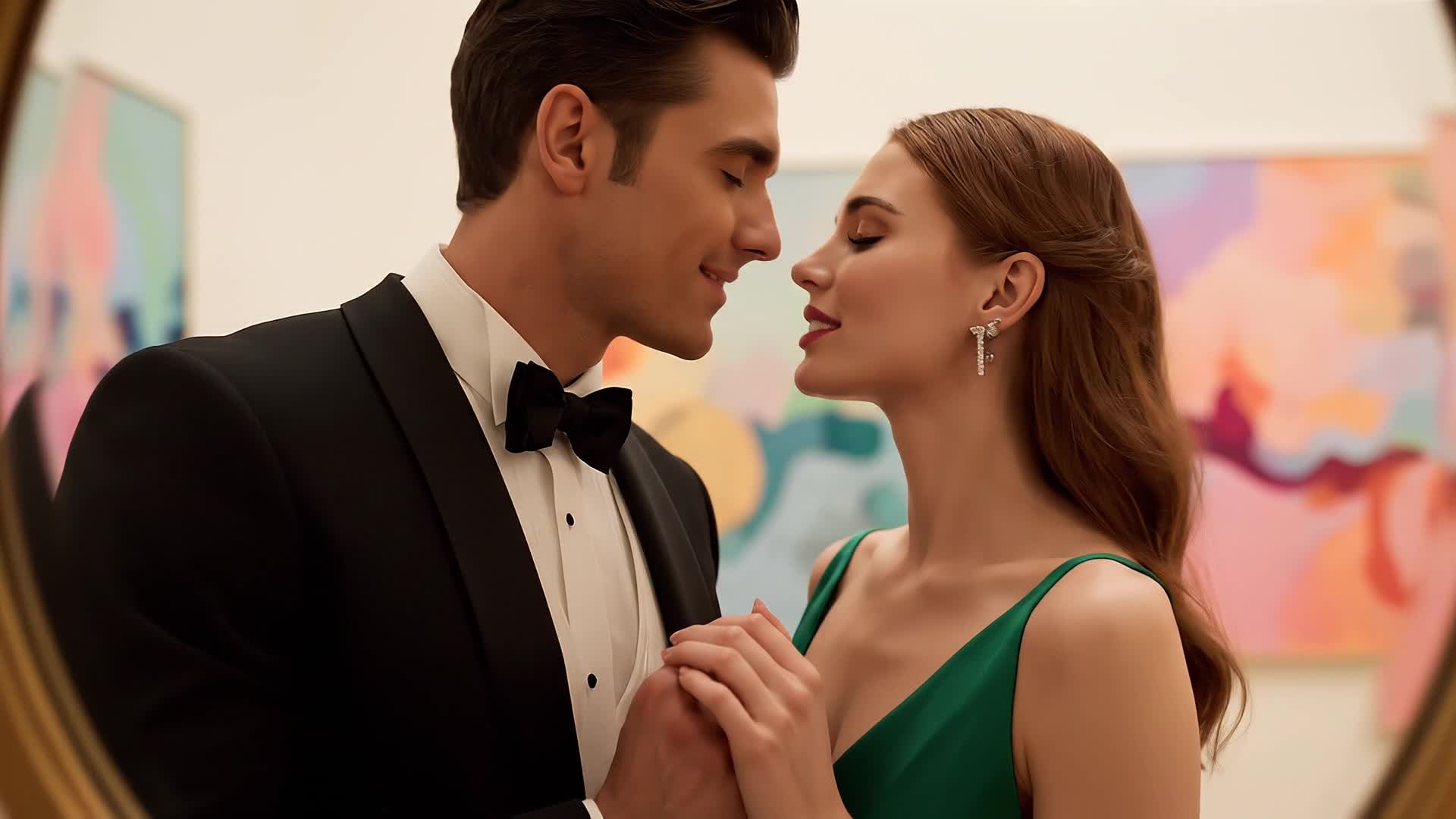

Write Your Love Story and Watch It Come Alive
With Media.io’s text-to-video AI, you can craft a romantic message that transforms into an emotional video story. Just type a short script or love note, and our AI generates visuals, animations, and soundtracks that match your sentiment. Create confessions, anniversary wishes, or surprise messages effortlessly. The tool brings your words to life, turning text into short-form romantic videos ready for Instagram, TikTok, or YouTube Shorts. Perfect for creators and couples wanting to express affection with creativity and polish in every frame.
| Style | Romantic Video Online Ideas for Every Moment | Copy & Create |
|---|---|---|
|
Anniversary Message
|
Start with a shot of an old photo album opening. Transition to clips recreating those captured moments with real present-day footage. Use overlays of soft pink filters and heart particles. Add subtitles of short love quotes fading in rhythm with the music. End with a glowing 'Happy Anniversary' graphic and soft piano notes to evoke nostalgia. |
|
|
Proposal Story
|
Open with fragments of your journey together—coffee shop smiles, road trips, laughter in the rain. Then build up to a scenic moment with golden lighting where a proposal takes place. Add slow-motion effects and a text overlay saying 'She said yes'. End with cinematic music rising for emotional impact and your names appearing gently in script. |
|
|
Wedding Highlight
|
Show brief clips of rings, flowers, and details before cutting to vows and first dance moments. Transition seamlessly with slow fades and light leaks to build emotion. Add a soft filter and golden grain. End with a final aerial scene of the couple walking hand in hand, fading to text ‘Our Forever Begins Here’ with orchestral backing. |
|
|
Love Confession Reel
|
Begin with a phone typing animation followed by visualized text messages merging into a warm montage of shared memories. Use upbeat background music and smooth transitions to connect each visual cue. Close with a heartfelt ‘I love you’ appearing in hand-drawn script while bokeh lights fill the frame, creating an authentic reel vibe. |
|
|
Before and After Together
|
Show old single clips followed by scenes of shared experiences. Switch between then and now using quick transitions and emotional music. Add captions like ‘Life before you’ and ‘Life with you’. Keep the rhythm playful but heartfelt, finishing with cheerful color grading and upbeat acoustic soundtrack for social platforms. |
|
|
Aesthetic Romantic Montage
|
Combine macro shots of blooming flowers, sunsets, and handwritten letters. Intermix short clips of laughing together to convey intimacy. Add soft lofi beats and light grain for a cinematic texture. Transition slowly between shots with dreamy effects, closing with text that reads ‘Love in Every Frame’ glowing lightly over the final scene. |








How to Create Romantic Video Online with Media.io
Create romantic video online content faster with Media.io using text to video, image to video, video to video, and built-in editing tools.
Upload or Write Your Story
Start from text, images, or clips. Media.io’s AI reads your idea and builds the foundation for your romantic video automatically. This helps you create romantic video online content faster with a more structured workflow. You can easily adapt the output for platforms like TikTok, Instagram Reels, and YouTube Shorts.
Customize and Add Emotion
Choose music, effects, and colors to match the mood. Adjust timing, captions, and transitions to make your video feel personal and heartfelt. This helps you create romantic video online content faster with a more structured workflow. You can easily adapt the output for platforms like TikTok, Instagram Reels, and YouTube Shorts. The process reduces manual editing and improves overall production efficiency.
Polish and Share Anywhere
Preview instantly, export in HD, and share on YouTube, Instagram, or WhatsApp. Media.io ensures your romantic video looks professional and ready to impress. This helps you create romantic video online content faster with a more structured workflow. You can easily adapt the output for platforms like TikTok, Instagram Reels, and YouTube Shorts.
Why Choose Media.io for Romantic Video Online
AI Love Story Builder
Generate romantic videos in one click using AI that understands tone, mood, and storytelling style for truly emotional results. This makes romantic video online creation more efficient and easier to manage. It helps improve consistency across different video styles and formats. You can use this feature to produce more engaging and platform-ready content.
Image to Video Magic
Transform still photos into fluid cinematic clips that evoke emotion, perfect for slideshows and anniversary montages. This makes romantic video online creation more efficient and easier to manage. It helps improve consistency across different video styles and formats. You can use this feature to produce more engaging and platform-ready content.
Text to Video Simplicity
Turn heartfelt messages into videos with natural voiceover, matching visuals, and music for an authentic expression of love. This makes romantic video online creation more efficient and easier to manage. It helps improve consistency across different video styles and formats. You can use this feature to produce more engaging and platform-ready content.
Smart Editing Tools
Refine timing, apply filters, and combine clips easily. Media.io’s editor enhances every frame to look instantly professional. This makes romantic video online creation more efficient and easier to manage.
Social-Ready Exports
Save in optimized formats for Instagram, TikTok, and YouTube. Publish without resizing or losing quality. This makes romantic video online creation more efficient and easier to manage. It helps improve consistency across different video styles and formats.
Fast & Easy to Use
Make stunning romantic videos online in minutes with intuitive controls—no technical editing knowledge required. This makes romantic video online creation more efficient and easier to manage. It helps improve consistency across different video styles and formats. You can use this feature to produce more engaging and platform-ready content.
FAQs About
Romantic Video Online
1. How can I create a romantic video online for free?


You can use Media.io’s AI video generator to create romantic videos easily. Upload media or text, let the AI generate scenes, then export for free with basic features.
2. Can I use my own photos to make a romantic video?
Yes. Simply upload your favorite couple photos, and Media.io will animate them with transitions, filters, and music for a cinematic effect.
3. Is the Media.io romantic video tool easy for beginners?
Absolutely. Media.io is designed for anyone. The drag-and-drop interface and AI assistance simplify everything, even for first-time editors.
4. What type of background music can I add?
You can select from romantic, acoustic, or cinematic soundtracks built into Media.io, or upload your own background music if desired.
5. Can I personalize text and transitions?
Yes. You can edit fonts, motion styles, captions, and transitions freely to fully match your romantic theme.
6. Which platforms can I share my romantic video on?
Media.io exports videos for Instagram Reels, YouTube Shorts, TikTok, and more, ensuring quick uploads with ideal resolution.



