Retirement Video Made Simple with AI
Celebrate milestones and memories effortlessly
Honor a lifetime of achievements with Media.io’s AI Video Creator. Simply upload photos, clips, or even type a few lines of text, and our intelligent technology crafts a personalized retirement tribute in minutes. Perfect for farewell parties, corporate celebrations, or surprise gifts, this tool transforms still memories into cinematic stories. Customize music, pacing, and transitions to match the mood. Whether you’re a team member highlighting a colleague’s journey or a family celebrating new beginnings, Media.io ensures your retirement video feels warm, polished, and memorable.
Turn Photos into a Moving Retirement Story
Transform still moments into captivating motion. Upload a collection of retirement party photos, career highlights, or family snapshots and let Media.io convert them into a living, cinematic experience. The AI analyzes each image for emotion, generates smooth transitions, and adds pacing that suits the tone you want—whether reflective, joyful, or inspirational. Perfect for last-day presentations, farewell tributes, or personal keepsakes, our image-to-video tool helps you create a stunning retirement montage without editing skills. It’s storytelling powered by simplicity, speed, and smart AI execution.

From Prompt to Retirement Video in Minutes
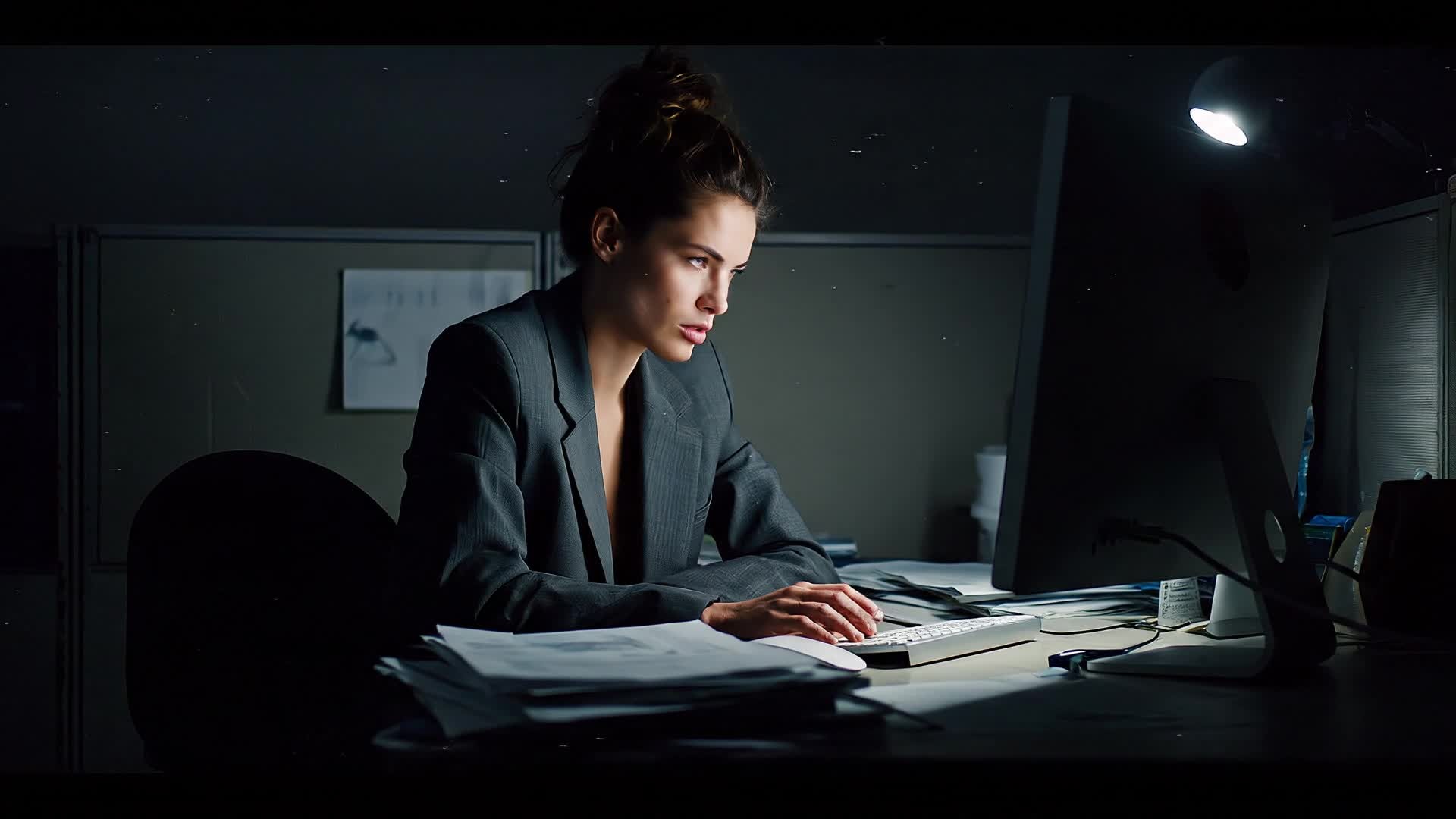
Not sure where to start? Just write a few heartfelt lines and let Media.io’s text-to-video engine shape your message into a breathtaking visual story. From a heartfelt thank-you from colleagues to a reflective journey of achievements, this tool turns sentiments into stunning motion with zero editing effort. Choose the atmosphere—calm, festive, or emotional—and the AI delivers ready-to-share short videos for any platform. It’s ideal for people who want to share meaning, not technical complexity, and create retirement videos that truly resonate.
| Style | Creative Prompt Ideas for Your Retirement Video | Copy & Create |
|---|---|---|
|
Emotional Tribute
|
Begin with old photos fading into new ones, symbolizing growth through the years. Add nostalgic background music and time stamps for each career stage. Use short captions reflecting milestones like 'First Day at the Company' or 'Unforgettable Team Moments.' Show smiles, success, and shared laughter through group photos. End with a close-up of the retiree’s smile under warm lighting. |
|
|
Corporate Celebration
|
Start with the company logo transitioning into lively clips of office teamwork. Show key moments like conferences, product launches, or company parties. Use branded color overlays and energetic motion graphics to match a professional tone. Highlight quotes from teammates mentioning values like dedication and leadership. End with text: 'Happy Retirement – We Celebrate You!' The entire video should feel upbeat, |
|
|
Family Reflection
|
Open with home videos from younger years alongside gentle acoustic music. Display the retiree cooking, traveling, and laughing with family. Transition into text overlays describing personal achievements and qualities like kindness and integrity. Insert grandchildren waving or holding handmade 'congrats' signs. Keep pacing slow and cozy to let each moment breathe. |
|
|
Milestone Montage
|
Start with photos of the first badge, the first office desk, and major project celebrations. Include fast-paced transitions synced to an uplifting track. Add tiny animated text notes marking key career dates. The color palette should get warmer as years pass, symbolizing fulfillment. Include a scene of coworkers raising a toast during a farewell event. End with text-on-screen: 'A journey worth celebrating forever. |
|
|
Inspirational Journey
|
Begin with a black-and-white shot of the office before cutting to vibrant clips of innovation and collaboration. Add captions like 'From humble starts to lasting impact.' Include spontaneous laughter, candid shots, and mentorship scenes. Smooth transitions accompany voice-over lines about growth and gratitude. End on a hopeful tone, showing a sunset scene over the workplace. |
|
|
Lighthearted Humor
|
Begin with funny office blooper clips or candid moments everyone remembers. Use playful background music and bold animated titles like 'Retirement – Finally Some Sleep!' Insert short reactions from teammates smiling and making jokes. Wrap with an upbeat track showing the retiree waving goodbye at the office door. Add final text: 'Enjoy every moment of your new adventure! |








How to Create Retirement Video with Media.io
Create retirement video content faster with Media.io using text to video, image to video, video to video, and built-in editing tools.
Upload or Type Your Tribute
Start by uploading photos, short clips, or writing a few heartfelt lines. Media.io reads your input and creates a solid foundation for your retirement story without technical setup. This helps you create retirement video content faster with a more structured workflow. You can easily adapt the output for platforms like TikTok, Instagram Reels, and YouTube Shorts.
Choose Style and Customize
Pick a cinematic, casual, or fun tone. Adjust visuals, add background music, and fine-tune pacing so your retirement video feels natural and emotionally aligned with your message. This helps you create retirement video content faster with a more structured workflow. You can easily adapt the output for platforms like TikTok, Instagram Reels, and YouTube Shorts. The process reduces manual editing and improves overall production efficiency.
Export and Share Anywhere
Preview instantly, download your finished video, or share directly to YouTube, Facebook, or a farewell event screen. Media.io makes professional output look effortless. This helps you create retirement video content faster with a more structured workflow. You can easily adapt the output for platforms like TikTok, Instagram Reels, and YouTube Shorts.
Why Choose Media.io for Retirement Video
AI-Powered Editing
Media.io’s smart algorithms automatically match transitions, colors, and rhythm to your chosen mood, helping you create emotional retirement videos with minimal effort. This makes retirement video creation more efficient and easier to manage. It helps improve consistency across different video styles and formats.
Multiple Input Options
Start with text, photos, or clips — the platform adapts to your materials. Whether building from scratch or enhancing footage, you’ll get smooth, cohesive storytelling. This makes retirement video creation more efficient and easier to manage. It helps improve consistency across different video styles and formats.
Customizable Templates
Select from various template styles designed for corporate, family, or celebration use. Each layout gives your retirement video a polished cinematic flow instantly. This makes retirement video creation more efficient and easier to manage. It helps improve consistency across different video styles and formats.
High-Quality Output
Export in HD or social media-ready formats. Every generated video maintains clarity, stable motion, and balanced audio, ensuring professional presentation across devices. This makes retirement video creation more efficient and easier to manage. It helps improve consistency across different video styles and formats.
Instant Results
Generate finished clips in minutes. Media.io’s cloud-based AI speeds up creation so you can focus on the message, not waiting for long render times. This makes retirement video creation more efficient and easier to manage.
Easy Sharing
Download the final video or share directly to major platforms. Perfect for farewell events, online tributes, or gifts that feel genuinely personal and well-crafted. This makes retirement video creation more efficient and easier to manage. It helps improve consistency across different video styles and formats.
FAQs About
Retirement Video
1. How long does it take to make a retirement video?


With Media.io’s AI, you can create a polished retirement video in minutes. Just upload your content or text and the system renders a ready-to-share result quickly.
2. Do I need video editing experience?
No experience is required. Media.io handles transitions, timing, and layout automatically, letting you focus on memories rather than technical editing.
3. Can I add company branding or logos?
Yes, you can upload your logo and choose branded colors or fonts to align your retirement video with company identity and professionalism.
4. What file formats can I use?
Media.io accepts popular image and video formats such as JPG, PNG, MP4, and MOV, ensuring you can easily reuse existing media assets.
5. Can I include background music?
Absolutely. You can upload your own track or choose from Media.io’s licensed music library to match the tone of your tribute.
6. Is there a free trial?
Yes, you can try the AI retirement video maker free before upgrading to premium features for extended length, advanced customization, and HD output.



