Create Stunning Recap Videos in Minutes
Turn your best moments into dynamic highlight reels powered by AI
With Media.io’s AI recap video generator, transforming raw moments into engaging highlight videos has never been easier. Whether you’re summarizing an event, a product launch, or a personal milestone, Media.io analyzes your clips, identifies the best scenes, and creates a beautifully paced recap in minutes. You can upload photos, short clips, or even text ideas — the AI instantly crafts a watch-ready video optimized for social sharing. Save time editing while still delivering professional storytelling that captures every key moment in sharp detail. Perfect for creators, marketers, and memory keepers who want fast, beautiful recaps every time.
Turn Photos into Dynamic Recap Videos
Upload your best event or trip photos and let Media.io convert them into motion-packed highlight reels automatically. The AI animates static shots, syncs transitions with rhythm, and builds a fluid visual story within minutes. You can customize text overlays, pacing, and soundtrack all in one simple workspace. Whether you’re promoting a conference, showcasing a sports season, or capturing a life event, you’ll get a cinematic recap video that feels alive and social-ready. Transform still moments into flowing visual memories with no editing stress — just powerful storytelling brought to life through AI motion design.
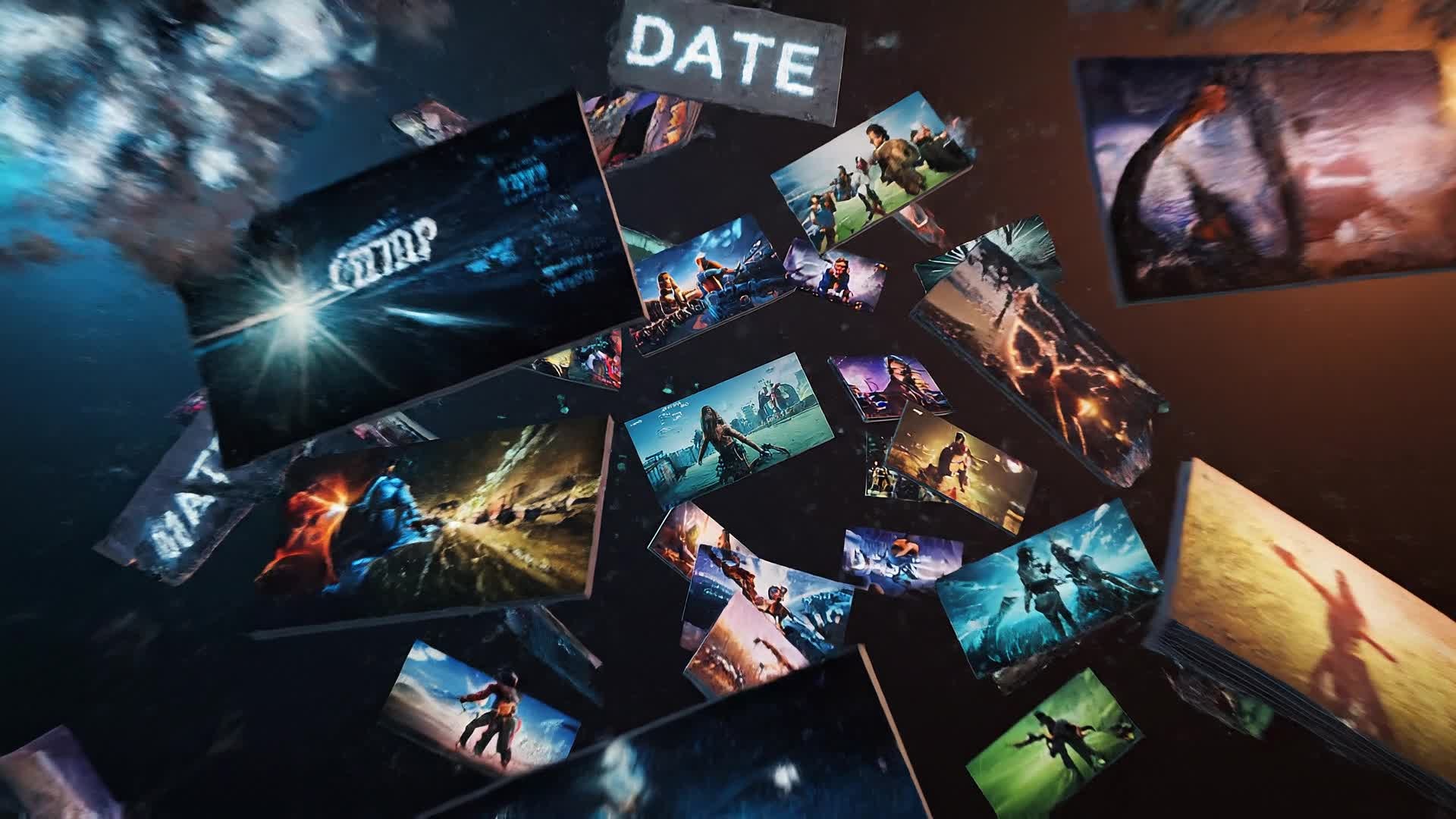
Turn Simple Summaries into Recap Videos
Media.io’s text-to-video feature helps anyone generate recap videos from quick written prompts or bullet points. Just describe your event, performance, or story, and the AI visual engine instantly turns it into an engaging sequence of dynamic clips with matching visuals, captions, and music. It’s perfect for marketers summarizing campaigns, teams showcasing yearly highlights, or creators wrapping up a season. You can tweak scenes, add your voiceover, or change style in seconds. Transform scripts and summaries into watch-worthy recap videos that engage audiences on any platform effortlessly.
| Style | Recap Video Prompt Ideas for Fast Creation | Copy & Create |
|---|---|---|
|
Event Highlights
|
Showcase an energetic recap of a three-day conference starting with bustling registration moments. Include crowd reactions, speaker close-ups, and product demos. Use dynamic transitions between sessions and add bold text for each key theme. Mix quick applause cuts to maintain rhythm. Include branded overlays near the end. Finish with upbeat outro music and a short thank-you message on screen. |
|
|
Travel Memories
|
Build a cinematic recap video featuring a weekend getaway. Start with an airplane window shot, then cut to scenic mountain views and spontaneous laughter clips. Use soft color grading to highlight emotion. Add gentle text overlays describing each moment. Include a timelapse sunset to close. Keep pacing natural and nostalgic, ideal for Instagram Reels. |
|
|
Product Launch
|
Create a sleek highlight reel summarizing a product reveal event. Begin with a logo animation, then reveal glimpses of the product prototype and audience reactions. Include shots of the team celebrating backstage. Use quick motion graphics to emphasize product features. End with a clean hero shot and strong CTA overlay inviting preorders. |
|
|
Sports Recap
|
Generate a fast-cut highlight recap for a weekend match. Begin with warm-up shots, then move into intense game highlights. Show key goals in slow-motion replays and crowd excitement after each score. Add statistical overlays to reinforce performance. Conclude with a celebration moment and branded outro, perfect for fans or sponsors. |
|
|
Before & After
|
Make a transformation recap using side-by-side visuals. Introduce the 'before' state clearly, followed by progressive clips of process stages. Use punchy transitions and motion text labels showing milestone progress. Close with a big reveal framed by triumphant music. Keep visuals clear and satisfying, great for social platform storytelling. |
|
|
Aesthetic Year-in-Review
|
Produce a minimalist recap capturing the year’s highlights for a lifestyle brand. Start with a soft fade-in of seasonal footage. Include snippets of favorite campaigns, travel shots, and audience moments. Maintain consistent tonality and branded color grading. Overlay inspirational text lines summarizing the year’s theme. End with a hopeful note and elegant motion typography. |








How to Create Recap Video with Media.io
Create recap video content faster with Media.io using text to video, image to video, video to video, and built-in editing tools.
Upload Photos, Clips, or Text
Start with raw materials — pictures, short videos, or a written summary — and Media.io’s AI instantly analyzes your content for key highlights. This helps you create recap video content faster with a more structured workflow. You can easily adapt the output for platforms like TikTok, Instagram Reels, and YouTube Shorts. The process reduces manual editing and improves overall production efficiency.
Auto-Generate Dynamic Recaps
Watch the AI assemble visuals into a cohesive recap video complete with smooth transitions, captions, and a suitable soundtrack. This helps you create recap video content faster with a more structured workflow. You can easily adapt the output for platforms like TikTok, Instagram Reels, and YouTube Shorts. The process reduces manual editing and improves overall production efficiency. Each step improves visual quality, pacing, and content consistency.
Customize and Export Instantly
Adjust timing, music, or branding effortlessly. Export in high-quality formats optimized for any social platform in just one click. This helps you create recap video content faster with a more structured workflow. You can easily adapt the output for platforms like TikTok, Instagram Reels, and YouTube Shorts. The process reduces manual editing and improves overall production efficiency.
Why Choose Media.io for Recap Video
AI-Powered Storytelling
Media.io analyzes footage to find emotional peaks and visual flow, turning scattered clips into a compelling recap narrative automatically. This makes recap video creation more efficient and easier to manage. It helps improve consistency across different video styles and formats.
Multiple Input Options
Start from text, images, or existing videos—Media.io intelligently adapts to any source, saving you hours of manual editing work. This makes recap video creation more efficient and easier to manage. It helps improve consistency across different video styles and formats.
Instant Scene Selection
The AI identifies the best frames, smiles, or skyline shots to keep your recap video visually engaging from the first second. This makes recap video creation more efficient and easier to manage. It helps improve consistency across different video styles and formats. You can use this feature to produce more engaging and platform-ready content.
Smart Music Sync
Built-in AI finds the perfect tempo match for your visuals, syncing beats with transitions for an emotionally driven final result. This makes recap video creation more efficient and easier to manage. It helps improve consistency across different video styles and formats. You can use this feature to produce more engaging and platform-ready content.
Easy Edit Controls
Fine-tune narration, adjust clips, or update captions quickly inside a simple interface that’s made for creators, not editors. This makes recap video creation more efficient and easier to manage. It helps improve consistency across different video styles and formats. You can use this feature to produce more engaging and platform-ready content.
Social-Ready Export
Render your recap video in ideal formats for TikTok, YouTube Shorts, or Instagram with timeline-based optimization for higher engagement. This makes recap video creation more efficient and easier to manage. It helps improve consistency across different video styles and formats. You can use this feature to produce more engaging and platform-ready content.
FAQs About
Recap Video
1. What is a recap video?


A recap video is a short highlight reel summarizing an event, activity, or experience. It combines key visuals and moments into a story-driven video designed to engage audiences quickly.
2. How can I make a recap video easily?
With Media.io, just upload photos, clips, or type a text summary. The AI automatically arranges scenes, adds transitions, and creates a polished recap video in minutes.
3. Can I add my own branding or logo?
Yes, you can upload logos, watermarks, and choose brand colors to ensure every recap aligns with your visual identity.
4. Does Media.io support social media formats?
Absolutely. You can export recap videos in vertical, square, or horizontal formats optimized for TikTok, Instagram, or YouTube Shorts.
5. Is the recap video AI free to try?
Yes, you can try generating recap videos for free before upgrading for premium export quality or advanced customization features.
6. What makes AI recap videos better than manual editing?
AI recap video generation saves hours by automatically selecting highlights, matching music, and balancing pacing so you can focus on creativity instead of timelines.




