Reaction Video Maker Creator for Fast Visual Results
Powered by AI for creators and influencers
Media.io Reaction Video Maker lets you generate high-quality reaction videos in just a few clicks. Upload your clips or simply describe what you want—our AI will combine your expressions, sounds, and visuals into an engaging format ready for YouTube, TikTok, or Instagram. Whether you're reacting to trending moments, product launches, or funny clips, Media.io makes it effortless to produce reaction videos with natural pacing, captions, and transitions. Boost your content workflow with AI-powered editing and smart scene detection that bring your reactions to life fast.
Turn Images Into Reaction Videos With AI
Transform static images or screenshots into dynamic reaction-style content. Media.io lets you animate still images using AI to create fluid, expressive moments for reaction compilations. Pair visuals with commentary or background footage while our engine handles transitions, lip-sync, and overlay timing. Perfect for memes, gaming montages, or product reveals, this feature brings still visuals to life in a way that feels natural and ready for social posting. With the image-to-video function, anyone can build compelling visual reactions even without initial footage.
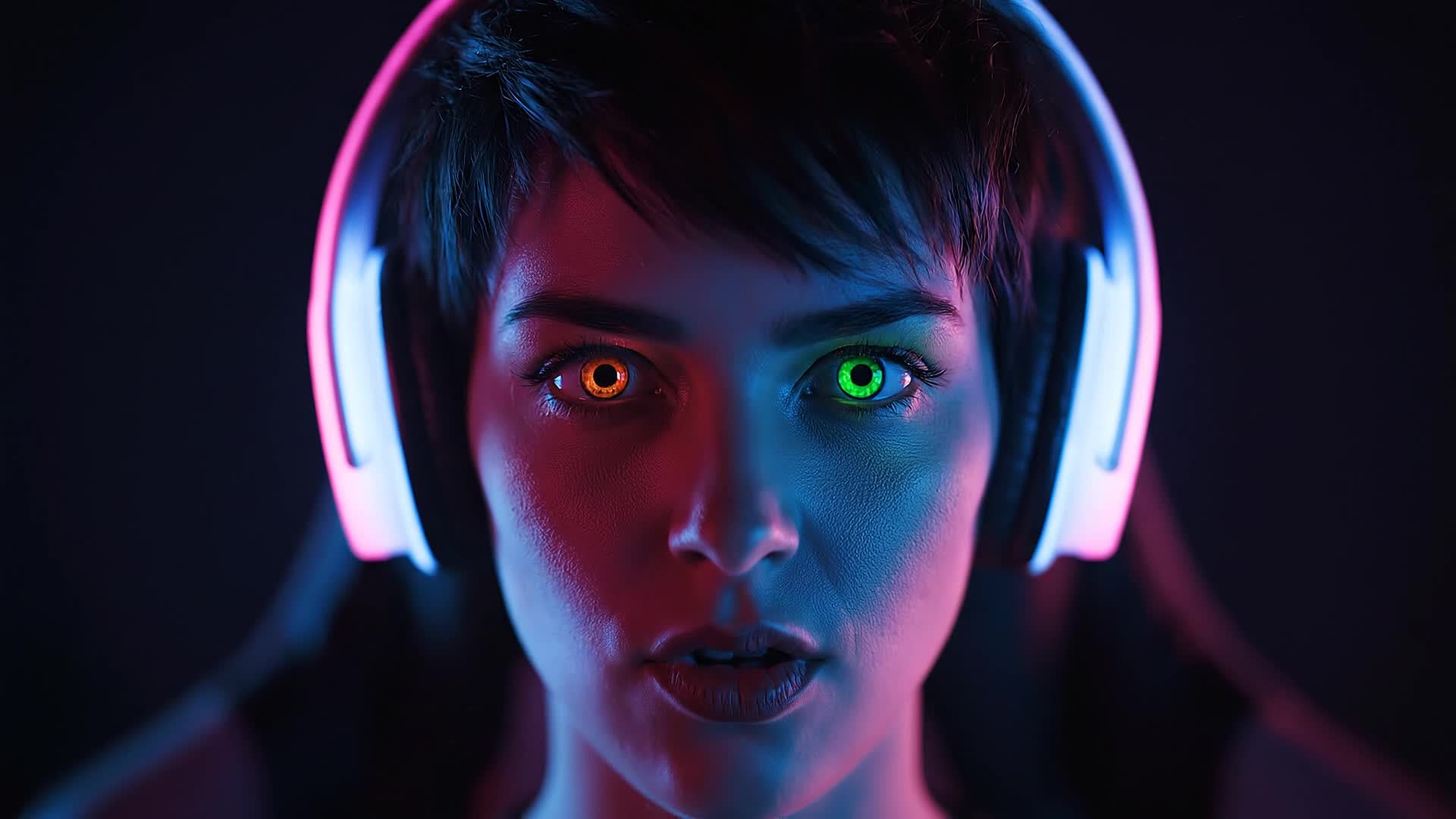
Create Reaction Videos From Text Prompts
Simply type a short prompt describing your reaction scenario, and Media.io’s AI transforms it into a complete video with visuals, captions, and tone. Ideal for creators wanting quick production without cameras or editing software. Generate expressive reaction clips for viral content, commentary posts, or entertainment reviews effortlessly. The text-to-video generator gives you control over mood, pace, and scene details to craft engaging, share-ready reactions powered by AI.
| Style | AI Prompts for Reaction Video Maker | Copy & Create |
|---|---|---|
|
Trend Reaction
|
Show a creator reacting to a trending dance challenge. Begin with them scrolling their feed, discovering the clip, and widening their eyes. Add a split-screen showing both the trend and their facial reaction. Include fast cuts and vivid captions. The scene ends with a humorous imitation of the dance and quick text overlay saying ‘Nailed it?’. Keep pacing energetic to match TikTok trends. |
|
|
Gaming Clip Reaction
|
Show a gamer reacting to an unbelievable in-game moment. Start with a gameplay clip, zoom to their webcam overlay showing genuine surprise, and include slow-motion replay. Add captions highlighting key moves. Finish with the gamer celebrating or commenting dramatically. Include game sound and energized camera shakes for a true gaming reaction feel. |
|
|
Product First Impression
|
Open with the unboxing of a new gadget. Capture hand movements, then reveal the face reaction to the design. Insert pop-up text displaying key specs. Add a reaction shot of satisfaction or confusion, followed by closing thoughts. Use bright lighting and upbeat background music for a clean product review vibe. |
|
|
Before & After Reaction
|
Feature a creative transformation clip such as makeup or decor. Start with a close-up before scene, then reveal the after version while showing the host’s changing reaction. Include expressions of surprise and joy. Add smooth zooms and text labeling the before and after. Use soft transitions to enhance emotional impact. |
|
|
Tutorial Response
|
Show a creator following a viral how-to video. Begin with them watching the tutorial intently, then replicating each step. Include their commentary and mistakes with quick cuts for humor. Use pop-in captions showing ‘Step 1’, ‘Oops’, etc. End with their final result and a playful reaction of success or failure. |
|
|
Aesthetic Reaction
|
Have a creator watch a visually stunning video while giving subtle reactions. Highlight slow close-ups, lighting shifts, and genuine awe. Use minimal text and ambient music. Blend soft camera fades and color tones. End with a lingering shot of their smile or shocked expression fading to logo outro. |








How to Create Reaction Video Maker with Media.io
Create reaction video maker content faster with Media.io using text to video, image to video, video to video, and built-in editing tools.
Enter Your Idea or Upload Footage
Start by typing a text prompt, uploading an image, or providing a video clip. Media.io automatically interprets your input for a reaction-ready layout. This helps you create reaction video maker content faster with a more structured workflow. You can easily adapt the output for platforms like TikTok, Instagram Reels, and YouTube Shorts.
Customize and Enhance
Adjust expressions, captions, or timing with AI-enhanced tools. Add music, overlays, and effects to make your reactions more engaging. This helps you create reaction video maker content faster with a more structured workflow. You can easily adapt the output for platforms like TikTok, Instagram Reels, and YouTube Shorts. The process reduces manual editing and improves overall production efficiency.
Export and Share Instantly
When your video looks perfect, export in HD and share directly to YouTube, TikTok, or Instagram straight from Media.io’s platform. This helps you create reaction video maker content faster with a more structured workflow. You can easily adapt the output for platforms like TikTok, Instagram Reels, and YouTube Shorts. The process reduces manual editing and improves overall production efficiency.
Why Choose Media.io for Reaction Video Maker
AI Smart Editing
Automatically detect key moments and sync reactions without manual trimming or timeline work. This makes reaction video maker creation more efficient and easier to manage. It helps improve consistency across different video styles and formats. You can use this feature to produce more engaging and platform-ready content.
Multiple Input Options
Generate from text, images, or raw video clips and let AI merge everything into a seamless reaction video. This makes reaction video maker creation more efficient and easier to manage. It helps improve consistency across different video styles and formats. You can use this feature to produce more engaging and platform-ready content.
Fast Rendering
Produce ready-to-share videos within minutes using Media.io’s accelerated generation engine. This makes reaction video maker creation more efficient and easier to manage. It helps improve consistency across different video styles and formats.
Easy Customization
Add captions, stickers, and filters effortlessly to give your reaction content a personalized look. This makes reaction video maker creation more efficient and easier to manage. It helps improve consistency across different video styles and formats. You can use this feature to produce more engaging and platform-ready content.
Social-Ready Formats
Export videos optimized for platforms like YouTube Shorts, TikTok, and Instagram Reels. This makes reaction video maker creation more efficient and easier to manage. It helps improve consistency across different video styles and formats. You can use this feature to produce more engaging and platform-ready content.
No Experience Needed
Perfect for newcomers and experienced creators alike, with AI handling technical editing automatically. This makes reaction video maker creation more efficient and easier to manage. It helps improve consistency across different video styles and formats. You can use this feature to produce more engaging and platform-ready content.
FAQs About
Reaction Video Maker
1. What is a reaction video maker?


A reaction video maker is a tool that helps creators produce videos showing their responses to clips, memes, or events automatically using AI.
2. Can I create reaction videos without recording myself?
Yes. Media.io allows you to input text or images, and AI will generate a realistic reaction sequence or avatar-based response for your content.
3. Is the Media.io reaction video maker free to use?
You can start creating for free with core features and upgrade anytime for advanced export options or premium effects.
4. Can I make YouTube reaction videos with this tool?
Absolutely. Export in high-resolution and platform-specific formats that work perfectly for YouTube reaction channels.
5. Do I need editing experience to use it?
Not at all. The interface is beginner-friendly, and AI handles all cutting, syncing, and transitions, so anyone can create viral-quality reactions easily.
6. Can I personalize captions and music?
Yes. You can edit captions, audio, and visual effects to match your brand tone or social media style before exporting.



