Generate Pinterest Video Maker with Smarter AI Tools
Turn images or ideas into scroll-stopping Pins in seconds
Media.io’s Pinterest Video Maker helps creators, brands, and marketers transform images, text, or short clips into captivating Pinterest videos that boost engagement and traffic. Designed for creators who need beautiful, vertical, motion-based Pins quickly, the tool’s AI features handle everything from animations to music to captions. Whether you’re promoting products, showing tutorials, or sharing lifestyle visuals, Media.io lets you craft aesthetic videos that fit Pinterest’s feed perfectly. No editing skills needed—just upload your visuals, describe your concept, and watch dynamic, on-brand content come to life effortlessly.
Transform Your Photos into Moving Pinterest Pins
With Media.io’s AI-powered image-to-video tool, you can breathe life into static images by adding animation, pan effects, and background music. Perfect for creators who want motion-rich content without manual editing, it lets you turn simple product shots, lifestyle photos, or infographics into short, engaging Pinterest videos in minutes. You simply upload images, choose an animation style, and let the AI craft smooth transitions optimized for Pinterest’s vertical format. This process saves hours of editing while keeping your visual storytelling lively, polished, and platform-ready for maximum visibility.
Create Pinterest Videos from Text Instantly
Describe your concept in plain language and let Media.io generate pinterest video maker videos from text in a much faster, more creator-friendly workflow. Instead of building every scene manually, you can turn ideas, hooks, captions, and campaign concepts into video drafts that are easier to refine, style, and publish for Reels, Shorts, and other short-form formats.
| Style | Pinterest Video Maker Prompts for Every Style | Copy & Create |
|---|---|---|
|
Trendy DIY
|
Start with messy desk footage containing craft supplies. Show hands assembling chic wall decor using recycled materials in tight close-ups. Add fast-paced cuts, lively captions like 'Weekend DIY Win!', and bright background tracks. End with finished decor hanging perfectly in a modern bedroom. Keep pacing upbeat and visually satisfying for Pinterest viewers. |
|
|
Before & After Decor
|
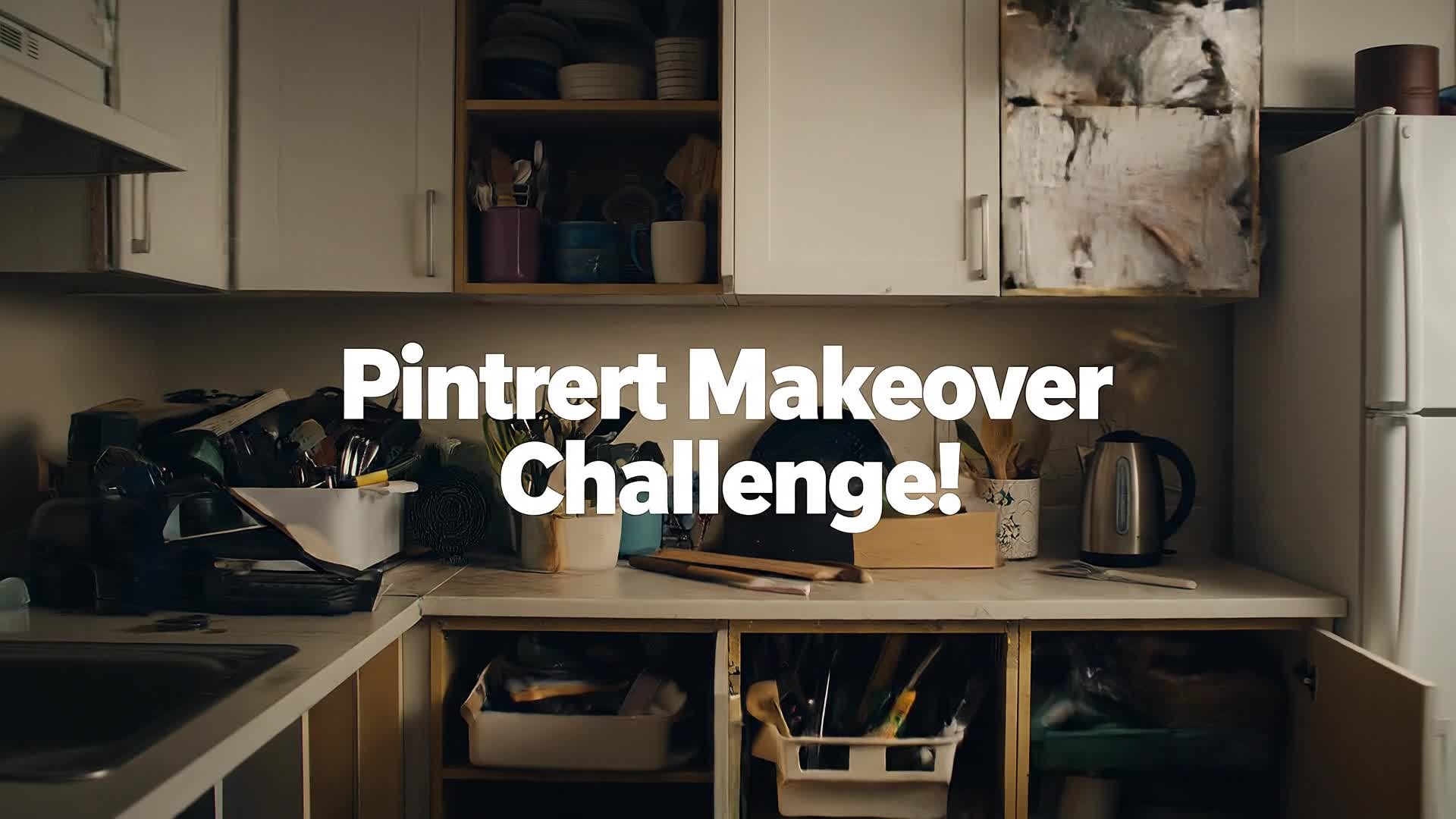
Begin with a dull, cluttered room shot labeled 'Before.' Transition with a smooth flash effect to a redesigned space full of plants and soft lighting. Overlay text 'New Look, New Energy.' Add gentle motion blur between frames for style. Finish with a calm zoom-out displaying the transformation, ending on your logo or callout text. |
|
|
Recipe Short
|
Film ingredients neatly placed on a counter in an overhead style. Display each cooking step briefly with concise captions and transitions. Add light, catchy music to keep engagement. End with the final plated dish and text 'Pin for Later!' Keep tone inviting and visually delicious, ideal for Pinterest’s food lovers. |
|
|
Product Showcase
|
Open with a rotating shot of your product under soft lighting. Include macro detail clips and subtle text highlighting features. Use motion blur transitions for premium feel. Finish with strong tagline fade-in like 'Simplify Your Routine.' Perfect for e-commerce Pins looking for clean, branded visuals. |
|
|
Quick Tutorial
|
Start with text overlay '3 Steps to Perfect Flat Lay.' Show each step visually: layout items, adjust lighting, apply background texture. Keep rhythm fast yet stylish. Add calm background music. Finish with 'Pin for Inspiration' text and branded color accent. Great for creative teaching Pinterest audiences. |
|
|
Mood Vibes
|
Show warm sunset light across a room, coffee aroma, books, and soft textiles. Each cut flows gently with fade transitions. Add text overlays describing feelings: 'Slow Mornings, Calm Energy.' Let music swell softly while maintaining elegant motions. End with frame-perfect color grading for a cinematic Pinterest moment. |








How to Create Pinterest Video Maker with Media.io
Create pinterest video maker content faster with Media.io using text to video, image to video, video to video, and built-in editing tools.
Type or Upload Your Idea
Start by entering a text prompt, uploading images, or importing a short clip. Media.io’s AI instantly analyzes your content to match styles suited for Pinterest’s visual tone. This helps you create pinterest video maker content faster with a more structured workflow. You can easily adapt the output for platforms like TikTok, Instagram Reels, and YouTube Shorts.
Generate and Customize
With one click, the Pinterest video maker transforms your inputs into motion-rich content. Fine-tune transitions, music, or aspect ratio directly in the editor to match your brand look. This helps you create pinterest video maker content faster with a more structured workflow. You can easily adapt the output for platforms like TikTok, Instagram Reels, and YouTube Shorts. The process reduces manual editing and improves overall production efficiency.
Preview and Export
Review your video, apply final polish, and export optimized Pinterest-ready formats instantly. Download or share to your board straight from Media.io with no reformatting needed. This helps you create pinterest video maker content faster with a more structured workflow. You can easily adapt the output for platforms like TikTok, Instagram Reels, and YouTube Shorts.
Why Choose Media.io for Pinterest Video Maker
Fast AI Creation
Generate fully styled Pinterest videos in minutes with Media.io’s powerful AI automation—no complex editing or setup required. This makes pinterest video maker creation more efficient and easier to manage. It helps improve consistency across different video styles and formats.
Multiple Input Options
Start from text, images, or existing clips to make fresh video pins instantly. The flexibility helps streamline creative campaigns efficiently. This makes pinterest video maker creation more efficient and easier to manage. It helps improve consistency across different video styles and formats.
Smart Aspect Ratio
Media.io automatically adapts video dimensions to Pinterest’s vertical style, saving time on cropping or manual resizing. This makes pinterest video maker creation more efficient and easier to manage. It helps improve consistency across different video styles and formats.
Built-in Templates
Use curated layout templates that match Pinterest trends, giving your content a polished, on-brand appearance instantly. This makes pinterest video maker creation more efficient and easier to manage. It helps improve consistency across different video styles and formats. You can use this feature to produce more engaging and platform-ready content.
Effortless Branding
Easily add logos, fonts, and color palettes so every video stays consistent with your brand’s aesthetic across all pins. This makes pinterest video maker creation more efficient and easier to manage. It helps improve consistency across different video styles and formats. You can use this feature to produce more engaging and platform-ready content.
Social-Ready Exports
Export videos optimized for Pinterest and other platforms in high quality and proper length settings to maximize reach. This makes pinterest video maker creation more efficient and easier to manage. It helps improve consistency across different video styles and formats. You can use this feature to produce more engaging and platform-ready content.
FAQs About
Pinterest Video Maker
1. What is a Pinterest video maker?


It’s an online tool that helps creators and marketers design short, scroll-stopping Pinterest videos using AI. Media.io automates design, editing, and export steps so you can produce professional content fast.
2. Do I need editing skills to use Media.io?
No. Media.io’s AI handles all transitions, effects, and sound. You simply describe your vision or upload visuals, and it delivers a ready-to-post Pinterest video.
3. Can I turn my images into Pinterest videos?
Yes. Upload images and Media.io will animate them with motion effects, transitions, and background music to create engaging Pins within minutes.
4. Is the Pinterest Video Maker free to use?
You can try Media.io for free with essential features. Premium templates and export options are available for advanced creators who need higher customization.
5. What formats does Media.io support for Pinterest?
Media.io exports vertical videos suitable for Pinterest’s recommended 2:3 ratio in MP4 or MOV, ensuring compatibility with the platform.
6. Can I use the same videos for other social platforms?
Absolutely. Media.io lets you easily reformat your Pinterest videos for Instagram, TikTok, or Facebook with just one click adjustment before exporting.



