Parody Maker Creator for Fast Visual Results
Turn any idea into a funny, shareable video in minutes
Media.io Parody Maker lets you turn absurd, creative, or trending ideas into polished parody videos effortlessly. Simply input your concept, select a style, and let our AI generate a social-ready video complete with voice, captions, and effects. Whether you’re spoofing a viral trend, reimagining a movie scene, or creating lighthearted brand humor, this AI-powered parody generator simplifies your creative process while keeping every second entertaining and relatable. Perfect for creators, marketers, and influencers who want fast laughs and fast results.
Turn Static Parody Maker Images into Motion
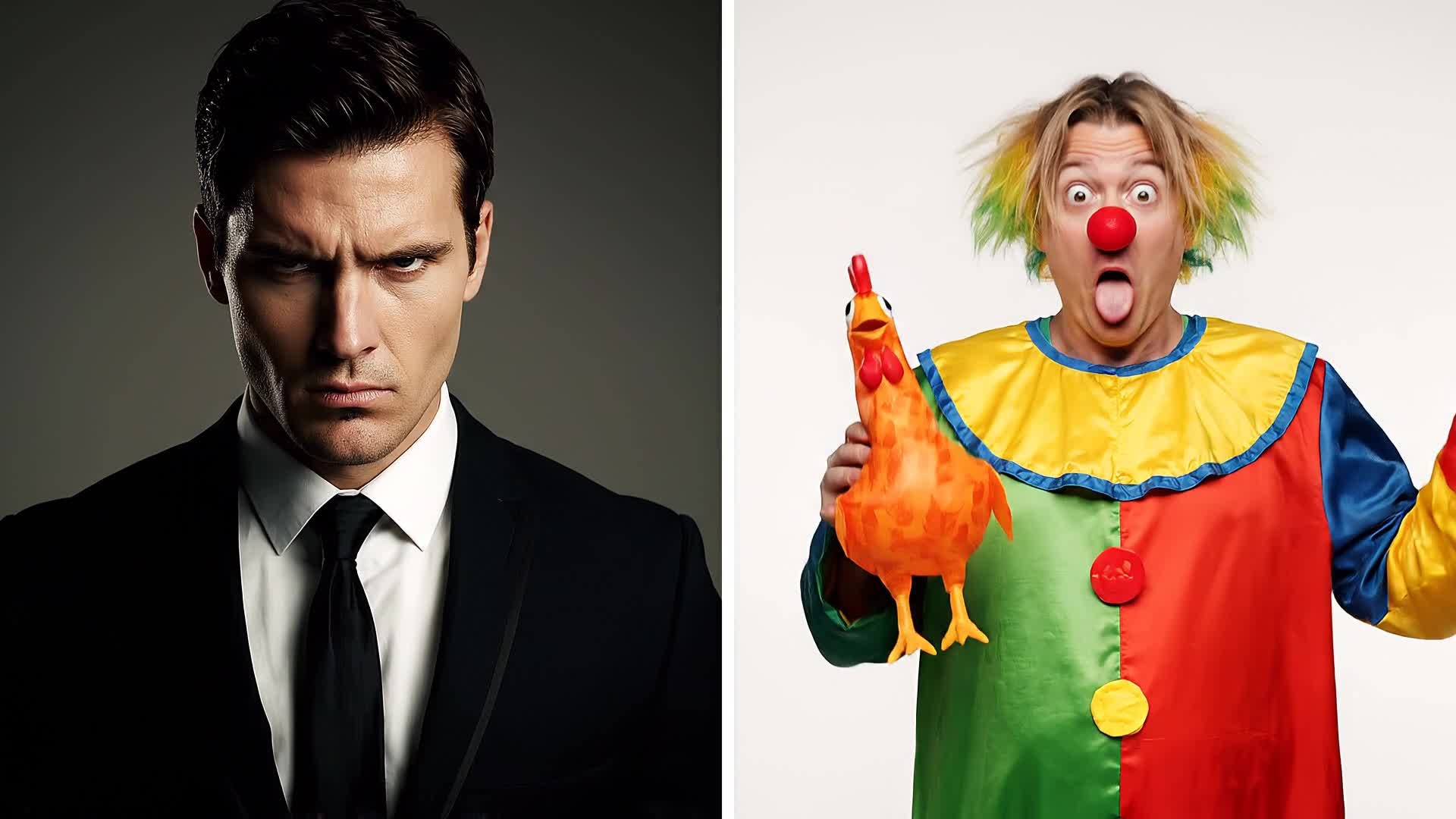
Upload any image—your friends, scenes, or characters—and watch Media.io Parody Maker transform them into hilarious video moments. Our AI animates expressions, gestures, and context perfectly, letting your still images come alive in creative parody form. Ideal for meme creators or brands that want quick-turnaround humor, you can add text layers, voiceovers, and transitions without editing complexity. The result: a professional, socially engaging comedy clip ready to post anywhere, powered by smart AI motion technology designed for instant fun and flexibility.
Write a Prompt. Watch Parody Gold Appear.
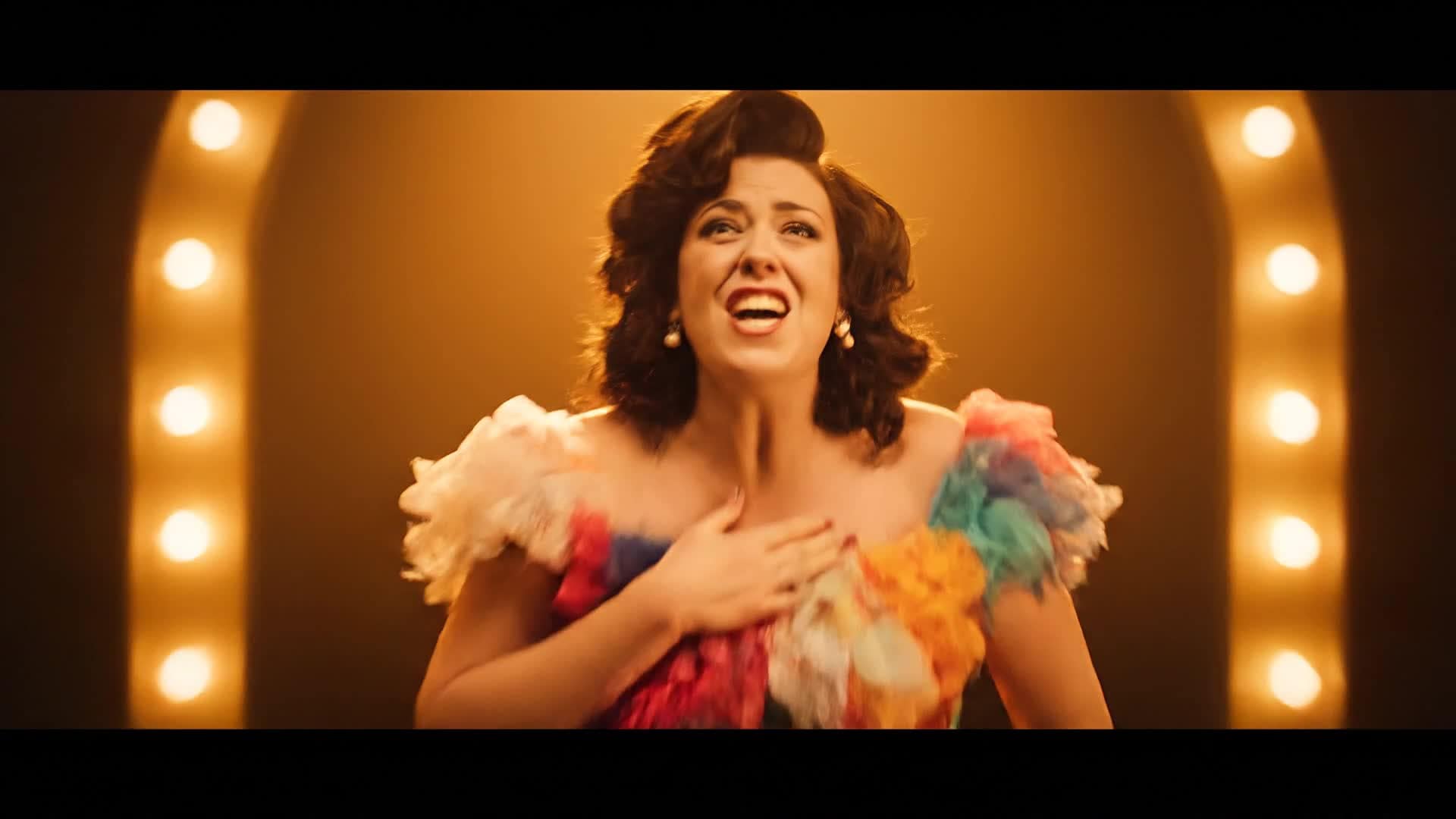
Media.io lets you describe your parody idea and instantly see it come to life. Type a short scene, situation, or character twist—our AI understands context, tone, and visual cues to produce complete, entertaining parody videos. This feature gives anyone the power to turn humor ideas into visuals without filming or editing. Perfect for generating spoofs of movie tropes, influencer clips, or trending sounds, the text-to-video system ensures engaging delivery and crisp quality, ready for short-form platforms or full-length uploads.
| Style | Popular Parody Maker Prompts | Copy & Create |
|---|---|---|
|
Movie Trailer Spoof
|
Start with cinematic music and an epic narrator voice. Create mock scenes of characters acting overly serious about a completely ordinary problem, like losing Wi-Fi. Add subtitles with exaggerated phrases and transitions between dramatic clouds and close-up shots. Insert action titles like 'The Buffering Strikes Again.' Conclude with a humorous twist and rolling fake credits. |
|
|
Product Ad Parody
|
Open with slow glamour shots of an everyday item, like a broken umbrella. Use dramatic lighting and upbeat commercial music. Narrate as if it's the next big invention. Show exaggerated customer testimonials and overexcited graphics. End with a line that mocks infomercials, complete with a fake logo and slogan that winks at the viewer. |
|
|
Reality Show Spoof
|
Begin with a fake intro logo, followed by contestants dramatically entering a living room. Have them discuss ridiculous dilemmas like who finished the cereal. Use overly tense music and zoom-ins on shocked faces. Add fake confessions with comedic subtitles. Close with cliffhanger text and upbeat outro music imitating real TV pacing. |
|
|
Influencer Parody
|
Set up as a mock vlog intro with bold text overlays. Show someone giving absurd advice in a serious tone, like 'How to go viral in 2 steps.' Edit with trendy filters, cuts, and background sounds typical of TikTok. Gradually exaggerate the tips until it becomes obviously comedic. End with self-awareness and a funny wave to viewers. |
|
|
Tutorial Gone Wrong
|
Start by pretending to do a normal how-to video—like tying a tie or baking cookies. Show everything going smoothly, then introduce chaotic mishaps: spills, wrong steps, or overreactions. Keep energy lively and music upbeat. Add captions to emphasize the comedic disaster. End with failure turned success and a cheeky smile. |
|
|
Epic Misunderstanding
|
Begin with a dramatic misunderstanding scene—someone misinterprets a text or gesture. Amplify tension with cinematic zooms and heavy sound design. Reveal the truth mid-video and shift tone to laughter. End playfully with lighthearted bloopers or fake behind-the-scenes clips to humanize the cast and make it feel viral-ready. |








How to Create Parody Maker with Media.io
Create parody maker content faster with Media.io using text to video, image to video, video to video, and built-in editing tools.
Enter an Idea or Upload an Image
Start by describing your parody concept or uploading a funny image. Our AI instantly understands context and prepares your base visuals. This helps you create parody maker content faster with a more structured workflow. You can easily adapt the output for platforms like TikTok, Instagram Reels, and YouTube Shorts. The process reduces manual editing and improves overall production efficiency.
Customize the Style and Tone
Choose your tone—mock serious, lighthearted, or absurd. Adjust pacing, captions, and effects to match your creative humor style. This helps you create parody maker content faster with a more structured workflow. You can easily adapt the output for platforms like TikTok, Instagram Reels, and YouTube Shorts. The process reduces manual editing and improves overall production efficiency.
Generate, Polish, and Share
Let Media.io create your parody video in seconds. Edit timing, add audio, and export high-quality outputs for any platform effortlessly. This helps you create parody maker content faster with a more structured workflow. You can easily adapt the output for platforms like TikTok, Instagram Reels, and YouTube Shorts.
Why Choose Media.io for Parody Maker
Instant AI Parody Generation
Transform any idea into a full parody clip with one click. No editing skill required—AI handles visuals, timing, and delivery perfectly. This makes parody maker creation more efficient and easier to manage. It helps improve consistency across different video styles and formats.
Multiple Input Options
Start from text, image, or video to create layered parodies. Mix and match styles for creative freedom that fits your humor. This makes parody maker creation more efficient and easier to manage. It helps improve consistency across different video styles and formats.
Smart Scene Animation
Convert still photos or memes into lively video scenes with expressive AI motion for realistic reactions and comic timing. This makes parody maker creation more efficient and easier to manage. It helps improve consistency across different video styles and formats. You can use this feature to produce more engaging and platform-ready content.
Easy Editing Tools
Adjust captions, filters, and voiceovers quickly. Media.io keeps editing simple so you can focus on the joke, not the software. This makes parody maker creation more efficient and easier to manage.
Optimized for Social Media
AI automatically formats parody videos for TikTok, Reels, and YouTube Shorts with perfect aspect ratios and pacing. This makes parody maker creation more efficient and easier to manage. It helps improve consistency across different video styles and formats. You can use this feature to produce more engaging and platform-ready content.
Fast Export & Cloud Saving
Produce and download HD parody videos in minutes. Cloud saves let you revisit or remix your funniest projects anytime. This makes parody maker creation more efficient and easier to manage. It helps improve consistency across different video styles and formats.
FAQs About
Parody Maker
1. What is Media.io Parody Maker?


It’s an AI video generator that transforms your ideas, photos, or scripts into high-quality parody videos for social media or fun projects.
2. Do I need editing experience?
No. The tool is fully automated—just type, upload, or select a style, and Media.io generates polished parody videos automatically.
3. Can I use my own footage?
Yes. You can upload video clips or images to personalize scenes and add extra humor with built-in text and sound effects.
4. Is the parody maker free to use?
You can start creating for free. Premium options unlock longer videos, more styles, and higher-quality exports when needed.
5. Can I make parodies of trending videos?
Absolutely. The AI adapts to trending sounds, tones, and layouts, helping you stay relevant with minimal effort.
6. What formats are supported for download?
You can export MP4 videos in multiple resolutions, optimized for TikTok, Instagram, YouTube, and other major sharing platforms.




