Online Rap Video Made Simple with AI
Turn your bars into bold visuals that hit hard
Media.io’s AI Video Generator makes it effortless to craft online rap videos that look and sound professional—without editing experience. Turn your lyrics or beats into cinematic visuals tailored to hip-hop and urban energy in seconds. Upload an image, paste your lyrics, or start from text, and our AI transforms your concept into a performance-ready clip. Whether you’re promoting new tracks or posting freestyle snippets, Media.io gives you complete control over rhythm, mood, and motion, making your rap stand out across YouTube, Instagram, and TikTok effortlessly.
Turn Rap Artwork into Motion Instantly
With Media.io’s image-to-video feature, transform your rap cover art or static photo into dynamic visuals that match your flow. Upload an image, pick a motion style, and watch your stills come alive with rhythmic effects and synced transitions. Perfect for promoting a mixtape or previewing a verse, this workflow helps you make professional video loops, lyric backgrounds, or visualizers aligned with your beat. You don’t need complex editing tools—Media.io combines animation depth and AI precision to create music-driven storytelling content that hooks viewers and amplifies your rap energy instantly.
From Lyrics to Rap Video in Seconds
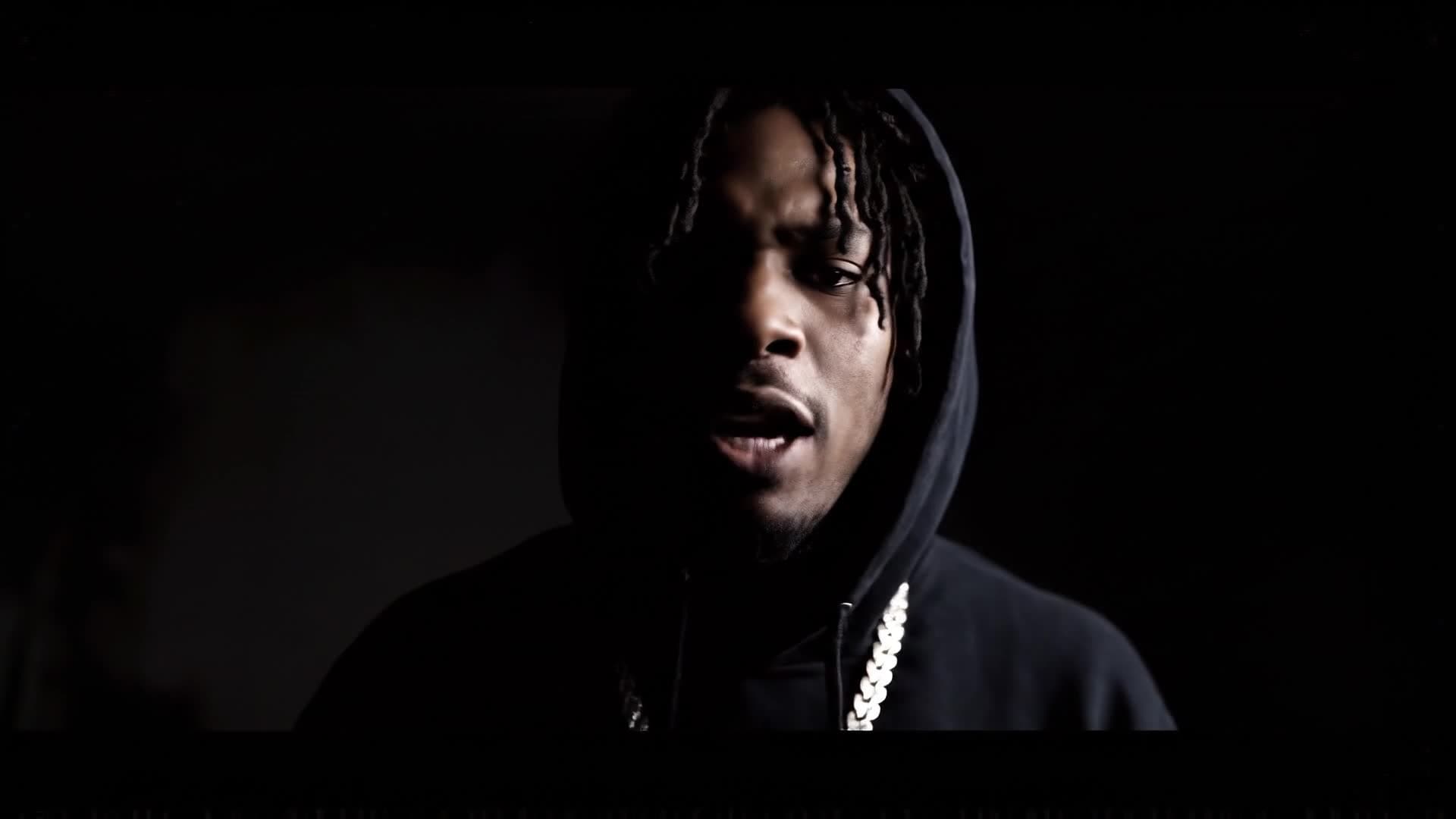
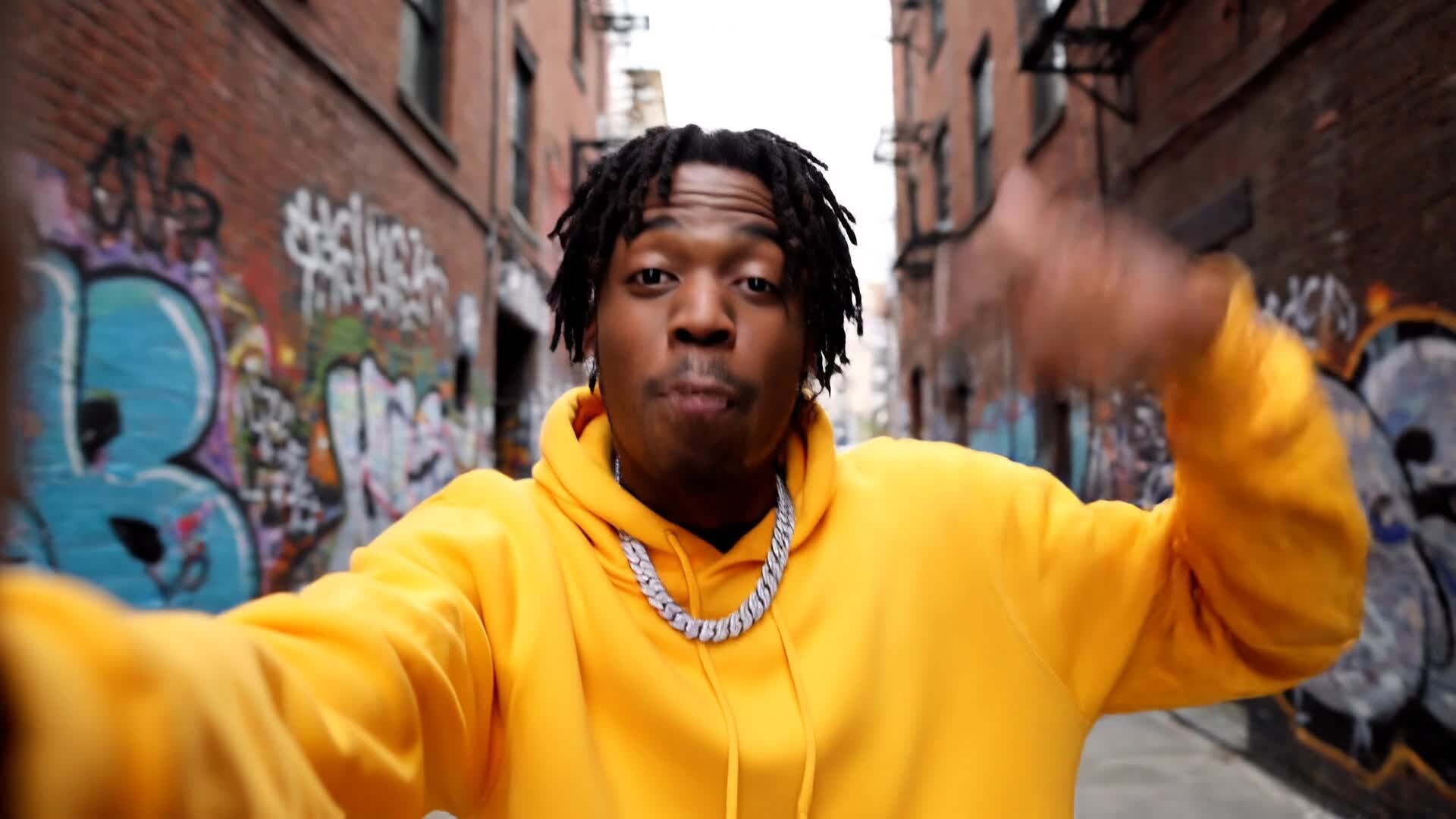
Media.io’s text-to-video generator lets you convert verses or freestyle lines into complete online rap videos automatically. Type your lyrics, choose a scene style, and let AI craft visual storytelling that matches tone, vibe, and rhythm. This tool helps creators visualize every bar—great for lyric reels, music previews, or studio snippets. It’s built for speed, clarity, and flow, so you can generate social-ready rap visuals directly from your words. With Media.io, every scene transitions to the beat, every punchline pops, and every clip keeps your viewers hooked from start to finish effortlessly.
| Style | Viral Prompts for Online Rap Video Creation | Copy & Create |
|---|---|---|
|
Urban Freestyle Energy
|
Start with a street corner at golden hour, camera spinning as the rapper steps forward confidently. Show tight shots of hand gestures, clock rhythm with cuts. Transition to an aerial city view synced with bass vibrations. Add graffiti art transitions between scenes. Introduce animated lighting effects to emphasize lyrics. End on a fade-out with the name of the mixtape glowing over the skyline. |
|
|
Studio Session Mood
|
Open inside a moody studio lit by soft blue LEDs. Show the rapper adjusting headphones and stepping to the mic. Highlight close-ups of mixing boards flashing to the beat. Cut to cinematic B-roll of writing notes and holding mic stands. Transition to energy bursts on keyword punchlines. Finish with a slow fade-out as the track’s final bar echoes visually. |
|
|
Lyric Visualizer Flow
|
Start with bold typography introducing the track name. Animate lyrics phrase by phrase to the rhythm. Switch backgrounds with abstract smoke and strobe animation. Add glitch lighting transitions matching tone shifts. Include bursts of color when bars hit strong emotions. Wrap with looping beat-driven text patterns that sustain viewer attention. |
|
|
Before & After Glow Up
|
Begin with raw, dimly lit footage of a rapper practicing lines. Suddenly transition to high-energy visuals with lighting, effects, and transitions. Show cuts between old and new performance clips to demonstrate production glow-up. Enhance beats using AI-synced transitions. End with final polished shot of rapper performing on stage as confetti sparks fly. |
|
|
Product Promo Verse
|
Open with product placement in rhythm with beat drops. Rapper delivers lines addressing lifestyle and visuals match product color tones. Integrate motion blur transitions when lyrics reference action or movement. Add graffiti tags featuring brand name or logo art. End with clean outro showcasing both artist and product in sync. |
|
|
Aesthetic Vibe Edit
|
Start with cinematic slow motion of city lights and reflections. Sync frame flashes to bass lines. Shift hues between warm and cool tones to reflect verse energy. Use smooth pans and lens flares on chorus scenes. Blend silhouettes and transitions to mirror beat flow. End with seamless zoom-out revealing artist name overlay on abstract neon background. |








How to Create Online Rap Video with Media.io
Create online rap video content faster with Media.io using text to video, image to video, video to video, and built-in editing tools.
Enter Your Lyrics or Idea
Type your rap lyrics or concept text into Media.io’s AI Video Generator. Instantly set scene style, pacing, and tone before previewing your first clip. This helps you create online rap video content faster with a more structured workflow. You can easily adapt the output for platforms like TikTok, Instagram Reels, and YouTube Shorts.
Add Image or Short Video
Upload a cover art or quick performance snippet to turn your rap into a moving AI-driven story. Merge visuals and rhythm for maximum impact. This helps you create online rap video content faster with a more structured workflow. You can easily adapt the output for platforms like TikTok, Instagram Reels, and YouTube Shorts. The process reduces manual editing and improves overall production efficiency.
Edit, Polish, and Export
Fine-tune transitions, visuals, and effects directly in Media.io. Export your online rap video and share it across all major social platforms in seconds. This helps you create online rap video content faster with a more structured workflow. You can easily adapt the output for platforms like TikTok, Instagram Reels, and YouTube Shorts.
Why Choose Media.io for Online Rap Video
AI Scene Generation
Automatically generate rap-themed backgrounds and motion synced to your beat. Perfect for freestyle sessions, music teasers, or lyric reels. This makes online rap video creation more efficient and easier to manage. It helps improve consistency across different video styles and formats.
Instant Beat Sync
Media.io aligns visual transitions with rhythm and flow, keeping every bar sharp and on tempo for attention-grabbing clips. This makes online rap video creation more efficient and easier to manage. It helps improve consistency across different video styles and formats.
Multiple Input Modes
Start from lyrics, images, or short clips. Media.io adapts to your creative workflow, giving rappers total control over how their story moves. This makes online rap video creation more efficient and easier to manage.
Custom Vibe Styles
Choose from gritty street visuals to clean studio lighting. Personalize color, camera motion, and filters to match your rap’s tone. This makes online rap video creation more efficient and easier to manage. It helps improve consistency across different video styles and formats.
Built-In Editor
Trim, crop, and enhance clips directly. Add text overlays or transitions fast so your rap video feels ready for social posting instantly. This makes online rap video creation more efficient and easier to manage. It helps improve consistency across different video styles and formats.
Social Media Ready
Generate portrait or landscape clips optimized for TikTok, YouTube Shorts, or Instagram Reels, ensuring your rap visuals go viral easily. This makes online rap video creation more efficient and easier to manage. It helps improve consistency across different video styles and formats. You can use this feature to produce more engaging and platform-ready content.
FAQs About
Online Rap Video
1. How do I make an online rap video using Media.io?


Simply upload your images, lyrics, or a short clip, choose a theme, and let our AI create a full rap video you can edit and export instantly.
2. Can I sync my rap lyrics with beats automatically?
Yes. Media.io automatically syncs text and motion to your track’s rhythm, keeping your rap visuals on tempo and perfectly flowing with every bar.
3. Do I need editing skills to use Media.io?
No editing experience is needed. The platform uses AI automation and ready-made templates to make rap video creation quick and frustration-free.
4. Can I upload my own beats or freestyle?
Absolutely. You can upload personal tracks or recorded freestyles for the AI to analyze and align visuals with your rhythm and verse structure.
5. Is Media.io suitable for social media rap clips?
Yes. Media.io auto-formats your video for TikTok, Instagram Reels, and YouTube Shorts, giving your rap content the right size and visual punch.
6. Can I customize visuals after AI generation?
Yes, you can tweak scenes, transitions, and colors after the AI draft to match your vibe and branding perfectly before exporting your final video.



