Create Better Musical Slideshows in Less Time
Turn memories and melodies into stunning videos
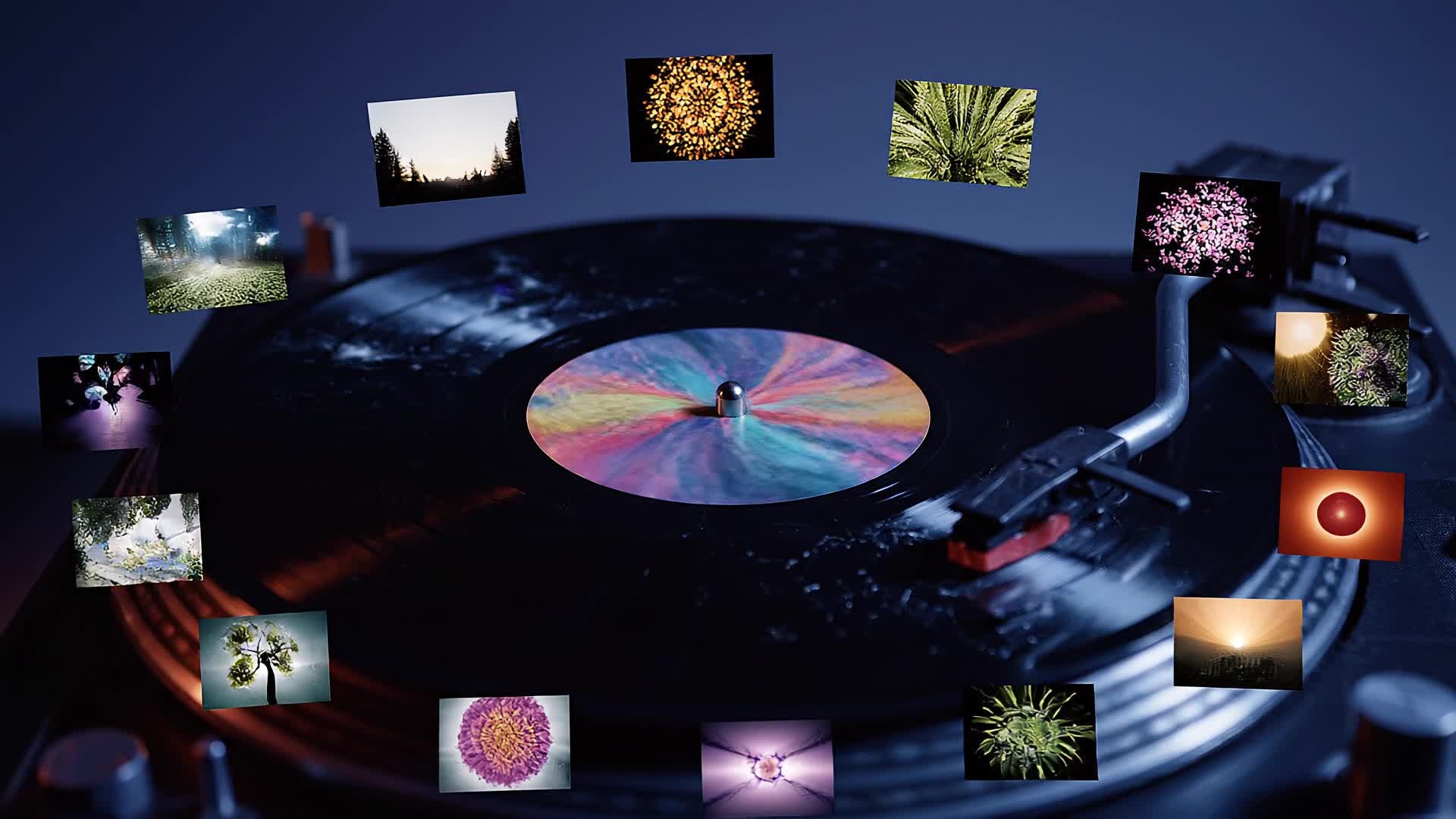
Media.io lets you transform your favorite photos and music into captivating musical slideshows in just minutes. Upload your images, choose or upload a soundtrack, and our AI aligns visuals and beats for a seamless storytelling rhythm. Whether you’re crafting a heartfelt anniversary reel, promoting a product gallery, or building an inspiring short for social media, the process is effortless and fully customizable. Adjust pacing, transitions, and text overlays with a few clicks, and see a professionally styled video ready to share across any platform at broadcast quality.
Turn Musical Slideshows Images into Video
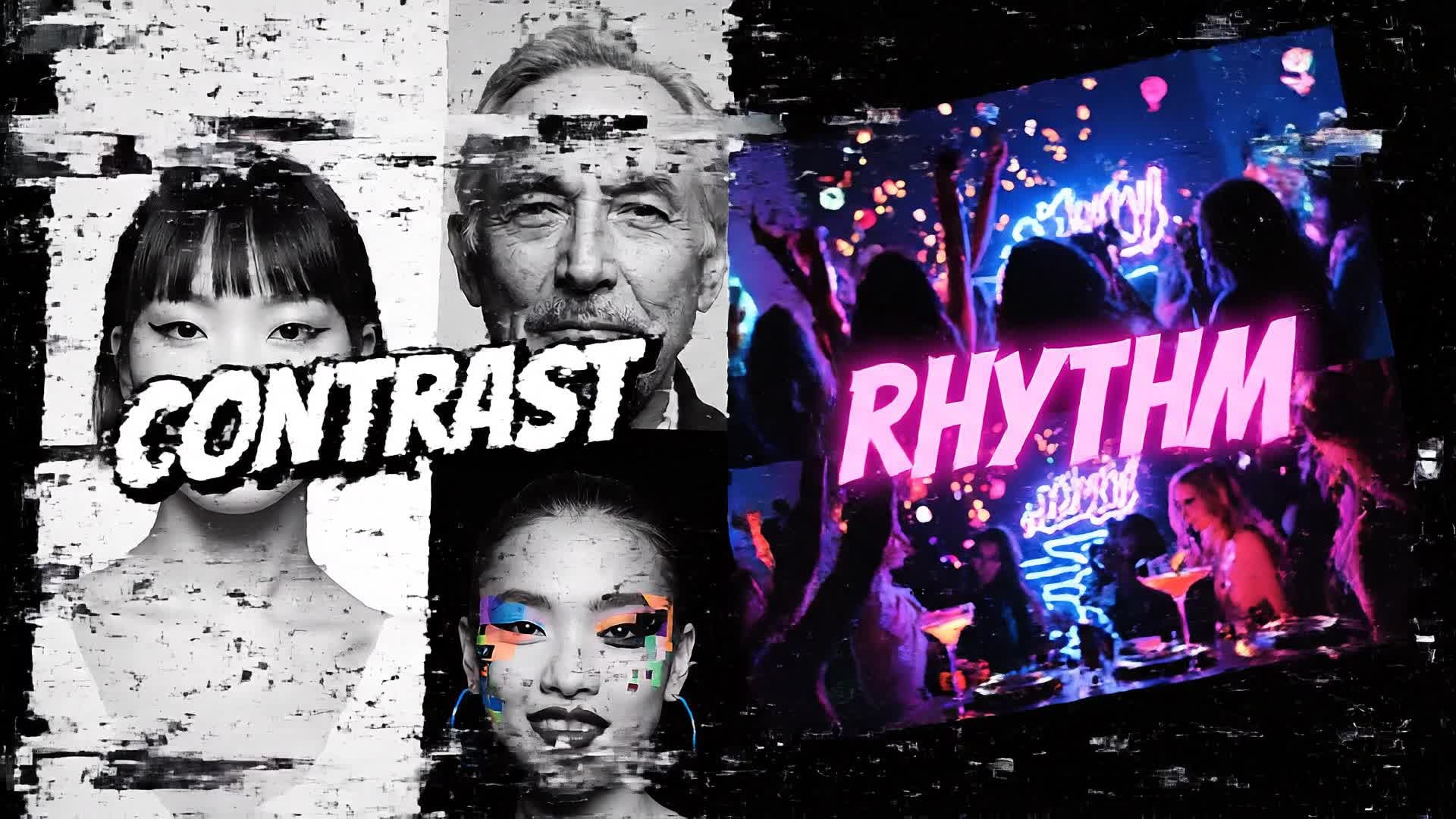
With Media.io’s AI image-to-video feature, static images come alive as expressive musical slideshow scenes. Simply upload your photos, and the tool automatically adds cinematic motion effects, smooth transitions, and perfectly timed cuts to the rhythm of your chosen track. This is ideal for creators looking to highlight travel memories, personal milestones, or brand showcases with emotional flow and dynamic pacing. Each frame gains depth and continuity, giving your slideshow a professional motion feel without complex editing work. The result is a visually rich storytelling piece that feels both polished and personal from start to finish.
Generate Musical Slideshows from Text
Describe your concept in plain language and let Media.io generate musical slideshows videos from text in a much faster, more creator-friendly workflow. Instead of building every scene manually, you can turn ideas, hooks, captions, and campaign concepts into video drafts that are easier to refine, style, and publish for Reels, Shorts, and other short-form formats.
| Style | Musical Slideshow Prompt Ideas | Copy & Create |
|---|---|---|
|
Travel Journey
|
Open with a world map animated to beats, zooming to each destination. Show candid travel shots and quick transitions with upbeat rhythm. Highlight cultural moments like street food and landscapes under fast-changing light scenes. Add on-screen titles for country names synced to percussive hits. Blend slow-motion clips of sunsets to match harmonic pauses. |
|
|
Love Story Montage
|
Start with two photos sliding together from opposite edges of the screen. Shift scenes from early dating snaps to engagement moments with a soft romantic track. Use light flares on key beat drops to enhance emotion. Include floating captions showing special dates or quotes. Add vignettes during choruses for intimacy. Finish with a heart-shaped dissolve while the melody slows to signal closure of the love story. |
|
|
Product Showcase
|
Begin with a single product image pulsing with music amplitude. Smoothly transition through detail shots, emphasizing texture and style. Sync every scene cut with instrumental beats to maintain energy. Overlay text highlighting features and brand name at verse moments. End with a bold logo reveal timed to the final beat drop. Perfect for brands launching new collections through quick, |
|
|
Before & After
|
Show a static 'before' shot while a slow piano intro plays. As the tempo rises, reveal dynamic 'after' clips with bright color correction and cheerful rhythm. Include text animations marking the transformation point. Employ rhythmic zooms or wipes aligned with sound hits. Keep pacing tight to reveal transformation impact. End with an inspiring callout text synced to the last chord for strong viewer takeaway. |
|
|
Tutorial Vibe
|
Open with a short title scene saying 'DIY Magic in Motion.' Introduce step-by-step photo slides with rhythmic transitions matching background beats. Add captions summarizing each step using upbeat loops. Include camera-like zoom effects for emphasis. Integrate closing text inviting viewers to try the idea themselves. Wrap up with a logo or link scene on tempo fade-out to drive engagement and shares. |
|
|
Aesthetic Moodboard
|
Start with gentle ambient audio swelling into rhythm. Transition between nature, design, and fashion elements with blended color overlays. Match transitions to soft drum hits for cohesion. Insert inspiring text quotes that appear in sync with melody. Keep a minimalist tone, using fade layers and rhythmic pans. Finish with a smooth outro scene matching calm music resolution to maintain aesthetic balance. |








How to Create Musical Slideshows with Media.io
Create musical slideshows content faster with Media.io using text to video, image to video, video to video, and built-in editing tools.
Enter Text, Upload or Pick Music
Type your concept or script, upload your track or pick one from Media.io’s library, and set your creative direction in seconds. This helps you create musical slideshows content faster with a more structured workflow. You can easily adapt the output for platforms like TikTok, Instagram Reels, and YouTube Shorts. The process reduces manual editing and improves overall production efficiency.
Add Photos or Clips and Generate
Drop your visuals or let AI source them. Media.io syncs beats, motion, and edits automatically for instant musical slideshow generation. This helps you create musical slideshows content faster with a more structured workflow. You can easily adapt the output for platforms like TikTok, Instagram Reels, and YouTube Shorts.
Preview, Edit, and Export
Tweak transitions, adjust timing, and export high-quality videos for YouTube, Instagram, or your next presentation effortlessly. This helps you create musical slideshows content faster with a more structured workflow. You can easily adapt the output for platforms like TikTok, Instagram Reels, and YouTube Shorts. The process reduces manual editing and improves overall production efficiency. Each step improves visual quality, pacing, and content consistency.
Why Choose Media.io for Musical Slideshows
AI Beat Synchronization
Automatically matches transitions and motion effects to your song’s rhythm, eliminating manual timing work while keeping your slideshow dynamic and professional. This makes musical slideshows creation more efficient and easier to manage. It helps improve consistency across different video styles and formats. You can use this feature to produce more engaging and platform-ready content.
Flexible Input Options
Start with text prompts, photos, or full videos. Media.io intelligently builds musical slideshows suited for your chosen input, simplifying the creation process. This makes musical slideshows creation more efficient and easier to manage.
Smart Editing Tools
Fine-tune pacing, adjust color tones, and layer captions with ease. Media.io’s editor gives precision control over every beat and visual transition. This makes musical slideshows creation more efficient and easier to manage.
High-Quality Output
Render in HD with optimized aspect ratios for TikTok, Reels, or YouTube Shorts, ensuring your musical slideshows always look polished across platforms. This makes musical slideshows creation more efficient and easier to manage. It helps improve consistency across different video styles and formats. You can use this feature to produce more engaging and platform-ready content.
Instant Preview and Auto Cut
See real-time previews as you edit. The AI auto-cuts on beats and saves time by handling pacing and scene rhythm automatically. This makes musical slideshows creation more efficient and easier to manage. It helps improve consistency across different video styles and formats.
Free Cloud-Based Workflow
Create and store projects online without heavy software downloads. Access your musical slideshow projects anytime and from any device securely. This makes musical slideshows creation more efficient and easier to manage. It helps improve consistency across different video styles and formats.
FAQs About
Musical Slideshows
1. What is a musical slideshow?


A musical slideshow is a video combining photos or clips with background music. Media.io automates this creation by syncing visuals to sound rhythm using AI.
2. Do I need editing experience to use Media.io?
No, Media.io is designed for beginners and professionals alike. Its AI engine handles layout, synchronization, and transitions for effortless video creation.
3. Can I upload my own song?
Yes. You can upload your own music or choose from Media.io’s built-in library. The tool automatically aligns transitions with your track’s tempo.
4. Is it free to make musical slideshows?
You can try Media.io’s musical slideshow maker for free with limited exports. Premium options unlock higher resolution, more templates, and advanced editing.
5. What file types can I import?
You can import JPG, PNG, MP4, and MP3 files easily. Media.io converts them into a unified, music-synced slideshow video instantly.
6. Can I make slideshows for social media?
Absolutely. Media.io optimizes aspect ratios and pacing for platforms like Instagram, TikTok, and YouTube to help your content perform better online.



