Make Breathtaking Movie Intros Instantly
AI-crafted cinematic openings in minutes
Create polished movie intro maker content faster with Media.io’s AI workflow. Start from a prompt, upload photos, or refine existing clips to build scroll-stopping videos for Reels, Stories, and feed posts without the usual editing burden. From quick social promos to creator-ready visual storytelling, Media.io helps you turn raw ideas into cleaner, more engaging videos that look made for social media from the first draft.
Make Movie Intro Maker Content Move from Images
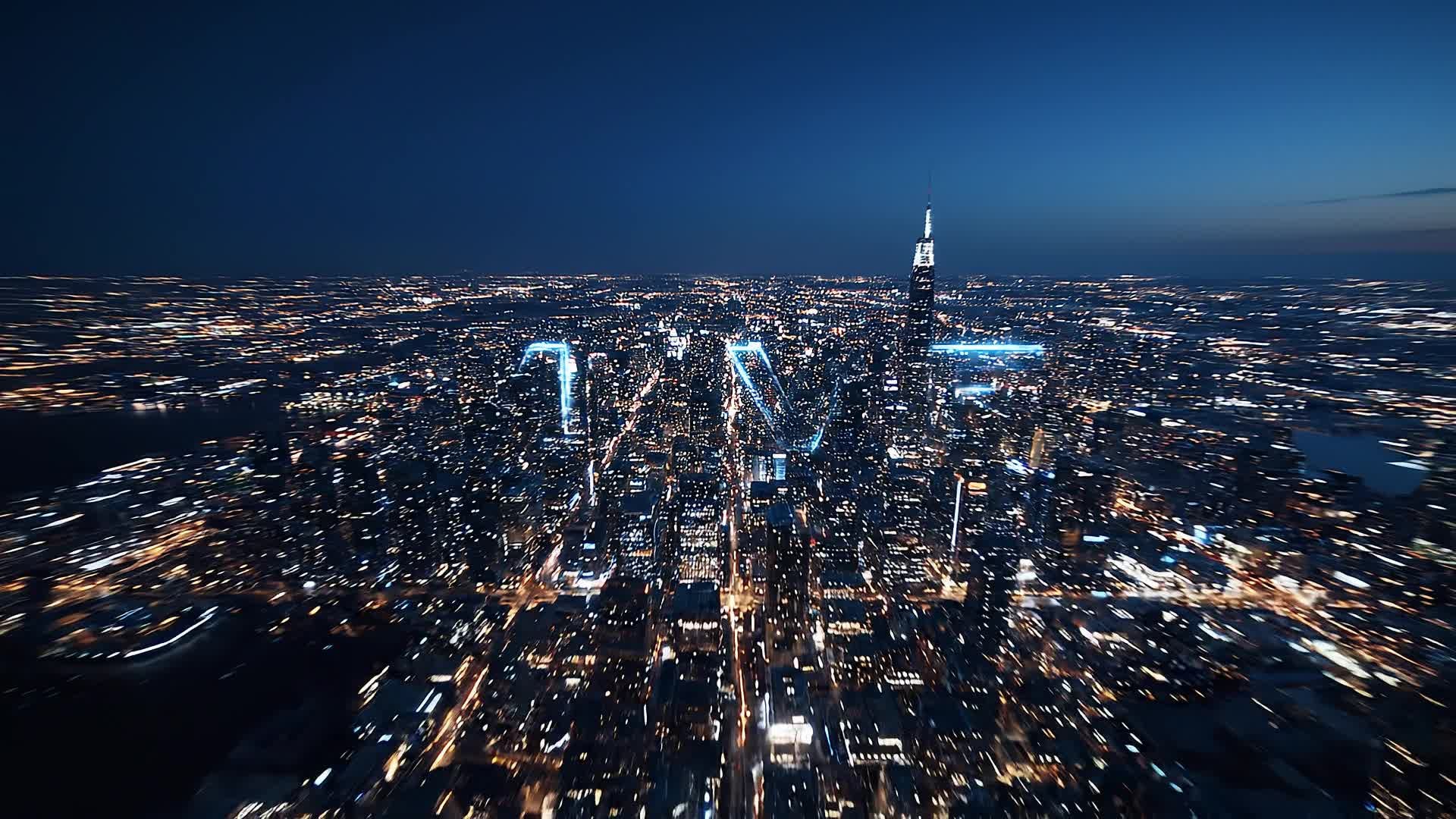
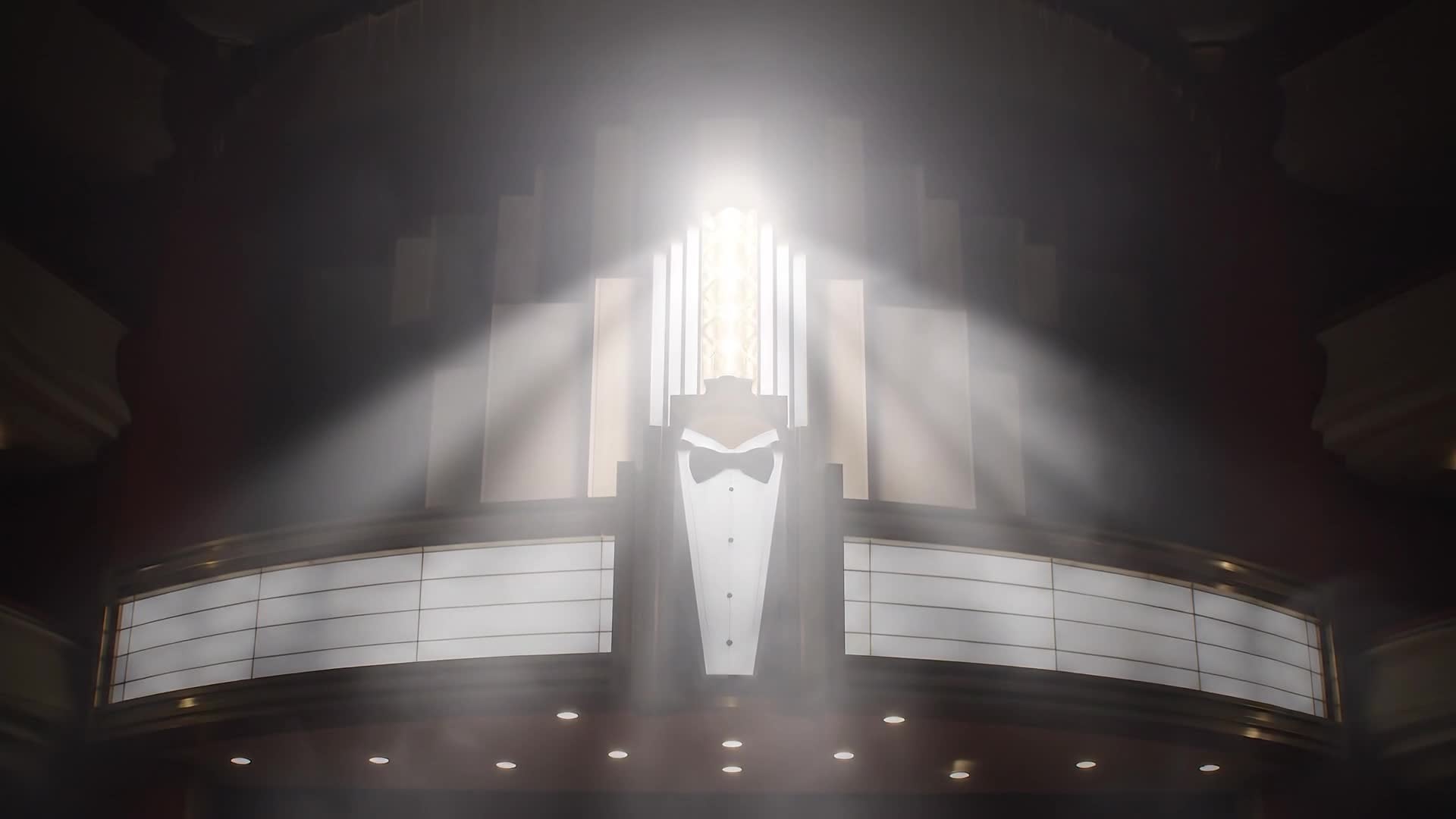
Transform still images, logos, or key visuals into breathtaking motion intros with Media.io’s advanced image-to-video technology. Our AI understands cinematic pacing, camera movement, and lighting transitions to bring your visuals to life. Perfect for filmmakers, content creators, or marketers, this tool lets you animate logos, design sequences, or build title reveals instantly. No need for complex animation knowledge—Media.io automatically crafts seamless cinematic movements, giving your project a professional-grade opening that feels truly alive.
Create a Movie Intro from Just Text
Generate powerful intros straight from your script or idea. Type a description like 'epic space adventure opening' and let Media.io’s text-to-video engine create a professional-quality cinematic intro that captures the emotion and visual tone you imagined. Whether you’re producing a series trailer, channel introduction, or mini-film sequence, this AI-driven approach saves hours of editing while keeping full creative control. The result is a studio-quality opener, ready to impress your audience anywhere you share.
| Style | Movie Intro Maker Video Prompt Ideas | Copy & Create |
|---|---|---|
|
Epic Film Trailer
|
Start with slow orchestral music as the screen fades from black. Show a city skyline beneath dramatic clouds. Quick cuts of characters in motion highlight intensity and stakes. Add a pulsing logo that glows in sync with the beat. Overlay bold title text that resonates with the mood of a blockbuster trailer. End with a fade-out into a release date reveal that builds anticipation. |
|
|
YouTube Channel Intro
|
Start with colorful motion graphics transitioning into your channel name. Use upbeat electronic music to match creator energy. Flash brief shots of content highlights or trending visuals. Keep duration under ten seconds to enhance engagement. Finish with a call-to-action animation using smooth logo movement for a professional feel. |
|
|
Product Launch Cinematic
|
Fade in from darkness as your logo slowly lights up. Introduce sleek visuals showcasing your product silhouette. Add text overlays stating the brand message. Use camera rolls and spotlight transitions to emphasize innovation. Close with your tagline glowing over abstract motion graphics. |
|
|
Before and After Reveal
|
Open with grayscale visuals representing 'before'. Add quick transition effects leading to vibrant full-color animation. Include a title card that reads 'The Transformation Begins'. Play energetic background music for emotional uplift. End with a clean logo outro and tagline in striking typography. |
|
|
Minimal Modern Intro
|
Begin with a solid matte background and simple geometric animation. Use subtle motion and clean typography to display your film title. Maintain a consistent color palette to evoke elegance. Add light background music or soft ambient sound. End smoothly with fade-out to your content start. |
|
|
Vintage Opening Sequence
|
Open with grainy film texture and soft jazz background. Fade in sepia-toned images with stylized credits. Add title text in retro font and gentle light leaks. Mix dissolves between old reels and studio logo. End with a camera flicker fade for authentic nostalgia. |








How to Create Movie Intro Maker with Media.io
Create movie intro maker content faster with Media.io using text to video, image to video, video to video, and built-in editing tools.
1. Type or Upload Your Idea
Start with plain text, images, or short clips. Media.io’s AI interprets your creative input and prepares cinematic opening visuals instantly. This helps you create movie intro maker content faster with a more structured workflow. You can easily adapt the output for platforms like TikTok, Instagram Reels, and YouTube Shorts.
2. Customize and Polish
Choose from diverse visual styles, soundtracks, and motion filters. Adjust transitions, pacing, and text layouts seamlessly in one browser workspace. This helps you create movie intro maker content faster with a more structured workflow. You can easily adapt the output for platforms like TikTok, Instagram Reels, and YouTube Shorts. The process reduces manual editing and improves overall production efficiency.
3. Export and Share
Once your movie intro looks perfect, export in HD and share instantly across YouTube, TikTok, or professional portfolios without extra editing. This helps you create movie intro maker content faster with a more structured workflow. You can easily adapt the output for platforms like TikTok, Instagram Reels, and YouTube Shorts. The process reduces manual editing and improves overall production efficiency. Each step improves visual quality, pacing, and content consistency.
Why Choose Media.io for Movie Intro Maker
AI-Powered Cinematic Design
Generate pro-level intros using AI trained on cinematic patterns, giving your video an authentic studio opening without manual animation. This makes movie intro maker creation more efficient and easier to manage. It helps improve consistency across different video styles and formats. You can use this feature to produce more engaging and platform-ready content.
Multiple Input Modes
Create from text, image, or video clips. Mix sources seamlessly to design flexible and expressive story openings within minutes. This makes movie intro maker creation more efficient and easier to manage. It helps improve consistency across different video styles and formats.
Instant Rendering
Render your movie intro online within seconds so you can preview, tweak, and finalize designs faster than traditional editing tools. This makes movie intro maker creation more efficient and easier to manage. It helps improve consistency across different video styles and formats. You can use this feature to produce more engaging and platform-ready content.
Built-In Soundtrack Sync
Media.io automatically times titles, beats, and transitions with matching music for rhythmically perfect cinematic results every time. This makes movie intro maker creation more efficient and easier to manage. It helps improve consistency across different video styles and formats.
Template-Free Creativity
Skip rigid templates and let AI adapt your content’s tone. Every project feels original, polished, and ready for any platform. This makes movie intro maker creation more efficient and easier to manage. It helps improve consistency across different video styles and formats.
Easy Export Anywhere
Download your finished intro in high definition or social-friendly sizes optimized for YouTube, shorts, and digital marketing use. This makes movie intro maker creation more efficient and easier to manage. It helps improve consistency across different video styles and formats. You can use this feature to produce more engaging and platform-ready content.
FAQs About
Movie Intro Maker
1. What is a movie intro maker?


A movie intro maker is a tool that helps you create cinematic opening sequences for videos, films, or channels using AI effects, titles, and animations quickly.
2. Can I use my own clips and logos?
Yes, you can upload custom footage, logos, and text. Media.io integrates them seamlessly into your AI-generated cinematic opening.
3. How do I make my intro look professional?
Use high-quality visuals, strong branding, and balanced pacing. Media.io’s AI recommends styles and transitions for a sleek, cinematic feel.
4. Is Media.io good for YouTube intros?
Absolutely. It’s perfect for YouTube creators who need fast, studio-grade intros without editing software or design experience.
5. Can I edit the generated video?
Yes. After generation, you can trim scenes, adjust text timing, replace music, and refine animations directly inside Media.io’s editor.
6. Do I need design skills to use it?
No. The platform automates creative choices so anyone—filmmaker or beginner—can produce professional-quality intros easily.



