AI Minecraft Intro Maker
Create epic gaming intros in minutes
With Media.io’s AI-powered Minecraft Intro Maker, you can transform your gaming channel’s identity in just a few clicks. Upload images, type a short script, or use template ideas to instantly generate professional scenes that match Minecraft’s blocky charm and cinematic style. Perfect for YouTubers, streamers, and creators who want intros that grab attention, this tool lets you create unique motion sequences, sync text and music automatically, and export high-quality intros ready for upload. It’s fast, creative, and built to make your Minecraft videos stand out effortlessly.
Turn Minecraft Images Into Animated Intros
With Media.io’s image-to-video feature, static Minecraft scenes can come to life in seconds. Drop in your favorite screenshots from your builds, choose from dynamic camera pans, lighting effects, or creative transitions, and instantly watch your still image become a captivating opening sequence. Great for creators who want to showcase server builds, survival worlds, or cinematic landscapes, this workflow requires zero editing experience but delivers professional-level motion. You can animate screenshots, overlay your channel name, and export intros that look intentionally designed and eye-catching every time.
Generate Minecraft Intros from Text
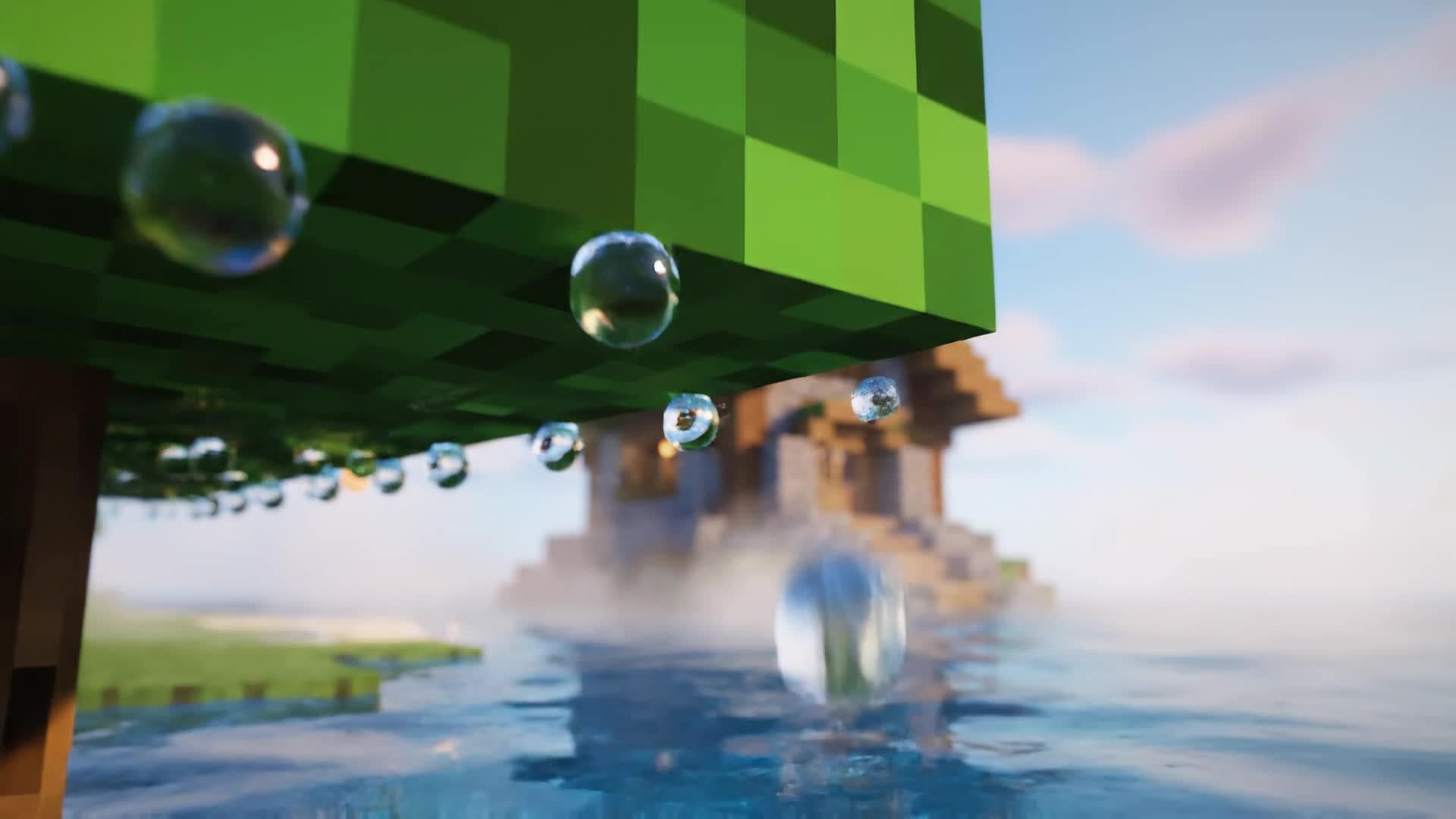
Describe your dream intro and let AI do the rest. Media.io’s text-to-video engine instantly transforms your prompts into motion clips that fit the Minecraft aesthetic—voxel skies, glowing blocks, and smooth camera paths. Perfect for creators brainstorming unique story-driven intros or promotional announcements for their worlds, every generated video comes with seamless transitions, background audio, and customizable text. It’s an innovative way to turn imagination into professional intros without manual animation or expensive tools.
| Style | Viral Minecraft Intro Maker Prompts | Copy & Create |
|---|---|---|
|
Cinematic Adventure
|
Open with a sweeping camera flying through a valley of tall pixelated trees. The music swells as sunlight hits the player’s armor. Transition to an underground cave glowing with emerald light. Add the text 'Prepare for the Journey' in bold Minecraft-style font. Cut to quick flashes of mining, crafting, and battle scenes before revealing the creator’s logo in haze and fire particles. |
|
|
Speed Build Showcase
|
Start with a time-lapse effect showing blocks assembling into a massive Minecraft castle. Zoom in to show details like banners waving and lava moats glowing. Include soft background music synced to block placement sounds. Highlight your channel logo emerging from the finished structure. End with upbeat audio and call to action for viewers to subscribe. Great for world builders and creative mode channels. |
|
|
Survival Challenge Teaser
|
Begin with a soft fade from darkness to sunrise over a small dirt hut. Insert on-screen text 'Day 1: No Tools Yet'. Show quick cuts of crafting, exploring, and fighting mobs with dramatic camera angles. Add heartbeat sound effects during tense moments. Close with your logo appearing alongside text 'Can I Survive 100 Days?'. This concept works perfectly for survival series intros and teaser trailers. |
|
|
Tutorial Channel Intro
|
Open with a clean, minimal Minecraft background and quick highlight text: 'Learn, Build, Advance'. Display icons for Redstone, crafting, and design as smooth transitions move across the screen. Add upbeat background music and caption overlays for clarity. End with your tutorial channel name emerging in sync with a sparkle animation. Ideal for educational gaming content creators. |
|
|
Server Promo
|
Show multiple players joining a world, camera panning through city builds and themed hubs. Add text overlays like 'Join Our World' and display server IP or Discord link stylishly. Include dramatic lighting and crowd scenes to create excitement. Close with the server’s logo surrounded by animated particles. Ideal for creators promoting community or multiplayer experiences. |
|
|
Retro Pixel Style
|
Create an old-school look by using pixel filters and chiptune background music. Start with a flickering title card saying 'Welcome to My Minecraft Channel'. Transition through classic-style intros like rotating blocks and 8-bit explosions. Add quick montage shots referencing vintage gameplay textures. Conclude with a simple but nostalgic logo reveal in pixel art form. Perfect for creators embracing retro aesthetics. |








How to Create Minecraft Intro Maker with Media.io
Create minecraft intro maker content faster with Media.io using text to video, image to video, video to video, and built-in editing tools.
Type Your Intro Idea
Enter a short description or script of how you want your Minecraft intro to look. The AI understands tone, style, and motion for a cinematic result that matches your imagination. This helps you create minecraft intro maker content faster with a more structured workflow. You can easily adapt the output for platforms like TikTok, Instagram Reels, and YouTube Shorts. The process reduces manual editing and improves overall production efficiency.
Add Images or Gameplay Clips
Upload your Minecraft screenshots or snippets from your server builds. Media.io animates them automatically to create fluid motion and seamless epic transitions. This helps you create minecraft intro maker content faster with a more structured workflow. You can easily adapt the output for platforms like TikTok, Instagram Reels, and YouTube Shorts.
Edit and Export Instantly
Fine-tune text, effects, or sound in one place and export your finished intro in HD, optimized for YouTube or any social platform, ready to amaze your audience. This helps you create minecraft intro maker content faster with a more structured workflow. You can easily adapt the output for platforms like TikTok, Instagram Reels, and YouTube Shorts. The process reduces manual editing and improves overall production efficiency. Each step improves visual quality, pacing, and content consistency.
Why Choose Media.io for Minecraft Intro Maker
AI Scene Generation
Generate lively Minecraft-styled intro scenes from text prompts instantly. Media.io builds color-coordinated visuals and cinematic motion, saving hours of manual editing. This makes minecraft intro maker creation more efficient and easier to manage.
Multi-Input Flexibility
Start with text, photos, or gameplay clips. The AI intuitively adapts your input to design cohesive, high-quality intros that fit your creative goals perfectly. This makes minecraft intro maker creation more efficient and easier to manage. It helps improve consistency across different video styles and formats.
Built for YouTubers
Optimized templates and export settings crafted for gaming creators ensure every Minecraft intro looks professional, branded, and YouTube-ready out of the box. This makes minecraft intro maker creation more efficient and easier to manage. It helps improve consistency across different video styles and formats. You can use this feature to produce more engaging and platform-ready content.
Fast Rendering Speed
Media.io uses cloud-powered rendering to generate your intros in minutes. Say goodbye to lag and get more creative outputs faster without heavy software. This makes minecraft intro maker creation more efficient and easier to manage.
Full Customization Control
Adjust camera motion, colors, text, and background tracks effortlessly. Maintain your channel’s identity while letting AI handle the hard parts. This makes minecraft intro maker creation more efficient and easier to manage. It helps improve consistency across different video styles and formats.
Instant Sharing & Downloads
Download directly in HD or share your new Minecraft intro across social platforms with a single click—no extra steps, just instant creator results. This makes minecraft intro maker creation more efficient and easier to manage. It helps improve consistency across different video styles and formats. You can use this feature to produce more engaging and platform-ready content.
FAQs About
Minecraft Intro Maker
1. What is the Media.io Minecraft Intro Maker?


It’s an AI-powered tool that helps you create professional Minecraft-style intros using text, images, or short videos with automated animation and design.
2. Do I need animation skills to create a Minecraft intro?
No experience is required. Media.io handles camera motion, timing, and effects while you focus on creative direction and message.
3. Can I upload my own Minecraft footage?
Yes, you can upload gameplay clips or screenshots, and the AI will automatically generate dynamic transitions, titles, and animations.
4. Is the Minecraft Intro Maker free to use?
Media.io offers free generation options with premium templates and effects available for advanced users who want more creative control.
5. What output formats are supported?
You can export videos in MP4, MOV, or web-ready resolutions optimized for YouTube, TikTok, and Instagram, ensuring your intro looks great everywhere.
6. Can I add music or sound effects?
Yes. Media.io includes an audio library and also allows custom music uploads so you can match your intro’s mood and rhythm perfectly.




