Kinetic Typography Maker Made Simple with AI
Bring Words to Life with AI Motion Effects
Create polished kinetic typography maker content faster with Media.io’s AI workflow. Start from a prompt, upload photos, or refine existing clips to build scroll-stopping videos for Reels, Stories, and feed posts without the usual editing burden. From quick social promos to creator-ready visual storytelling, Media.io helps you turn raw ideas into cleaner, more engaging videos that look made for social media from the first draft.
Transform Static Images into Motion Text Stories
With Media.io’s image-to-video tool, you can add kinetic text to still visuals effortlessly. Upload an image, input your text, and let AI animate every word with motion that matches your visual theme. Ideal for product teasers, quote animations, or promo posts, it helps you turn a flat image into a social-ready video that tells a story through movement. Save time and deliver polished, on-brand animations that keep audiences scrolling for more. The process is intuitive, powerful, and tailored for creators who want quick results without heavy video editing tools.
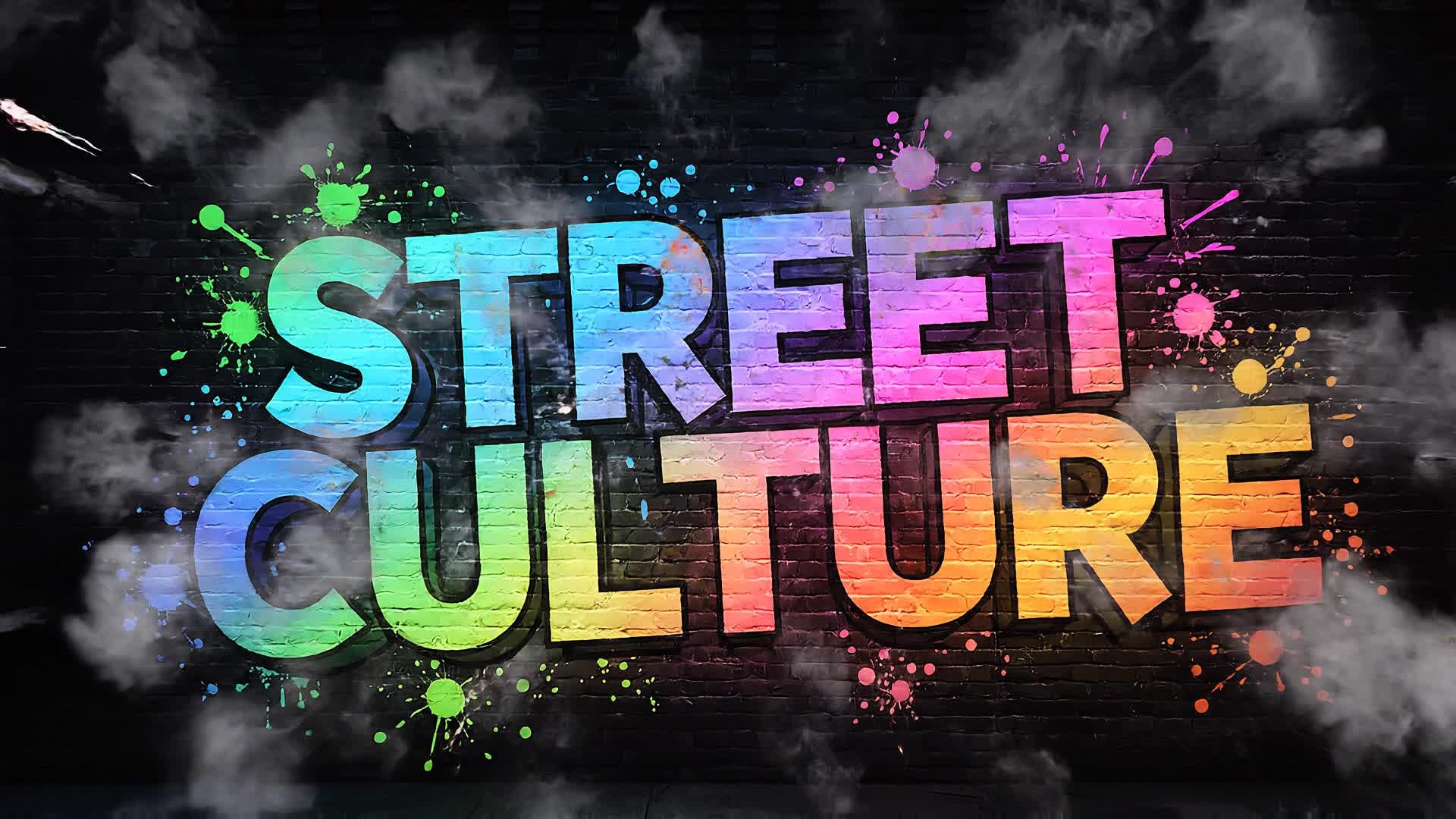
Convert Text Ideas Into Animated Visuals
Describe your concept in plain language and let Media.io generate kinetic typography maker videos from text in a much faster, more creator-friendly workflow. Instead of building every scene manually, you can turn ideas, hooks, captions, and campaign concepts into video drafts that are easier to refine, style, and publish for Reels, Shorts, and other short-form formats.
| Style | Creative Ideas for Kinetic Typography Videos | Copy & Create |
|---|---|---|
|
Trending Quote Animation
|
Open with a famous quote appearing word by word in sync with an emotional soundtrack. Add smooth motion transitions and a minimal color palette. Use kinetic movements to highlight key words for impact. Let each phrase fade gracefully into a branded closing line. Include subtle camera movement for a cinematic feel and finish with a bold call-to-action displaying your logo. |
|
|
Product Promo Reveal
|
Start with bold typography that slides in from multiple directions showcasing the product name. Add flicker and bounce effects to emphasize key benefits. Combine kinetic transitions with product images to build anticipation. Use contrasting colors to guide viewer focus. End with a brand tagline and CTA text animation sweeping across the frame. |
|
|
Before and After Motion Text
|
Show plain still text for a split second, then rapidly transform it into moving typography with AI animation. Experiment with speed and scale to demonstrate transformation power. Add smooth background gradient changes and rhythmic effects. Highlight the difference between static and dynamic text to showcase creativity. Conclude with ‘Made with Media.io’ fade-in card. |
|
|
Tutorial Step Animation
|
Begin with a title that introduces a step-by-step process. Animate each instruction using kinetic text cues that move in sequence with audio narration. Use vibrant color coding for clarity. Add zoom transitions between each step to maintain flow. End with a full-screen recap animating all steps together for emphasis. |
|
|
Lifestyle Mood Burst
|
Launch with a mood phrase like ‘Good Vibes Only’ vibrating in rhythm with background beats. Blend pastel colors, soft gradients, and pulsing text motion. Introduce smooth 3D flips between keywords. Build a playful energy that feels modern and upbeat. Conclude with fading sparkles behind your final text message. |
|
|
Viral Hook Typography
|
Start with a hook: ‘You Won’t Believe This Effect.’ Animate text rapidly shifting across the screen. Add quick zoom bursts and glitch transitions to create urgency. Alternate between fast and slow motion for rhythm variation. End with a tagline encouraging viewers to try the effect themselves using Media.io. |








How to Create Kinetic Typography Maker with Media.io
Create kinetic typography maker content faster with Media.io using text to video, image to video, video to video, and built-in editing tools.
Type or Upload Your Content
Choose to start from text, image, or video. Enter your message, upload visuals, or import clips that you want to transform into kinetic typography. This helps you create kinetic typography maker content faster with a more structured workflow. You can easily adapt the output for platforms like TikTok, Instagram Reels, and YouTube Shorts. The process reduces manual editing and improves overall production efficiency.
Let AI Animate Automatically
Media.io detects rhythm, emphasis, and tone to generate motion that fits your text perfectly. Adjust speed, font, colors, and layout instantly in the preview. This helps you create kinetic typography maker content faster with a more structured workflow. You can easily adapt the output for platforms like TikTok, Instagram Reels, and YouTube Shorts.
Refine, Export, and Share
Polish your animated text using built-in editing tools, export in HD, and share directly to social platforms for instant audience engagement. This helps you create kinetic typography maker content faster with a more structured workflow. You can easily adapt the output for platforms like TikTok, Instagram Reels, and YouTube Shorts. The process reduces manual editing and improves overall production efficiency. Each step improves visual quality, pacing, and content consistency.
Why Choose Media.io for Kinetic Typography Maker
AI Motion Designer
Automatically applies smooth, professional typography movement styles that match your message rhythm—no manual keyframing required. This makes kinetic typography maker creation more efficient and easier to manage. It helps improve consistency across different video styles and formats. You can use this feature to produce more engaging and platform-ready content.
Instant Text Animation
Create moving text scenes from a single input in seconds. Perfect for social posts, intros, and video captions that stand out. This makes kinetic typography maker creation more efficient and easier to manage. It helps improve consistency across different video styles and formats.
Multiple Input Options
Start from text, image, or existing video files. Media.io adapts to your creative workflow effortlessly and saves editing time. This makes kinetic typography maker creation more efficient and easier to manage.
Full Customization
Adjust fonts, colors, backgrounds, and transitions with ease to ensure every video matches your brand’s visual language. This makes kinetic typography maker creation more efficient and easier to manage. It helps improve consistency across different video styles and formats. You can use this feature to produce more engaging and platform-ready content.
HD Export Ready
Render crisp, platform-optimized videos ready for YouTube Shorts, TikTok, or Instagram Reels with one click. This makes kinetic typography maker creation more efficient and easier to manage. It helps improve consistency across different video styles and formats. You can use this feature to produce more engaging and platform-ready content.
Browser-Based Simplicity
No downloads needed—create kinetic typography videos online directly from your browser on any device securely and quickly. This makes kinetic typography maker creation more efficient and easier to manage. It helps improve consistency across different video styles and formats. You can use this feature to produce more engaging and platform-ready content.
FAQs About
Kinetic Typography Maker
1. What is a kinetic typography maker?


A kinetic typography maker is a tool that animates text with motion effects, allowing you to create dynamic videos where words move to music or rhythms. Media.io automates this process with AI for fast, professional results.
2. Do I need video editing skills to use Media.io?
No. Media.io's AI-based kinetic typography tool handles the animation for you. Simply enter your text or upload your visuals, and you’ll get a polished video in minutes.
3. Can I use my own fonts and styles?
Yes. You can upload your own fonts, pick preferred color palettes, and adjust animation speed to match your creative direction perfectly.
4. What formats can I export my video in?
You can export MP4, MOV, or social-optimized formats like vertical 9:16 or square 1:1 depending on your platform needs.
5. Can I make kinetic typography videos for free?
Yes. Media.io offers free credits for first-time users so you can experiment and generate your first AI animated text video at no cost.
6. Is it suitable for marketing content?
Absolutely. Kinetic text videos grab attention fast and are perfect for ads, product highlights, and brand storytelling on social media.



