Bring Your Interior Design Ad Video Maker Ideas to Life
AI-powered video maker for designers, studios, and home brands
Design elegant, modern, and visually immersive video ads for your interior design projects in minutes with Media.io’s AI video generation platform. Transform sketches, space photos, or campaign text into stylish promotional videos that highlight your aesthetic and attract new clients. Whether you’re promoting a home decor brand, showcasing a studio portfolio, or advertising renovation services, our AI-driven tool helps you produce professional visuals without the need for editing skills. Engage viewers with cinematic transitions and crisp design storytelling — all generated automatically with AI precision. Save time, refine your style, and stand out with beautiful marketing videos built effortlessly from your ideas.
Turn Interior Photos into Dynamic Ad Videos
Breathe life into your static photos with Media.io’s AI image-to-video tool. Simply upload your design shots or room setups, and our intelligent engine animates camera movements, lighting transitions, and smooth pans to simulate a real walkthrough. This feature is perfect for interior designers who want to showcase space transformations, highlight products, or dramatize before-and-after scenes. You can export HD-ready videos that look handcrafted yet take only moments to create. Highlight your expertise, post on social media, or use them in your website portfolio to captivate clients with vivid interior visuals that do more than show—they sell your vision instantly.
Bring Your Interior Design Concepts to Life with Text-to-Video AI
Have a creative campaign idea but no footage? Use Media.io to turn written concepts into cinematic promos. Enter your script or campaign caption, and our text-to-video AI crafts visuals that perfectly match your mood, tone, and brand palette. Ideal for agencies, freelance designers, and boutique studios looking to showcase moodboards, new furniture collections, or virtual staging ideas—without any technical production. AI handles visuals, pacing, and sound for you, helping you share stories that resonate with homeowners and clients alike. Each clip feels sleek, authentic, and tailored to interior creativity, bringing your brand to life through motion.
| Style | Interior Design Ad Video Maker Prompt Ideas | Copy & Create |
|---|---|---|
|
Luxury Home Tour
|
Start with wide shots of a high-end apartment filled with natural light. Move the camera gently through the living area showing modern design lines and luxury finishes. Add clips of elegant textures, details like marble counters and gold accents. Introduce soft ambient sound and fade in product tags like 'Custom Interiors by You'. Transition to a logo outro with a tagline inviting clients to upgrade their space. |
|
|
Before & After Room Glow-Up
|
Begin with a dull, cluttered living room image. Swipe transition reveals the same space freshly redesigned—bright, stylish, and balanced. Highlight furniture placement and color coordination. Add upbeat background music for an engaging tempo. Use on-screen captions like 'Simple. Smart. Stunning.' Finish with brand contact details and call-to-action inviting potential clients to explore more transformations. |
|
|
Furniture Product Spotlight
|
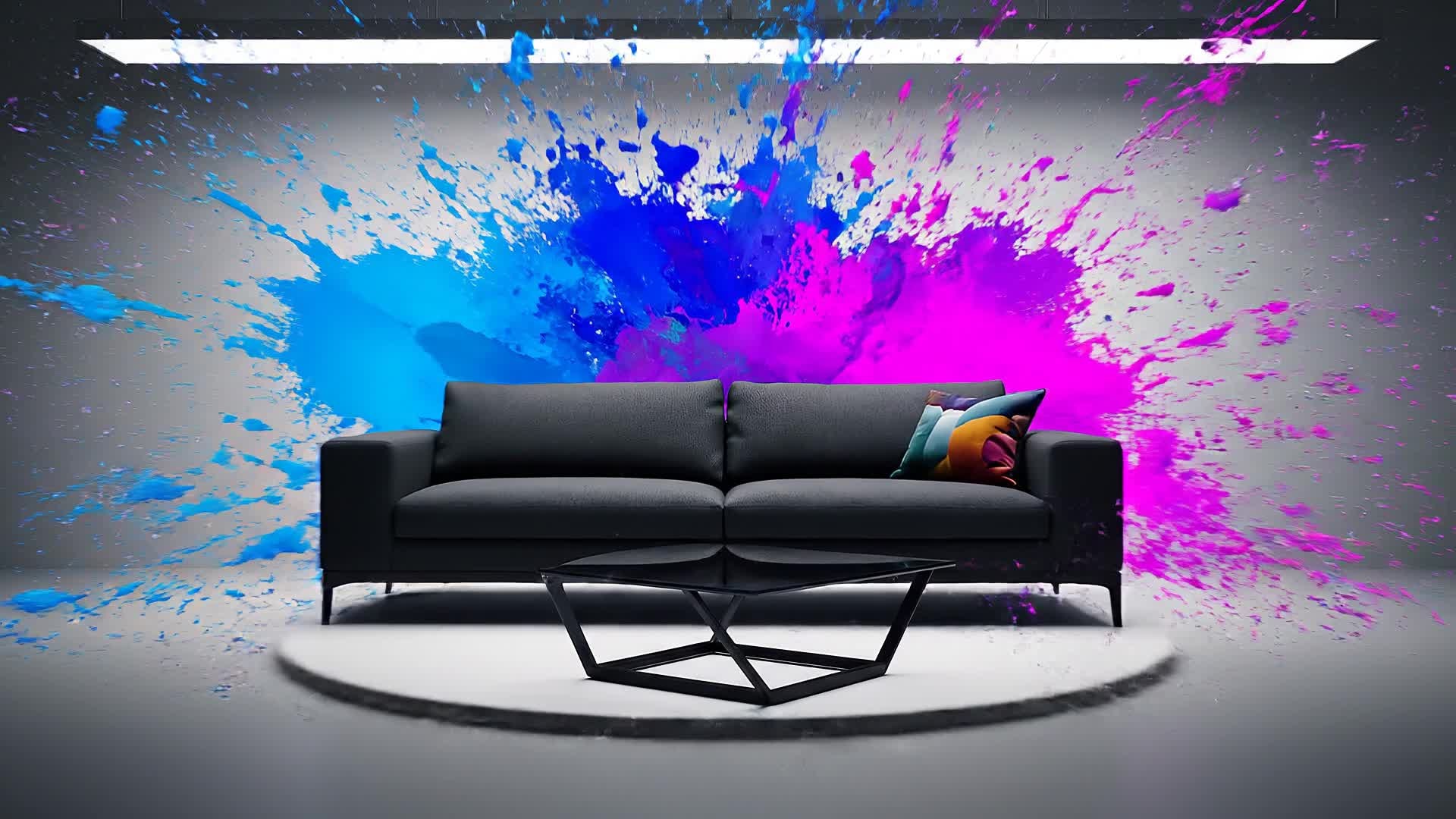
Show a hero shot of a newly launched chair or sofa in a studio setting. Slowly pan the camera while light shifts emphasize premium materials. Add descriptive captions about comfort and craftsmanship. Use jump cuts to show it placed in multiple interior styles. Maintain soft classical music and sleek transitions. End with brand details and an elegant swipe to shop now. |
|
|
Modern Minimalist Reel
|
Open with a blank room, then add design elements one by one—chairs, wall art, lighting—to show how minimalism builds emotion. Maintain clean white tones and crisp textures. Incorporate captions like 'Less is Luxe'. Switch to overhead motion transitions for designer appeal. Finish with brand logo reveal and hashtag for social sharing. |
|
|
Studio Portfolio Montage
|
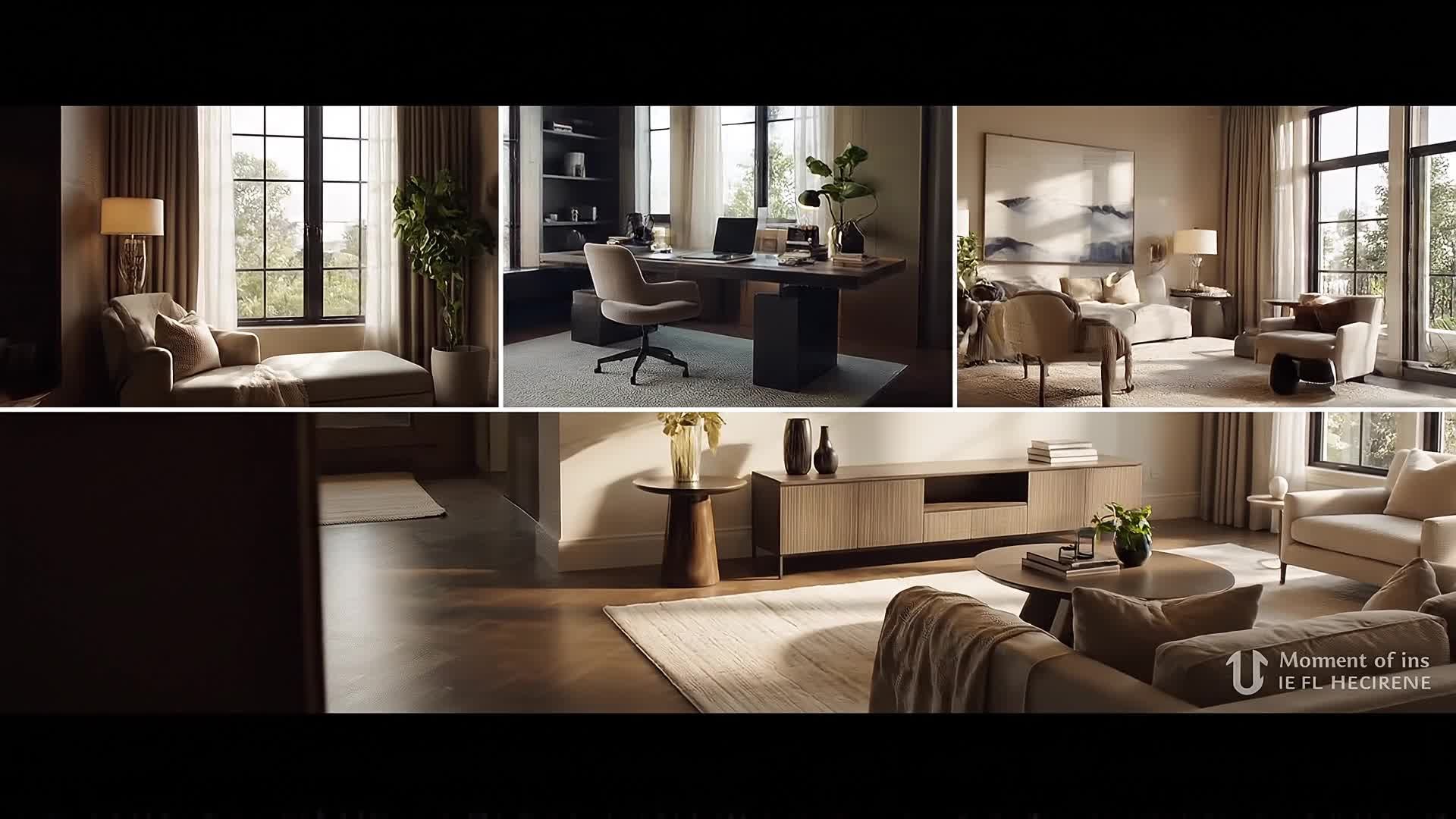
Combine 5–6 short video clips of previous interior projects. Use fast-paced transitions syncing with elegant background music. Insert quick client testimonial captions or project titles. Show variation in color palette and room scale. Add a final screen reading 'Designed by [Studio Name] – Crafted with Vision.' Perfect for presenting on social media or portfolio sites. |
|
|
Seasonal Home Styling Tips
|
Open with cheerful text 'Spring Refresh Ideas'. Show quick shots of new cushions, plants, and pastel tones being added to different home areas. Insert overlay text suggesting design rules. Keep fast edits for Reels or TikToks. Sprinkle brand colors subtly. End with the CTA 'Follow for More Design Inspiration' for an organic yet promotional finish. |








How to Create Interior Design Ad Video Maker with Media.io
Create interior design ad video maker content faster with Media.io using text to video, image to video, video to video, and built-in editing tools.
1. Enter Text or Upload Images
Start your ad with a script or room photos. Media.io reads your idea or visuals to prepare storylines ready for animation or montage. This helps you create interior design ad video maker content faster with a more structured workflow. You can easily adapt the output for platforms like TikTok, Instagram Reels, and YouTube Shorts.
2. Customize and Preview Instantly
Pick styles, soundtrack, and pacing. AI generates a high-quality preview in seconds so you can fine-tune the look before exporting. This helps you create interior design ad video maker content faster with a more structured workflow. You can easily adapt the output for platforms like TikTok, Instagram Reels, and YouTube Shorts. The process reduces manual editing and improves overall production efficiency.
3. Export Professional Interior Ads
Download your finished video in HD and share it across digital ads, portfolio websites, or social media with one click. This helps you create interior design ad video maker content faster with a more structured workflow. You can easily adapt the output for platforms like TikTok, Instagram Reels, and YouTube Shorts. The process reduces manual editing and improves overall production efficiency. Each step improves visual quality, pacing, and content consistency.
Why Choose Media.io for Interior Design Ad Video Maker
AI-Driven Visual Generation
Our advanced AI learns your design tone and adapts motion, lighting, and framing automatically to produce premium-level visuals that impress clients. This makes interior design ad video maker creation more efficient and easier to manage. It helps improve consistency across different video styles and formats. You can use this feature to produce more engaging and platform-ready content.
All-In-One Ad Production
No need for multiple tools—Media.io handles concept-to-delivery, so you can create, edit, and export interior design promotions effortlessly. This makes interior design ad video maker creation more efficient and easier to manage. It helps improve consistency across different video styles and formats.
Image, Text, or Video Input
Upload a room photo, enter a tagline, or rework an existing video—AI turns each into polished visuals in your brand style. This makes interior design ad video maker creation more efficient and easier to manage. It helps improve consistency across different video styles and formats. You can use this feature to produce more engaging and platform-ready content.
Instant Rendering & Editing
Adjust color, brightness, and tone with one click. Media.io AI renders your final video in seconds while maintaining HD quality. This makes interior design ad video maker creation more efficient and easier to manage.
Optimized for Social Campaigns
Create custom aspect ratios and engaging pacing designed for Instagram Reels, YouTube Shorts, and TikTok interiors marketing. This makes interior design ad video maker creation more efficient and easier to manage. It helps improve consistency across different video styles and formats. You can use this feature to produce more engaging and platform-ready content.
Professional Templates Included
Start faster with curated interiors ad templates designed by visual experts, helping your content look premium instantly. This makes interior design ad video maker creation more efficient and easier to manage. It helps improve consistency across different video styles and formats. You can use this feature to produce more engaging and platform-ready content.
FAQs About
Interior Design Ad Video Maker
1. What is Media.io’s Interior Design Ad Video Maker?


It’s an AI-powered video generator that helps designers and studios create marketing or promotional videos from text, images, or clips in minutes—no editing skills required.
2. Can I use my own photos or sketches?
Yes. Upload images, moodboards, or design renders, and the system adds motion, text overlays, and transitions automatically for a polished ad result.
3. Do I need video editing experience?
Not at all. Media.io simplifies the entire process. You only describe your concept or upload visuals—AI handles the creative editing for you.
4. Is it suitable for social media ads?
Absolutely. You can export vertical or horizontal formats optimized for platforms like Instagram, YouTube, and TikTok instantly.
5. How long does generation take?
Most videos render within a minute, depending on input length. AI animation and effects are automatically adjusted for quality speed balance.
6. Can I customize colors and fonts?
Yes, you can adjust brand colors, text placement, and font styles to keep all ads consistent with your visual identity.