Hype Video Maker Made Simple with AI
Create powerful highlight reels that grab attention in seconds
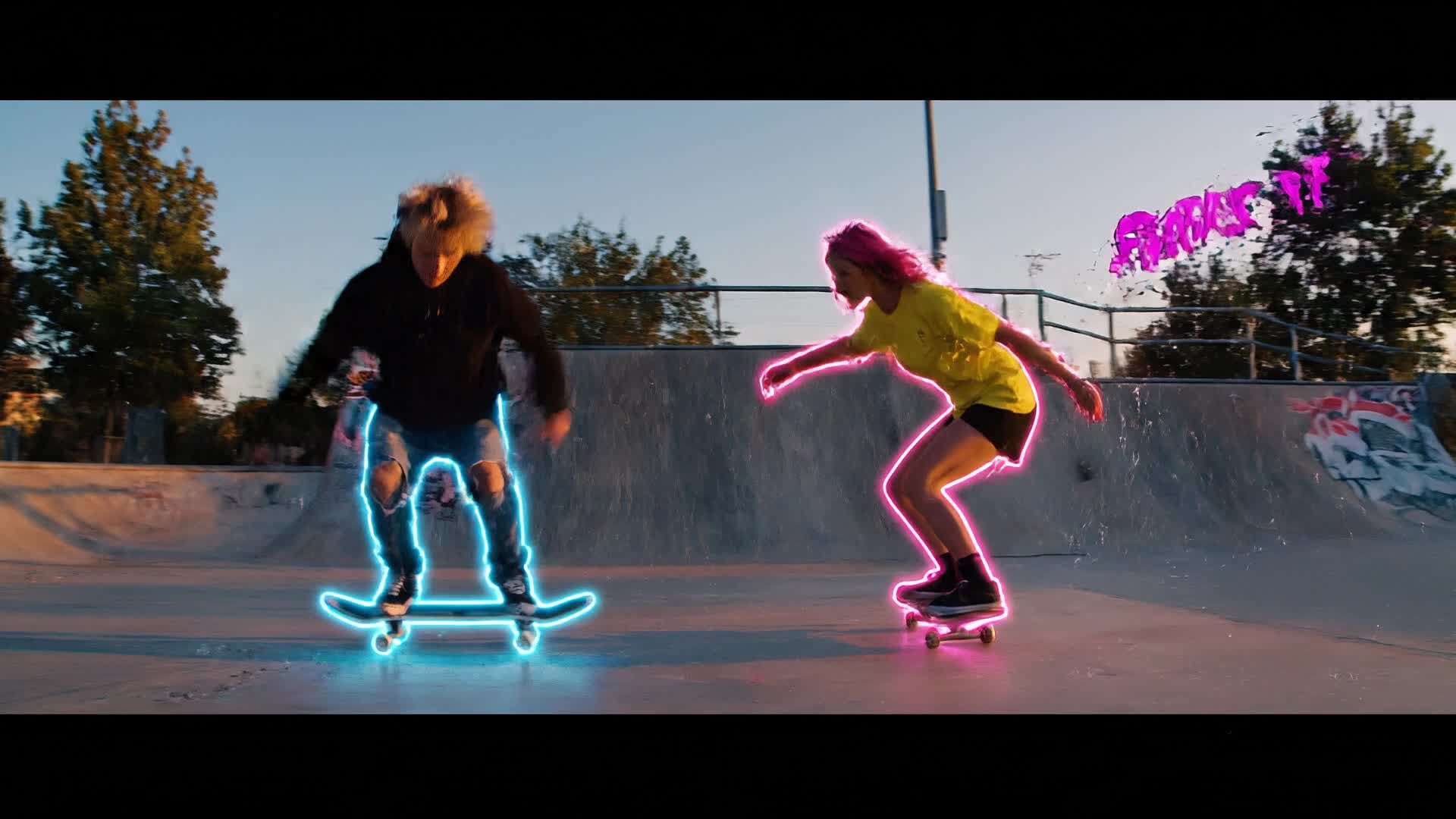
Bring energy and excitement to your content with Media.io’s AI Hype Video Maker. Whether you’re showcasing a sports event, launching a product, or promoting an upcoming concert, you can create stunning highlight videos that pulse with dynamic visuals and music. Just upload your clips or images, add text or a script, and let Media.io automatically generate motion edits, transitions, and captions that match your theme. It’s fast, customizable, and perfect for social media, brand promotions, and event recaps. Create buzz-worthy videos that look professionally edited—all in minutes, without technical experience.
Turn Photos into Dynamic Hype Clips
With Media.io, you can instantly transform static images into lively, fast-cut hype videos. Upload your favorite event photos, sports stills, or brand visuals, and let AI animate transitions, camera movement, and synchronized beats. The result: a seamless motion sequence that amplifies energy and keeps viewers engaged. Whether you’re highlighting race moments, festival scenes, or team celebrations, you’ll get social-ready footage that looks polished and professional. Generate studio-grade hype videos straight from your image gallery—no complex software required.
Turn Your Script into a Hype Video
Have an idea or a short message to promote? Just type it out and let Media.io’s AI Text-to-Video feature bring it to life. The system automatically pairs your script with visual scenes, motion effects, and music that match your theme, creating a highly energetic hype video. From brand teasers to influencer drops and campaign intros, you can generate cinematic motion in minutes. It’s perfect for those who want eye-catching content without editing hassles—just write it, refine the look, and share instantly across platforms.
| Style | Popular Hype Video Maker Prompts | Copy & Create |
|---|---|---|
|
Sports Highlight
|
Create a high-energy sports hype reel featuring basketball gameplay. Start with dramatic slow motion of dribbling and dunks, then speed-match transitions synced to bass-heavy music. Include crowd excitement shots and team close-ups. Mix color grading for heat and motion blur for power. End with a bold text overlay announcing the team’s victory. Perfect for TikTok and Instagram Reels engagement. |
|
|
Product Launch
|
Generate a hype video for a new sneaker line drop. Begin with macro close-ups of fabric texture, then reveal bold brand colors flashing between scenes. Add fast zooms following the shoe in motion. Integrate on-beat camera tilts and glitch effects. End with a CTA tagline like 'Own the Drop. Available Now.' Great for short promos tied to eCommerce. |
|
|
Music Festival
|
Produce a vibrant hype clip for a summer music festival. Open with shots of lights and waving hands at sunset. Cut between performer moments and crowd energy synced to EDM beats. Add quick text flashes announcing artists. End with a fireworks scene and a glow-lit logo. The pacing should feel immersive and festival-ready. |
|
|
Fitness Motivation
|
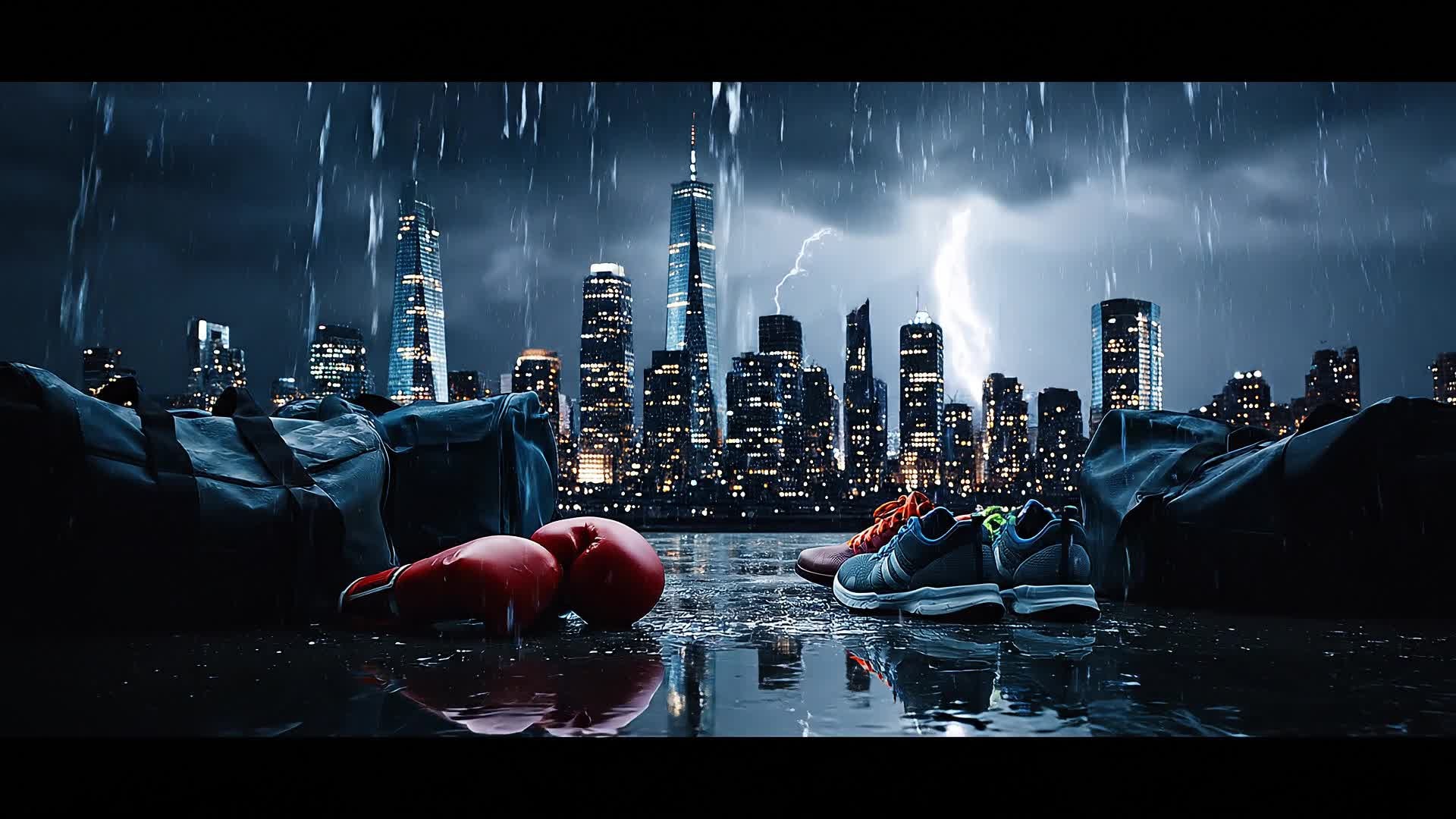
Generate a motivational gym hype video. Start with a dark, moody shot of a person lifting weights. Transition into higher tempo sequences that show sweat, strength, and progress. Include text overlays like 'Push Harder' and 'Every Rep Counts'. Match transitions to heart-pounding beats and finalize with a bright outdoor running shot at sunrise. |
|
|
Event Recap
|
Create a hype recap for a corporate conference. Open with attendee arrivals, booth setups, and speaker highlights. Transition through applause and networking clips using fast motion sequences. Insert key branding moments with upbeat music. End with a call-to-action inviting sign-ups for next year’s event. |
|
|
Brand Intro
|
Develop a brand hype opener featuring your mission statement. Blend typography with quick lifestyle visuals reflecting your story. Use smooth camera sweeps, logo builds, and animated taglines. Maintain upbeat pacing across every transition. Perfect for social banners and launch pages that need immediate emotional connection. |








How to Create Hype Video Maker with Media.io
Create hype video maker content faster with Media.io using text to video, image to video, video to video, and built-in editing tools.
Type or Upload Your Idea
Start by entering a short script, uploading images, or adding video clips. Media.io’s AI reads your content and prepares it for dynamic hype visuals. This helps you create hype video maker content faster with a more structured workflow. You can easily adapt the output for platforms like TikTok, Instagram Reels, and YouTube Shorts.
Customize and Enhance
Adjust themes, transitions, music, and pacing with a simple timeline editor. Add text overlays and sync beats automatically for maximum impact. This helps you create hype video maker content faster with a more structured workflow. You can easily adapt the output for platforms like TikTok, Instagram Reels, and YouTube Shorts. The process reduces manual editing and improves overall production efficiency.
Export and Share Fast
Download your hype video in HD format or directly share it to TikTok, Instagram, or YouTube—all optimized for social engagement and instant playback. This helps you create hype video maker content faster with a more structured workflow. You can easily adapt the output for platforms like TikTok, Instagram Reels, and YouTube Shorts. The process reduces manual editing and improves overall production efficiency. Each step improves visual quality, pacing, and content consistency.
Why Choose Media.io for Hype Video Maker
AI-Powered Editing
Let Media.io handle cuts, transitions, and pacing automatically so your hype video looks expertly produced on the first try. This makes hype video maker creation more efficient and easier to manage. It helps improve consistency across different video styles and formats.
Multi-Input Options
Start with text, images, or clips—Media.io adapts to your workflow and helps you build stories your audience will feel instantly. This makes hype video maker creation more efficient and easier to manage. It helps improve consistency across different video styles and formats.
Auto Beat Sync
Every transition moves to the rhythm so your hype edits match perfectly with energetic soundtracks or effects. This makes hype video maker creation more efficient and easier to manage. It helps improve consistency across different video styles and formats. You can use this feature to produce more engaging and platform-ready content.
Custom Branding
Add your logo, brand colors, and fonts seamlessly to keep your hype videos on-brand for campaigns and product reveals. This makes hype video maker creation more efficient and easier to manage. It helps improve consistency across different video styles and formats. You can use this feature to produce more engaging and platform-ready content.
Social Ready Outputs
Export in aspect ratios tailored for TikTok, Reels, and YouTube Shorts, ensuring your video looks flawless wherever it’s posted. This makes hype video maker creation more efficient and easier to manage. It helps improve consistency across different video styles and formats. You can use this feature to produce more engaging and platform-ready content.
Instant Rendering
Speed is everything. Get your hype video produced within minutes so you can post while the buzz is fresh. This makes hype video maker creation more efficient and easier to manage. It helps improve consistency across different video styles and formats.
FAQs About
Hype Video Maker
1. What is a hype video maker?


A hype video maker is an AI-powered tool that helps you produce short, high-energy videos to promote events, brands, or moments that grab audience attention instantly.
2. Can I make hype videos from photos?
Yes. Upload your static images and Media.io will animate them with smooth transitions, music, and effects to create motion-driven hype footage.
3. Do I need video editing experience?
Not at all. Media.io automates the complex parts, so anyone can produce polished hype videos without prior editing skills.
4. Can I add my own music or text?
Absolutely. You can upload music tracks, choose from built-in options, and overlay text to personalize your hype clips for any event or post.
5. Is the AI hype video maker free to use?
You can start creating for free with Media.io’s AI tools, and then explore premium options for HD export and advanced customization.
6. What platforms are supported for sharing?
Your finished video can be optimized and directly shared on TikTok, Instagram, YouTube, Facebook, and other major social platforms.



