Happy Birthday Gif Maker Made Simple with AI
Design fun, animated greetings with AI
Create polished happy birthday gif maker content faster with Media.io’s AI workflow. Start from a prompt, upload photos, or refine existing clips to build scroll-stopping videos for Reels, Stories, and feed posts without the usual editing burden. From quick social promos to creator-ready visual storytelling, Media.io helps you turn raw ideas into cleaner, more engaging videos that look made for social media from the first draft.
Turn Birthday Photos into Animated GIFs
Bring static birthday photos to life by animating them with Media.io’s image-to-video technology. The AI engine detects key elements and adds smooth transitions, confetti bursts, and joyful motion effects that perfectly capture celebration vibes. Whether transforming group shots, party selfies, or cute cake pictures, Media.io helps you turn ordinary stills into dynamic, shareable happy birthday GIFs. You can add your own text, music, or stickers to create an even more personalized look. Generate social-ready animations that make your friends smile and your messages pop, all in just a few clicks.
Create Engaging GIFs from Text Wishes
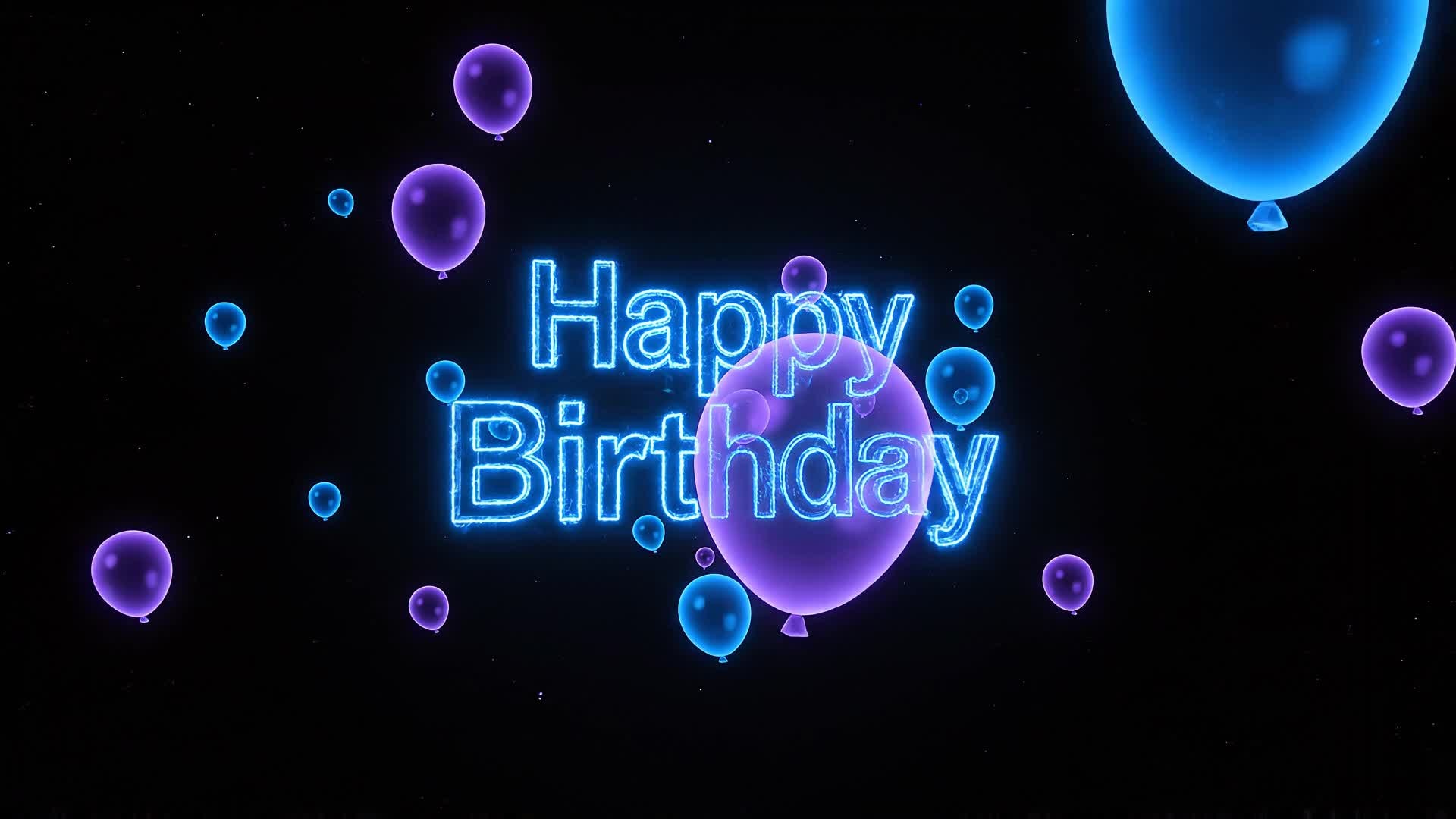
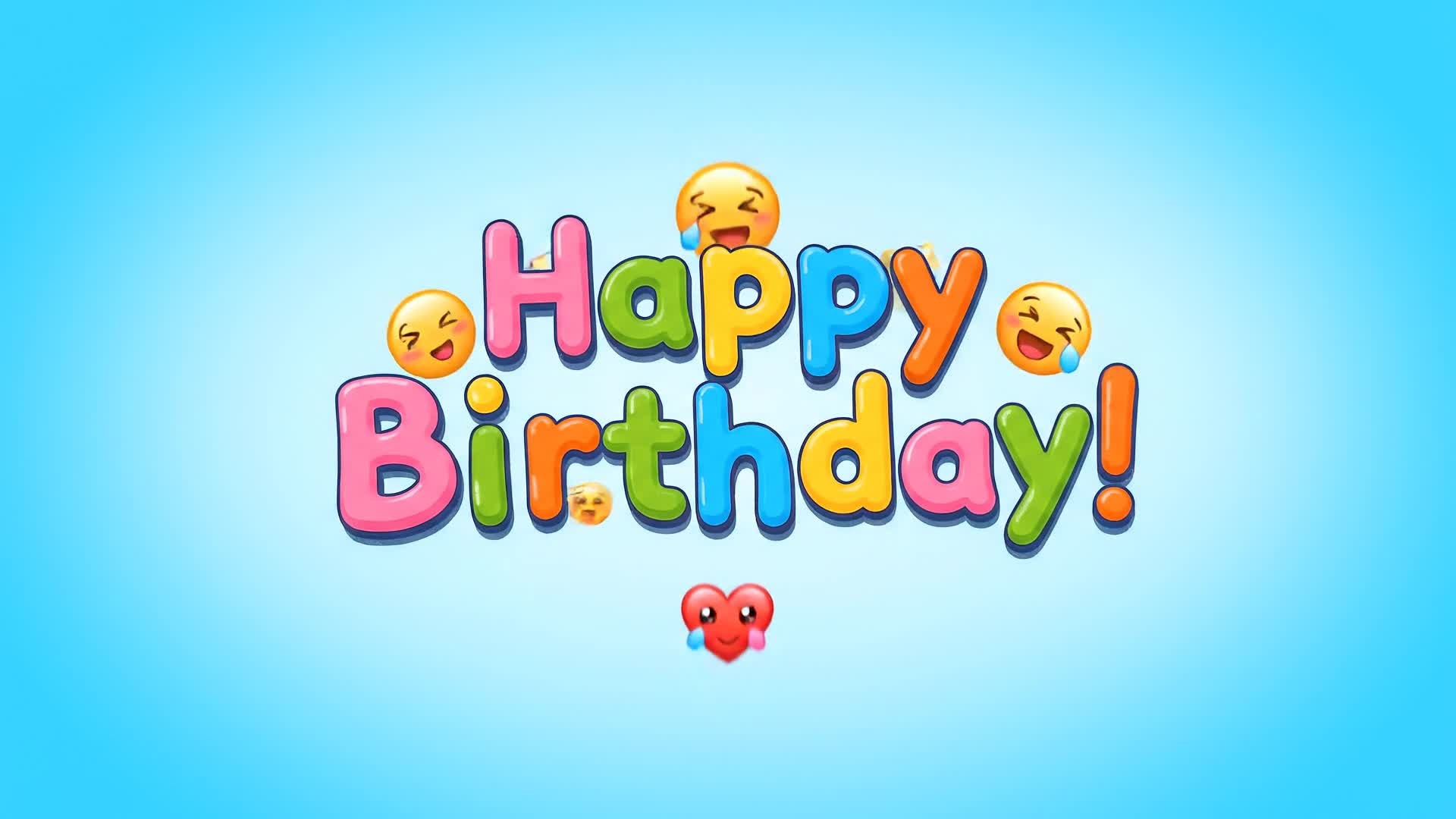
Type your birthday greeting and let Media.io’s AI turn it into a colorful animated GIF ready to share. The text-to-video feature matches your words with dynamic templates, vibrant colors, and party-themed animations. Perfect for last-minute greetings, brand shoutouts, or social media surprises, this tool helps you transform plain text into emotion-packed visual content. Simply describe your idea—like a cheerful confetti explosion or glowing birthday candles—and Media.io does the rest, giving you professional motion design without complexity or delay.
| Style | Viral Happy Birthday GIF Maker Ideas | Copy & Create |
|---|---|---|
|
Trendy Celebration
|
Start with confetti bursting as upbeat music plays. Introduce a sparkling birthday message floating across the screen. Add quick cuts of colorful cupcakes and smiles. Include glowing text and glitter animation to boost excitement. Blend moments of friends cheering and throwing balloons. End with the line ‘Make Every Birthday Shine!’ as the screen fills with party lights. |
|
|
Heartfelt Message
|
Open with a warm candlelight glow on a cake. Overlay gentle typography saying ‘Wishing You a Special Day’. Transition through soft-focus images of family and warm hugs. Use pastel animations and slow camera pans to keep it emotional. Add a personal note overlay that feels handwritten. Finish with a glowing heart animation and the sound of laughter fading out. |
|
|
Funny Party Clip
|
Begin with a pet wearing a birthday hat dancing to funky music. Cut to flying donuts instead of balloons. Add comic-style pop-up text jokes in bright fonts. Use quick zooms and jump cuts to exaggerate the humor. End with bold text flashing ‘Another Year Older? Still Awesome!’ Keep the energy fast and engaging for TikTok audiences. |
|
|
Product Greeting
|
Start with a company logo transforming into balloons. Show the product amid birthday-themed confetti animations. Add concise text: ‘Celebrating Your Day, Our Way’. Feature product highlights with celebratory transitions. Close with a glowing gift animation and CTA saying ‘Celebrate in Style’. Keep branding subtle yet cheerful for marketing use. |
|
|
DIY Tutorial
|
Show step-by-step visuals of creating a simple birthday GIF using photos and Media.io. Demonstrate uploading, adding motion, and exporting. Include screen highlights emphasizing speed and customization. Use friendly narration guiding through each step. End with a polished result showing an animated birthday greeting ready to share. |
|
|
Aesthetic Mood
|
Open with slow golden light falling across pastel balloons. Add shimmering overlays and gentle bokeh. Move text smoothly across the screen saying ‘Happy Birthday Magic’. Insert candle flames dancing subtly in slow motion. Use cinematic color grading to evoke warmth. Finish with a soft fade-out on a glowing cake slice shot. |








How to Create Happy Birthday Gif Maker with Media.io
Create happy birthday gif maker content faster with Media.io using text to video, image to video, video to video, and built-in editing tools.
Enter Text or Upload Images
Start with a personal message or upload favorite birthday photos. Media.io’s AI reads your content and prepares the scene automatically. This helps you create happy birthday gif maker content faster with a more structured workflow. You can easily adapt the output for platforms like TikTok, Instagram Reels, and YouTube Shorts.
Customize and Animate
Add motion styles, effects, stickers, or background music. The AI engine animates everything into a lively happy birthday GIF instantly. This helps you create happy birthday gif maker content faster with a more structured workflow. You can easily adapt the output for platforms like TikTok, Instagram Reels, and YouTube Shorts. The process reduces manual editing and improves overall production efficiency.
Preview and Share
Download your final GIF or share it directly on social media. Enjoy smooth playback and optimized resolution perfect for any platform. This helps you create happy birthday gif maker content faster with a more structured workflow. You can easily adapt the output for platforms like TikTok, Instagram Reels, and YouTube Shorts. The process reduces manual editing and improves overall production efficiency.
Why Choose Media.io for Happy Birthday Gif Maker
AI-Powered Animation
Generate professional birthday GIFs automatically with AI motion and effects that look polished and fun. This makes happy birthday gif maker creation more efficient and easier to manage. It helps improve consistency across different video styles and formats. You can use this feature to produce more engaging and platform-ready content.
Photo-to-Video Conversion
Transform still birthday pictures into animated GIFs full of color and life for quick sharing. This makes happy birthday gif maker creation more efficient and easier to manage. It helps improve consistency across different video styles and formats. You can use this feature to produce more engaging and platform-ready content.
Text-to-GIF Creativity
Convert birthday wishes or quotes into animated visuals using dynamic text motion and templates. This makes happy birthday gif maker creation more efficient and easier to manage. It helps improve consistency across different video styles and formats. You can use this feature to produce more engaging and platform-ready content.
Fast and Easy Editing
Adjust speed, crop, or add filters in one click. Perfect for beginners who want quality without complexity. This makes happy birthday gif maker creation more efficient and easier to manage. It helps improve consistency across different video styles and formats.
Social-Ready Exports
Automatically optimize your birthday GIFs for Instagram, TikTok, WhatsApp, and more so they look perfect everywhere. This makes happy birthday gif maker creation more efficient and easier to manage. It helps improve consistency across different video styles and formats. You can use this feature to produce more engaging and platform-ready content.
Free to Try
Create personalized happy birthday animations instantly, without any software download or sign-up friction. This makes happy birthday gif maker creation more efficient and easier to manage. It helps improve consistency across different video styles and formats. You can use this feature to produce more engaging and platform-ready content.
FAQs About
Happy Birthday Gif Maker
1. How do I make a happy birthday GIF?


Upload your images or type your greeting on Media.io, choose a style, and the AI will generate your animated happy birthday GIF instantly.
2. Can I create a birthday GIF with my own photos?
Yes. Simply upload your photos, and Media.io will animate them with confetti, music, or effects to make a fun, shareable GIF.
3. Is the Happy Birthday GIF Maker free to use?
Media.io offers a free plan where you can create and download birthday GIFs with high-quality animation at no cost.
4. Can I add music or sound to my GIFs?
You can include short background music or sound effects when exporting your creation as a video clip instead of a static GIF.
5. Do I need design experience to use this tool?
Not at all. Media.io handles everything automatically with AI. Just choose your template or upload photos and watch the magic happen.
6. Can I use Media.io on mobile?
Yes. Media.io is fully web-based and works smoothly on mobile browsers, so you can create and share birthday GIFs anywhere.



