Design Gym Video Editing That Stand Out
Edit, polish, and generate dynamic workout clips online
Create polished gym video editing content faster with Media.io’s AI workflow. Start from a prompt, upload photos, or refine existing clips to build scroll-stopping videos for Reels, Stories, and feed posts without the usual editing burden. From quick social promos to creator-ready visual storytelling, Media.io helps you turn raw ideas into cleaner, more engaging videos that look made for social media from the first draft.
Convert Gym Images into Motion-Ready Videos
Transform static gym photos into dynamic fitness videos with Media.io’s AI image-to-video creator. Just upload your workout snapshots—like before-and-after shots, training poses, or gym highlights—and our AI will bring them to life with smooth camera movement, transitions, and matched background music. It’s ideal for gyms, trainers, and influencers who want to tell an energetic story fast. With automatic motion and branding tools, you’ll get engaging content that feels real and motivates viewers in seconds.
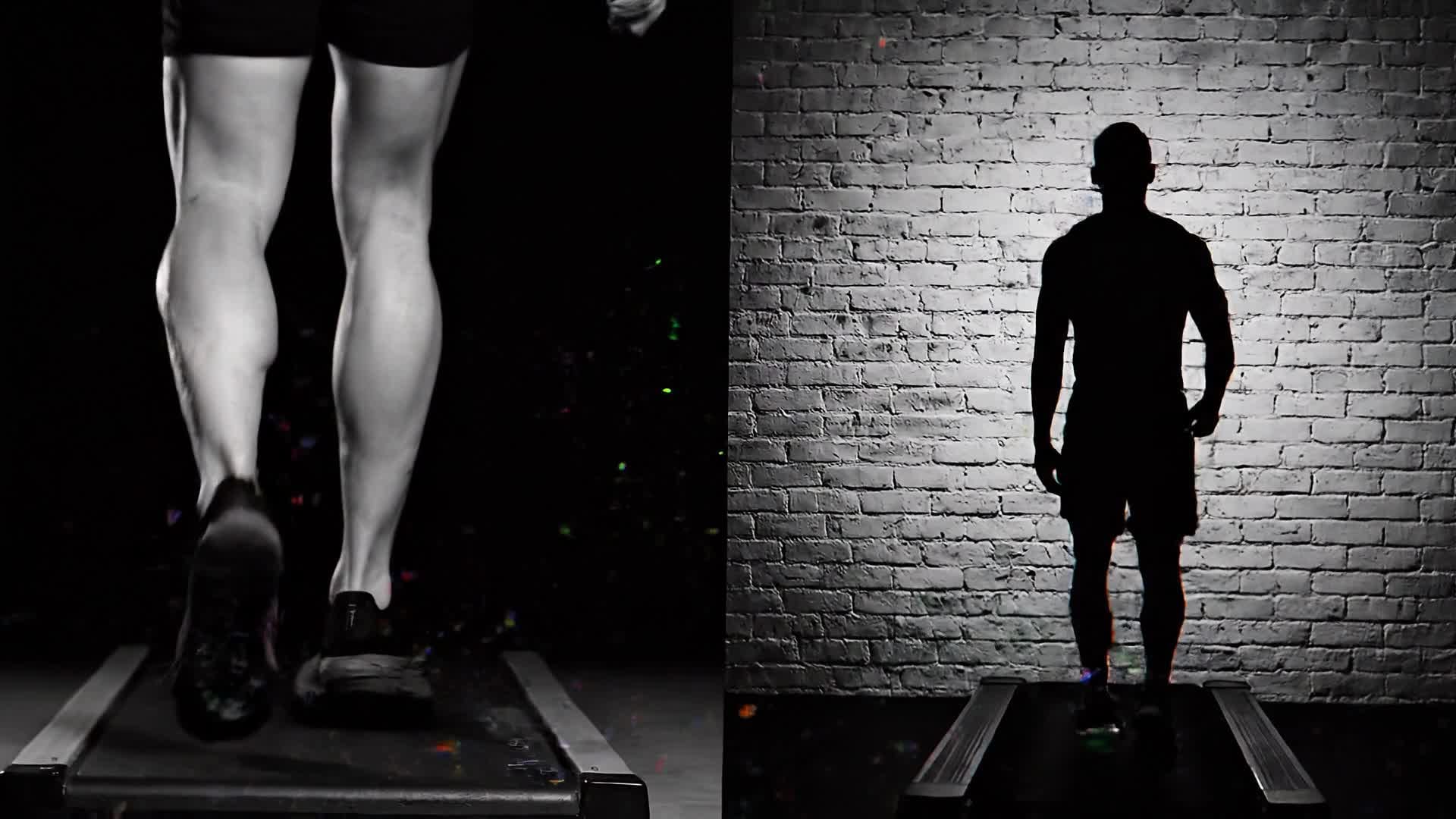
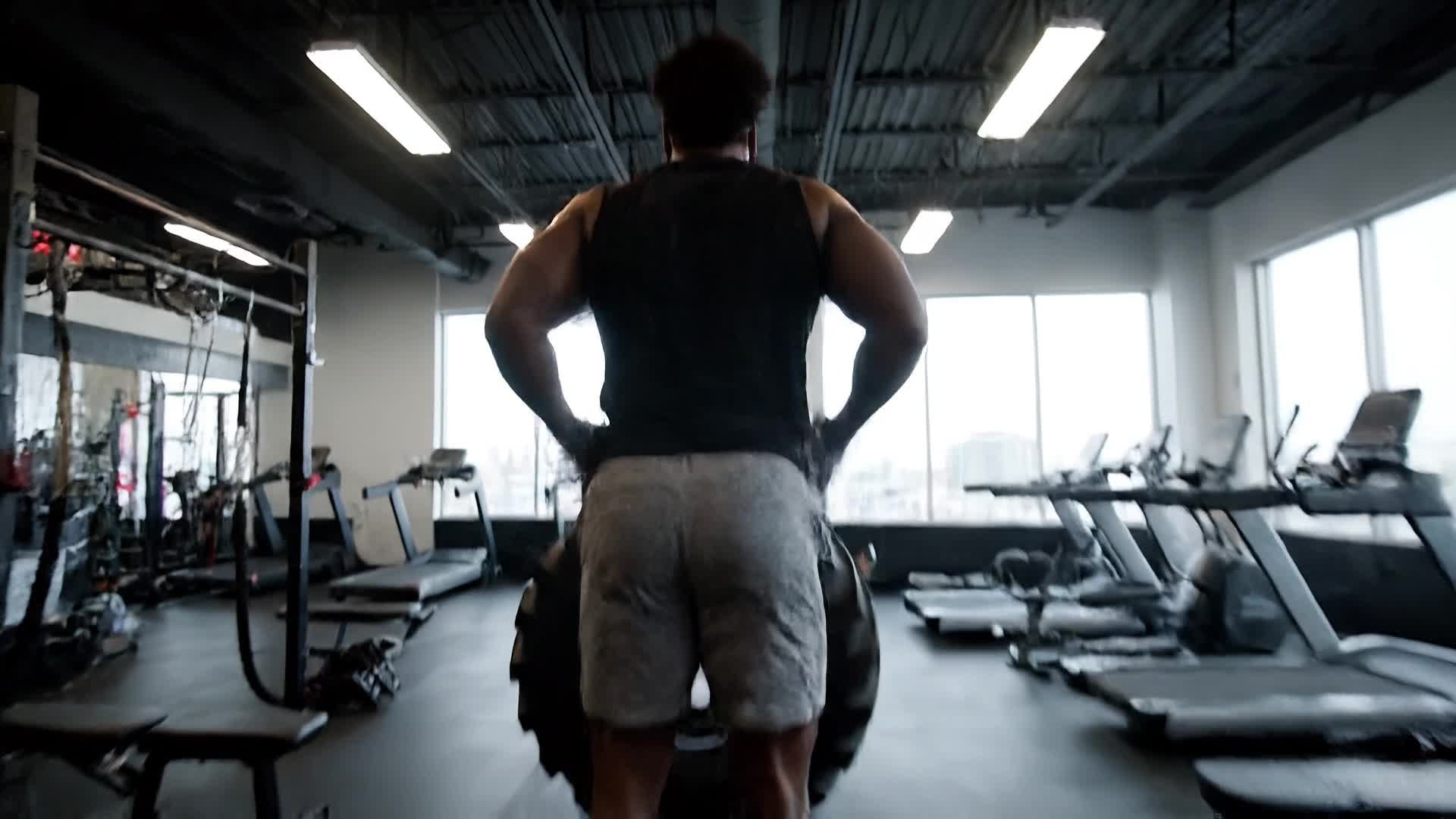
Turn Text Ideas into Gym Videos
Media.io’s text-to-video feature helps you build inspiring fitness clips from just a few words. Describe your concept—like a workout tip, fitness quote, or full training session—and our AI generates rich visuals with motion, text overlays, and audio designed for gym audiences. Perfect for YouTube Shorts, Reels, or TikTok, it makes video creation faster and more creative. No filming needed, just enter a short prompt and watch your gym video come alive instantly.
| Style | Gym Video Editing Prompt Ideas | Copy & Create |
|---|---|---|
|
Motivational Montage
|
Open with a gym door unlocking early morning. Show lifters warming up under cold light. Quick cuts of weights clanging, chalk dust flying, and sweat drops hitting the floor. Insert powerful quote overlays between clips. Use rhythmic edits matching the beat to boost intensity. End with a hero shot and tagline about staying consistent. |
|
|
Transformation Story
|
Start with a close-up of a person’s old photo. Crossfade into gym scenes of them training weekly. Show progress metrics subtly on screen. Use voiceover narrating their mindset shift. Add time-lapse of daily workouts. Finish with before-and-after comparison and uplifting music tagline. |
|
|
Product Highlight
|
Feature a new gym supplement bottle spinning in dramatic lighting. Cut to athletes using it mid-session. Add short texts on benefits like endurance or recovery. Use macro shots of packaging details. Insert quick testimonials visually represented. End with call-to-action animation above your logo. |
|
|
Workout Tutorial
|
Begin with text stating 'Master Your Deadlift Form'. Show athlete demonstrating correct setup from multiple angles. Add slow-motion breakdowns for each movement. Overlay short tips and safety reminders. Finish with recap and motivator quote to encourage consistency. |
|
|
Before & After Reel
|
Start with an unedited clip of the first training week. Cross-cut with new footage showing improved form and physique. Use sliders or split-screen visuals to emphasize difference. Add dynamic transitions and text captions with milestones hit. End with positive affirmation to inspire viewers. |
|
|
Aesthetic Gym Edit
|
Open with cinematic slow-mo of barbell reflections. Sync transitions to upbeat electronic music. Feature lens flare, sweat details, and mirror shots. Add light streak overlays to give modern vibe. Close with a smooth logo reveal and tagline that invites followers to join the movement. |








How to Create Gym Video Editing with Media.io
Create gym video editing content faster with Media.io using text to video, image to video, video to video, and built-in editing tools.
Type or Upload Your Content
Start with a short text idea, a few gym photos, or raw workout footage. Media.io easily processes any input type for your video. This helps you create gym video editing content faster with a more structured workflow. You can easily adapt the output for platforms like TikTok, Instagram Reels, and YouTube Shorts.
Let AI Build the Edit
Watch AI automatically generate synchronized cuts, motion, and captions tuned for gym-style videos so you can focus on branding and messaging. This helps you create gym video editing content faster with a more structured workflow. You can easily adapt the output for platforms like TikTok, Instagram Reels, and YouTube Shorts. The process reduces manual editing and improves overall production efficiency. Each step improves visual quality, pacing, and content consistency.
Refine and Export
Adjust effects, trim scenes, and export in any format ready for Instagram, YouTube, or TikTok within minutes. This helps you create gym video editing content faster with a more structured workflow. You can easily adapt the output for platforms like TikTok, Instagram Reels, and YouTube Shorts. The process reduces manual editing and improves overall production efficiency. Each step improves visual quality, pacing, and content consistency.
Why Choose Media.io for Gym Video Editing
AI-Powered Precision
Media.io’s algorithms analyze motion, energy, and beats to craft gym visuals that look professional instantly. This makes gym video editing creation more efficient and easier to manage. It helps improve consistency across different video styles and formats.
Lightning-Fast Creation
Produce high-quality gym edits in minutes so you can post your fitness content without long rendering times. This makes gym video editing creation more efficient and easier to manage. It helps improve consistency across different video styles and formats. You can use this feature to produce more engaging and platform-ready content.
Flexible Inputs
Use text, image, or video clips—Media.io adapts to your workflow for any gym or fitness storytelling. This makes gym video editing creation more efficient and easier to manage. It helps improve consistency across different video styles and formats.
Smart Enhancements
Automatically adjust lighting, colors, and pacing to give every gym shot a studio-quality finish. This makes gym video editing creation more efficient and easier to manage. It helps improve consistency across different video styles and formats. You can use this feature to produce more engaging and platform-ready content.
Social Optimized
Export ready-to-upload videos sized for Reels, Shorts, or TikTok so they look sharp across all feeds. This makes gym video editing creation more efficient and easier to manage. It helps improve consistency across different video styles and formats. You can use this feature to produce more engaging and platform-ready content.
No Experience Needed
With intuitive AI assistance, even beginners can edit and publish powerful gym videos fast. This makes gym video editing creation more efficient and easier to manage. It helps improve consistency across different video styles and formats. You can use this feature to produce more engaging and platform-ready content.
FAQs About
Gym Video Editing
1. How can I use Media.io for gym video editing?


Simply upload your gym clips, images, or text prompts. Media.io’s AI automatically edits, enhances, and generates polished gym content ready to share.
2. Can I make short fitness videos with Media.io?
Yes. You can create short motivational clips, workout demos, or promotional Reels with AI-powered editing tools.
3. Do I need editing skills to make gym videos?
No. Media.io’s AI handles trimming, effects, and audio sync so you can focus on your content theme and message.
4. Which file formats are supported?
Media.io supports all popular video, image, and audio formats, making it easy to upload any gym material for editing.
5. Is the AI gym video editor free to use?
Yes, core features are free. You can upgrade for advanced options like higher resolution exports or branding tools.
6. Can I use it on mobile?
Absolutely. Media.io works seamlessly on desktop and mobile browsers, allowing you to create anywhere.



