Create GIF Collages Instantly with AI
Turn your clips or images into stunning animated collages
Bring your visuals to life with the Media.io GIF Collage Creator. Whether you want to mash multiple GIFs into one looping animation or blend short clips into an eye-catching collage video, Media.io’s AI engine does it all automatically. Upload your media, choose a layout, and let the platform merge everything into a cohesive collage that’s ready to share on any platform. With fast rendering and no technical steps, making a GIF collage has never been this effortless. From playful social intros to expressive storytelling, you can craft motion collages that keep viewers hooked and share your style in seconds.
Transform Images into Animated GIF Collages
With Media.io’s AI image-to-video feature, you can turn static images into vivid animated collages that move and flow seamlessly. Upload a series of photos, and the AI instantly generates a looping motion collage combining smooth transitions, synced timing, and visual depth. Perfect for creators who want to repurpose still images into moving content, the GIF collage generator helps you produce eye-catching visuals for social media, digital art portfolios, or brand storytelling. You don’t need editing skills—just upload your images and let Media.io handle the animation, layout, and design for you.
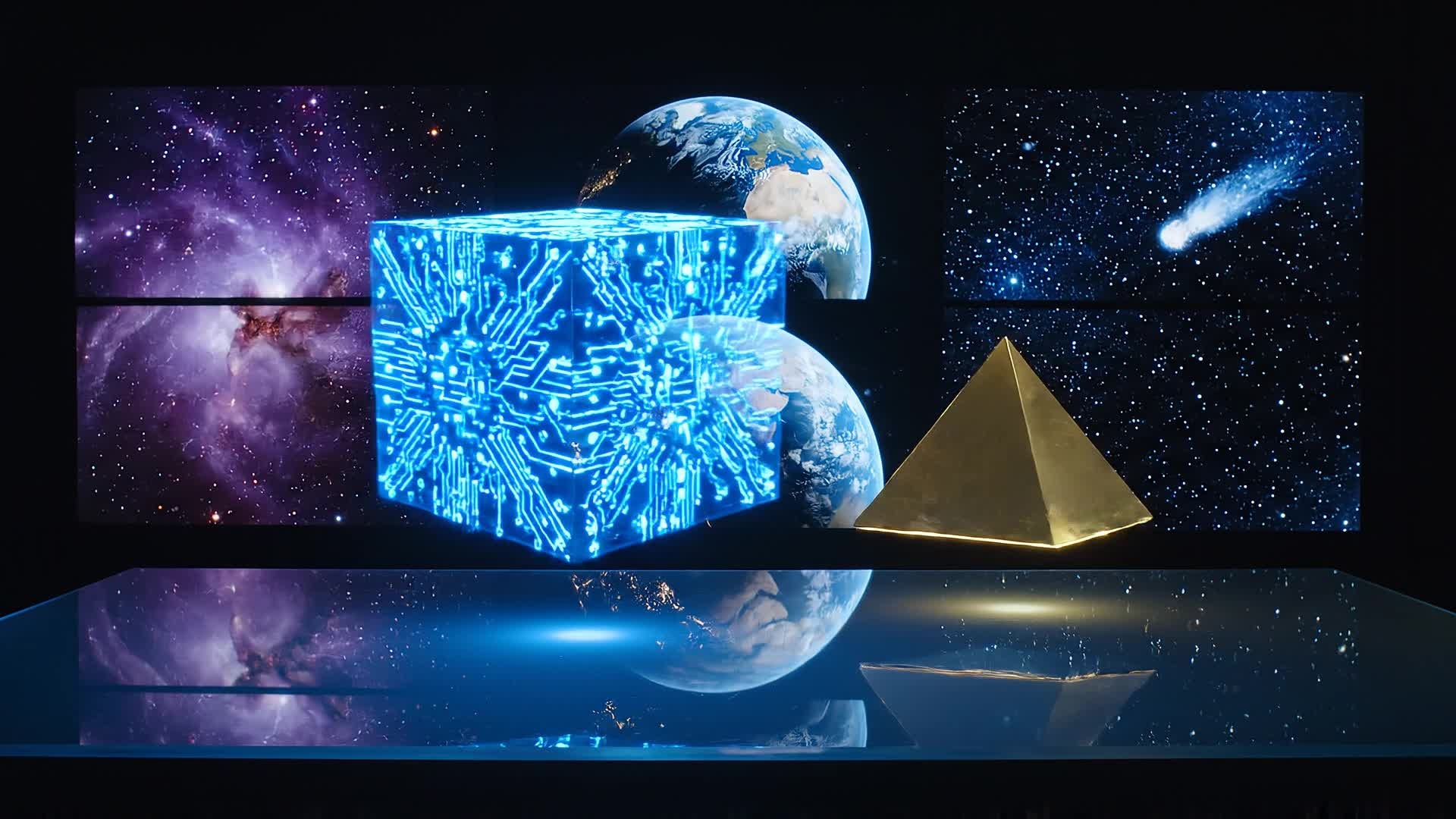
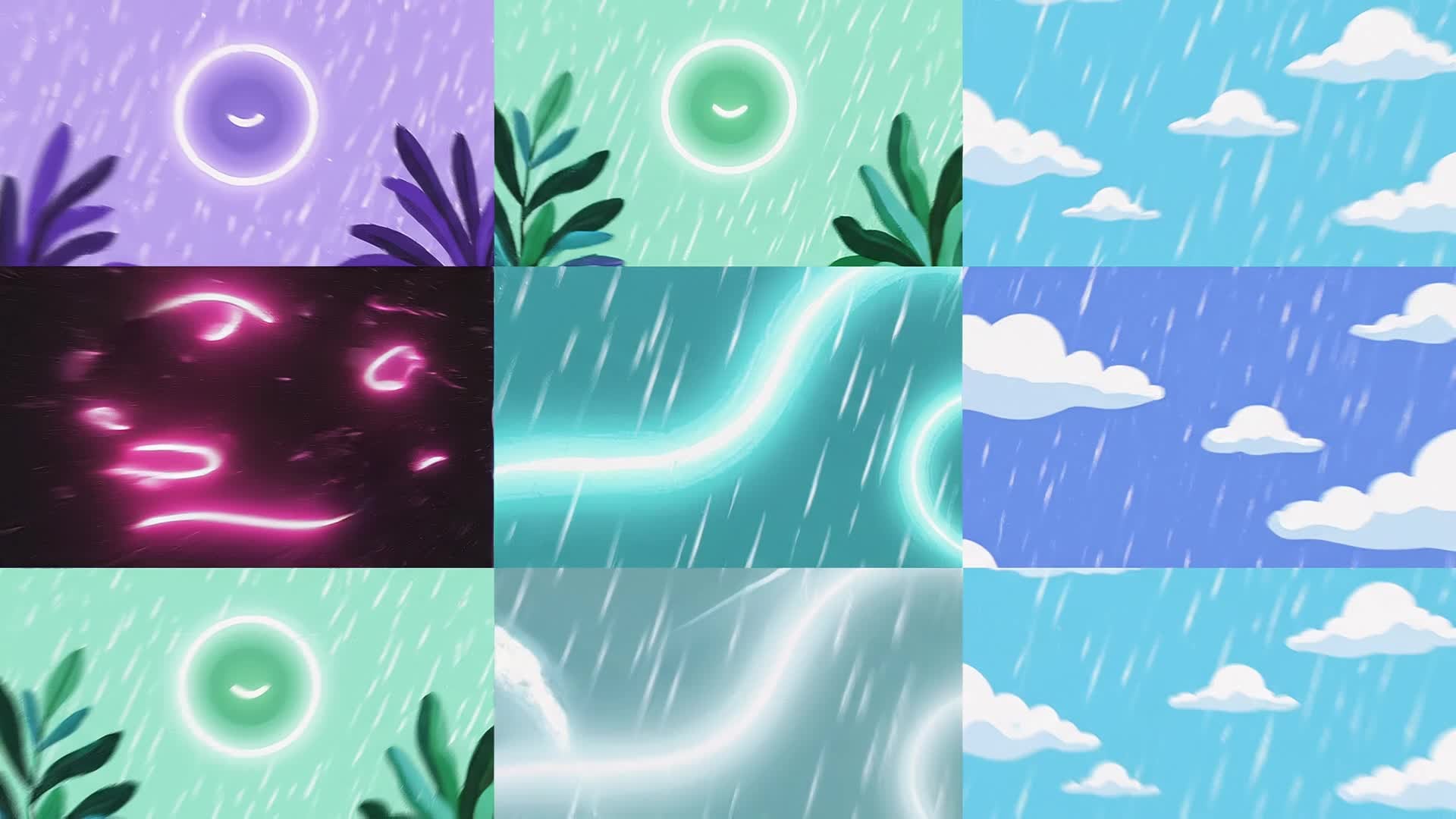
Write a Prompt, Get a GIF Collage Video
Describe the look and feel you want, and let Media.io’s powerful AI transform your text into a dynamic GIF collage video. The system automatically selects fitting imagery, movement, and timing to match your prompt’s tone. From personal stories to viral edits, creators use this tool to produce original content that grabs attention with minimal effort. Whether for TikTok, YouTube Shorts, or Reels, turning an idea into motion has never been simpler or quicker. Your words become art in real time.
| Style | Viral GIF Collage Video Prompts | Copy & Create |
|---|---|---|
|
Trendy Lifestyle
|
Show a quick montage of coffee brewing, outfit planning, and street walking scenes arranged into a looping GIF collage. Each frame shifts smoothly into the next, synced with upbeat background beats. Capture energetic hand movements, aesthetic props, and natural lighting. Use transitions that mimic camera shutters. End with a freeze-frame that highlights a brand logo or quote. Keep it fluid, short, |
|
|
Product Highlight
|
Display your product in motion with crisp angles and reflective lighting. Merge 4–5 short shots into an animated GIF collage showing different features at once. Highlight color, texture, or use cases within one looping frame. Transition with rapid zooms and snap cuts for dynamic flow. Reinforce brand color themes subtly across clips. Perfect for eCommerce ads or social posts. |
|
|
Tutorial Teaser
|
Create a tutorial-style GIF collage combining multiple micro-steps of a process—like painting, cooking, or editing. Each motion snippet shows progress in different corners of the screen. Add subtle text overlays for each step. Use consistent rhythms to keep it engaging. Conclude with the final reveal at the center to create visual satisfaction and aesthetic closure. |
|
|
Before and After
|
Show transformation through contrasts: messy to clean desk, dull to colorful edit, raw clip to final cut. Place each comparison side by side in a looping GIF collage. Use gentle wipes or split transitions. Keep lighting consistent for visual harmony. Add a caption hinting at progress or glow-up. The result should feel motivation-driven and shareable. |
|
|
Artistic Moodboard
|
Combine abstract textures, tones, and objects into a mesmerizing moving collage. Let soft motion blend colors and shapes gently. Focus on vibe and rhythm over narrative. Each clip fades like a brushstroke entering the next. Use looping animation that feels meditative. Works perfectly for music intros, brand ambiance, or visual storytelling. |
|
|
Travel Memories
|
Mix scenic destination clips—waves crashing, city lights flickering, laughter in motion. Build a GIF collage that feels nostalgic yet alive. Alternate between wide and close-up shots. Match transitions to the beat of light music. Include a quote overlay like ‘moments that move’. End with a looping sequence that carries emotional warmth, ready for sharing online. |








How to Create Gif Collage with Media.io
Create gif collage content faster with Media.io using text to video, image to video, video to video, and built-in editing tools.
1. Choose Your Input
Upload images, short clips, or even type a text prompt. Media.io supports all formats so you can start from any idea instantly. This helps you create gif collage content faster with a more structured workflow. You can easily adapt the output for platforms like TikTok, Instagram Reels, and YouTube Shorts.
2. Let AI Craft the Collage
The AI arranges your GIFs or frames into a cohesive motion collage with transitions, rhythm, and optimized layout automatically. This helps you create gif collage content faster with a more structured workflow. You can easily adapt the output for platforms like TikTok, Instagram Reels, and YouTube Shorts. The process reduces manual editing and improves overall production efficiency. Each step improves visual quality, pacing, and content consistency.
3. Polish and Export
Adjust pacing, trim edges, or choose filters before exporting in high-quality format ready for any social or creative platform. This helps you create gif collage content faster with a more structured workflow. You can easily adapt the output for platforms like TikTok, Instagram Reels, and YouTube Shorts. The process reduces manual editing and improves overall production efficiency. Each step improves visual quality, pacing, and content consistency.
Why Choose Media.io for Gif Collage
AI-Powered Layouts
Automatically organize multiple clips into balanced, dynamic compositions that loop seamlessly for a professional look. This makes gif collage creation more efficient and easier to manage. It helps improve consistency across different video styles and formats. You can use this feature to produce more engaging and platform-ready content.
Fast Rendering
Generate animated GIF collages within seconds using cloud-based processing—no waiting or lag even with multiple elements. This makes gif collage creation more efficient and easier to manage. It helps improve consistency across different video styles and formats. You can use this feature to produce more engaging and platform-ready content.
Multiple Input Options
Start from text, images, or existing GIFs. Media.io adapts to your creative workflow, saving time and effort. This makes gif collage creation more efficient and easier to manage.
Smart Editing Tools
Refine timing, transitions, and lighting using built-in controls. Fine-tune motion and tone for polished results. This makes gif collage creation more efficient and easier to manage. It helps improve consistency across different video styles and formats.
Social-Ready Formats
Export your GIF collage optimized for TikTok, Instagram, or YouTube in any ratio without losing visual quality. This makes gif collage creation more efficient and easier to manage. It helps improve consistency across different video styles and formats. You can use this feature to produce more engaging and platform-ready content.
Free to Start
Experiment with ideas risk-free. Create engaging visual collages without downloads or complex setup. This makes gif collage creation more efficient and easier to manage. It helps improve consistency across different video styles and formats.
FAQs About
Gif Collage
1. What is a GIF collage?


A GIF collage combines multiple animated or still visuals into one looping piece. It lets creators showcase several moments or angles in one frame.
2. Can I make a GIF collage from photos?
Yes. Upload your images to Media.io, and the AI will animate them with smooth transitions to form a cohesive moving collage.
3. Do I need editing experience to use Media.io?
No editing skills are required. Media.io automates the layout, transitions, and animation, so beginners can produce quality results easily.
4. Can I turn my GIF collage into a video?
Absolutely. Export your final GIF collage as a video file for easier sharing on any platform.
5. Is Media.io’s GIF Collage Creator free?
You can start free and generate GIF collages instantly. Premium options are available for advanced customization and export settings.
6. Which formats are supported?
Media.io supports MP4, GIF, MOV, JPG, PNG, and more, so you can mix various media types in your animated collage.



