Fortnite Montage Maker Powered by AI
Turn Fortnite clips into cinematic highlights in minutes
Media.io Fortnite Montage Maker helps gamers and creators transform raw Fortnite gameplay into dynamic, high-energy montages effortlessly. Simply upload your clips, choose your preferred style, and let our AI automatically sync beats, transitions, and effects to match your in-game action. Whether you’re showcasing builds, trick shots, or clutch victories, Media.io instantly polishes every frame for social-ready results. Perfect for YouTube, TikTok, or Instagram, this AI-driven tool gives your highlights the professional spark you need to stand out online.
Bring Fortnite Screenshots to Life with AI Motion
With Media.io’s image-to-video capability, you can transform Fortnite screenshots into animated highlight sequences that feel alive. Upload still images, and our AI adds smooth motion transitions, particle effects, and dynamic camera pans to build a cinematic story from static visuals. This feature is perfect for filling gaps between game clips or creating intro and outro segments with a polished look. The process is fast and fully automated, saving hours of manual editing while keeping your montage visually cohesive and engaging for your audience.
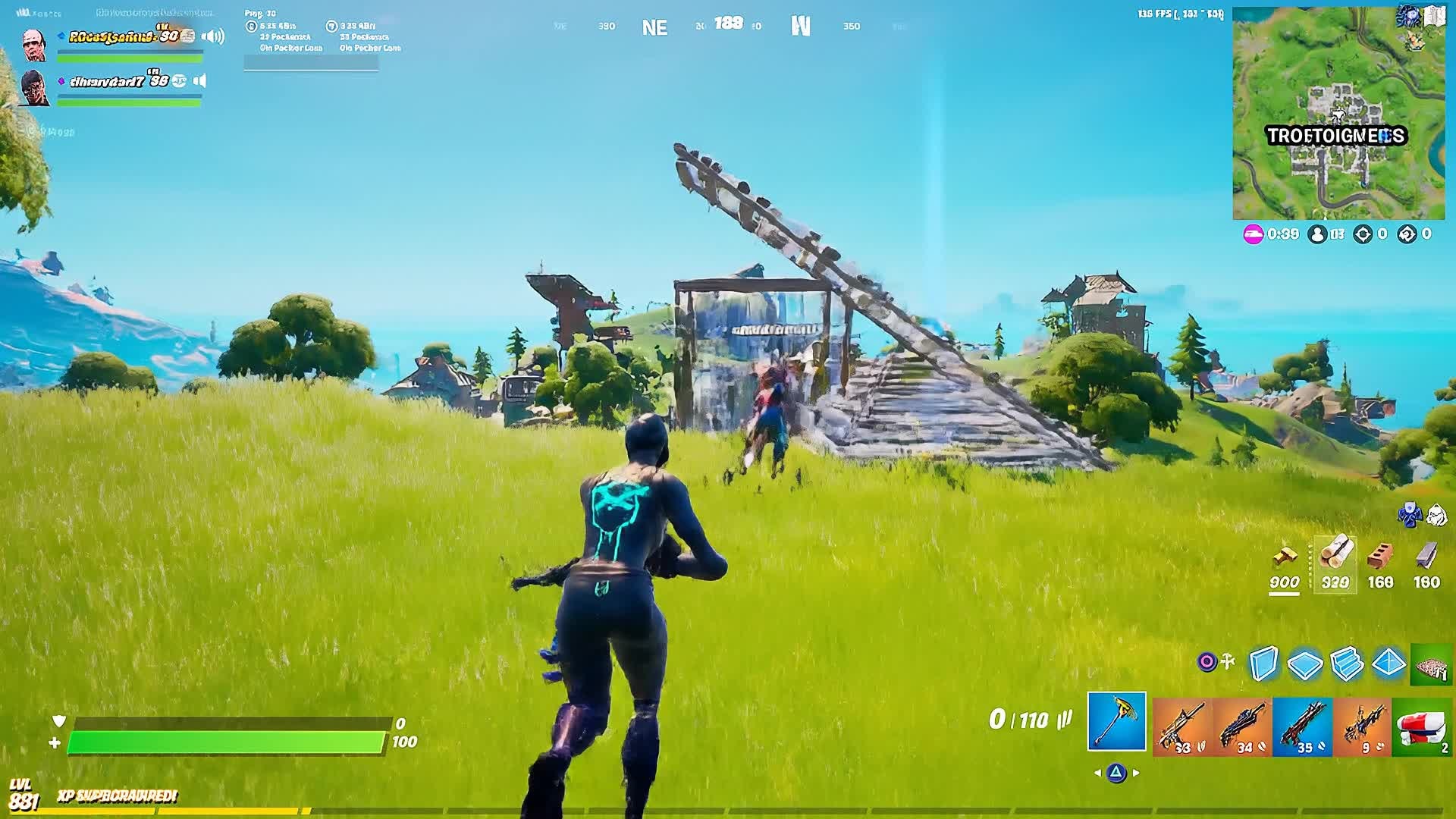
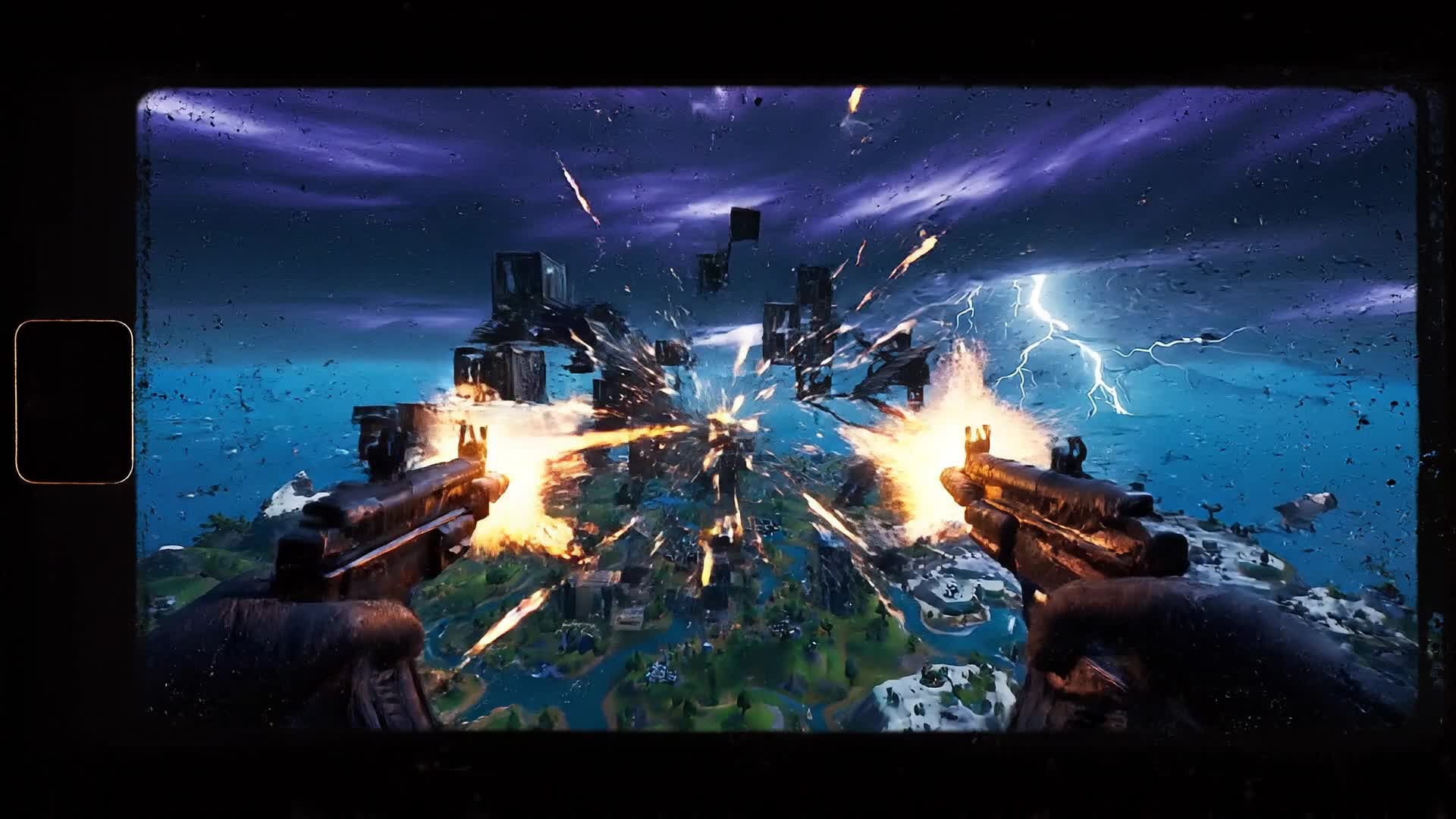
Generate a Fortnite Montage from a Simple Prompt
Don’t have footage ready? Type your idea and let Media.io turn your description into a full AI-driven Fortnite montage. Our text-to-video technology analyzes your prompt, auto-selects relevant motion scenes, and styles visuals with your desired vibe — be it epic, funny, or cinematic. It’s a game-changer for creators who want quick highlight reels or concept previews without manual video editing. From quick social videos to creative storytelling pieces, it’s never been easier to bring your Fortnite vision to life instantly.
| Style | Fortnite Montage Maker Prompt Ideas | Copy & Create |
|---|---|---|
Trend Highlight | Start with a trending Fortnite emote intro, followed by quick transitions of eliminations synced to a popular beat. Focus on action happening near popular map spots. Add text overlays matching each rhythm hit. End with a fast zoom-out highlighting a Victory Royale moment. The pacing should mirror TikTok-style trends that loop easily for replay value. | |
Cinematic Build Battle | Open with an aerial shot over a build fight. Use dynamic camera pans and light flares to enhance depth. Sync every build and edit movement to the bass hits. Insert a brief slow-motion cut when structures collapse. Close with a wide cinematic shot of the player standing on top of their creation with subtle background glow for drama. | |
Funny Moments | Begin with a quirky emote to set the tone. Show funny misfires, accidental jumps, and silly moments between intense battles. Add reaction sound effects and zoom-ins for comedic timing. Highlight teammate chaos in split screens. End with text saying ‘GG but make it funny’ over catchy upbeat background music. | |
Challenge Run Recap | Open with a quick text intro showing the challenge title. Show multiple attempts with timestamps and energetic transitions. Highlight the moment of success with fast zooms and confetti effects. Overlay progress bars for a clear story flow. Conclude with victory text syncing perfectly to the music drop for impact. | |
Before and After Upgrade | Show initial low-quality montage with rough cuts and basic transitions. Then switch to AI-enhanced version with smooth color correction, rhythmic cuts, and synced effects. Include side-by-side frames for comparison. Emphasize how AI makes everything more polished. End with the tagline ‘From Average to Awesome.’ | |
Aesthetic Vibe Set | Use soft color filters, smooth camera movement, and calm electronic background music. Focus on scenic shots, sunsets, and close-ups of characters. Transition slowly to action scenes with glowing particle FX. Keep motion fluid to maintain an aesthetic vibe ideal for short-form platforms and highlight reels. |








How to Create Fortnite Montage Maker with Media.io
Create fortnite montage maker content faster with Media.io using text to video, image to video, video to video, and built-in editing tools.
Upload or Describe Your Clips
Start with raw Fortnite footage, screenshots, or a short text idea. Media.io’s AI instantly reads your content and prepares it for montage creation. This helps you create fortnite montage maker content faster with a more structured workflow. You can easily adapt the output for platforms like TikTok, Instagram Reels, and YouTube Shorts.
Customize and Style Instantly
Choose a video type, pick background music, apply transitions, and sync your visuals in seconds using AI-powered presets designed for Fortnite action. This helps you create fortnite montage maker content faster with a more structured workflow. You can easily adapt the output for platforms like TikTok, Instagram Reels, and YouTube Shorts. The process reduces manual editing and improves overall production efficiency. Each step improves visual quality, pacing, and content consistency.
Edit, Preview, and Export
Fine-tune your montage with trimming and filters, preview in real time, and export optimized formats ready for YouTube, TikTok, or Instagram. This helps you create fortnite montage maker content faster with a more structured workflow. You can easily adapt the output for platforms like TikTok, Instagram Reels, and YouTube Shorts. The process reduces manual editing and improves overall production efficiency. Each step improves visual quality, pacing, and content consistency.
Why Choose Media.io for Fortnite Montage Maker
AI Beat Sync
Automatically aligns cuts and clips with background music for a rhythmic, professional montage flow that enhances every Fortnite highlight. This makes fortnite montage maker creation more efficient and easier to manage. It helps improve consistency across different video styles and formats. You can use this feature to produce more engaging and platform-ready content.
Smart Scene Detection
AI scans your clips, identifies best action moments, and automatically selects highlight segments to save hours of manual editing. This makes fortnite montage maker creation more efficient and easier to manage. It helps improve consistency across different video styles and formats. You can use this feature to produce more engaging and platform-ready content.
Multiple Input Options
Create a Fortnite montage from videos, images, or text prompts, giving you total creative flexibility for any type of content. This makes fortnite montage maker creation more efficient and easier to manage. It helps improve consistency across different video styles and formats. You can use this feature to produce more engaging and platform-ready content.
Instant Effects & Transitions
Apply motion transitions, speed ramps, glitch effects, and overlays with one click to add cinematic polish effortlessly. This makes fortnite montage maker creation more efficient and easier to manage. It helps improve consistency across different video styles and formats. You can use this feature to produce more engaging and platform-ready content.
Easy Social Export
Auto-crop and format your montage for YouTube Shorts, TikTok, or Instagram Reels in the correct aspect ratio instantly. This makes fortnite montage maker creation more efficient and easier to manage. It helps improve consistency across different video styles and formats. You can use this feature to produce more engaging and platform-ready content.
Fast Cloud Rendering
Render your AI montage in the cloud within minutes. No heavy software or GPU required — just upload and create anywhere. This makes fortnite montage maker creation more efficient and easier to manage. It helps improve consistency across different video styles and formats.
FAQs About
Fortnite Montage Maker
1. What is a Fortnite montage maker? 

It’s an AI-powered tool that automatically edits Fortnite gameplay clips into professional highlight videos with synced music, effects, and transitions.
2. Can I use Media.io for free?
Yes, you can start creating montages for free with core AI features. Premium options are available for HD exports and faster rendering.
3. Do I need editing skills to use it?
Not at all. Media.io handles all timing, effect placement, and beat syncing automatically so anyone can make stunning Fortnite montages quickly.
4. Can I upload multiple Fortnite clips?
Yes, simply drag and drop several clips. The AI will merge, trim, and organize them into one seamless montage in just a few minutes.
5. Is it safe to upload my game footage?
Absolutely. Media.io is a trusted online platform using secure cloud processing, ensuring your files remain private and encrypted.
6. What formats can I export my montage in?
You can export in MP4 or MOV format optimized for online sharing, with resolutions up to 1080p or higher depending on your plan.




