Fancam Maker Creator for Fast Visual Results
Transform clips into dynamic edits with AI
With Media.io Fancam Maker, you can instantly create social-ready fancams that pop. Upload your favorite clips or images and watch our AI enhance visuals, sync music, and create fluid transitions. Perfect for fan edits, reels, or short montages, you can turn raw content into smooth, shareable videos in seconds. Designed for creators who value speed and style, this tool helps you make professional-looking fancams without complicated editing software. Bring your favorite moments to life and share them with the world today.
Turn Static Photos into Moving Fancams
Bring your images to life with Media.io’s image-to-video feature. It lets you transform still photos into vivid motion fancams by adding smooth camera moves, subtle lighting animations, and synced beats. Perfect for fan edits, concept visuals, or social tributes, you can make vibrant short videos even if you only have pictures. Media.io’s AI intelligently animates your content, automatically creating dynamic sequences that look polished and emotionally engaging. Create mesmerizing fancam motion from photos in just a few clicks and ready them for instant sharing.
From Text Ideas to Full Fancam Videos
Generate eye-catching fancams from a single sentence or creative idea using Media.io’s text-to-video feature. Type your concept—our AI interprets tone, style, and pacing to produce complete short videos with motion, transitions, and effects that amplify emotion. Ideal for creators scripting quick tribute videos or social video challenges, this feature streamlines the editing process while keeping your creative direction intact. Turn written inspiration into fully realized fancam edits without touching a timeline.
| Style | Popular Fancam Maker Prompts | Copy & Create |
|---|---|---|
|
Trending Performance Edit
|
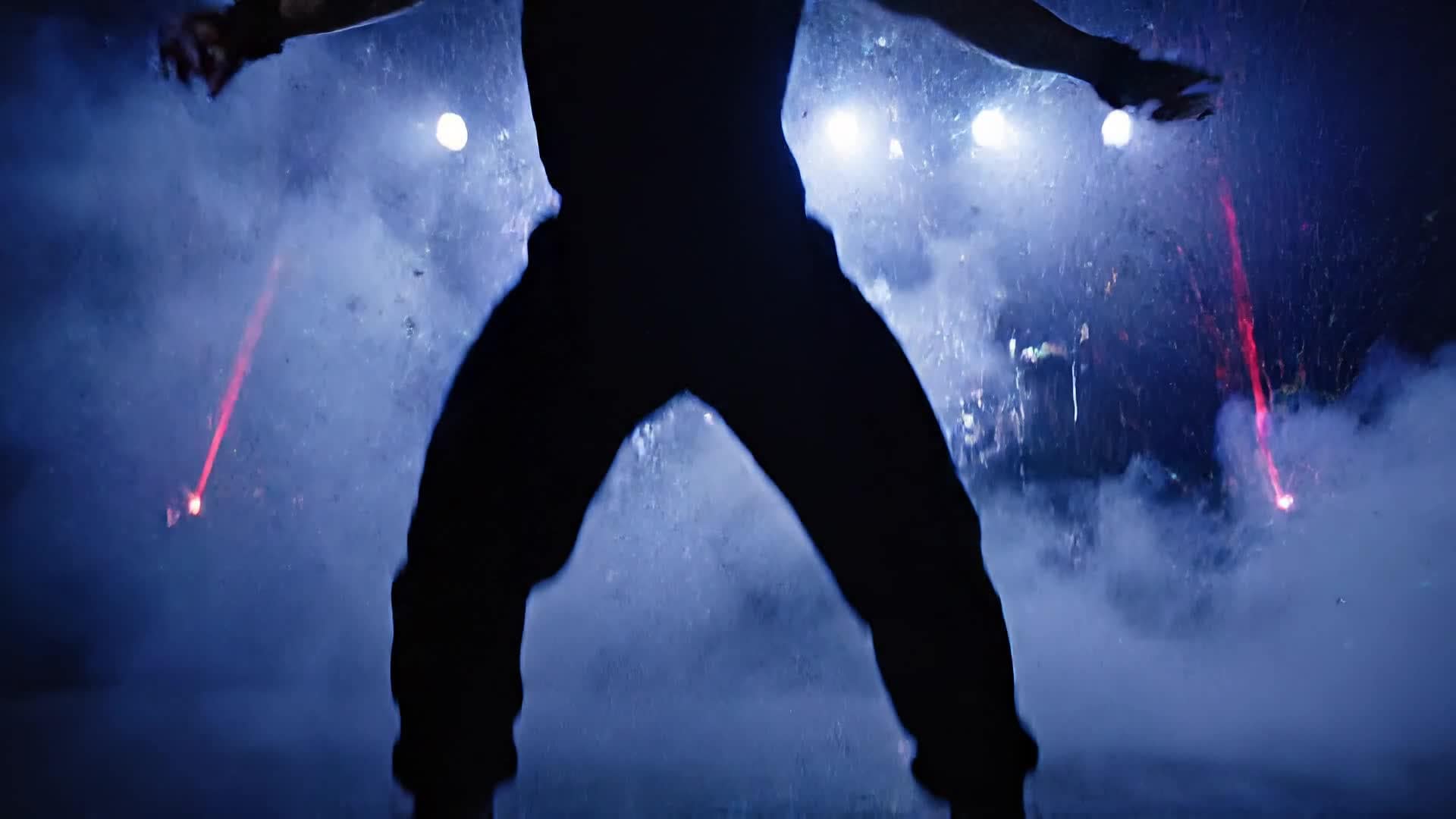
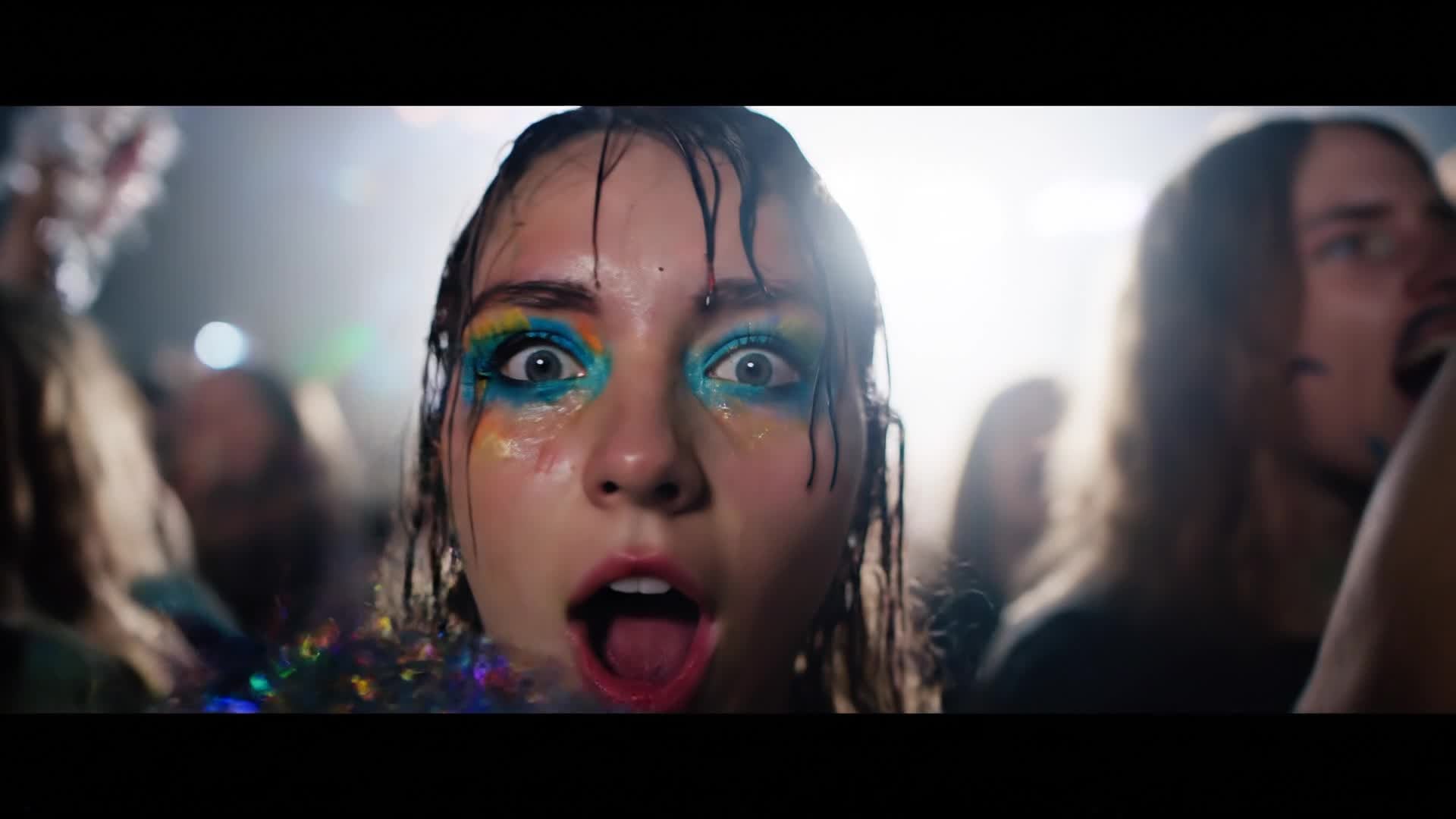
Start with a dim concert stage illuminated by spotlights slowly fading in. Cut to fast-paced close-ups synced to the beat. Capture quick crowd flashes, energy bursts, and zoom-ins on key expressions. Add subtle glow overlays to highlight rhythm shifts. Transition with light leaks between shots. End on a powerful jump or motion freeze with crowd cheers. Make it perfect for short viral loops. |
|
|
Aesthetic Slow-Mo Tribute
|
Open with gentle ambient lighting and slow camera pans. Highlight emotional expressions and graceful movements in slow motion. Add a soft background track and delicate spark effects to enhance mood. Alternate close-ups and mid-shots to emphasize atmosphere. Use elegant transitions for smooth scene blending. Finish with a touch of grain for cinematic flair. |
|
|
Fan Appreciation Montage
|
Combine clips of performances, behind-the-scenes smiles, and crowd moments. Overlay simple text quotes showing fan reactions. Match quick cuts with upbeat beats for positive energy. Adjust lighting for consistency and add gentle zoom-ins for emotional depth. Close with thank-you text and fade-to-logo motion ending. Perfect for showing gratitude to fan communities. |
|
|
Before and After Glow-Up
|
Begin with older footage in low saturation. Gradually ramp color intensity and brightness as the sound builds. Add split screens or wipes to show transformation between eras. Include emojis or minimal captions for energy. Layer subtle flicker effects to emphasize transition pace. Conclude with a high-contrast shot representing the final evolution. |
|
|
Product or Artist Promo
|
Open with bold typography animation revealing name or logo. Use rapid scene jumps to different outfits or brand products. Sync transitions perfectly with beat drops. Add dynamic strobe lighting for drama. Apply color filters aligned with brand theme. End on a final zoom forward to create an energetic close-up impression. |
|
|
Dreamy Aesthetic Moodboard
|
Start with pastel imagery slowly crossfading between clips. Overlay minimal text or emoji stickers matching the tone. Add floaty motion blur transitions to keep visual softness. Emphasize lighting shimmers during choruses. Focus on serene expression changes. Close with a fade-out under subtle glitter particles. |








How to Create Fancam Maker with Media.io
Create fancam maker content faster with Media.io using text to video, image to video, video to video, and built-in editing tools.
1. Choose or Upload Content
Upload clips, images, or write a short idea. Media.io accepts multiple formats and instantly prepares them for AI editing. This helps you create fancam maker content faster with a more structured workflow. You can easily adapt the output for platforms like TikTok, Instagram Reels, and YouTube Shorts.
2. Let AI Build Your Fancam
AI automatically syncs visuals with rhythm, adds motion effects, color grading, and stylish transitions—all tailored to your format. This helps you create fancam maker content faster with a more structured workflow. You can easily adapt the output for platforms like TikTok, Instagram Reels, and YouTube Shorts. The process reduces manual editing and improves overall production efficiency. Each step improves visual quality, pacing, and content consistency.
3. Preview, Edit & Export
Preview your fancam, adjust filters, text, and pacing, then export instantly in high quality for sharing across social media. This helps you create fancam maker content faster with a more structured workflow. You can easily adapt the output for platforms like TikTok, Instagram Reels, and YouTube Shorts. The process reduces manual editing and improves overall production efficiency. Each step improves visual quality, pacing, and content consistency.
Why Choose Media.io for Fancam Maker
AI-Powered Editing
Media.io uses intelligent scene detection and beat syncing to produce smooth, professional fancam results automatically. This makes fancam maker creation more efficient and easier to manage. It helps improve consistency across different video styles and formats.
Multiple Input Options
Start from text, image, or video and let AI handle the rest. Ideal for creators who want flexibility and fast turnaround. This makes fancam maker creation more efficient and easier to manage. It helps improve consistency across different video styles and formats.
Customizable Styles
Pick transitions, filters, and music that match your vibe for unique edits every time. Adjust easily in the visual editor. This makes fancam maker creation more efficient and easier to manage. It helps improve consistency across different video styles and formats.
Fast Rendering
Get polished outputs in seconds instead of hours. Media.io processes and exports fancams quickly for real-time sharing. This makes fancam maker creation more efficient and easier to manage.
Social-Ready Formats
Export vertical, square, or widescreen clips optimized for TikTok, YouTube, and Instagram within one click. This makes fancam maker creation more efficient and easier to manage. It helps improve consistency across different video styles and formats. You can use this feature to produce more engaging and platform-ready content.
Browser-Based Simplicity
No installs needed—create AI fancams directly in your browser with responsive controls that work on any device. This makes fancam maker creation more efficient and easier to manage. It helps improve consistency across different video styles and formats. You can use this feature to produce more engaging and platform-ready content.
FAQs About
Fancam Maker
1. What is a fancam maker?


A fancam maker is an AI-powered online tool that helps you create short, dynamic fan edits using photos or video clips synced to music. Media.io automates transitions, timing, and effects for pro-level results.
2. Can I make fancams from images only?
Yes. Media.io can turn static images into moving fancams using AI animations and smooth transitions, making them look lively and cinematic.
3. Do I need editing experience?
No. Media.io’s AI handles complex editing automatically. You simply upload or type your concept, and the platform produces a polished video.
4. Is the fancam maker free to use?
You can start for free and generate fancams instantly. Optional premium plans unlock advanced effects and export resolutions.
5. Can I adjust styles and effects?
Absolutely. You can customize filters, transitions, color tones, and text to perfectly match your creative idea or aesthetic.
6. Where can I share my fancams?
You can export directly in formats made for TikTok, YouTube Shorts, and Instagram Reels, ready for instant upload.



