Create Stunning Facebook Videos in Minutes
AI-powered video maker for creators and brands
Media.io’s Facebook Video Maker helps you turn simple ideas into high-performing Facebook videos instantly. Whether you’re creating a short clip for Reels, a story ad, or an engaging product post, our AI tools generate compelling visuals, text animations, and soundtracks that fit your brand style—without needing editing skills. Upload images, paste a script, or start from text, and let the AI handle transitions, effects, and scene pacing. It’s your shortcut to viral-quality social media videos that drive engagement and boost conversions effortlessly.
Easily Turn Images into Facebook-Ready Videos
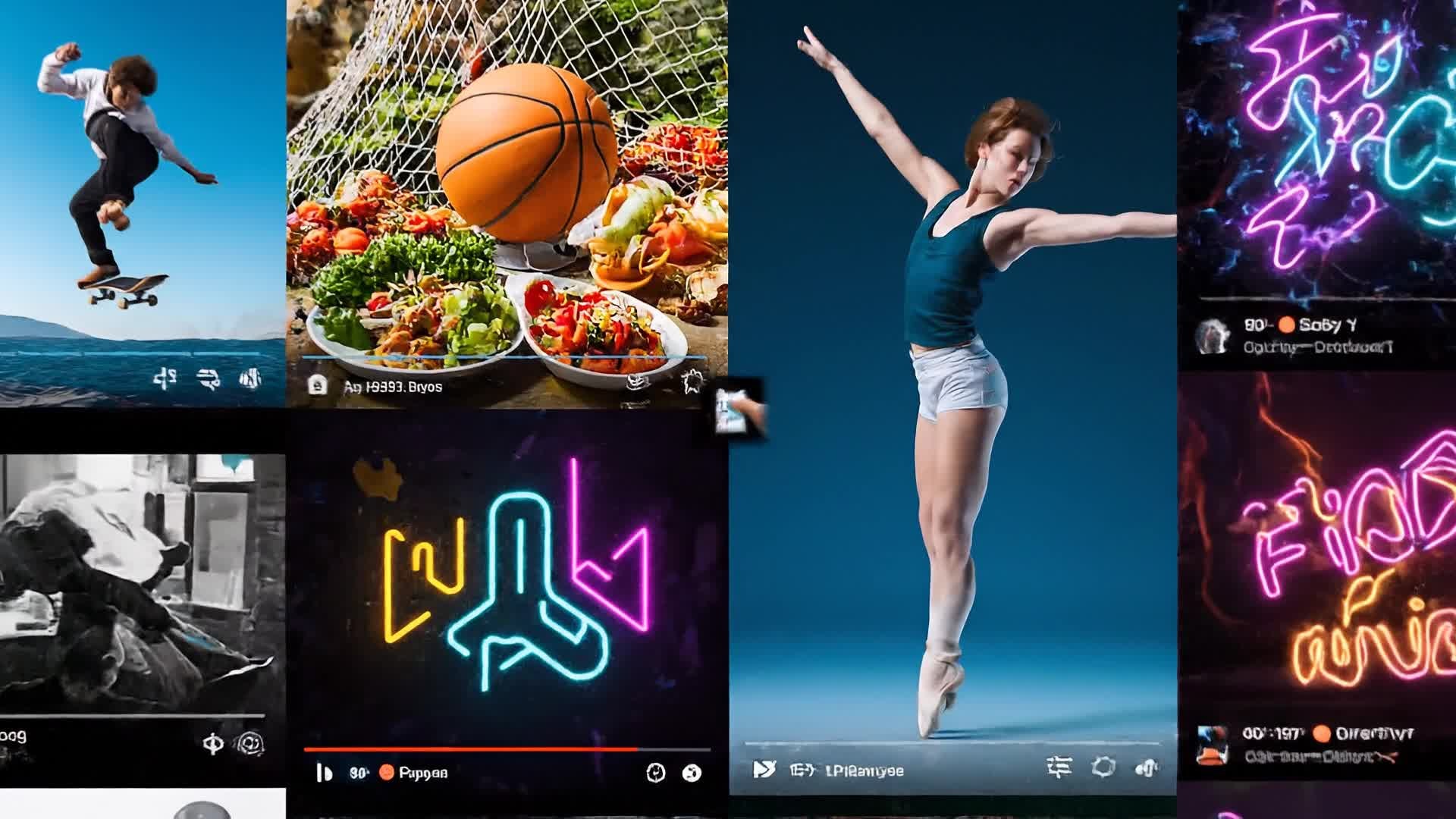
With Media.io, your photos don’t have to sit idle in folders. Transform them into lively, eye-catching Facebook videos using our AI. Simply upload product shots, event photos, or design visuals, and the tool automatically adds motion, text overlays, and transitions aligned with Facebook’s best performance formats. Perfect for small businesses, influencers, or marketers looking to showcase products or highlight moments, the AI Image-to-Video feature brings stills to life—no editing experience needed, just instant professional motion storytelling.
Create Facebook Videos from Text Instantly
Got a product headline, story, or short caption? Transform it into full Facebook-ready videos with Media.io’s text-to-video AI. Type your idea, select a style, and our generator builds video scenes, adds visuals, and syncs captions and music perfectly for your feed or Reels. Ideal for marketers, coaches, and creators, it turns your words into branded motion content optimized for attention and shares. Go from concept to quality video content—all in less time than posting your next status update.
| Style | Creative Facebook Video Maker Prompts | Copy & Create |
|---|---|---|
Trend Highlight | Start with a trending Facebook Reel audio and show users recreating a fun challenge. Add text overlays syncing with the beat highlighting 'Join the Trend'. Show lively expressions and relatable actions, ending with your brand subtly featured. Keep shots dynamic and tight-paced. Perfect for viral trend participation using the Facebook video maker. | |
Lifestyle Story | Open with morning light through a window and someone preparing coffee. Follow with cozy shots of daily life, smiling faces, short captions like 'Moments that matter'. Gradually include your product in natural, candid ways. Overlay soft background music. End with the logo fade-in and a friendly CTA for Facebook viewers. | |
Product Showcase | Begin with bold product close-ups on a plain backdrop. Add motion texts listing features in sync with upbeat rhythm. Transition to lifestyle cuts showing product usage. Finish with compelling visual tagline: 'Designed for You'. Include branding elements light and modern for Facebook feed appeal. | |
Quick Tutorial | Show a split-screen before and after of your product solution. Walk through three easy steps using text captions and quick visuals. Keep transitions fast but clear. Use upbeat audio and end with a 'Try it Today!' moment. Works perfectly for how-to Facebook Reels and videos. | |
Before & After | Open with a challenging situation before using the product. Cut to transformation visuals—a brighter smile, cleaner space, or improved workflow. Highlight benefits with animated texts. End with an inspiring tone and confident CTA slide for your brand page. | |
Aesthetic Highlight | Use minimal clean backgrounds, slow zoom-ins, and color-sync motion. Match visuals to chill ambient sound. Show artistic composition of your product or brand story. Perfect for elegant Facebook videos appealing to design-focused audiences. End with a simple logo tag and soft motion fade-out. |








How to Create Facebook Video Maker with Media.io
Create facebook video maker content faster with Media.io using text to video, image to video, video to video, and built-in editing tools.
Write or Upload Content
Start with a script, text, or images related to your Facebook campaign. Media.io automatically interprets and structures it for a video format. This helps you create facebook video maker content faster with a more structured workflow. You can easily adapt the output for platforms like TikTok, Instagram Reels, and YouTube Shorts.
Customize & Edit Instantly
Adjust scenes, add captions, change aspect ratios, or pick soundtracks inside our AI-powered editor designed for Facebook video optimization. This helps you create facebook video maker content faster with a more structured workflow. You can easily adapt the output for platforms like TikTok, Instagram Reels, and YouTube Shorts. The process reduces manual editing and improves overall production efficiency. Each step improves visual quality, pacing, and content consistency.
Export & Share Anywhere
Download in Facebook-ready formats or post directly. Share your engaging AI-crafted videos across Reels, Feed, or Stories instantly. This helps you create facebook video maker content faster with a more structured workflow. You can easily adapt the output for platforms like TikTok, Instagram Reels, and YouTube Shorts. The process reduces manual editing and improves overall production efficiency.
Why Choose Media.io for Facebook Video Maker
Fast AI Generation
Create Facebook videos within minutes using intelligent templates that add motion, captions, and music automatically. This makes facebook video maker creation more efficient and easier to manage. It helps improve consistency across different video styles and formats. You can use this feature to produce more engaging and platform-ready content.
Multiple Creation Modes
Start from text, image, or raw video—Media.io handles it all and turns any media into social-ready video stories. This makes facebook video maker creation more efficient and easier to manage. It helps improve consistency across different video styles and formats.
Effortless Editing
Fine-tune visuals, trim scenes, and align captions with one-click tools built for busy creators and social marketers. This makes facebook video maker creation more efficient and easier to manage. It helps improve consistency across different video styles and formats. You can use this feature to produce more engaging and platform-ready content.
Optimized for Facebook
Get automatic size, resolution, and pacing adjustments that match Facebook Reels, Ads, and Feed best practices. This makes facebook video maker creation more efficient and easier to manage. It helps improve consistency across different video styles and formats. You can use this feature to produce more engaging and platform-ready content.
Brand-Ready Templates
Choose from diverse professionally designed styles and color themes to match your brand tone and campaign goals. This makes facebook video maker creation more efficient and easier to manage. It helps improve consistency across different video styles and formats. You can use this feature to produce more engaging and platform-ready content.
High-Quality Output
Export full HD videos compatible across Facebook and other social platforms for premium visual impact. This makes facebook video maker creation more efficient and easier to manage. It helps improve consistency across different video styles and formats. You can use this feature to produce more engaging and platform-ready content.
FAQs About
Facebook Video Maker
1. What is a Facebook video maker? 

A Facebook video maker lets you quickly generate videos optimized for Facebook formats. Media.io uses AI to help you create scroll-stopping Reels, ads, and posts without manual editing.
2. Can I use images or text to make a Facebook video?
Yes. Upload photos or enter a short script and Media.io will automatically convert them into animated videos with dynamic transitions and captions optimized for Facebook.
3. Do I need editing experience to use Media.io?
Not at all. The interface is built for total beginners, and the AI handles most formatting, effects, and transitions automatically.
4. What video formats are supported for Facebook?
You can export in MP4, MOV, and other Facebook-supported aspect ratios. Media.io ensures compatibility for Feed, Stories, and Reels directly.
5. Can I add my logo or brand colors?
Yes, you can upload your logo, pick color palettes, and choose typography so your Facebook videos match your brand perfectly.
6. Is Media.io free to use?
Media.io offers a free plan to start creating Facebook videos. You can upgrade later for premium templates and advanced export options.




