Create an Event Video That Wows
AI-Powered Video Generator for Any Occasion
Capture the energy, emotion, and excitement of your event with Media.io’s AI event video generator. Whether it's a wedding, conference, concert, or social gathering, you can transform photos, clips, or even text prompts into share-ready highlight reels in minutes. Our smart AI automatically arranges scenes, syncs music, and enhances visuals to produce a polished story that feels professional and emotionally engaging. Designed for marketers, content creators, and event hosts, Media.io helps you relive every moment in cinematic style without any editing experience required.
Turn Event Photos into Captivating Videos
Got a folder full of event photos but no time to edit? With Media.io’s AI image-to-video generator, you can instantly create dynamic event visuals complete with motion, transitions, and music that match your mood. Simply upload your favorite images, choose a visual theme, and let AI animate your memories into a high-quality event recap ready for sharing. Perfect for wedding highlights, festival promotions, or company gatherings, this feature turns still moments into moving stories that capture real emotion and engagement effortlessly.
From Script to Show-Stopping Event Videos
Start with a simple text idea and let Media.io’s AI bring it to life as a professional-looking event video. Whether you need an invitation clip, a countdown reel, or a highlight wrap-up, just type your concept and our AI will generate visuals, effects, and soundtracks that fit your message. This is perfect for marketers announcing upcoming events, social media creators building buzz, or organizers summarizing moments post-event. It’s fast, creative, and no editing skills are required — just imagination and a few lines of text.
| Style | Sample Prompts for Event Video Ideas | Copy & Create |
|---|---|---|
|
Corporate Highlight Reel
|
Show the event venue setup with sweeping drone shots. Then montage the keynote speaker and panel sessions. Include quick cuts of audience reactions, product launches, and applause moments. Overlay upbeat background music and light flare transitions. Add the company logo and tagline at the end. Focus on professionalism, clarity, and high energy for LinkedIn or YouTube sharing. |
|
|
Wedding Celebration Story
|
Open with soft sunrise light over the venue, then show guests greeting each other. Focus on emotional moments like vows, laughter, and dance floor scenes. Mix in slow-motion shots of floral details and joyful smiles. Keep transitions elegant and cinematic with violin-based soundtrack. End with heartfelt thank-you message and contact tag for the couple’s social pages. |
|
|
Festival Recap
|
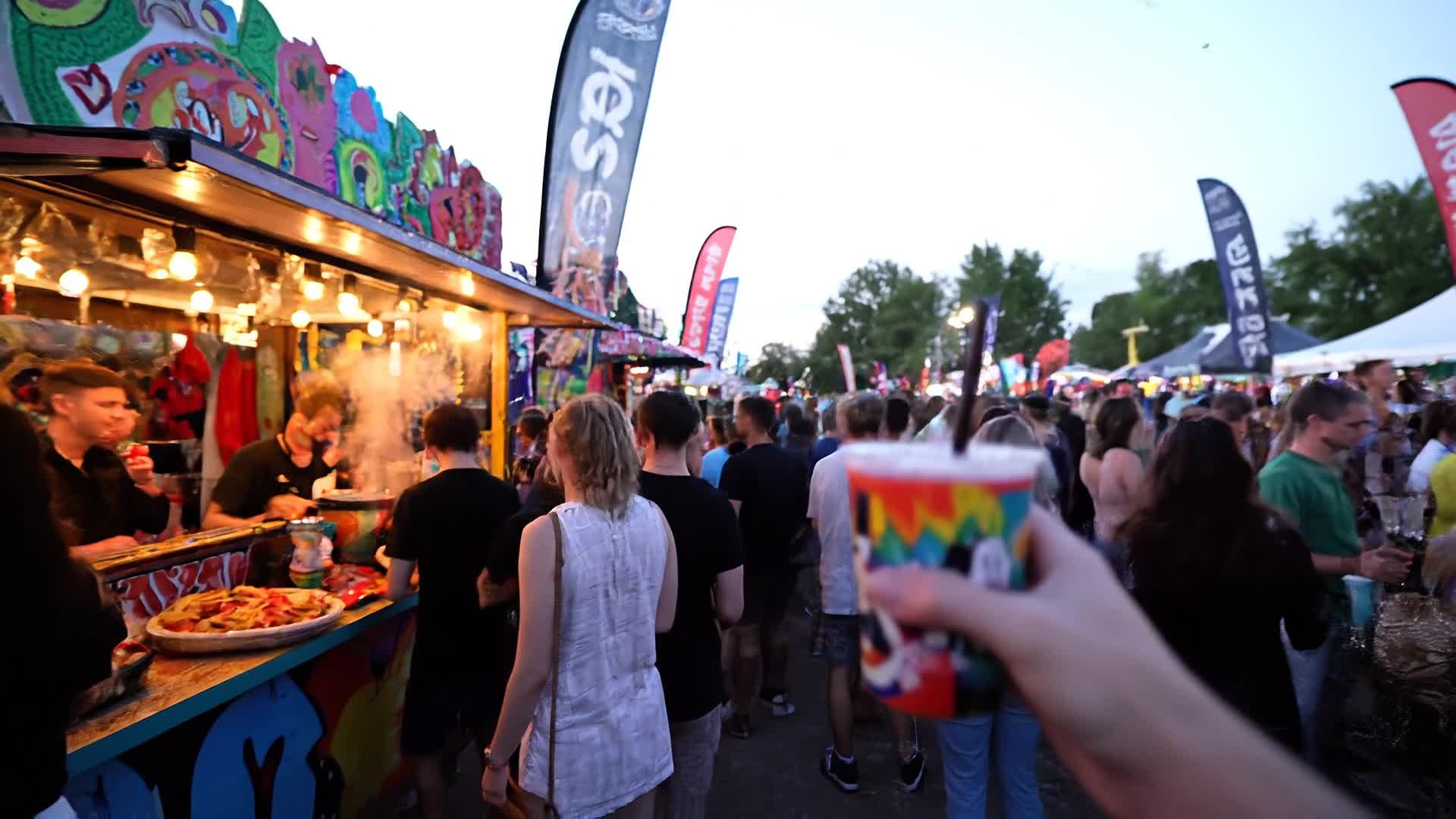
Begin with colorful crowd shots and upbeat music. Capture artist performances, cheering fans, and glowing night lights. Intercut food stalls, merchandise stands, and ambient crowd energy. Use bold text overlays like ‘Vibes’, ‘Energy’, ‘Alive’. Finish with a sweeping drone shot of the crowd waving goodbye and event logo fading in. Ideal for Instagram or TikTok Reels. |
|
|
Conference Promo
|
Start with quick clips of registration, speakers prepping, and lighting setup. Highlight key sessions, audience engagement, and sponsor booths. Include lower-thirds introducing speakers. Add inspiring background music with rhythmic beats. Close with event dates and CTA to register for next year’s edition. Keep style sharp and professional for marketing campaigns. |
|
|
Behind-the-Scenes Look
|
Open with time-lapse of event prep: stage setup, catering, decorations. Show candid staff moments, laughter, coordination, quick interviews. Blend raw authenticity with energy. End with a crew group photo and thank-you message. Focus on transparency and human connection—perfect for YouTube shorts or TikTok storytelling. |
|
|
Luxury Gala Highlight
|
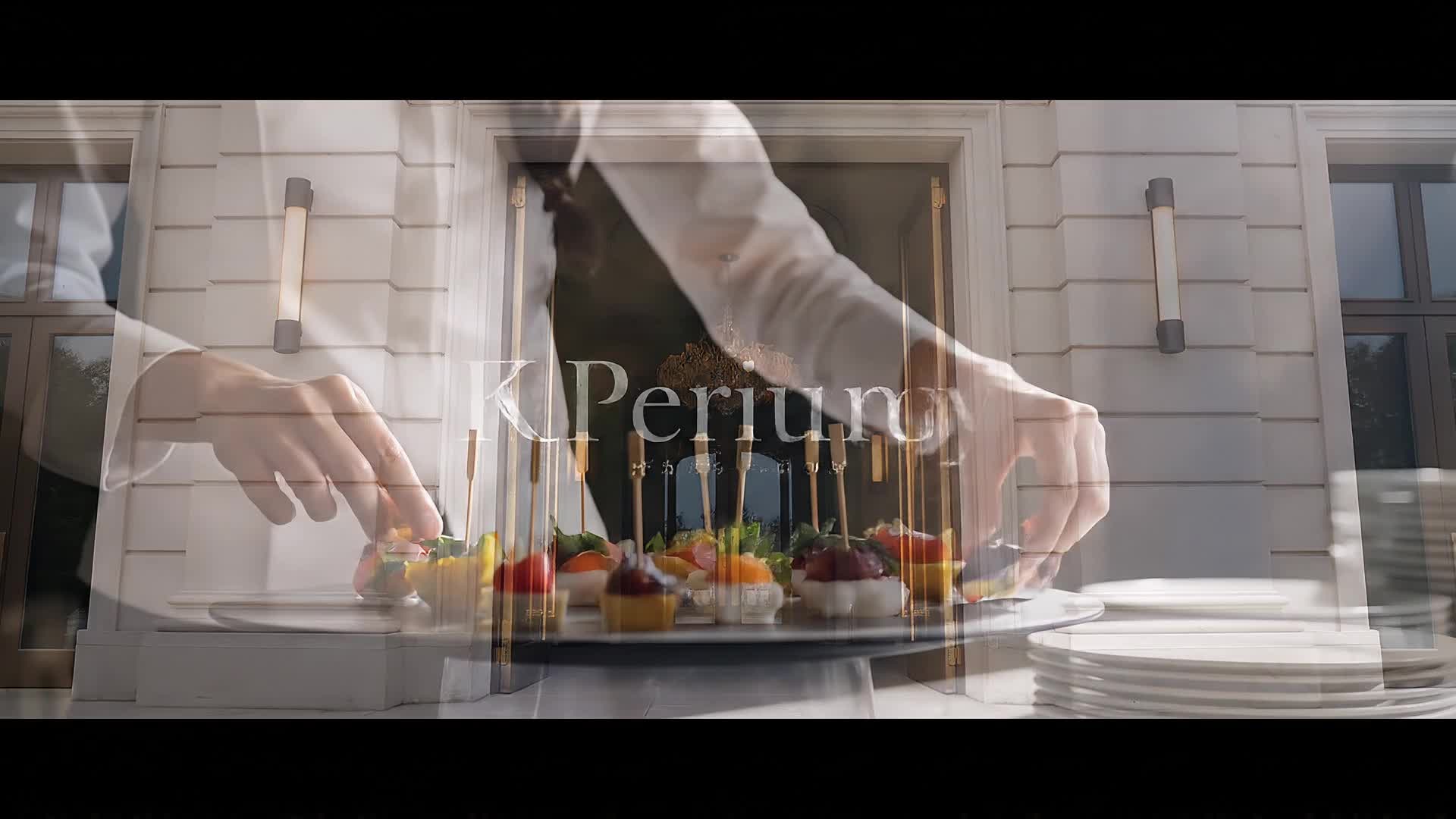
Start with cinematic night shots and glamorous arrivals. Capture elegant table settings, champagne toasts, and fashion moments. Show key performances under golden lighting, ending with guests clapping. Use slow pans, depth-of-field focus, and classical soundtrack. Perfect for upscale brand storytelling or PR recaps. |








How to Create Event Video with Media.io
Create event video content faster with Media.io using text to video, image to video, video to video, and built-in editing tools.
1. Upload or Describe Your Idea
Start with text, images, or short clips that capture your event. Type a brief concept or upload assets to guide Media.io’s AI style and flow. This helps you create event video content faster with a more structured workflow. You can easily adapt the output for platforms like TikTok, Instagram Reels, and YouTube Shorts.
2. Let AI Craft the Story
Media.io analyzes your content, arranges visuals, and syncs music automatically, generating an engaging event video within minutes. This helps you create event video content faster with a more structured workflow. You can easily adapt the output for platforms like TikTok, Instagram Reels, and YouTube Shorts. The process reduces manual editing and improves overall production efficiency.
3. Edit, Polish, and Export
Refine your video with simple drag-and-drop edits, add captions or logos, and export in HD ready for any platform or audience. This helps you create event video content faster with a more structured workflow. You can easily adapt the output for platforms like TikTok, Instagram Reels, and YouTube Shorts. The process reduces manual editing and improves overall production efficiency. Each step improves visual quality, pacing, and content consistency.
Why Choose Media.io for Event Video
AI Scene Generation
Automatically structure your footage into impactful storytelling sequences for any type of event. No manual editing required, just stunning results. This makes event video creation more efficient and easier to manage. It helps improve consistency across different video styles and formats.
Fast Turnaround
Create a high-quality event highlight video in under five minutes, helping you share key moments while excitement is still fresh. This makes event video creation more efficient and easier to manage. It helps improve consistency across different video styles and formats. You can use this feature to produce more engaging and platform-ready content.
Multimedia Input Options
Easily mix text, images, and short clips to produce dynamic recap videos or teaser reels tailored to your event goals. This makes event video creation more efficient and easier to manage. It helps improve consistency across different video styles and formats. You can use this feature to produce more engaging and platform-ready content.
Smart Music Matching
Media.io’s AI syncs tracks with transitions and emotions in your footage, ensuring every beat fits your event’s energy. This makes event video creation more efficient and easier to manage. It helps improve consistency across different video styles and formats.
One-Click Enhancement
Boost lighting, stabilize shaky footage, and refine colors instantly. Turn raw clips into professional-ready visuals with a single click. This makes event video creation more efficient and easier to manage. It helps improve consistency across different video styles and formats.
Social-Ready Output
Export your final video in optimal formats for TikTok, Instagram, YouTube, or event websites with automatic resizing and watermark-free options. This makes event video creation more efficient and easier to manage. It helps improve consistency across different video styles and formats. You can use this feature to produce more engaging and platform-ready content.
FAQs About
Event Video
1. How can I create an event video with AI?


Simply upload your event clips or photos, or type your concept. Media.io’s AI will generate a polished highlight reel complete with transitions and music automatically.
2. Can I add my own footage or logo?
Yes. You can upload your footage, images, and audio, and easily insert your logo for branded event presentations or recaps.
3. Does Media.io support long event videos?
Absolutely. You can generate short social promos or extended recaps up to several minutes long, maintaining consistent quality and pacing.
4. What types of events can I use it for?
Media.io works for weddings, festivals, conferences, webinars, product launches, and any social or professional gathering you want to highlight.
5. Do I need video editing skills?
Not at all. Media.io handles the editing automatically while still letting you fine-tune scenes, captions, and effects in a simple interface.
6. Is the AI event video generator free to try?
Yes. You can try creating event videos for free online and only upgrade if you want additional premium output options or higher resolutions.



