Create Ecommerce Videos That Sell
Turn your product shots and ideas into high-converting videos with AI
Generate stunning ecommerce product videos with Media.io in just a few clicks. Whether you're promoting fashion, gadgets, or handmade goods, our AI-powered ecommerce video maker transforms photos, clips, and text into scroll-stopping marketing content. Customize scenes, add branded captions, and export in perfect aspect ratios for social or website use. With intelligent templates and automated editing, you can craft professional-quality videos that highlight product details, reinforce your brand’s look, and drive more conversions—all without needing prior editing skills.
Transform Product Images into Motion-Driven Ad Videos
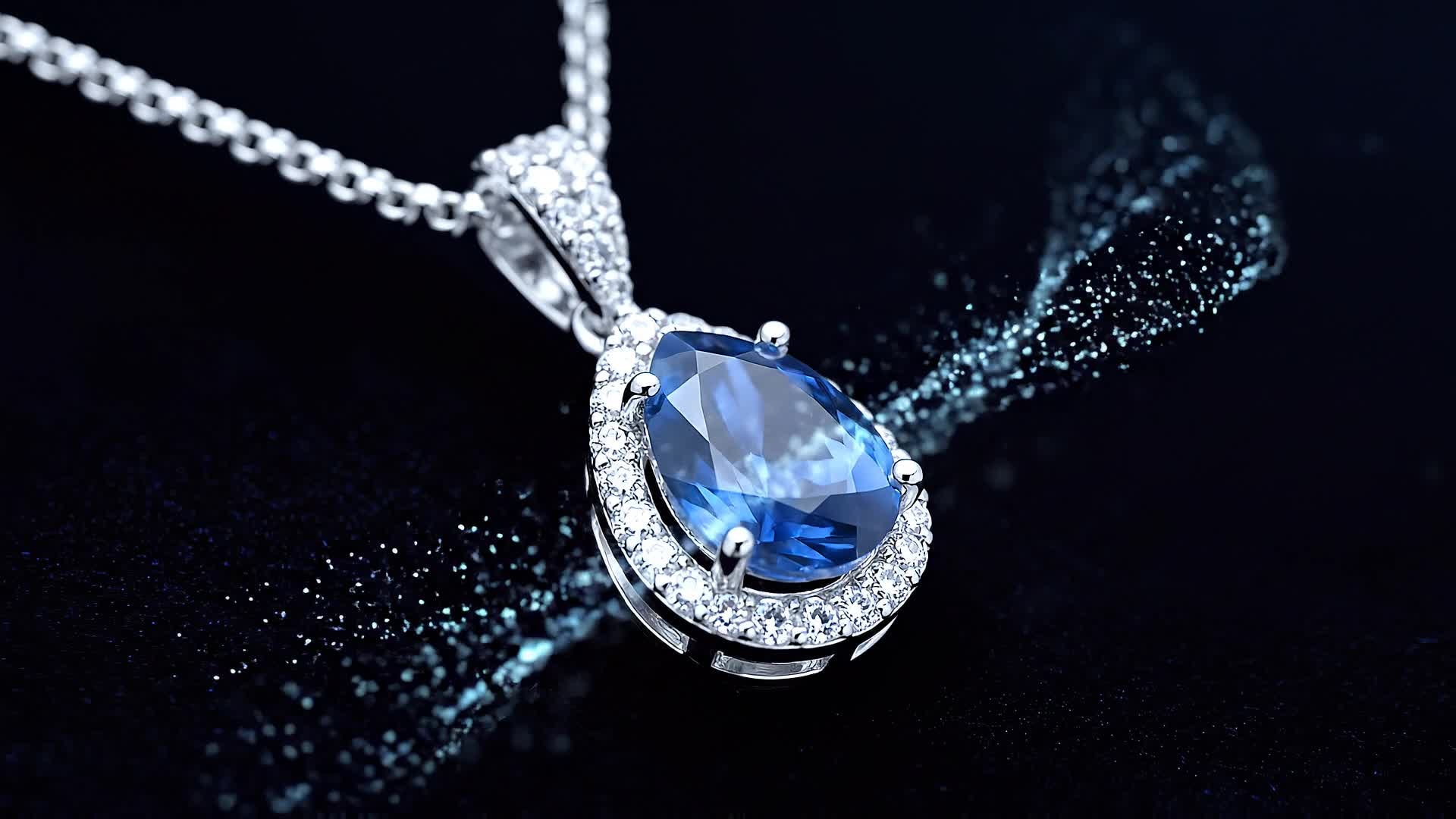
Bring still product photos to life by converting them into short, dynamic product showcase videos. With Media.io’s AI image-to-video feature, ecommerce sellers can animate static shots, add stylish transitions, captions, and music—all optimized for social feeds and storefront pages. Whether launching a new collection or updating your product catalog, you can quickly turn any photo gallery into a compelling motion story. This not only increases viewer engagement but also helps customers better visualize your products, leading to higher click-throughs and stronger purchase intent.
Turn Ecommerce Copy into Captivating Video Ads
Media.io’s AI text-to-video generator lets you transform product descriptions, campaign lines, or promotional copy into lively video ads. Simply type what you want to showcase, choose a style, and let the AI produce optimized visuals with animations and voiceover. Perfect for ecommerce marketers, dropshippers, and small business owners, this feature helps turn creative ideas into ready-to-share ads that look tailor-made for your brand. Use it to save hours in manual editing and maintain consistent messaging across all your product campaigns.
| Style | Ecommerce Video Maker Prompt Library | Copy & Create |
|---|---|---|
|
Product Demo
|
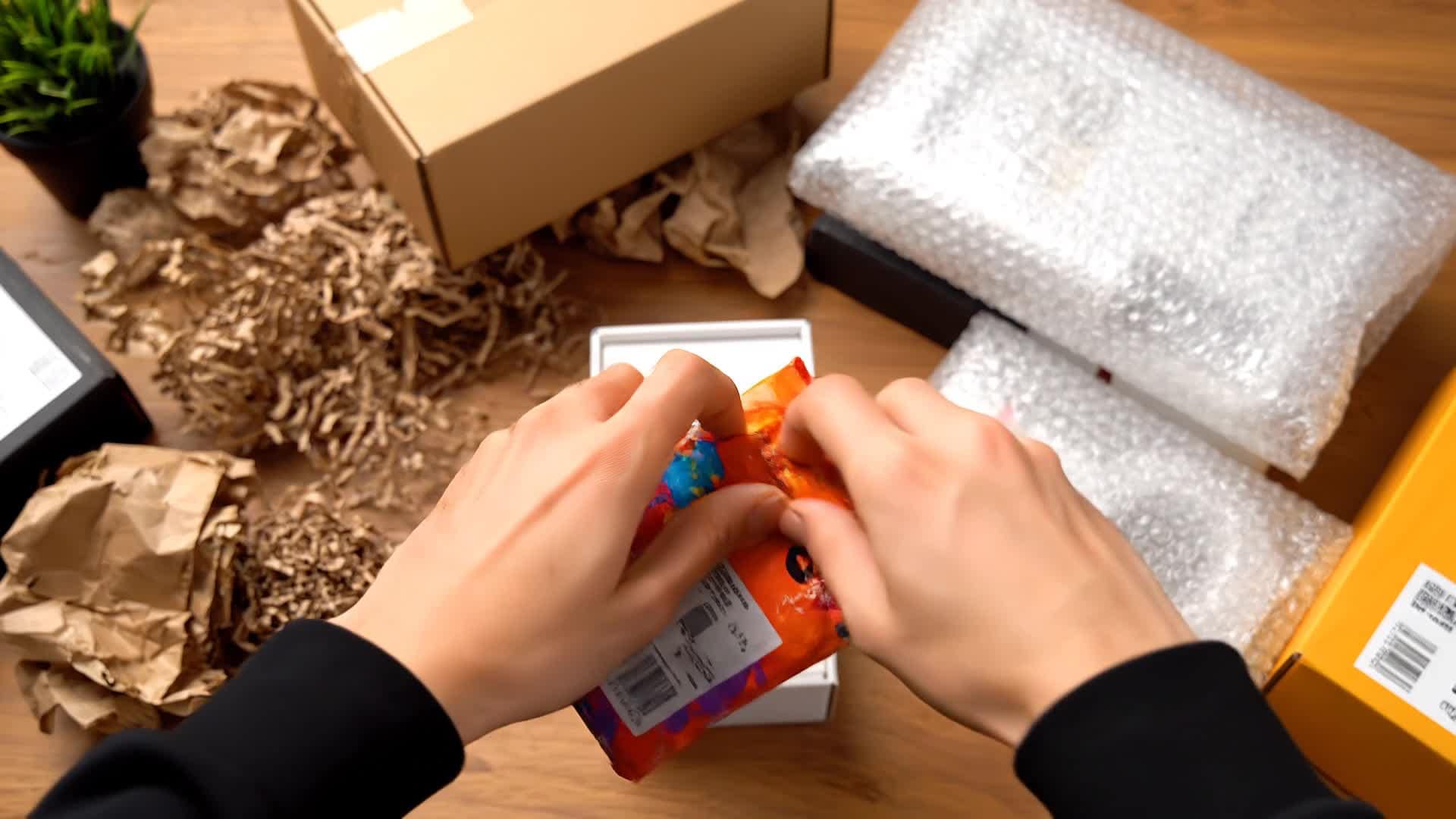
Show the product being unboxed on a clean table. Cut to quick shots of each key feature in motion. Highlight how it solves a common customer problem and use short text captions to reinforce benefits. Add close-up visuals of texture and material quality. Finish with strong brand placement and a price tag animation that fades into a Shop Now callout. |
|
|
Before and After
|
Start with a relatable customer struggle or messy scenario. Transition to the product reveal using a smooth zoom-in or spin effect. Show the transformation in style, comfort, or results. Overlay upbeat captions showing 'Before' and 'After' with matching visuals. End with a confident, minimal brand outro and an offer announcement. |
|
|
Lifestyle Story
|
Open with an aspirational lifestyle clip showing someone using the product naturally. Intercut product details with emotional moments that reflect confidence and happiness. Use cinematic lighting and soft background music. Add narratives like 'Elevate Your Everyday Routine.' Conclude with a brand tagline against a clean white background and subtle motion logo. |
|
|
Social Ad Hook
|
Start with an attention-grabbing problem statement in bold on-screen text. Quickly show how your product provides the perfect fix. Use jump cuts and bright light tones to enhance energy. Keep each shot under 2 seconds. Add upbeat music and emojis to boost engagement. End with a clear call to 'Tap to Shop Now.' |
|
|
Tutorial Style
|
Begin with a caption ‘How to Use in 3 Steps’. Film simple, close-up demonstrations. Zoom into key actions using smooth motion tracking. Overlay helpful text explanations. End with a montage of the product in action and happy customer expressions. Finish on a friendly prompt: 'Ready to Try Yours?' |
|
|
Aesthetic Showcase
|
Focus on elegant lighting, slow motion, and smooth camera pans. Use color grading that matches your brand tone. Blend macro details with lifestyle context shots. Pair visuals with minimal text phrases like 'Luxury Redefined' or 'Built for Everyday Shine.' Close with a fade to your logo and subtle outro music. |








How to Create Ecommerce Video Maker with Media.io
Create ecommerce video maker content faster with Media.io using text to video, image to video, video to video, and built-in editing tools.
Type or Upload Your Content
Start by adding your ecommerce product photos, short clips, or text descriptions. Media.io supports text-to-video, image-to-video, and even existing video upgrades. This helps you create ecommerce video maker content faster with a more structured workflow. You can easily adapt the output for platforms like TikTok, Instagram Reels, and YouTube Shorts.
Let AI Build the Perfect Sequence
Our intelligent engine automatically designs transitions, selects stock footage if needed, and aligns music and captions to enhance your brand aesthetic. This helps you create ecommerce video maker content faster with a more structured workflow. You can easily adapt the output for platforms like TikTok, Instagram Reels, and YouTube Shorts. The process reduces manual editing and improves overall production efficiency. Each step improves visual quality, pacing, and content consistency.
Edit, Preview, and Export Instantly
Fine-tune the visuals, colors, and text overlays, then download in HD or share directly to your ecommerce store, Instagram, or YouTube channel within seconds. This helps you create ecommerce video maker content faster with a more structured workflow. You can easily adapt the output for platforms like TikTok, Instagram Reels, and YouTube Shorts. The process reduces manual editing and improves overall production efficiency. Each step improves visual quality, pacing, and content consistency.
Why Choose Media.io for Ecommerce Video Maker
AI-Powered Storyboarding
Generate full ecommerce video scripts and visuals with one click. The AI arranges clips and captions to keep your message visually persuasive. This makes ecommerce video maker creation more efficient and easier to manage. It helps improve consistency across different video styles and formats.
Multiple Input Options
Upload images, text, or raw footage. Media.io converts any material into a professional video tailored for online store promotion. This makes ecommerce video maker creation more efficient and easier to manage.
Fast Brand Customization
Quickly adjust logo placement, colors, and fonts to match your brand. Save templates so every ecommerce video keeps a consistent look. This makes ecommerce video maker creation more efficient and easier to manage. It helps improve consistency across different video styles and formats.
Social-Media Ready Formats
Automatically resize and optimize videos for Instagram, TikTok, YouTube, and Facebook. No manual editing or cropping required. This makes ecommerce video maker creation more efficient and easier to manage. It helps improve consistency across different video styles and formats.
Instant Voiceovers and Subtitles
Add lifelike voice narration and auto-generated subtitles for accessibility. Perfect for product explainers and lifestyle content alike. This makes ecommerce video maker creation more efficient and easier to manage. It helps improve consistency across different video styles and formats.
High-Quality Export Options
Export in crisp HD with smooth transitions and balanced audio. Media.io ensures every frame looks retail-ready and conversion-focused. This makes ecommerce video maker creation more efficient and easier to manage.
FAQs About
Ecommerce Video Maker
1. What is an ecommerce video maker?


An ecommerce video maker is an AI tool that helps create promotional and product videos for online stores. It uses visuals and text to generate professional content quickly.
2. Do I need video editing skills to use Media.io?
No, you don’t need any experience. Media.io automates editing, transitions, and effects so anyone can make polished ecommerce videos in minutes.
3. Can I create videos directly from product images?
Yes. Upload your images and let Media.io turn them into animated product showcases with transitions, captions, and branded styling.
4. Can I generate videos from text descriptions?
Absolutely. Type your script or product summary, and the AI will visualize it with matching imagery, scene design, and music.
5. Is this tool suitable for social media ads?
Yes, it's ideal for short-form formats like Instagram Reels, TikTok, or YouTube Shorts. You can export videos optimized for each platform automatically.
6. Can I add my brand logo and colors?
Yes, you can upload your logo, choose brand colors, and save layouts to maintain a consistent look across all your ecommerce videos.



