Create Documentaries with AI Power
Turn ideas into cinematic stories in minutes
Media.io Documentary Maker lets you craft professional documentaries effortlessly using AI. Upload your text, images, or raw clips, and our intelligent engine transforms them into captivating stories complete with music, narration, and transitions. Whether you’re producing educational videos, brand stories, or personal life chronicles, Media.io gives you cinematic results at a fraction of the time and cost of traditional editing. Start telling true stories the smart way today with AI-driven storytelling that looks polished, emotional, and ready for every platform.
Transform Photos into Moving Stories
With Media.io, every still image you capture can evolve into a living moment. The AI image-to-video tool analyzes your pictures, adds natural motion, engaging transitions, and sound design to create a short film sequence that feels truly alive. It’s perfect for historical recaps, social cause visuals, or behind-the-scenes storytelling. Turn your visual archives or gallery shots into emotionally resonant documentary clips ready to share and inspire in just a few clicks. Media.io helps creators move from static to cinematic, instantly.
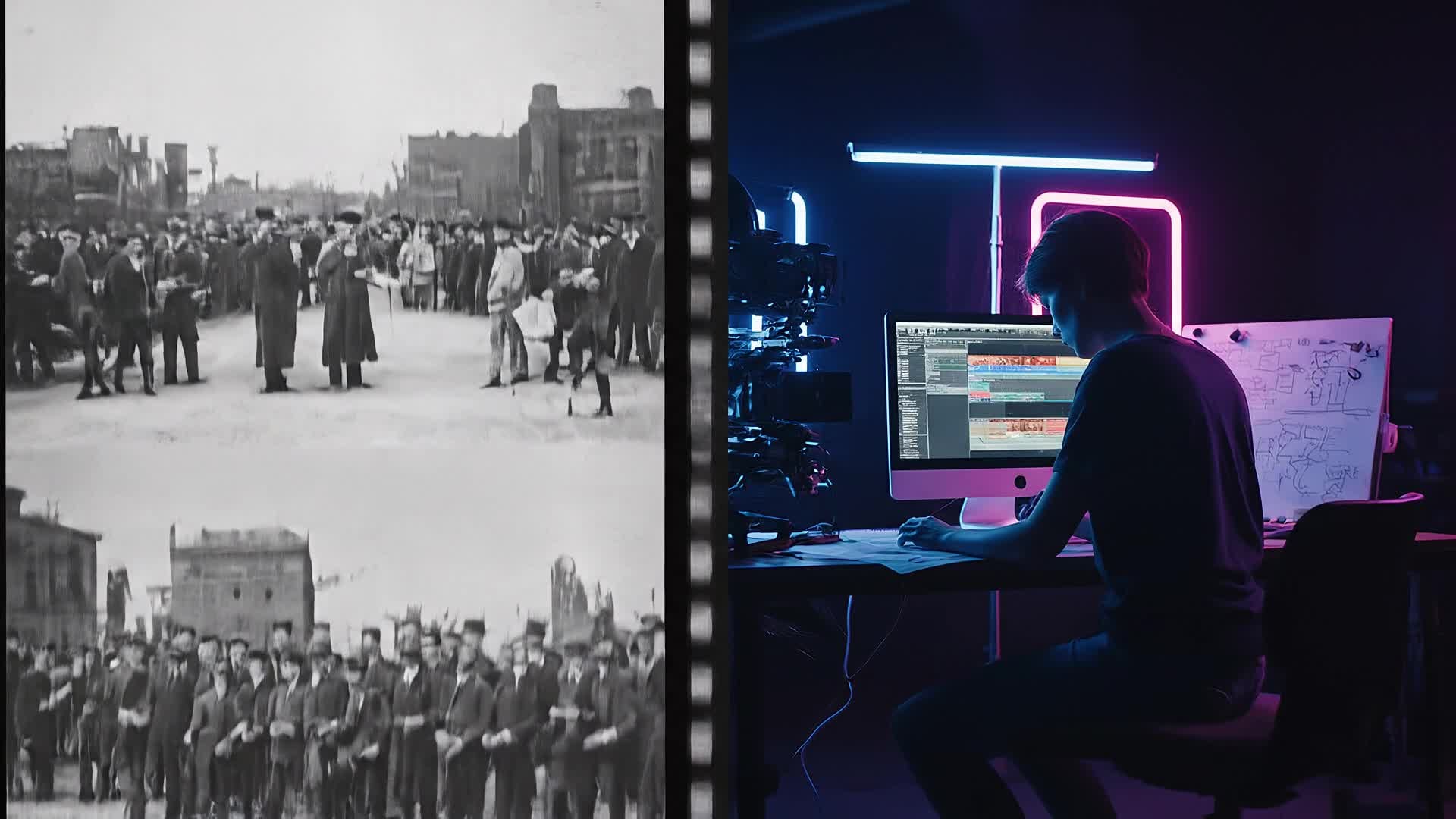
Write a Script, Get a Full Documentary
Media.io’s text-to-video generator brings your written scripts to life. Simply enter your narration, article, or story concept, and our AI transforms it into a documentary-style video complete with relevant scenes, voiceovers, and pacing. Ideal for journalists, students, nonprofits, or small creators, it turns your message into a visually rich video you can publish anywhere. Let words become powerful motion storytelling without editing headaches or production costs.
| Style | AI Prompts to Inspire Your Next Documentary | Copy & Create |
|---|---|---|
|
Lifestyle Story
|
Capture a day in the life of a local artisan turning recycled materials into art. Begin with early morning preparation shots, followed by close-ups of hands shaping materials. Add subtle time-lapse sequences of the work in progress. Intercut short interviews explaining the creator’s motivation and sustainability focus. Use soft background music to evoke warmth and authenticity. |
|
|
Historical Journey
|
Create a short documentary about an old train line that shaped a region’s growth. Start with archival photos that gently transition into drone shots of present-day tracks. Add narration highlighting its past economic impact. Show interviews with locals recalling stories and memories. Use sepia tones fading into full color to represent evolution. |
|
|
Product Impact
|
Produce a brand documentary revealing the social mission behind a small coffee company. Open with farmers harvesting beans in scenic hills, zoom into quality selection. Include team commentary on sustainability and fair trade. Cut between roasting scenes, cafe moments, and customer smiles. Highlight brand ethos through captions and gentle storytelling. |
|
|
Educational Explainer
|
Design an engaging video explaining plastic pollution’s effects on marine life. Start with visuals of ocean waves fading into underwater shots of debris. Use kinetic text to display shocking stats. Integrate animated transitions for clarity. Narrate with an informative yet empathetic tone. End with a hopeful message showing cleanup efforts and a call for change suitable for classrooms or environmental campaigns. |
|
|
Before & After
|
Tell a transformation story of an abandoned building turned into a community center. Begin with gloomy shots of decay and silence. Introduce volunteers arriving, cleaning, and painting. Transition to lively events, children playing, and colorful interiors. Intercut interviews describing what the renewal means to locals. Add motivational music rising toward the finale. |
|
|
Aesthetic Short
|
Make an artistic mini documentary celebrating nature’s quiet details. Film raindrops sliding down leaves, sunlight flickering through forests. Layer minimal ambient sound with gentle piano notes. Use slow transitions to match mood and pace. Include reflective captions about harmony and time. Conclude with a pull-away shot showing a broad serene landscape, |








How to Create Documentary Maker with Media.io
Create documentary maker content faster with Media.io using text to video, image to video, video to video, and built-in editing tools.
Start with Text, Images, or Clips
Upload your content or paste a script. Media.io’s AI understands your story and creates a starter version instantly. This helps you create documentary maker content faster with a more structured workflow. You can easily adapt the output for platforms like TikTok, Instagram Reels, and YouTube Shorts.
Customize and Enhance
Adjust scenes, visuals, or pacing. Add narration, subtitles, and soundtracks to match your narrative tone easily. This helps you create documentary maker content faster with a more structured workflow. You can easily adapt the output for platforms like TikTok, Instagram Reels, and YouTube Shorts. The process reduces manual editing and improves overall production efficiency.
Export and Share Anywhere
Render your finished documentary in HD and share directly to YouTube, TikTok, or save for presentations and events. This helps you create documentary maker content faster with a more structured workflow. You can easily adapt the output for platforms like TikTok, Instagram Reels, and YouTube Shorts. The process reduces manual editing and improves overall production efficiency. Each step improves visual quality, pacing, and content consistency.
Why Choose Media.io for Documentary Maker
AI Story Construction
Transform basic ideas or scripts into structured documentaries with automatic scene composition and pacing. This makes documentary maker creation more efficient and easier to manage. It helps improve consistency across different video styles and formats. You can use this feature to produce more engaging and platform-ready content.
Cinematic Transitions
The AI adds natural transitions, motion effects, and music scoring to make every clip feel cinematic and emotional. This makes documentary maker creation more efficient and easier to manage. It helps improve consistency across different video styles and formats. You can use this feature to produce more engaging and platform-ready content.
Multiple Input Options
Create from text, photos, or premade clips. The freedom to start anywhere makes storytelling truly effortless. This makes documentary maker creation more efficient and easier to manage. It helps improve consistency across different video styles and formats.
Smart Editing Assistance
Media.io automatically syncs visuals with narration and tone, ensuring your message flows naturally from scene to scene. This makes documentary maker creation more efficient and easier to manage. It helps improve consistency across different video styles and formats.
Instant Social Exports
Optimize your finished documentaries for YouTube, Instagram, or TikTok with quick ratio adjustments and smart rendering. This makes documentary maker creation more efficient and easier to manage. It helps improve consistency across different video styles and formats. You can use this feature to produce more engaging and platform-ready content.
Fast, Browser-Based Workflow
No downloads or complex timelines. Everything runs online with fast previews, so you stay focused on your story. This makes documentary maker creation more efficient and easier to manage. It helps improve consistency across different video styles and formats.
FAQs About
Documentary Maker
1. What is Media.io Documentary Maker?


It’s an AI-powered tool that helps you generate documentaries from text, images, or clips automatically, speeding up production and editing.
2. Can I make a documentary without prior editing experience?
Yes, Media.io is beginner-friendly. Its intuitive AI guides you through every step, so anyone can create polished videos easily.
3. Does the AI add voiceovers to my video?
Yes, you can use built-in voice generation or upload your own narration. The AI syncs it seamlessly with scenes and transitions.
4. Can I use my own clips and photos?
Absolutely. Upload your images or video segments, and Media.io merges them into your story with automatically added motion and music.
5. Is the output suitable for social media?
Yes, you can export documentaries optimized for platforms like YouTube Shorts, TikTok, and Instagram Reels instantly.
6. How fast can I create a finished video?
Most users generate a complete documentary within minutes, thanks to AI automation and smart editing templates.



