Create Striking DJ Intros in Seconds
AI-powered video maker for DJs and creators
Bring your sound to life with Media.io’s DJ Intro Maker — the fastest way to create professional intros that match your music’s energy. Whether you’re a club DJ, event performer, or content creator, our AI engine instantly transforms your text, logo, or clips into crisp, motion-rich visuals. Animate your DJ brand with stunning text transitions, pulse effects, and sound-reactive graphics designed for YouTube, TikTok, and event screens. No editing experience needed – just your vibe and our AI do the rest, producing a polished look that connects with your crowd every time.
Turn Static Logos into Motion DJ Intros
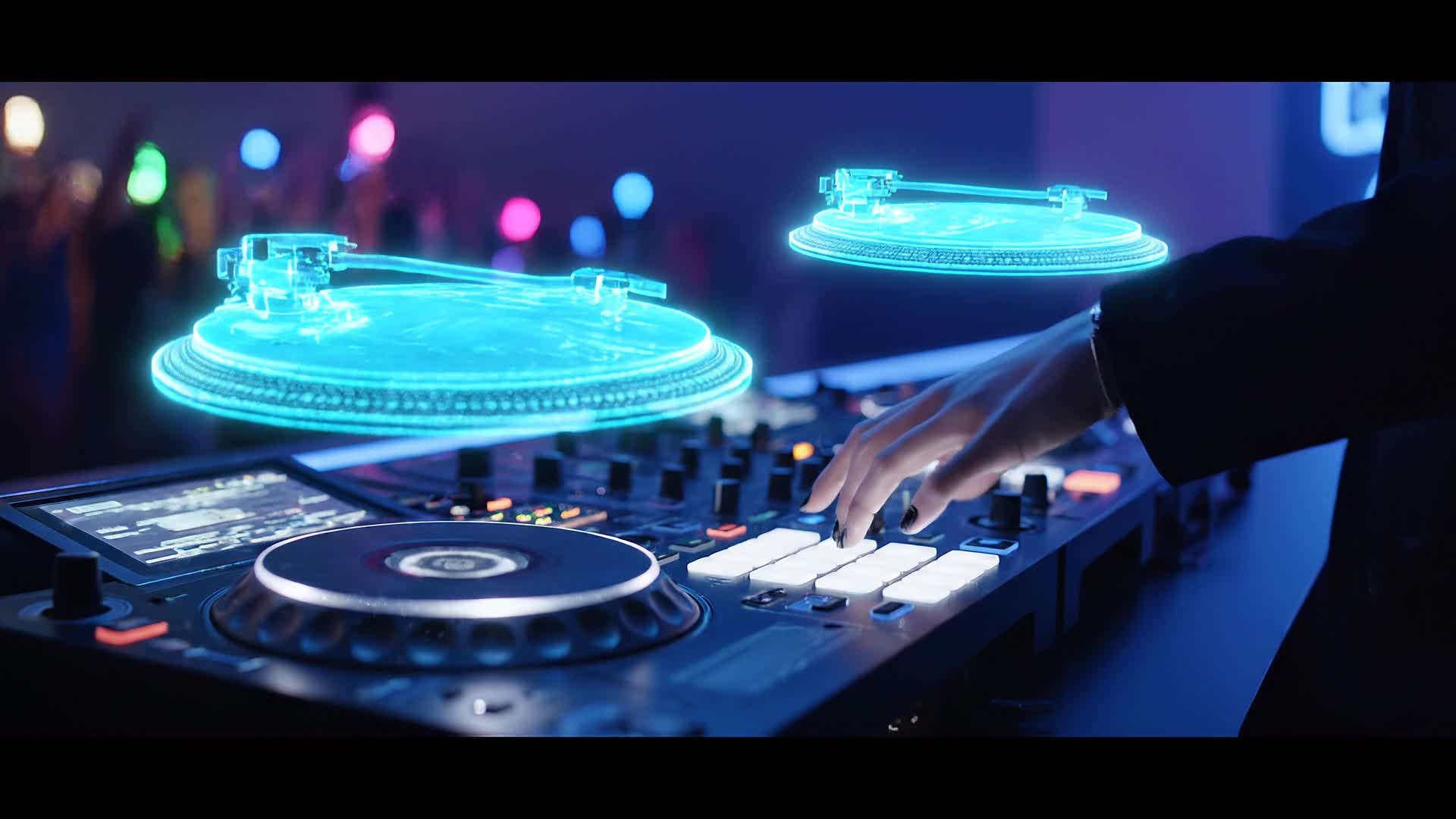
Media.io lets you animate your DJ logos and visuals effortlessly using AI image-to-video technology. Upload your artwork or cover design, and instantly transform it into a dynamic animated sequence that pulses to your beat. Perfect for pre-show visuals, YouTube intros, and promo clips, this feature eliminates manual animation work while keeping creative control in your hands. Combine visual styles, lighting effects, and kinetic movement for a polished result that captures attention on any platform and sets the tone for your performance right from the start.
From Text Cue to DJ Intro in One Click
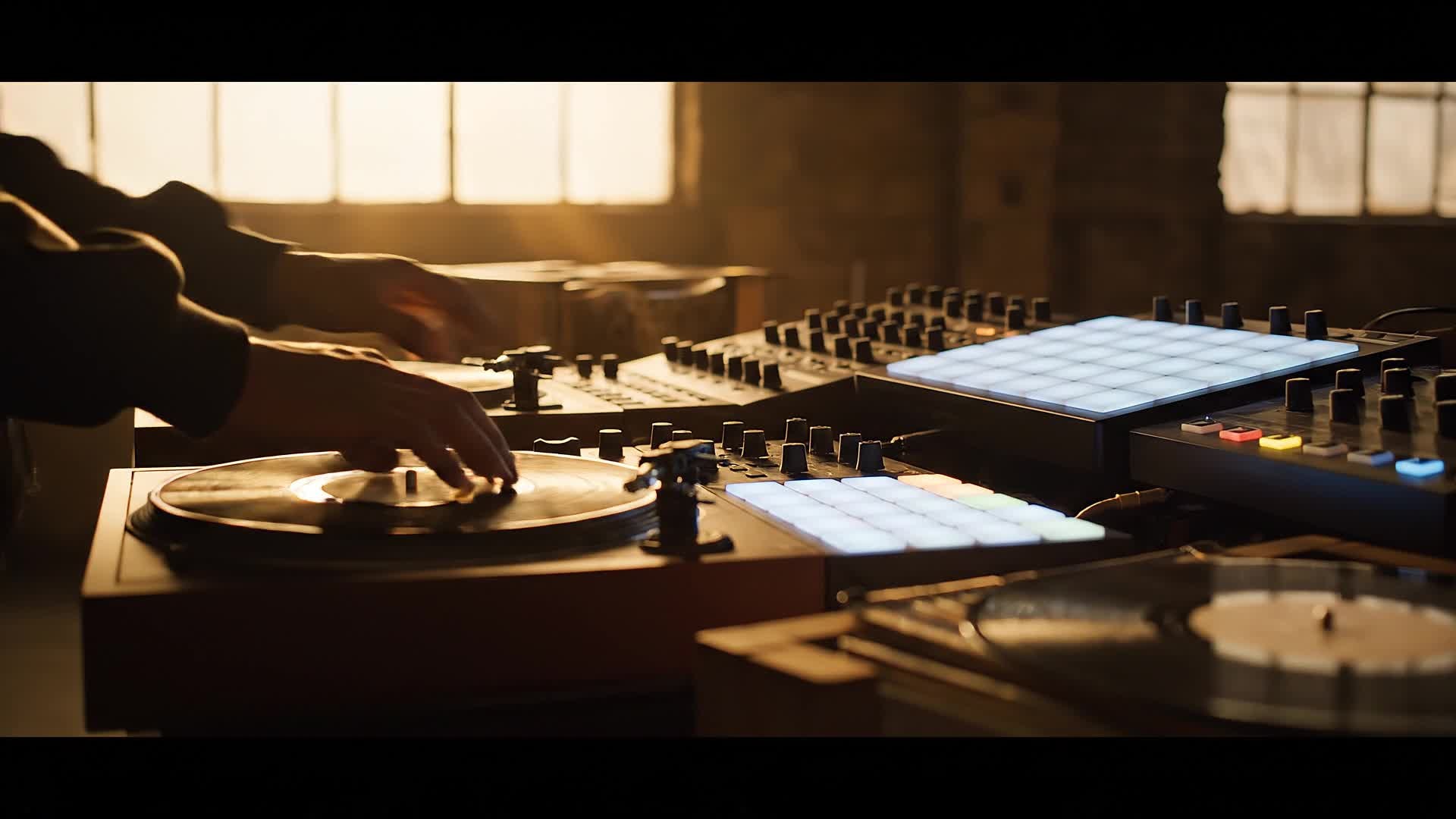
Write a quick idea, slogan, or shoutout — and let Media.io’s text-to-video engine generate your DJ intro scene automatically. With AI pacing, music-sync effects, and motion graphics, you can instantly turn a tagline like 'Drop the Beat' into a full-screen animated intro ready for your next mix. Ideal for branding, mix intros, or social previews, it saves hours of editing while maintaining professional output quality. Whether you want bold text reveals or cinematic transitions, this feature gives your creativity visual voice in seconds.
| Style | Popular DJ Intro Maker Prompts | Copy & Create |
|---|---|---|
|
Festival Energy
|
Start with a wide aerial view of a festival crowd waving glow sticks at night. Cut to flashing lights matching the rhythm. Show your DJ name emerging from light bursts. Smoke, sparks, and LED panels react to drops. End with your logo glowing on stage screens. Perfect for a dramatic festival-themed intro video that builds excitement before your set. |
|
|
Minimal Club Vibe
|
Picture a sleek dark studio with soft moving lights. Let simple white text animate smoothly in sync with mellow beats. Introduce your DJ name with subtle bass glow. Add gentle reflections off the turntables and fade into your logo mark. Create a calm yet stylish intro that fits deep house or lounge DJ performances perfectly. |
|
|
Urban Promo Mix
|
Open with quick street footage flashing with beat transitions. Capture graffiti walls turning into motion graphics. Type your DJ alias as spray-paint animation trails across the screen. Insert short crowd scenes with handheld camera movement. End with a strong tagline showing your style. A perfect prompt for edgy, social-ready DJ intro videos. |
|
|
Tutorial Drop
|
Imagine an intro for a YouTube DJ tips channel. Start with lens flares on vinyl decks. Add animated waveform lines revealing your channel name. Quick b-roll of equipment flashes with each beat. Text overlays explain what the episode covers. End with a pumped beat drop animation and your brand tag. Ideal for DJ educational videos or series intros. |
|
|
Before/After Mix Reveal
|
Start with a black screen and slow heartbeat sound. Show plain text 'Before the Drop.' Quick transition burst shifts into a bright party scene. Flash your DJ name and bold logo synced with a heavy beat. Split-screen transition before transforming into color effects and strobe transitions. Perfect for mix reveal or new track release intros that tease the drop energy. |
|
|
Aesthetic Glow Hook
|
Set a futuristic glowing grid background. Let your DJ logo hover with subtle camera motion. Add reactive neon beams on each beat pulse. Blend soft ambient textures and smooth transitions. Introduce your slogan fading in like holographic light. Great for creators who want slick, aesthetic DJ intros that showcase artistic visuals and sound unity. |








How to Create Dj Intro Maker with Media.io
Create dj intro maker content faster with Media.io using text to video, image to video, video to video, and built-in editing tools.
Add Your Idea or Visual
Upload your logo, artwork, or text prompt. Media.io automatically detects your style and prepares an intro template that fits your DJ identity instantly. This helps you create dj intro maker content faster with a more structured workflow. You can easily adapt the output for platforms like TikTok, Instagram Reels, and YouTube Shorts.
Choose Effects and Sync Music
Pick transitions, beat-synced animations, and light effects. The AI aligns visuals perfectly with your track or intro music to create a seamless motion flow. This helps you create dj intro maker content faster with a more structured workflow. You can easily adapt the output for platforms like TikTok, Instagram Reels, and YouTube Shorts. The process reduces manual editing and improves overall production efficiency.
Preview, Edit, and Export
Fine-tune colors, pacing, and overlays, then export your DJ intro video in high quality, ready for any platform or live show visuals in just a few clicks. This helps you create dj intro maker content faster with a more structured workflow. You can easily adapt the output for platforms like TikTok, Instagram Reels, and YouTube Shorts. The process reduces manual editing and improves overall production efficiency. Each step improves visual quality, pacing, and content consistency.
Why Choose Media.io for Dj Intro Maker
AI-Powered Visual Sync
Media.io’s intelligent timing engine analyzes your audio beats and syncs animations frame-by-frame, creating a natural, professional DJ intro rhythm. This makes dj intro maker creation more efficient and easier to manage. It helps improve consistency across different video styles and formats.
Instant Branding Effects
Transform your logo or tagline into a high-impact animation without manual keyframes. Perfect for DJs building visual identity fast for multiple shows. This makes dj intro maker creation more efficient and easier to manage. It helps improve consistency across different video styles and formats.
Text, Image, or Video Inputs
Start from any input—type text, upload a photo, or import clips—Media.io adapts instantly, turning your raw material into polished motion visuals. This makes dj intro maker creation more efficient and easier to manage. It helps improve consistency across different video styles and formats.
One-Click Social Export
Produce format-optimized DJ intros for Instagram, TikTok, YouTube, or event screens with one click, ensuring your performance always looks professional. This makes dj intro maker creation more efficient and easier to manage. It helps improve consistency across different video styles and formats. You can use this feature to produce more engaging and platform-ready content.
Fast Cloud Rendering
No heavy downloads. Media.io’s cloud rendering engine delivers HD-ready intros in minutes, even with complex animations or large audio segments. This makes dj intro maker creation more efficient and easier to manage.
Custom Beat-Reactive Themes
Choose from templates tuned to bass drops, lighting changes, or vocal cues. Let your intro flow perfectly with your music and crowd energy. This makes dj intro maker creation more efficient and easier to manage. It helps improve consistency across different video styles and formats.
FAQs About
Dj Intro Maker
1. What can I use the DJ Intro Maker for?


You can create animated video intros for mixes, livestreams, YouTube channels, or event openings. It’s built for DJs who want professional visuals fast.
2. Do I need video editing experience?
No, the process is fully AI-assisted. Just upload your logo or type text, and Media.io handles animation, beat sync, and export automatically.
3. Can I add my own music?
Yes, upload your intro track or mix and the system syncs motion effects and transitions perfectly with your beats for smooth visual rhythm.
4. Is the DJ Intro Maker free to use?
You can try it free with essential templates. For premium visuals and extra effects, upgrade to unlock high-quality exports and full customization.
5. What video formats can I export?
Exports support MP4, MOV, and WebM in HD and 4K. Universal compatibility ensures your intros look great on any displays or social platforms.
6. Can I edit the intro after generation?
Yes, adjust colors, text, effects, and timing before finalizing your video. Media.io provides flexible editing tools with real-time previewing.




