Create Customized Videos in Minutes
Generate personalized content powered by AI
Transform your raw ideas, images, or text into a high-impact customized video using Media.io’s AI-driven creator. Whether you’re crafting a tailored promo, branded clip, or personalized greeting, our smart engine automates editing, motion design, and audio syncing to deliver stunning videos at record speed. Simply input your message or visuals and watch AI turn them into a scroll-stopping story that fits your style, tone, and audience perfectly. With instant preview, flexible templates, and cloud-based export, Media.io helps you make professional custom videos without complexity.
Turn Still Images Into Customized Videos That Move
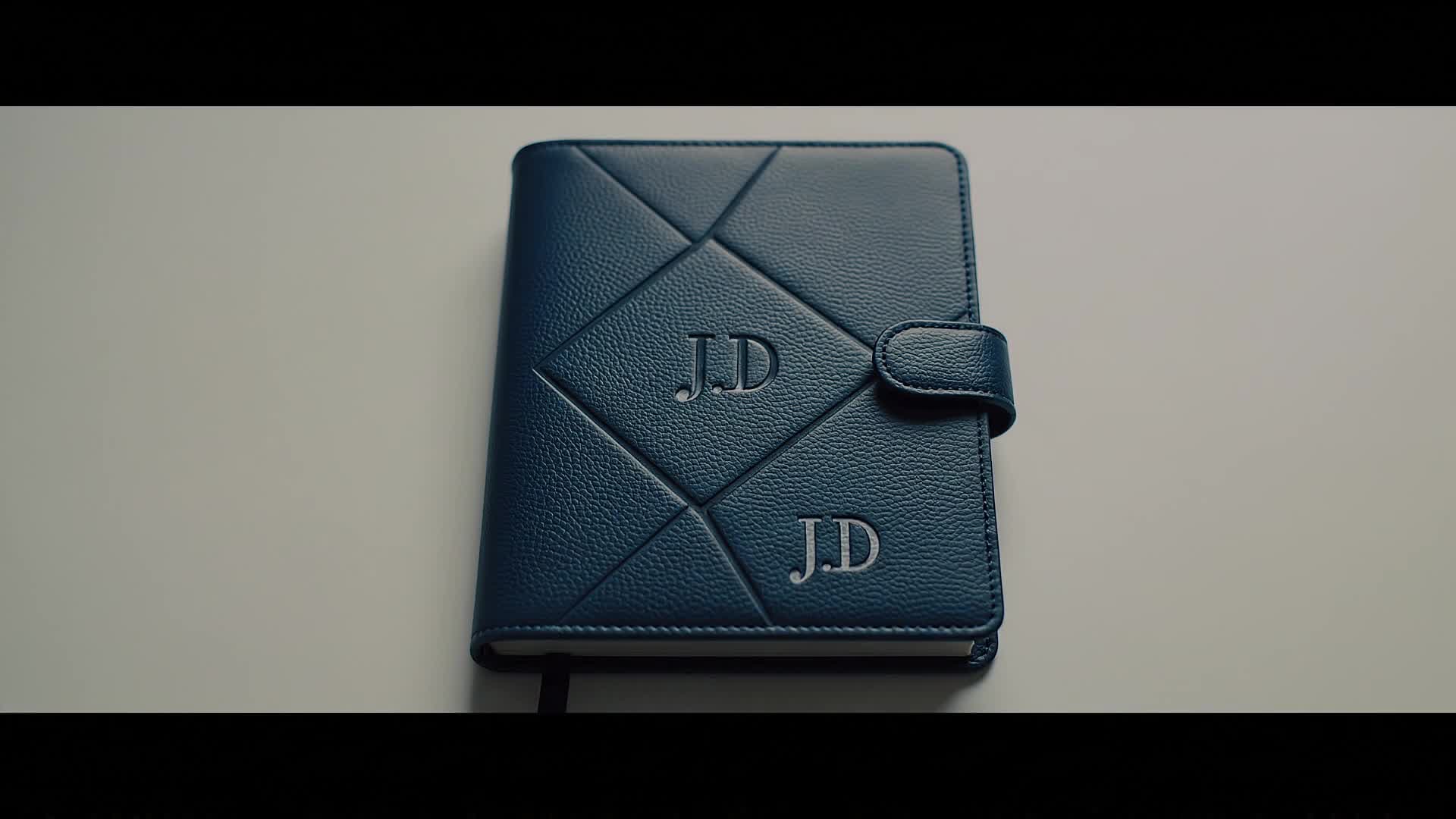
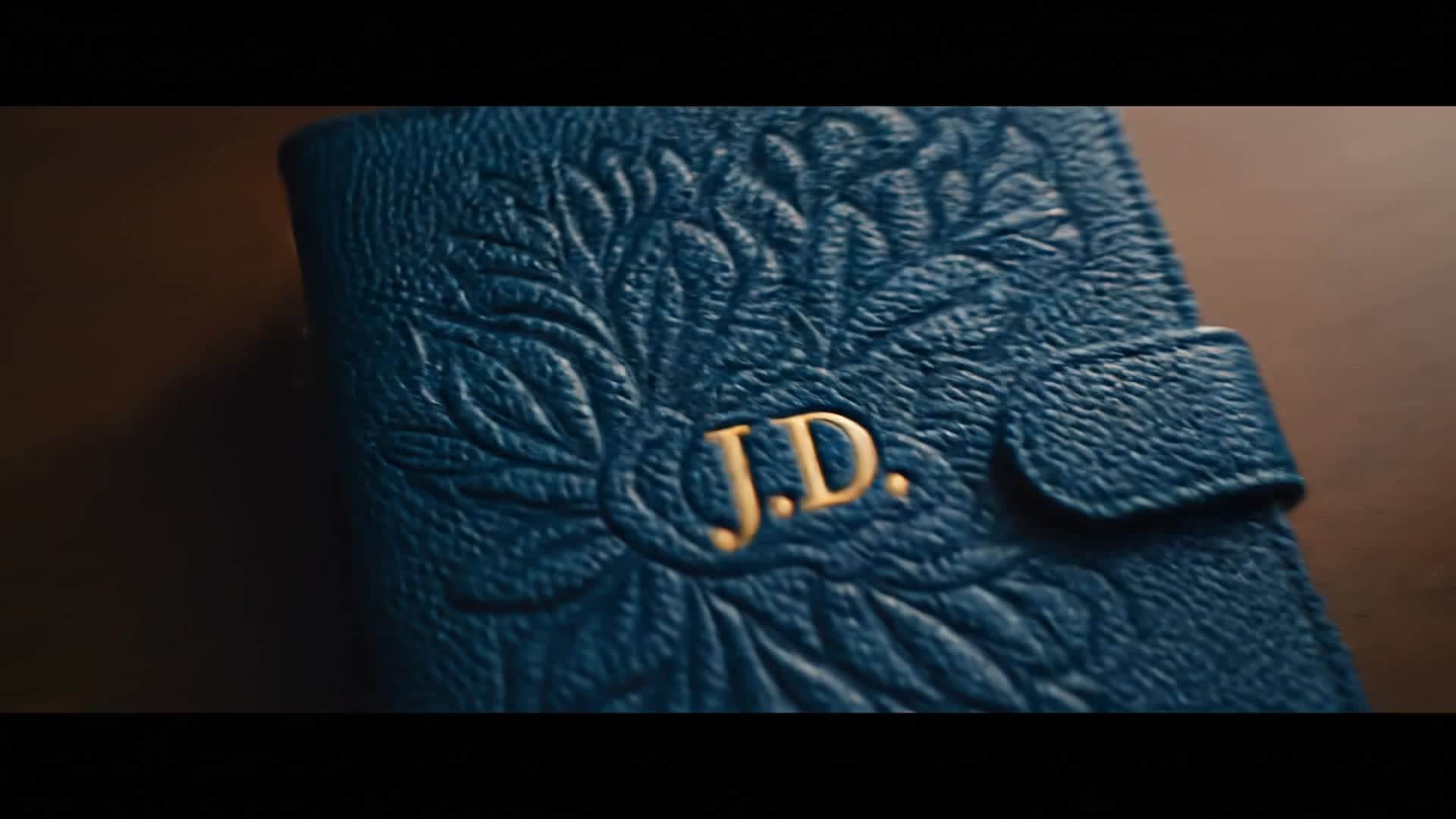
Bring your visuals to life with the Media.io image-to-video generator. Upload photos or product shots and let the system animate them with realistic motion, dynamic transitions, and fitting soundtracks. Perfect for creators who want to add story depth to static imagery, this tool translates your visuals into videos that feel alive, contextual, and brand-specific. Within seconds, you can remix existing assets into engaging video stories ready for campaigns, reels, or ads — all done with customizable output settings to match your creative direction and tone with precision.
Generate Customized Videos from Text Instantly
Describe your concept in plain language and let Media.io generate customized video videos from text in a much faster, more creator-friendly workflow. Instead of building every scene manually, you can turn ideas, hooks, captions, and campaign concepts into video drafts that are easier to refine, style, and publish for Reels, Shorts, and other short-form formats.
| Style | Customized Video Prompt Ideas | Copy & Create |
|---|---|---|
|
Product Showcase
|
Start with a macro shot of your product spinning on a clean surface under soft light. Add upbeat background music as AI highlights brand colors. Cut to real-life usage scenes showing customer satisfaction. Include text overlays describing unique features. End with a confident call-to-action that drives clicks, perfect for online shops and promo launches. |
|
|
Personal Birthday Message
|
Begin with confetti animation revealing the recipient’s name. Transition into a collage of shared photos brought to motion with gentle camera movement. Add personalized messages synced with background music. Finish with a heartwarming tagline like 'Your story deserves to shine.' Ideal for customized birthday videos shared on social media. |
|
|
Before and After Transformation
|
Open with a quick shot of a messy space, then reveal the improved version using smooth swipe transitions. Use text captions to guide viewers through changes. Incorporate dynamic zooms for extra emphasis. Add an optimistic soundtrack that builds energy. Conclude with a tagline promoting the result or service achieved. |
|
|
Educational Tutorial
|
Start with a bold text intro that defines the learning topic. Move seamlessly into step-by-step clips with visual cues. Include on-screen prompts guiding viewers. Feature friendly narration and concise motion pacing. Wrap up with a summary and 'Subscribe for more' visual cue, optimized for YouTube Shorts or Reels. |
|
|
Lifestyle Montage
|
Show snippets of daily routines under warm lighting. Combine slow-motion and time-lapse effects to create rhythm. Add text lines reflecting inspiration or motivation. Insert dynamic b-rolls of nature or travel scenes. Conclude with a minimal logo animation that reinforces brand aesthetics. |
|
|
Viral Trend Remix
|
Start with a trending dance or meme visual. Blend your brand’s twist through logo or color scheme integration. Sync transitions with popular sounds. Include quick cuts and zoom-ins to match viral pacing. End with a witty caption that encourages sharing and engagement across TikTok and Instagram. |








How to Create Customized Video with Media.io
Create customized video content faster with Media.io using text to video, image to video, video to video, and built-in editing tools.
Input Your Idea
Enter text, upload an image, or import a short video. Media.io’s AI instantly interprets your creative intent and prepares the base scenes for a customized output. This helps you create customized video content faster with a more structured workflow. You can easily adapt the output for platforms like TikTok, Instagram Reels, and YouTube Shorts.
Refine and Personalize
Adjust colors, transitions, captions, and voice to match your style. Fine-tune every detail while AI ensures smooth animation and visual consistency. This helps you create customized video content faster with a more structured workflow. You can easily adapt the output for platforms like TikTok, Instagram Reels, and YouTube Shorts. The process reduces manual editing and improves overall production efficiency.
Export and Share
Choose your preferred format and resolution, then save or publish directly to your preferred platform. Deliver stunning customized videos fast and effortlessly. This helps you create customized video content faster with a more structured workflow. You can easily adapt the output for platforms like TikTok, Instagram Reels, and YouTube Shorts. The process reduces manual editing and improves overall production efficiency.
Why Choose Media.io for Customized Video
AI-Powered Story Creation
Transform scripts or concepts into visual stories with Media.io’s deep learning engine that builds dynamic sequences fitting every theme or style. This makes customized video creation more efficient and easier to manage. It helps improve consistency across different video styles and formats.
Fast Rendering Time
Generate full customized videos within minutes thanks to optimized cloud rendering — no heavy downloads, no delays, just quick creative results. This makes customized video creation more efficient and easier to manage. It helps improve consistency across different video styles and formats. You can use this feature to produce more engaging and platform-ready content.
Flexible Input Options
Start from text, images, or existing clips. Media.io adapts any input into a professional-looking output that aligns perfectly with your creative vision. This makes customized video creation more efficient and easier to manage.
Instant Style Control
Switch between corporate, cinematic, or social-ready aesthetics with a few clicks. The AI adjusts tone, transitions, and color grading automatically. This makes customized video creation more efficient and easier to manage. It helps improve consistency across different video styles and formats.
Smart Audio and Subtitles
Auto-sync background music, narration, and captions to align perfectly with each scene, saving time while improving watchability and clarity. This makes customized video creation more efficient and easier to manage. It helps improve consistency across different video styles and formats. You can use this feature to produce more engaging and platform-ready content.
Optimized for Every Platform
Export your customized video in multiple aspect ratios and formats suitable for YouTube, Instagram, TikTok, or website embeds with one click. This makes customized video creation more efficient and easier to manage. It helps improve consistency across different video styles and formats. You can use this feature to produce more engaging and platform-ready content.
FAQs About
Customized Video
1. What is a customized video?


A customized video is a tailor-made clip created using text, images, or content that reflects your brand identity or personal message. Media.io helps automate this process using AI.
2. Do I need editing skills to use Media.io?
Not at all. Media.io is designed for everyone. You just describe your idea, upload assets, and AI handles editing, transitions, and timing for you.
3. Can I create a customized video from photos?
Yes. Simply upload your images, and Media.io’s image-to-video generator will animate them with motion, text, and soundtrack for a lively visual experience.
4. Is there a limit on video length?
For free users, there’s a short duration cap, but premium users can create and export longer customized videos with higher resolution and more templates.
5. How long does rendering take?
Rendering is handled in the cloud and typically completes in just a few minutes depending on length and resolution — faster than manual editing.
6. Can I use the videos commercially?
Yes, you can use your finished customized videos for marketing, presentations, or social ads as long as you own or have rights to the input materials.



