Create AI-Powered Cricket Highlights
Transform raw match moments into share-worthy reels instantly
With Media.io’s AI-powered cricket video editing tool, you can convert raw match clips into highlight reels that bring every six, wicket, and thrilling moment to life. Designed for creators, coaches, and fans, this editor automatically detects key action moments and stitches them into dynamic videos optimized for social sharing. Add your brand logo, adjust pacing, mix soundtracks, and export in HD—all online in minutes. Whether you’re producing highlights for a local league or boosting your YouTube channel, Media.io simplifies cricket content creation and ensures every shot feels professional.
Bring Cricket Video Editing Images to Life
Media.io’s image-to-video feature lets you animate cricket photos into life-like highlight stories. Upload a series of match snapshots—players celebrating wickets, flying catches, or crowd reactions—and AI transforms them into a moving sequence that feels like an energetic recap. This is perfect for sports photographers or teams who want to relive the match action without full-length footage. In just a few clicks, you can turn static images into motion-packed cricket montages ready for Instagram Reels, TikTok, or YouTube. The process is quick, intuitive, and ideal for creators seeking to boost engagement with vibrant visuals.
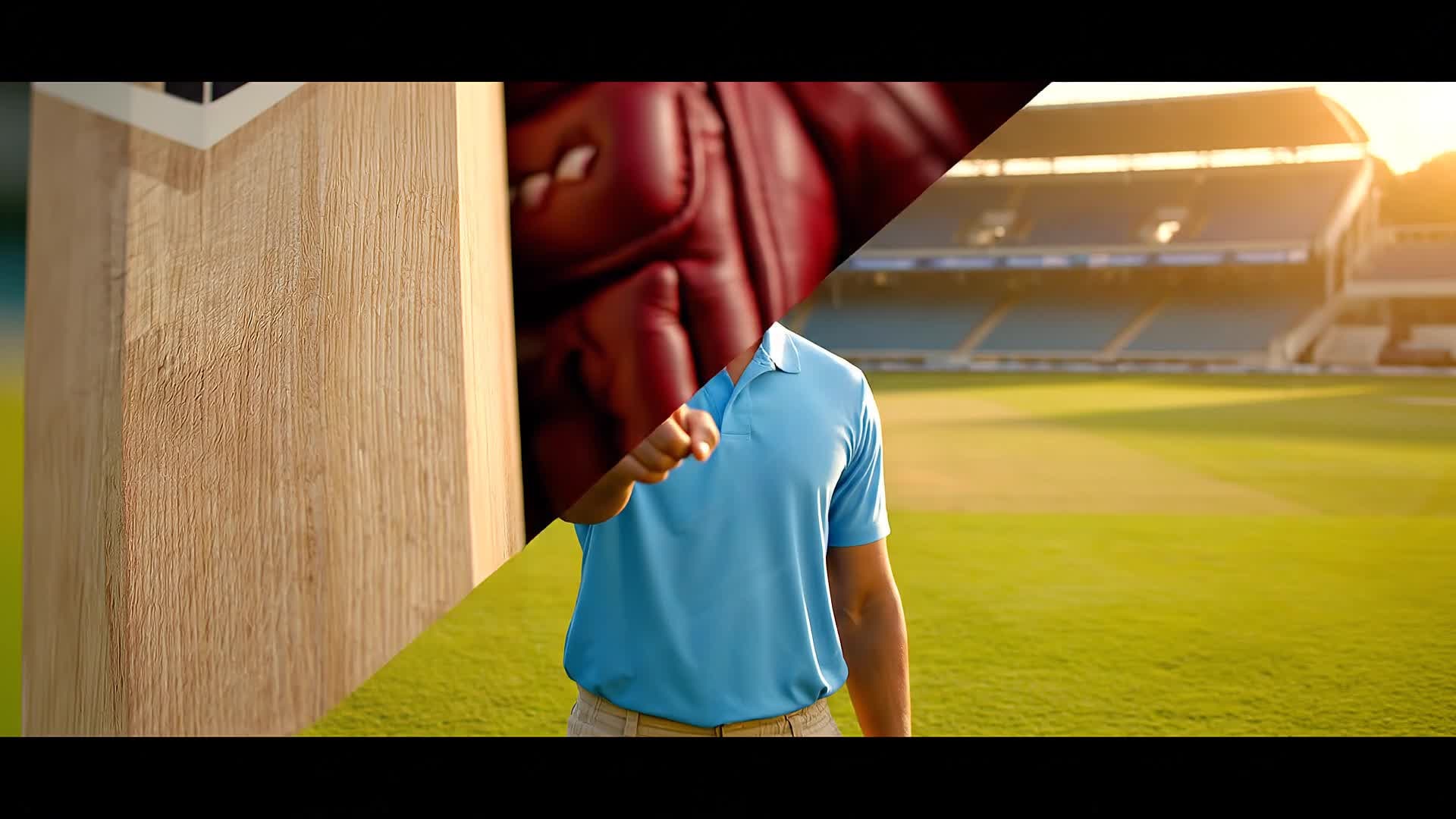
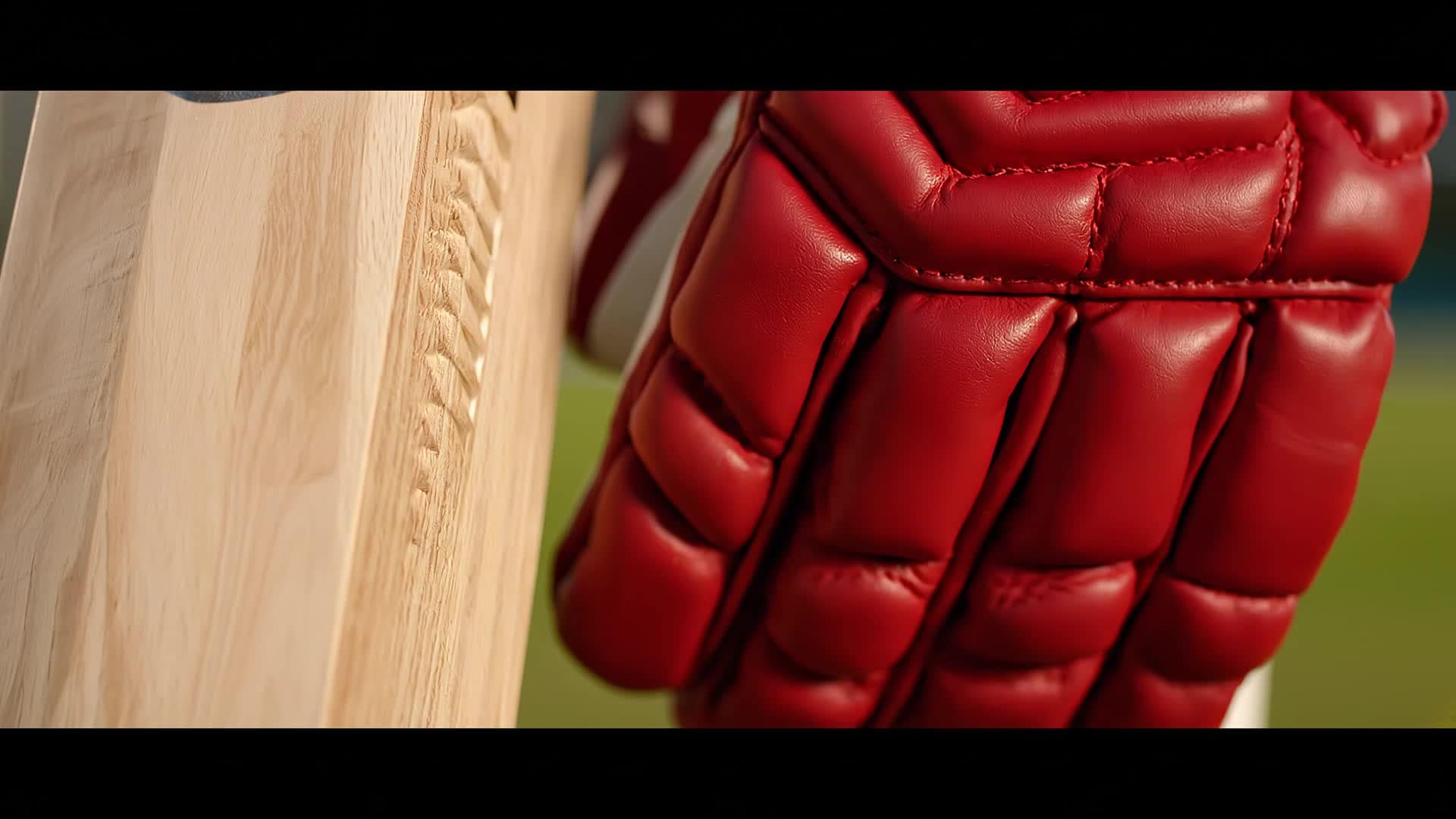
Generate Cricket Videos from Text Prompts
With Media.io’s text-to-video generator, simply describe the type of cricket content you want—like a last-over match recap, a thrilling catch montage, or player introduction—and let AI handle the rest. It crafts scenes with authentic motion, crowd energy, and smooth transitions, turning plain text into a complete video story. This feature gives sports marketers, vloggers, and fans a fast way to produce video ideas without shooting or editing manually. You can instantly visualize commentary scripts, promotional lines, or creative match summaries ready for social media sharing within minutes.
| Style | Trending Cricket Video Editing Prompts | Copy & Create |
|---|---|---|
|
Epic Match Recap
|
Start with a tense stadium atmosphere and energetic crowd noise. Show the bowler charging and the camera following the ball’s flight as it’s smashed for six. Cut between quick slow-motion spikes and scoreboard overlays. Flash key turning points in the game, like wickets and boundaries. Add dramatic lighting and upbeat music. |
|
|
Behind-the-Scenes Team Day
|
Begin with players warming up, laughing, and stretching in slow motion. Transition to locker room camaraderie and coach pep talks. Capture close-up moments of focus before entering the field. Highlight teamwork with glances and handshakes. Alternate between candid clips and crowd anticipation. Conclude with cheerful smiles after the game, music building up to a feel-good finish. |
|
|
Cricket Gear Promo
|
Show crisp shots of branded cricket bats and gloves in bright lighting. Transition into short clips of action scenes showcasing equipment performance. Include overlays with key specs and benefits. Add motion transitions as players hit powerful shots using the gear. End with logo reveal and CTA text inviting viewers to 'Play like a pro'. Keep pacing energetic and product-driven. |
|
|
How-To Bowling Tips
|
Open with text hook 'Master Swing Bowling in 30 Seconds!'. Display player demonstration of grip and run-up in clear framing. Use visual guides highlighting wrist position and spin motion. Zoom into slow-motion release and swing trajectory. Add quick callouts summarizing tips. Wrap up with final advice overlay and sign-off inviting watchers to subscribe for more tutorials. |
|
|
Before and After Edit
|
Begin by showing raw cricket footage with natural lighting. Then cut to the AI-enhanced version edited by Media.io with smoother transitions, balanced colors, and synced audio. Flash a quick before/after split-screen comparison. Include captions about automatic clipping and enhancement. Conclude with final export showing vibrant motion visuals ready for sharing. |
|
|
Aesthetic Sports Reel
|
Use soft lighting and cinematic filters. Capture emotional slow-motion shots of players walking through sunlight or celebrating under stadium lights. Blend in close-ups of cricket gear, boots hitting pitch, and dust particles in air. Sync to ambient lounge track for emotional effect. End with simple text overlay 'The Spirit of the Game'. Keep transitions fluid and elegant. |








How to Create Cricket Video Editing with Media.io
Create cricket video editing content faster with Media.io using text to video, image to video, video to video, and built-in editing tools.
Describe or Upload Your Clips
Start by entering a short prompt or uploading cricket footage or photos. Media.io’s AI understands your content and pre-selects key highlights automatically. This helps you create cricket video editing content faster with a more structured workflow. You can easily adapt the output for platforms like TikTok, Instagram Reels, and YouTube Shorts.
Customize with AI Tools
Trim, merge, add captions, and enhance scenes using intuitive editing sliders. Adjust camera focus, transitions, and background music with just a few clicks. This helps you create cricket video editing content faster with a more structured workflow. You can easily adapt the output for platforms like TikTok, Instagram Reels, and YouTube Shorts. The process reduces manual editing and improves overall production efficiency.
Export and Share Instantly
Export your AI-edited cricket video in HD and share directly to YouTube, TikTok, or Instagram. Fast rendering ensures your highlights are ready to post within minutes. This helps you create cricket video editing content faster with a more structured workflow. You can easily adapt the output for platforms like TikTok, Instagram Reels, and YouTube Shorts. The process reduces manual editing and improves overall production efficiency.
Why Choose Media.io for Cricket Video Editing
AI Match Highlight Detection
Automatically identify wicket moments, boundaries, and celebrations to speed up your editing workflow and focus on telling vivid stories instead of cutting clips manually. This makes cricket video editing creation more efficient and easier to manage. It helps improve consistency across different video styles and formats. You can use this feature to produce more engaging and platform-ready content.
Instant Editing Online
Work entirely in your browser with no setup. Media.io processes your cricket footage on the cloud, delivering professional results without heavy software or hardware needs. This makes cricket video editing creation more efficient and easier to manage.
Multiple Input Options
Create cricket videos from text, photos, or raw clips. Mix media seamlessly and adapt pacing or transitions around match emotions or commentary style. This makes cricket video editing creation more efficient and easier to manage. It helps improve consistency across different video styles and formats.
Smart Audio & Music Sync
AI adjusts background tracks to sync with match tension and crowd energy, making your cricket highlights feel cinematic and emotionally engaging. This makes cricket video editing creation more efficient and easier to manage. It helps improve consistency across different video styles and formats. You can use this feature to produce more engaging and platform-ready content.
Easy Custom Branding
Add logos, watermarks, and team colors in one click so your cricket highlight reels look authentic and brand-ready for sponsors or social media pages. This makes cricket video editing creation more efficient and easier to manage. It helps improve consistency across different video styles and formats. You can use this feature to produce more engaging and platform-ready content.
Fast Social Export Presets
Choose presets for YouTube Shorts, Instagram Reels, or TikTok to optimize aspect ratio and quality automatically before publishing your cricket stories. This makes cricket video editing creation more efficient and easier to manage. It helps improve consistency across different video styles and formats. You can use this feature to produce more engaging and platform-ready content.
FAQs About
Cricket Video Editing
1. What is cricket video editing with Media.io?


Cricket video editing with Media.io uses AI to automatically find and combine highlight moments from your match footage, helping you make professional highlight reels quickly.
2. Can I create a cricket video from photos?
Yes. You can turn cricket images into animated video sequences with Media.io’s image-to-video feature, adding transitions, motion, and background music.
3. Do I need editing skills to use it?
No skills required. Media.io is built for beginners and automates scene selection, trimming, and effect application so anyone can produce stunning cricket videos in minutes.
4. Is this tool suitable for YouTube or Instagram?
Absolutely. Media.io offers export presets for YouTube Shorts, Instagram Reels, and TikTok so your cricket reels are ready for immediate sharing.
5. Can I customize my video style?
Yes. You can tweak pacing, apply filters, add overlays, change background tracks, or merge clips manually while keeping AI suggestions active for faster editing.
6. Is Media.io free to start?
You can try Media.io’s cricket video editor for free. Upgrade later for advanced exports and higher resolution output when you’re ready to scale your creations.



