Generate Credits Maker with Smarter AI Tools
Professional End Titles Made Easy
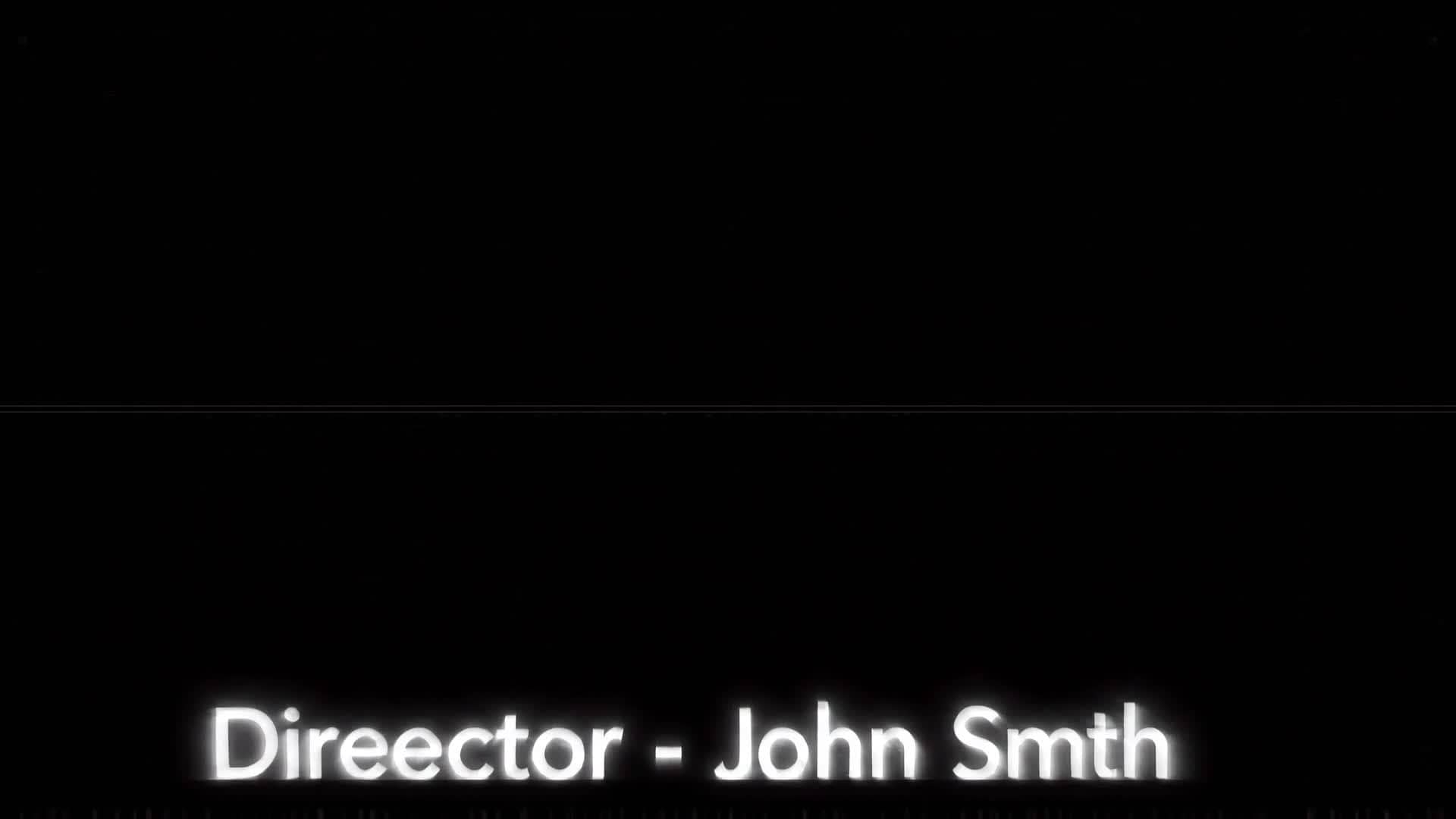
Generate stylish video credits effortlessly using Media.io’s AI-powered credits maker. Whether you’re finishing a short film, YouTube series, student project, or promo video, our intelligent tool designs motion-ready rolling titles in seconds. Customize fonts, animation, and layout to match your brand or film aesthetic. No design background required—just type your names, roles, or acknowledgments and let AI handle the timing and effects. Deliver that professional Hollywood-style ending without complicated software or tedious manual editing. Start producing visually polished credits that impress every viewer.
Turn Still Frames into Moving Credits
With Media.io, you can bring static designs, title cards, or background images to life by easily converting them into flowing video credits. Transform a flat graphic into dynamic movement, complete with animated text, transitions, and background music. Perfect for filmmakers and content creators who need quick outro animations or branded end cards without spending hours editing. Upload your artwork or still image, apply smooth camera motion or fade effects, and instantly make your visual end credits ready for YouTube, social media, or professional screenings. It only takes a few clicks to make static media feel cinematic.
From Text to Video Credits in Seconds
Describe your concept in plain language and let Media.io generate credits maker videos from text in a much faster, more creator-friendly workflow. Instead of building every scene manually, you can turn ideas, hooks, captions, and campaign concepts into video drafts that are easier to refine, style, and publish for Reels, Shorts, and other short-form formats.
| Style | Creative Prompts for AI Credits Maker | Copy & Create |
|---|---|---|
|
Cinematic Roll
|
Design a slow upward scroll displaying cast and crew names with elegant serif fonts. Add faint glowing highlights on key titles for emphasis. Maintain a dark blue gradient background for depth. Include soft music syncing with the motion speed. The mood should resemble classic movie endings. Finish with a simple fade-out logo animation for professional polish. |
|
|
Modern Minimal
|
Generate a clean, minimalist credits roll on a white background with black sans-serif text. Use calm fade-ins and subtle transitions. Keep spacing balanced for a refined esthetic. Add a sleek animated line that moves across the bottom to signal sequence progress. Conclude with a smooth fade-to-white for a creative studio finish. |
|
|
Vibrant Social Outro
|
Create bright and lively credits for a fun YouTube series. Use colorful text bursts, pop-style motion graphics, and upbeat background beats. Make each name appear with a playful bounce effect. Include emojis or icons next to roles for visual storytelling. Keep the pacing snappy for audience engagement. End with a clear call to action overlay for social follows. |
|
|
Corporate Thank You
|
Produce a professional end title sequence suitable for brand videos. Use a deep grey or company color background. Add employees and contributors' names scrolling gracefully with soft fade animations. Insert a subtle brand watermark in the corner. Include refined typography and background ambiance for a polished corporate aesthetic. |
|
|
Behind the Scenes
|
Generate playful rolling credits featuring on-set snapshots fading in alongside crew names. Alternate between text and quick still images for variety. Apply motion blur transitions for an authentic film feel. Add cheerful instrumental music that matches the upbeat tone. Conclude with a team photo reveal and a friendly 'Thanks for Watching!' message. |
|
|
Epic Film Finale
|
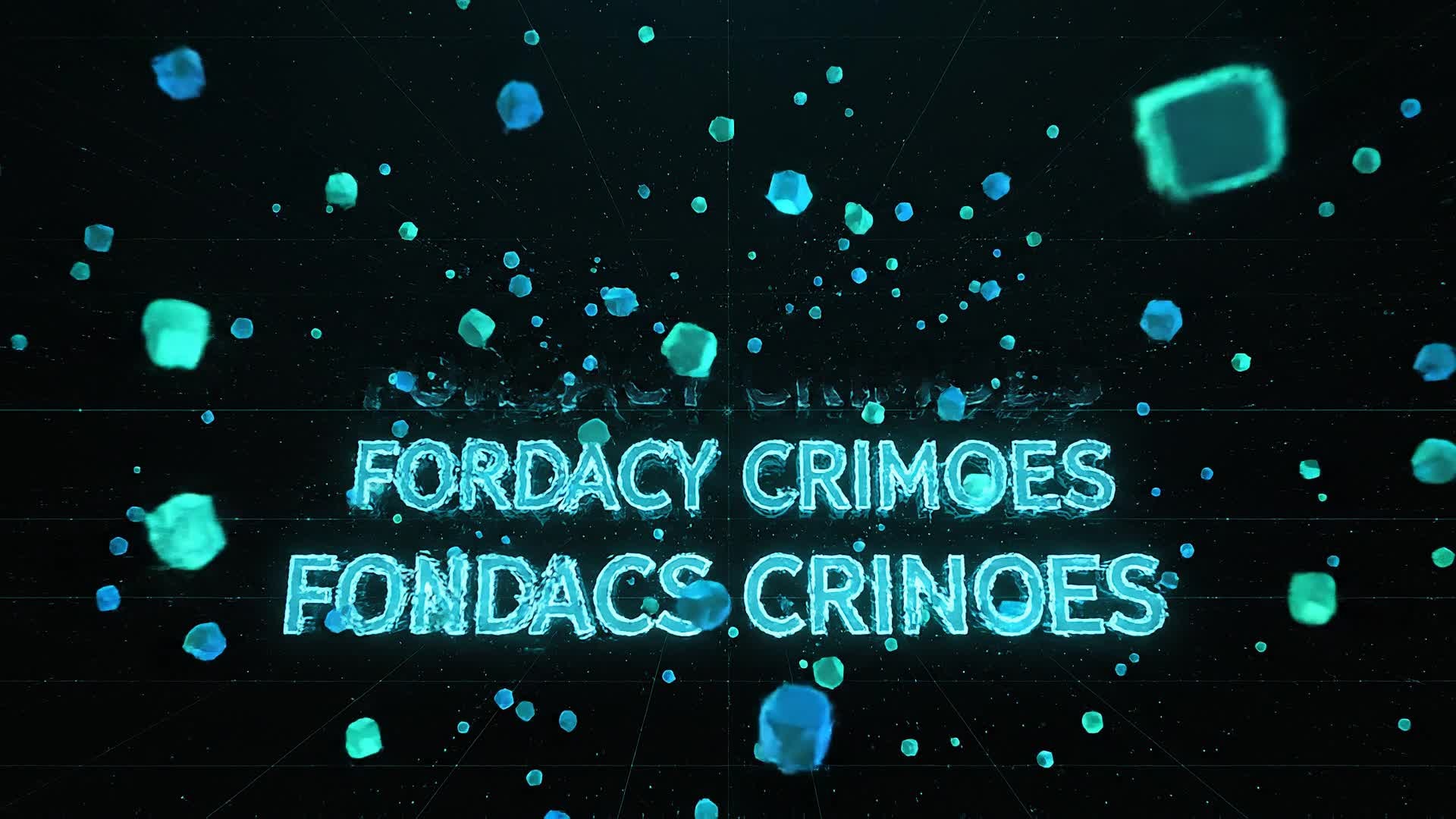
Make stunning cinematic credits with 3D depth and glow effects. Start with a bold logo reveal, then transition to slow-rolling crew names over a galaxy-like background. Synchronize name transitions with orchestral music swells. Incorporate a golden shimmer at the end for visual impact. Keep pacing deliberate and smooth for a high-quality movie finish. |








How to Create Credits Maker with Media.io
Create credits maker content faster with Media.io using text to video, image to video, video to video, and built-in editing tools.
Add Your Text or Images
Paste your credits list or upload static visuals. Media.io automatically converts these into editable video-ready inputs with aligned formatting. This helps you create credits maker content faster with a more structured workflow. You can easily adapt the output for platforms like TikTok, Instagram Reels, and YouTube Shorts.
Customize the Look
Apply AI themes, motion styles, or transitions. You can instantly match the tone of your brand, vlog, or short film with modern templates. This helps you create credits maker content faster with a more structured workflow. You can easily adapt the output for platforms like TikTok, Instagram Reels, and YouTube Shorts. The process reduces manual editing and improves overall production efficiency.
Export and Share
Polish final details in preview, export in HD, and share your credits video directly to YouTube, Instagram, or film festival submissions. This helps you create credits maker content faster with a more structured workflow. You can easily adapt the output for platforms like TikTok, Instagram Reels, and YouTube Shorts. The process reduces manual editing and improves overall production efficiency. Each step improves visual quality, pacing, and content consistency.
Why Choose Media.io for Credits Maker
Fast AI Generation
Create smooth credits videos in minutes using smart AI automation instead of manual editing. This makes credits maker creation more efficient and easier to manage. It helps improve consistency across different video styles and formats. You can use this feature to produce more engaging and platform-ready content.
Multiple Input Options
Start from text lists, images, or existing video clips—the credits maker adapts any source with ease. This makes credits maker creation more efficient and easier to manage. It helps improve consistency across different video styles and formats. You can use this feature to produce more engaging and platform-ready content.
Customizable Styles
Choose from cinematic, minimal, or fun presets to give your end screen the right vibe. This makes credits maker creation more efficient and easier to manage. It helps improve consistency across different video styles and formats. You can use this feature to produce more engaging and platform-ready content.
Auto Timing & Motion
AI adjusts scroll speed and transitions automatically to match pacing and soundtrack rhythm. This makes credits maker creation more efficient and easier to manage. It helps improve consistency across different video styles and formats. You can use this feature to produce more engaging and platform-ready content.
Built-In Music Sync
Enhance emotion by uploading your track—Media.io syncs movements to your audio seamlessly. This makes credits maker creation more efficient and easier to manage. It helps improve consistency across different video styles and formats.
Instant Online Access
No downloads or installs required. Generate, preview, and export credits directly from your browser. This makes credits maker creation more efficient and easier to manage. It helps improve consistency across different video styles and formats.
FAQs About
Credits Maker
1. What is a credits maker?


A credits maker is an online tool that helps you design and animate end titles for your videos easily using templates or AI.
2. Can I add custom fonts or logos?
Yes, with Media.io you can upload your own fonts, brand logos, and colors to make your credits match your project’s identity.
3. Is the credits maker free to use?
Media.io offers a free plan for creating credits videos, with premium options for higher resolutions and advanced themes.
4. What file formats can I export?
You can export your finished credits in MP4, MOV, or WebM formats, optimized for sharing across major platforms.
5. How long does it take to generate credits?
Usually just a few minutes. AI automation handles layout, transitions, and synchronization faster than manual editing.
6. Can I create scrolling or static credits?
Yes, you can choose scrolling, static fade, or slide transitions depending on your desired viewing style and pacing.



