Generate Corporate Video Maker with Smarter AI Tools
Make professional business videos in minutes
Media.io Corporate Video Maker lets you craft polished, brand-ready videos in a few clicks. Whether you need internal team updates, marketing intros, or investor presentations, our AI transforms your text, images, or clips into high-quality corporate videos effortlessly. Customize brand colors, logo placement, and transitions—all in your browser. No editing experience required; just focus on your message while Media.io handles the visuals. Produce engaging, professional videos that enhance company storytelling and boost brand credibility instantly.
Turn Stills into Dynamic Corporate Videos
Transform product photos, office shots, or presentation slides into motion-rich corporate videos with Media.io’s AI image-to-video feature. Simply upload your visuals, and our AI animates them into smooth transitions, dynamic camera moves, and professional text overlays. Perfect for company profiles, recruitment showcases, or client recaps, this feature helps businesses add movement and energy to static brand assets. Media.io ensures consistent quality, allowing even non-designers to produce studio-level, branded visuals that capture attention across presentations and social platforms.

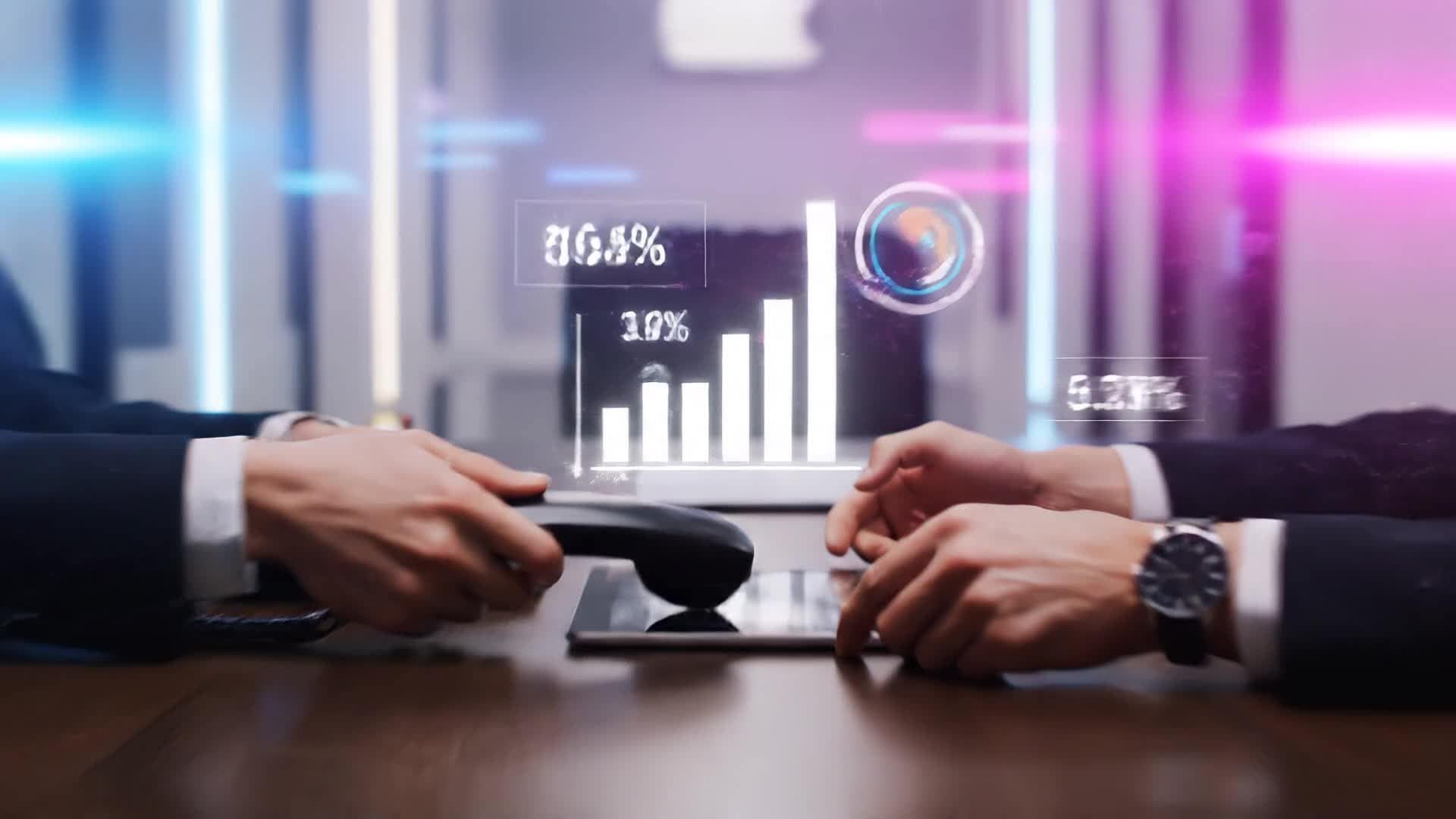
Generate Business Videos from a Simple Script
With Media.io’s text-to-video AI, anyone can convert words into dynamic brand videos instantly. Just describe your idea or paste a short script—our smart generator builds professional visuals, selects fitting music, and adds motion automatically. Perfect for CEOs, HR teams, or marketers looking to communicate messages quickly, it turns briefing notes into impactful storytelling pieces in minutes. Ideal for branding announcements, product intros, or internal updates, Media.io empowers every team to look professional without complex tools.
| Style | Corporate Video Maker Prompt Ideas | Copy & Create |
|---|---|---|
Company Overview | Begin with your office exterior under morning light, followed by shots of your team working together. Show departments in action—design, marketing, customer support. Use upbeat music and highlight your company’s milestones with animated text. Include quick testimonials or message overlays describing your values. End with your logo reveal and tagline for consistent branding. | |
Product Launch Teaser | Start with a close-up of your product logo fading in from black. Showcase key features using animated captions and bold visual cues. Add subtle sound design and background motion to build excitement. Include short visuals of customers interacting with the product. Speed up sequences toward the end to create energy. Conclude with your launch date and call to check your website for details. | |
Client Success Story | Kick off with footage of your client’s business doing what they do best. Use title cards to introduce them and your partnership. Mix in short interview snippets or text quotes backed by visuals of results achieved. Feature your product or service in action. Finish with brand-aligned music and your logo closing frame to reinforce trust and partnership. | |
Employee Welcome Message | Open with a warm greeting overlay over office footage. Show different departments waving, working, and interacting naturally. Add captions describing the company culture and values. Insert short clips of leadership sharing encouraging words. Keep pacing steady with uplifting background music. Close with the company logo and text welcoming new members aboard. | |
Quarterly Results Recap | Start with animated charts displaying growth trends. Cut to celebratory moments inside your team. Mix office shots, customer interactions, and internal events. Overlay clear, simple numbers supported by professional graphics. Use subtle transitions and calm background music. End with an optimistic message about future goals and your brand mark fade-in. | |
Investor Pitch Highlight | Begin with an impressive visual of your building or logo animation. Cut to key metrics displayed dynamically on screen. Show product prototypes, user feedback clips, and achievements in sequence. Include brief narrative text to emphasize growth. Maintain a professional yet inspiring tone. Conclude with brand statement overlay and confident tagline to leave a strong final impression. |








How to Create Corporate Video Maker with Media.io
Create corporate video maker content faster with Media.io using text to video, image to video, video to video, and built-in editing tools.
Enter Your Concept
Start with a short text idea, script, or brand vision. Media.io’s AI understands your intent and instantly drafts storyboards for your corporate video. This helps you create corporate video maker content faster with a more structured workflow. You can easily adapt the output for platforms like TikTok, Instagram Reels, and YouTube Shorts.
Add Visuals & Style
Upload images, choose motion templates, or let AI create scenes matching your brand tone. Media.io animates visuals smoothly for a cohesive narrative. This helps you create corporate video maker content faster with a more structured workflow. You can easily adapt the output for platforms like TikTok, Instagram Reels, and YouTube Shorts.
Refine & Export
Adjust text, background music, or pacing in one click before exporting your HD-ready corporate video for emails, websites, or presentations. This helps you create corporate video maker content faster with a more structured workflow. You can easily adapt the output for platforms like TikTok, Instagram Reels, and YouTube Shorts. The process reduces manual editing and improves overall production efficiency. Each step improves visual quality, pacing, and content consistency.
Why Choose Media.io for Corporate Video Maker
AI-Powered Storytelling
Instantly generate compelling narratives from plain text or brief outlines using AI trained on professional corporate visuals. This makes corporate video maker creation more efficient and easier to manage. It helps improve consistency across different video styles and formats. You can use this feature to produce more engaging and platform-ready content.
Multi-Input Flexibility
Combine images, clips, or voiceovers effortlessly, and Media.io will sync them into a polished corporate video ready for sharing. This makes corporate video maker creation more efficient and easier to manage. It helps improve consistency across different video styles and formats.
Custom Branding Tools
Upload your logo, apply brand colors, and set preferred fonts so every video reflects your corporate identity perfectly. This makes corporate video maker creation more efficient and easier to manage. It helps improve consistency across different video styles and formats. You can use this feature to produce more engaging and platform-ready content.
Smart Scene Transitions
Enjoy automated, cinematic scene transitions that make your videos look expertly edited without additional effort. This makes corporate video maker creation more efficient and easier to manage. It helps improve consistency across different video styles and formats. You can use this feature to produce more engaging and platform-ready content.
Fast Export & Sharing
Create, preview, and export HD videos within minutes for seamless sharing across internal or public platforms. This makes corporate video maker creation more efficient and easier to manage. It helps improve consistency across different video styles and formats. You can use this feature to produce more engaging and platform-ready content.
Social & Presentation Ready
Optimize outputs for LinkedIn, YouTube, or meetings. Media.io ensures every frame fits professional audiences. This makes corporate video maker creation more efficient and easier to manage.
FAQs About
Corporate Video Maker
1. What is the Media.io Corporate Video Maker? 

It’s an AI-powered tool that helps businesses create professional corporate videos from text, images, or clips instantly, even without editing experience.
2. Can I add my company branding?
Yes, you can upload logos, colors, and fonts to keep every video consistent with your brand identity.
3. Is it suitable for presentations and internal use?
Absolutely. Many teams use it for staff updates, training summaries, or investor decks thanks to its polished presentation-ready results.
4. Do I need prior video editing skills?
Not at all. Media.io handles transitions, motion, and design automatically so anyone can create a professional outcome in minutes.
5. Can I use my own clips and photos?
Yes, you can upload any media assets. The system blends them seamlessly with AI-generated visuals and text overlays.
6. Is my data safe on Media.io?
Yes, all uploads and processing are encrypted, ensuring your business assets remain private and protected.




