Create a Cooking Intro That Stands Out
AI-Powered Tools for Food Creators
Transform your cooking content into a captivating experience with Media.io's AI Cooking Intro Maker. Whether you’re a recipe vlogger, chef, or brand showcasing signature dishes, you can generate visually rich openings that set the tone for your videos instantly. Upload an image, describe your style, or start from text — our AI crafts full-motion intros that highlight your recipes, utensils, and kitchen vibes. Save time editing and focus on storytelling while the AI ensures professionally engaging visuals ready for YouTube, TikTok, or Instagram in minutes.
Turn Food Images Into Animated Cooking Intros
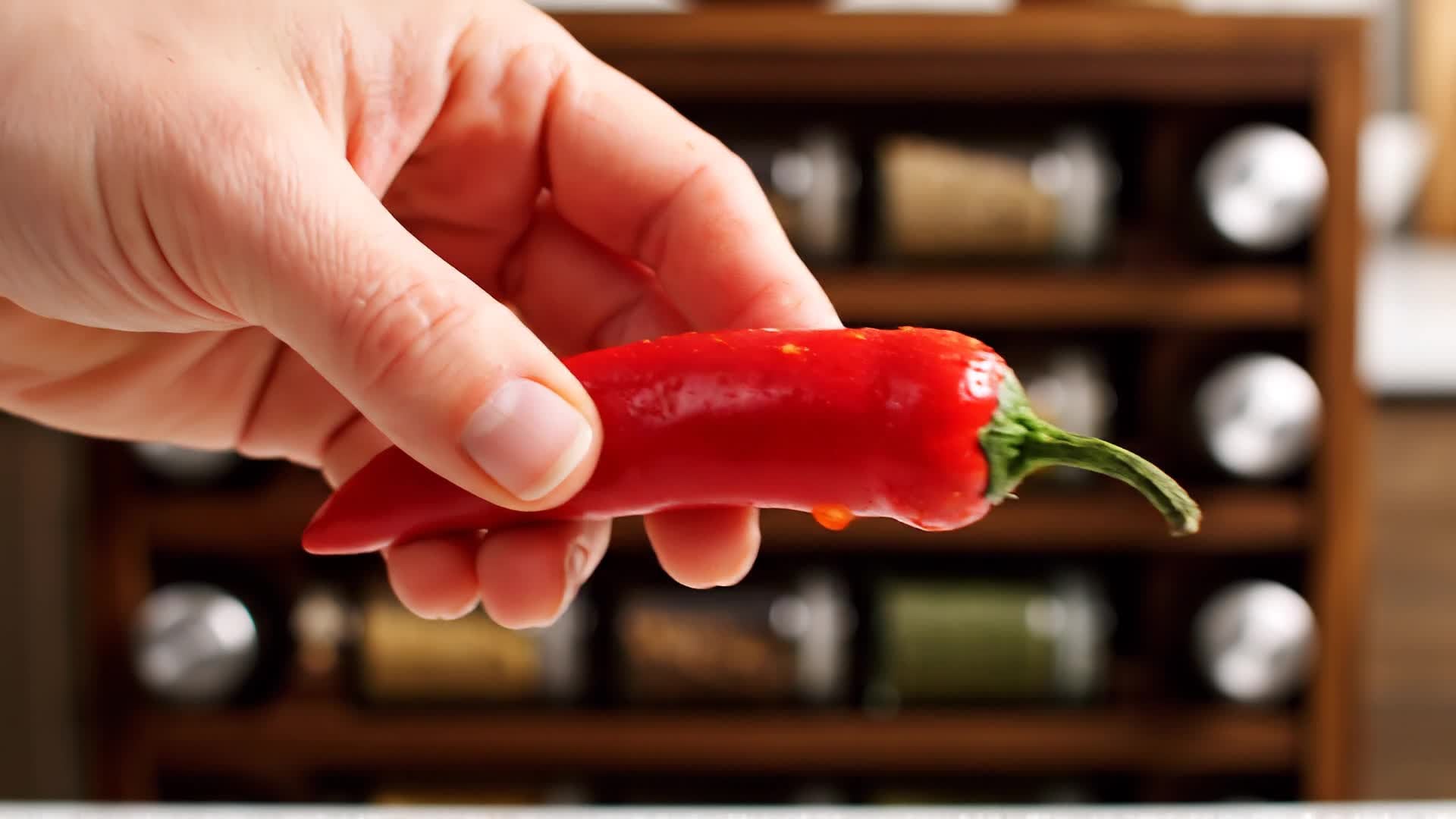
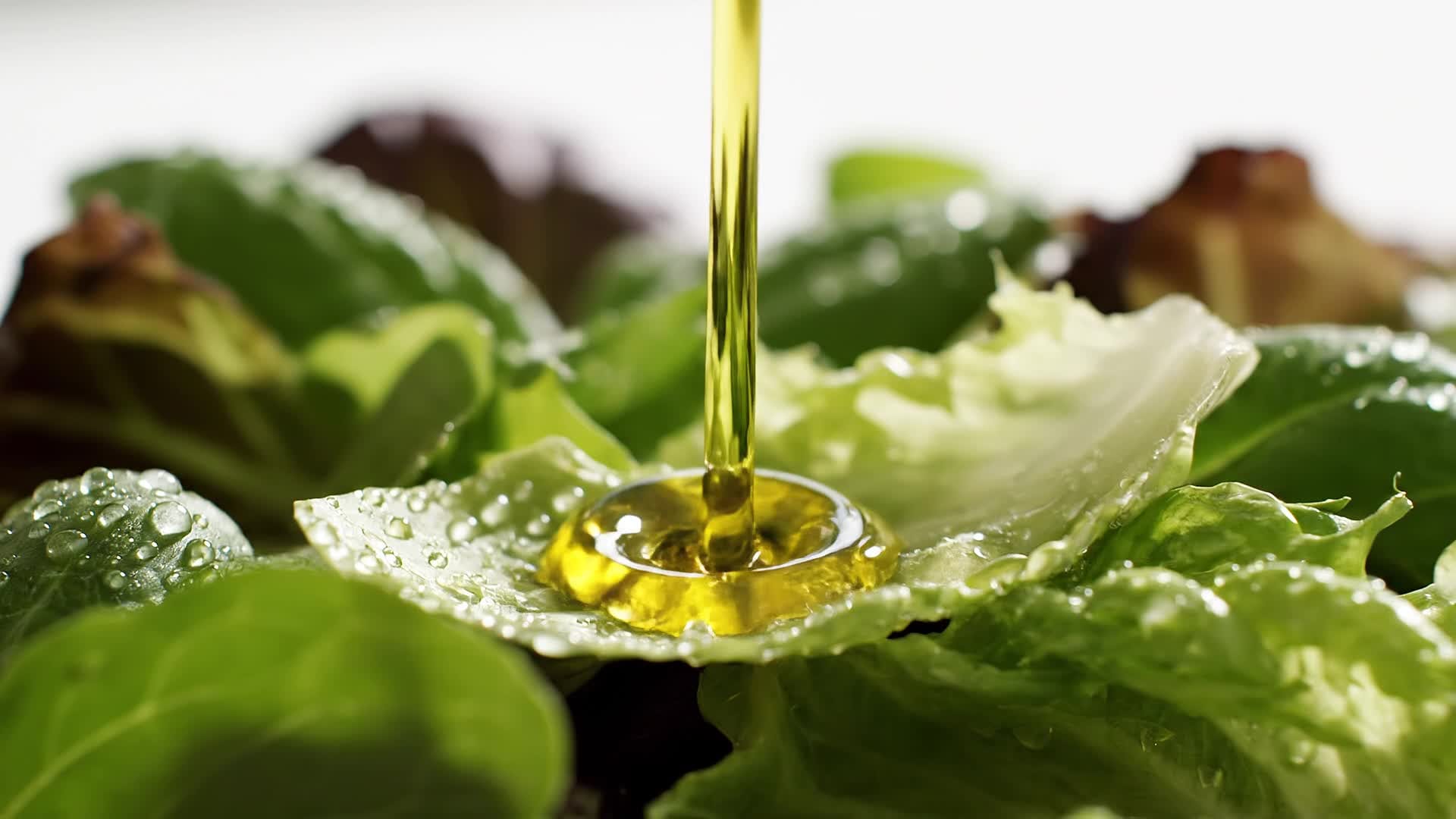
Bring your food photos to life using Media.io’s AI image-to-video technology. Upload any dish photo, and the platform automatically animates the motion — sizzling oil, steaming plates, and smooth camera pans — turning static visuals into dynamic video intros. Perfect for cooking channels that want to make their content feel cinematic without hours of editing. This workflow helps creators repurpose existing visuals into engaging openers that instantly grab the audience’s attention and elevate brand presentation across platforms.
Write Your Cooking Intro, Let AI Turn It Into Video
With Media.io’s text-to-video feature, you simply describe the vibe of your cooking intro, and AI turns it into a professional scene complete with motion, lighting, and music. Whether it’s for a cozy breakfast vlog or a bold street food series, turn text ideas into scroll-stopping visuals instantly. It’s perfect for creators who want to skip design tools but still deliver beautifully branded video intros. From recipes to restaurant intros, you get cohesive visuals ready to publish within minutes of generation.
| Style | Cooking Intro AI Prompt Ideas | Copy & Create |
|---|---|---|
|
Home Chef Vibe
|
Show a cozy kitchen scene with morning light pouring through the window. Capture the sound of butter melting in a pan, close-ups of whipping eggs, and steam rising from coffee. Use soft tones and gentle camera transitions. Add on-screen text encouraging viewers to subscribe before breakfast is served. End with a fade-out logo reveal and gentle background music. |
|
|
Street Food Energy
|
Start with fast cuts of food stalls lighting up at night. Show frying oil splashes, skewers sizzling, and quick smiles of chefs at work. Use quick motion and vibrant color grading. Overlay text like “Fast, Flavorful, Real.” End with a modern logo drop synced to a bass-driven beat for TikTok or YouTube Shorts. |
|
|
Luxury Restaurant Intro
|
Capture gold accents, polished tables, and slow-motion wine pours. Show top-down shots of plated gourmet dishes with elegant lighting. Include text transitions that say “Crafted to Perfection.” End with a smooth logo animation and elegant music build-up to highlight premium dining experiences. |
|
|
Cooking Tutorial Start
|
Begin with a cheerful kitchen setup. Show hands arranging fresh ingredients on the counter, then zoom out to the chef smiling at camera. Add dynamic labels naming ingredients and upbeat music to create teaching energy. Close with text saying “Let’s Cook Together” and a satisfying jump cut into the main recipe portion. |
|
|
Before & After Recipe Intro
|
Open with an empty plate and a timer countdown. Show stock ingredients in a rapid sequence, then reveal the final dish plated beautifully. Use on-screen text to match each transformation. Add motion transitions that highlight the journey and end with “From Prep to Perfection” tagline. |
|
|
Viral Aesthetic Montage
|
Create a trendy sequence with camera flashes, quick cuts, and color overlays. Highlight close-up details like sizzling oil, pouring sauce, or knife skills. Use rhythmic editing to beat-matched music. Bring in text overlays for channel branding and end on a stylish logo pop that loops well for social media use. |








How to Create Cooking Intro with Media.io
Create cooking intro content faster with Media.io using text to video, image to video, video to video, and built-in editing tools.
Describe or Upload Your Idea
Start by typing a short text prompt or uploading a cooking image. Media.io’s AI interprets your input and begins generating visuals that suit your recipe’s mood. This helps you create cooking intro content faster with a more structured workflow. You can easily adapt the output for platforms like TikTok, Instagram Reels, and YouTube Shorts.
Customize and Preview
Watch as your animated cooking intro takes shape. Adjust text, brand colors, or background music easily before exporting to your preferred format. This helps you create cooking intro content faster with a more structured workflow. You can easily adapt the output for platforms like TikTok, Instagram Reels, and YouTube Shorts. The process reduces manual editing and improves overall production efficiency.
Export and Share Instantly
Download your cooking intro video in HD and upload it to YouTube, TikTok, or Instagram. Save templates to reuse for future recipes or episodes. This helps you create cooking intro content faster with a more structured workflow. You can easily adapt the output for platforms like TikTok, Instagram Reels, and YouTube Shorts. The process reduces manual editing and improves overall production efficiency.
Why Choose Media.io for Cooking Intro
Smart AI Cooking Visuals
Generate cinematic cooking intros powered by AI that enhances lighting, color, and motion for a mouthwatering first impression. This makes cooking intro creation more efficient and easier to manage. It helps improve consistency across different video styles and formats. You can use this feature to produce more engaging and platform-ready content.
Text, Image, or Video Input
Create from simple text, a food photo, or a clip. Media.io adapts to your preferred workflow and speeds up creation from idea to intro. This makes cooking intro creation more efficient and easier to manage.
Editable Templates
Choose ready-made intro styles and personalize them for your cooking theme, keeping your brand consistent across videos. This makes cooking intro creation more efficient and easier to manage. It helps improve consistency across different video styles and formats. You can use this feature to produce more engaging and platform-ready content.
Fast Rendering
Produce cooking intros within minutes using cloud-based processing, so you can publish faster without heavy editing software. This makes cooking intro creation more efficient and easier to manage. It helps improve consistency across different video styles and formats. You can use this feature to produce more engaging and platform-ready content.
Social Media Ready
Automatically formatted for YouTube Shorts, Instagram Reels, or TikTok, ensuring your cooking intro looks perfect on every screen. This makes cooking intro creation more efficient and easier to manage. It helps improve consistency across different video styles and formats. You can use this feature to produce more engaging and platform-ready content.
High-Quality Output
Enjoy crisp visuals, synchronized motion, and natural animations that make your cooking intros look professional and inviting. This makes cooking intro creation more efficient and easier to manage. It helps improve consistency across different video styles and formats. You can use this feature to produce more engaging and platform-ready content.
FAQs About
Cooking Intro
1. What is a cooking intro and why should I use one?


A cooking intro is the short branded clip that opens your food videos. It builds recognition and sets the mood, helping your audience instantly recall your content style.
2. Do I need editing experience to make a cooking intro?
No editing skills are needed. Media.io’s AI takes care of visuals, effects, and timing, allowing beginners to produce professional intros in minutes.
3. Can I use images from my recipes for intros?
Yes, you can upload your own food photos and Media.io will animate them, turning static imagery into living motion scenes.
4. Is the generated cooking intro copyright-free?
Yes, every AI-generated cooking intro you create with Media.io is safe for personal and commercial use without copyright concerns.
5. What formats can I export my cooking intro in?
You can export your intro in MP4 or MOV, compatible with major social platforms and editing tools.
6. Can I add my logo or text to the video?
Absolutely. You can overlay branding, titles, and subtitles directly within Media.io’s editor before exporting your cooking intro.



