Congratulation Video Creator for Fast Visual Results
AI-powered video maker for every celebration
Create polished congratulation video content faster with Media.io’s AI workflow. Start from a prompt, upload photos, or refine existing clips to build scroll-stopping videos for Reels, Stories, and feed posts without the usual editing burden. From quick social promos to creator-ready visual storytelling, Media.io helps you turn raw ideas into cleaner, more engaging videos that look made for social media from the first draft.
Turn Celebration Photos into Engaging Congratulation Videos
With Media.io’s image-to-video generator, transform static congratulatory pictures into lively, emotion-packed video stories. Upload images from your event, add a warm message, and let AI animate your visuals with movement, transitions, and fitting background music. Perfect for birthdays, awards, or company wins, this feature keeps memories dynamic and shareable. Instead of static slideshows, you get professional-grade sequences that capture smiles, applause, and heartfelt moments in motion—ideal for sharing on reels, messages, or during event highlights. Create once, and let your congratulations live forever in video form.

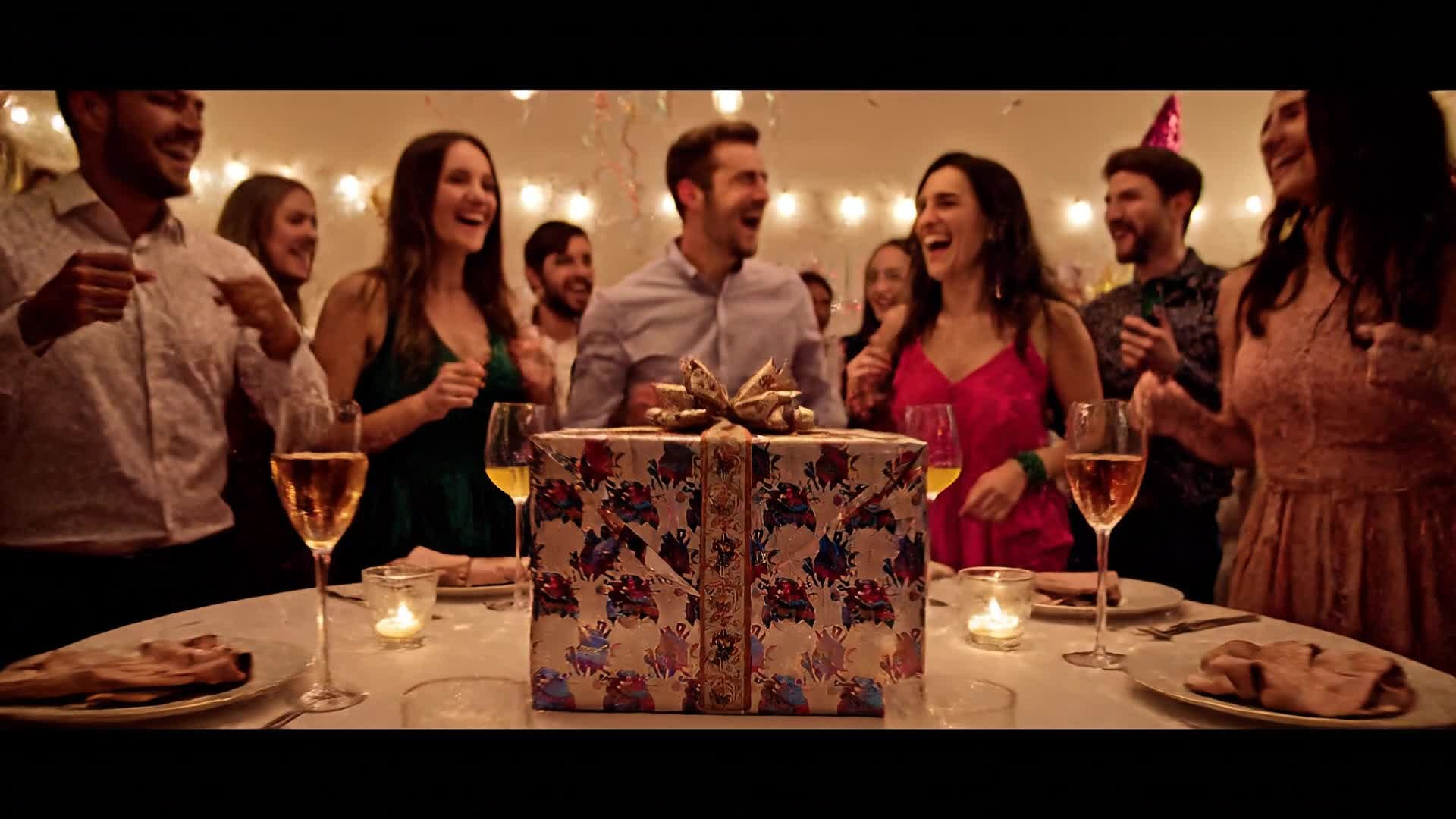
Write It and Watch It Become a Celebration Video
Media.io’s AI text-to-video engine turns congratulatory words into vibrant video stories automatically. Type your message or paste a short caption like “Congrats on your promotion!” and our system designs animated visuals, transitions, and soundtrack to match the tone. It’s the fastest way to create occasion-ready content without filming or editing. Perfect for creators, marketers, or anyone wanting to express joy visually—your typed ideas become festive clips ready for social media. Save time, boost creativity, and let your words come to life with brilliant visuals that share the moment’s energy.
| Style | Ready-to-Use Congratulation Video Prompts | Copy & Create |
|---|---|---|
|
Graduation Cheers
|
Begin with students tossing graduation caps into the air under golden sunlight. Show close-ups of family clapping proudly. Add dynamic transitions showing congratulatory text like 'You Made It!' in sleek motion typography. Highlight smiling faces and camera flashes for a personal touch. Use subtle depth-of-field for cinematic style. End with animated confetti and cheerful background music celebrating the milestone. |
|
|
Office Achievement
|
Start with a desk scene showing a team high-fiving over successful results. Zoom in on a banner reading 'Congratulations on the Promotion'. Insert smooth text transitions mixed with modern 3D elements. Use motivational music and a celebratory tone. Conclude with the company logo fading into view and a caption 'You Deserve It'. Perfect for internal announcements and LinkedIn shares. |
|
|
Wedding Bliss
|
Open with sparkling highlights of a bride and groom walking down an aisle covered in flowers. Cut to a slow-motion champagne pop. Add captions saying 'Congratulations on Your Union' with elegant gold animation. Include flower petal overlays drifting softly across the frame. Use warm filters to give a dreamy feel. Finish with a heart-shaped confetti burst and soothing music cue. |
|
|
Birthday Spark
|
Start with light trails forming the text 'Happy Birthday!' in vibrant colors. Show cake candles flickering in slow motion and guests cheering. Add upbeat dance music and quick jump cuts between gifts being unwrapped and people smiling. Include animated confetti overlays for energy. End with a bright zoom-out revealing the whole party scene wrapped in cheerful motion graphics. |
|
|
Team Celebration
|
Show a group of co-workers celebrating a project milestone together, throwing papers in the air. Add animated congratulatory text bouncing with rhythm. Transition to quick shots of happy faces, smiling managers, and sparkling company success banners. Use pulse effects and vibrant blue color tone. End with a strong finish screen that reads 'Great Job Everyone!' to energize your team. |
|
|
Milestone Magic
|
Begin with a glowing line drawing that morphs into key life moments—graduation, job offer, new home. Show a cheerful text overlay 'Congratulations on Your Journey'. Use cinematic slow pans, elegant lighting, and meaningful transitions. Introduce colorful sparkle effects across segments to symbolize achievement. End with floating balloons and inspiring background music. |








How to Create Congratulation Video with Media.io
Create congratulation video content faster with Media.io using text to video, image to video, video to video, and built-in editing tools.
Enter Your Message or Upload Photos
Begin by typing your congratulatory message or uploading meaningful images. Media.io reads your content instantly and prepares it for AI conversion. This helps you create congratulation video content faster with a more structured workflow. You can easily adapt the output for platforms like TikTok, Instagram Reels, and YouTube Shorts.
Auto-Generate Video with AI
The AI turns your text or images into polished congratulation videos complete with music, transitions, and animations tailored to your theme. This helps you create congratulation video content faster with a more structured workflow. You can easily adapt the output for platforms like TikTok, Instagram Reels, and YouTube Shorts. The process reduces manual editing and improves overall production efficiency. Each step improves visual quality, pacing, and content consistency.
Edit and Share Anywhere
Tweak colors, add logos, or adjust pacing, then export your final video in HD for use on Instagram, YouTube, or as a personalized greeting clip. This helps you create congratulation video content faster with a more structured workflow. You can easily adapt the output for platforms like TikTok, Instagram Reels, and YouTube Shorts. The process reduces manual editing and improves overall production efficiency. Each step improves visual quality, pacing, and content consistency.
Why Choose Media.io for Congratulation Video
Fast AI Video Creation
Generate congratulation videos in minutes with automated visuals, perfect timing, and smooth transitions—no editing experience needed. This makes congratulation video creation more efficient and easier to manage. It helps improve consistency across different video styles and formats. You can use this feature to produce more engaging and platform-ready content.
Multiple Input Options
Start from text, images, or even existing videos to create your ideal celebration message without rebuilding from scratch. This makes congratulation video creation more efficient and easier to manage. It helps improve consistency across different video styles and formats. You can use this feature to produce more engaging and platform-ready content.
Smart Scene Design
AI automatically chooses themes, colors, and music that fit your occasion, producing a delightfully cohesive congratulation video every time. This makes congratulation video creation more efficient and easier to manage. It helps improve consistency across different video styles and formats. You can use this feature to produce more engaging and platform-ready content.
Easy Editing Tools
Polish your video with captions, filters, and trimming tools so every congratulatory message feels tailored and professional. This makes congratulation video creation more efficient and easier to manage. It helps improve consistency across different video styles and formats. You can use this feature to produce more engaging and platform-ready content.
Social-Ready Export
Instantly export in optimized formats for all major platforms so your celebration videos look perfect on any feed or screen. This makes congratulation video creation more efficient and easier to manage. It helps improve consistency across different video styles and formats. You can use this feature to produce more engaging and platform-ready content.
Free to Start
Test Media.io’s AI congratulation video maker without commitment. Generate, preview, and share early results completely free. This makes congratulation video creation more efficient and easier to manage.
FAQs About
Congratulation Video
1. How do I make a congratulation video with Media.io?


Simply enter your congratulatory message or upload photos, choose a style, and let the AI generate a complete video ready for download or sharing.
2. Can I add my own music or logo?
Yes. You can easily upload custom audio tracks, logos, or outro slides to personalize your congratulation videos.
3. Is the congratulation video generator free to use?
You can start creating for free with Media.io. Premium exports and advanced templates are available for upgraded accounts.
4. Can I make congratulation videos for business use?
Absolutely. Many companies use Media.io to celebrate team milestones, promotions, and customer success moments with on-brand visuals.
5. Do I need editing experience?
Not at all. The AI handles design, pacing, and music selection automatically, giving you professional results even with zero editing skills.
6. What platforms can I share my video on?
You can share your exported congratulation videos directly on Instagram, TikTok, YouTube, Facebook, or via messaging apps and email.



