Congratulation Video Creator for Fast Visual Results
Turn your heartfelt message into a shareable video in seconds
Celebrate special milestones effortlessly with Media.io’s AI-powered congratulation video maker. Whether you’re cheering for a graduation, promotion, anniversary, or big win, simply type your message or upload an image and let AI turn it into a lively, animated video that feels custom-made. Choose themes, styles, and music to match the occasion, and deliver joy instantly. Create heartfelt, polished congratulation videos ready for social media, emails, or group chats—all within minutes using Media.io’s intuitive interface.
Turn Static Congratulation Video Images into Motion
Transform static celebration photos into living congratulation videos using Media.io’s AI image-to-video feature. Upload an image of the person or event, select a cheerful animation style, and let AI add dynamic motion, light effects, and music to make your moment pop. It’s perfect for congratulating someone from afar or adding flair to slideshows and digital cards. With automatic motion and scene transitions, you save time while turning simple photos into moving stories that capture the emotion of success or milestone moments beautifully.

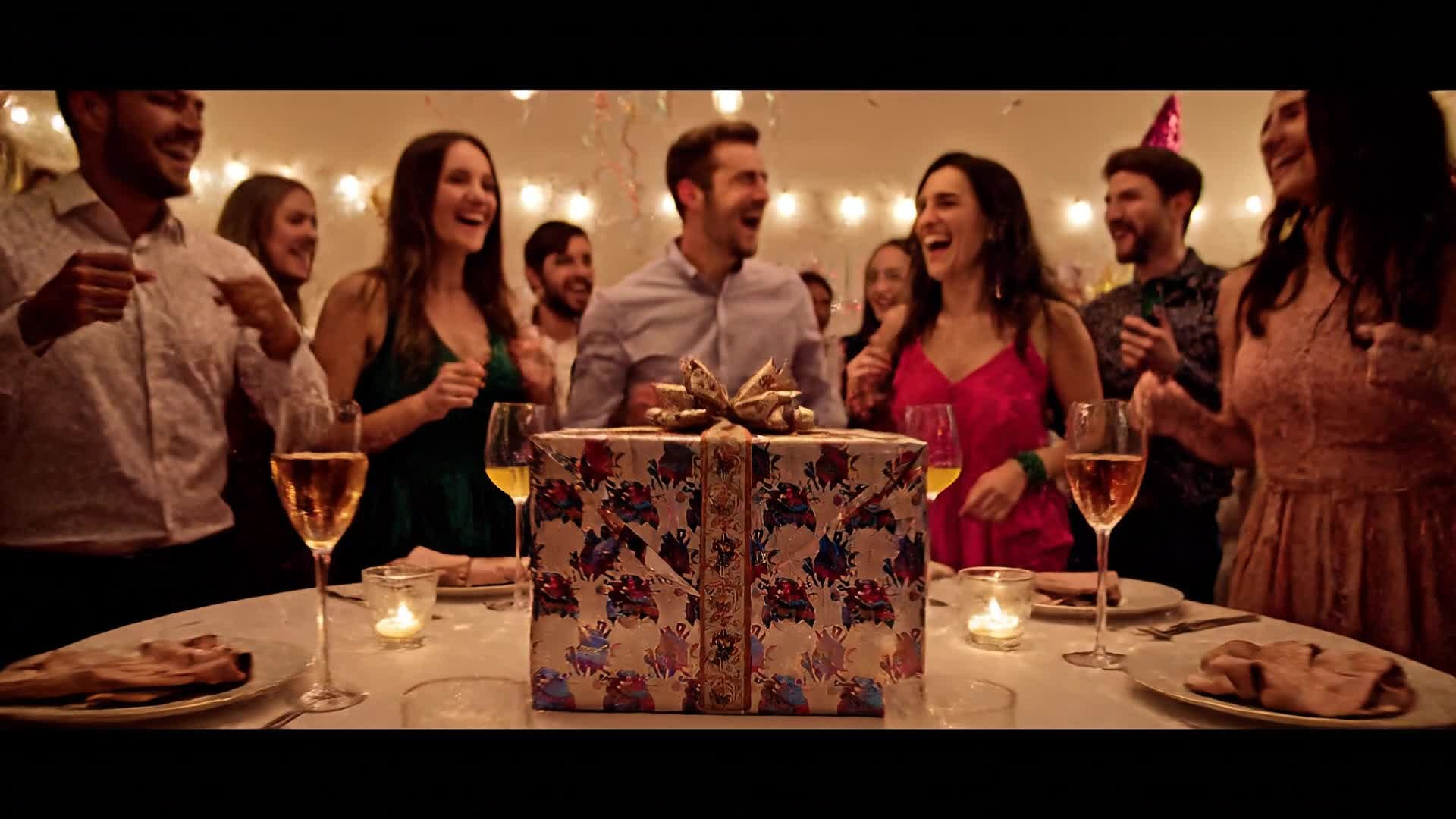
Write Your Message, Watch It Become a Video
With Media.io’s text-to-video generator, your congratulation message comes alive instantly. Just describe the celebration, specify tone and style, and Media.io’s AI transforms your words into an expressive video complete with matching visuals, transitions, and background music. Ideal for creators who want quick, personalized outputs, this tool helps you generate high-quality congratulation videos in minutes. The smart editor lets you fine-tune clips, add music, and align visuals to your message—all without manual editing or complex timelines.
| Style | AI Prompts for Congratulation Video Ideas | Copy & Create |
|---|---|---|
|
Achievement Highlight
|
Open with an inspiring quote flashing over energetic music. Show a quick montage of moments representing hard work, then cut to a bold title card saying “Congratulations!” The next scenes show subtle animation effects and confetti transitions. End with text thanking everyone who supported the success, uplifting background music, and a fade to the logo or message. |
|
|
Graduation Celebration
|
Start with classroom photos morphing into a cap toss moment. Overlay the message “Congrats, Class of 2024!” in a handwritten font. Transition into scenes of animated diplomas floating across the screen. Add a motivating soundtrack, subtle gold sparkle effects, and a personal message thanking teachers and friends. End with fireworks and a closing text: “The Future Awaits.” |
|
|
Promotion Surprise
|
Begin with a scene of an animated office desk and confetti animation appearing suddenly. Text fades in saying “You earned it!” Next, show a quick highlight of career growth visuals like graphs rising or city skylines. Transition to a celebratory message with upbeat music and a champagne pop sound. End with congratulations in bold motion typography and company logo fade-out. |
|
|
Sport Victory Highlight
|
Kick off with a slow-motion replay of a winning move followed by loud crowd cheers. Show team photos turning into animated frames with glowing effects. Cut to the words “Champions!” across the screen. Add flickering lights and motion accents in sync with the beat. Wrap up with the player or team name overlay and looping confetti to make it social-ready. |
|
|
Personalized Message
|
Start with a warm background and text that reads “A special message for you.” Add subtle heart and balloon animations. Show the recipient’s name appearing letter by letter. Transition into photos or AI-generated visuals of highlights shared together. Conclude with a calm, emotional fade-out that says “Congratulations—you deserve this moment.” |
|
|
Social Media Moment
|
Use a vertical video format with fast cuts, emojis, and confetti transitions. Begin with a countdown animation and the phrase “Best News Ever!” Then reveal your personalized congratulation message with a trending soundtrack. Add flashing borders and emoji overlays for TikTok-style engagement. End quickly with “You did it!” in bold letters and smooth outro transition. |








How to Create Congratulation Video with Media.io
Create congratulation video content faster with Media.io using text to video, image to video, video to video, and built-in editing tools.
Type or Upload Your Idea
Start with your congratulation text, photo, or short clip. Media.io’s AI reads your input and prepares the perfect celebratory base template. This helps you create congratulation video content faster with a more structured workflow. You can easily adapt the output for platforms like TikTok, Instagram Reels, and YouTube Shorts.
Choose Style and Customize
Select themes, colors, transitions, and background music that match your celebration vibe. Instantly preview your congratulation video before finalizing. This helps you create congratulation video content faster with a more structured workflow. You can easily adapt the output for platforms like TikTok, Instagram Reels, and YouTube Shorts. The process reduces manual editing and improves overall production efficiency.
Generate and Share Instantly
Export your AI-crafted congratulation video in HD within minutes. Download, post, or send directly as a digital shout-out to someone special. This helps you create congratulation video content faster with a more structured workflow. You can easily adapt the output for platforms like TikTok, Instagram Reels, and YouTube Shorts. The process reduces manual editing and improves overall production efficiency.
Why Choose Media.io for Congratulation Video
AI-Powered Video Creation
Automatically generate stunning congratulation videos from text or images. Media.io’s AI ensures smooth animations, upbeat music, and emotion-filled storytelling. This makes congratulation video creation more efficient and easier to manage.
Multiple Input Options
Upload photos, short clips, or write your congratulation message to start. Media.io adapts to your content and builds a perfect scene sequence instantly. This makes congratulation video creation more efficient and easier to manage.
Customizable Styles
Pick from various celebration themes such as graduation, wedding, or success stories. Adjust fonts, colors, and transitions for a personal touch. This makes congratulation video creation more efficient and easier to manage. It helps improve consistency across different video styles and formats.
Fast Video Rendering
Generate ready-to-share congratulation videos in under a minute. Perfect for creators who want instant results without sacrificing quality. This makes congratulation video creation more efficient and easier to manage. It helps improve consistency across different video styles and formats.
Social-Media Ready
Create videos optimized for TikTok, Instagram, or YouTube with vertical or wide formats pre-set. No resizing or editing hassles afterward. This makes congratulation video creation more efficient and easier to manage. It helps improve consistency across different video styles and formats.
Online and Easy to Use
No app installation needed. Work directly in your browser to craft cheerful congratulation videos anytime, anywhere with secure cloud storage. This makes congratulation video creation more efficient and easier to manage. It helps improve consistency across different video styles and formats.
FAQs About
Congratulation Video
1. How can I make a congratulation video with AI?


Just go to Media.io, enter your message or upload an image, choose a style, and let AI generate a full video automatically in seconds.
2. Can I add my own music or images?
Yes. You can upload your own media and soundtracks or pick from Media.io’s built-in styles to enhance your congratulation video.
3. Is it free to create a congratulation video?
You can make and preview congratulation videos for free. Premium exports offer additional quality and branding options.
4. Can I personalize videos for different occasions?
Absolutely. Choose themes like promotions, graduations, or anniversaries, and Media.io customizes visuals and pacing automatically.
5. Do I need video editing skills?
No experience required. Media.io uses AI automation, making it perfect for beginners who want professional-looking congratulation videos fast.
6. Which formats can I export?
You can download your congratulation videos in MP4 or MOV formats, ready for social media, email, or personal sharing.