Create Engaging Comparison Videos in Minutes
Compare anything side‑by‑side with AI
Showcase powerful before‑and‑after stories, product comparisons, or creative contrasts with Media.io’s AI‑driven comparison video generator. Simply upload clips, images, or type a scenario, and our smart engine merges them into a flawless split‑screen or sequence video—no editing skills required. Perfect for comparing products, styles, transformations, or timelines, Media.io ensures every frame stays balanced, visually synced, and ready to publish. Whether for marketing, tutorials, or social media storytelling, you can quickly create eye‑catching, professional‑grade comparison videos that grab attention and build viewer trust in just minutes.
Turn Static Images Into Dynamic Comparisons
Use Media.io’s image‑to‑video feature to easily transform still images into motion‑filled comparison visuals. Upload two or more images, and the AI animates them side‑by‑side or in sequence, creating smooth transitions that highlight differences and improvements. Ideal for before‑and‑after transformations, product visuals, or creative redesigns, this feature helps you add energy to static visuals. With automatic pacing, motion depth, and captions, every image comparison becomes a professional‑looking video ready for YouTube, Reels, or ads—all without complex editing. Make every visual contrast come alive in seconds.
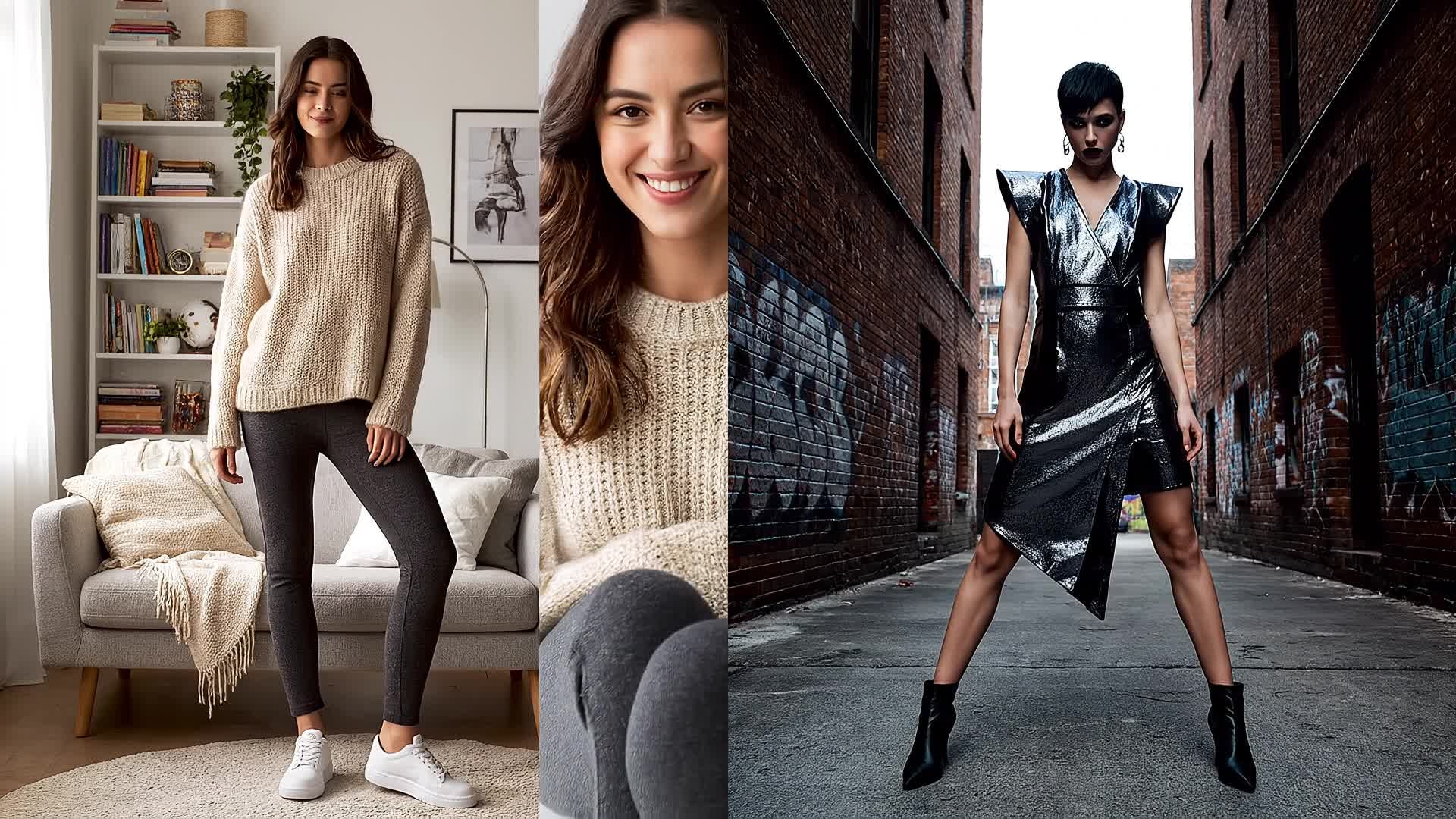

Create Comparison Videos From Just Text
Describe your concept in plain language and let Media.io generate comparison video videos from text in a much faster, more creator-friendly workflow. Instead of building every scene manually, you can turn ideas, hooks, captions, and campaign concepts into video drafts that are easier to refine, style, and publish for Reels, Shorts, and other short-form formats.
| Style | Popular Comparison Video Ideas | Copy & Create |
|---|---|---|
|
Product Showdown
|
Start with two products entering frame with dramatic lighting. Show close‑ups highlighting unique features, materials, and design contrast. Transition into real‑life usage scenes side‑by‑side. Use captions to show price or feature comparisons. End with a review‑style outro summarizing which one fits specific needs. |
|
|
Before and After Glow‑Up
|
Open with a static before shot fading into a moving after scene. Add zooms and pan transitions to emphasize transformation. Use upbeat background music and dynamic text overlays. Highlight process glimpses to make it relatable. Close with a side‑by‑side reveal showing dramatic improvement and strong call‑to‑action text. |
|
|
Test and Review
|
Begin with both subjects introduced on screen with short labels. Demonstrate usage scenarios showing clear differences in performance or outcome. Include close‑up visuals to spotlight results. Add narrations or captions summarizing metrics. Wrap up with a concise score panel emphasizing takeaway insights. |
|
|
Style Swap
|
Show two people swapping outfits or setups instantly with creative transitions. Alternate camera angles to maintain rhythm. Showcase reactions to each outcome for authenticity. Add split captions describing contrast in comfort or look. Finish with side‑by‑side pose freeze showing clear style result. |
|
|
Tech Comparison
|
Open with energetic background beat and tech devices appearing on screen. Highlight processing speed, visuals, and sound differences. Insert animated infographics to visualize numbers. Switch between devices rapidly while maintaining visual clarity. Conclude with a final note about which user type each gadget suits best. |
|
|
Travel Edition
|
Display two destinations side‑by‑side starting with aerial shots. Alternate between food, scenery, and cultural moments. Use labeled captions for quick contrasts. Maintain similar framing for coherence. End with a joint closing shot displaying costs, mood, and a simple text encouraging travel choice. |








How to Create Comparison Video with Media.io
Create comparison video content faster with Media.io using text to video, image to video, video to video, and built-in editing tools.
Type or Upload Content
Start by entering a text description, uploading images, or adding video clips you want to compare. The AI detects themes and prepares balanced visuals for output. This helps you create comparison video content faster with a more structured workflow. You can easily adapt the output for platforms like TikTok, Instagram Reels, and YouTube Shorts. The process reduces manual editing and improves overall production efficiency.
Customize and Enhance
Adjust layout, captions, filters, and transitions. Media.io automatically aligns timing so both sides sync for clear storytelling without manual editing. This helps you create comparison video content faster with a more structured workflow. You can easily adapt the output for platforms like TikTok, Instagram Reels, and YouTube Shorts.
Export and Share
Render your polished comparison video in HD and export within seconds. Share instantly to YouTube, TikTok, or any platform your audience uses. This helps you create comparison video content faster with a more structured workflow. You can easily adapt the output for platforms like TikTok, Instagram Reels, and YouTube Shorts. The process reduces manual editing and improves overall production efficiency.
Why Choose Media.io for Comparison Video
AI‑Assisted Synchronization
Media.io aligns clips side‑by‑side automatically, ensuring perfect timing and transitions that make your comparisons seamless and professional. This makes comparison video creation more efficient and easier to manage. It helps improve consistency across different video styles and formats.
Multiple Input Options
Create from text prompts, uploaded images, or raw footage. The platform supports hybrid workflows for any comparison concept. This makes comparison video creation more efficient and easier to manage. It helps improve consistency across different video styles and formats.
Instant Editing Tools
Trim, crop, add captions or split screens in one dashboard. You get professional edits without timeline complexity or heavy software. This makes comparison video creation more efficient and easier to manage. It helps improve consistency across different video styles and formats.
Social‑Ready Output
Generate platform‑specific formats for TikTok, YouTube, and Reels with optimized aspect ratios and adaptive quality. This makes comparison video creation more efficient and easier to manage. It helps improve consistency across different video styles and formats. You can use this feature to produce more engaging and platform-ready content.
Smart Visual Contrast
AI enhances color and brightness to emphasize differences in your comparison scenes, ensuring viewers instantly notice key contrasts. This makes comparison video creation more efficient and easier to manage. It helps improve consistency across different video styles and formats. You can use this feature to produce more engaging and platform-ready content.
Fast Cloud Rendering
All processing happens securely in the cloud, giving you quick exports, no lag, and ready‑to‑share HD comparison videos anytime. This makes comparison video creation more efficient and easier to manage. It helps improve consistency across different video styles and formats. You can use this feature to produce more engaging and platform-ready content.
FAQs About
Comparison Video
1. How does the AI comparison video maker work?


It analyzes your uploaded media or text prompts, detects similarities or contrasts, then auto‑generates side‑by‑side sequences with polished transitions.
2. Can I compare two videos of different lengths?
Yes. Media.io automatically adjusts speed and duration so both visuals stay aligned and finish naturally together.
3. Do I need video editing experience?
Not at all. The interface is visual and guided, letting anyone build stunning comparison videos without technical editing skills.
4. Can I use images instead of videos?
Absolutely. You can upload images and let the AI animate them for before‑and‑after or static‑to‑motion comparisons.
5. What platforms can I share my comparison videos on?
Output formats are optimized for YouTube, TikTok, Instagram, and more. You can download or share directly with one click.
6. Is there a watermark on the exported video?
Free exports include a small watermark, but you can remove it instantly by upgrading for clean, branded output.



