Generate Company Intro with Smarter AI Tools
Tell your brand story with AI-generated visuals
With Media.io’s AI company intro generator, any business can produce a professional opening video that grabs attention from the very first second. Upload your logo, enter your brand mission, or add text, and let AI design a polished intro that enhances your presentation, website, or marketing content. Whether launching a new product, pitching investors, or building brand awareness, Media.io empowers you to create cinematic-quality motion videos in minutes—all online and without editing skills.
Transform Brand Images into Motion Intros Effortlessly
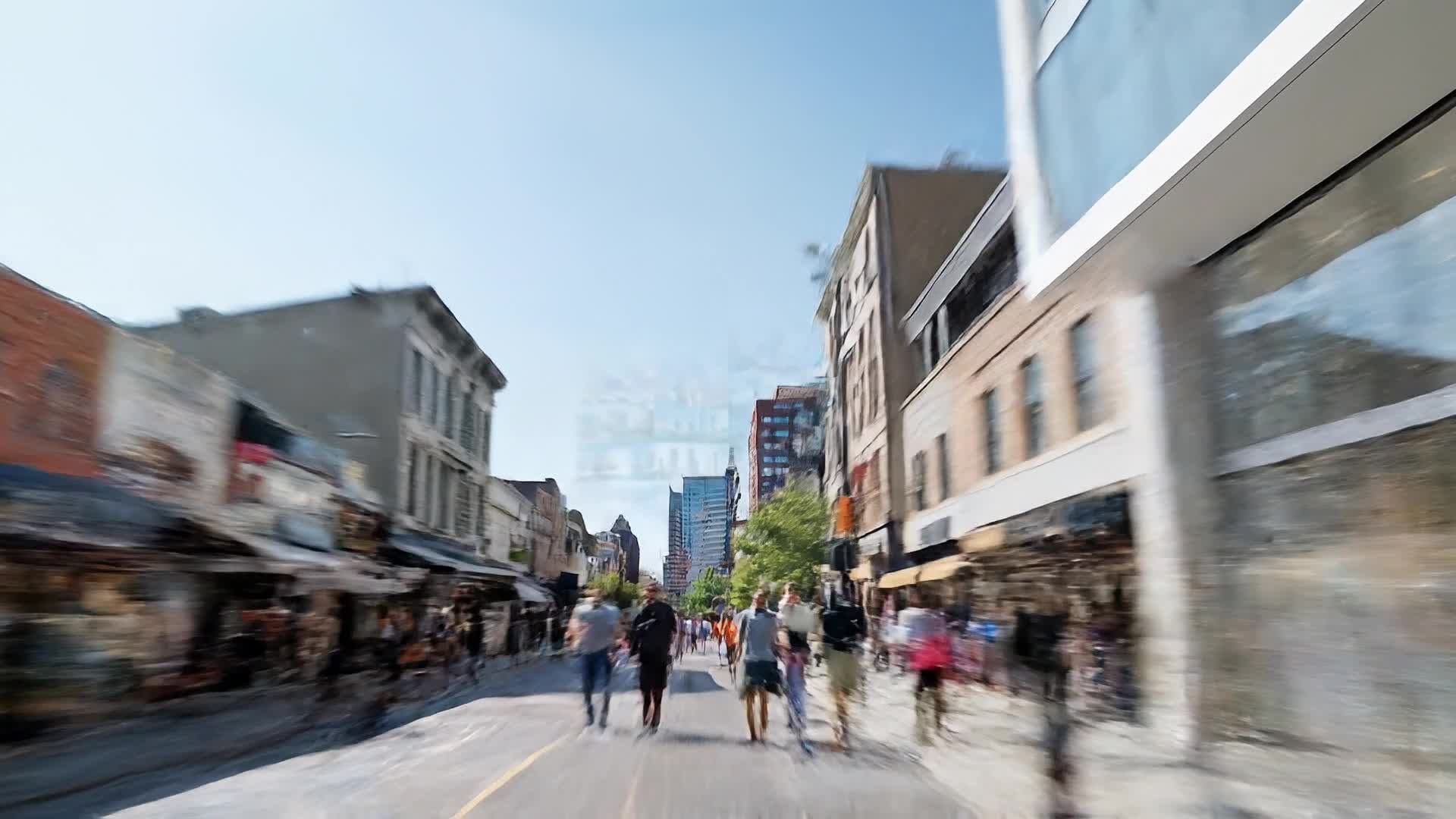
Turn still visuals into motion-first company intro content with Media.io’s image-to-video tools. Upload portraits, product shots, travel photos, or campaign creatives, then let AI add movement, pacing, and visual continuity that makes your content feel more dynamic and platform-ready. It’s a faster way to transform static assets into short videos that attract attention, support storytelling, and look more polished across social placements.
Generate Company Intros from Text Ideas
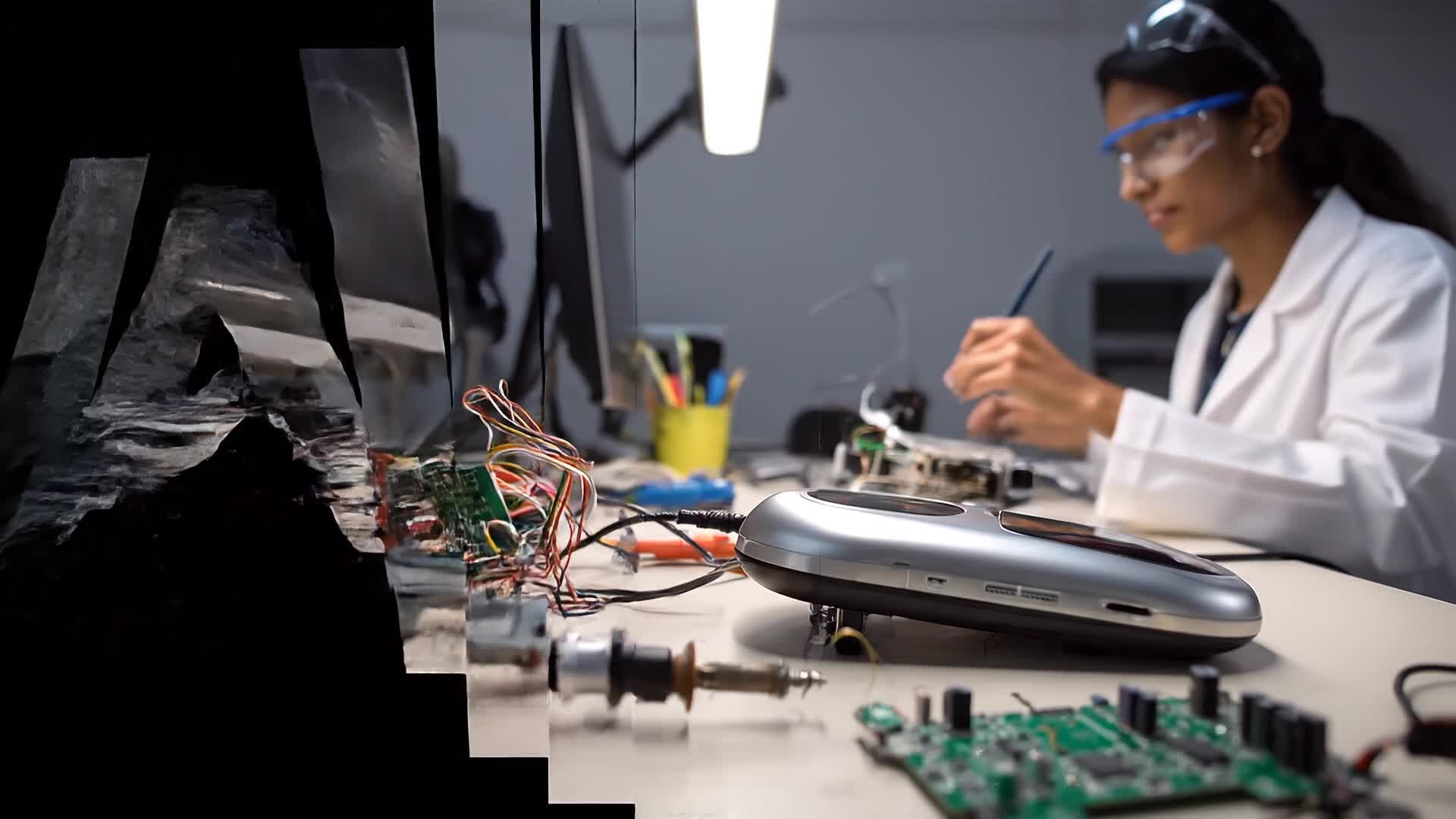
Media.io’s text-to-video AI lets you create a full company introduction from just a written concept. Describe your business vision, core values, or product highlights in a few lines, and our AI turns it into a stunning video with visuals, transitions, and music that match your tone. This tool helps startups, marketers, and HR teams quickly produce onboarding videos, brand stories, or social media introductions that look handcrafted but are made in seconds. No prior video experience needed—just type and create.
| Style | Company Intro Video Prompt Ideas | Copy & Create |
|---|---|---|
|
Modern Minimalist
|
Begin with a black screen fading into a sharp logo reveal using a glow animation. Display your tagline with subtle motion text overlays. Transition between sleek shots of your team or workspace using smooth crossfades. Keep colors neutral and professional, with simple, elegant typography to maintain a clean tone. End with a polished outro showing your website or contact details. |
|
|
Energetic Startup Launch
|
Open with upbeat music and quick flashes of your product, team, and working environment. Use dynamic camera zooms and fast-cut transitions to mimic a tech launch vibe. Overlay bold texts that highlight your mission and innovation. Add motion graphics emphasizing growth metrics or product highlights. Close with a logo burst animation and tagline that signals momentum and excitement. |
|
|
Corporate Professional
|
Start with aerial shots of a corporate office building and team members in meetings. Introduce the company logo with a polished animation. Insert short clips of products, happy clients, and awards. Include text overlays mentioning the company’s values and achievements. Use formal design elements, rich blues, and gold tones for a premium feel. Conclude with a confident closing statement and brand mark. |
|
|
Creative Brand Story
|
Open with a narrative-style title like 'Our Journey Begins'. Show archival images or sketches transforming into modern visuals with soft transitions. Feature behind-the-scenes clips that tell your brand story. Overlay quotes from founders or team members. End with strong visual storytelling, using music crescendos that leave an emotional impact. Finish with your logo and slogan slowly fading in. |
|
|
Product-Centric Showcase
|
Start with high-gloss close-ups of key products rotating in 3D space. Zoom out to reveal usage scenarios and customers interacting. Overlay dynamic text highlighting features or benefits. Use lighting effects and digital glows for a tech-forward style. Maintain sleek pacing with rhythm-synced music. Conclude with your logo and tagline glowing with confidence. |
|
|
Warm Human Connection
|
Begin with smiling team members greeting viewers. Include clips of genuine interactions at work, community projects, or client meetings. Use soft lighting and pastel branding colors. Add text overlays mentioning trust, teamwork, and impact. Blend smooth pans with cinematic transitions. End with your team waving or your brand message fading in harmoniously. |








How to Create Company Intro with Media.io
Create company intro content faster with Media.io using text to video, image to video, video to video, and built-in editing tools.
Enter Your Brand Vision
Type your company introduction message, upload photos, or paste your mission statement. AI will understand and build the foundation of your intro automatically. This helps you create company intro content faster with a more structured workflow. You can easily adapt the output for platforms like TikTok, Instagram Reels, and YouTube Shorts. The process reduces manual editing and improves overall production efficiency.
Choose and Customize Style
Select from templates for modern, corporate, or startup vibes, then adjust colors, fonts, and logo placement to match your brand identity perfectly. This helps you create company intro content faster with a more structured workflow. You can easily adapt the output for platforms like TikTok, Instagram Reels, and YouTube Shorts. The process reduces manual editing and improves overall production efficiency. Each step improves visual quality, pacing, and content consistency.
Render and Download Instantly
With one click, generate your AI-powered company intro video in HD and download it for presentations, websites, or social media platforms. This helps you create company intro content faster with a more structured workflow. You can easily adapt the output for platforms like TikTok, Instagram Reels, and YouTube Shorts. The process reduces manual editing and improves overall production efficiency. Each step improves visual quality, pacing, and content consistency.
Why Choose Media.io for Company Intro
AI Smart Scene Design
Media.io automatically matches visuals, motion, and transitions based on your company’s story, giving you a polished look without manual editing. This makes company intro creation more efficient and easier to manage. It helps improve consistency across different video styles and formats.
Multiple Input Options
Create intros from text, images, or existing clips. The AI adapts to your input to craft worthy presentation videos effortlessly. This makes company intro creation more efficient and easier to manage. It helps improve consistency across different video styles and formats.
Fast Generation Speed
Generate a ready-to-use company intro in minutes, helping teams meet campaign or presentation deadlines without waiting for creative outsourcing. This makes company intro creation more efficient and easier to manage. It helps improve consistency across different video styles and formats. You can use this feature to produce more engaging and platform-ready content.
Simple Editing Controls
Adjust text, colors, pacing, and logo animations in just a few clicks. Achieve total creative control while keeping the workflow efficient. This makes company intro creation more efficient and easier to manage. It helps improve consistency across different video styles and formats.
Professional Output Quality
Deliver intros in 1080p or 4K with cinematic motion and crisp audio synchronization that represent your business at its best. This makes company intro creation more efficient and easier to manage. It helps improve consistency across different video styles and formats. You can use this feature to produce more engaging and platform-ready content.
Social Media Ready
Export company introductions perfectly sized for LinkedIn, YouTube, or Instagram, ensuring your first impression stands out anywhere. This makes company intro creation more efficient and easier to manage. It helps improve consistency across different video styles and formats. You can use this feature to produce more engaging and platform-ready content.
FAQs About
Company Intro
1. What is a company intro video?


A company intro video is a short visual presentation that introduces your brand, mission, and offerings in an engaging format. It’s often used for websites, meetings, and social media.
2. How can I create a company intro using Media.io?
Just upload your logo or enter a brief text about your company, choose a style, and Media.io’s AI automatically generates a professional intro video in minutes.
3. Do I need video editing skills to use it?
No. Media.io’s AI and templates handle the technical side, so you can focus on your message and branding, not complicated software.
4. Can I add my company logo and tagline?
Yes. You can upload your logo, include your tagline, select music, and personalize colors to fully align with your corporate identity.
5. Is this tool suitable for startups and small businesses?
Absolutely. Media.io is designed for startups, freelancers, and marketing teams that need professional-looking videos quickly without high production costs.
6. Can I use my intro on social media?
Yes. You can generate output suitable for platforms like YouTube, LinkedIn, and Instagram to introduce your company professionally across channels.



