Bring Your Commercial Video Maker Ideas to Life
Turn ideas into professional ads in minutes
Media.io’s AI-powered commercial video maker helps businesses, creators, and marketers craft stunning video ads without editing skills. Simply upload visuals, enter your idea, or pick from ready-made templates—the AI handles scene creation, motion, and voiceover automatically. Whether you’re promoting a product, a new service, or a brand launch, Media.io turns your brief into high-quality commercial videos in minutes. Save time, cut production costs, and captivate your audience with polished, engaging visuals that look ready for television or social media ads.
Transform Static Images into Moving Commercials
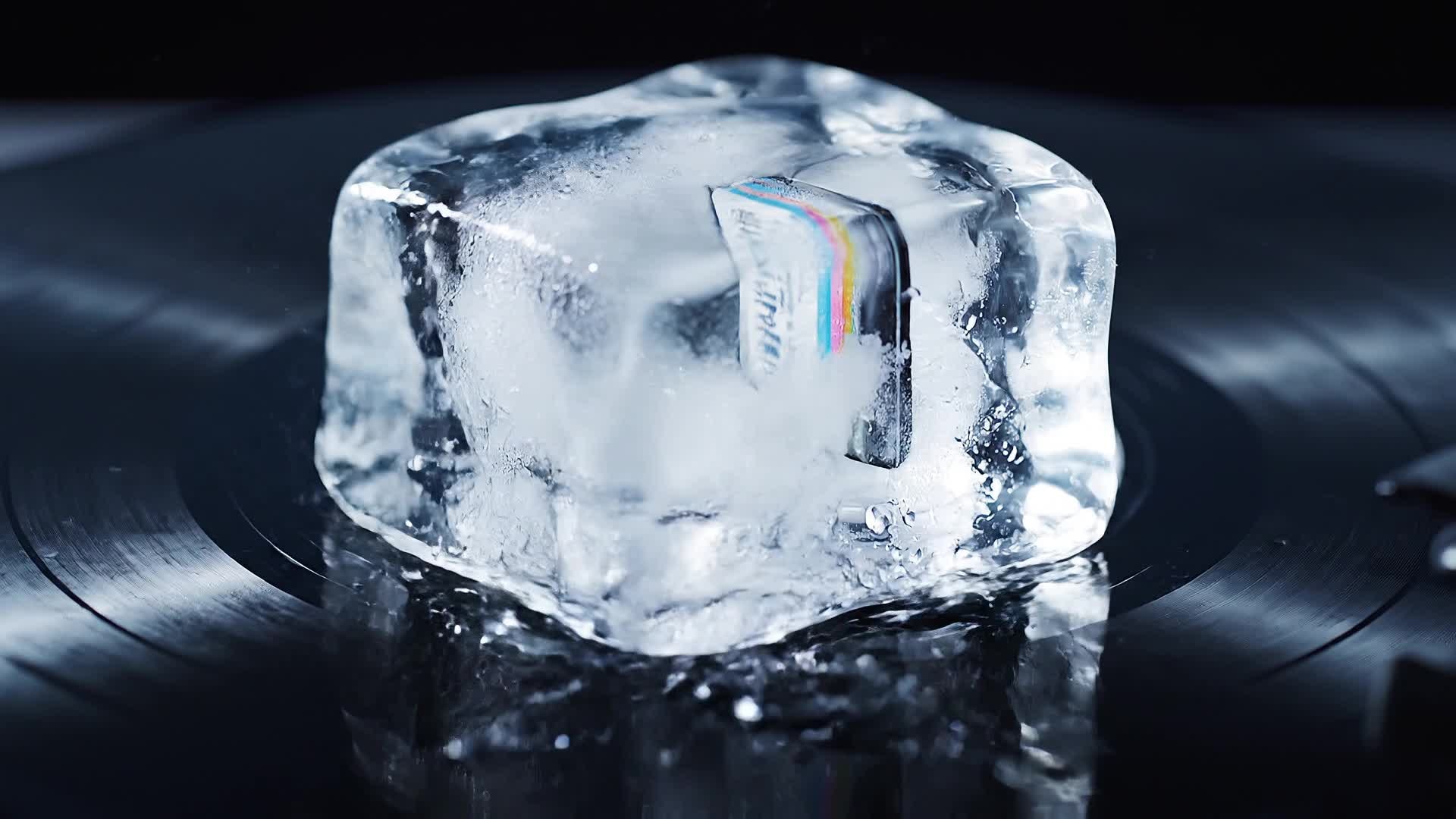
With Media.io’s AI image-to-video tool, you can turn product shots, brand images, or campaign visuals into short dynamic commercials. The system animates stills into cinematic sequences with smooth transitions and engaging camera motions, ready for online ads or presentations. Ideal for small businesses and marketers who want to reuse existing assets, this feature helps create scroll-stopping content from static materials in minutes and ensures every ad feels alive and visually compelling.
Generate Video Ads from Simple Text
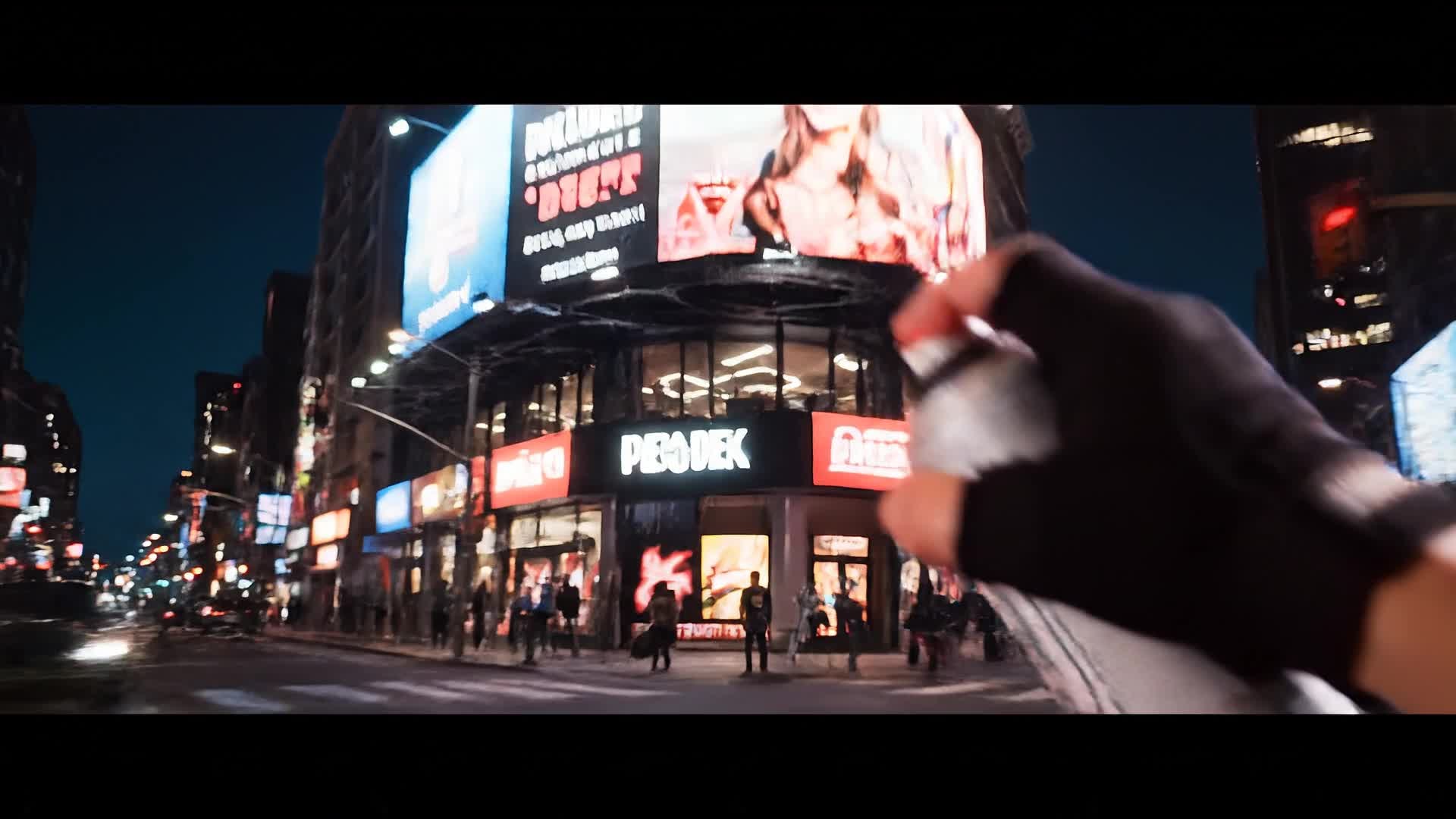
Don’t have footage? Just type your idea. The Media.io text-to-video generator transforms short descriptions or script outlines into full commercial videos. It selects the right visuals, matches dynamic transitions, and synchronizes realistic AI voiceovers or background music to fit your message. Perfect for entrepreneurs, agencies, and brands that need quick production turnaround, this feature empowers anyone to produce professional video ads from nothing more than written concepts.
| Style | AI Commercial Video Maker Prompt Ideas | Copy & Create |
|---|---|---|
|
Product Launch Hype
|
Start with a futuristic glow on the brand logo. Cut to fast shots of the product from multiple angles under dramatic lighting. Overlay keywords like 'Innovation' and 'Performance'. Add upbeat background music and seamless scene transitions. Finish with a tagline and call to action appearing dynamically. Maintain cinematic tones and modern city vibes to make it feel premium. |
|
|
Before and After Transformation
|
Open with a dull, unproductive scene showing frustration or clutter. Transition sharply to a bright, organized environment after introducing the product. Use text overlays that emphasize 'Change', 'Solve', and 'Improve'. Keep transitions crisp and pacing quick. Close with a clear brand message reinforcing the benefit and showing the product logo in clean animation. |
|
|
Lifestyle Brand Ad
|
Show people enjoying moments that reflect confidence and comfort. Mix close-ups and slow-motion shots that highlight texture and emotion. Use warm lighting and flowing camera moves. Add elegant text overlays with your tagline. End with your logo and a voiceover summarizing the lifestyle appeal of your brand. |
|
|
Tutorial-Style Product Feature
|
Begin with a product close-up showing its design. Move to quick scenes that show how to use it step by step. Include on-screen highlights for each feature. Keep lighting bright and background minimalistic. Conclude with a result shot showing satisfaction or transformation and a closing tagline that invites viewers to try it today. |
|
|
Minimalist Aesthetic Edit
|
Use clean white or pastel backgrounds and smooth motion graphics. Highlight text phrases like 'Simplicity Refined' and 'Smart Everyday'. Feature subtle camera pans that reveal the product slowly. Keep transitions gentle and balanced with soft background music. Finish with your logo appearing subtly with fade-in motion. |
|
|
Viral Short-Form Hook
|
Start with a sharp sound cue and a bold text overlay hook. Jump into a quick montage of dynamic product scenes. Mix rapid zoom-ins and smooth motion transitions. Add quick captions for attention retention. End with a logo reveal and enthusiastic call to action that fits TikTok or Reels pacing perfectly. |








How to Create Commercial Video Maker with Media.io
Create commercial video maker content faster with Media.io using text to video, image to video, video to video, and built-in editing tools.
Enter Text or Upload Assets
Start with a product description, marketing idea, or brand script, or upload images and clips—Media.io’s AI instantly interprets your input. This helps you create commercial video maker content faster with a more structured workflow. You can easily adapt the output for platforms like TikTok, Instagram Reels, and YouTube Shorts. The process reduces manual editing and improves overall production efficiency.
Generate and Customize Instantly
Let the AI create your commercial within seconds. Adjust visuals, pacing, and text overlays using the built-in editor for a perfect look. This helps you create commercial video maker content faster with a more structured workflow. You can easily adapt the output for platforms like TikTok, Instagram Reels, and YouTube Shorts. The process reduces manual editing and improves overall production efficiency.
Export and Share Anywhere
Download in multiple formats or share directly to your social channels, ready for campaigns, ads, or website use. This helps you create commercial video maker content faster with a more structured workflow. You can easily adapt the output for platforms like TikTok, Instagram Reels, and YouTube Shorts. The process reduces manual editing and improves overall production efficiency. Each step improves visual quality, pacing, and content consistency.
Why Choose Media.io for Commercial Video Maker
AI-Powered Script to Video
Transform ideas or scripts into engaging commercial videos automatically using Media.io’s AI engine that handles visuals, music, and timing. This makes commercial video maker creation more efficient and easier to manage. It helps improve consistency across different video styles and formats.
Image and Clip Integration
Combine photos or existing footage with generated content to create richer, more authentic advertising material. This makes commercial video maker creation more efficient and easier to manage. It helps improve consistency across different video styles and formats. You can use this feature to produce more engaging and platform-ready content.
Fast Production Workflow
Generate full promotional videos in minutes, reducing production costs and simplifying content turnaround. This makes commercial video maker creation more efficient and easier to manage. It helps improve consistency across different video styles and formats. You can use this feature to produce more engaging and platform-ready content.
Easy Customization
Edit color palettes, transitions, captions, and calls to action effortlessly inside the browser—no technical know-how required. This makes commercial video maker creation more efficient and easier to manage. It helps improve consistency across different video styles and formats. You can use this feature to produce more engaging and platform-ready content.
Optimized for Every Platform
Automatically size and format your ads for YouTube, Instagram, TikTok, or LinkedIn with instant adaptability to each platform’s specs. This makes commercial video maker creation more efficient and easier to manage. It helps improve consistency across different video styles and formats. You can use this feature to produce more engaging and platform-ready content.
High-Quality Output
Export crisp HD videos with smooth animation and professional-grade sound quality for perfect playback everywhere. This makes commercial video maker creation more efficient and easier to manage. It helps improve consistency across different video styles and formats. You can use this feature to produce more engaging and platform-ready content.
FAQs About
Commercial Video Maker
1. What is a commercial video maker?


A commercial video maker is a tool that helps you quickly create advertising videos for products or services. Media.io offers an AI-driven version that automates visuals, voice, and editing so you can produce professional ads fast.
2. Can I use my own footage and images?
Yes. You can upload any images, logos, or short clips. Media.io’s AI blends them seamlessly into your generated commercial while maintaining a consistent brand look.
3. Do I need prior editing experience?
No. The platform automates most editing and provides simple customization tools so anyone can make pro-quality ads without training.
4. Can I adjust the style or pacing?
Absolutely. You can switch templates, change transitions, and modify pacing to match your target audience or ad length instantly.
5. Is the Media.io commercial video maker free to try?
Yes. You can test the AI generator free and explore available tools before exporting or upgrading for higher-quality outputs.
6. What formats can I export my video in?
You can export your commercial in MP4 and other popular formats suitable for all major ad platforms, including social media and websites.



