Create Better Book Trailer Maker in Less Time
AI-Powered Trailer Maker for Authors and Publishers
Bring your story to life with the Media.io Book Trailer Maker. Whether you're an indie author or a publishing pro, our AI-driven video generator helps you turn chapters, quotes, or cover art into cinematic promos that sell. Simply upload images, input your text, or let AI generate a visual sequence that fits your book’s tone. Customize scenes, add soundtracks, and export professional-quality trailers ready for YouTube, Instagram, or your author website. No editing experience needed—just creativity and a vision to share. Start turning your story into visuals that captivate today.
Turn Book Covers into Motion Visuals
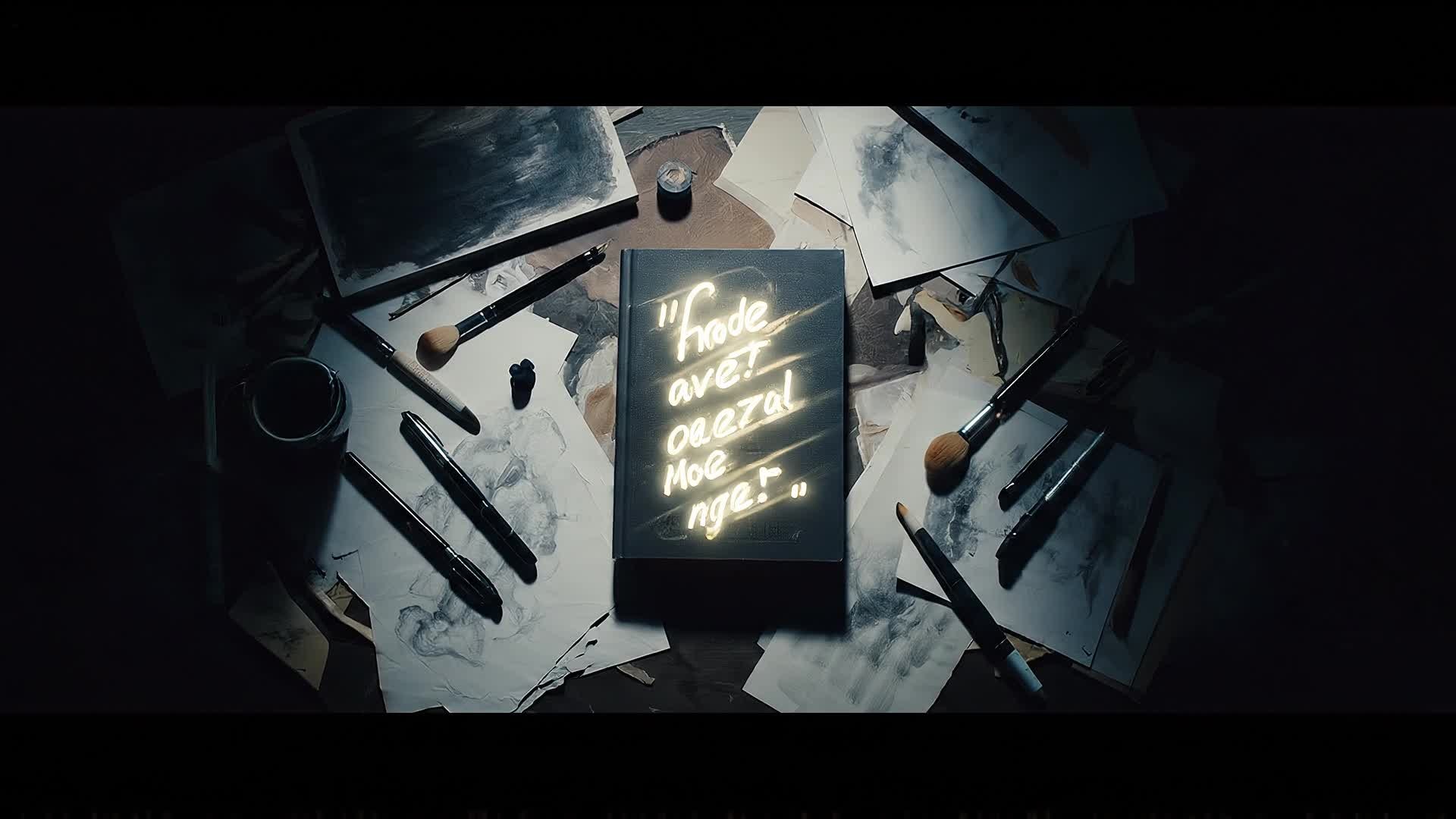
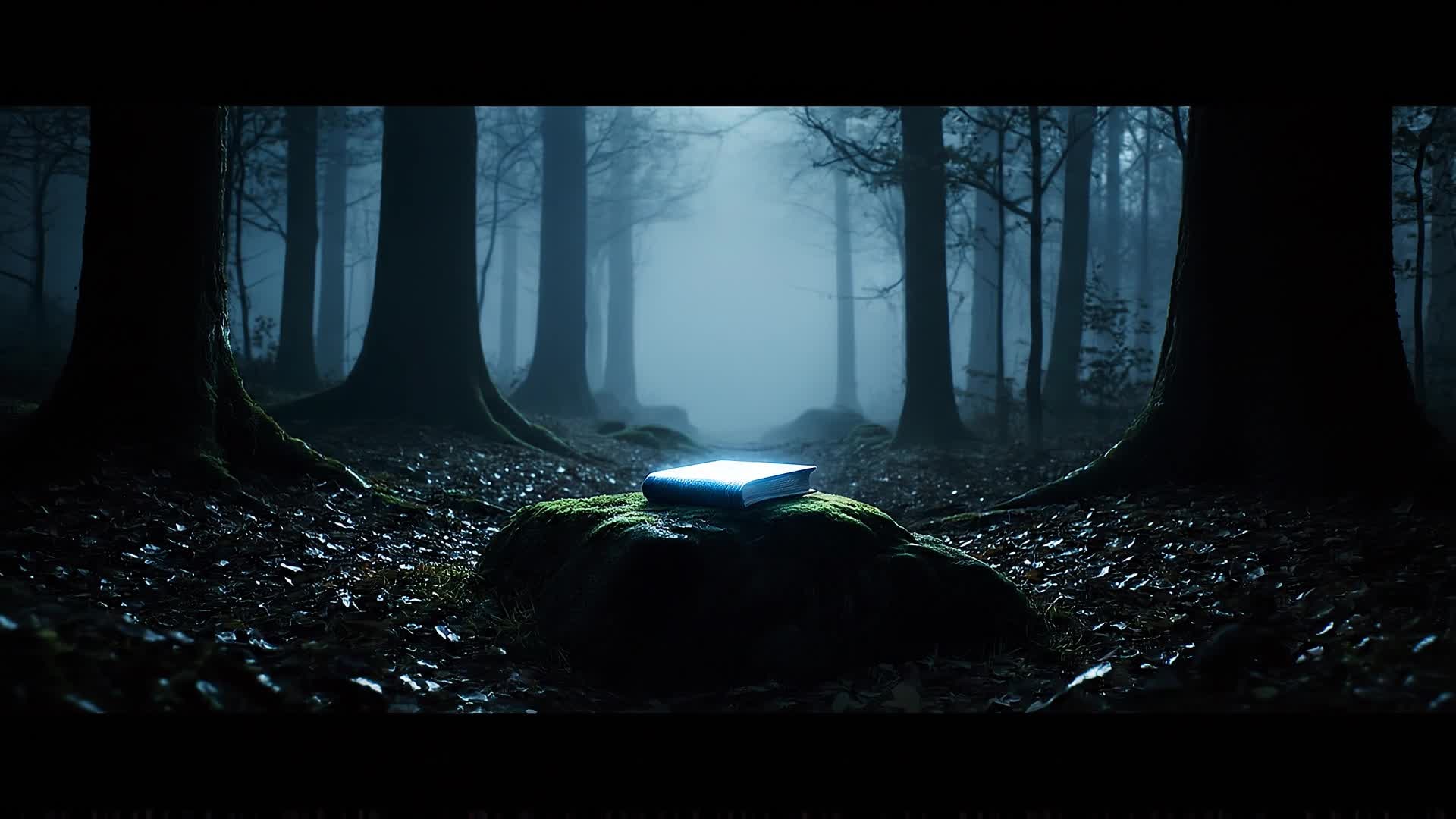
Use Media.io’s image-to-video feature to transform your static cover art, illustrations, or author portraits into cinematic motion sequences. Perfect for book launches and social teasers, this smart AI automatically animates your visuals, adds motion effects, and synchronizes transitions with text or voiceovers. Highlight your book’s tone, mood, and genre in an engaging way that captures audience attention. With this tool, you can bring static imagery to life and make your storytelling visually compelling without needing professional animation skills.
Turn Your Book Story Text into a Trailer
With Media.io’s text-to-video generator, you can create a cinematic book trailer from just a few lines of narration or synopsis. Simply input your text, and AI will visualize scenes, pick transitions, and match tone-appropriate music automatically. It’s the fastest way to promote your book with emotion and impact—ideal for launches, crowdfunding campaigns, or social storytelling. Use it to capture new readers by turning key moments into visual experiences they won’t forget.
| Style | Book Trailer Maker Prompt Ideas | Copy & Create |
|---|---|---|
|
Epic Fantasy Reveal
|
Open with thunder rolling over mountain peaks as a lone traveler walks through the mist. Show glowing runes awakening on an ancient sword. Cut between storm sequences and wide shots of magical lands. Insert a quote about destiny and courage. Fade to the hero raising the blade under a sky of stars. End with title reveal and release date synced to orchestral music. |
|
|
Romance Teaser
|
Begin with soft piano music and sunlit city streets. Show two characters crossing paths in slow motion. Cut to laughter, shared glances, and heartfelt moments. Include text overlays with emotional quotes from the novel. End with a final embrace and the tagline 'Love writes its own story,' fading to the book’s title and cover. |
|
|
Thriller Burst
|
Start with rapid cuts of city lights at night. Show shadows chasing behind blurred glass reflections. Flash police tape, ticking clocks, and scrolling text: 'Every clue matters.' Build tension with fast-paced beats. Reveal the antagonist’s silhouette and protagonist’s defiance. Conclude with a freeze-frame on the title and an echo of the heartbeat soundtrack. |
|
|
Inspirational Journey
|
Open with a sunrise over quiet hills. Show a person starting a journey with a faded backpack. Intercut moments of struggle, learning, and joy. Overlay motivating quotes from the book. Transition to moments of triumph with uplifting music. End on a calm shot of open roads and the book’s closing line. |
|
|
Historical Chronicle
|
Begin with sepia-toned photographs turning into living scenes. Pan over crowded markets, old trains, and handwritten letters. Add narration with key dates or events. Overlay bold historical quotes. Build a sense of retrospection with orchestral scoring. Finish with the phrase 'Based on true courage' before revealing the book cover. |
|
|
Mystery Mini-Teaser
|
Show swirling fog and flickering lantern light. Reveal partial faces, coded letters, and cryptic maps. Add whispers and suspense-filled text overlays. Cut faster as clues connect. Drop one shocking reveal before black screen. End with title emergence and a tagline that reads, 'Some secrets never sleep.' |








How to Create Book Trailer Maker with Media.io
Create book trailer maker content faster with Media.io using text to video, image to video, video to video, and built-in editing tools.
1. Add Your Book Assets
Upload your text, cover, or any visuals. Media.io detects your book’s tone and automatically prepares creative templates for AI generation. This helps you create book trailer maker content faster with a more structured workflow. You can easily adapt the output for platforms like TikTok, Instagram Reels, and YouTube Shorts.
2. Generate Using AI
Choose text-to-video, image-to-video, or video remix. Our AI engine creates dynamic scenes, transitions, and matching background music instantly. This helps you create book trailer maker content faster with a more structured workflow. You can easily adapt the output for platforms like TikTok, Instagram Reels, and YouTube Shorts. The process reduces manual editing and improves overall production efficiency.
3. Customize and Export
Fine-tune text, pacing, and color. Then download or share your finished book trailer directly across platforms in stunning HD quality. This helps you create book trailer maker content faster with a more structured workflow. You can easily adapt the output for platforms like TikTok, Instagram Reels, and YouTube Shorts. The process reduces manual editing and improves overall production efficiency.
Why Choose Media.io for Book Trailer Maker
Smart Scene Creation
AI instantly converts text or phrases into cinematic scenes that fit your book’s theme and mood. This makes book trailer maker creation more efficient and easier to manage. It helps improve consistency across different video styles and formats. You can use this feature to produce more engaging and platform-ready content.
Multi-Input Options
Start from text, image, or previous footage—Media.io makes every creative workflow possible for authors and publishers. This makes book trailer maker creation more efficient and easier to manage. It helps improve consistency across different video styles and formats.
Quick Customization
Adjust transitions, colors, and fonts in seconds to perfectly match your author brand or series design. This makes book trailer maker creation more efficient and easier to manage. It helps improve consistency across different video styles and formats. You can use this feature to produce more engaging and platform-ready content.
Voice & Music Integration
Add narration or soundtracks within minutes using built-in audio libraries or your own uploaded files. This makes book trailer maker creation more efficient and easier to manage. It helps improve consistency across different video styles and formats. You can use this feature to produce more engaging and platform-ready content.
Social-Ready Formats
Export optimized trailers for YouTube, Instagram Reels, or TikTok with automatic sizing and aspect adjustments. This makes book trailer maker creation more efficient and easier to manage. It helps improve consistency across different video styles and formats. You can use this feature to produce more engaging and platform-ready content.
Fast AI Rendering
Create, preview, and export your entire book trailer within minutes with ultra-fast AI-driven rendering technology. This makes book trailer maker creation more efficient and easier to manage. It helps improve consistency across different video styles and formats. You can use this feature to produce more engaging and platform-ready content.
FAQs About
Book Trailer Maker
1. What is a book trailer maker?


A book trailer maker like Media.io is an AI-powered tool that helps authors and publishers create engaging video teasers from text, images, and scenes quickly.
2. Do I need editing experience to use Media.io?
No. Media.io’s AI designs scenes, transitions, and music automatically. You simply upload your assets and adjust if needed—no editing background required.
3. Can I use my own images or cover art?
Yes, you can upload your covers, portraits, or illustrations. The AI animates them into professional visuals that represent your story beautifully.
4. Can I add my own voice or soundtrack?
Absolutely. You can record narration or upload your preferred music to personalize the mood and storytelling of your trailer.
5. What output formats are supported?
Media.io exports book trailers in popular formats like MP4 and MOV. You can select HD sizes ready for YouTube, Instagram, or websites.
6. Is the Media.io book trailer maker free?
You can try Media.io’s book trailer maker for free. Premium options offer advanced features such as higher resolution exports and extended templates.



