Bring Your Blueprint Video Online Ideas to Life
Transform concepts into dynamic blueprint-style animations
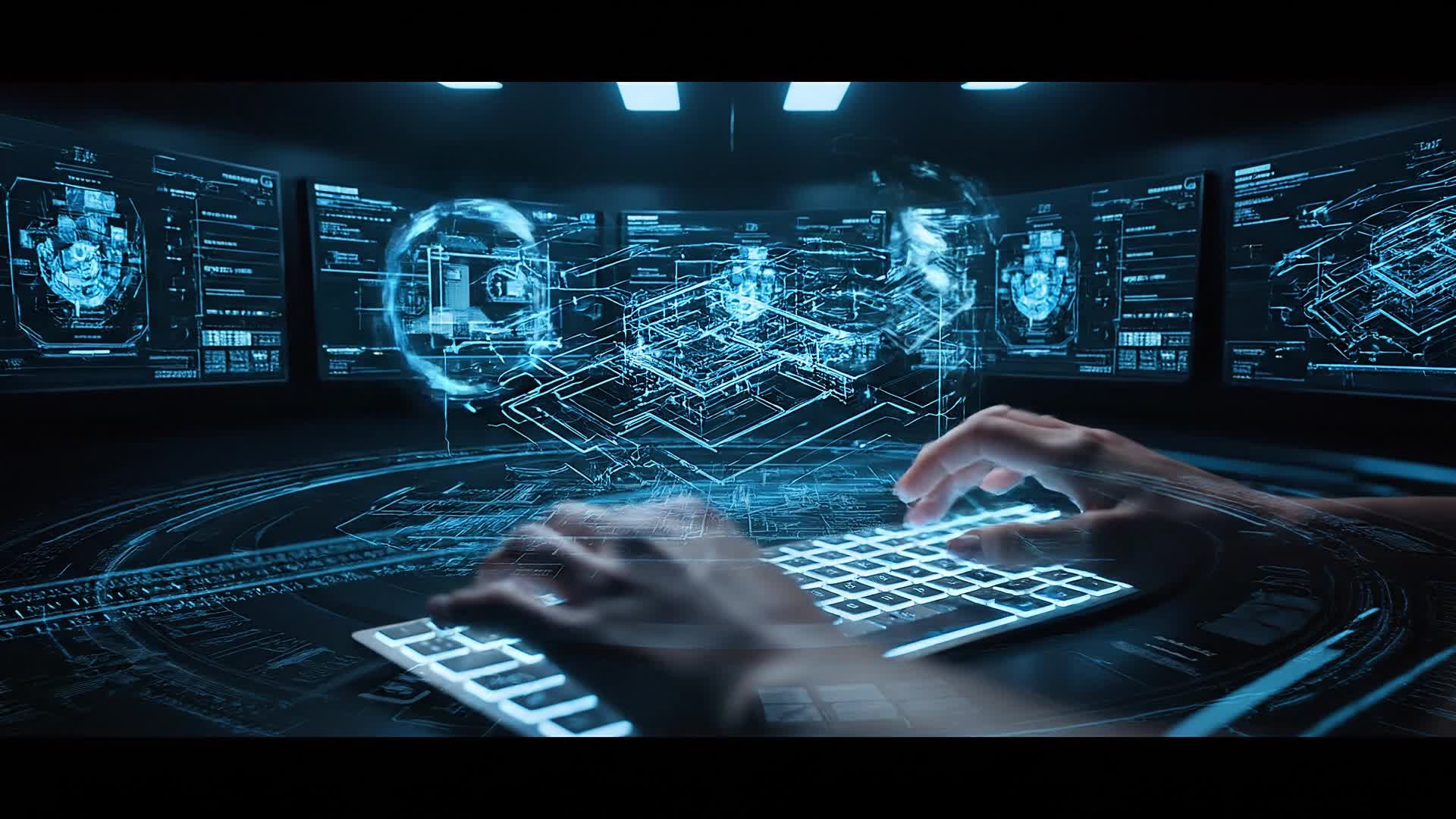
Bring your architectural plans, design sketches, or mechanical concepts to life within minutes. Media.io’s AI-powered blueprint video generator lets you turn static visuals or plain descriptions into animated, cinematic layouts that mimic real blueprint rendering. Perfect for showcasing product ideas, design walkthroughs, or educational explainers, it allows you to polish, style, and export professional-looking blueprint animations ready for presentations or social sharing—all with no design skills required.
Turn Still Blueprints into Engaging Motion
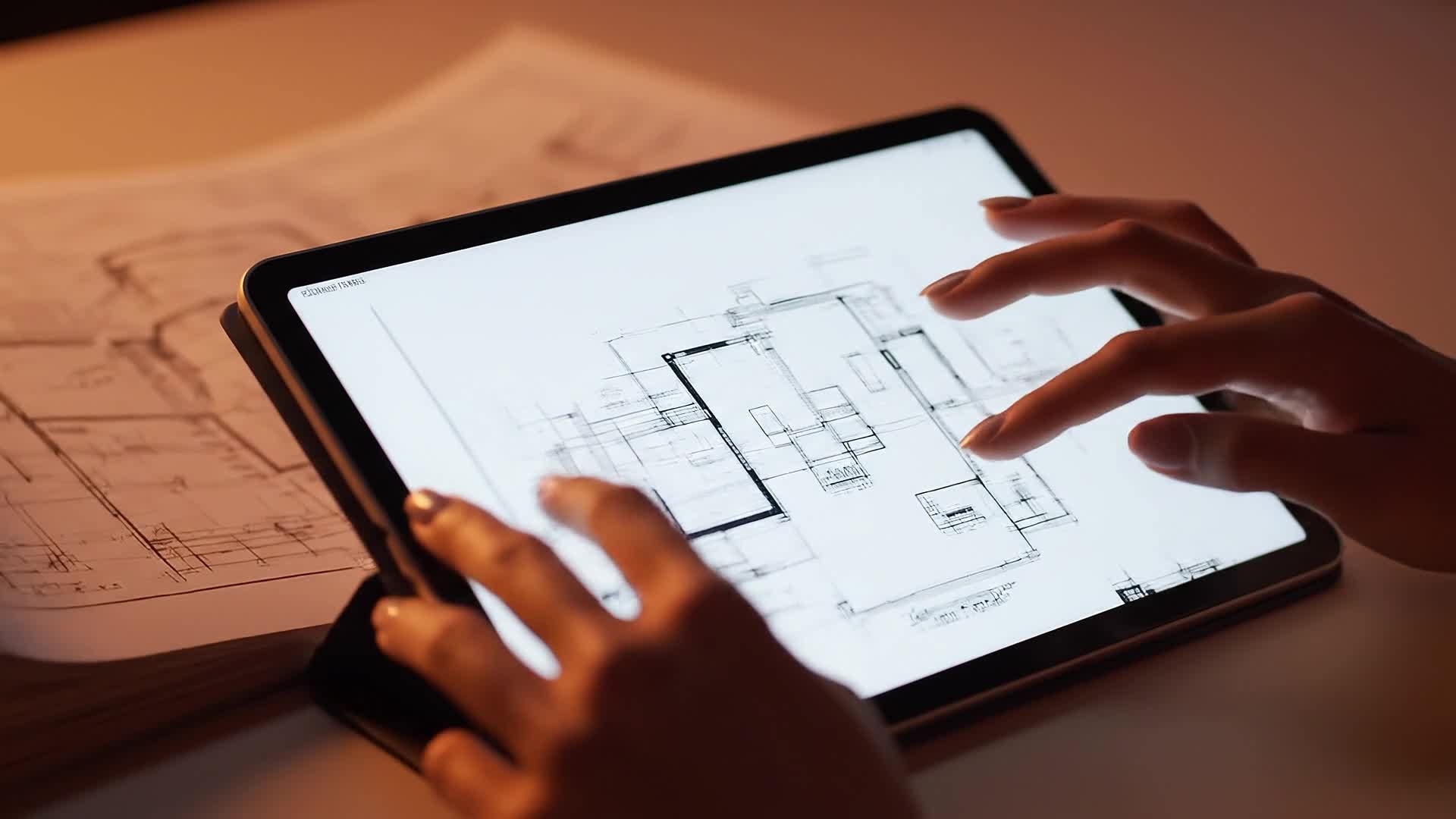
With Media.io’s image-to-video AI, transform your architectural designs, technical sketches, or product wireframes into striking motion visuals. Upload any image and watch it evolve into a visually rich blueprint animation with lighting depth, camera movements, and flowing schematic effects. Perfect for engineers, artists, and educators, this feature makes your visuals feel alive. Save hours of manual animation while ensuring your blueprint story plays out in captivating visual form ready for any presentation or reel.
Generate Blueprint Videos from Simple Text
Describe your idea in one line and let Media.io generate an immersive blueprint animation instantly. Whether you’re pitching a design, breaking down a technical system, or crafting a futuristic motion concept, text-to-video AI brings your vision to life without editing stress. Simply type your concept and choose a visual mood—Media.io handles scene generation, animation, and camera flow, producing a clear technical-yet-cinematic output tuned for social, classroom, or product-teaser use cases.
| Style | Blueprint Video Online Prompt Ideas | Copy & Create |
|---|---|---|
|
Tech Product Reveal
|
Start with a rotating blueprint wireframe of a new gadget, adding glowing lines tracing its shape. Transition to a quick zoom on each feature with blueprint annotations. Use camera sweeps that mimic CAD motion, ending with the full object glowing blue. Make it crisp and professional, ideal for product designers showcasing prototypes. |
|
|
Architecture Concept Walkthrough
|
Begin with a blueprint grid fading in on a translucent floor plan. Slowly extrude walls upward in sync with ambient sound. Add animated section lines highlighting rooms and structural elements. Reveal a label overlay for each area and end with a cinematic pullback of the entire building glowing against a dark background. |
|
|
Mechanical Explainer
|
Create a video showing a mechanical gear system building itself from sketch lines. Each gear should animate into position while numbers and arrows detail movement direction. Maintain a consistent blueprint tone with soft cyan lighting. Finish with a full-speed simulation of all gears working in sync, perfect for tutorials or demos. |
|
|
Before and After Design
|
Show a plain sketch of a product fading into its detailed blueprint animation. Use line tracing and motion arrows to highlight improvements. Include percentage labels representing optimization progress. Finish with a reveal of the final blueprint on a clean grid, ready to post as a social transformation clip. |
|
|
Virtual City Layout
|
Display a city grid blueprint forming in fast-paced motion. Streets, buildings, and landmarks should light up incrementally. Zoom in on key zones for annotations, then pull back to reveal the full connected blueprint skyline. Ideal for urban designers and digital world-building content creators. |
|
|
Concept Animation Teaser
|
Begin with glowing blueprint lines sketching a mysterious object. Keep pacing tight and reveal the shape slowly with lighting pulses. Add quick camera pans and overlapping technical overlays. End with a smooth zoom-out to the full blueprint reveal captioned 'Coming Soon'. Great for promo or teaser videos. |








How to Create Blueprint Video Online with Media.io
Create blueprint video online content faster with Media.io using text to video, image to video, video to video, and built-in editing tools.
Write or Upload Your Idea
Start with a text description, blueprint sketch, or example video. Media.io AI understands your vision instantly and sets up your base scene. This helps you create blueprint video online content faster with a more structured workflow. You can easily adapt the output for platforms like TikTok, Instagram Reels, and YouTube Shorts.
Customize and Animate
Add motion, lighting, and cinematic effects. Blend 2D blueprint outlines with 3D realism for a polished visual look. This helps you create blueprint video online content faster with a more structured workflow. You can easily adapt the output for platforms like TikTok, Instagram Reels, and YouTube Shorts. The process reduces manual editing and improves overall production efficiency.
Preview and Export
Refine the pacing, adjust music, and export your final blueprint video instantly in HD or social-ready formats. This helps you create blueprint video online content faster with a more structured workflow. You can easily adapt the output for platforms like TikTok, Instagram Reels, and YouTube Shorts. The process reduces manual editing and improves overall production efficiency. Each step improves visual quality, pacing, and content consistency.
Why Choose Media.io for Blueprint Video Online
AI Blueprint Rendering
Turn sketches or ideas into realistic blueprint animations in seconds using Media.io’s advanced AI generation engine. This makes blueprint video online creation more efficient and easier to manage. It helps improve consistency across different video styles and formats.
Multi-Input Creation
Start with text, images, or previous videos—Media.io adapts each source into a coherent blueprint-style sequence automatically. This makes blueprint video online creation more efficient and easier to manage. It helps improve consistency across different video styles and formats.
Instant Editing Tools
Refine motion timing, add annotations, or highlight technical details without switching apps or needing complex skills. This makes blueprint video online creation more efficient and easier to manage. It helps improve consistency across different video styles and formats. You can use this feature to produce more engaging and platform-ready content.
High-Quality Output
Get crisp lines, defined grids, and cinematic movement suitable for client demos, product teasers, and online showcases. This makes blueprint video online creation more efficient and easier to manage. It helps improve consistency across different video styles and formats. You can use this feature to produce more engaging and platform-ready content.
Fast Rendering Online
Generate and preview your blueprint video online in real time, cutting production workflows down to minutes instead of hours. This makes blueprint video online creation more efficient and easier to manage. It helps improve consistency across different video styles and formats. You can use this feature to produce more engaging and platform-ready content.
Social-Ready Formats
Export in vertical, square, or widescreen ratios tailored for YouTube Shorts, Instagram, or professional presentations instantly. This makes blueprint video online creation more efficient and easier to manage. It helps improve consistency across different video styles and formats. You can use this feature to produce more engaging and platform-ready content.
FAQs About
Blueprint Video Online
1. What is a blueprint video and why use it?


A blueprint video is a schematic-style animation that visualizes ideas in a technical, cinematic way. It's great for explaining designs, concepts, or prototypes clearly and creatively.
2. Can I upload my own blueprints to animate?
Yes. Media.io lets you upload static blueprint images or sketches and automatically animates them into dynamic video scenes with layered motion effects.
3. Do I need animation skills to use Media.io?
No. The AI automation handles design and motion for you. You simply provide input and Media.io produces smooth, professional results.
4. Which formats can I export my blueprint videos in?
You can export in MP4, MOV, or social-optimized formats for platforms like TikTok, YouTube, and Instagram directly from the editor.
5. Is it free to make blueprint videos online?
Media.io offers flexible options including a free tier to start creating blueprint-style videos. Paid plans unlock HD and premium features.
6. Can I add text or logo overlays?
Yes. You can easily insert brand logos, technical notes, or captions to personalize your blueprint video before exporting.




