Make Personalized Baby Shower Invitation Videos Instantly
Create heartfelt invites with AI in minutes
Celebrate your special day by creating charming baby shower invitation videos that capture the joy and anticipation of welcoming a new arrival. With Media.io’s AI-powered editor, you can turn your photos, clips, and messages into a cinematic invitation without needing design skills. Our smart templates, adorable animations, and soothing background music make every invite feel one-of-a-kind. Whether you're announcing your first baby or celebrating a friend’s milestone, Media.io helps you craft warm visual messages that guests will remember long before the event begins.
Turn Baby Photos Into Heartwarming Invitation Videos
Transform still baby bump photos, nursery snapshots, or ultrasound images into lively baby shower invitation videos. Media.io’s image-to-video AI brings motion and emotion to your pictures with smooth transitions and gentle music. Choose an aesthetic style, add names, dates, and RSVP details, and let our AI animate your story within seconds. This feature is perfect for parents who want to send something personal yet polished – an invite that feels handcrafted, but takes only minutes to make.
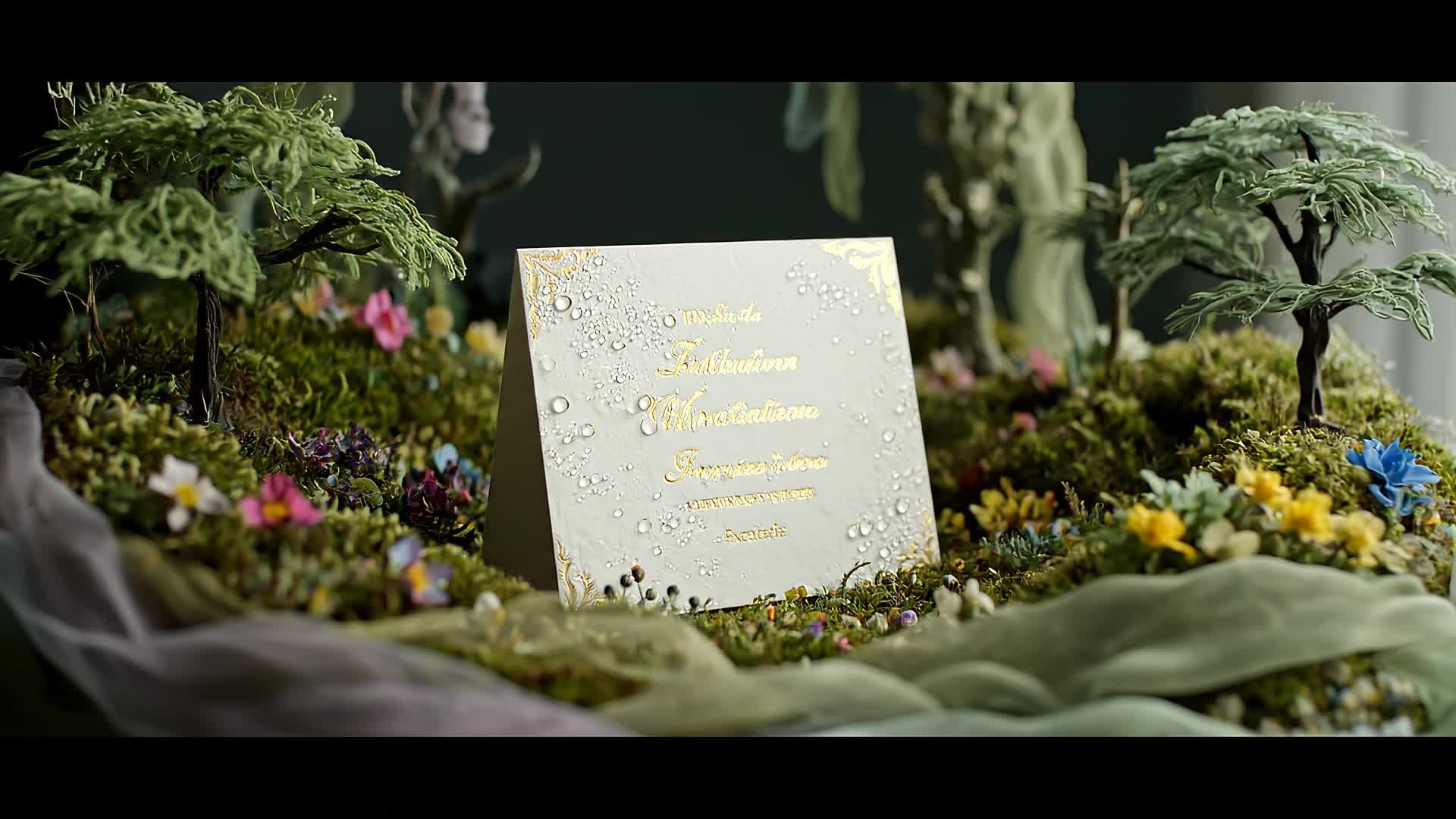
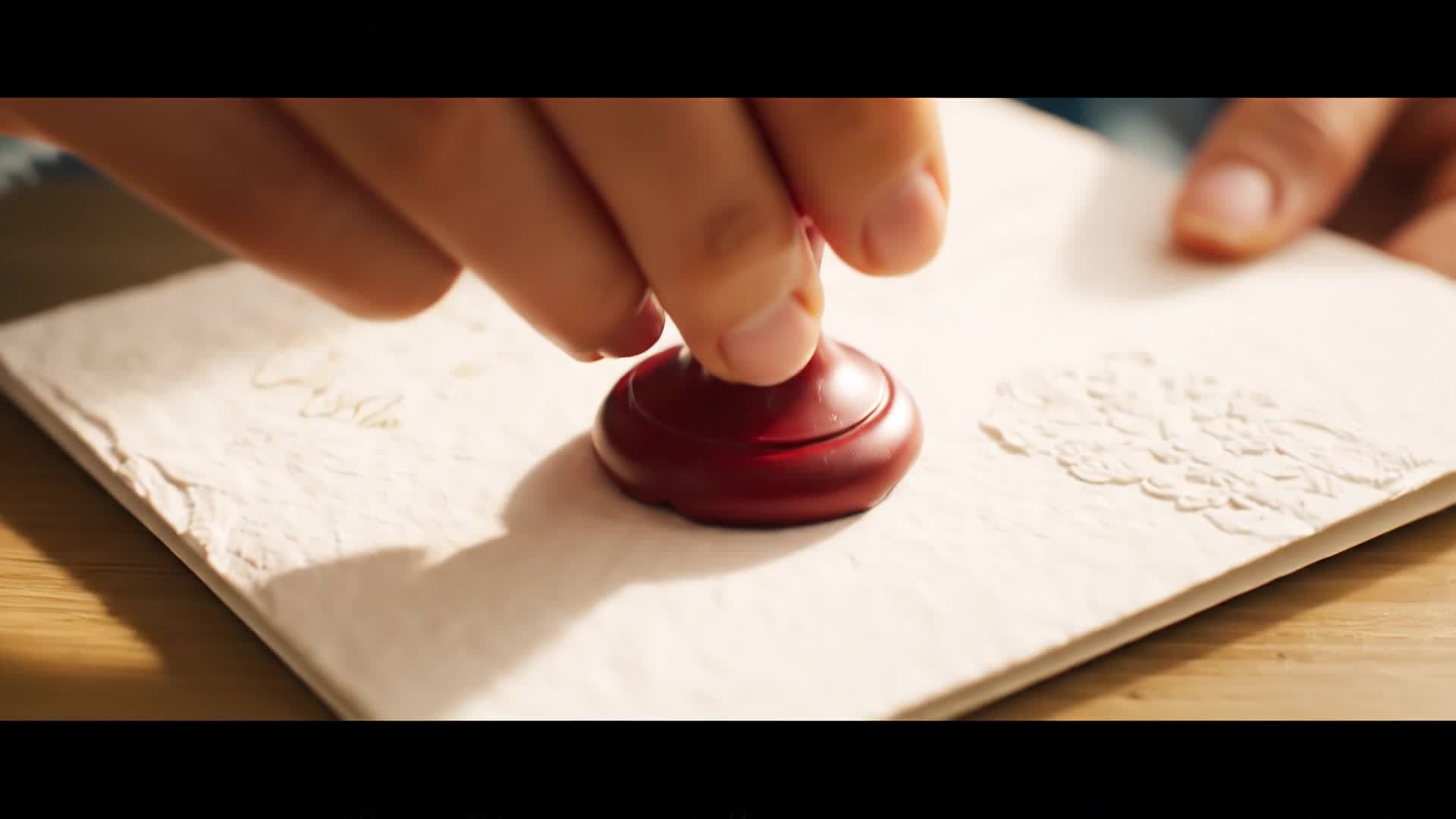
Create Invitation Videos from a Simple Text Prompt
No need for complex editing tools – just describe your theme, and Media.io’s text-to-video AI turns your idea into a vivid baby shower invitation video. Type a short prompt like ‘whimsical pink-and-gold baby shower with soft floral animations and gentle music,’ and watch your video come to life. This is ideal for busy parents and event planners who want quick results without losing personal touch. Within moments, you get an editable draft ready for captions, logos, and download in any social format.
| Style | AI Prompts for Baby Shower Invitation Video Maker | Copy & Create |
|---|---|---|
|
Modern Minimalist
|
Start with a clean white background and a soft blush hue gradient. Display text ‘You’re Invited to Our Baby Shower’ in elegant typography. Add minimal floral line drawings fading delicately. Use light background music with acoustic tones. Transition to the event details with small slide animations. End with a gentle sparkle effect and a closing thank-you message. |
|
|
Rustic Charm
|
Open with wooden textures and eucalyptus leaves bordering the frame. Include handwritten text introducing the baby shower celebration. Add mild camera pans and natural lighting effects. Show a montage of baby-themed icons like pacifiers and bibs. Insert the event date with a ribbon animation. Conclude with a cozy, country-inspired background melody. |
|
|
Whimsical Fantasy
|
Begin with animated clouds drifting across a pastel sky. Add playful baby icons floating in bubbles. Use text ‘A Magical Day Awaits’ with soft sparkle transitions. Show pink and blue confetti bursting as the invitation details appear. Add melodic harp tones in the background. Finish with a smiling moon and stars gently glowing. |
|
|
Photo Collage Highlight
|
Display a quick montage of photos from the pregnancy journey. Apply soft zoom-ins and crossfades for emotional depth. Use the text ‘Join Us for a Special Celebration’ appearing mid-sequence. Overlay voice narration or background lullaby music. Add event details toward the end with neat title cards. Conclude with family names gently sliding out as the video fades. |
|
|
Luxury Aesthetic
|
Start with white marble textures and golden accents. Introduce the baby shower title with a slow cinematic reveal. Use subtle light flares and slow motion for a premium feel. Display details on minimalist cards floating in space. Add piano and string instruments for sound design. Finish with the couple’s names fading in a shimmer transition. |
|
|
Cute Cartoon Story
|
Use animated baby animals celebrating under balloons. Start with cheerful music and soft colors. Transition between playful scenes showing event details on signboards. Add hand-drawn doodles around text areas. Include a brief baby carriage animation with confetti. End the video with a group cheer and a final message: ‘See You There!’ |








How to Create Baby Shower Invitation Video Maker with Media.io
Create baby shower invitation video maker content faster with Media.io using text to video, image to video, video to video, and built-in editing tools.
1. Enter Your Theme or Message
Type a short idea or upload event details. Media.io’s AI analyzes your input to build the perfect baby shower visual concept instantly. This helps you create baby shower invitation video maker content faster with a more structured workflow. You can easily adapt the output for platforms like TikTok, Instagram Reels, and YouTube Shorts.
2. Add Images or Clips
Upload ultrasound photos, baby items, or mood pictures. The image-to-video engine animates them with music, transitions, and ready-made styles. This helps you create baby shower invitation video maker content faster with a more structured workflow. You can easily adapt the output for platforms like TikTok, Instagram Reels, and YouTube Shorts. The process reduces manual editing and improves overall production efficiency.
3. Edit and Export Your Video
Fine-tune text, fonts, and colors, then export in HD. Share instantly on WhatsApp, Facebook, or email for beautifully crafted invitation delivery. This helps you create baby shower invitation video maker content faster with a more structured workflow. You can easily adapt the output for platforms like TikTok, Instagram Reels, and YouTube Shorts. The process reduces manual editing and improves overall production efficiency.
Why Choose Media.io for Baby Shower Invitation Video Maker
AI-Assisted Design
Let Media.io’s AI automatically create baby shower video layouts, choosing colors, fonts, and animations that match your chosen vibe. This makes baby shower invitation video maker creation more efficient and easier to manage. It helps improve consistency across different video styles and formats.
Quick Customization
Edit names, date, and RSVP information easily in a guided interface. Perfect for busy parents who want professional quality fast. This makes baby shower invitation video maker creation more efficient and easier to manage. It helps improve consistency across different video styles and formats.
Multiple Input Options
Start from text, images, or short clips. The tool automatically merges them into cohesive stories ready to share anywhere online. This makes baby shower invitation video maker creation more efficient and easier to manage. It helps improve consistency across different video styles and formats.
Adorable Templates
Explore baby-themed templates from soft pastels to gender-neutral palettes. Each template feels handcrafted yet fully editable. This makes baby shower invitation video maker creation more efficient and easier to manage. It helps improve consistency across different video styles and formats.
Social Media Ready
Auto-generate vertical or horizontal formats tuned for Instagram Reels, TikTok, and YouTube, ensuring your invitation looks great everywhere. This makes baby shower invitation video maker creation more efficient and easier to manage. It helps improve consistency across different video styles and formats. You can use this feature to produce more engaging and platform-ready content.
Fast Online Export
Get HD downloads instantly with all animations rendered in the cloud. No heavy software, no waiting, just download and share. This makes baby shower invitation video maker creation more efficient and easier to manage. It helps improve consistency across different video styles and formats.
FAQs About
Baby Shower Invitation Video Maker
1. Can I make a baby shower invitation video without editing experience?


Yes. Media.io is built for simplicity—just type your theme or upload images, and the AI adds animation, transitions, and text automatically.
2. Can I customize colors and fonts?
You can choose from preset color palettes or adjust fonts, text sizes, and effects to match your baby shower theme perfectly.
3. Is it free to create a baby shower invitation video?
You can create and preview your baby shower video free. Advanced options like longer duration or premium templates may require upgrade.
4. Can I use my own music in the video?
Yes. Upload your favorite background music or select from Media.io’s copyright-safe audio collection to match your mood.
5. Which formats can I export my invite in?
Export your video in MP4, MOV, or social-optimized formats ready for WhatsApp, Instagram, or any event invite platform.
6. How long does it take to generate a baby shower invite?
It usually takes less than a minute to create your video. Our AI handles all rendering and animation instantly in the cloud.



