Build Eye Catching Anniversary Video Maker with AI
Celebrate love with AI-powered video creation
Create polished anniversary video maker content faster with Media.io’s AI workflow. Start from a prompt, upload photos, or refine existing clips to build scroll-stopping videos for Reels, Stories, and feed posts without the usual editing burden. From quick social promos to creator-ready visual storytelling, Media.io helps you turn raw ideas into cleaner, more engaging videos that look made for social media from the first draft.
Transform Photos into Motion Memories
Bring your favorite still photos to life with Media.io’s AI image-to-video feature. Turn every romantic snapshot—from wedding days to vacations—into smooth animated clips that tell your love story beautifully. Our smart motion and style generator adds dynamic camera effects, soft transitions, and music synchronization automatically. Whether you want a nostalgic montage or a modern highlight reel, Media.io helps you create an emotionally engaging anniversary video that feels alive and uniquely yours.
From Words to a Loving Story
Describe your love story, and Media.io’s text-to-video engine turns it into a touching anniversary creation. Simply type a short description, and Media.io will generate visuals, motion, and background music that fit your sentiment. Perfect for surprise gifts, social media posts, or digital invitations, this tool makes storytelling effortless. You can refine narration, add subtitles, and preview in seconds, letting you transform words into visuals that truly express your relationship journey.
| Style | Popular Anniversary Video Maker Prompts | Copy & Create |
|---|---|---|
Romantic Montage | Open with a bouquet of roses and a candlelit dinner scene. Then glide through photos of your relationship milestones with soft transitions and warm lighting. Add floating text lines like 'Every moment with you matters'. Sync the beat to your favorite love song. Fade into a slow-motion clip of holding hands or dancing. End with a glowing message that reads 'Happy Anniversary' surrounded by sparkles. | |
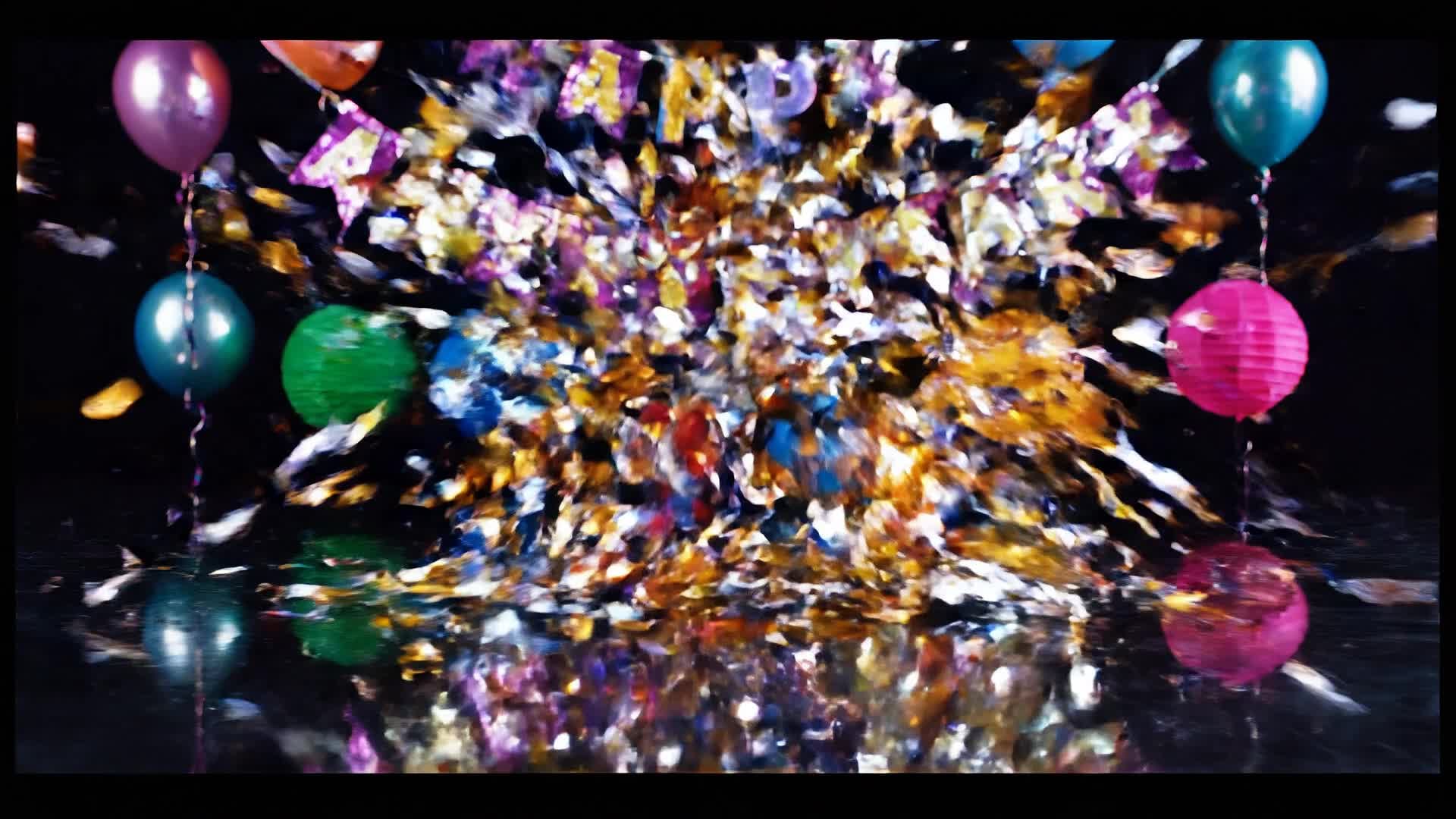
Modern Slideshow | Begin with upbeat background music and photos appearing with quick, stylish transitions. Insert short clips of smiles, adventures, and celebrations. Add bold text overlays for witty captions like 'Still my favorite person'. Keep the editing pace lively and trendy. Conclude with vibrant confetti animation and your anniversary date appearing elegantly on screen. | |
Vintage Love Story | Use sepia tones and film grain filters for a timeless vibe. Start with black-and-white photos from your early days together. Slowly pan across the images to evoke nostalgia. Blend in fading transitions as new memories appear. Introduce an old film projector effect midway. End with a handwritten-style text reading 'Our Story Continues' against a fading sunset. | |
Before & After Journey | Show 'Then' clips from when you first met and 'Now' scenes side by side. Transition smoothly between the two with elegant slide effects. Use upbeat music for contrast before softening it for emotional impact. Add a simple text overlay like 'From first glance to forever love'. End with a smiling selfie fade-out and the couple’s initials on screen. | |
Cinematic Celebration | Start with drone-like motion over symbolic items like rings or gifts. Move to beautifully lit couple clips with slow zoom-ins. Use orchestral music to set emotional tone. Alternate between close-up shots and wide angles of shared spaces. Add captions recalling key dates in golden font. Wrap up with a breathtaking camera pan ending on a romantic quote. | |
Fun & Trendy Reel | Kick off with an upbeat pop track and lively jump cuts. Use emojis, stickers, and fast edits for a playful tone. Insert dance clips, funny selfies, and candid laughs to show real chemistry. Keep captions short and expressive: 'Still crazy in love!'. End with a burst of heart animations and the hashtag #AnniversaryVibes. |








How to Create Anniversary Video Maker with Media.io
Create anniversary video maker content faster with Media.io using text to video, image to video, video to video, and built-in editing tools.
Upload or Write Your Story
Start with photos, short clips, or a written memory. The AI instantly understands your theme and tone to create the perfect base. This helps you create anniversary video maker content faster with a more structured workflow. You can easily adapt the output for platforms like TikTok, Instagram Reels, and YouTube Shorts. The process reduces manual editing and improves overall production efficiency.
Customize and Add Music
Choose your favorite song, filter, or style. Media.io automatically syncs visuals and adjusts pacing to match the mood. This helps you create anniversary video maker content faster with a more structured workflow. You can easily adapt the output for platforms like TikTok, Instagram Reels, and YouTube Shorts.
Export and Share Instantly
With one click, download your final anniversary video or post it directly to social media in full HD quality. This helps you create anniversary video maker content faster with a more structured workflow. You can easily adapt the output for platforms like TikTok, Instagram Reels, and YouTube Shorts. The process reduces manual editing and improves overall production efficiency. Each step improves visual quality, pacing, and content consistency.
Why Choose Media.io for Anniversary Video Maker
AI-Powered Video Generation
Transform simple inputs into stunning anniversary clips with automated motion, transition, and style choices. This makes anniversary video maker creation more efficient and easier to manage. It helps improve consistency across different video styles and formats. You can use this feature to produce more engaging and platform-ready content.
Multiple Creation Modes
Generate a video using text, images, or existing footage—Media.io combines them smartly for seamless storytelling. This makes anniversary video maker creation more efficient and easier to manage. It helps improve consistency across different video styles and formats.
Built‑In Music & Effects
Add curated romantic soundtracks and cinematic filters to enhance the emotional impact of your video. This makes anniversary video maker creation more efficient and easier to manage. It helps improve consistency across different video styles and formats. You can use this feature to produce more engaging and platform-ready content.
Customizable Templates
Access ready-to-use anniversary video themes designed to fit every couple’s style and mood. This makes anniversary video maker creation more efficient and easier to manage. It helps improve consistency across different video styles and formats. You can use this feature to produce more engaging and platform-ready content.
High‑Quality Export
Download videos in HD without watermarks and share directly to Instagram, TikTok, or YouTube. This makes anniversary video maker creation more efficient and easier to manage. It helps improve consistency across different video styles and formats. You can use this feature to produce more engaging and platform-ready content.
Fast Online Editor
Create in your browser without installs. The AI automates editing so you can finalize within minutes. This makes anniversary video maker creation more efficient and easier to manage. It helps improve consistency across different video styles and formats.
FAQs About
Anniversary Video Maker
1. How do I make an anniversary video with photos? 

Just upload your favorite photos to Media.io, select a theme, and the AI will instantly create an animated anniversary video with transitions and music.
2. Can I add my own background music?
Yes, you can upload your favorite song or pick from Media.io’s royalty-free romantic tracks for your celebration video.
3. Is the anniversary video maker free to use?
Media.io offers a free trial so you can create and preview your video before downloading or upgrading for premium features.
4. Can I create a text-based anniversary message video?
Absolutely. Use our text-to-video function to turn heartfelt messages or quotes into visually engaging video stories.
5. Does it work on phones and tablets?
Yes, Media.io works on any browser so you can make your anniversary video directly from your phone, tablet, or desktop.
6. What video formats can I export?
You can export your anniversary videos in MP4, MOV, or other popular formats that are compatible with all major platforms.