Design Anime Intro Maker That Stand Out
Turn Your Imagination into Eye-Catching Openings
Whether you’re building a YouTube channel, launching an anime project, or enhancing your streaming content, Media.io Anime Intro Maker lets you design cinematic openings in minutes. Simply start with text, images, or clips, and our AI transforms them into dynamic scenes filled with energy and motion. Customize the style, animation, music, and character vibe effortlessly—no complex editing needed. Deliver studio-quality anime intros that match your story’s tone, and grab viewers’ attention right from the start. Start creating now and bring your vision to life instantly.
Transform Anime Stills into Motion-Packed Intros
With Media.io, you can breathe life into static anime images by turning them into animated intros in seconds. Upload your illustrations or screenshots, and the AI generates smooth motion, atmospheric transitions, and dramatic zooms that make your visuals feel truly alive. Perfect for creators who want cinematic openings without drawing every frame manually. From fan edits to custom series intros, this feature transforms creativity into momentum, giving your content a professional movement flow while staying faithful to your original art style. Create impressive sequences that grab attention wherever you share them.
Turn Your Anime Storyline Into a Stunning Video
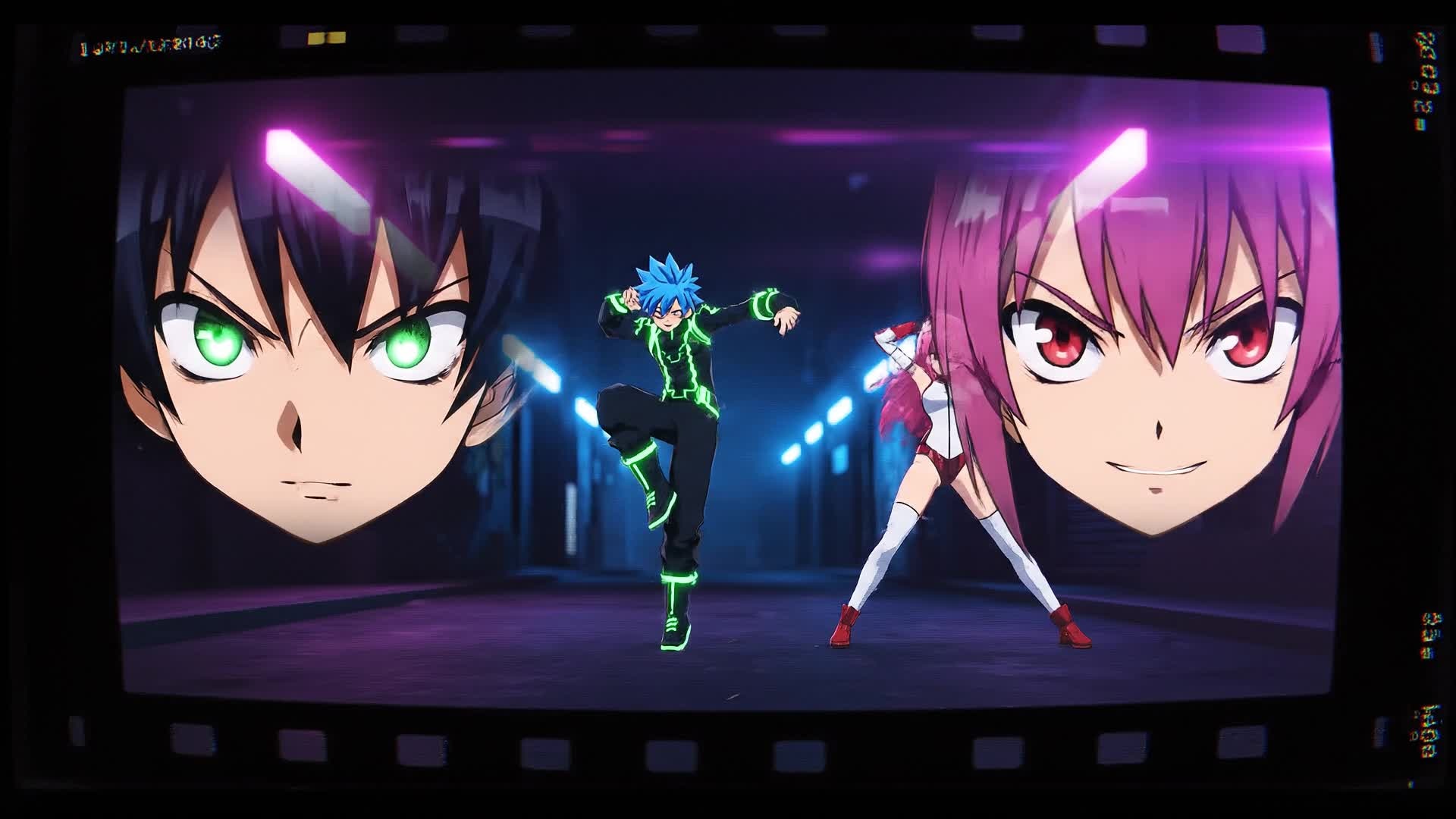
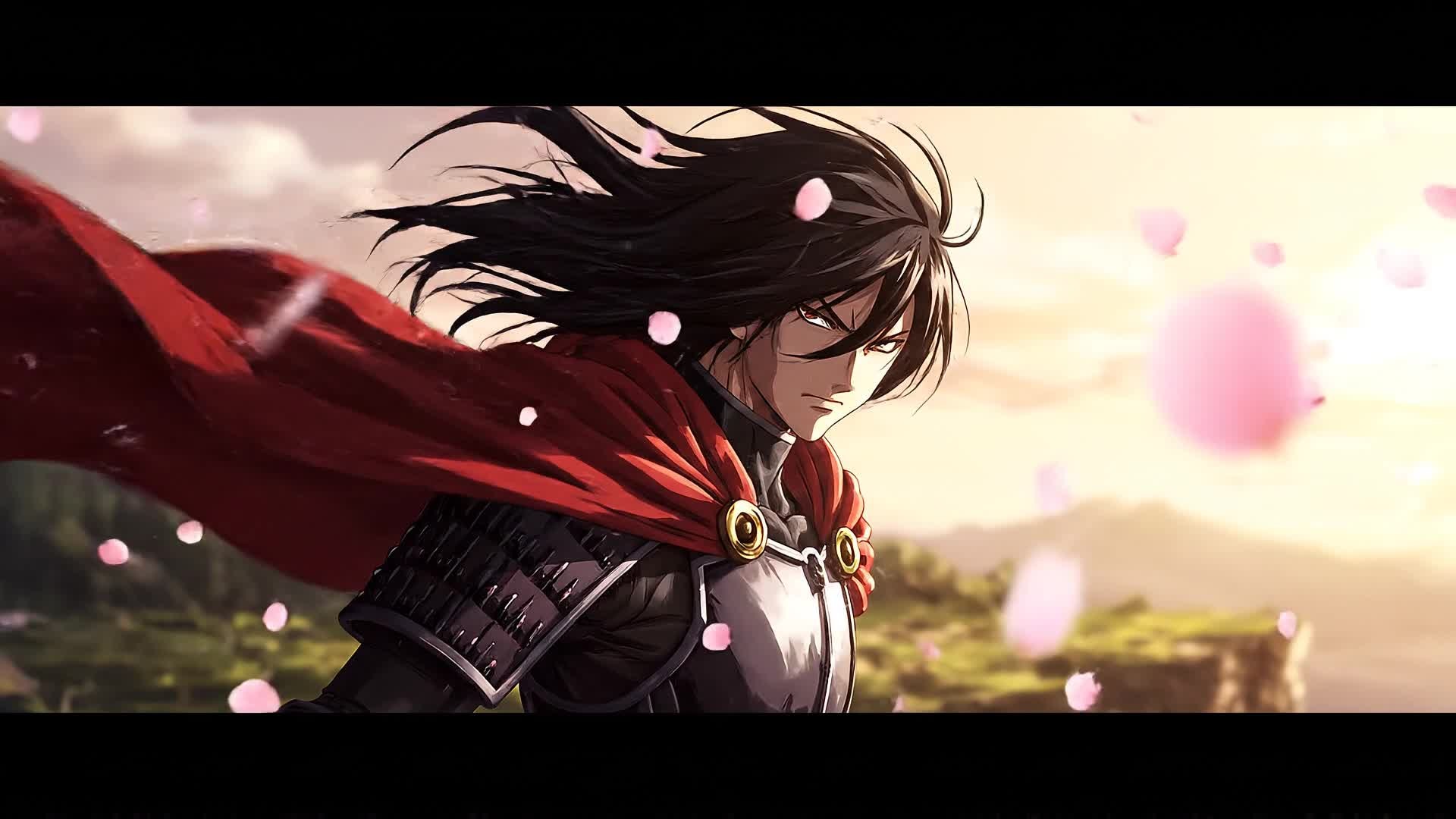
Describe your anime concept, setting, or character idea, and watch Media.io turn it into an engaging video intro automatically. The AI converts text prompts into vivid visuals with matching color palettes, transitions, and soundscapes—ideal for content creators, animators, and storytellers who need fast openings for YouTube or TikTok. You can refine the look, pacing, and effects in minutes to match your narrative theme. Whether you’re crafting fantasy, cyberpunk, or romantic anime worlds, Media.io helps you deliver intros that feel original, professional, and ready to capture attention on any platform.
| Style | Anime Intro Maker Prompt Ideas | Copy & Create |
|---|---|---|
|
Epic Fantasy
|
Create a sweeping anime intro set in a magical realm filled with floating islands. Start with a glowing symbol rising in the mist, followed by the hero standing on a cliff overlooking dragons flying across the sky. Add shimmering magic circles and soaring camera moves. Transition into team shots with enchanted weapons illuminating the scene. Emphasize a grand color palette with blues, golds, |
|
|
Cyberpunk Action
|
Show a futuristic neon city where a masked hero dashes across rooftops. Blend glitch effects, glowing text overlays, and fast-paced cuts synced to electronic beats. Include aerial drone shots revealing holographic billboards. End with the title reveal encoded through flickering digital codes. Make the pacing rapid and cinematic for a thrilling anime intro suited to tech-based storylines. |
|
|
Romantic Slice-of-Life
|
Open with a warm sunrise over a quiet school campus. Capture gentle wind moving the cherry blossoms and soft piano music building mood. Shift to quick glimpses of two characters meeting by chance at the gate. Use glowing transitions with dreamy lens flares. Add handwritten-style typography for names. Close with a slow zoom and a glowing title reveal blending pastel colors. |
|
|
Game Battle Teaser
|
Begin inside a glowing arena where characters load weapons with sparks of energy. Switch between team close-ups, status bars, and power-up effects. Insert sharp text motion for dramatic impact. Use sync pulses matching heavy drum beats. End with a slow-motion explosion revealing the game title surrounded by electric aura. Perfect for promoting anime RPG or eSports videos. |
|
|
Mystic Adventure
|
Depict ancient ruins emerging from the fog, crystals glowing from underground temples, and characters ascending toward a cosmic gate. Integrate glowing runes and dynamic camera spirals. Bring in ethereal orchestral cues to heighten drama. Tie visuals to a color transition that shifts from darkness to radiant gold. Make the ending logo shimmer with subtle magical dust. |
|
|
Aesthetic Viral Loop
|
Create a minimalist anime intro combining pastel tones, fluid particle motions, and rhythm-based cuts. Highlight a soft-focus background with ambient music. The hero’s silhouette slowly turns as the title forms behind them. Add seamless looping to keep it perfect for Reels or TikTok intros. Ensure an elegant balance of motion and calmness that encourages replay. |








How to Create Anime Intro Maker with Media.io
Create anime intro maker content faster with Media.io using text to video, image to video, video to video, and built-in editing tools.
Add Your Idea or Media
Start with a concept, description, or existing clip. Upload images or write your anime intro script, and Media.io AI will interpret it instantly. This helps you create anime intro maker content faster with a more structured workflow. You can easily adapt the output for platforms like TikTok, Instagram Reels, and YouTube Shorts.
Customize Your Style and Motion
Choose animation styles, transitions, music, and pacing. The editor makes it easy to match your intro’s tone with your anime’s theme. This helps you create anime intro maker content faster with a more structured workflow. You can easily adapt the output for platforms like TikTok, Instagram Reels, and YouTube Shorts. The process reduces manual editing and improves overall production efficiency.
Preview, Polish, and Export
Review your AI-generated anime intro, refine details, and export in HD. Share directly to YouTube, TikTok, or your project timeline with one click. This helps you create anime intro maker content faster with a more structured workflow. You can easily adapt the output for platforms like TikTok, Instagram Reels, and YouTube Shorts. The process reduces manual editing and improves overall production efficiency.
Why Choose Media.io for Anime Intro Maker
AI-Powered Visual Generation
Media.io automatically builds anime-inspired visuals, lighting, and transitions so you can focus on creativity instead of manual editing. This makes anime intro maker creation more efficient and easier to manage. It helps improve consistency across different video styles and formats.
Multiple Creation Modes
Generate intros from text, images, or existing videos—Media.io adapts to your workflow, giving you full flexibility for every anime concept. This makes anime intro maker creation more efficient and easier to manage. It helps improve consistency across different video styles and formats.
Fast Rendering Speed
Produce high-quality intros in minutes, not hours. Media.io’s cloud engine handles processing, so your anime openings are ready when you need them. This makes anime intro maker creation more efficient and easier to manage.
Built-In Music & Effect Library
Choose from cinematic soundtracks, atmosphere effects, and visual overlays that amplify emotion and sync perfectly with anime visuals. This makes anime intro maker creation more efficient and easier to manage. It helps improve consistency across different video styles and formats. You can use this feature to produce more engaging and platform-ready content.
Full Editing Control
Customize fonts, transitions, and pacing directly in the browser. Apply color grading and timing tweaks easily to perfect your intro’s rhythm. This makes anime intro maker creation more efficient and easier to manage. It helps improve consistency across different video styles and formats.
Optimized for Any Platform
Export your anime intro in the best resolution and aspect ratio for YouTube, TikTok, and more. Deliver consistent quality across all channels. This makes anime intro maker creation more efficient and easier to manage. It helps improve consistency across different video styles and formats.
FAQs About
Anime Intro Maker
1. What is the Media.io Anime Intro Maker?


It’s an AI-driven tool that helps creators generate anime-style intro videos from text, images, or clips. You can design professional openings in minutes.
2. Do I need animation experience to use it?
No. The interface is beginner-friendly, so anyone can produce cinematic anime intros quickly without learning complex software.
3. Can I upload my own images or characters?
Yes, you can upload stills or illustrations. The AI adds dynamic motion and atmosphere to create lively intro sequences.
4. Is there music included for the intros?
Yes. Media.io provides built-in soundtracks and effects to complement your visual theme, or you can upload your own music track.
5. What formats can I export my anime intro to?
You can export in MP4, MOV, or directly optimized formats for social media so your intro looks sharp on any platform.
6. Can I customize the duration and style?
Absolutely. You can set video length, choose color tone, adjust motion speed, and select between cinematic, cute, or energetic themes.




