Add Moving Text to Video Effortlessly
Generate animated text scenes with AI
Create polished add moving text video content faster with Media.io’s AI workflow. Start from a prompt, upload photos, or refine existing clips to build scroll-stopping videos for Reels, Stories, and feed posts without the usual editing burden. From quick social promos to creator-ready visual storytelling, Media.io helps you turn raw ideas into cleaner, more engaging videos that look made for social media from the first draft.
Animate Still Images with Moving Text
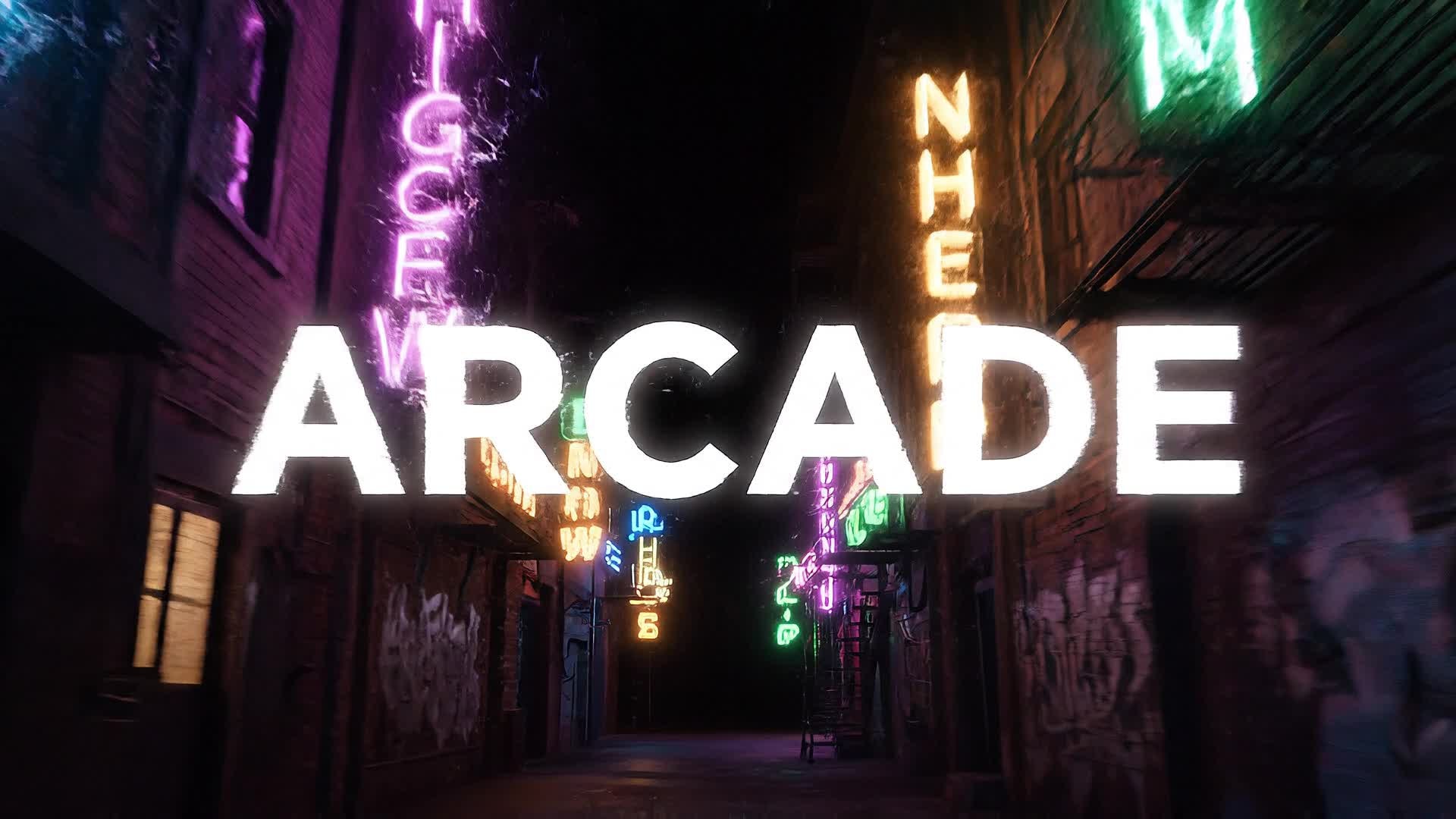
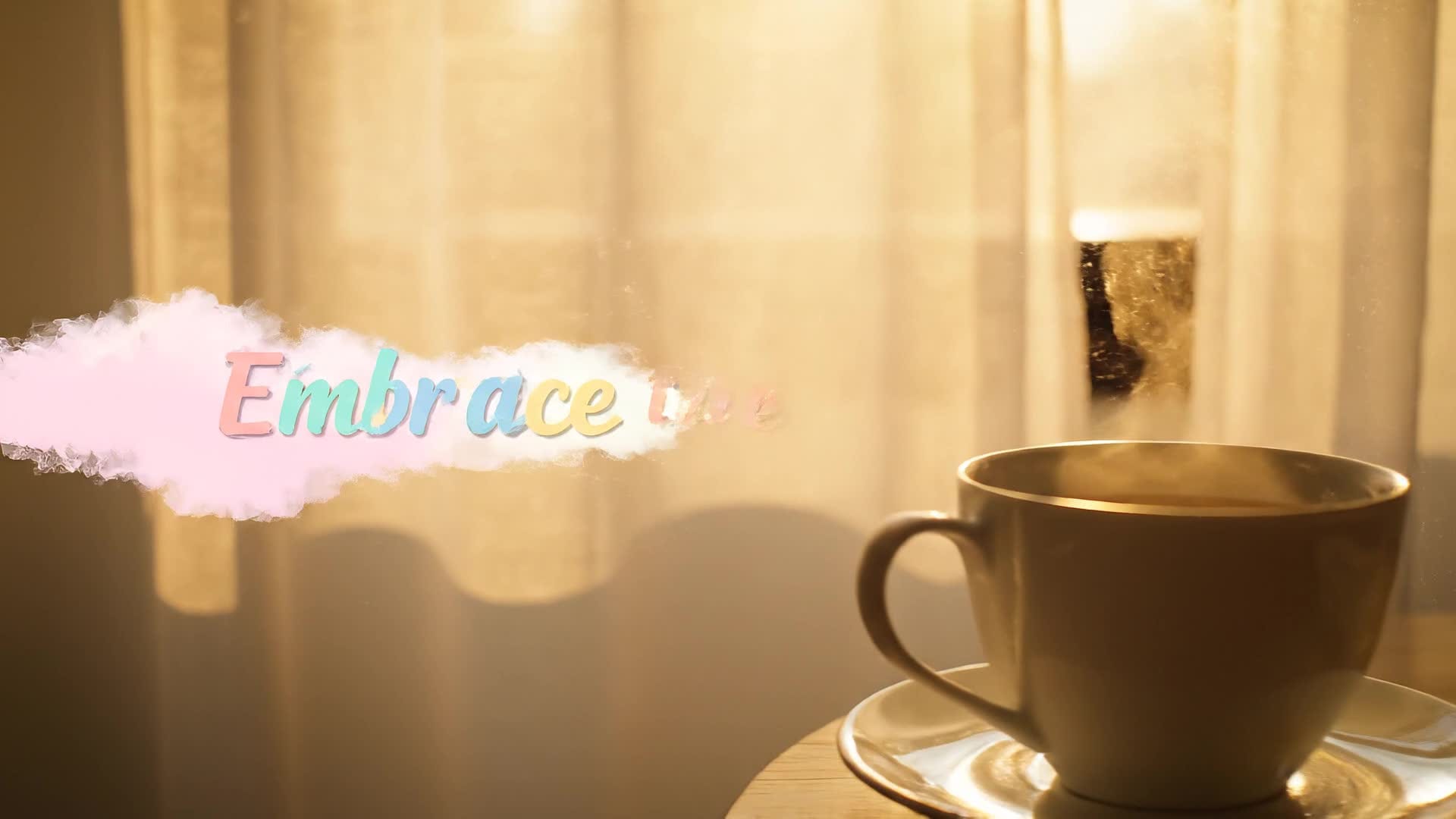
With Media.io’s image-to-video generator, you can transform any static image into a vibrant motion clip that includes animated text overlays. Add moving titles or captions that complement your visuals — perfect for social posts, digital ads, or intros. Just upload a picture, select a motion style, and Media.io turns it into a cinematic sequence. The AI generator balances movement, typography, and pacing, giving you a ready-to-share video with fluid text animations that enhance storytelling and viewer engagement effortlessly.
Turn Your Text Ideas into Animated Videos
Start with just your written idea and let Media.io turn it into a full video scene with moving text. Type a phrase, and our AI engine matches visuals, motion, and typography automatically. Ideal for content creators, marketers, and educators who want to create quick promotional or explainer videos without editing experience. Save hours and make your brand shine with polished animated text videos that feel professionally designed, ready for YouTube Shorts, Instagram Reels, or TikTok campaigns.
| Style | Creative Prompts to Add Moving Text Video | Copy & Create |
|---|---|---|
|
Trend Teaser
|
Start with quick clips of trending objects or outfits. Add bold moving text announcing 'Latest TikTok Trend You’ll Love.' Keep transitions fast-paced and rhythmic, matching popular music tempo. Fade text in and out as camera motion follows each item. End with a catchy CTA phrase bouncing across the screen inviting viewers to try it. |
|
|
Before and After
|
Show a simple clip of a blank video background. Add moving text reading 'Before Media.io.' Transition smoothly to the animated version showing vibrant text swirling in. Highlight the words 'After AI Magic.' Use sound effects synced with text motion to emphasize transformation. Finish with a short outro saying 'Try it now with AI.' |
|
|
Product Promo
|
Open with a close-up of a product slowly rotating. Overlay dynamic text that reads 'More Than Just Style.' Add glowing line animations following the product contours. Then introduce motion text showing features appearing on beat. Wrap with a final scene saying 'Available Now' with gentle slide-in motion. |
|
|
Quick Tutorial
|
Start with a caption 'How to Add Text to Video.' Show short steps with moving labels guiding where to click. Each word glides fluidly across the screen as you demonstrate tools. Add animated arrows and flowing transitions. Conclude with final text reading 'Done in Seconds with Media.io.' |
|
|
Aesthetic Mood
|
Use slow-motion clips with soft color grading. Overlay gently floating text that matches the rhythm. Include words like 'Breathe' and 'Flow' that fade in harmoniously. Allow each word to move slightly at different speeds to create calm visual depth. End the sequence with elegant text fading into the background. |
|
|
Viral Countdown
|
Open with bold moving numbers counting down from 5 to 1. Each number animates differently—zoom, spin, glow—to keep viewers engaged. Use text motion synced to beats for extra energy. After the countdown, reveal the message 'Stay tuned for more!' animated with a slide-in burst. Perfect for teaser videos and intros. |








How to Create Add Moving Text Video with Media.io
Create add moving text video content faster with Media.io using text to video, image to video, video to video, and built-in editing tools.
Enter Text or Upload Media
Start by typing your text or uploading an image or clip. Media.io’s AI recognizes your content type and prepares it for motion enhancement instantly. This helps you create add moving text video content faster with a more structured workflow. You can easily adapt the output for platforms like TikTok, Instagram Reels, and YouTube Shorts.
Customize and Animate
Choose a text animation style, adjust speed, alignment, and visual effects. Media.io automatically syncs motion with background rhythm for a seamless look. This helps you create add moving text video content faster with a more structured workflow. You can easily adapt the output for platforms like TikTok, Instagram Reels, and YouTube Shorts.
Export and Share
Preview your finished video, polish small details if needed, then export in HD. Share directly on social media with moving text that shines on every platform. This helps you create add moving text video content faster with a more structured workflow. You can easily adapt the output for platforms like TikTok, Instagram Reels, and YouTube Shorts. The process reduces manual editing and improves overall production efficiency.
Why Choose Media.io for Add Moving Text Video
AI-Powered Text Animation
Add moving text automatically with smart timing and beautiful motion effects generated by AI. This makes add moving text video creation more efficient and easier to manage. It helps improve consistency across different video styles and formats. You can use this feature to produce more engaging and platform-ready content.
Fast Processing
Render videos with animated text in seconds without heavy editing software, saving you valuable time. This makes add moving text video creation more efficient and easier to manage. It helps improve consistency across different video styles and formats. You can use this feature to produce more engaging and platform-ready content.
Customizable Motion Styles
Choose from multiple text movement presets, adjust direction and pacing to suit your creative tone. This makes add moving text video creation more efficient and easier to manage. It helps improve consistency across different video styles and formats. You can use this feature to produce more engaging and platform-ready content.
All-in-One Editor
Combine text motion, visual transitions, and music sync in one intuitive interface for effortless creation. This makes add moving text video creation more efficient and easier to manage. It helps improve consistency across different video styles and formats. You can use this feature to produce more engaging and platform-ready content.
Social-Ready Output
Export optimized videos for TikTok, Instagram, YouTube, and Facebook with perfect aspect ratios and text placement. This makes add moving text video creation more efficient and easier to manage. It helps improve consistency across different video styles and formats. You can use this feature to produce more engaging and platform-ready content.
No Skill Needed
Even beginners can create stunning videos with moving text effects quickly using simple AI-driven controls. This makes add moving text video creation more efficient and easier to manage. It helps improve consistency across different video styles and formats. You can use this feature to produce more engaging and platform-ready content.
FAQs About
Add Moving Text Video
1. How can I add moving text to my video online?


Simply upload your video or start from text, then choose an animation style. Media.io applies motion effects to your words automatically.
2. Can I animate text without downloading software?
Yes. Media.io is fully browser-based, so you can add moving text and effects without installing anything.
3. Does the tool support different fonts and styles?
Absolutely. You can pick from many typefaces, colors, and effects to match your brand or creative vision.
4. Will the text movement sync with my background music?
Media.io’s AI automatically matches motion timing to sound rhythm, helping your text feel naturally integrated.
5. Can I use images to create animated text videos?
Yes. Upload an image, add animated text overlays, and Media.io will generate motion scenes from static visuals.
6. Is it free to try Media.io’s moving text tool?
You can start creating videos with moving text for free and upgrade later for advanced features or watermark removal.



