Make a Sweet 1st Birthday Invitation Video
Turn your baby’s milestones into share-worthy invites
Celebrate your little one’s first year with an adorable invitation that feels truly personal. With Media.io’s AI-powered 1st birthday invitation video maker, you can instantly transform photos, clips, and text into a heartwarming video invitation. Choose cute templates, add joyful background music, and customize captions that match your baby’s personality. Whether it’s a family gathering or a themed party, your video invite will look studio-polished and social-ready without heavy editing. In just a few clicks, create a memory that says more than words ever could.
Turn Baby Photos into Charming Video Invitations
Give your favorite baby photos new life by transforming them into animated video invitations. Media.io’s image-to-video feature uses AI to animate still pictures, add gentle transitions, and sync motion with music and captions. It’s perfect for parents who have a gallery of adorable snapshots but want them to move and tell a story. From the first smile to first steps, every frame becomes part of a loving narrative. Within minutes, you’ll have a heartfelt invitation that delights guests and captures the joy of the occasion effortlessly.
Make 1st Birthday Invitation Video Maker Videos from Ideas
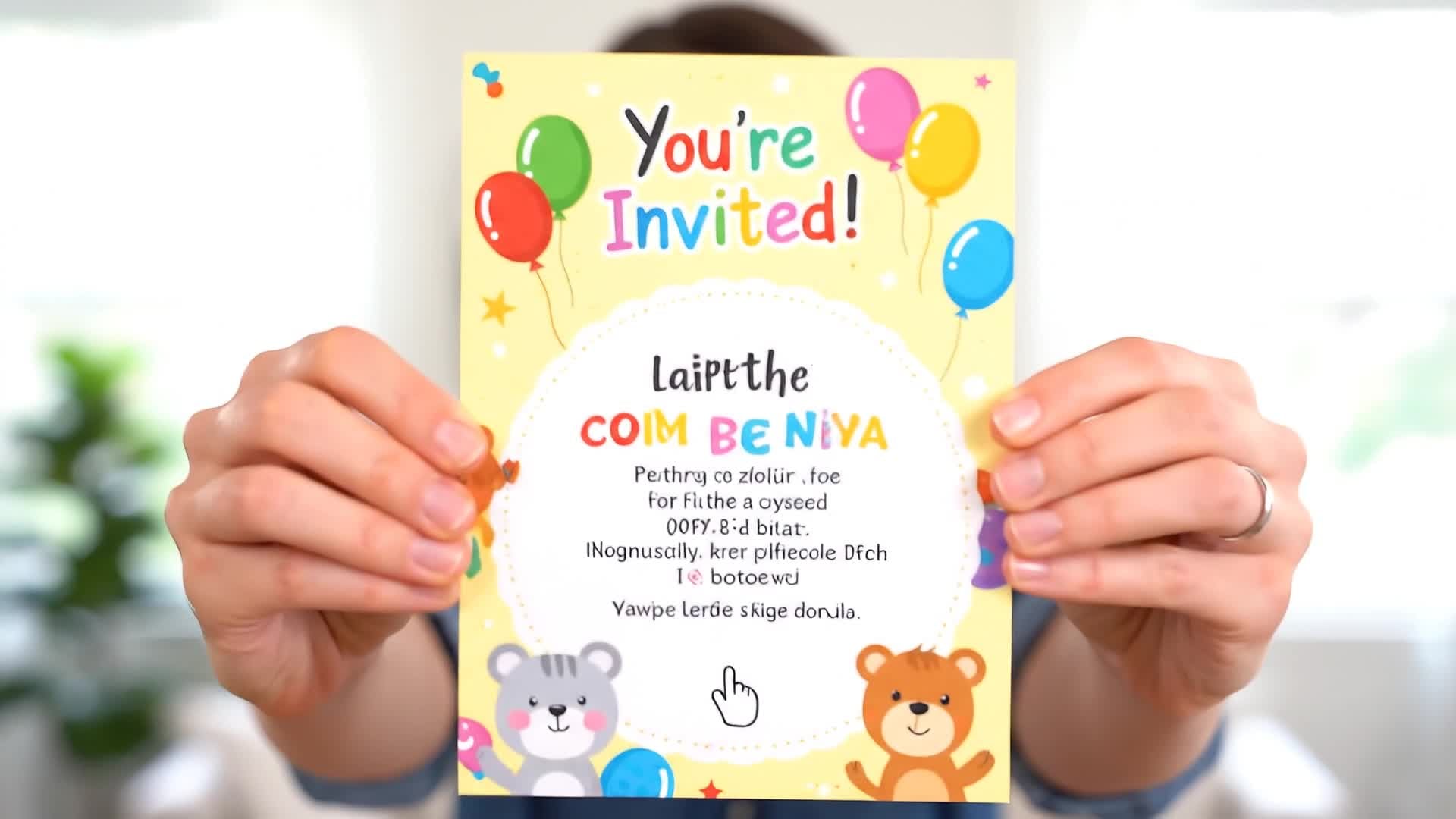
Don’t have photos or clips ready? Just type your idea and let Media.io’s AI turn it into a lively birthday invitation video. Simply describe your theme—like a garden party, teddy bear picnic, or pastel balloon celebration—and our smart text-to-video generator builds captivating scenes automatically. Perfect for busy parents and event planners, this workflow saves hours while keeping creative control. Your final video combines charming visuals, tone-matched background music, and custom titles designed to impress everyone who receives your invite.
| Style | 1st Birthday Invitation Video Prompt Examples | Copy & Create |
|---|---|---|
|
Sweet Pastel Theme
|
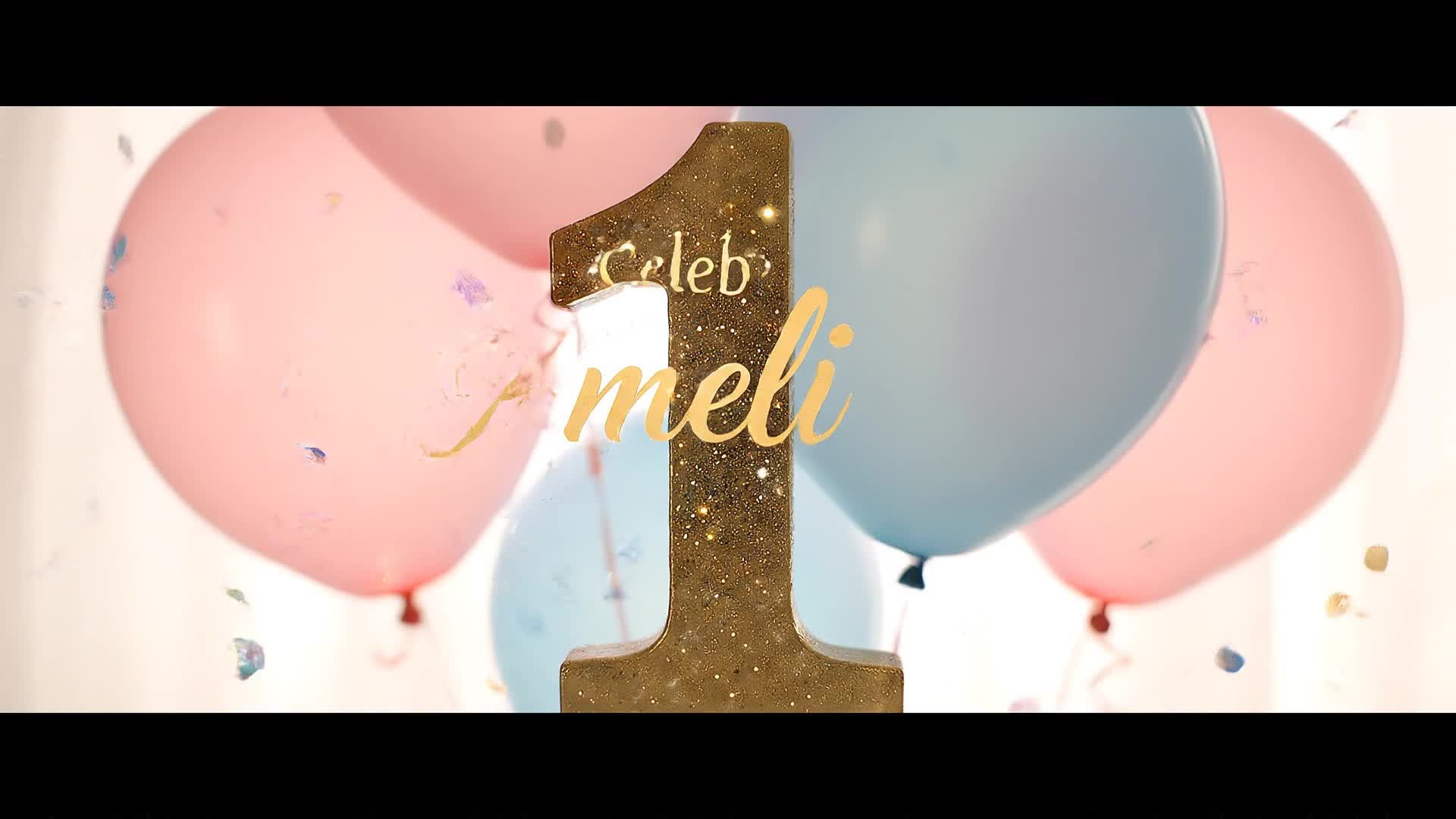
Open with light pastel balloons drifting upward. Cut to soft-focus photos of the baby giggling, followed by bokeh lighting effects. Overlay text reading 'Our Little Angel Turns One'. Use playful background music with subtle harp tones. Add transitions showing cupcakes, candles, and smiling family members. End with ‘You’re Invited’ in gold script over gentle glitter animation. |
|
|
Teddy Bear Picnic
|
Start with shots of plush teddy bears sitting on a blanket under a tree. Include short clips of picnic baskets, balloons, and laughing kids. Insert text overlays like 'Join Leo’s 1st Birthday Picnic'. Use soft orchestral music for a warm tone. Transition to close-ups of the birthday cake and family moments. Conclude with the party date and RSVP invite on-screen. |
|
|
Family Party Joy
|
Begin with candid shots of parents decorating with blue and white balloons. Add zoom-in effects of happy faces as the baby claps. Insert transitions between playing kids and festive confetti animations. Overlay text like 'Dylan Turns One'. Use upbeat acoustic background music. Finish with a joyful photo collage and a message inviting guests to celebrate together. |
|
|
Photo Slideshow Memory
|
Use a sequence of baby’s monthly photos from newborn to twelve months. Apply gentle crossfade transitions and soft piano music. Add captions like 'A Year of Smiles'. Include subtle motion zooms for emotional impact. Transition into an invitation message reading 'Come Celebrate This Milestone'. End with sparkly confetti video overlay. |
|
|
Balloon & Spark Theme
|
Start with wide shots of colorful balloons and spark animations over the frame. Add short clips of candles lighting one by one. Overlay warm text: 'It’s Mia’s Big One!'. Use rhythmic background music matching the energy. Switch between detail shots and wide party moments. End the sequence with ‘Save the Date’ glowing elegantly. |
|
|
Minimal Modern Style
|
Show elegant neutral colors with minimalist typography and soft motion backgrounds. Blend baby’s portrait with smooth text sliders saying 'One Year of Love'. Use light instrumental audio without vocals. Transition subtly between text prompts and gestures of affection. Highlight RSVP details with clarity. Close the video with a clean fade-out and logo animation. |








How to Create 1st Birthday Invitation Video Maker with Media.io
Create 1st birthday invitation video maker content faster with Media.io using text to video, image to video, video to video, and built-in editing tools.
Upload or Write Your Idea
Start with your baby photos, short video clips, or simply type your invitation theme. Media.io’s AI instantly understands your vision to begin crafting the video. This helps you create 1st birthday invitation video maker content faster with a more structured workflow. You can easily adapt the output for platforms like TikTok, Instagram Reels, and YouTube Shorts.
Customize Styles and Music
Choose templates, transitions, and soundtracks that fit your celebration’s mood. Personalize colors, captions, and timing to make every frame feel warm and memorable. This helps you create 1st birthday invitation video maker content faster with a more structured workflow. You can easily adapt the output for platforms like TikTok, Instagram Reels, and YouTube Shorts. The process reduces manual editing and improves overall production efficiency.
Preview and Export Instantly
Preview your invitation in seconds. Then download or share HD-ready clips directly on messaging apps or social media to delight your guests immediately. This helps you create 1st birthday invitation video maker content faster with a more structured workflow. You can easily adapt the output for platforms like TikTok, Instagram Reels, and YouTube Shorts. The process reduces manual editing and improves overall production efficiency.
Why Choose Media.io for 1st Birthday Invitation Video Maker
AI-Powered Creativity
Generate beautiful invitation videos effortlessly using AI. Media.io automatically combines your words and visuals into stunning storytelling sequences for your baby’s first This makes 1st birthday invitation video maker creation more efficient and easier to manage. It helps improve consistency across different video styles and formats.
Multiple Creation Modes
Use image-to-video, text-to-video, or video editing modes to craft your invite your way. The workflow adapts to what you already have—photos, text, or clips. This makes 1st birthday invitation video maker creation more efficient and easier to manage. It helps improve consistency across different video styles and formats.
Instant Templates
Select from adorable birthday themes designed for every style—from minimalist to fairytale. Each template speeds up your editing and keeps the design consistent. This makes 1st birthday invitation video maker creation more efficient and easier to manage. It helps improve consistency across different video styles and formats.
Easy Customization
Add your child’s name, event details, and special messages effortlessly. Fine-tune animation timing and music without professional editing skills. This makes 1st birthday invitation video maker creation more efficient and easier to manage. It helps improve consistency across different video styles and formats.
High-Quality Output
Export crisp HD videos ready for Instagram, WhatsApp, or big screens. AI ensures perfect framing and motion, giving your invites a premium finish instantly. This makes 1st birthday invitation video maker creation more efficient and easier to manage. It helps improve consistency across different video styles and formats.
Fast Online Workflow
Everything runs in your browser—no downloads or installs needed. Create your 1st birthday invitation video right now from any device. This makes 1st birthday invitation video maker creation more efficient and easier to manage. It helps improve consistency across different video styles and formats.
FAQs About
1st Birthday Invitation Video Maker
1. How do I make a 1st birthday invitation video with Media.io?


Simply open Media.io, choose the 1st birthday video maker, upload your photos or type your theme, and let AI generate your invitation instantly.
2. Can I add my own music or voice to the invitation?
Yes. You can upload your own background music or record a short voiceover to make the invitation feel personal and unique.
3. What if I only have baby photos?
No problem. Use the image-to-video feature to animate still photos with transitions and songs. It’s perfect for creating beautiful photo-based invitations.
4. Is Media.io free to use?
You can start creating for free. Premium options are available for higher resolution exports and additional templates.
5. Can I make invitations for other events too?
Absolutely. Media.io’s AI video maker works for any celebration—anniversaries, birthdays, or holiday parties—with customizable templates.
6. Do I need video editing experience?
Not at all. Media.io is designed for beginners. AI handles animation and timing so you only focus on creativity and details.