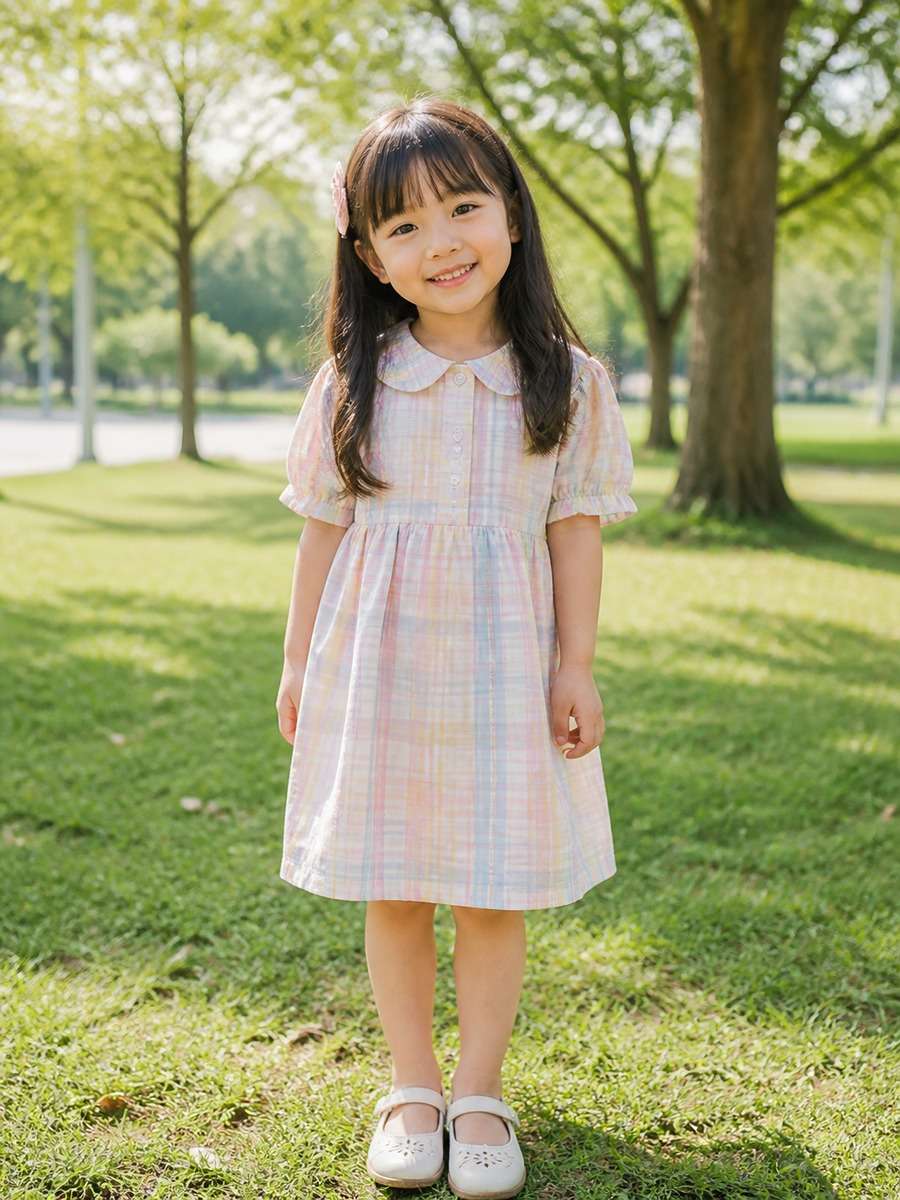
25 Gemini AI Prompts for Kid Girl Photos to Copy & Paste
Want a brighter birthday picture, a fairy-tale portrait or a cute family photo edit? Here are 25 Gemini AI prompts for kid girl photos that you can copy and adapt for storybook art, school-day memories and playful seasonal portraits. You will also find four separate prompts for a baby girl and ages 3, 5 and 10, with ideas that match each stage rather than repeating the same scene.
Stunning AI kid girl generated with Media.io - powered by
Nano Banana Pro.
25 Copy-and-Paste Kids Photo Editing Prompts for Gemini
Sunny Park Kids Photo Prompt
Keep the child from the reference photo recognizable, with the same relaxed smile. Move the setting to a tree-lined park on a bright morning; add soft grass, gentle backlight through the leaves and a comfortable pastel day dress. Shoot at child height with a natural 3:4 portrait crop and a lightly blurred background.
Quick tip: Child-height framing makes a park portrait feel natural.
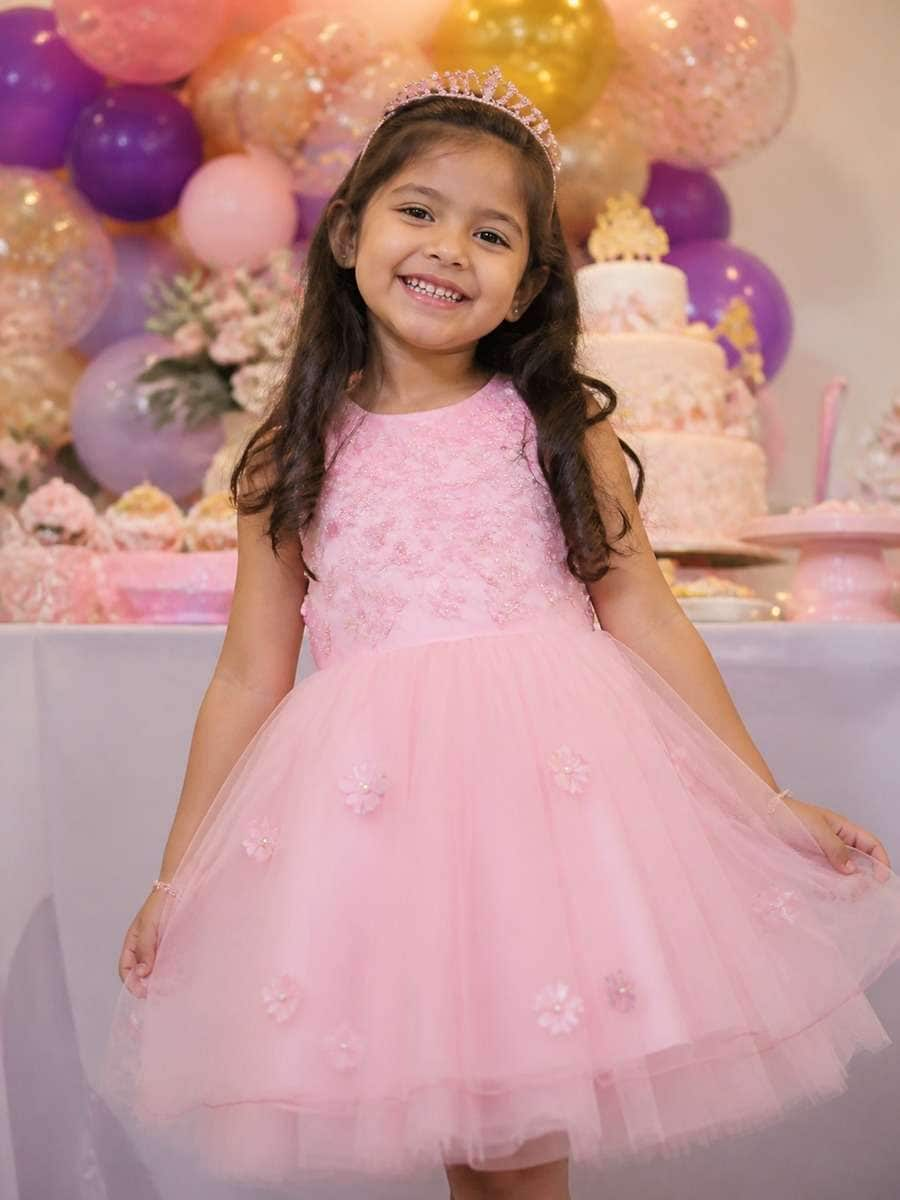
Birthday Girl Photo Editing Prompt
Turn this family snapshot into a cheerful birthday portrait. Place a small cluster of colorful balloons to one side and a simple cake table behind the child, leaving the face unobstructed. Preserve the original expression and age, use warm indoor party lighting and keep the dress playful rather than formal. Vertical family-photo composition.
Quick tip: Leave a little empty space for a birthday card message.
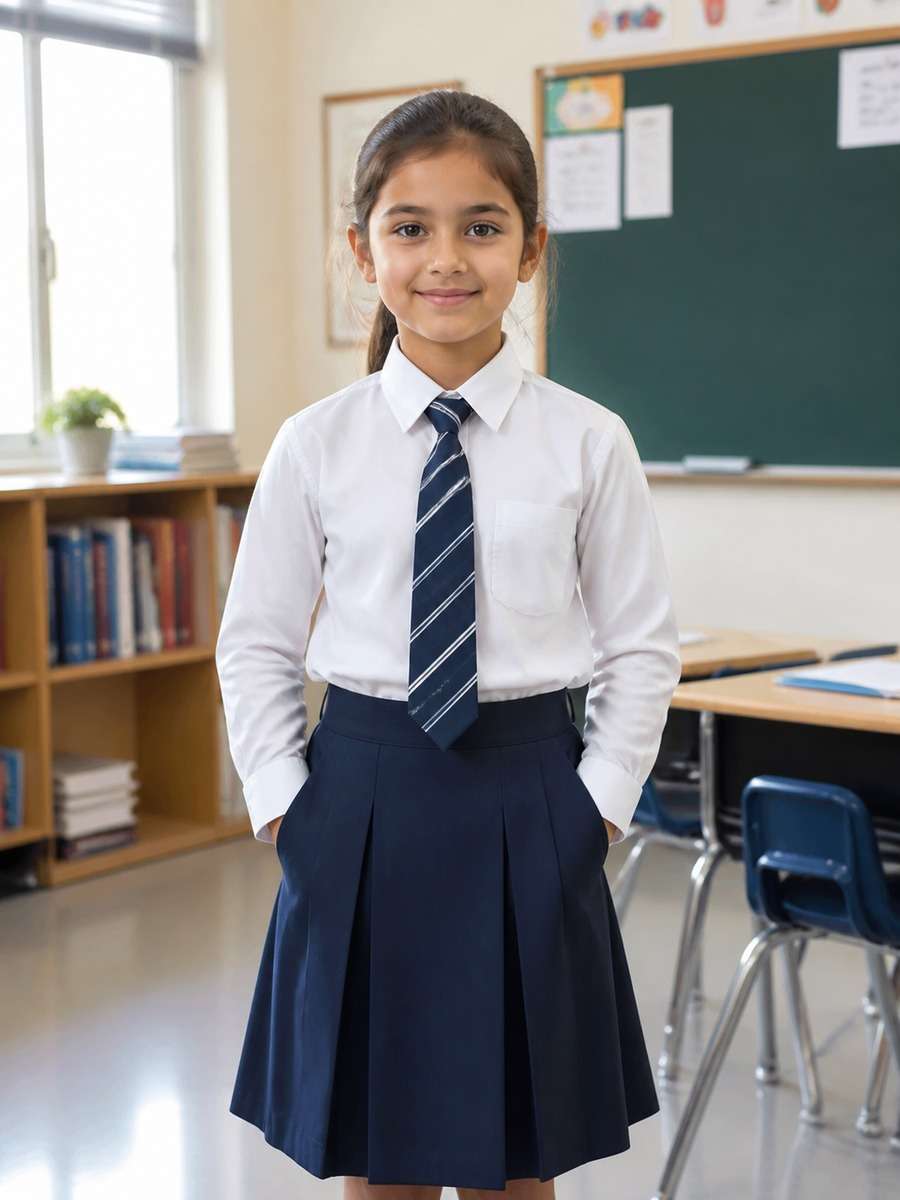
School-Day Portrait with Books
Create a school-themed portrait from the supplied child photo: a tidy desk, picture books and a sunlit classroom corner. Dress the subject in a simple cardigan and school-inspired outfit without badges or writing. Keep the same facial features, use a straight-on eye-level view and focus on the child rather than crowded classroom props.
Quick tip: An uncluttered desk helps the child stand out.
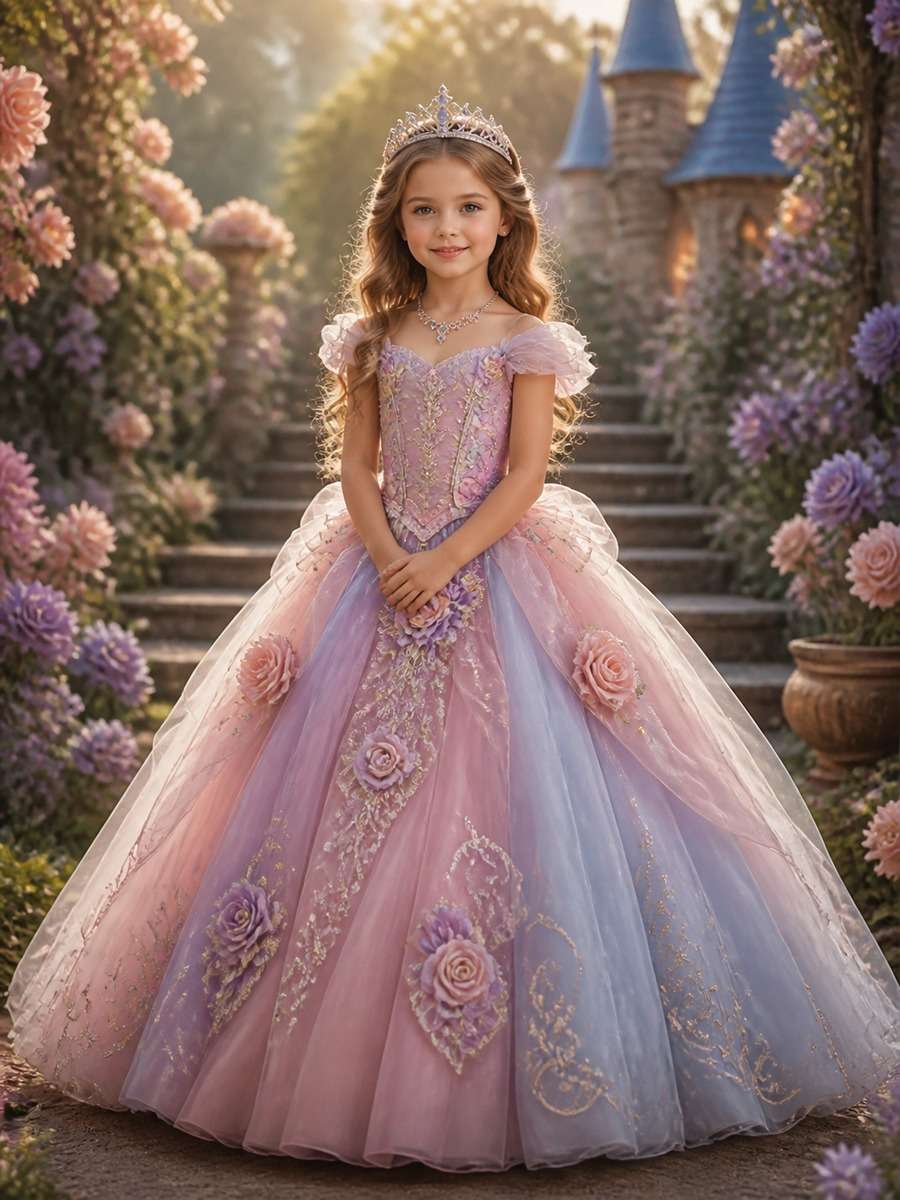
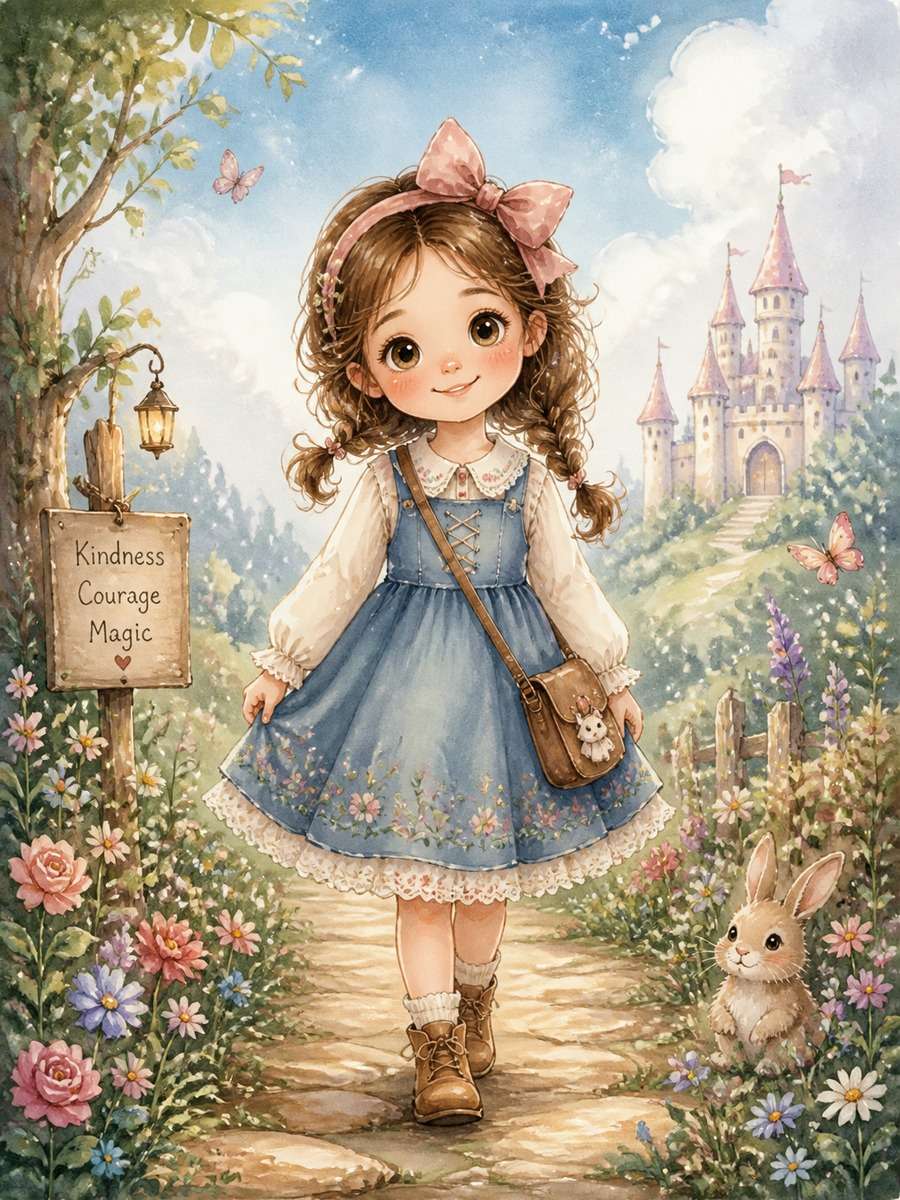
Princess Storybook Photo Edit
Imagine this child as the hero of a gentle fairy tale. Keep her familiar face and childlike proportions, then add a soft lavender princess costume, tiny embroidered stars and a storybook garden with glowing flowers. Render the background like illustrated paper, not a glossy fashion set. Leave the pose simple and the mood warm and playful.
Quick tip: Use an illustrated setting for a true storybook look.
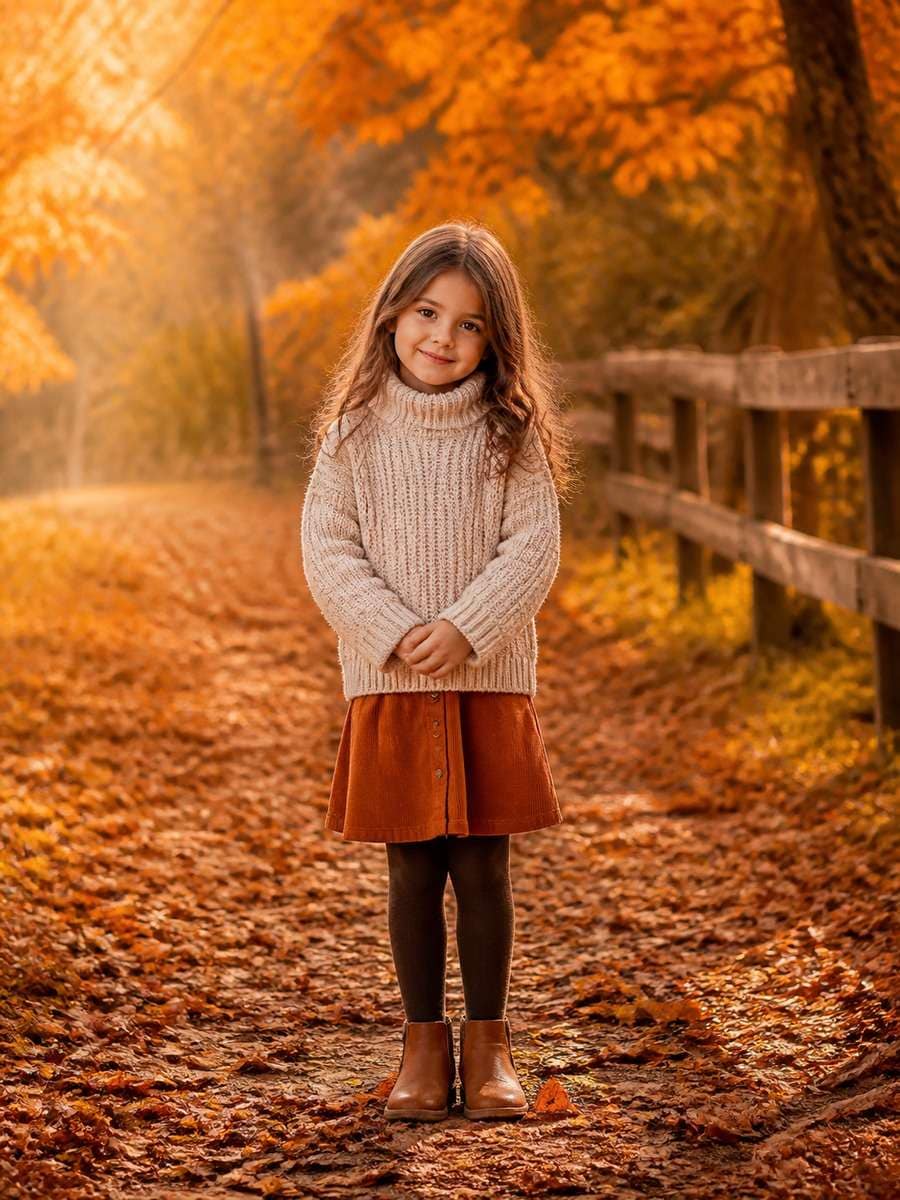
Autumn Sweater and Leaves
Retain the candid expression from the original portrait. Put the child in a cozy knitted cardigan and ankle boots beside a path scattered with orange maple leaves. Low autumn sunlight should warm the hair and coat; use a medium shot that includes a few falling leaves without hiding the hands. Natural colors, documentary family-photography feel.
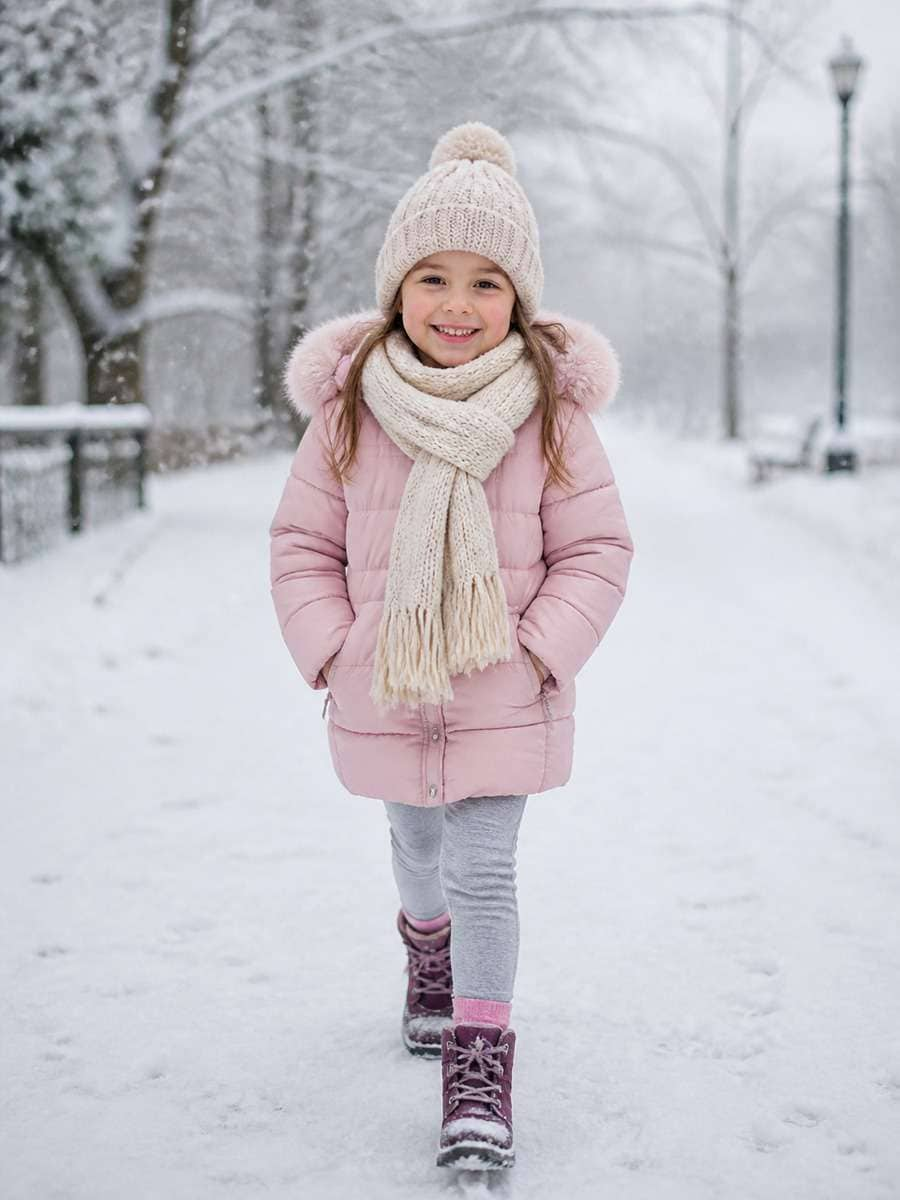
Build a snowy outdoor scene around this child: a bright padded jacket, knitted mittens, a wool scarf and a few flakes floating in the foreground. Keep the face from the reference, with cheeks naturally pink from the cold. Use overcast winter light, detailed fabric texture and a lively 3:4 frame instead of a stiff studio pose.
Quick tip: Visible mittens and coat layers make the winter scene convincing.
Spring Flower Garden Portrait
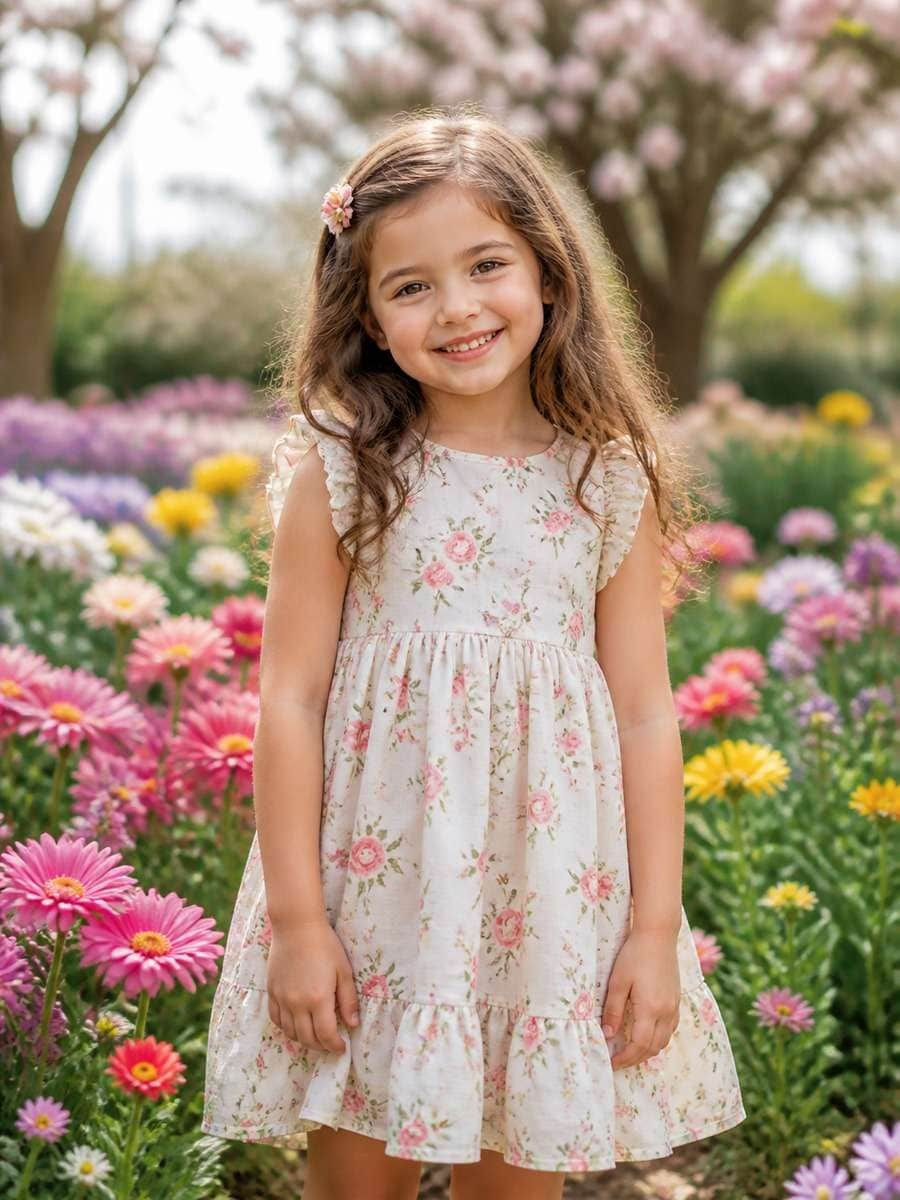
Replace the current background with a spring garden full of tulips and tiny white blossoms. Keep the child at the same age, wearing a light cotton dress with a subtle floral print. Frame the portrait from the knees up, with flowers in the near foreground and sunlit greenery behind. The colors should be fresh and restrained, with an easy genuine smile.
Quick tip: A few foreground flowers add depth without clutter.
Beach Holiday Family Portrait
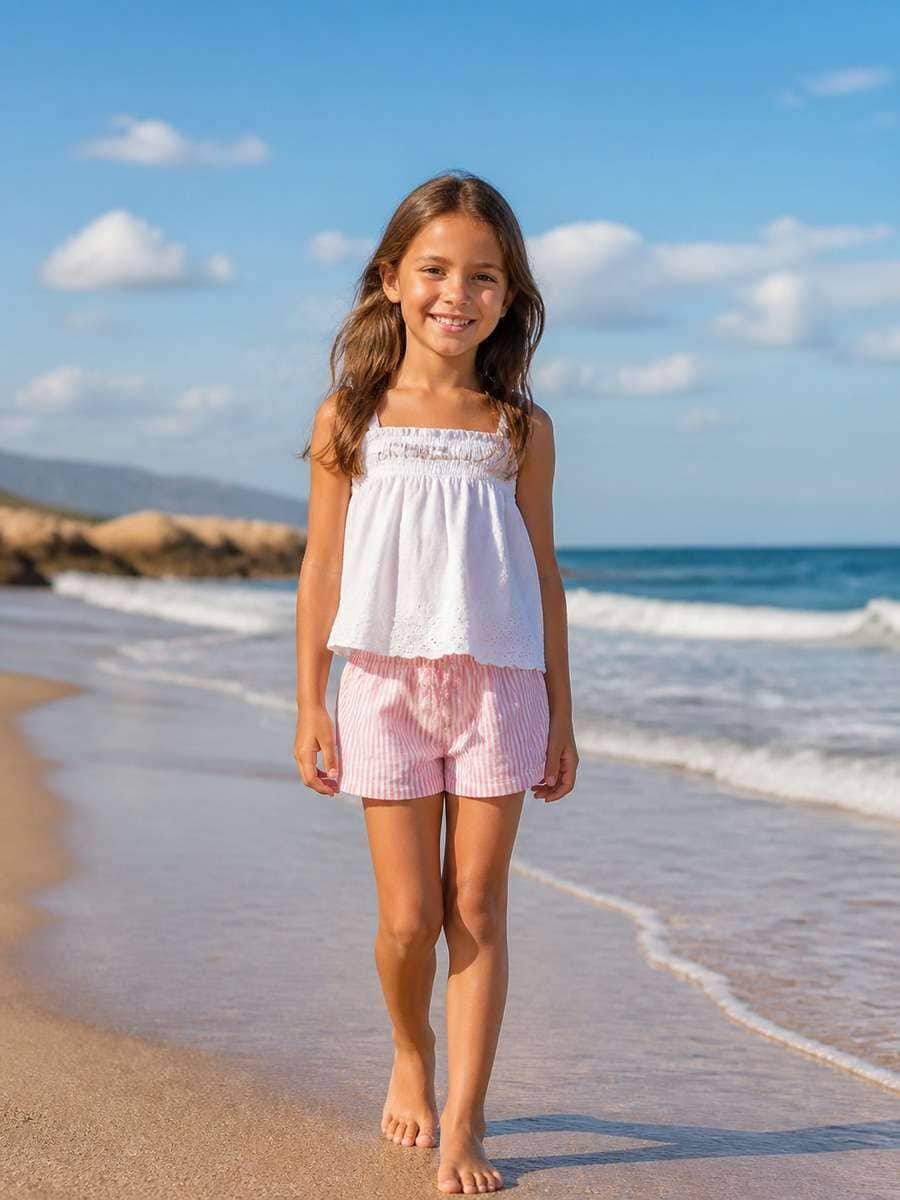
Keep the original child and casual expression, but place the photo on a quiet beach just after sunrise. Add a cotton sun hat, a loose short-sleeve shirt and comfortable shorts, with gentle waves far behind. Use soft sand colors, natural warm light and a wide-enough crop to show the shoreline. Keep this an ordinary family vacation photo.
Quick tip: Morning light is easier to balance than harsh midday sun.
Pastel Studio Kids Headshot
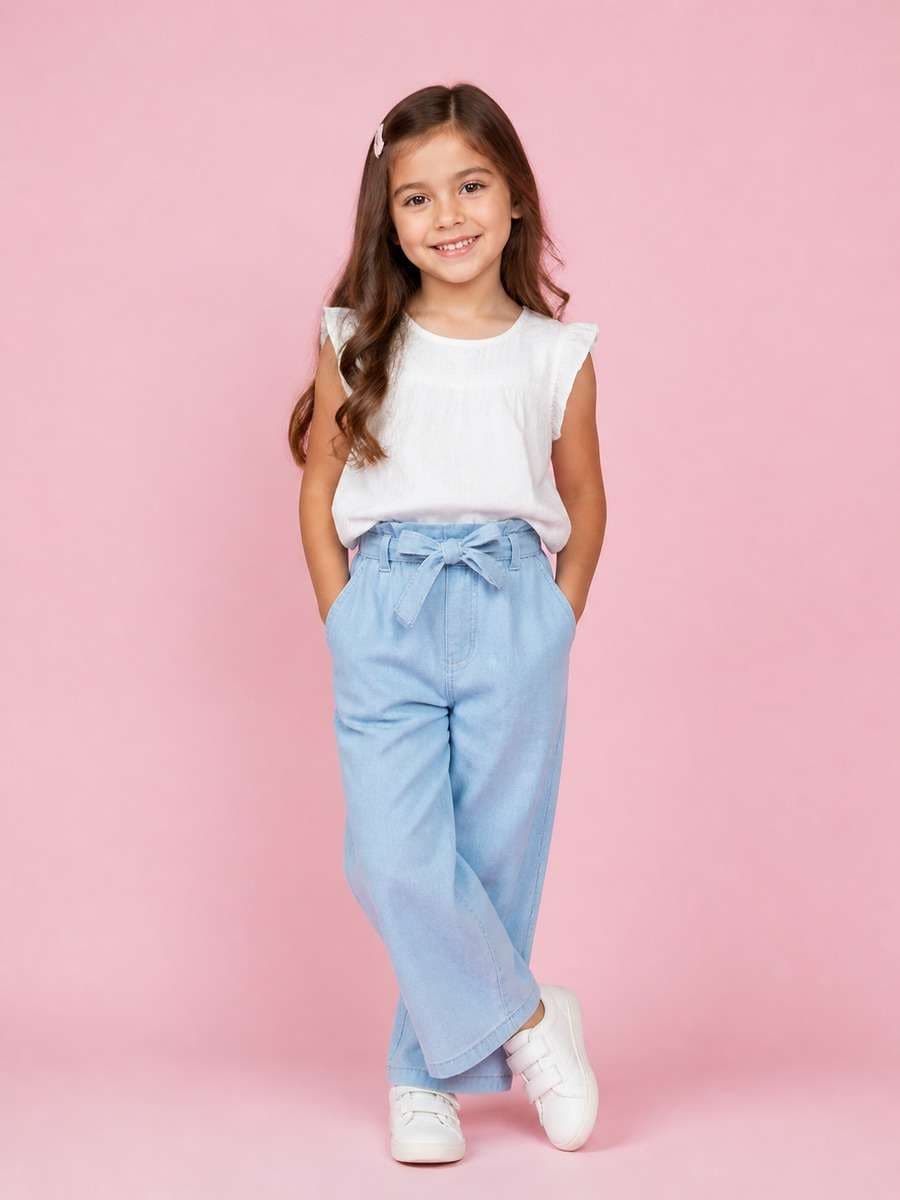
Make a neat studio portrait of the child in the reference image. Choose a smooth peach or pale blue backdrop, one softbox from the front-left and a comfortable everyday shirt. Preserve freckles, hairstyle and expression; avoid heavy beauty retouching. A waist-up crop with generous breathing room around the shoulders will work well for a family photo album.
Quick tip: Simple studio light helps preserve familiar facial details.
Watercolor Storybook Illustration
Translate the supplied photo into a hand-painted picture-book scene. Keep the child's expression and recognizable hairstyle, then use soft watercolor washes, pencil outlines and a small garden path dotted with daisies. Dress the child in a bright raincoat and boots; let the paper texture show in the sky. The illustration should feel like a page from a bedtime story.
Quick tip: Watercolor edges should look painted rather than photographic.
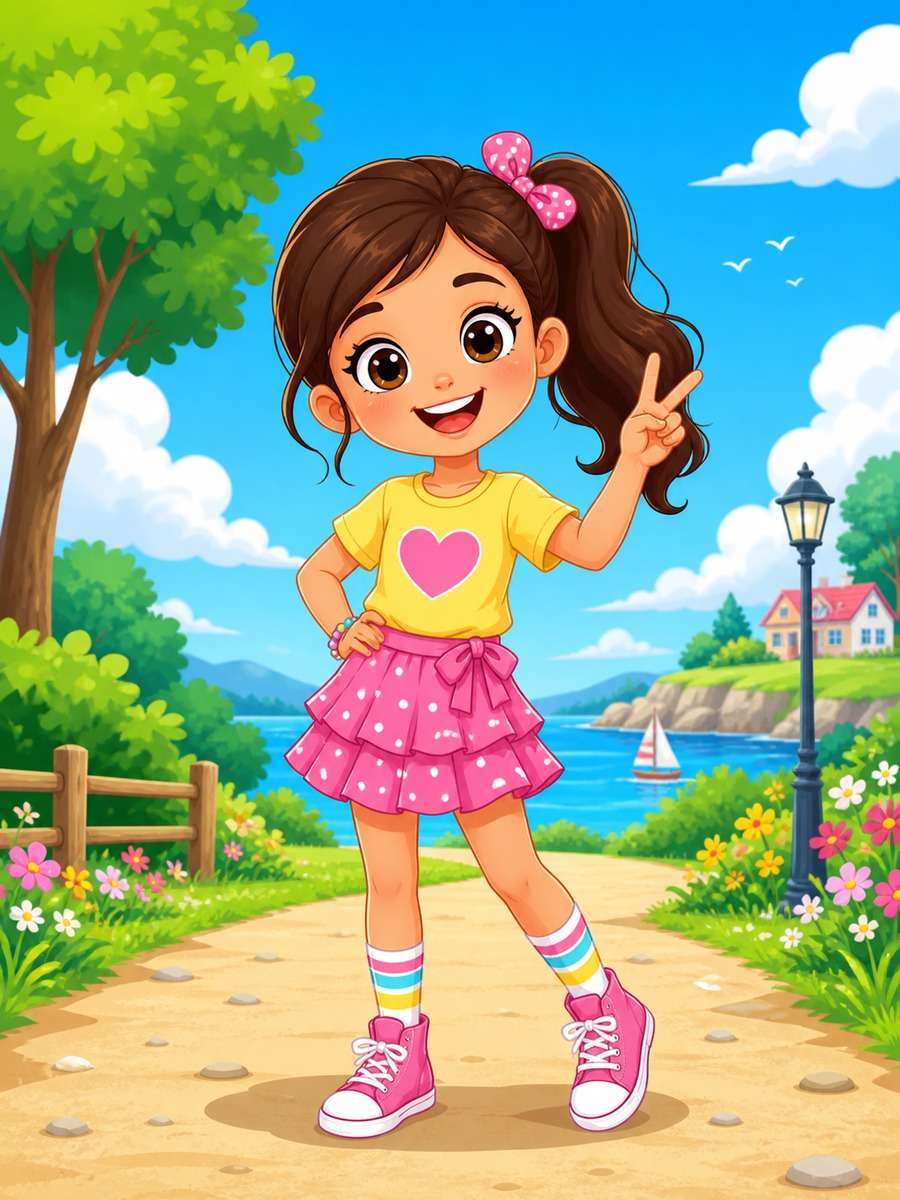
Bright Cartoon Character Portrait
Create a friendly animated portrait based on the child in the image. Simplify the face into rounded shapes while keeping the hairstyle, expression and favorite outfit colors recognizable. Place the character against a playful, clean park background. Use lively but controlled colors, smooth linework and a childlike cartoon silhouette without dramatic adult facial features.
Quick tip: Keep the outfit colors to make the character recognizable.
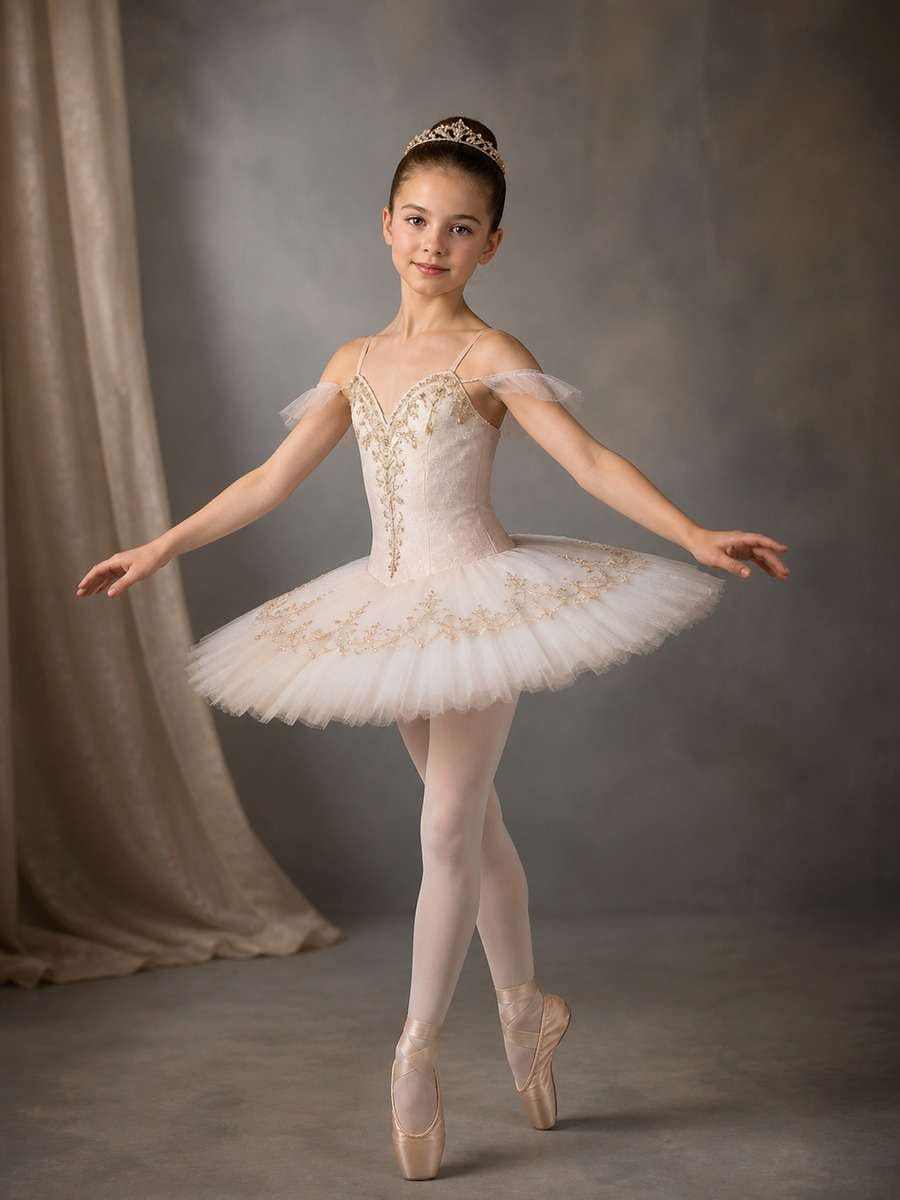
Ballet Class Photo Prompt
Reimagine this photo as a dance-school keepsake. Show the child in a modest ballet class outfit and comfortable dance slippers near a wooden barre, with the studio mirror softly out of focus. Keep the original face and natural body proportions. A gentle side-light and an unforced practice pose should make it feel like a moment from a lesson.
Quick tip: A practice pose works better than a complex stage jump.
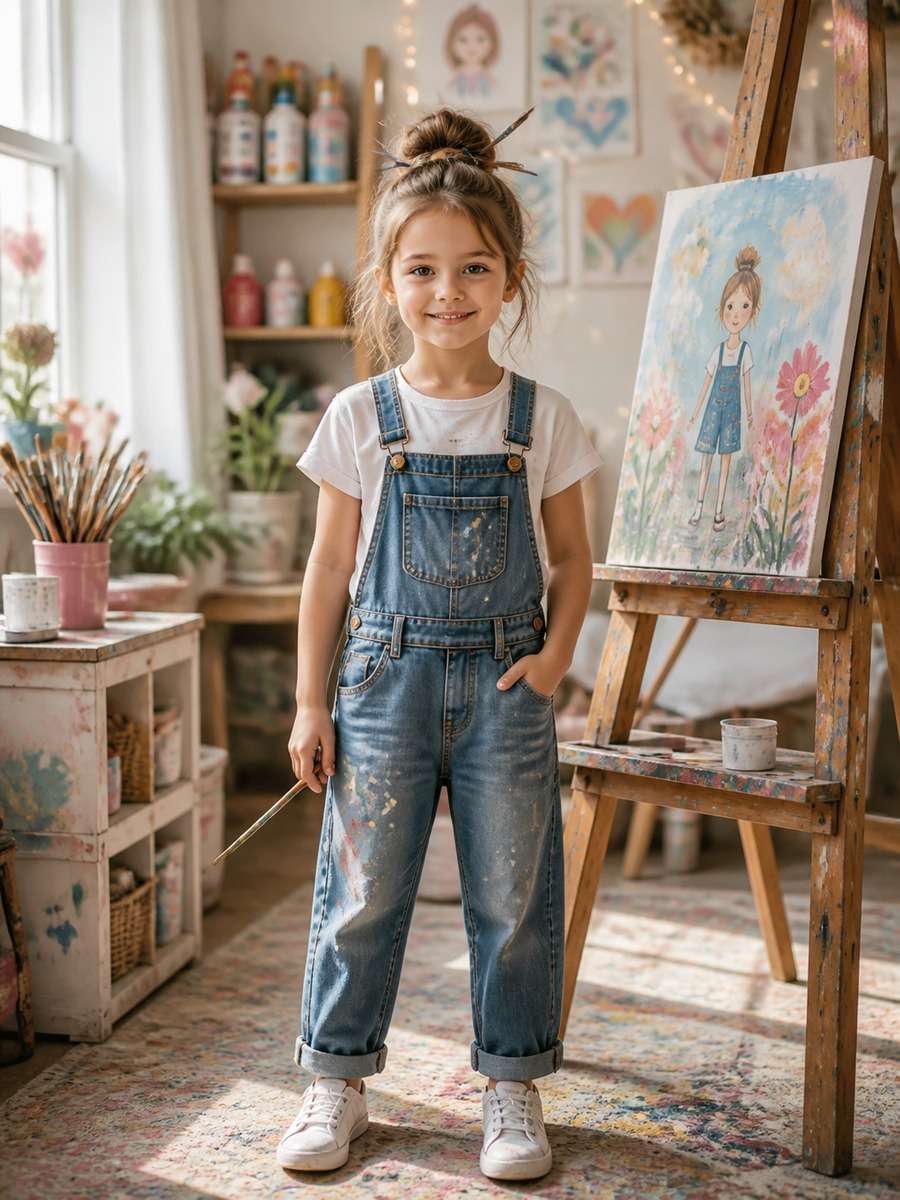
Little Artist Painting Scene
Set the child at a small easel surrounded by jars of paintbrushes and colorful paper. Keep the reference face, add paint-speckled overalls and a bright room with window light. Capture the child looking at a drawing rather than posing directly at the camera. Include a few unfinished sketches in the background without readable personal details.
Quick tip: Candid activity makes this different from a standard portrait.
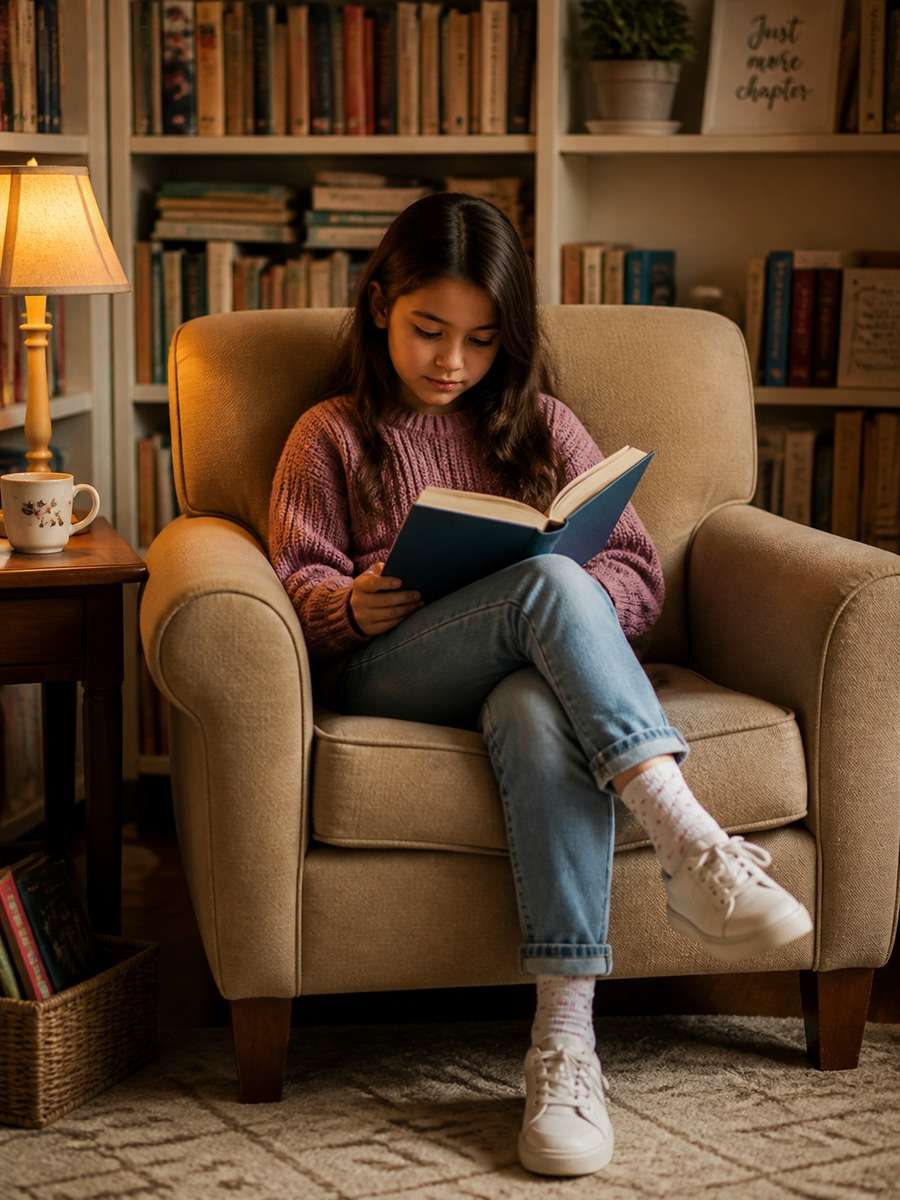
Reading Corner Portrait
Place the child on a floor cushion in a cozy reading nook with a picture book open across the lap. Keep the hairstyle and clothing from the original photo, changing only the surroundings. Use a warm table lamp, a woven rug and a small bookshelf blurred behind. Frame the scene from a slightly higher angle to show the book and the smile.
Quick tip: Good for preserving the original outfit while changing the setting.
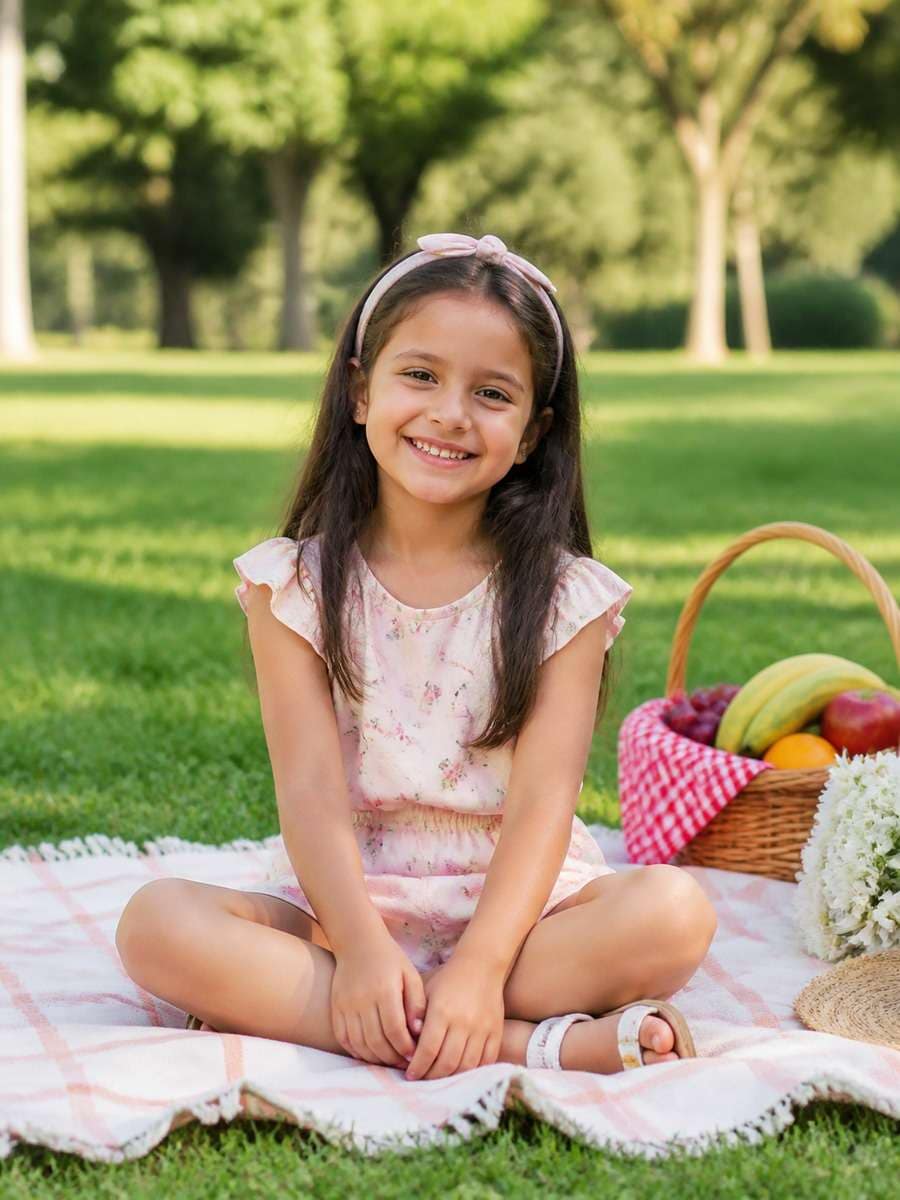
Sunny Picnic Day Photo
Give this family portrait a relaxed picnic-day setting: a checked blanket, woven basket, a few pieces of fruit and soft green grass. Keep the same child and easy seated posture. Use clear midday shade from a nearby tree rather than harsh direct light, and leave the background airy with distant flowers. Natural, bright family photography.
Quick tip: One picnic blanket and basket are enough to tell the story.
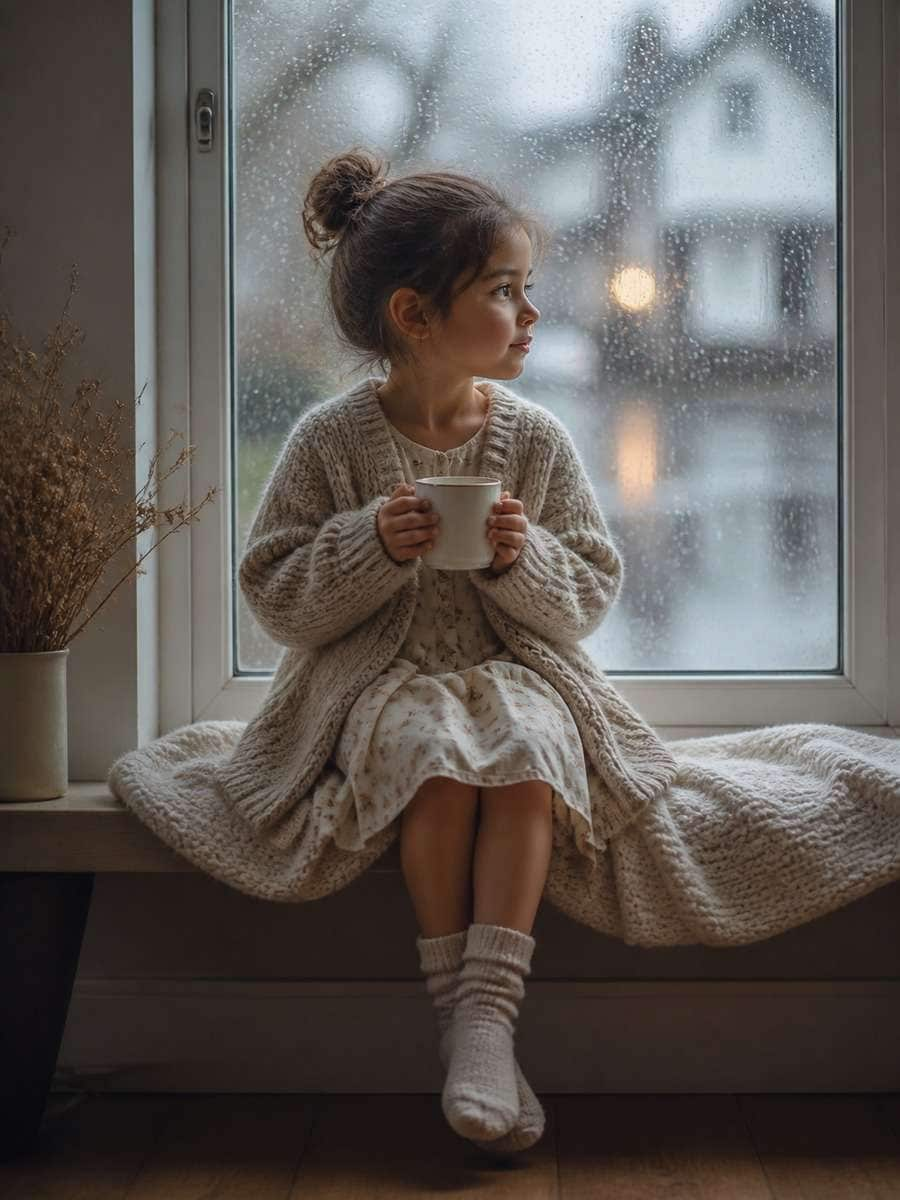
Rainy Window Kids Portrait
Turn the indoor portrait into a quiet rainy-day scene. Keep the child in a soft sweater by a large window, where raindrops catch the light on the glass. Maintain the same face and pose; use a warm room interior against cool blue-gray weather outdoors. A close portrait with shallow depth of field should emphasize a thoughtful expression.
Quick tip: The warm-inside and cool-outside contrast creates the mood.
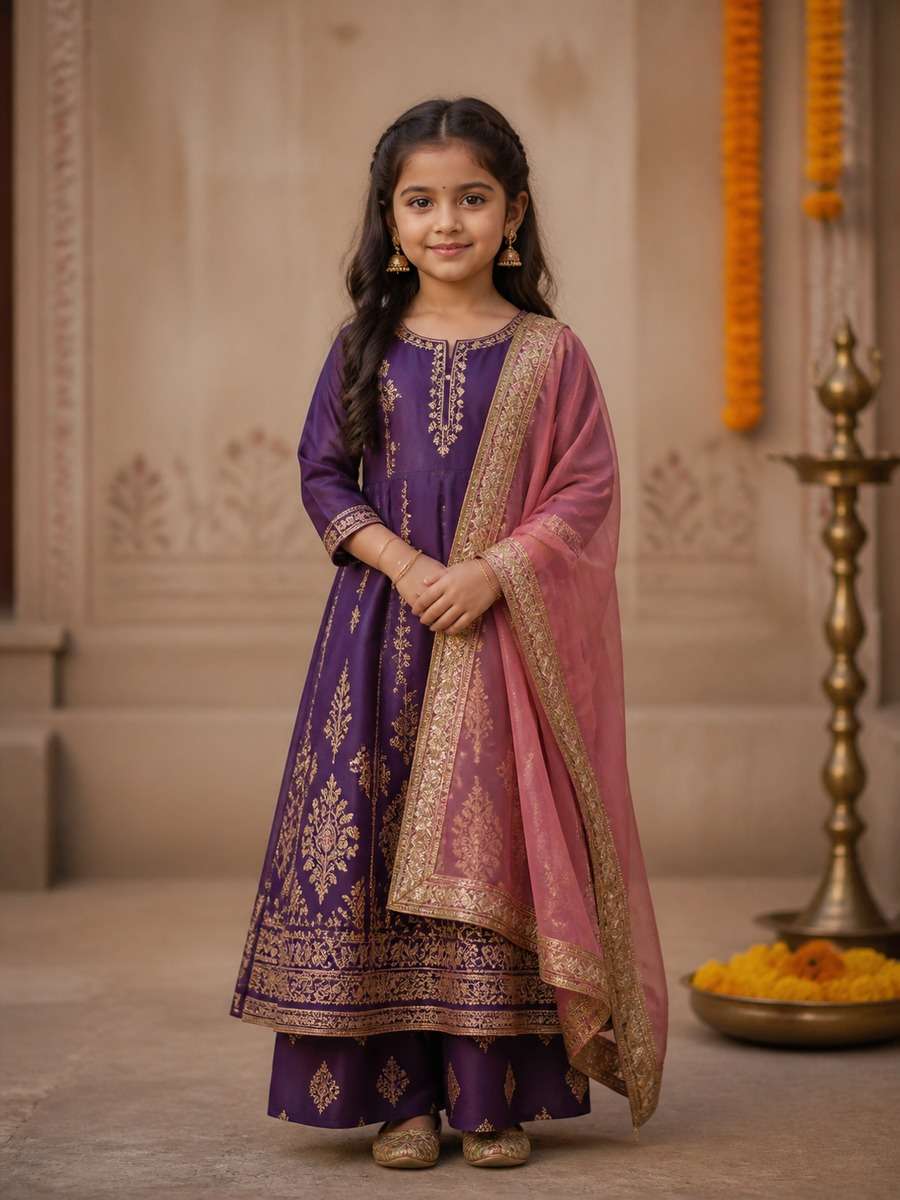
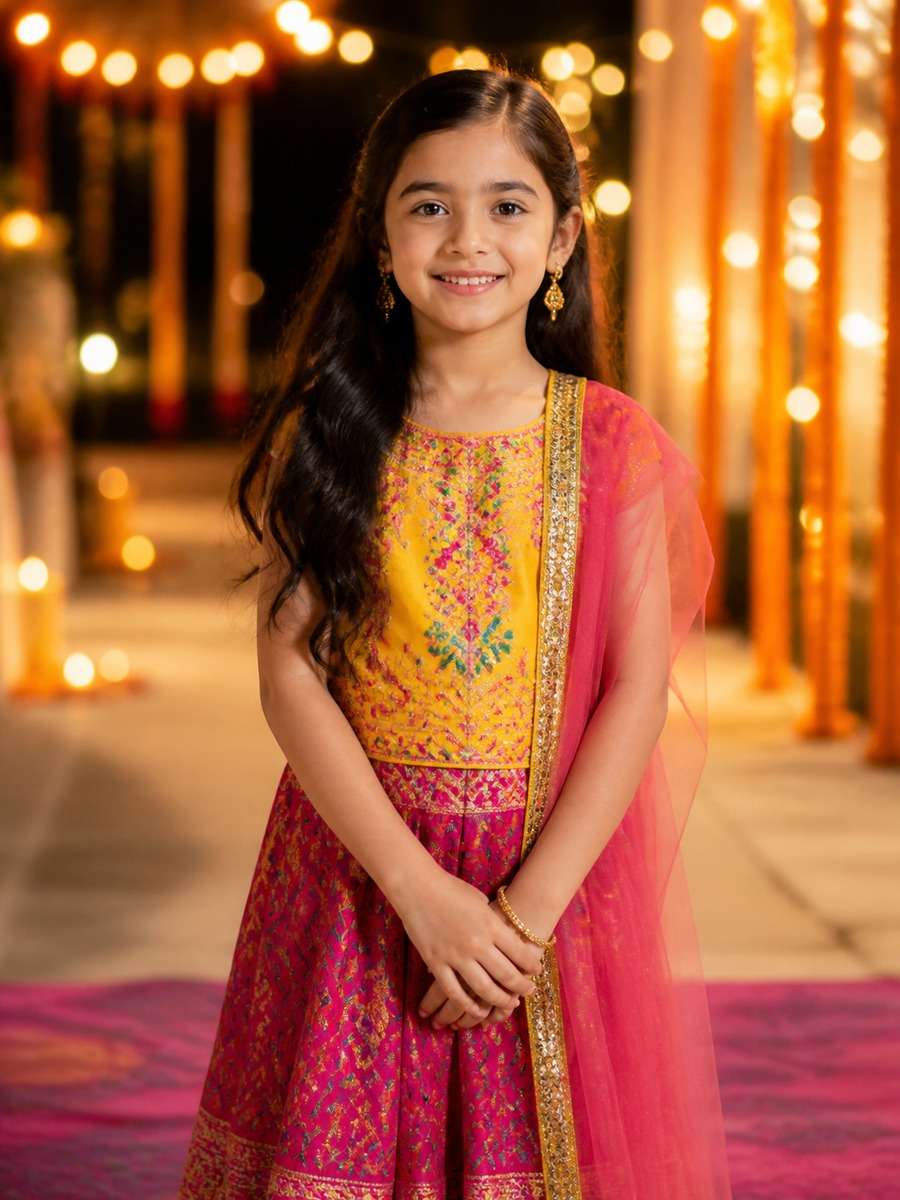
Festive Traditional Outfit Portrait
Restyle the child in a colorful festive outfit inspired by the family's chosen tradition, using fabric patterns and accessories specified by the family. Keep the reference facial features and age. Place the portrait in a simple courtyard with soft lantern light and natural posture. Avoid adding invented cultural symbols or unrelated ceremonial objects.
Quick tip: Specify the desired clothing tradition in your own words.
Festival Lights Family Card
Make a cheerful evening portrait with warm string lights hanging in the background and soft paper lanterns above. Keep the child's everyday look recognizable, adding only a cozy cardigan and a small wrapped gift. Use a gentle light on the face so the eyes remain clear while the decorations become golden bokeh. Vertical greeting-card framing.
Quick tip: Keep faces bright even in evening scenes.
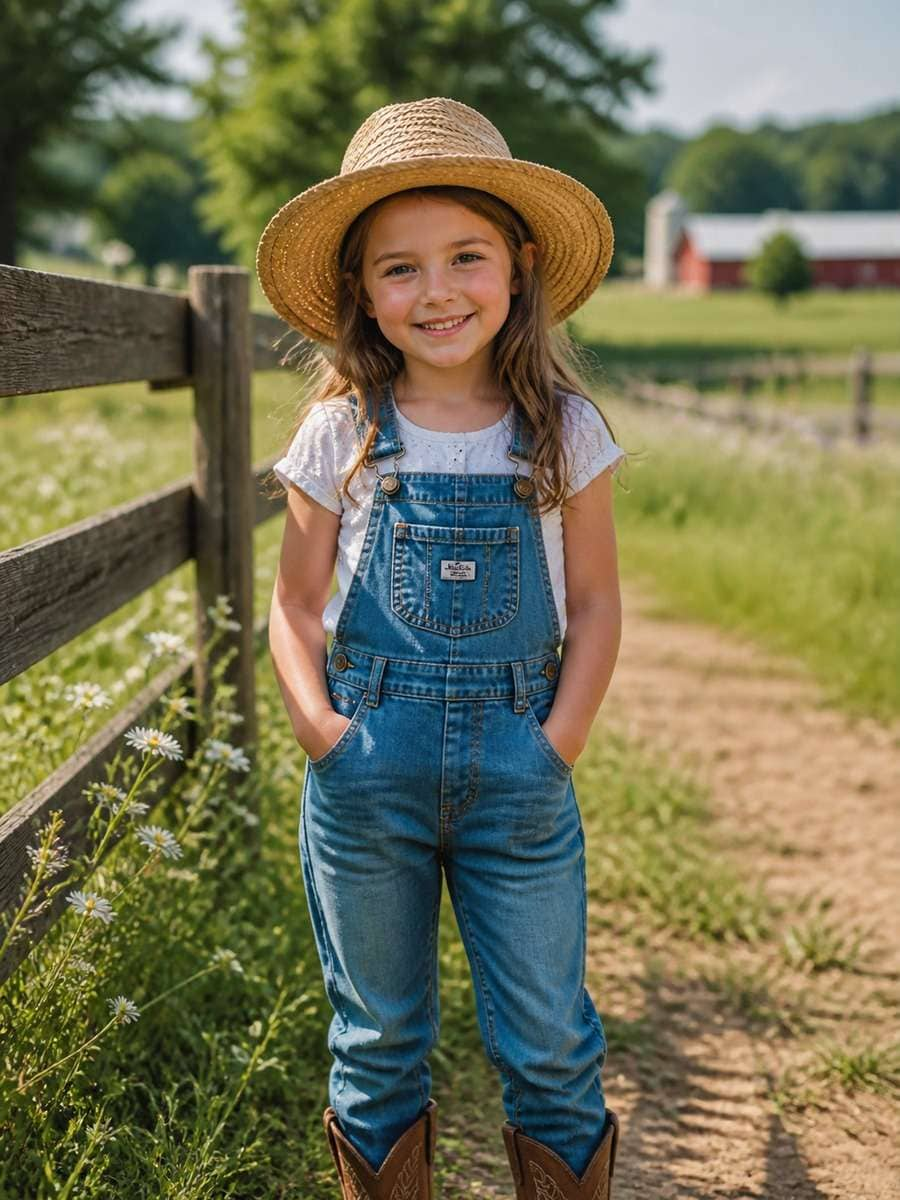
Countryside Farm Adventure
Move the child into a friendly countryside setting with a low wooden fence, grassy field and a small red barn far behind. Give the child practical denim overalls and boots, then preserve the genuine smile from the source image. Natural late-afternoon light, wide family-photo composition and plenty of open sky; no crowded animal props.
Quick tip: A wide crop makes the setting feel like a real outing.
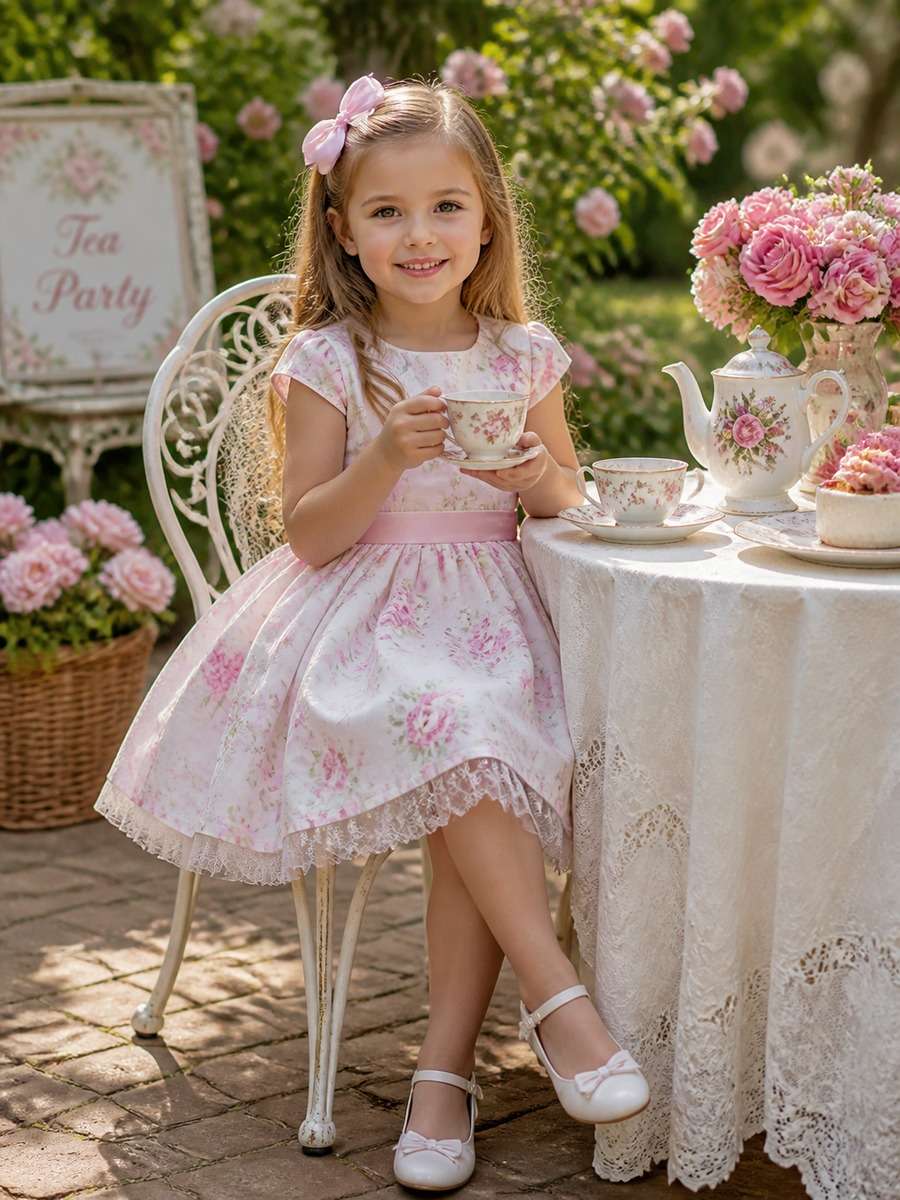
Garden Tea Party Photo
Create a make-believe garden tea party from this portrait. Put a small child-sized table, colorful toy cups and a plate of pretend treats beside a flowerbed. Keep the child in a comfortable pastel outfit, seated naturally and smiling. Choose soft shade beneath a tree with delicate garden light, not a formal adult dining scene.
Quick tip: Toy teacups keep the scene playful and age-fitting.
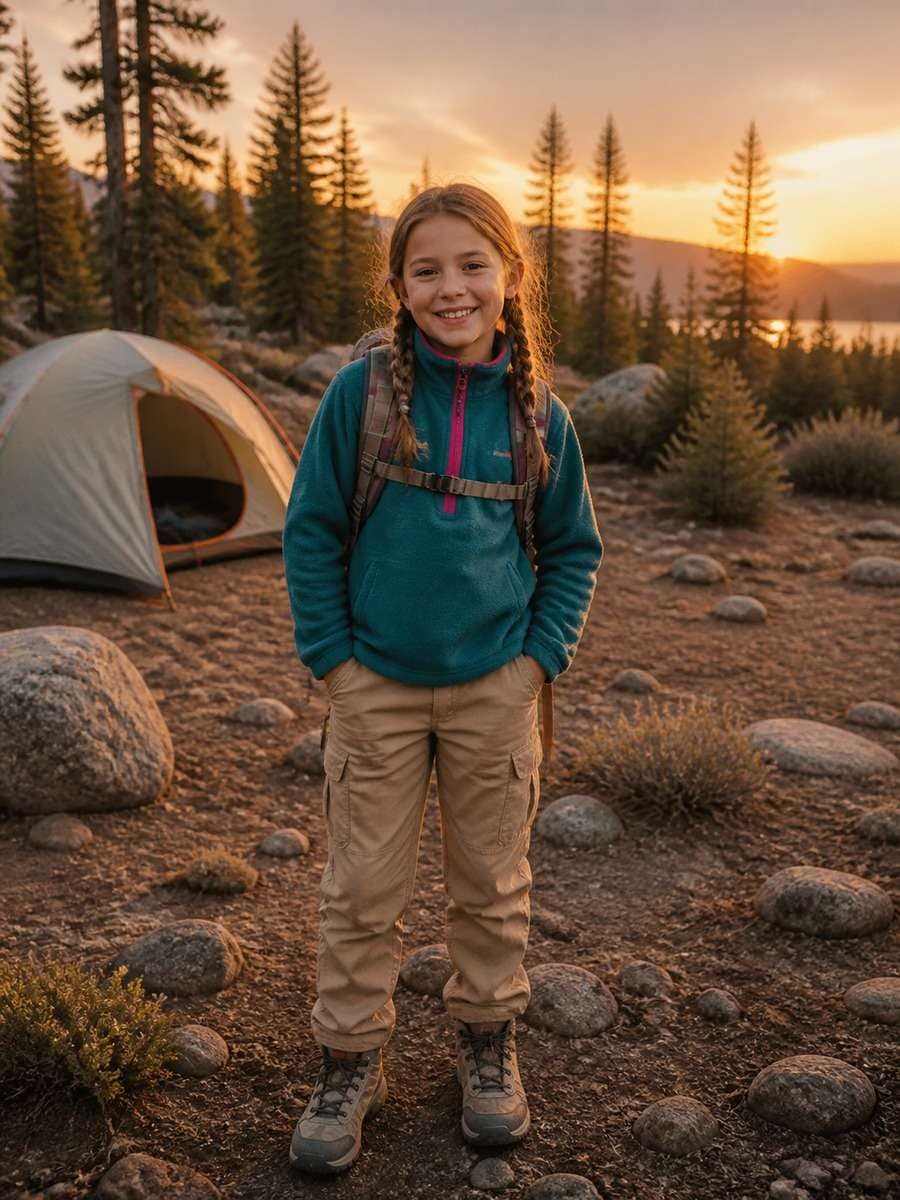
Camping Lantern Portrait
Show the child beside a family camping tent at blue hour, wearing a fleece jacket and sturdy sneakers. A warm camping lantern should light the hands and face, with pine trees fading softly into the distance. Preserve the child's identity from the photo and use a candid, seated pose. Balance cool evening colors with the amber lantern glow.
Quick tip: Lantern light provides an obvious focal point after sunset.
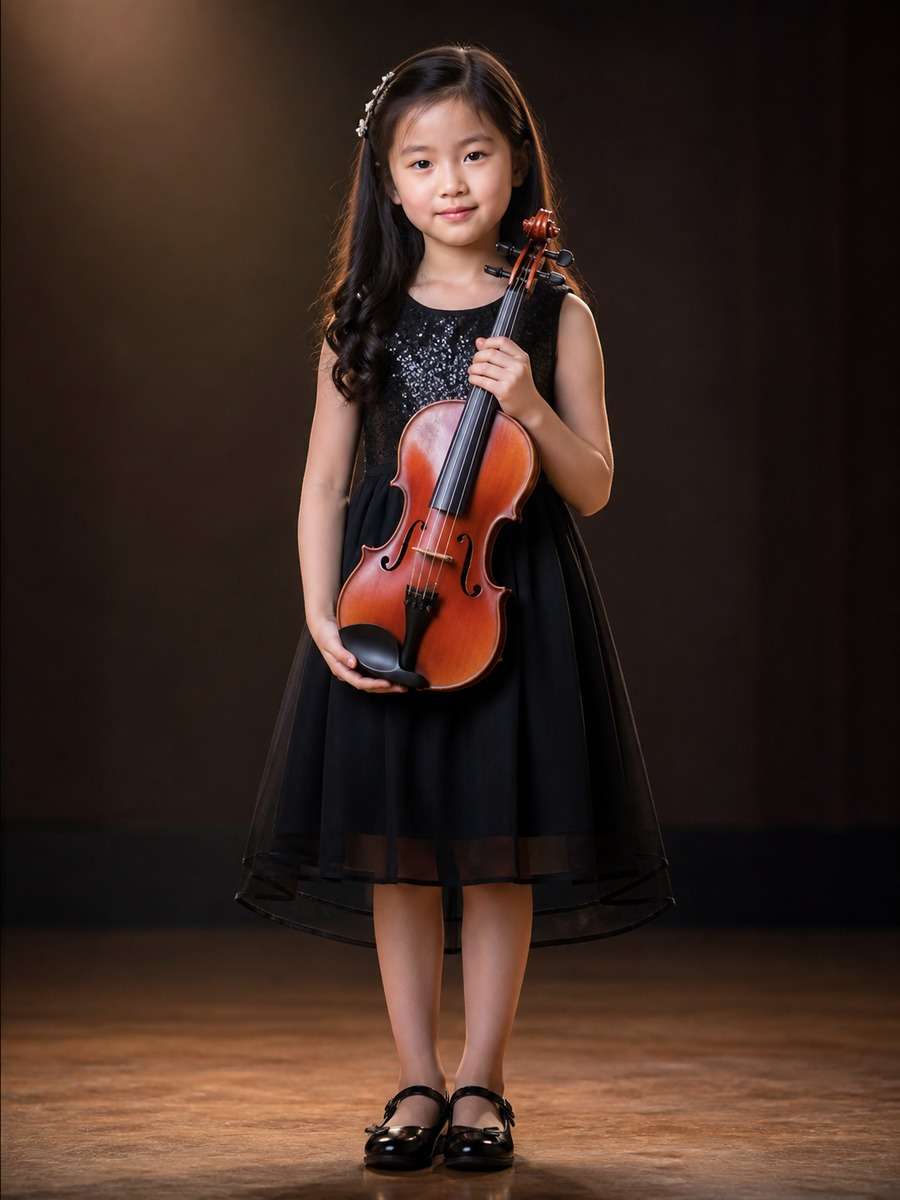
Young Musician Photo Prompt
Turn the child into the star of a small home music moment. Add a child-size acoustic guitar or keyboard, a tidy music corner and soft daylight from the side. Keep the actual face, age and natural smile. Use a three-quarter camera angle that shows the hands on the instrument without making them the center of the picture.
Quick tip: A child-size instrument helps keep proportions realistic.
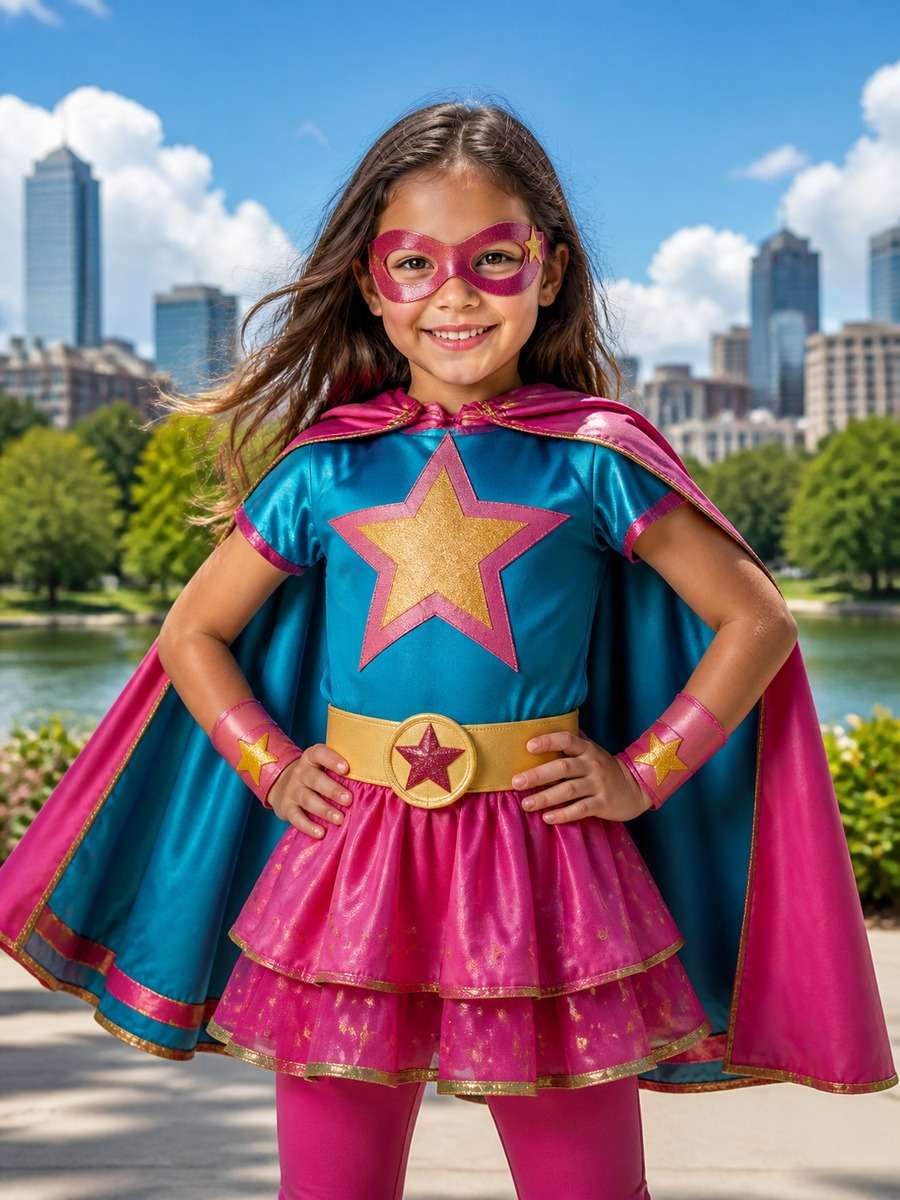
Superhero Dress-Up Portrait
Make an imaginative superhero costume portrait from this family photo. Dress the child in a bright cape, comfortable trainers and a playful star emblem, standing on a safe park path. Keep the child's face visible and proportions unchanged. Use colorful comic-book clouds and subtle illustrated motion lines, without copying a recognizable franchise character.
Quick tip: A simple homemade costume can feel more personal.
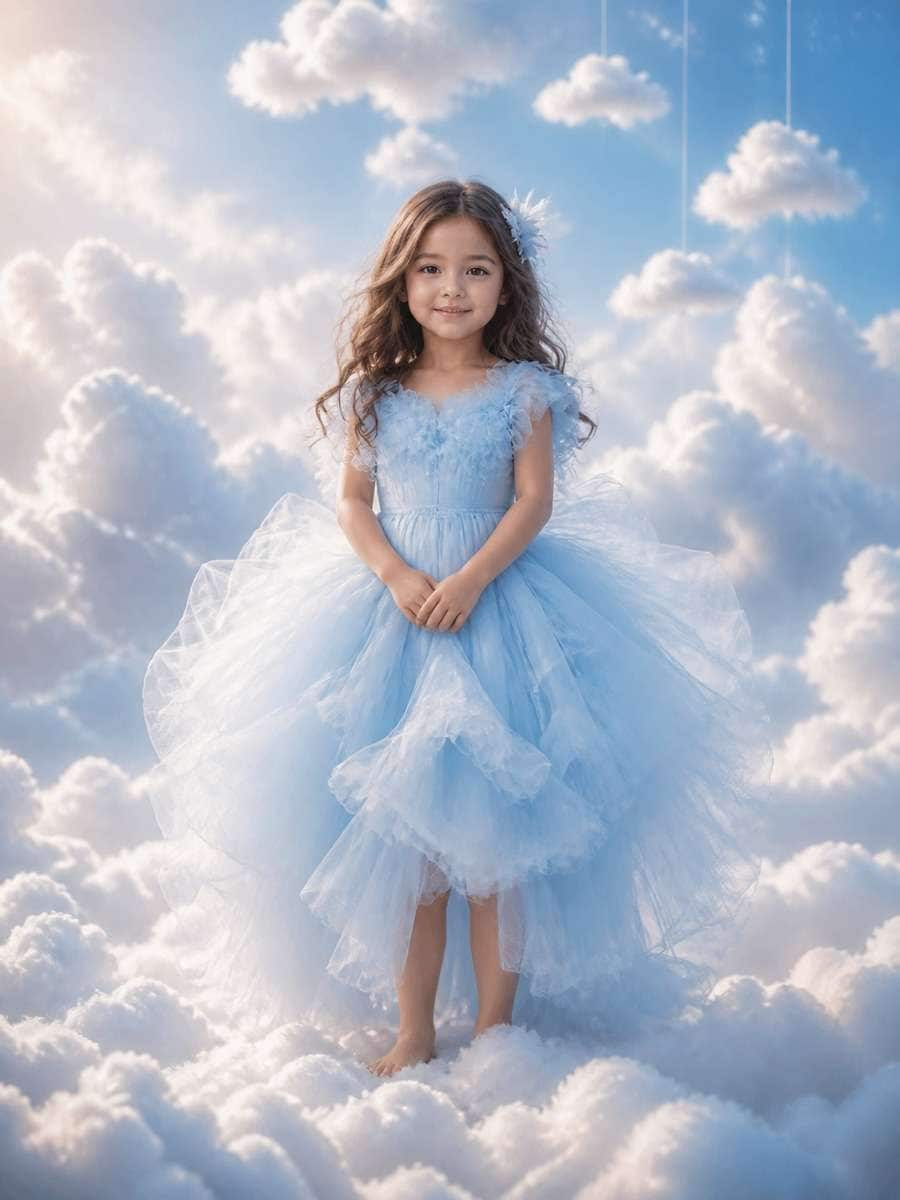
Dreamy Clouds Illustration
Create a whimsical cloud-world illustration around the child: pale blue sky, fluffy watercolor clouds, a soft cotton dress and a small paper kite. Keep the same playful smile and childlike appearance from the reference image. Use low-contrast pastel tones, gentle rim light and a portrait layout that feels like an illustrated nursery wall print.
Quick tip: Use a watercolor sky rather than a photorealistic floating scene.
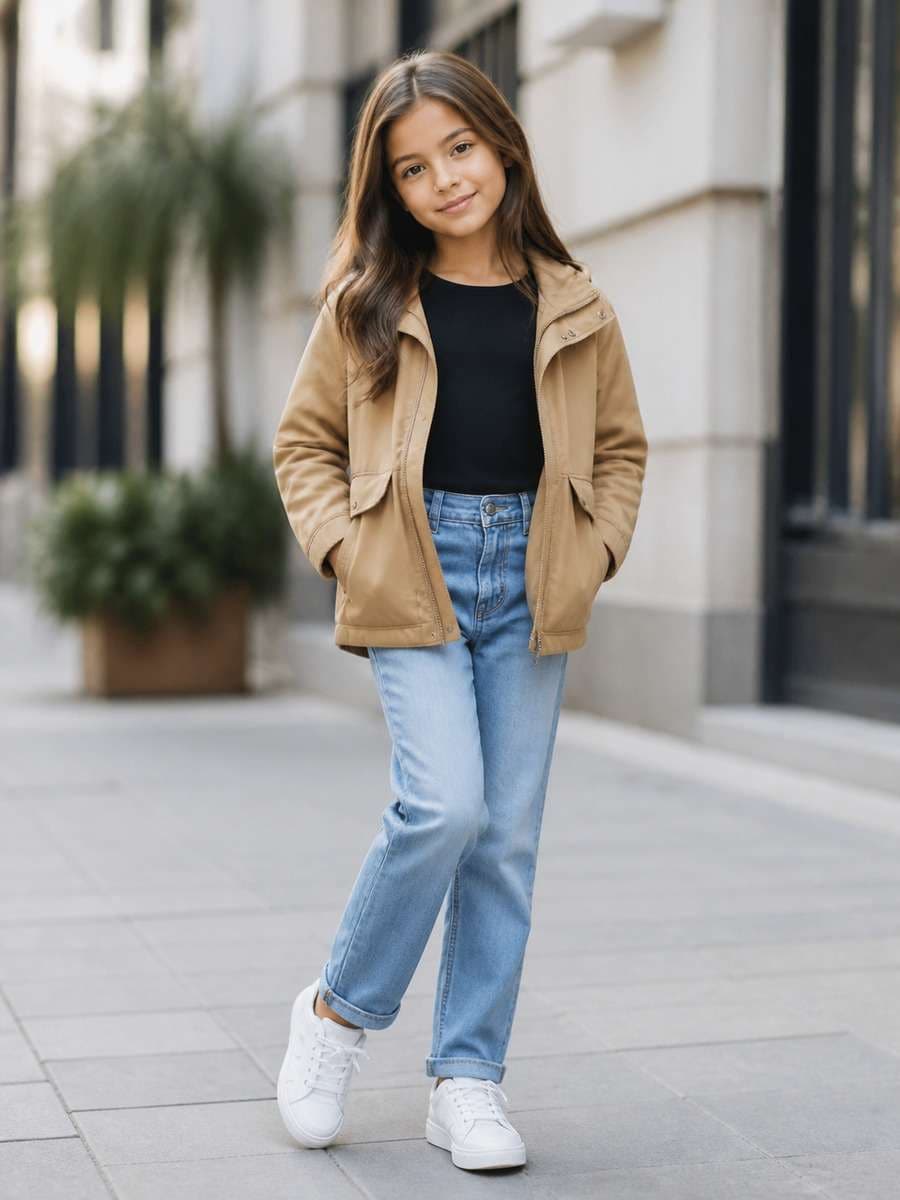
Everyday Street-Style Kids Photo
Refresh the portrait as a casual city afternoon scene, with a denim jacket, colorful sneakers and a softly painted wall behind the child. Preserve the reference face and age; keep the street background simple and free of readable addresses. Use clean daylight, a low camera angle at the child's height and a relaxed natural stance.
Quick tip: Comfortable clothes and child-height framing keep it casual.
How to Edit a Kid Girl Photo with Gemini AI Prompts
Choose a picture, pick a look, and keep the edit focused on the memory you want to create.
1
Start with a clear photo
Use a photo you can edit, with a clear face and enough space around the child for a new background. A simple image works better than a crowded group shot.
2
Copy a prompt that fits the moment
Pick one scene from the gallery or the age-specific ideas below. Paste it into an image editor that accepts prompts and a reference photo, then add any outfit or color preferences.
3
Adjust the result, not the child
If the face looks different, ask to preserve the original expression and hairstyle. If the scene feels busy, remove background props and try again.
How to Write Better Gemini Kids Photo Prompts
Keep one detail, change one scene
For a family photo edit, name what should stay familiar: the child's smile, hairstyle or favorite outfit. Then ask for one new setting. For example: "Keep the same smile and yellow cardigan; move the background to a spring garden with soft morning light." Short, specific instructions are easier to refine than a long string of style words.
Match the crop to the memory
Use a close portrait for a baby girl's face, a half-body photo for birthday balloons and a wider frame for camping or picnic scenes. If the output looks artificial, simplify the props before changing the lighting.
Gemini AI Baby Girl and Kids Photo Prompts by Age
A baby's milestone picture needs different framing from a 10-year-old's school portrait. These four extra copy-and-paste prompts are tailored to their age and occasion.
Baby Girl Photo Prompt: Soft Milestone Portrait
A gentle baby photo edit works well with a neutral knitted blanket, a few soft toys and indirect window light. Keep the baby's own expression rather than inventing a new pose.
Using the supplied baby girl photo as the reference, preserve her actual face and comfortable natural pose. Replace the surrounding background with a soft cream knitted blanket, one small plush toy and delicate morning window light. Keep the clothing simple, the colors warm and the camera close enough for an intimate family album portrait. Do not add text or a made-up milestone number.
3-Year-Old Girl Birthday Prompt for Gemini
For a lively third-birthday memory, choose one balloon color palette and a little space for the cake.
Edit this photo of a 3-year-old girl into a bright birthday scene. Keep the child's familiar smile and age-appropriate proportions. Add a small cake table, pastel pink and yellow balloons, a playful party dress and gentle indoor daylight. Frame the child from the knees up, with the decorations softly behind her and no text covering the face.
5-Year-Old Girl Princess Storybook Prompt
At five, playful illustration often works better than an elaborate grown-up fashion look.
Make a cheerful storybook portrait based on this photo of a 5-year-old girl. Preserve her hairstyle, smile and childlike appearance. Add a simple lavender princess costume, a small illustrated garden castle, flowers and soft watercolor textures. Use bright picture-book colors, a natural standing pose and a vertical storybook-page composition.
10-Year-Old Girl Realistic Photo Editing Prompt
For an older child, small background improvements usually look more natural than changing the entire pose.
Turn this photo of a 10-year-old girl into a clean, realistic outdoor portrait. Keep her original face, hairstyle, everyday outfit and natural proportions. Replace the busy background with a quiet tree-lined walkway and late-afternoon daylight. Use a three-quarter framing, gentle depth of field and realistic colors; do not change her age or expression.
Fix Common Problems in Kids AI Photo Edits
Check 1
Kids photo prompt fixes
Face looks different. Copy the child's original smile, hairstyle and expression into the next prompt. Change only the background first, then add clothing or props in a separate edit.
Check 2
Kids photo prompt fixes
Too many objects. If balloons, toys or flowers crowd the face, reduce the prompt to two background details and ask for the subject to remain clearly in focus.
Check 3
Kids photo prompt fixes
Hands or clothing look odd. Switch from a full-body pose to a waist-up crop, request comfortable everyday clothes, and choose a simpler hand position.
1. What is a good Gemini AI prompt for a kid girl photo?
Start with the original child photo and one simple change, such as a birthday backdrop, sunny park or storybook illustration. A clear prompt names the setting, lighting, outfit and the facial details to preserve.
2. How do I write an AI prompt for a baby girl photo?
For a baby girl photo prompt, choose a comfortable milestone setting such as a soft blanket, one plush toy and gentle window light. Use a close portrait and keep the pose and facial expression from the original photo.
3. What is a cute Gemini prompt for a 3-year-old girl?
A third-birthday scene with pastel balloons and a small cake table works well. Keep the scene playful, frame the child from the knees up and leave the face unobstructed. You can copy the 3-year-old birthday example above.
4. Which AI photo prompt is suitable for a 5-year-old girl?
Try a watercolor princess garden, a flower meadow or a simple fairy-tale castle illustration. Keep the styling playful and the child recognizable. The 5-year-old storybook prompt above is ready to adapt.
5. How can I edit a 10-year-old girl photo with Gemini prompts?
For a realistic portrait, preserve the hairstyle, outfit and expression, then replace only a distracting background. A quiet park walkway and soft late-afternoon light make a useful starting point.
6. How can I keep the same face in a kids photo edit?
Tell the image editor to preserve the original smile, hair, age and facial proportions. Change one element at a time, starting with the background, then compare the result with the reference image.
7. Can I copy these kids photo prompts into Gemini or Media.io?
Yes, the prompts are written as editable text. Copy one into an image tool that supports the type of photo editing you want. If you are editing an existing photo, use a workflow that accepts a reference image; tools and model availability may differ.
8. Can a princess photo editing prompt work for a little girl?
Yes. Keep the costume child-friendly, choose a soft illustrated backdrop and ask the image tool to preserve the child's familiar expression. Try the Princess Storybook Photo Edit in the gallery.
9. What should I check before using a child photo in an AI editor?
Use a photo you have permission to edit. When practical, avoid uploading images with visible full names, school badges or home addresses, and review the generated image before sharing.
Step into a sunset farewell with Michael, Franklin and Trevor—one last goodbye before you drive away.
Create Your GTA Goodbye
Wassup in a Minute AI
Turn your photo into a streetwear anime character and sway to the beat in the viral white-background edit.
Create Your Anime Sway
AI Video Character Swap
What if someone else starred in your video? Swap any on-screen character with your favorite character using AI and bring a whole new twist to your scenes!