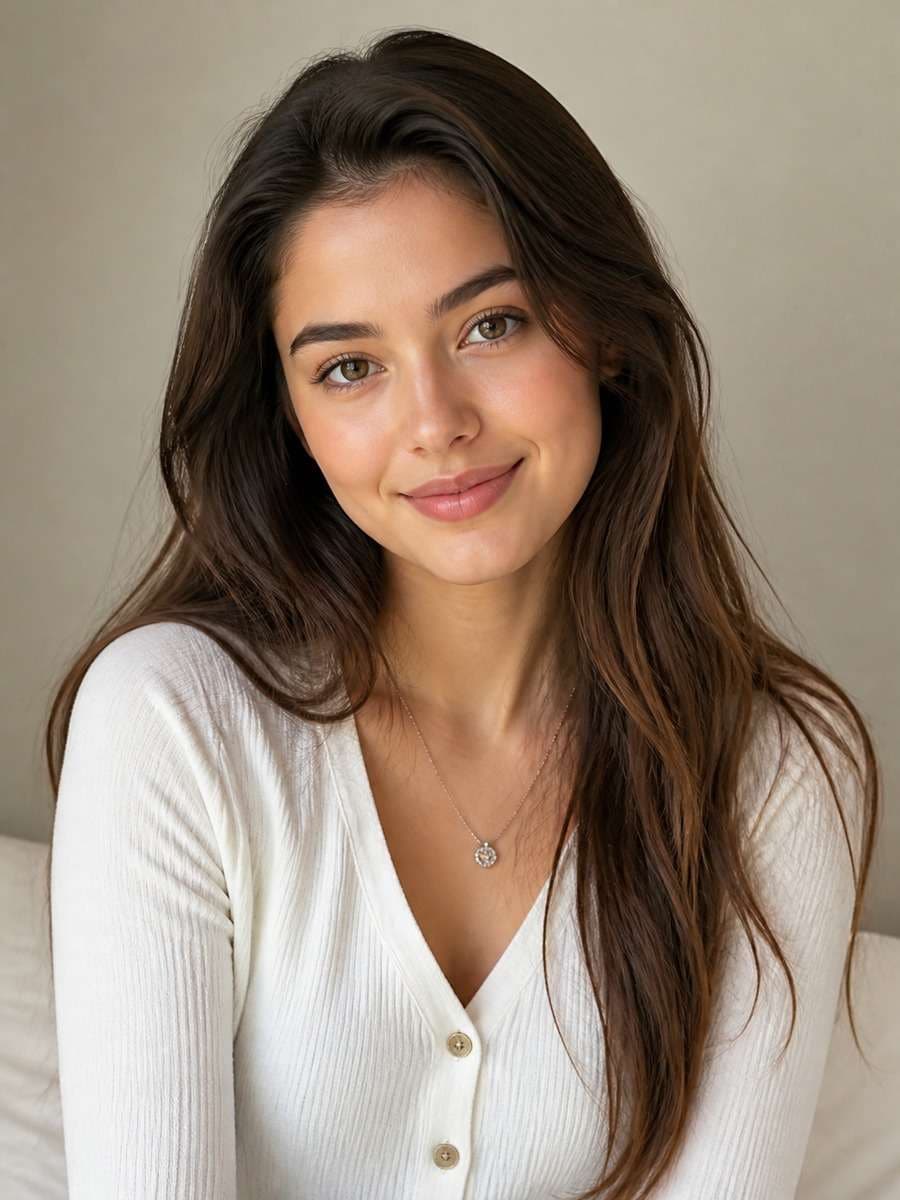
25 Gemini AI Photo Editing Prompts for Girls to Copy
A great portrait edit should still look like you. These 25 Gemini AI prompts for girls help you try natural photos, modern street style, cinematic night scenes and aesthetic fashion edits without writing every prompt from scratch. Pick a look, copy the text and adjust the lighting, outfit or setting to fit your own picture.
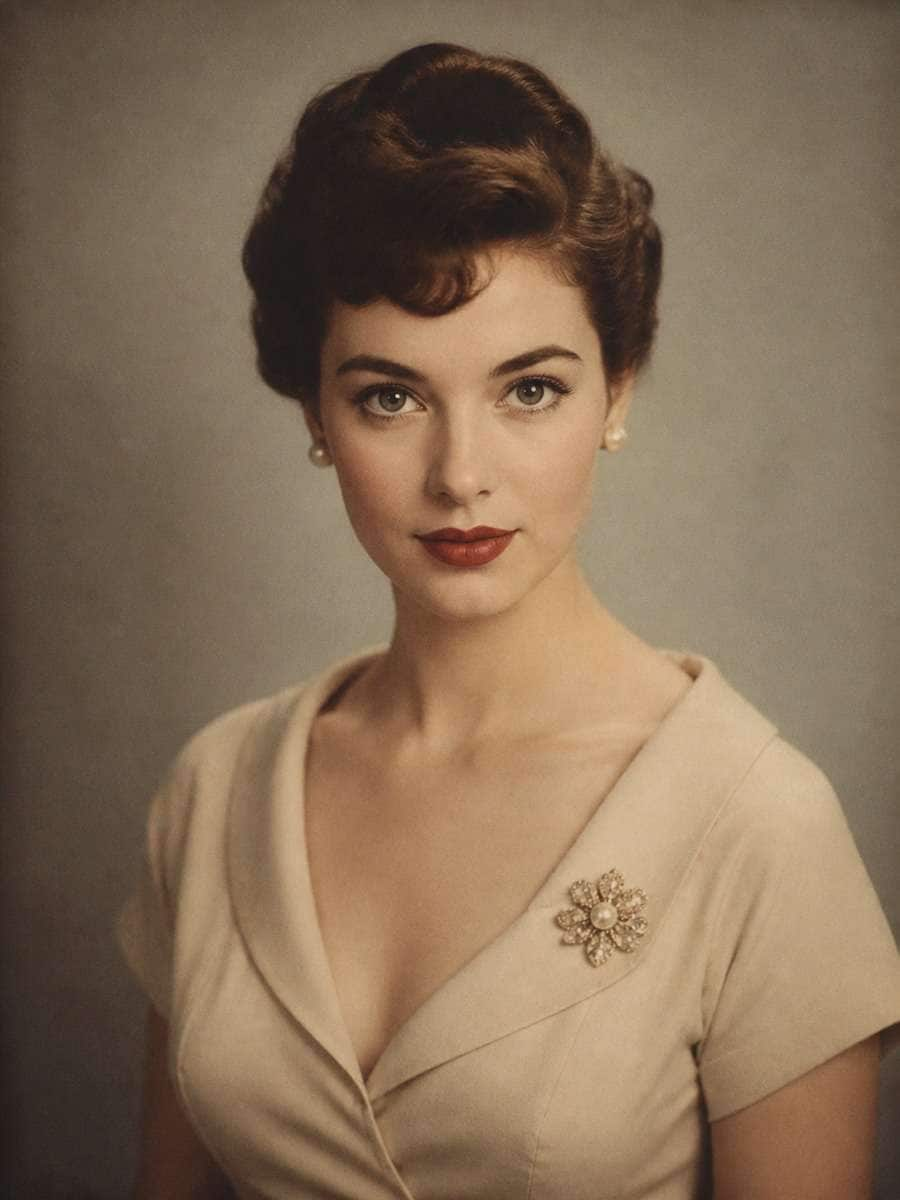
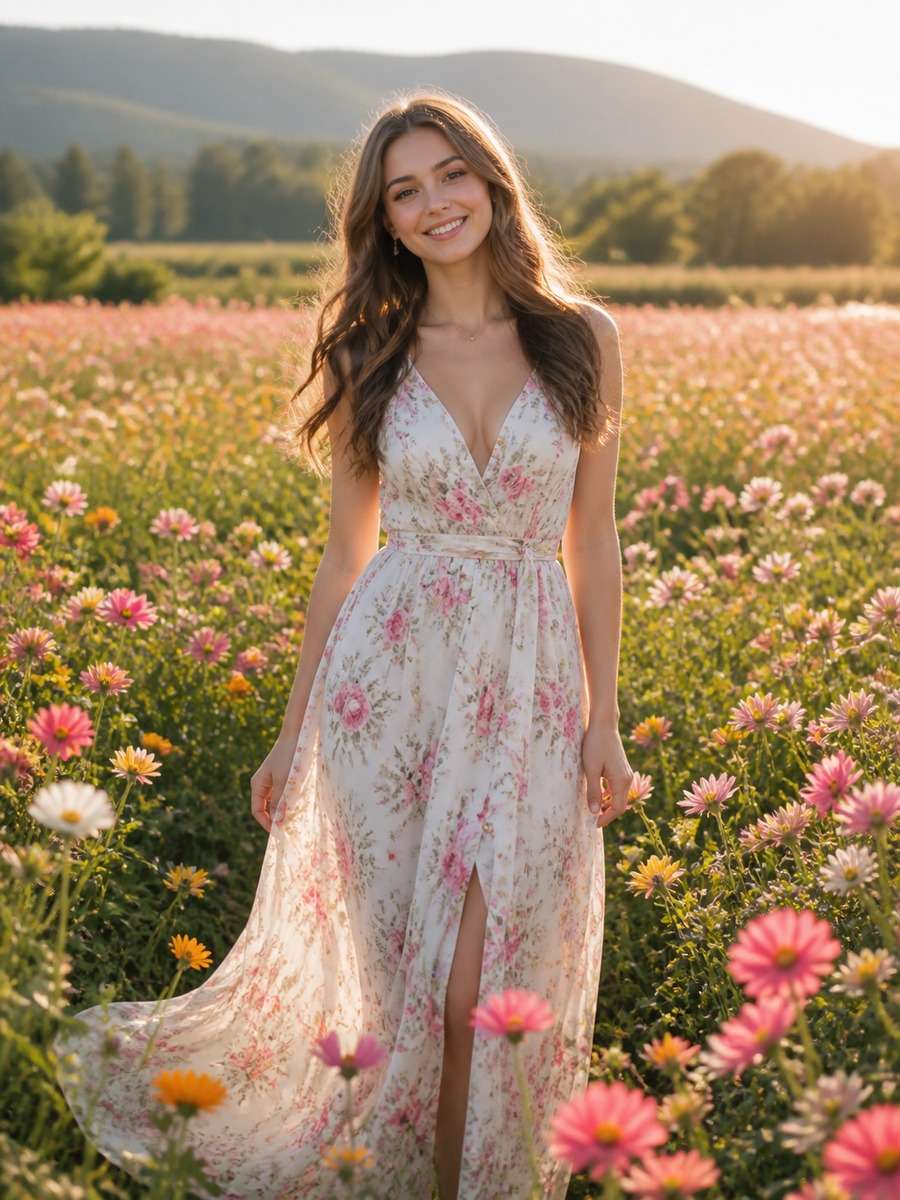
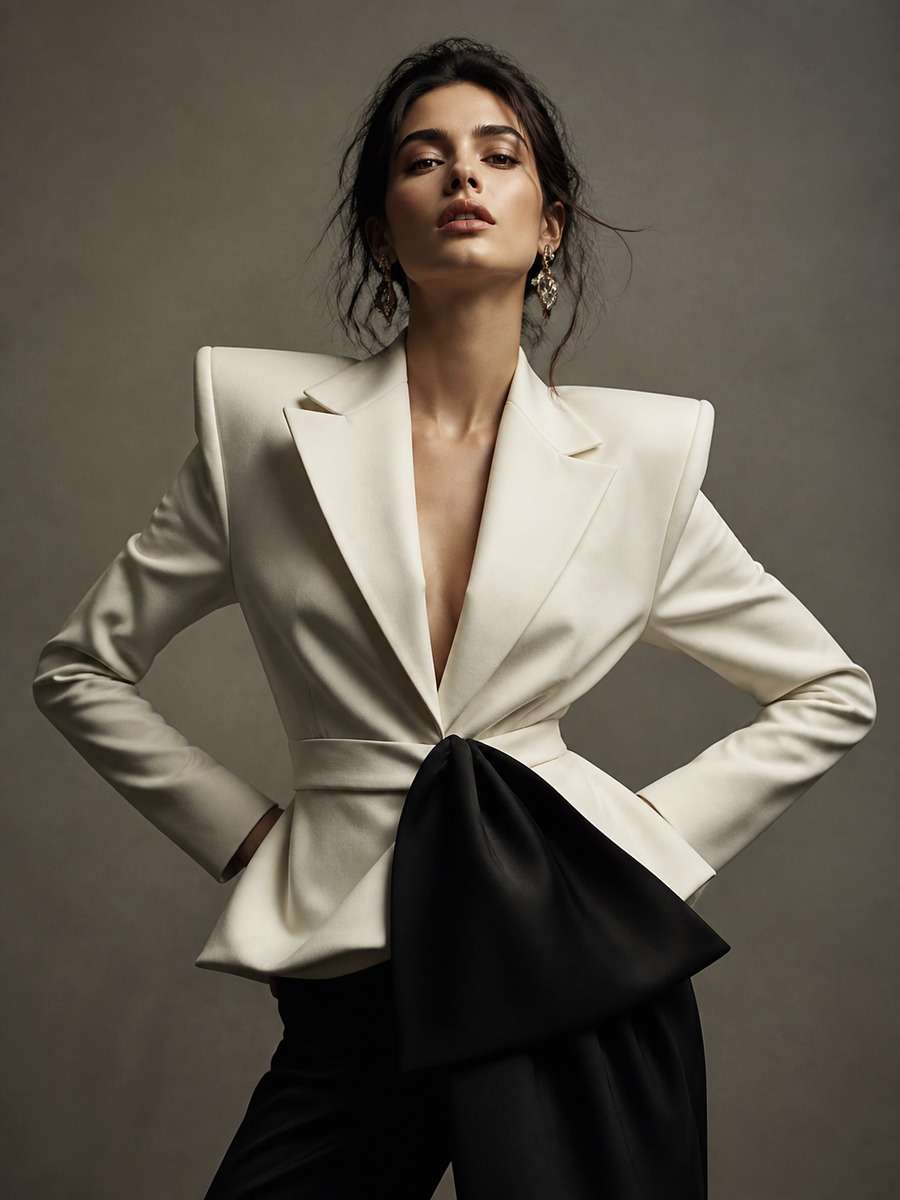
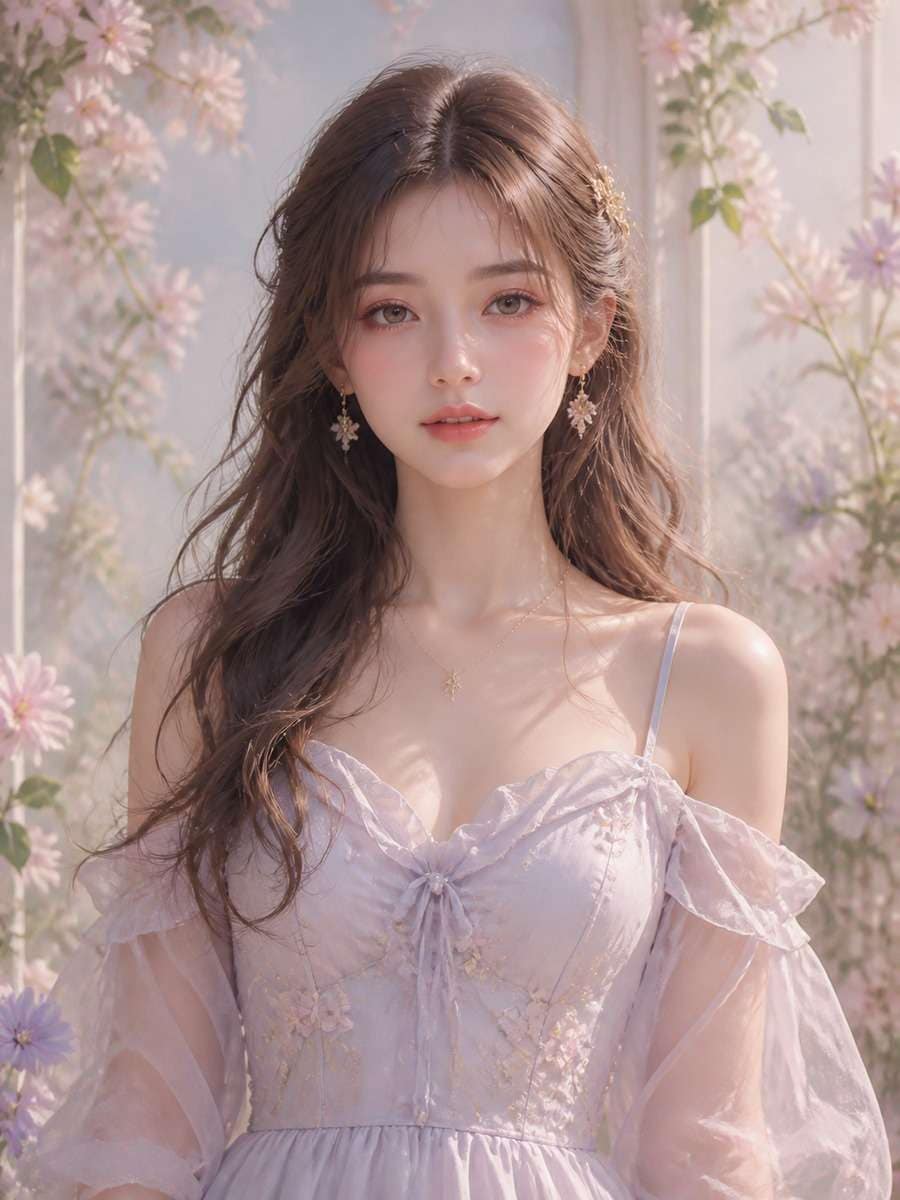
Stunning AI girls generated with Media.io - powered by
Nano Banana Pro.
25 Gemini AI Prompts for Girls: Natural, Modern & Trending Photos
Natural Girl Portrait: Soft Daylight
Use the uploaded portrait of an adult woman as the visual reference. Keep her recognizable face, natural skin texture and relaxed expression. Bring soft window daylight from the left, use a quiet cream backdrop and make the colors slightly warm rather than heavily filtered. Frame from the shoulders up, with sharp eyes and a gently blurred background. A believable everyday photo, not a beauty-ad retouch.
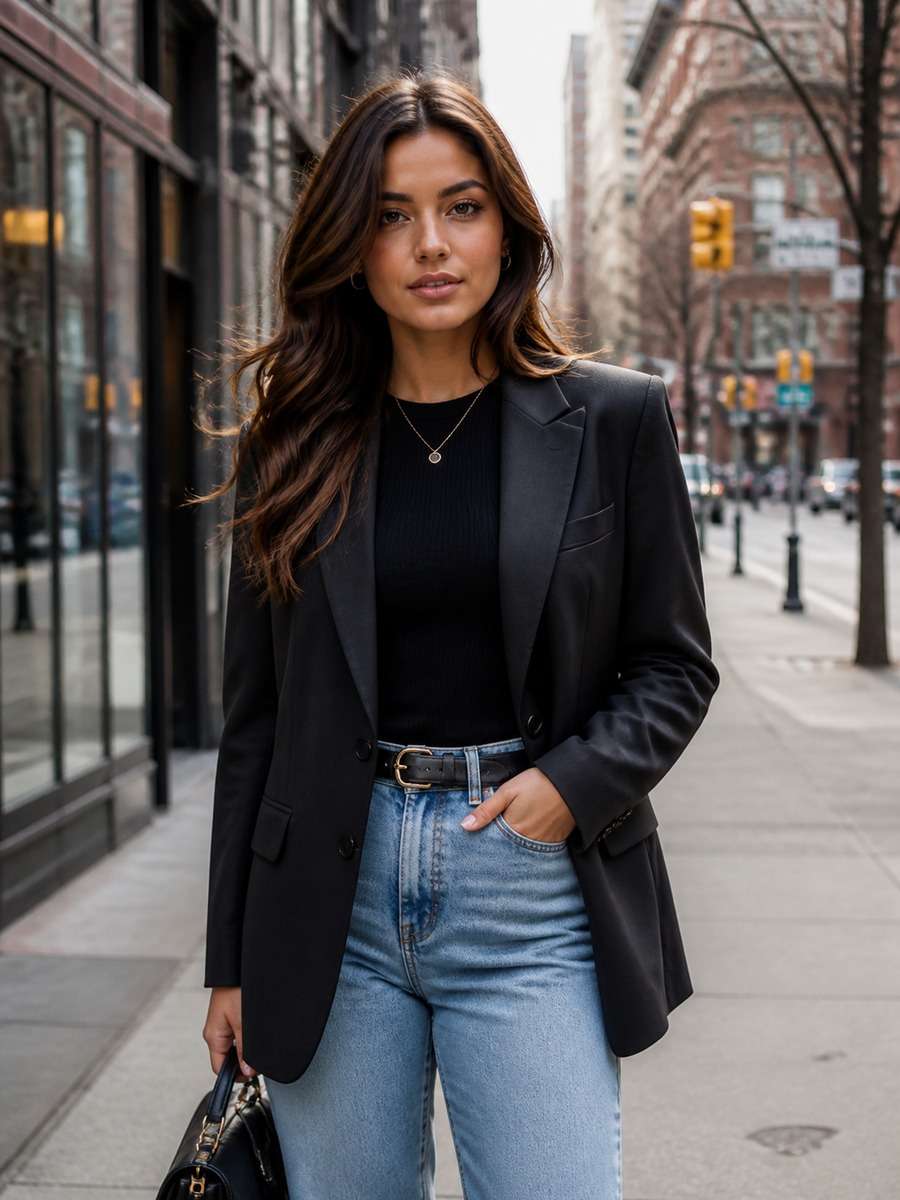
Modern Girl Street-Style Photo Edit
Restyle this reference into a modern street-fashion portrait on a lively city sidewalk. Keep the same person and camera perspective; choose a tailored oversized blazer, simple top and understated accessories. Late-afternoon reflections should glow on shop windows behind her while the face remains evenly lit. Use a three-quarter crop and realistic fabric folds, not a studio backdrop pasted onto the street.
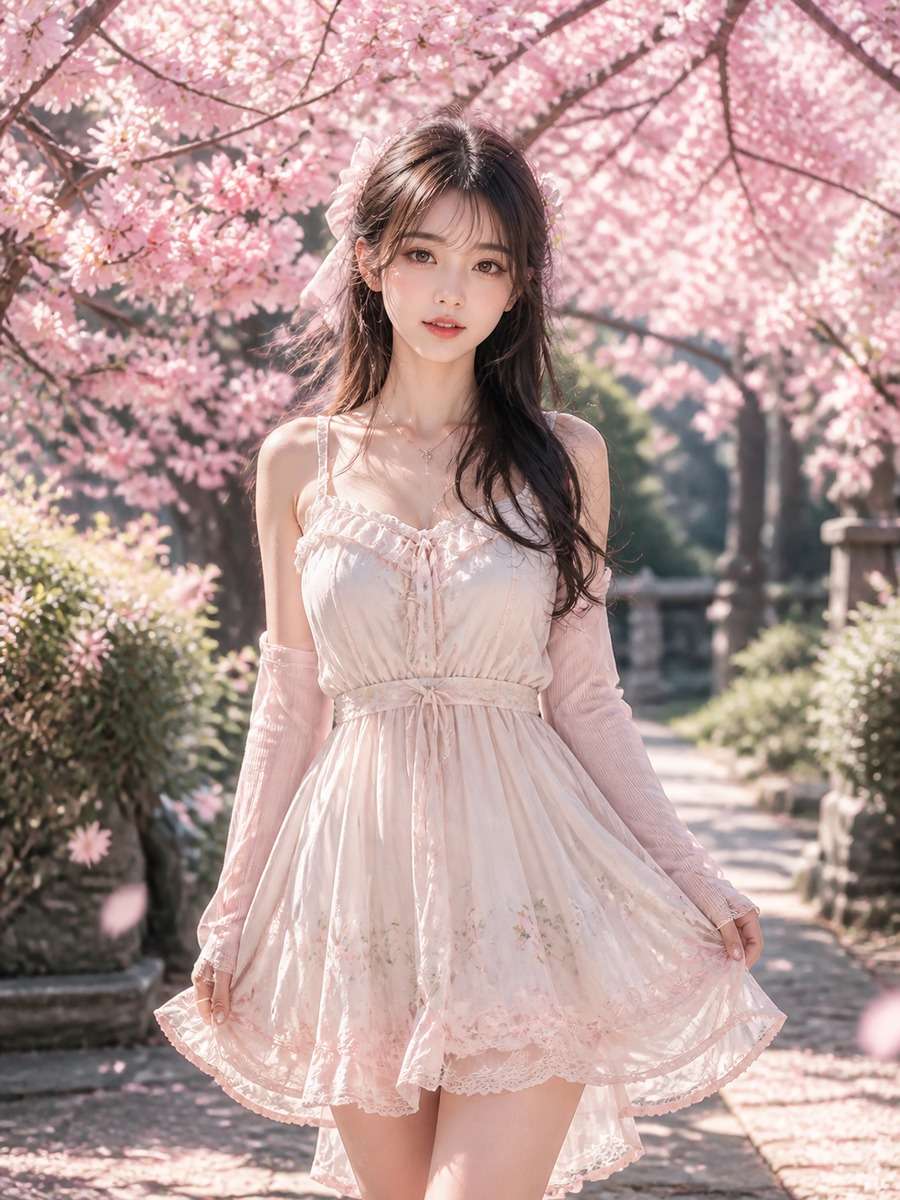
Cherry Blossom Aesthetic Portrait
Imagine a quiet spring walkway lined with pale-pink cherry blossoms, with the reference subject standing near the edge of the path. Keep her familiar facial features; add a light cardigan and soft breeze in the hair. Photograph from a little above eye level with blossoms in the near foreground, pastel colors and natural morning light. The result should feel like a candid spring photo rather than a painted fantasy.
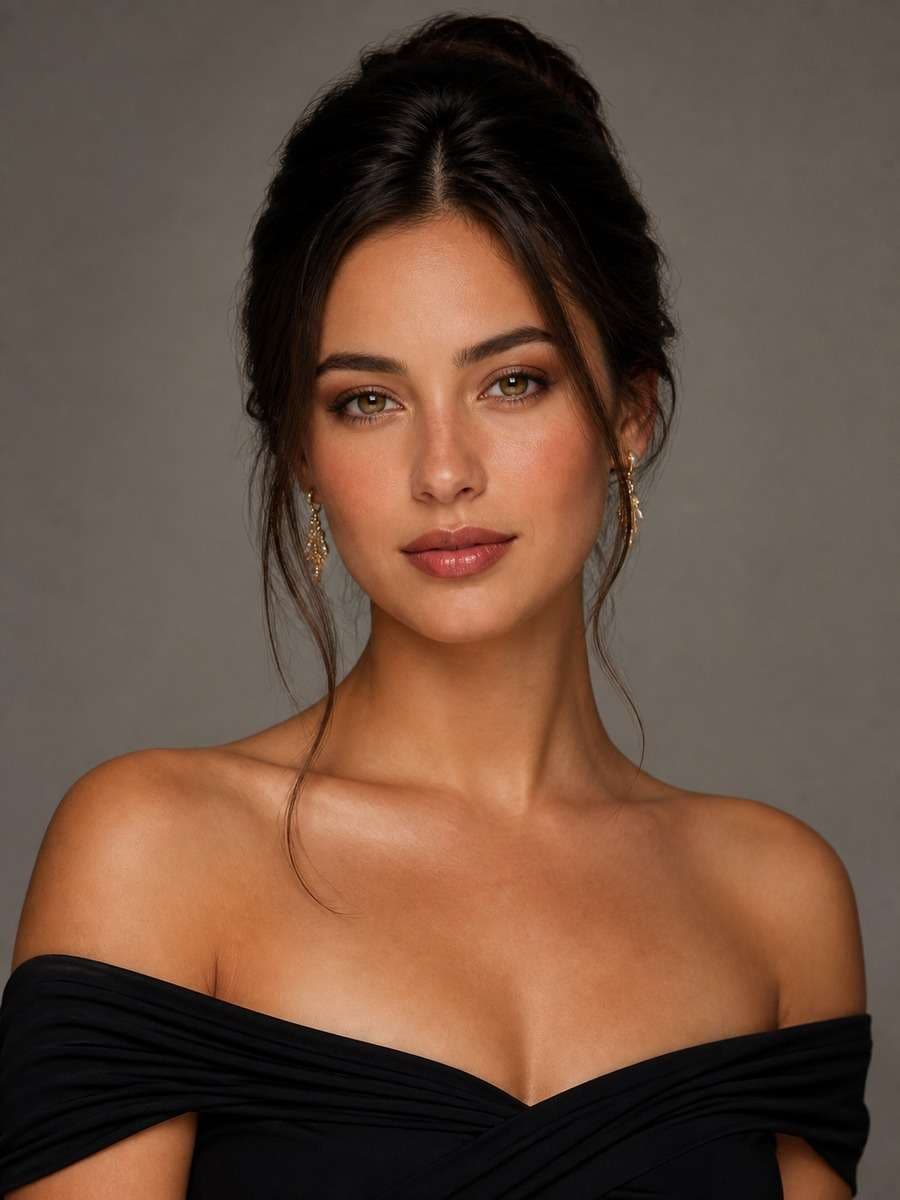
Realistic Studio Beauty Photo Prompt
Create a restrained studio beauty portrait using the supplied adult face as reference. Choose a muted gray background, a broad softbox slightly to the right and a gentle shadow beneath the cheekbones. Style the hair neatly with minimal makeup and visible, realistic skin detail. Keep the original face shape and eye spacing, crop just below the shoulders, and avoid the overly glossy plastic-skin look.
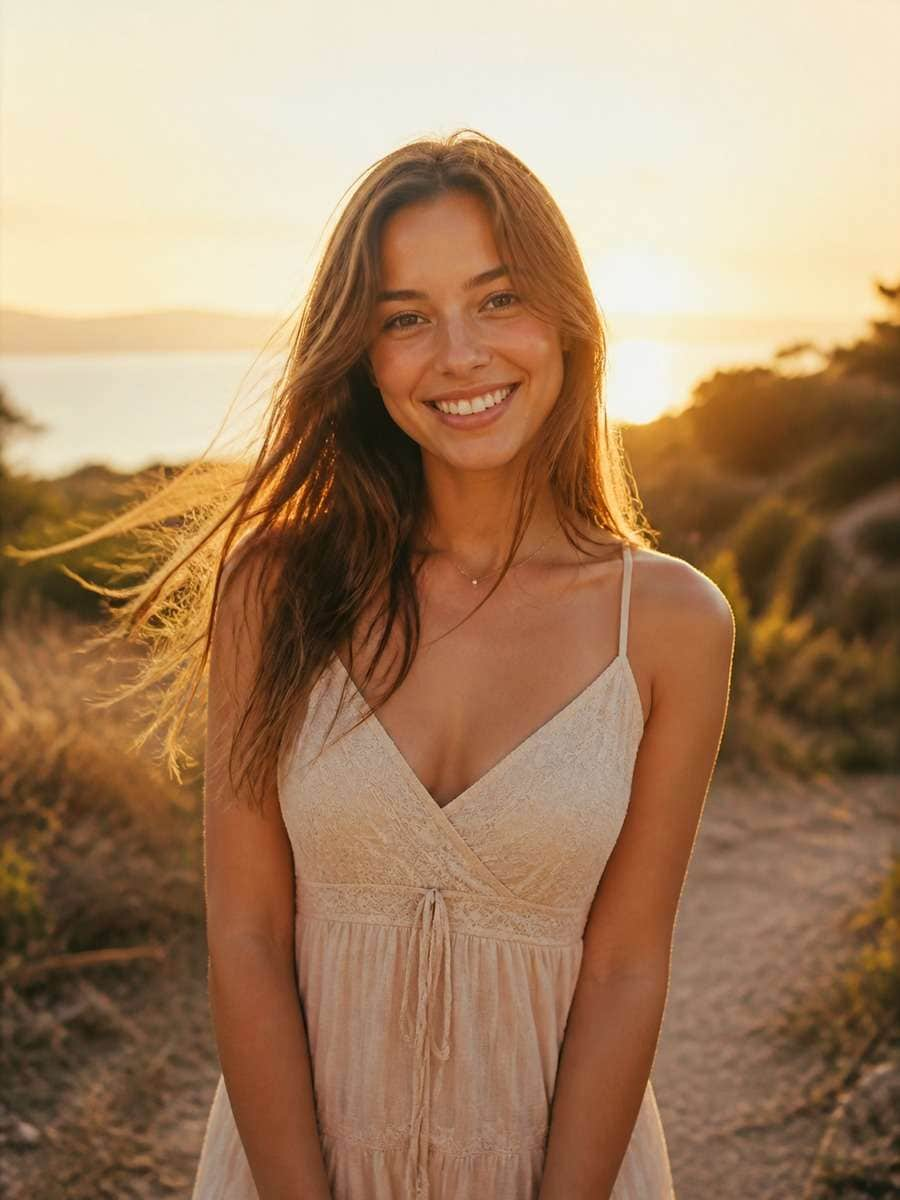
Golden-Hour Natural Photo Editing Prompt
The light is the main change in this edit: shift the scene to an open park at sunset, with low amber sunlight falling across the subject's hair and shoulders. Retain the original expression and overall appearance. Add a soft breeze, a few out-of-focus trees and a natural half-body pose. Let the highlights glow while skin tones stay believable; no exaggerated orange filter or artificial sun flare.
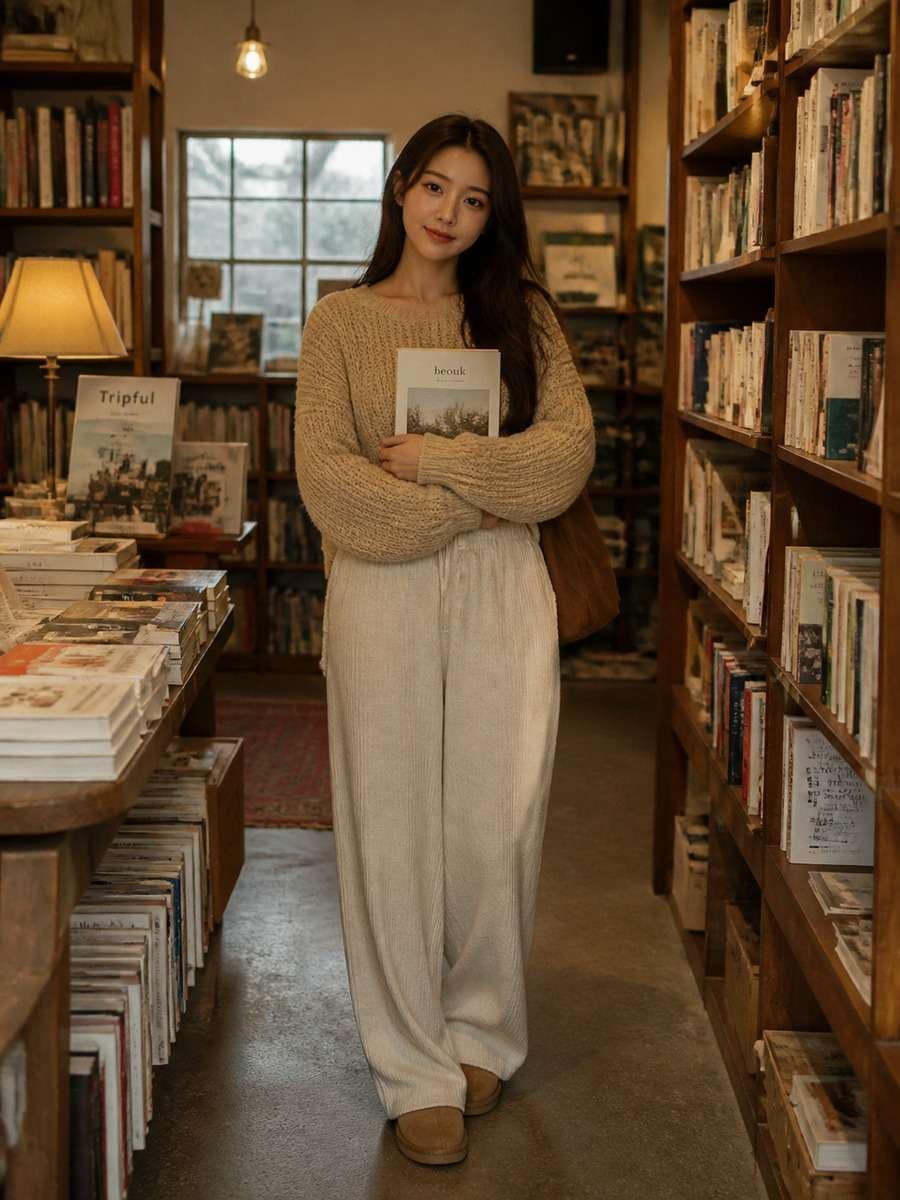
Cozy Bookstore Girl Photo Idea
Place the woman from the reference photo beside a wooden bookshelf in an independent bookstore. She wears a comfortable knitted sweater and holds a paperback at waist height. Small hanging lamps provide warm ambient light, while a side window adds a cooler fill. Compose a waist-up environmental portrait with clear hands, natural bookshelves and slightly grainy lifestyle photography rather than fashion-studio lighting.
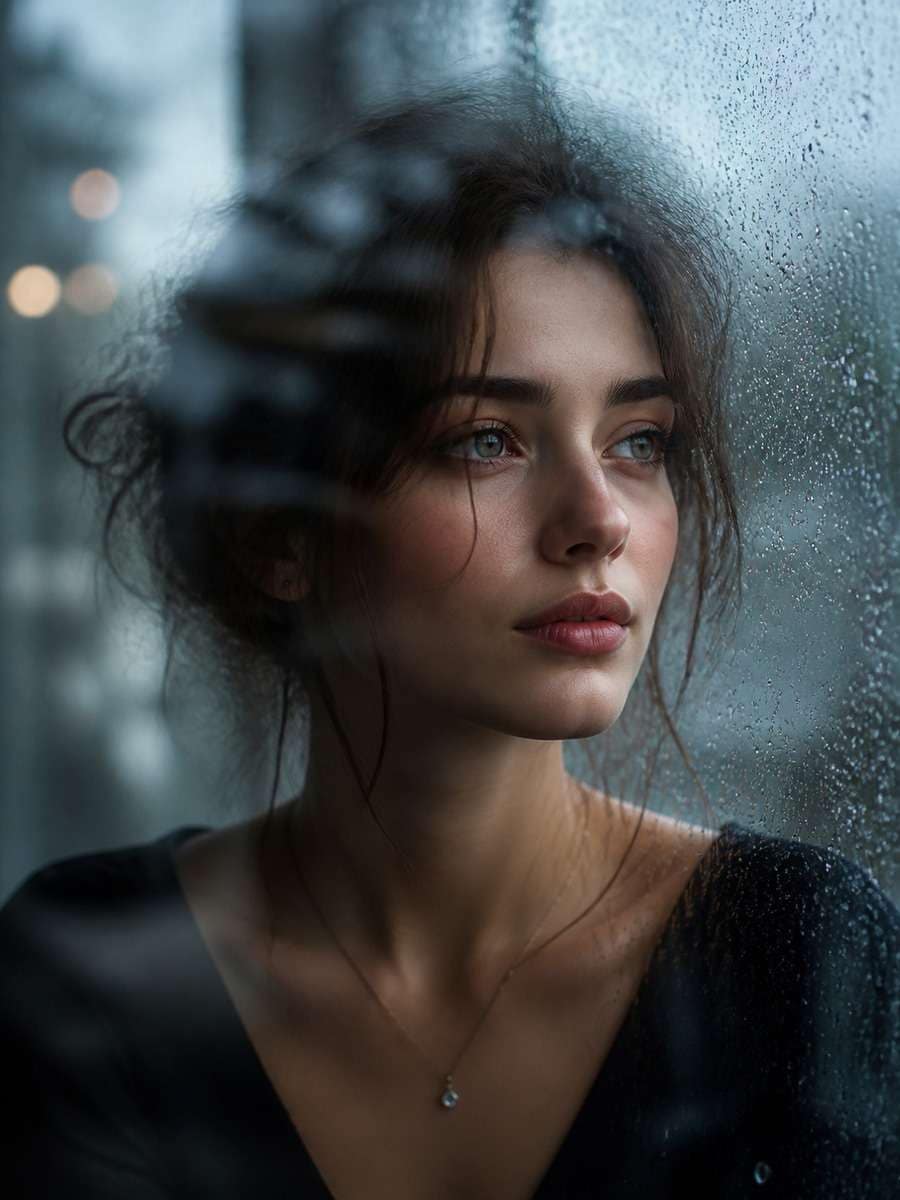
Cinematic Rainy-Window Portrait
Outside the window, city lights blur into cool blue and amber reflections after rain. Keep the reference person seated near the glass, face turned gently toward the light and expression thoughtful. Use a shallow depth of field, subtle water droplets on the window and honest skin texture. Avoid drawing rain across the face or making the interior impossibly bright; the look is quiet, cinematic and real.
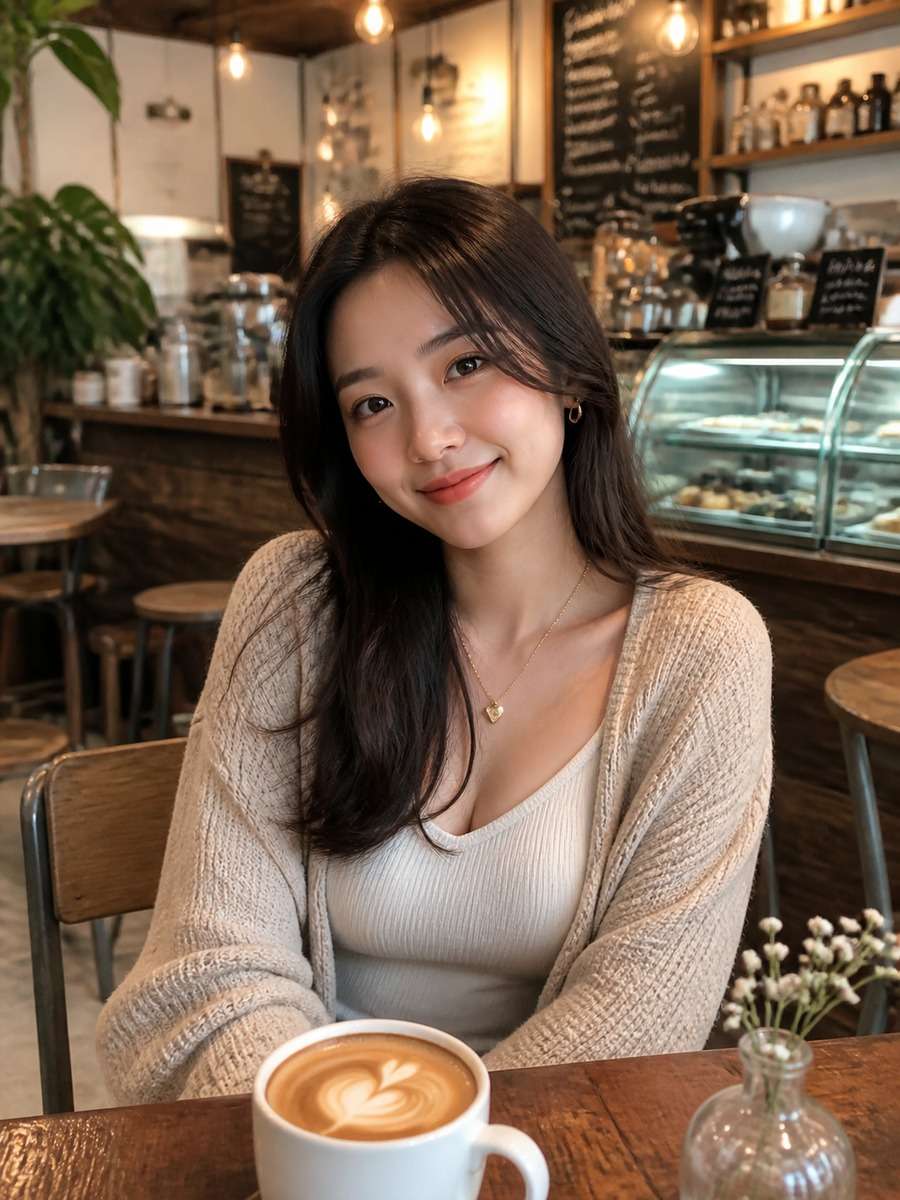
Aesthetic Cafe Girl Photo Prompt
Edit the photo into a relaxed afternoon cafe moment. Keep the original subject recognizable, wearing a casual blouse and sitting beside a small table with one cup of coffee. Sunlight enters through a large window, casting soft rectangular highlights onto the wall. Include a little of the cafe interior for context but leave the face clear and in focus. Natural warm color grading, not an overexposed influencer filter.
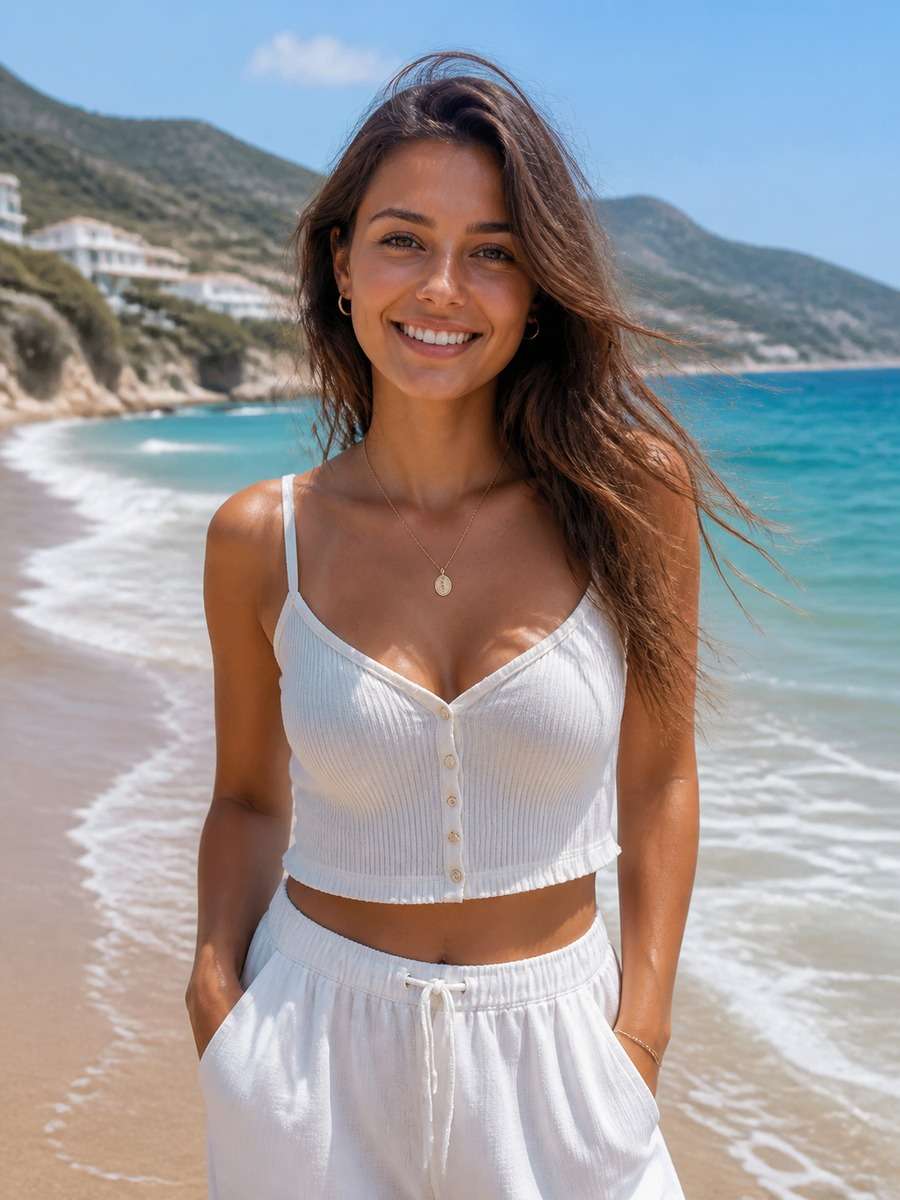
Summer Travel Girl Photo Prompt
Take the existing adult portrait to a breezy coastal lookout. Put the subject in a light linen shirt and relaxed summer trousers, with a visible horizon and pale-blue water behind her. Match the direction of sun and shadows on the face to the bright seaside background. Shoot from the waist up with wind-swept hair and realistic colors; the composition should feel like a genuine vacation photo.
Clean Professional Portrait Edit
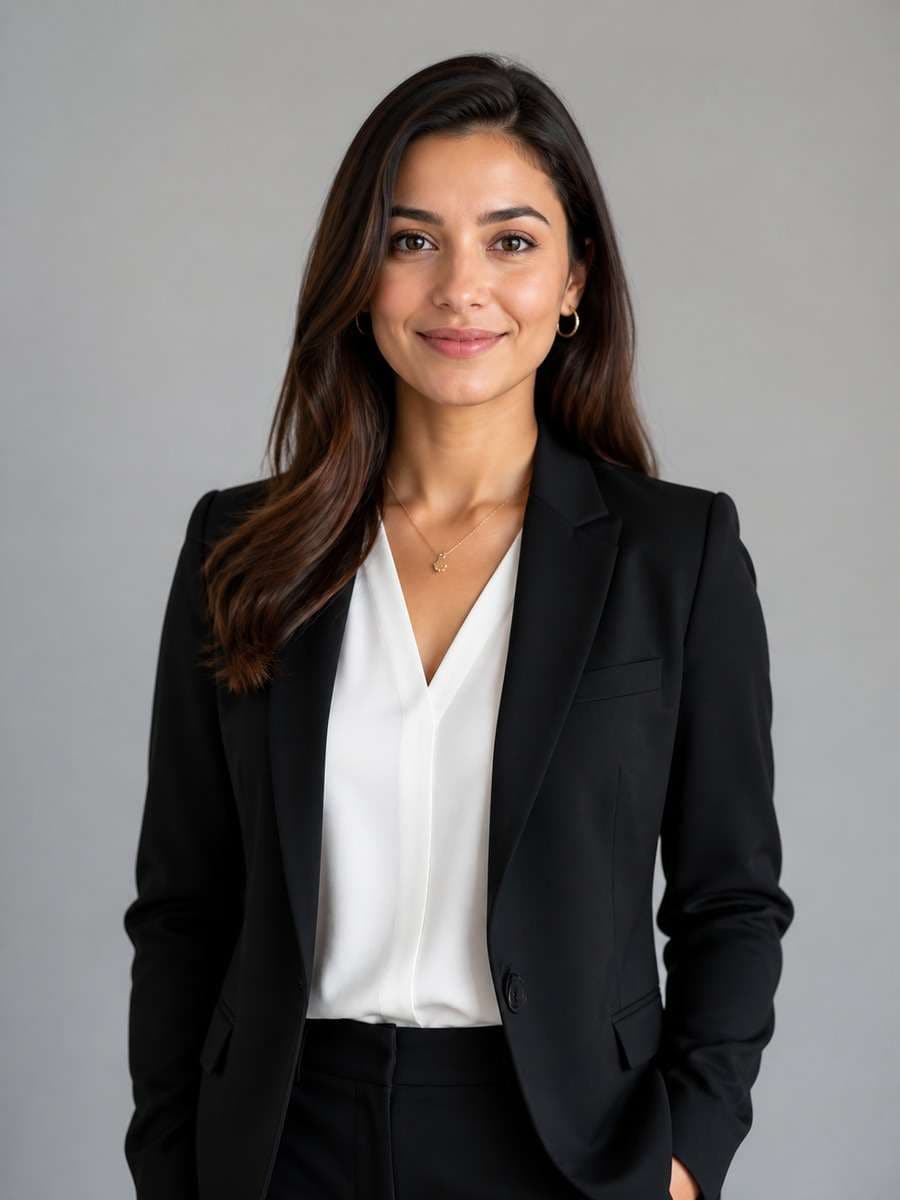
From the uploaded portrait, make a simple modern headshot suitable for a professional profile. Keep facial structure, hair and expression recognizable. Switch to a quiet light-gray background and a plain tailored jacket with natural seams. Light the face evenly from the front-left, preserve realistic shadows at the jaw and crop above the chest. Avoid adding logos, invented badges or exaggerated facial smoothing.
Pastel Pop Studio Fashion Portrait
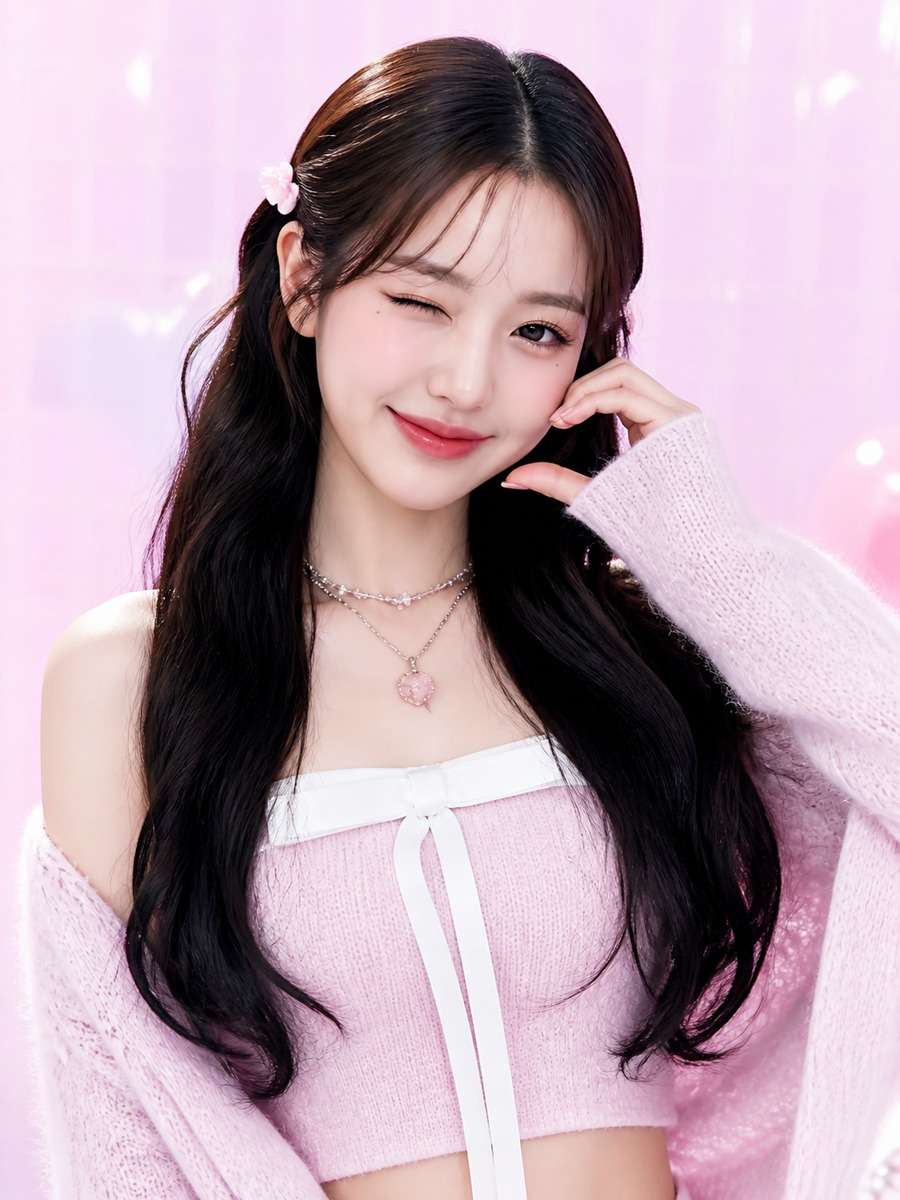
A playful pastel studio set with a pale lilac wall, one mint-green accent and soft frontal lighting. Keep the adult subject's face consistent with the reference while styling her in a casual pastel jacket, neat glossy hair and subtle makeup. Capture a relaxed, slightly off-center half-body pose. Maintain clean texture and natural proportions rather than enlarging eyes or turning the portrait into a cartoon.
Autumn Park Photo Editing Look
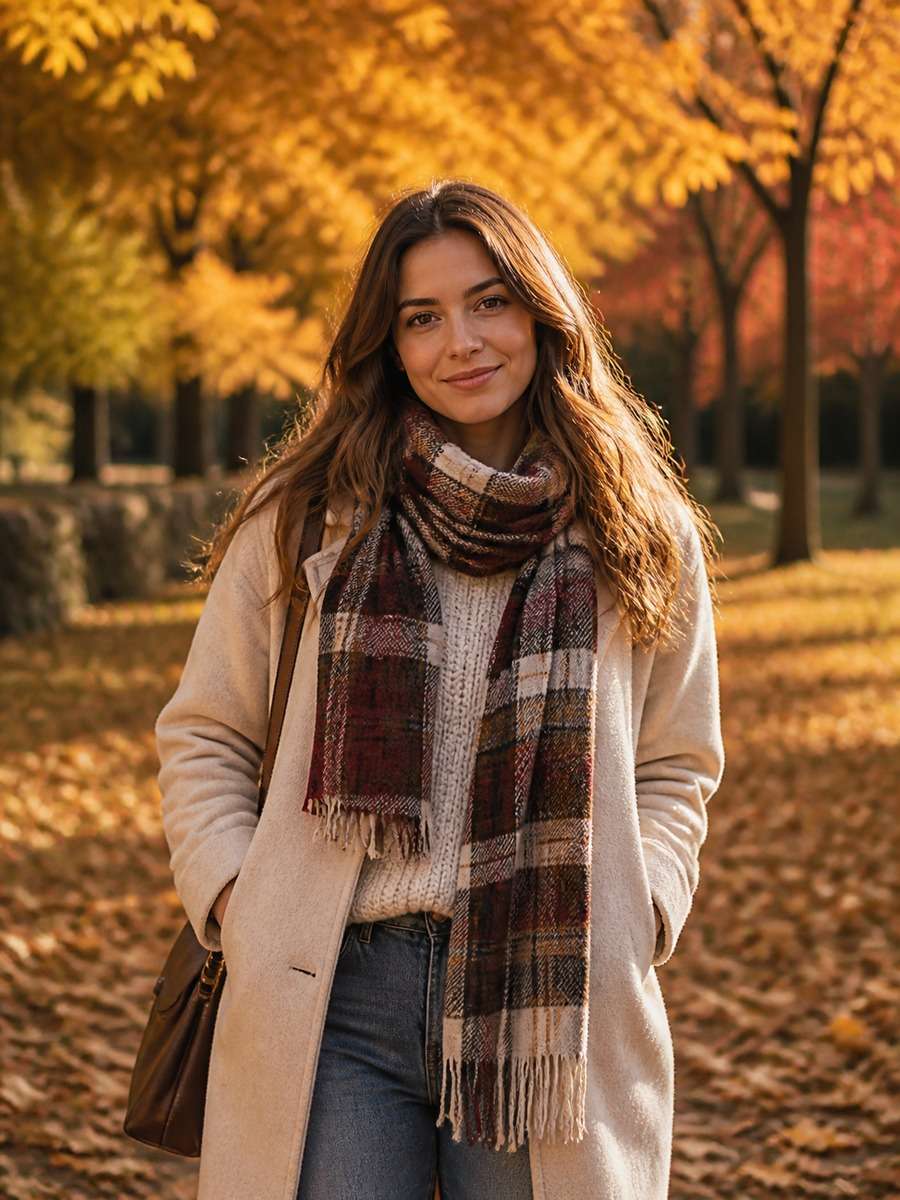
Transform the location into a tree-lined autumn path with copper leaves on the ground and amber light filtering between branches. The woman wears a textured beige coat and a dark scarf, but her expression and face remain the same as the source. Use a walking three-quarter pose, crisp coat fabric and a distant softly blurred path. Keep seasonal colors rich without making the skin orange.
Minimalist Black-and-White Girl Portrait
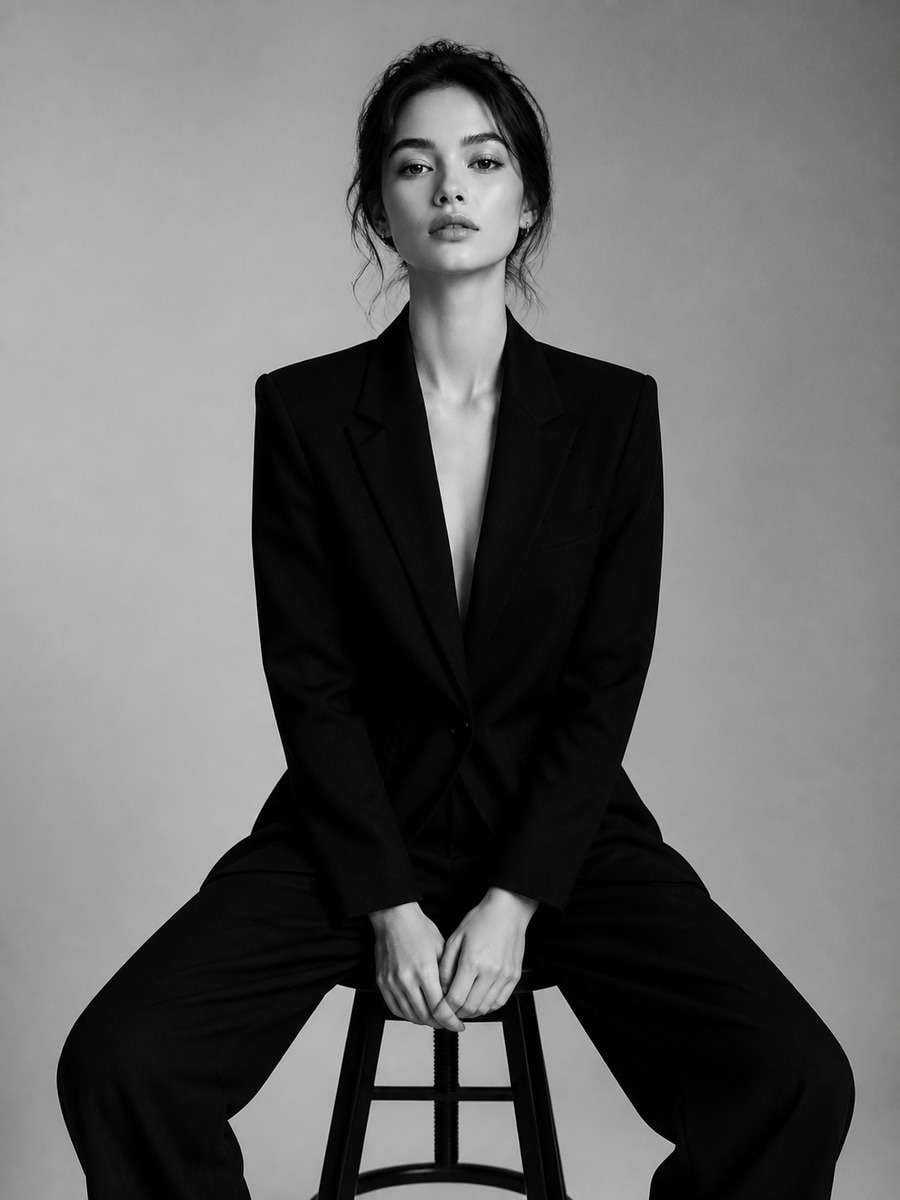
Convert the photo to an editorial black-and-white portrait with a simple black outfit and a charcoal background. Use strong side lighting to reveal cheekbone shape and fabric texture, with soft shadow detail rather than crushed blacks. Keep the person recognizable from the reference and frame at shoulder level. Leave space around the face, and make the contrast look photographic instead of a harsh graphic poster.
Dreamy Fairy-Forest Photo Edit
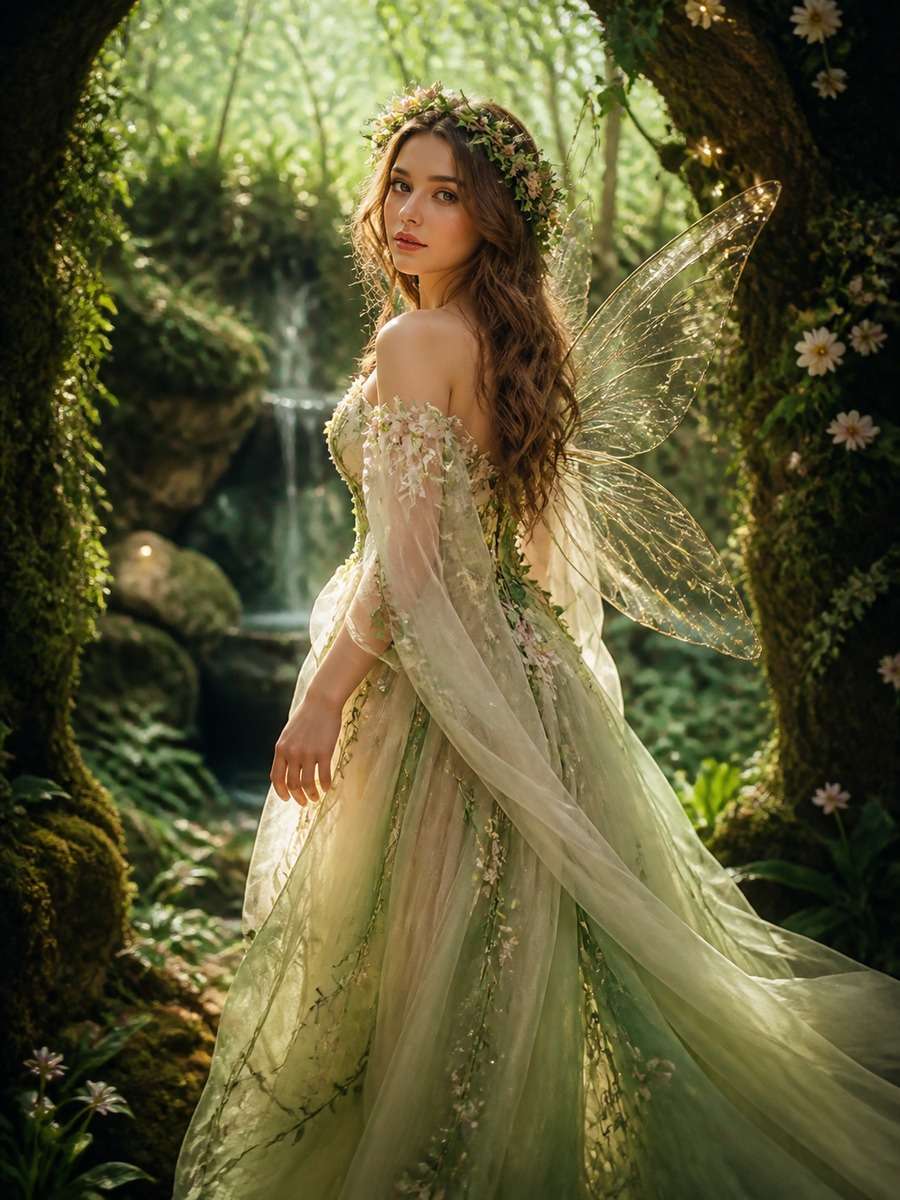
Treat the reference as a gentle fantasy photograph: a mossy forest clearing, small warm light points among the trees and a flowing muted-green dress. Keep enough of the person's original face to make the portrait recognizable. A three-quarter standing pose with natural hands works better than a dramatic flying pose. Render soft atmospheric haze behind the subject, detailed foliage and believable light on the fabric.
Denim Casual Girl Photo Prompt
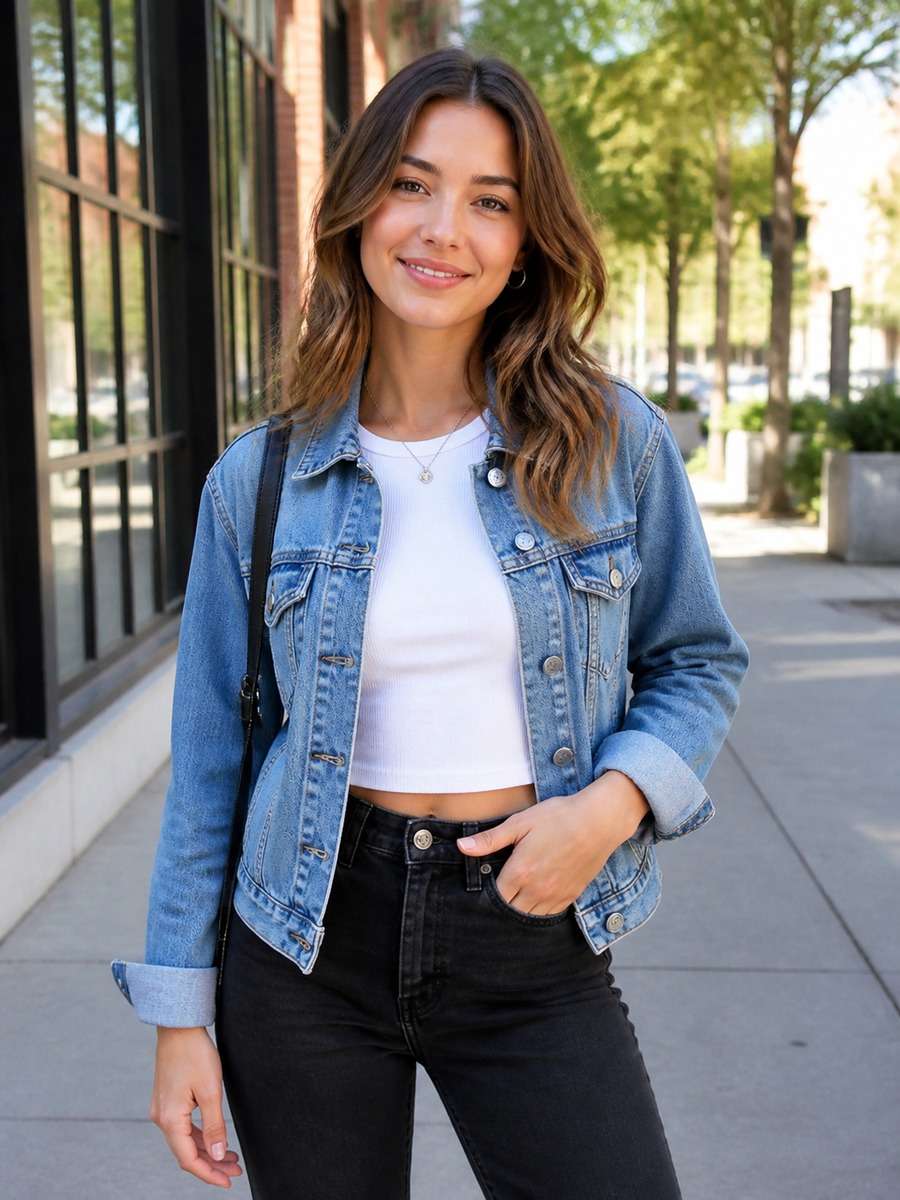
A laid-back modern portrait outside a neighborhood record store. Keep the uploaded person's facial features and give her a classic blue denim jacket over a plain white tee. Use an eye-level medium shot, late-morning daylight and a softly blurred painted storefront behind her. Preserve the casual posture and real garment stitching; the photograph should not look like a fashion campaign.
Trending Neon City Photo Editing Prompt
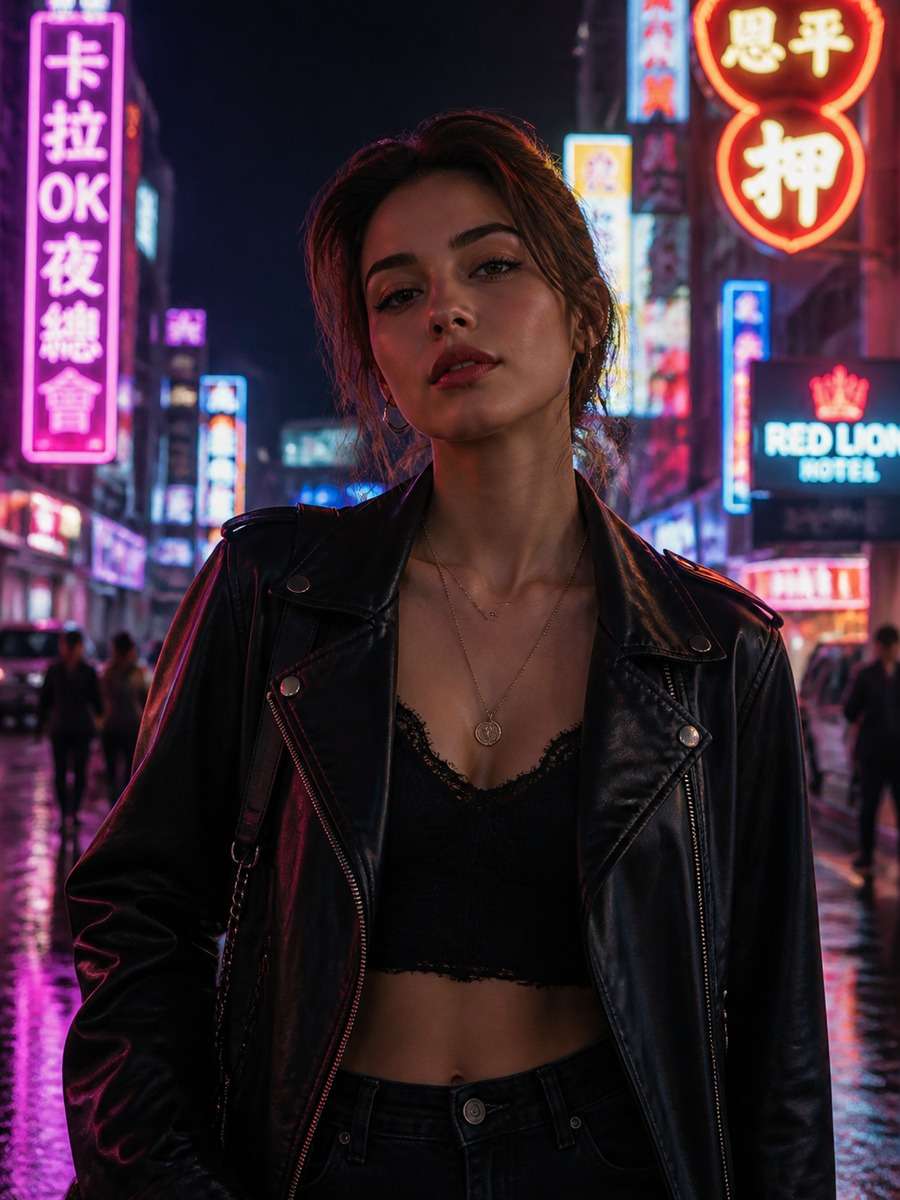
Build a night-time city portrait with pink and cyan neon reflected in wet pavement behind the subject. Keep the reference woman's face and natural proportions, dressed in a simple black jacket. Place a warm fill light near the camera so the eyes stay clear despite the dark surroundings. Use a vertical three-quarter frame, realistic signage blur and restrained cinematic color rather than an all-purple glow.
Graduation Day Girl Photo Prompt
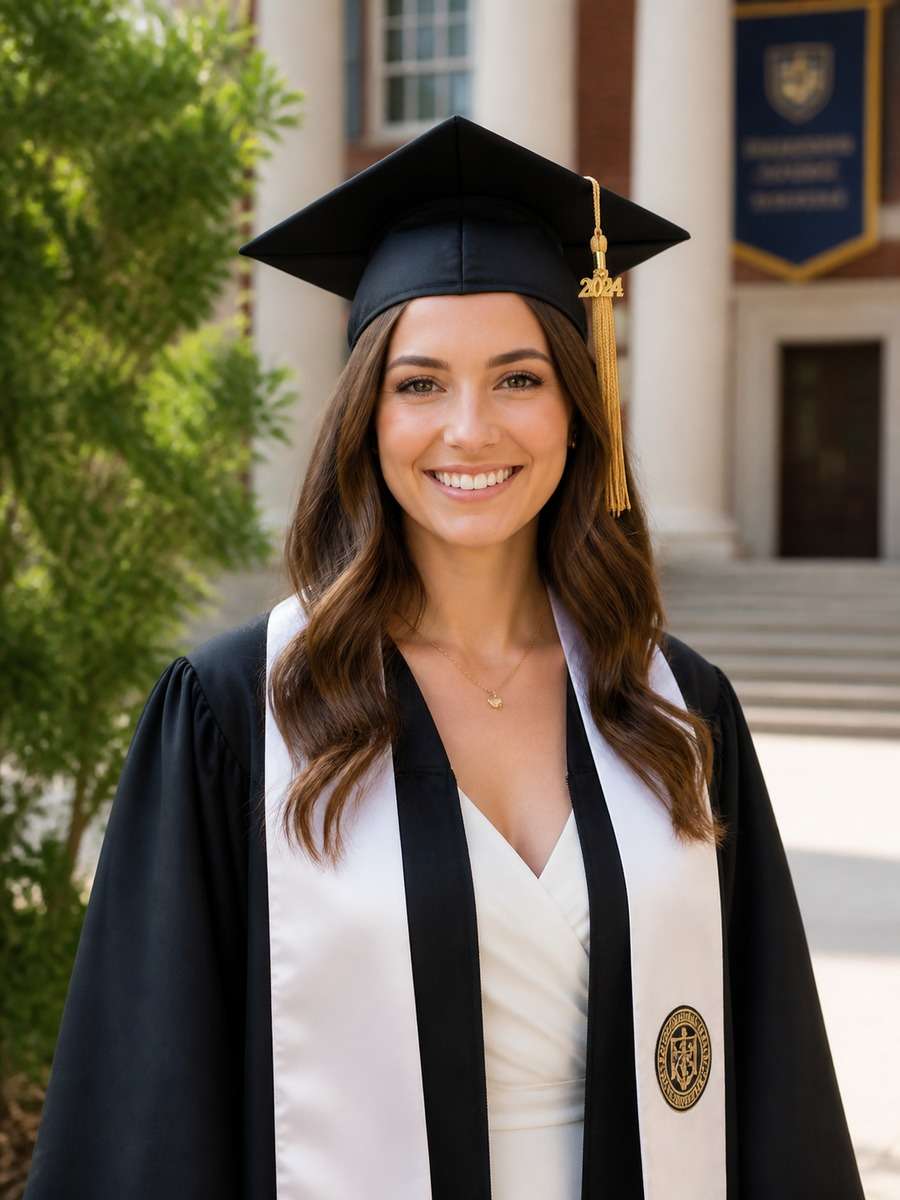
Turn the supplied adult portrait into a graduation-day photograph on a quiet campus walkway. Add a classic gown and mortarboard, but keep the person's face, hairstyle and genuine smile. The background shows leafy trees and a softly focused university building without invented text or logos. Capture an eye-level waist-up photo in clean afternoon light; let the graduation outfit look properly fitted.
Evening Glam Fashion Portrait Prompt
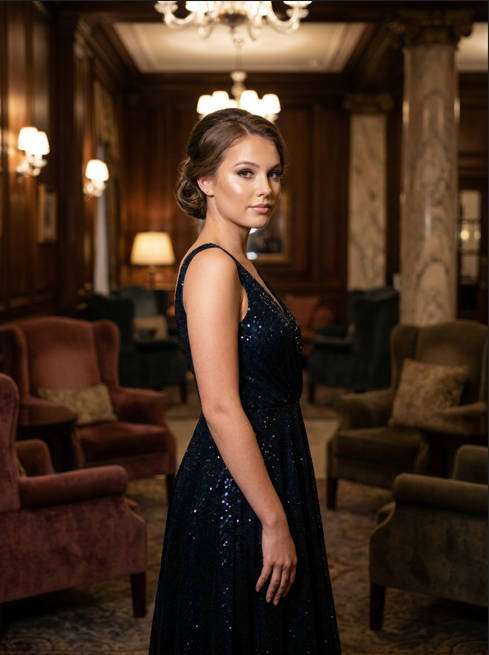
Use a sophisticated evening fashion mood instead of heavy face retouching. Keep the person recognizable from the reference, style a simple dark satin dress with discreet jewelry and place her near a softly lit architectural wall. Warm directional lighting defines the outfit, while a muted background stays out of focus. Keep the pose composed, the neckline natural and the skin texture realistic in a vertical portrait.
Fresh Summer Picnic Photo Idea
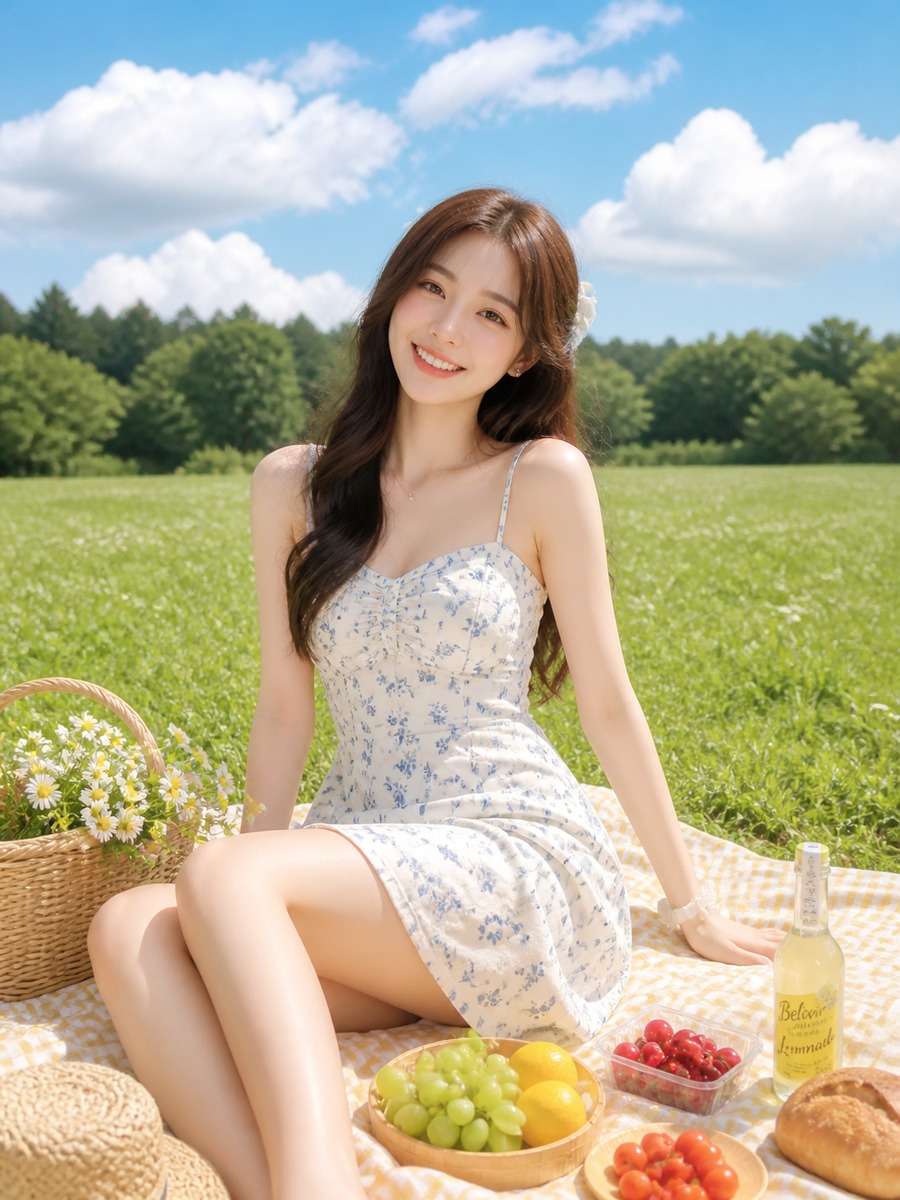
Imagine a cheerful picnic in a sunlit grassy field: a woven blanket, one basket and a few small wildflowers. Use the reference adult portrait for the face, with a cotton summer dress and a comfortable seated pose. Frame from a slightly higher angle so the picnic details can be seen without hiding the subject. Fresh greens, believable midday shadows and relaxed lifestyle-photography color.
Natural Snowy Winter Girl Photo
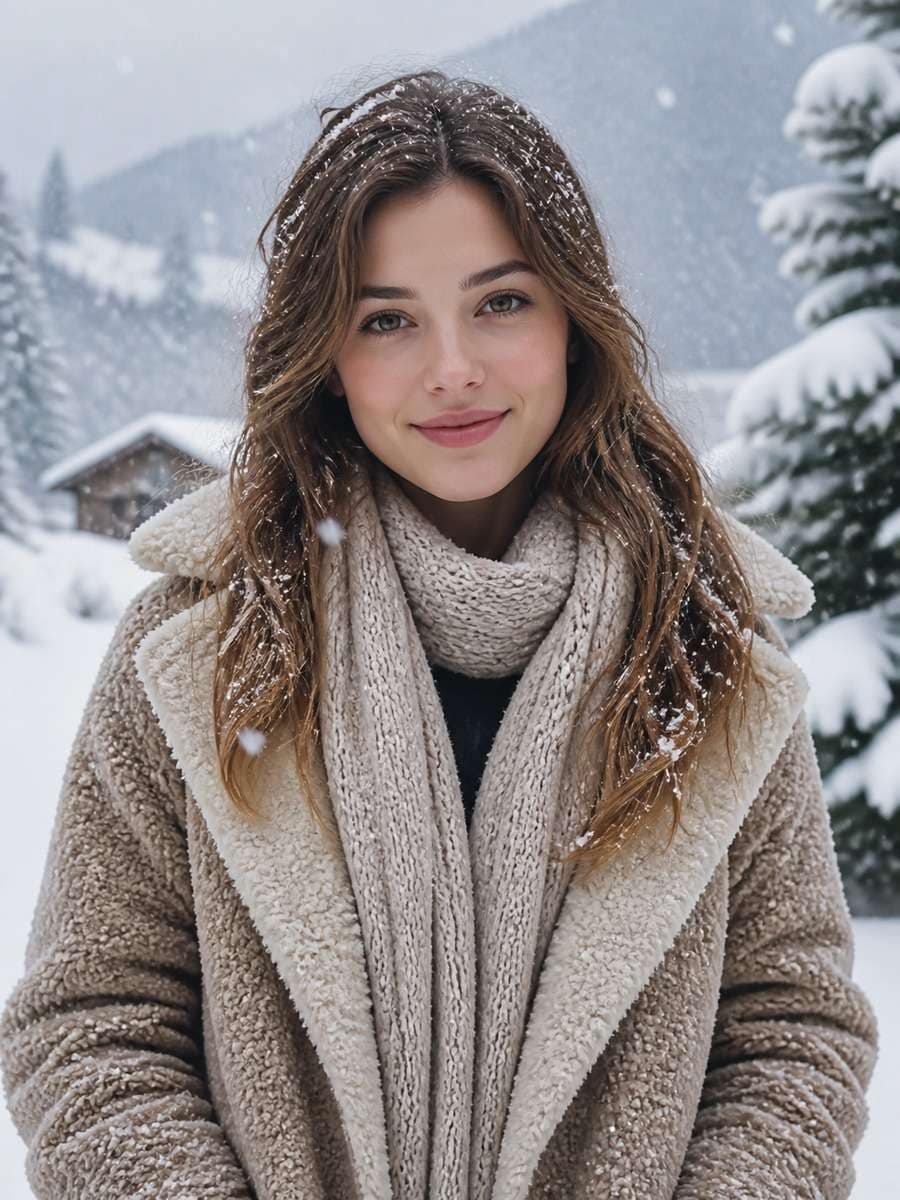
A quiet winter portrait in a park after fresh snowfall. Keep the subject's familiar face visible between a wool scarf and a soft knit hat, with a practical coat and gently falling snow in the far background. Use cool overcast daylight, detailed fabric textures and a medium close-up. The skin should retain its real tone; avoid a blue color cast or snowflakes that cover the eyes.
Boho Festival Style Photo Edit
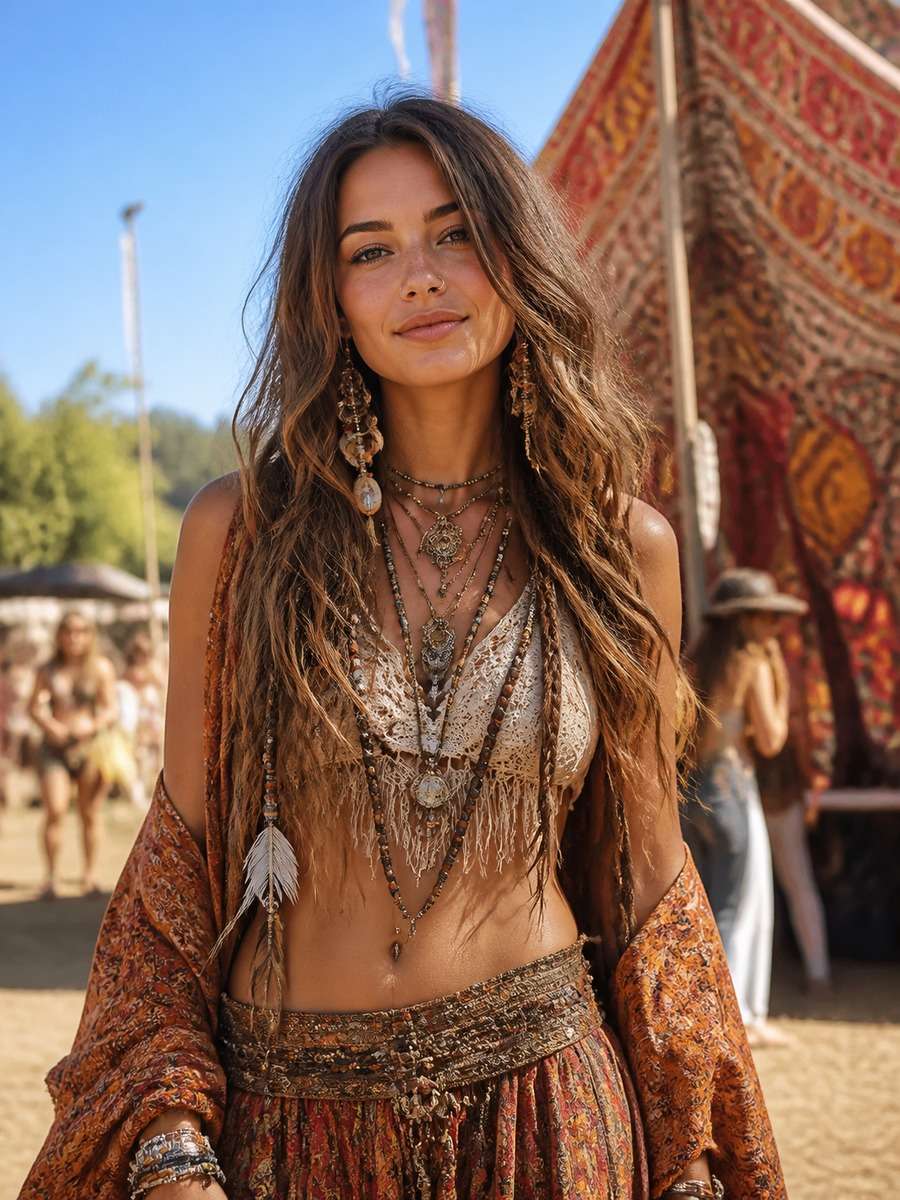
Move the reference subject into an outdoor music festival in late afternoon. Dress her in a light patterned shirt, denim and layered natural-fiber accessories. Wind moves the hair slightly; blurred colorful stalls sit far behind. Keep the facial features consistent and the body pose comfortable. Use sun-warmed highlights and a 35mm lifestyle-photo feel, not a crowded collage of props.
Vintage Film Girl Photo Editing Prompt
Turn the original portrait into a warm, vintage-film photograph from a quiet city afternoon. Dress the woman in a simple retro blouse, soften the palette toward faded olive and cream, and add subtle fine grain. Frame with a little extra headroom as if captured on a 50mm film camera. Preserve recognizable features and authentic shadows; avoid artificial scratches that obscure the eyes.
Flower-Field Aesthetic Girl Photo
Create an outdoor portrait in a field of small yellow and white flowers, viewed at waist height. The adult subject wears a simple light cotton dress, with hair gently moved by a breeze. Keep the original face shape and expression; use late-spring daylight, slightly blurred foreground blossoms and a quiet pastel color balance. The photo should feel airy without smoothing away skin detail.
Modern High-Fashion Editorial Portrait
Restyle the reference photo as a minimal fashion-magazine portrait: structured blazer, simple monochrome trousers and one bold sculptural light source. Use an architectural studio with a warm off-white wall, strong clean shadows and an intentional off-center pose. Keep the person's original face and body proportions. Show crisp garment edges and realistic fabric rather than extravagant jewelry or an impossible runway backdrop.
Soft Anime-Inspired Portrait Edit
Adapt the uploaded portrait into a delicate anime-inspired illustration while retaining recognizable hair, expression and the overall face shape. Use watercolor-like pastel shading, a soft sky background and gentle light across the cheeks. Keep the pose grounded and the clothing simple. The finish should be softly illustrated rather than fully photorealistic, with no oversized features or crowded fantasy effects.
Start with a clear reference picture, pick one photo style and keep your changes specific.
1
Upload the photo you want to edit
Start with a clear selfie or portrait where the face is visible. A simple source photo gives the editor more visual detail to work with.
2
Copy a prompt and name one visual change
Choose a look from the gallery. Paste it into an image editor that accepts a reference image and text instructions; specify whether you want a modern outfit, a natural background or a new lighting mood.
3
Review the result and refine it
Check the face, hairline, clothes and light direction. If the edit feels artificial, remove extra style words and retry the background or outfit change on its own.
How to Write a Realistic Gemini Girl Photo Editing Prompt
A natural image comes from specific details that work together: light, scene, clothing and camera angle. Start with one direction, then adjust the result.
Start with the scene, not a pile of adjectives
For a realistic photo, say where the person is, what the light looks like and how close the camera is. "Overcast daylight on a city sidewalk, waist-up portrait, beige blazer" is clearer than "amazing, ultra-stylish, cinematic, cute, glamorous."
If you are editing an existing portrait, ask for the reference face and expression to remain recognizable. For a completely new character, describe the age as adult and specify the scene without implying a real person's identity.
Make modern and natural looks behave differently
Modern street-style: sharper architecture, intentional wardrobe, mixed daylight and reflected city light.
Natural portrait: soft window light, simple background, realistic skin detail and a relaxed pose. Keep these instructions separate to avoid a half-studio, half-street image.
Modern, Trending and Natural Girl Photo Editing Prompts
Different photos need different instructions. These four extra prompts focus on modern styling, a trending night look, natural photo correction and a soft film finish.
Modern Girl Photo Editing Prompt
Modern fits a crisp city look: one outfit, clear perspective and real street lighting.
Edit the uploaded photo of an adult woman into a modern street-style portrait. Keep the face and expression recognizable; change the outfit to a tailored charcoal blazer and simple white top. Place her beside a contemporary glass building in late-afternoon light, with soft reflections behind her. Use a three-quarter frame, realistic fabric texture and natural proportions.
Trending Girl Photo Prompt for Gemini
A stronger trend-style image usually needs one visual hook, not five competing filters.
Create a trendy editorial photo edit from this adult portrait: evening blue-hour city, a clean black jacket, a warm streetlight on one side of the face and cool neon reflections far behind. Preserve the original hairstyle and facial shape. Shoot waist-up with shallow depth of field, realistic skin and a subtle cinematic grade. Keep all text and signboards out of focus.
Natural Girl Image Editing Prompt
Use this when the original image needs better light without looking generated.
Improve the supplied portrait without changing who the person is. Replace the distracting background with a softly lit park path, match the existing daylight direction and keep the original hairstyle, clothing and facial expression. Retain skin texture, natural shadows and small features. Use eye-level framing, slightly warm colors and a realistic smartphone-portrait finish.
Aesthetic Girl Photo Prompt: Soft Film Look
Aesthetic does not have to mean heavy smoothing: a film palette and good composition may be enough.
Give the reference portrait a soft film-camera aesthetic. Keep the adult subject recognizable and place her by a cafe window with an off-white wall and one small vase of flowers behind her. Use muted cream and olive tones, gentle window light, a little grain and an unposed shoulder-up crop. Preserve realistic eyes and skin; avoid washed-out highlights.
Why a Gemini Girl Photo Edit Looks Wrong (and How to Fix It)
Check 1
Prompt troubleshooting
The edit changes the face. Keep the same reference image. Remove outfit and background changes temporarily; ask for the original facial structure, hairline and expression before adding one new edit.
Check 2
Prompt troubleshooting
The scene looks pasted in. Name the light source and camera angle. If the background is sunset but the face has cool front light, ask for matching warm directional shadows.
Check 3
Prompt troubleshooting
Modern styling looks too artificial. Replace vague words such as "perfect" and "ultra-glam" with a specific outfit, setting and crop. Keep fabric folds, skin texture and jewelry simple.
1. What is a good prompt for Gemini AI girl photo editing?
Start with a clear adult portrait and describe one change. For example, keep the reference face recognizable, add warm window light and move the background to a quiet cafe. Then choose a portrait crop and specify natural skin texture.
2. How do I use Gemini AI prompts for girls with my own picture?
Select a prompt from the 25 examples, upload a photo you can edit in a compatible image editor and paste the prompt into its text field. Change the outfit, background or light to fit the picture, then review the result and refine one detail.
3. Which Gemini prompt creates natural-looking girl photos?
Try the Natural Girl Portrait or Golden-Hour Natural Photo Editing Prompt. Soft directional light, realistic skin texture, simple clothes and an uncluttered background usually work better than stacking several filters.
4. How do I write a modern girl photo editing prompt?
Describe a contemporary outfit and a believable setting together: a tailored blazer, glass-fronted buildings, reflected late-afternoon light and a waist-up camera angle. The Modern Girl Photo Editing Prompt above is ready to copy.
5. What is a trending girl photo prompt for Gemini?
A trending look can be a night-city portrait, a film-camera mood or a fashion-editorial scene. Pick one visual hook. For example, use a cool blue-hour background with warm side lighting instead of combining unrelated aesthetics.
6. Can I copy these prompts for aesthetic girl photo edits?
Yes. Use the Copy Prompt buttons, then replace the setting and color choices. A soft film look calls for muted colors and subtle grain; a bright cafe portrait needs warmer light and a clean foreground.
7. Why does an AI photo edit change the original face?
Large changes to pose, lighting, styling and background can also change facial details. Keep the reference photo, request fewer changes and check the face and hairline after each result. Exact identity matching may vary.
8. Are these Gemini prompts suitable for children's photos?
This collection focuses on adult selfies, fashion and portraits. For family and child-friendly birthday or storybook edits, use the separate Kid Girl photo-prompt guide.
Step into a sunset farewell with Michael, Franklin and Trevor—one last goodbye before you drive away.
Create Your GTA Goodbye
Wassup in a Minute AI
Turn your photo into a streetwear anime character and sway to the beat in the viral white-background edit.
Create Your Anime Sway
AI Video Character Swap
What if someone else starred in your video? Swap any on-screen character with your favorite character using AI and bring a whole new twist to your scenes!