















AI Background Remover:
Erase Image Backgrounds Free Online
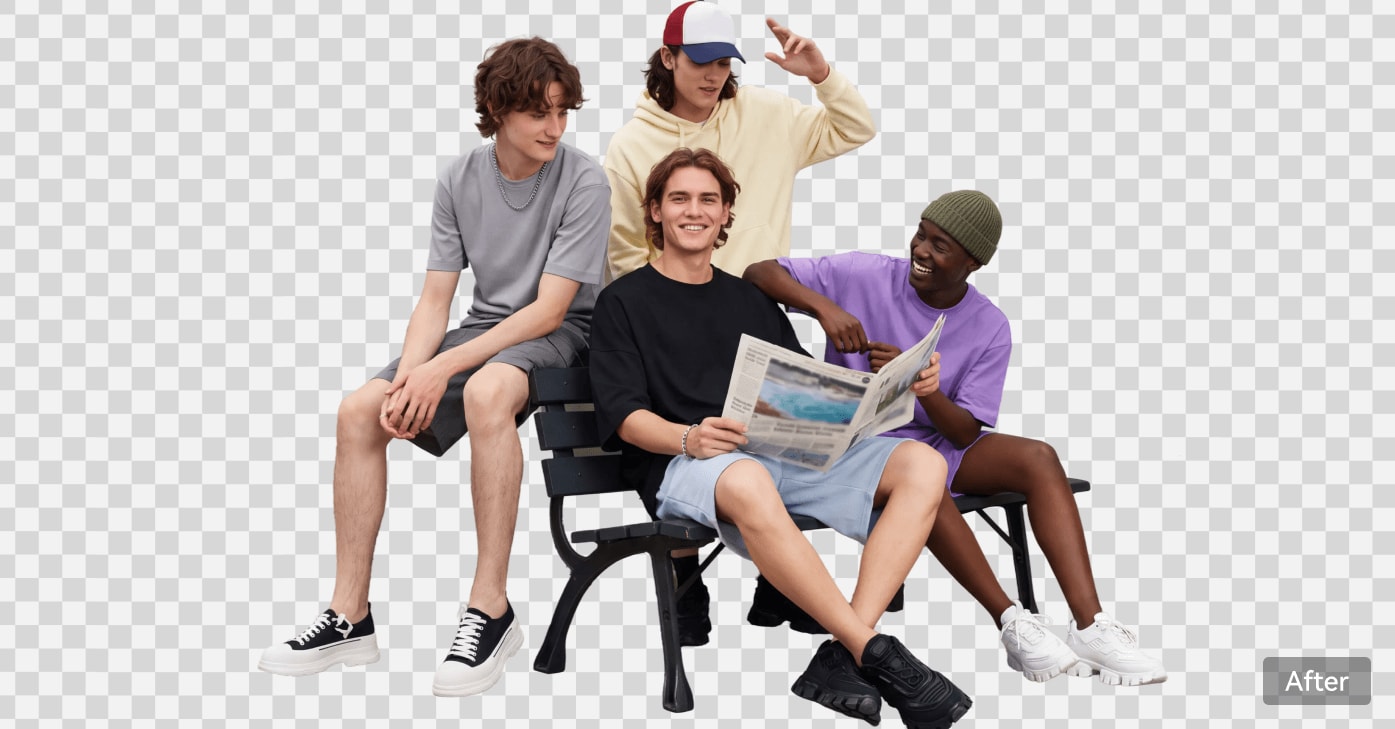
Remove image backgrounds online with one-click AI and save transparent PNG cutouts. For selective edits or creative changes, use Media.io AI Image to Image. Create cleaner photos for portraits, product listings, pets, vehicles, and logos.
Key Takeaways:
- What it does: Remove unwanted photo backgrounds automatically and keep the main subject.
- One-click workflow: Upload, remove, preview, and download a transparent cutout.
- For complex edits: Use Media.io AI Image to Image when you need prompt-based changes.
- Typical uses: Headshots, product listings, pet photos, vehicle images, and logos.
- Getting started: Free credits are available to try the tool. Free-user downloads include a watermark; other export options depend on your plan.
Two Ways to Remove Backgrounds
Start with one-click background removal. For selective or creative edits, use Media.io AI Image to Image as a separate workflow.
RECOMMENDED FOR QUICK CUTOUTS
Method 1: One-Click AI Removal
A straightforward path from upload to transparent PNG.
Upload your image and let Media.io's AI detect the subject and erase the background automatically. Perfect for portraits, product shots, pet photos, car listings, and logos — no editing skills needed.
- Automatic removal with no manual tracing
- Detects hair, fur, glasses, jewelry, transparent objects
- Outputs transparent PNG, white, or custom color
- Works for portraits, products, pets, cars, logos
ALTERNATIVE METHOD
Method 2: Prompt-Based
For complex or creative removal needs.
Need to remove specific objects, complex overlapping subjects, or apply creative background edits? Use Media.io AI Image to Image and describe what you want removed with a simple background remover text prompt.
- Describe removal with plain-English prompts
- Ideal for cluttered / overlapping scenes
- Removal + background replace in one step
- Powered by AI Image to Image
How to Remove Image Background Online in Seconds
Upload a photo, remove the background automatically, and download a transparent cutout. No Photoshop skills or manual masking required.
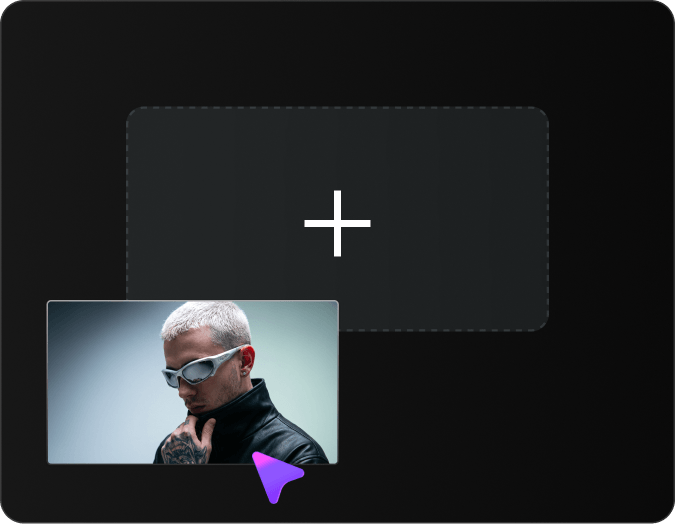
Upload Your Image
Upload the photo whose background you want to remove.
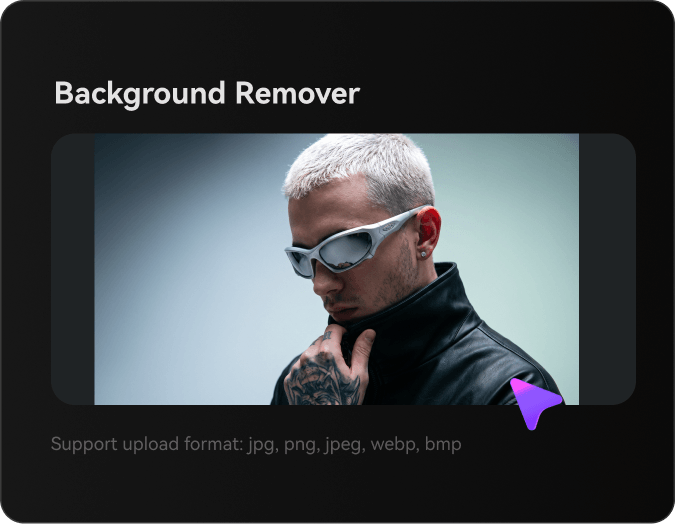
Remove the Background
Let Media.io automatically detect the subject and remove the original background.
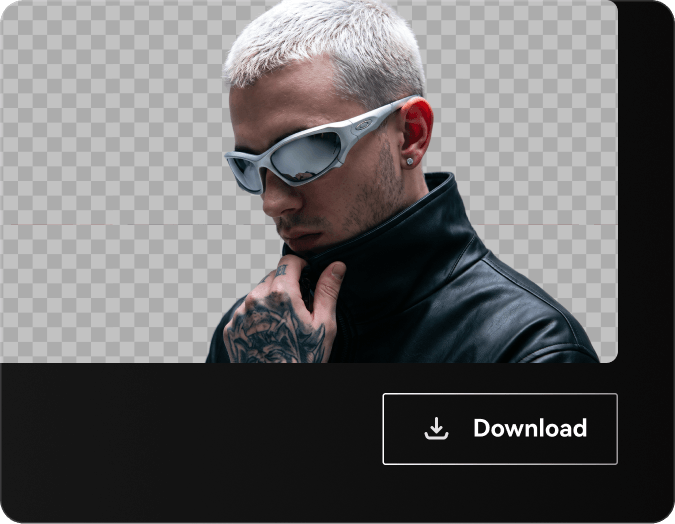
Preview & Download
Preview the cutout and download it with a transparent background.
Remove Image Backgrounds from People, Products, Pets and More
Whether you are editing a headshot, product photo, pet portrait, vehicle image, or logo, the goal is the same: keep the subject and remove visual distractions.
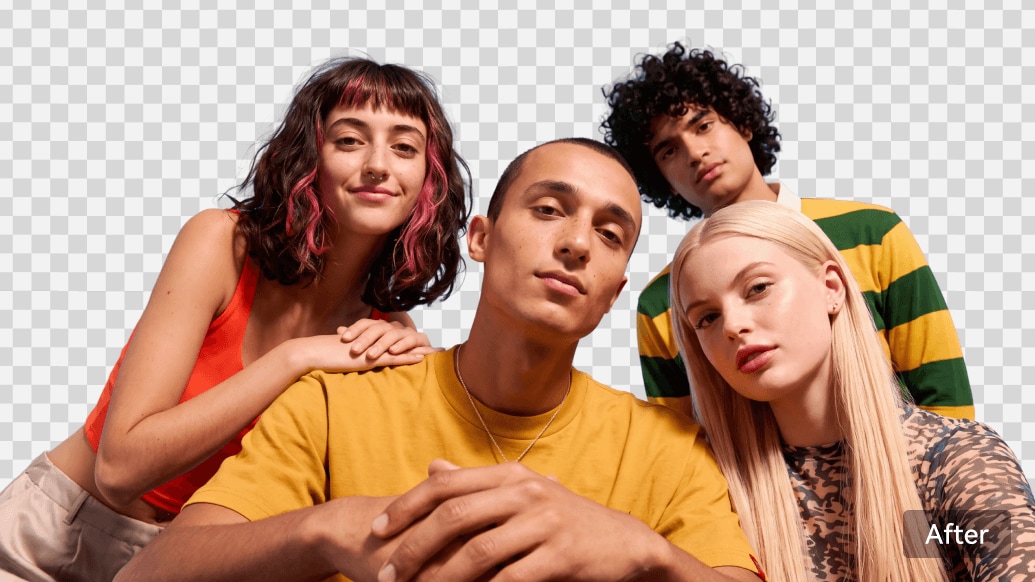
Remove Background from Portrait Photos & Headshots
Isolate people from any backdrop in seconds. Media.io's portrait background remover handles selfies, headshots, full-body shots, and group photos — preserving flyaway hair, eyelashes, glasses frames, and jewelry with care around fine details. Ideal for LinkedIn profiles, résumé photos, ID pictures, dating profiles, and social media posts.
- Preserve flyaway hair strands and complex edges naturally
- Handle glasses, earrings, and thin jewelry without gaps
- Process group photos with multiple people at once
- Output transparent PNG for LinkedIn, résumé, or social use
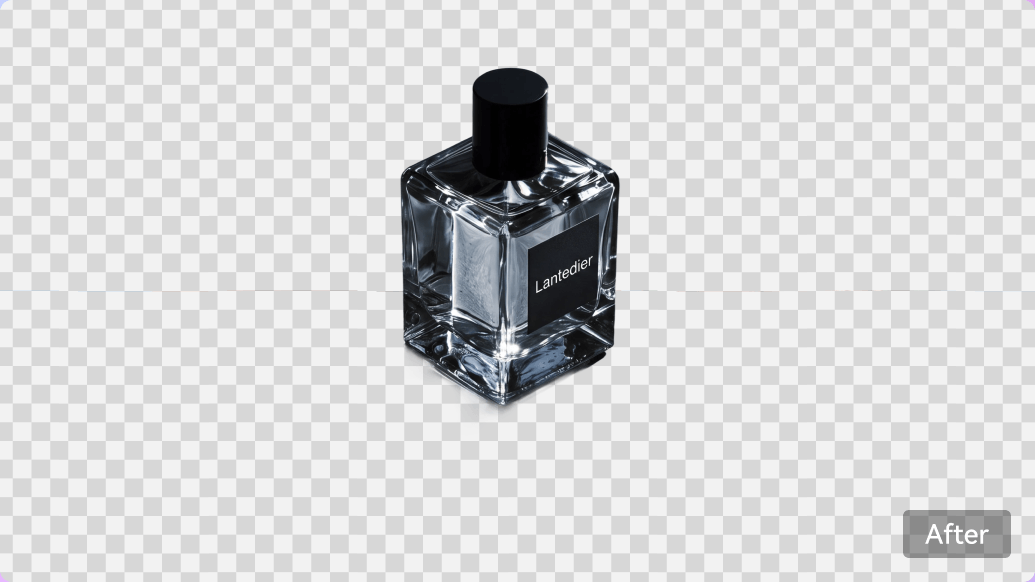
Create White-Background Product Photos for E-commerce
Turn raw product shots into store-ready visuals in seconds. Media.io's product photo background remover handles electronics, homeware, clothing, shoes, jewelry, cosmetics, and food photography — mastering tough edges like glass, chrome, transparent packaging, lace, and reflective surfaces. Useful when preparing images for Amazon, Shopify, Etsy, eBay, and other marketplaces; check each platform's current photo requirements.
- Prepare cleaner, more consistent product photos
- Handle glass, reflections, chrome, and transparent packaging
- Preserve fine details on lace, jewelry, and textured fabrics
- Create more consistent product listing visuals
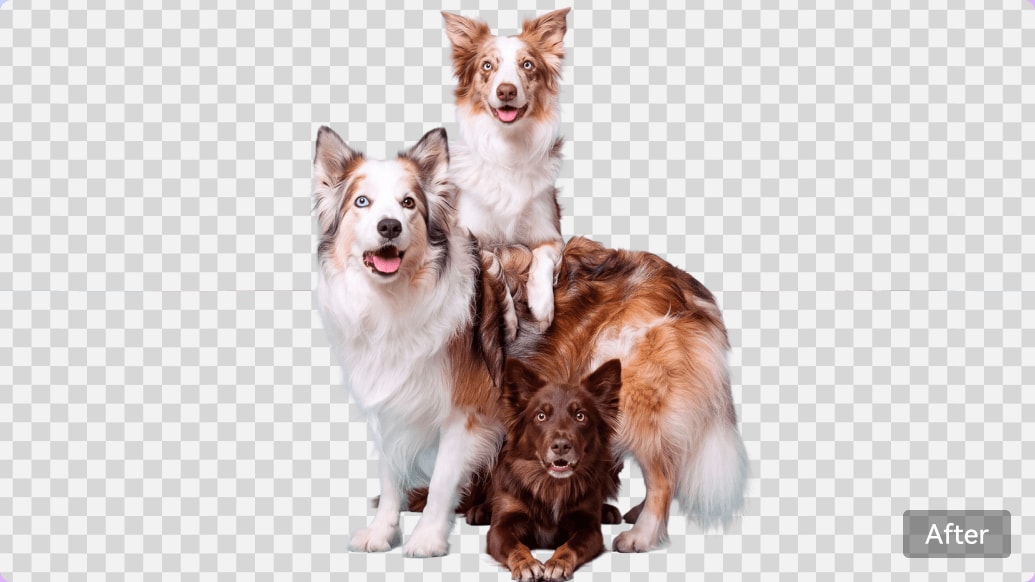
Remove Background from Pet Photos with Fur-Perfect Edges
Cut pets and wildlife cleanly from any scene. Media.io's pet photo background remover helps retain fine fur, whisker, and paw details — even on fluffy dogs, long-haired cats, and small animals. Perfect for pet portraits, adoption listings, veterinary marketing, pet product photography, and viral social posts.
- Preserve fur strands, whiskers, and fine animal detail
- Handle long-haired, fluffy, and multi-colored pets equally well
- Cut multiple pets from a single group shot
- Output ready for pet product design or adoption listings
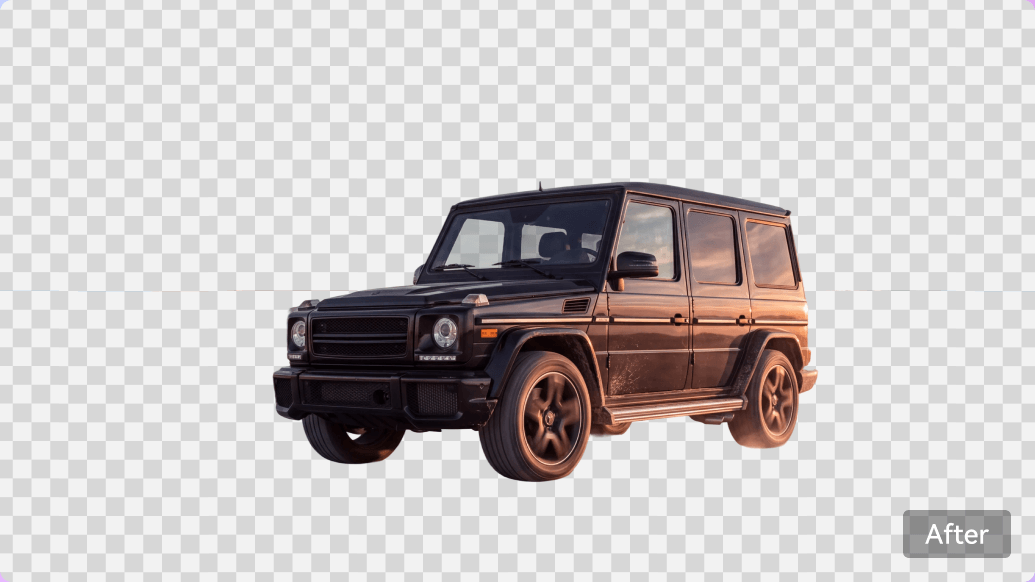
Remove Background from Car Photos for Dealership Listings
Cut vehicles from cluttered lots into professional listing photos. Media.io's car background remover handles chrome trim, glass reflections, spoke wheels, headlights, and complex angles — ideal for used-car dealerships, private sellers, and auto marketplaces (Autotrader, eBay Motors, Cars.com, Carvana, Facebook Marketplace). Cleaner listings help shoppers focus on the vehicle.
- Handle chrome, glass reflections, and complex wheel spokes
- Support all vehicle types: sedans, SUVs, trucks, motorcycles
- Replace dealership lot with clean showroom or lifestyle scenes
- Prepare cleaner images for automotive listings
Convert Logos to Transparent PNG with Clean Edges
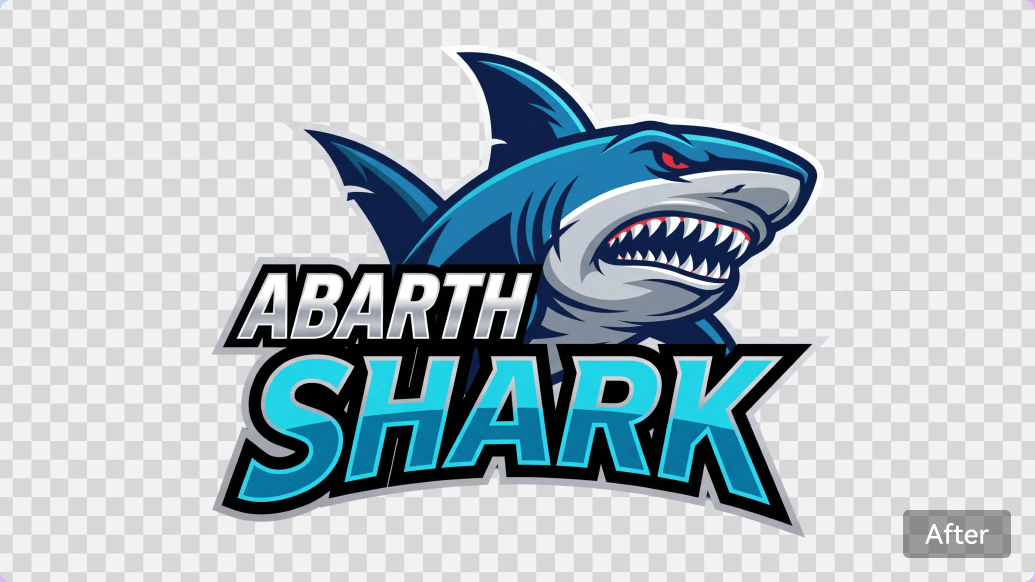
Extract logos, icons, and graphics with crisp, ready-to-use edges. Media.io's logo background remover creates transparent PNGs from JPG mockups, screenshots, or scanned brand assets — preserving sharp corners, thin lines, and gradient fills. Perfect for brand kits, presentation decks, web design, marketing collateral, and merchandise mockups.
- Preserve sharp edges, thin strokes, and typography detail
- Handle gradient fills, drop shadows, and layered graphics
- Convert JPG logos to transparent PNG in seconds
- Ready to drop into Figma, Canva, PowerPoint, or Keynote
Why Use Media.io AI Background Remover
Reasons why Media.io stands out from other online background removers — built for creators, sellers, and everyday users who need convenient background removal and reusable cutouts.
Dual Removal Methods
Choose one-click AI for speed, or use Prompt-based refinement via Media.io AI Image to Image for complex scenes — a useful alternative when one-click cutouts are not enough.
Multiple Subject-Type Optimization
Adaptive edge detection tuned for people, products, pets, cars, and logos — cleaner cutouts than generic one-size-fits-all tools.
Transparent PNG Cutouts
Save the subject as a transparent cutout and reuse it in product listings, presentations, design projects, or social posts.
Fast AI Processing
Remove backgrounds online without manual tracing. Processing time varies with image size and scene complexity.
Image Export Options
Export your background-removed image for creative projects. Free-user downloads include a watermark; check your plan for other export options.
100% online tool
No software installation. Edit directly in browser across all devices.
One-Click Background Removal vs Prompt-Based Editing
Choose the Media.io workflow that fits your photo, instead of comparing unsupported benchmark claims.
| Decision | AI Background Remover | AI Image to Image |
|---|---|---|
| Best for | Quick subject cutouts | Selective or creative edits |
| How it works | Upload and remove automatically | Describe the desired change in a text prompt |
| Typical outcome | Transparent background cutout | Edited or replaced background scene |
| When to choose | You want the original subject isolated | You need additional control over the scene |
| Open tool | Try background removal | Open AI Image to Image |
What Users Say About Background Removal
Feedback shared about photo editing workflows for online stores, portraits, and creative projects.


"I run an Etsy shop with 400+ products. Media.io cut my background editing time by 90% — cutouts are as clean as Photoshop with a fraction of the effort. Batch prep is now painless."

"The hair detection is genuinely impressive. I removed backgrounds from a whole family portrait session and every flyaway strand was preserved. Zero manual cleanup needed."

"For our used-car dealership listings, clean cutouts increased inquiries by 30%. Media.io handles chrome and glass reflections better than tools I've paid for."

"The Prompt method is a genius addition. For a cluttered product scene, one-click missed some details. I used AI Image to Image with a prompt and got exactly what I needed."

"Perfect for logo work. I upload a JPG mockup, get a transparent PNG in seconds, ready to drop into any brand deck. WebP support is a bonus — most tools skip it."
FAQs on AI Background Remover
What is an AI background remover?
An AI background remover detects the main subject in a photo and separates it from the original background. Media.io lets you download the cutout as a transparent PNG without tracing the edges manually.
How do I remove a background from a photo online?
Upload your image to Media.io AI Background Remover, let the tool detect the subject and remove the background, then preview and download the result. You can use the cutout in designs, listings, or social posts.
Can I remove image backgrounds for free?
You can try Media.io AI Background Remover with the available free credits. Free-user downloads include a watermark. Check the current plan details for export and credit options.
Do free downloads include a watermark?
Yes. Images downloaded by free users include a watermark. Review the available plan options if you need an image without a watermark.
Can I make a photo background transparent?
Yes. After removing the background, download the cutout as a transparent PNG. You can then place the subject over another color, image, or design.
Does the AI background remover work on hair and fur?
Media.io is designed to separate portraits and pet photos from their backgrounds, including fine edges such as hair and fur. Results can vary with lighting, blur, and background complexity, so preview the cutout before downloading.
Can I use Media.io for e-commerce product photos?
Yes. Remove distracting backgrounds from product photos and prepare cleaner images for store listings, catalogs, or ads. Check each marketplace's current photo requirements before publishing.
Can I remove or replace a background using a text prompt?
For creative changes or selective removal, open Media.io AI Image to Image and describe your desired edit in a text prompt. This is a separate workflow from one-click background removal.
Does Media.io Background Remover work on mobile?
Yes. Media.io works in a compatible mobile browser, so you can upload a photo, process it online, and download the result without installing desktop software.
How long does background removal take?
Background removal usually takes seconds, but processing time varies with image size, subject details, and server load.
Are uploaded photos automatically deleted?
Media.io states that uploaded files are automatically deleted within seven days. Review the current privacy policy for additional details about data handling and retention.
Explore More AI Image Editing Tools

 Remove Image Backgrounds