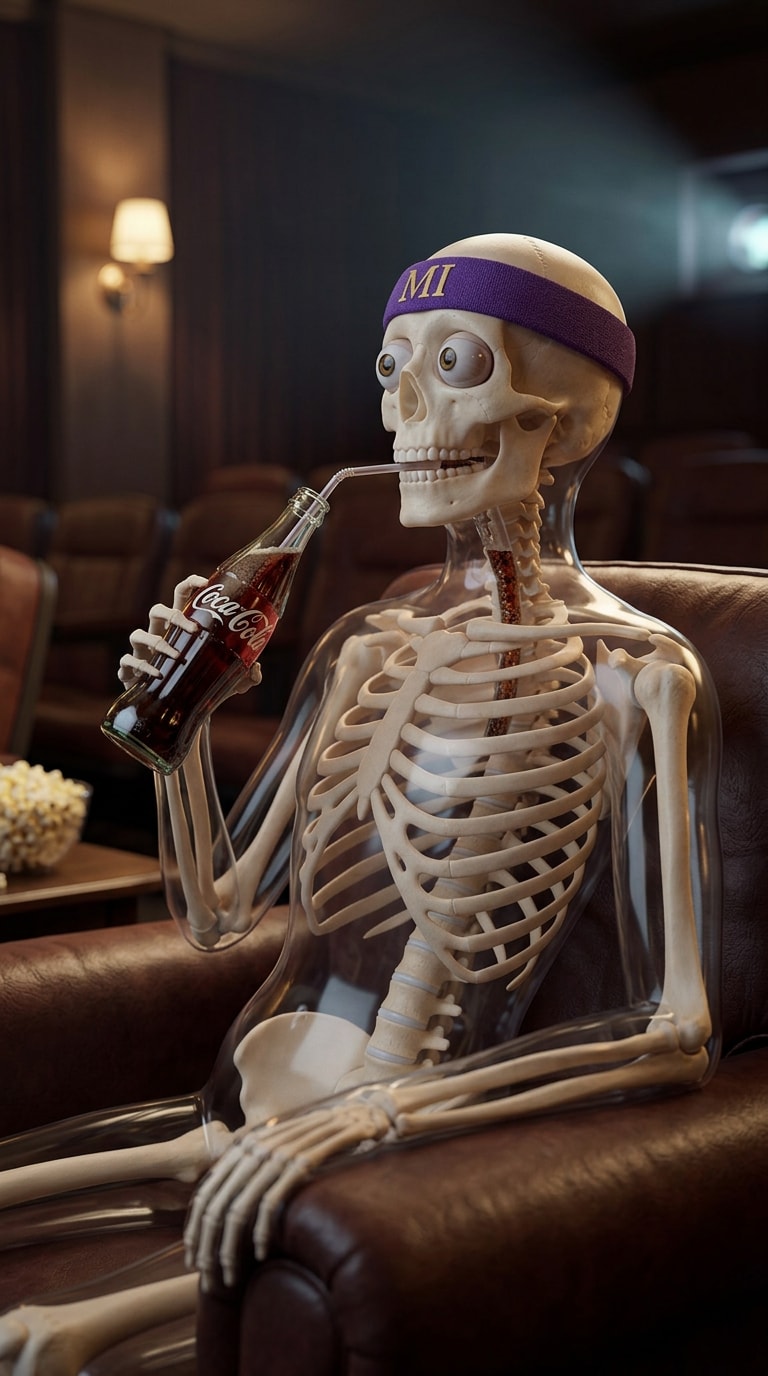
en:Video 1: Skeleton Drinking Coke
en:Place the skeleton character sitting at a retro diner booth, holding a glass bottle of Coke and taking a sip. He continuously drinks cola, tilting his head back exaggeratedly, liquid splashing slightly.
en:Start from one skeleton reference image, turn it into a story-driven skeleton scene, generate multiple animated shots, then finish the final short in Media.io Studio. Perfect for health explainers, science facts, "what if" content, and dark-cute skeleton storytelling.
en:Free credits on signup/login.
en:Use one reference skeleton, generate a story keyframe, turn it into multiple clips, then finish the final short in Media.io Studio.
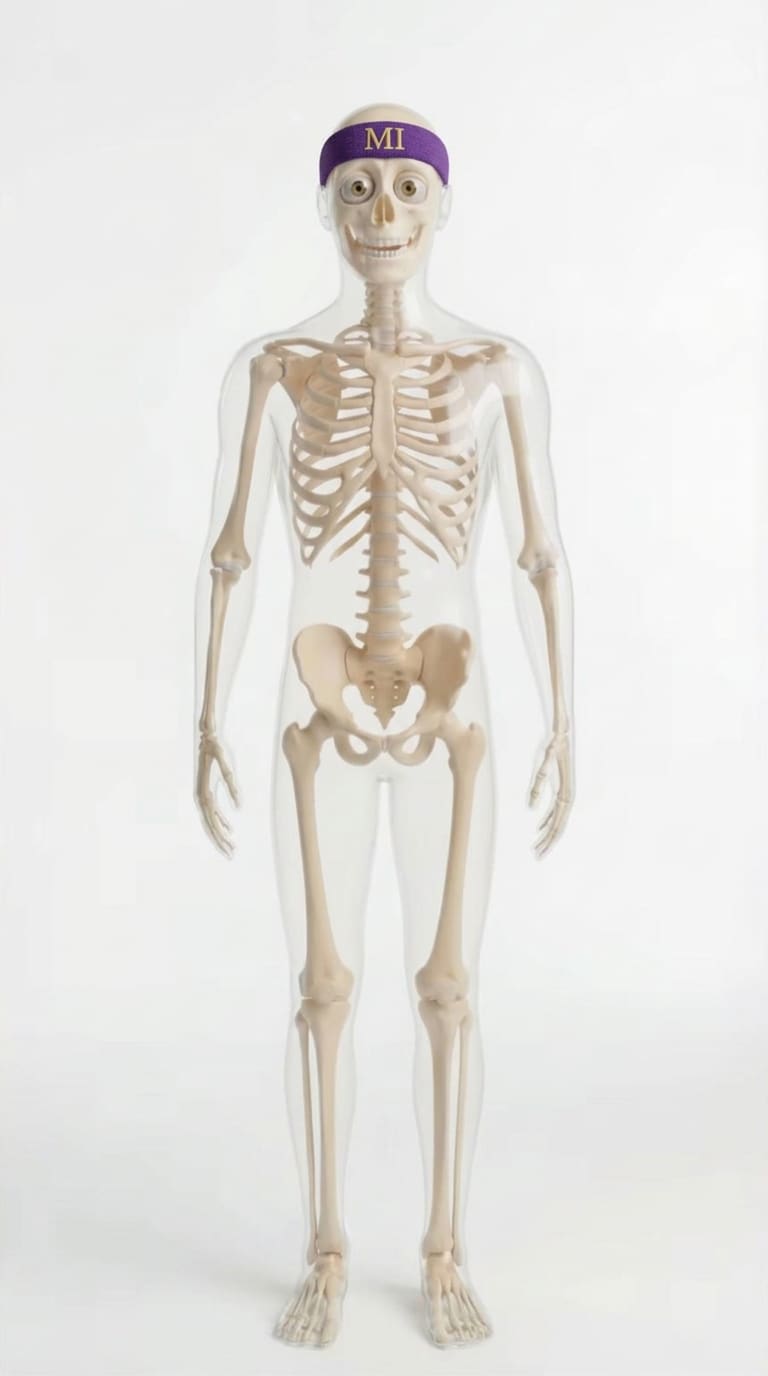
en:Original Reference
en:Story Image Output
en:Scene Clip Example
en:Step 3: After generating all scene clips, continue inen:Media.io Studioen:to combine the scenes, add subtitles, voiceover, sound effects, music and final pacing edits.
en:Start from one skeleton reference image, turn it into a story-style skeleton scene, then generate short clips for education, science facts, or character storytelling. Each template below keeps the same skeleton identity while changing the action and context.
en:Use one recurring skeleton host across every short to make the channel format more recognizable and easier to scale.
en:Health facts, anatomy reactions, hydration, sleep and "what if" science topics work especially well with skeleton visuals.
en:Generate individual clips for hook, setup, explanation, reaction and ending, then stitch them into one complete short.
en:Generate images, create scene clips, and then move directly into Media.io Studio for voiceover, subtitles, music and final export.
Crea video facilmente da testo o immagini