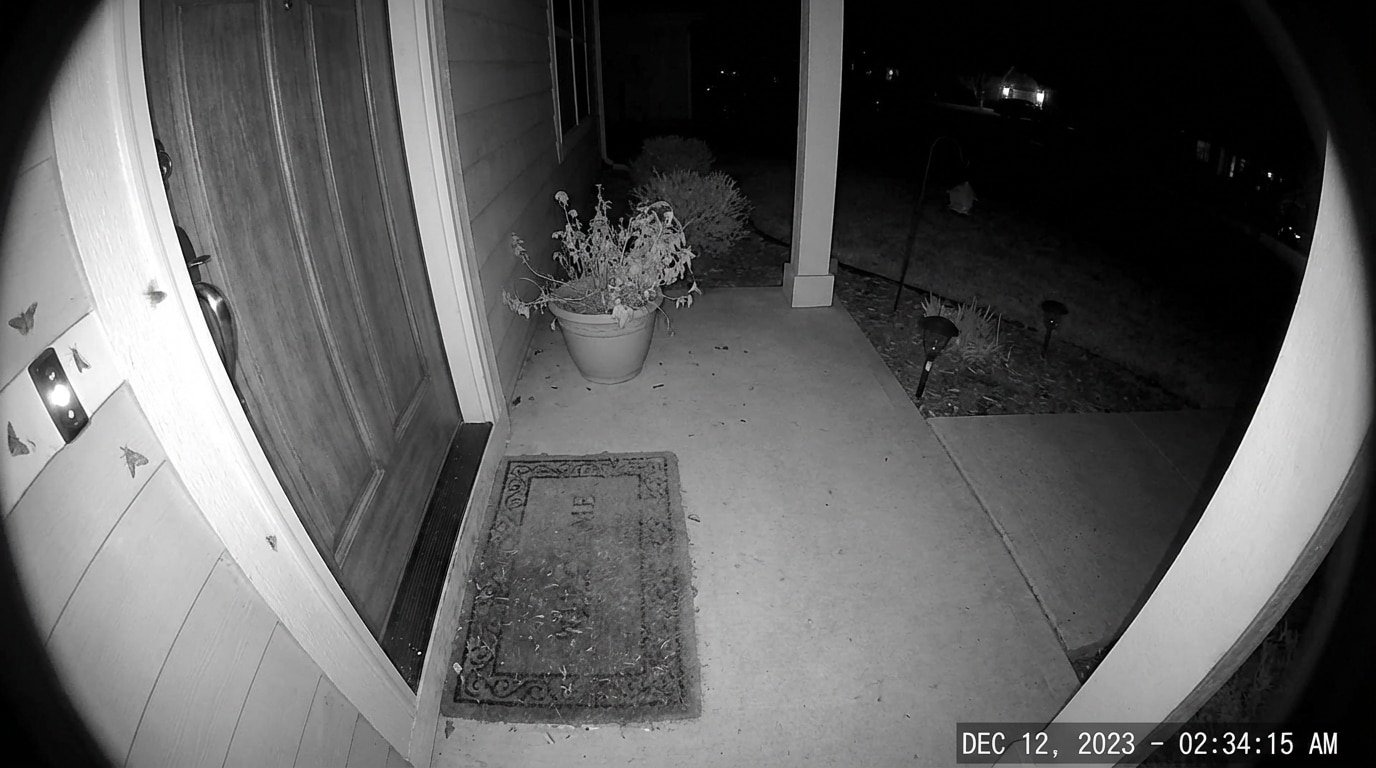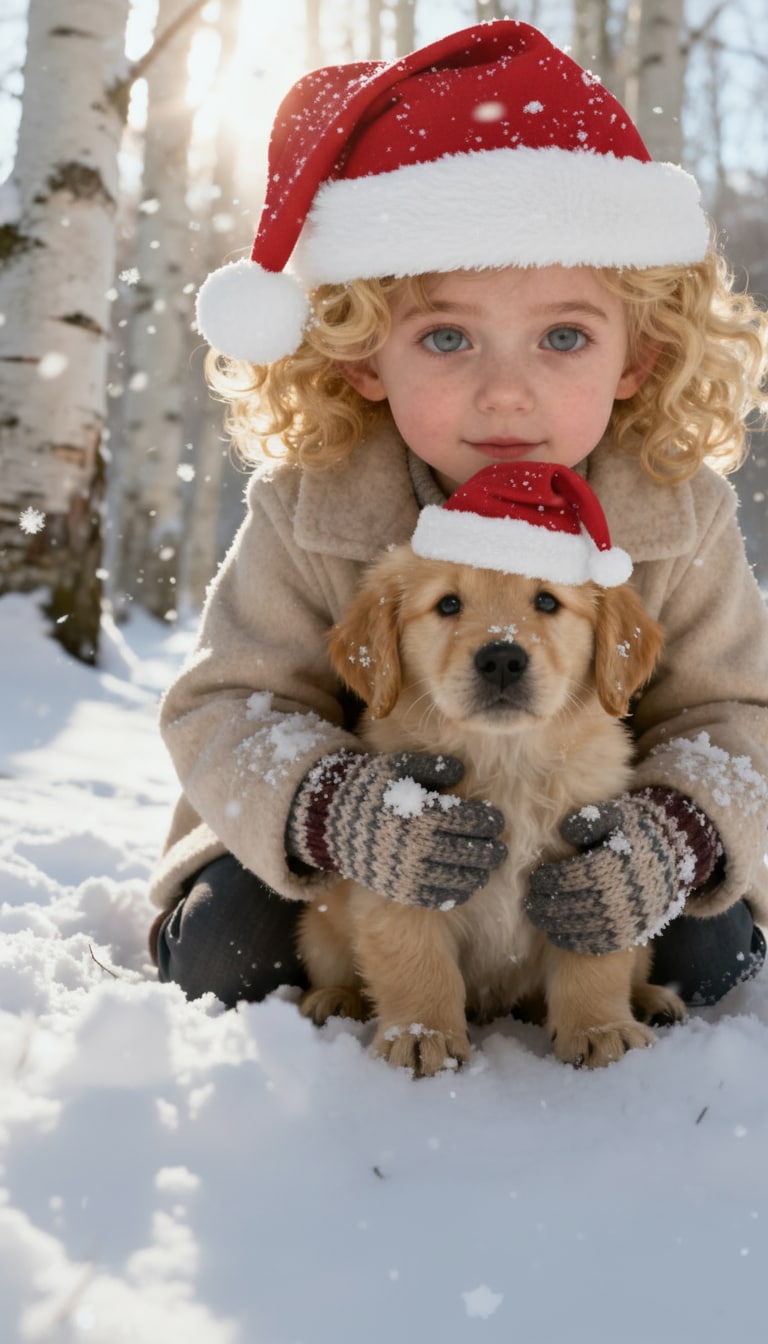
Add Santa Hat to Photo
Instantly add festive Santa hats to portraits and pet photos with AI.
 Nano Banana Pro
 Unlock your creative potential and experience the magic of Media AI right away!














Turn any picture into a festive Christmas photo with Media.io’s AI Santa Photo Editor. Upload your photo and let AI place a realistic Santa Claus beside you — standing next to you, waving, giving presents, or posing for a holiday-style portrait. Powered by advanced AI models, Media.io keeps your face natural while adding a perfectly blended Santa into your scene. Fast, fun, and free to try online — no Photoshop needed.
Create your AI Christmas photo in seconds.
| Santa Claus Scenes | AI Santa Generator Photo Prompts (Copy & Paste) | Before | After | Copy |
|---|---|---|---|---|
|
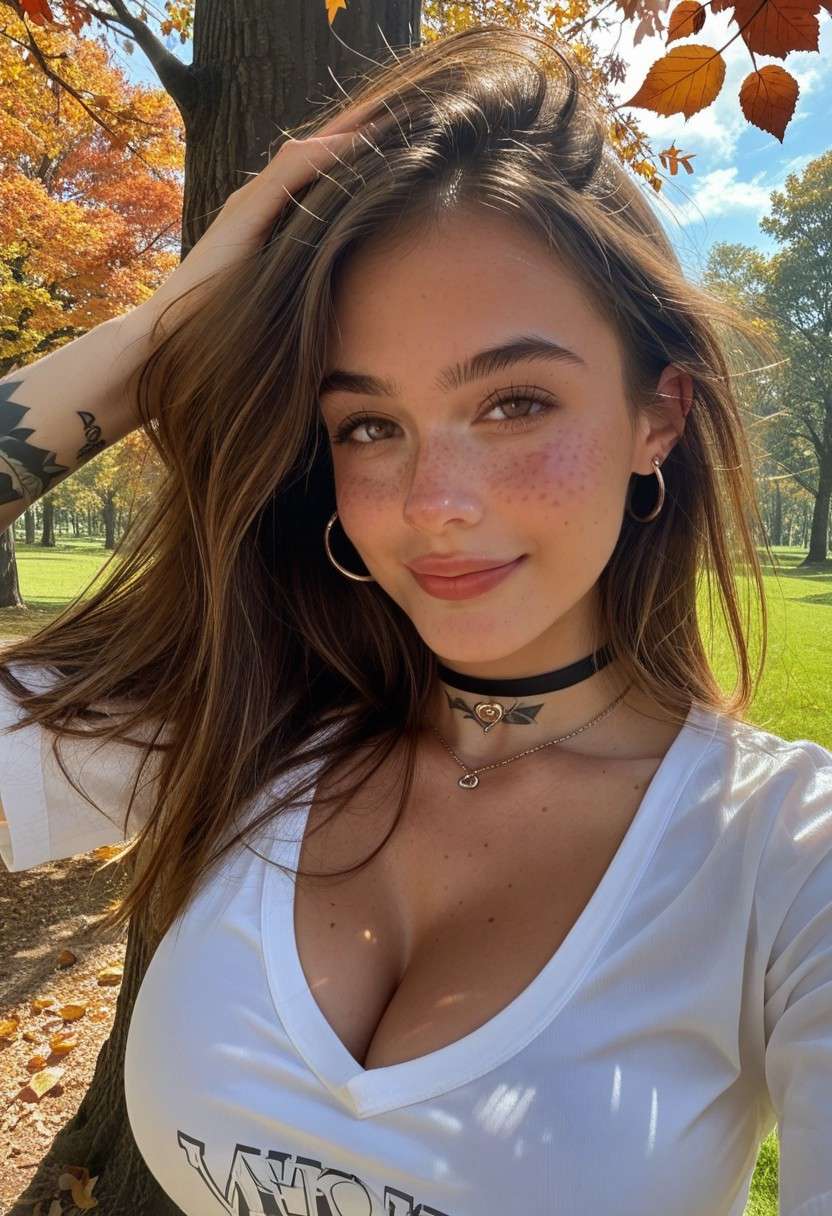
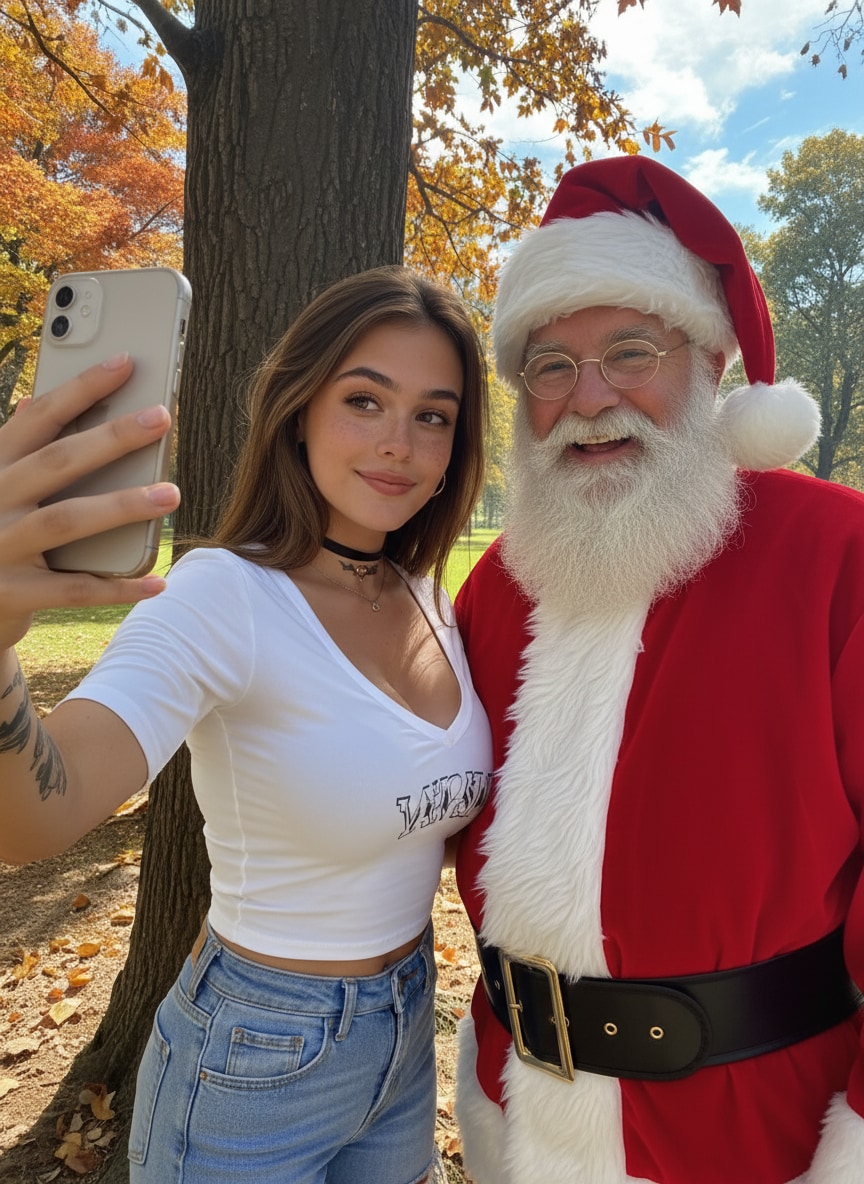
Selfie with Santa
#selfie with santa
#holiday photo
#ai santa claus
|
Take a selfie with Santa Claus. |
|
|
|
|
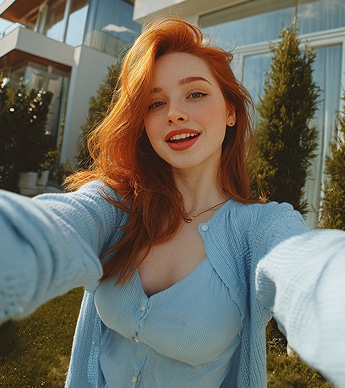
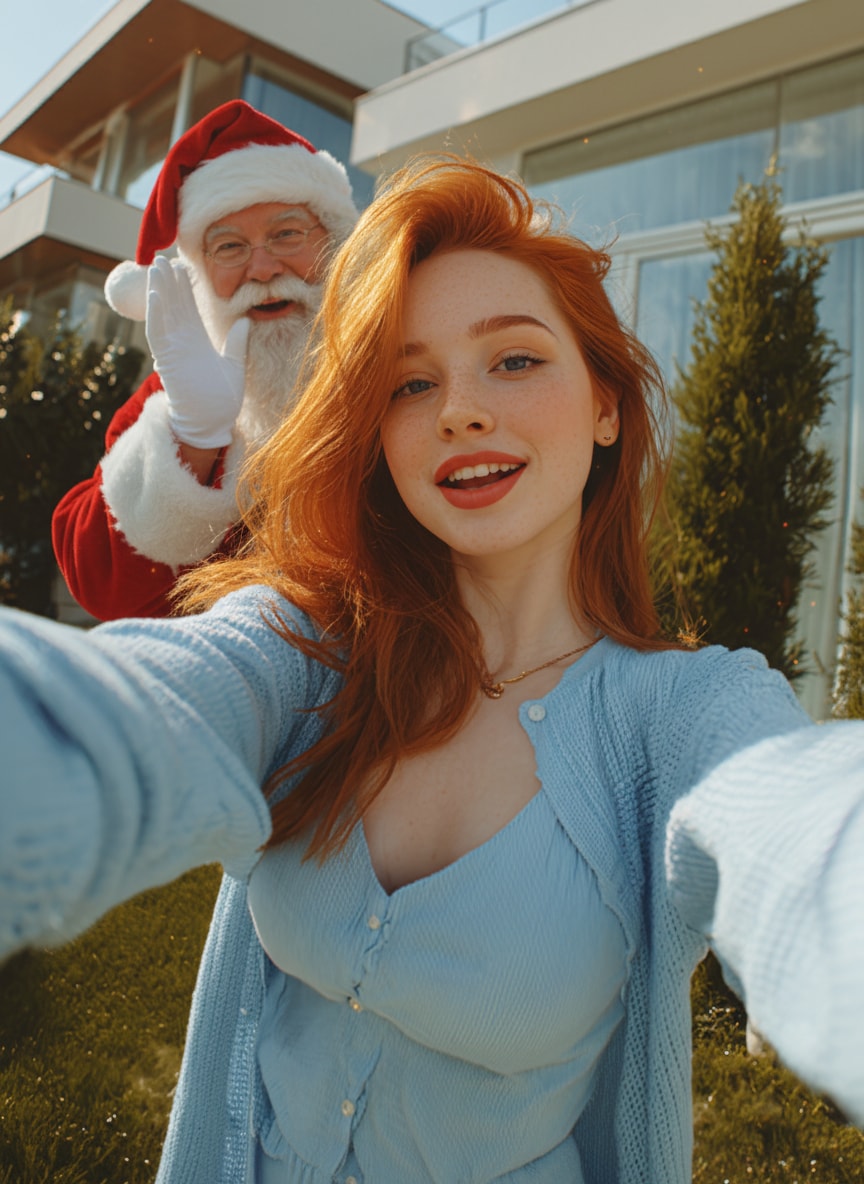
Santa Peeking Behind You
#santawithme
#photobomb
#christmas
|
Place Santa Claus in the background peeking from behind the person in a playful pose, with natural Christmas lighting and realistic color matching so he blends perfectly into the photo. |
|
|
|
|
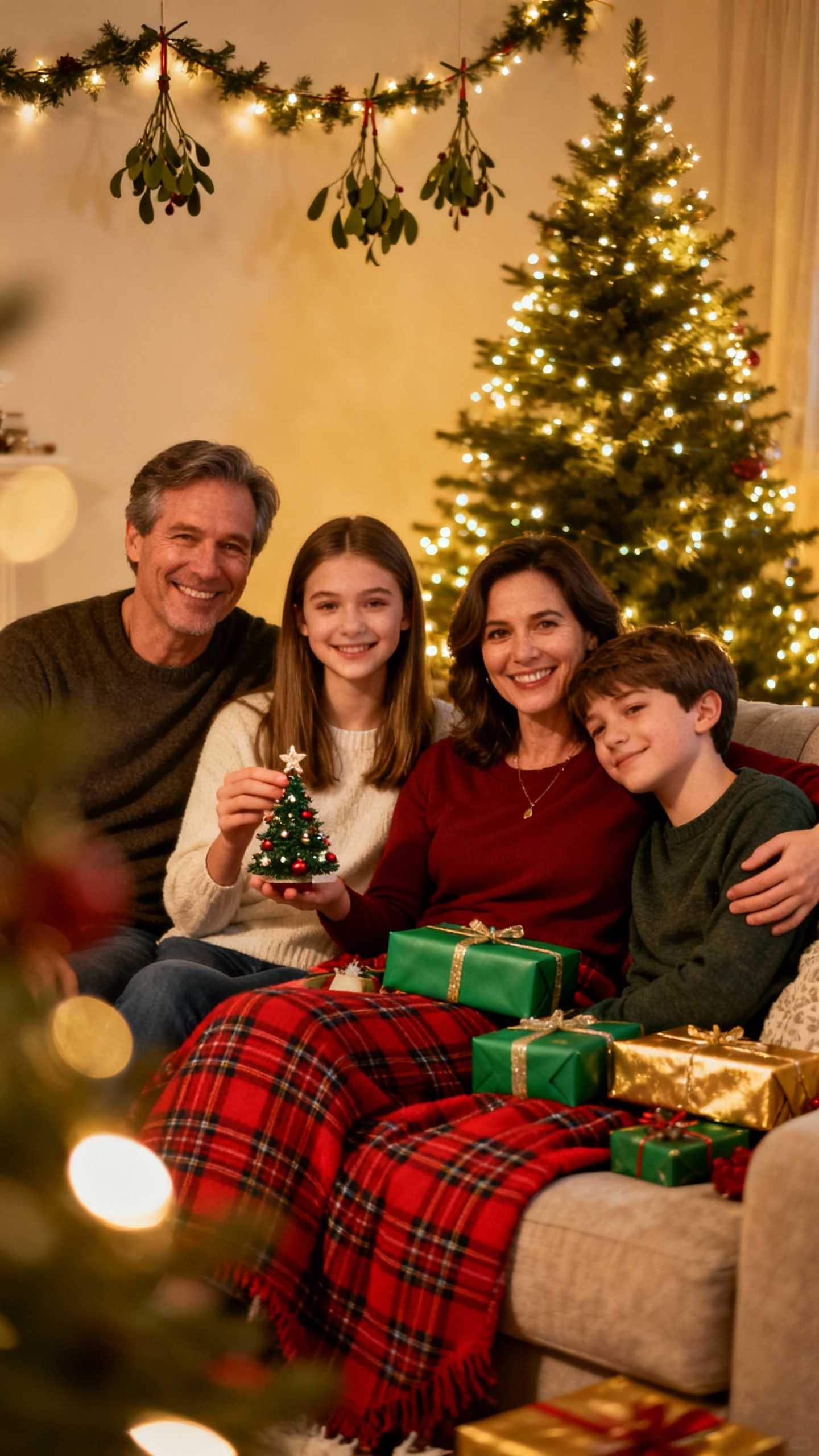
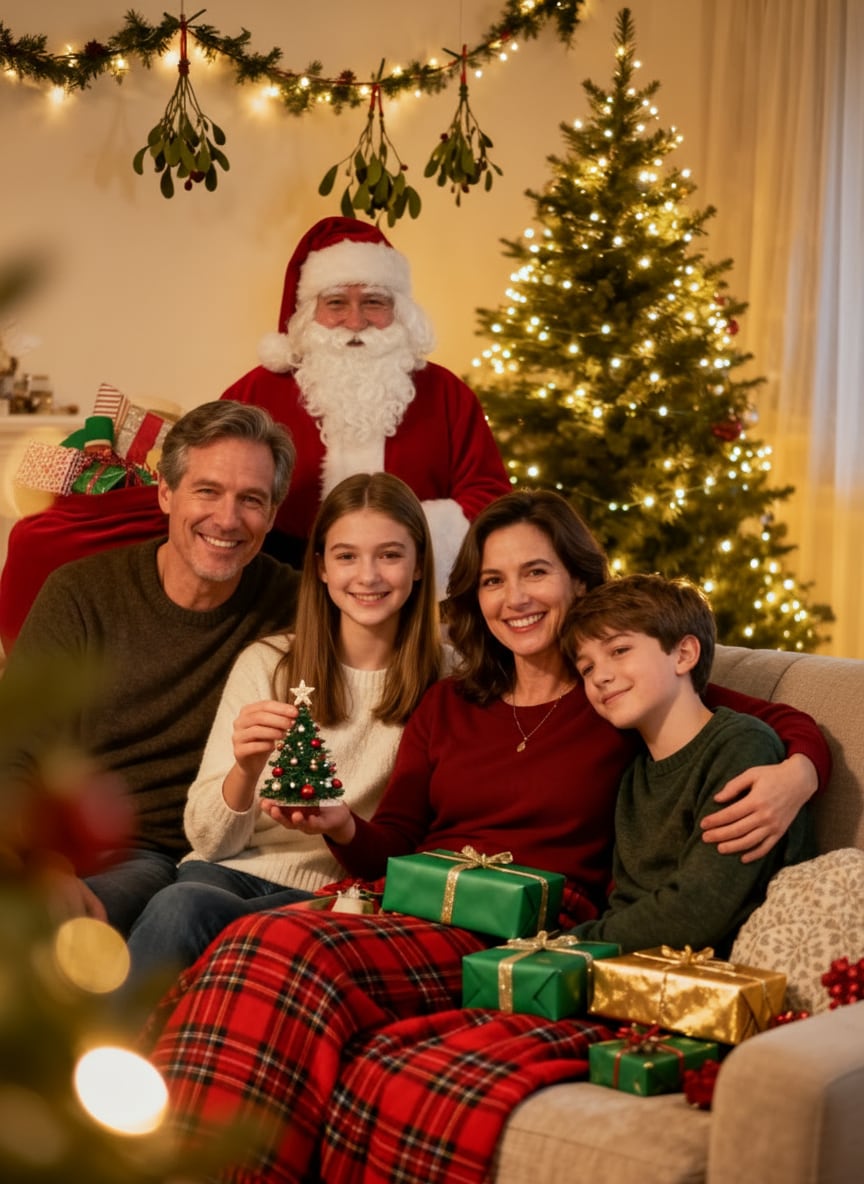
Family Photo with Santa by the Tree
#family photo
#santa clause
#christmas tree
|
Add Santa Claus standing beside the Christmas tree in the background, holding a gift bag, lit by soft yellow Christmas lights, photorealistic style, matching the warm holiday atmosphere of the original family photo. |
|
|
|
|
Santa Putting Gifts Under the Tree
#santa gifts
#santa in living room
#ai santa
|
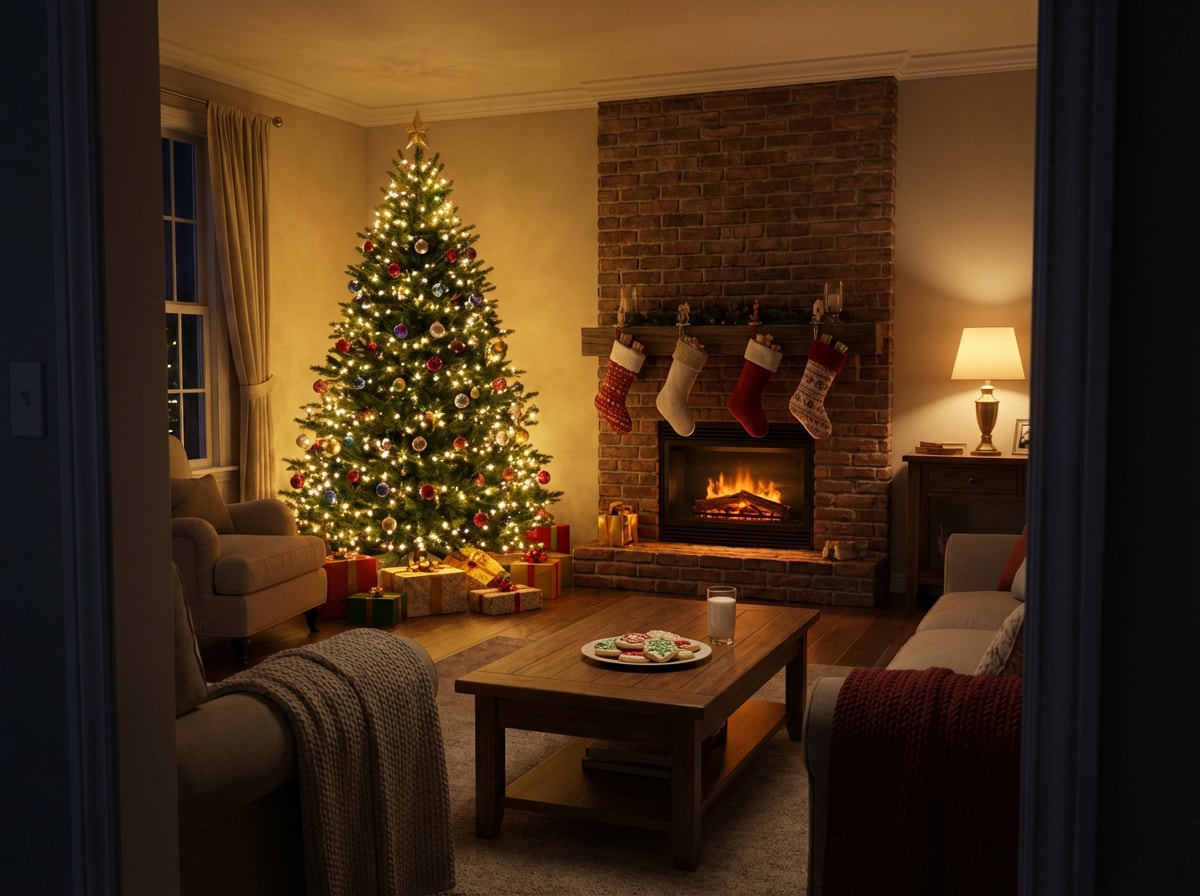
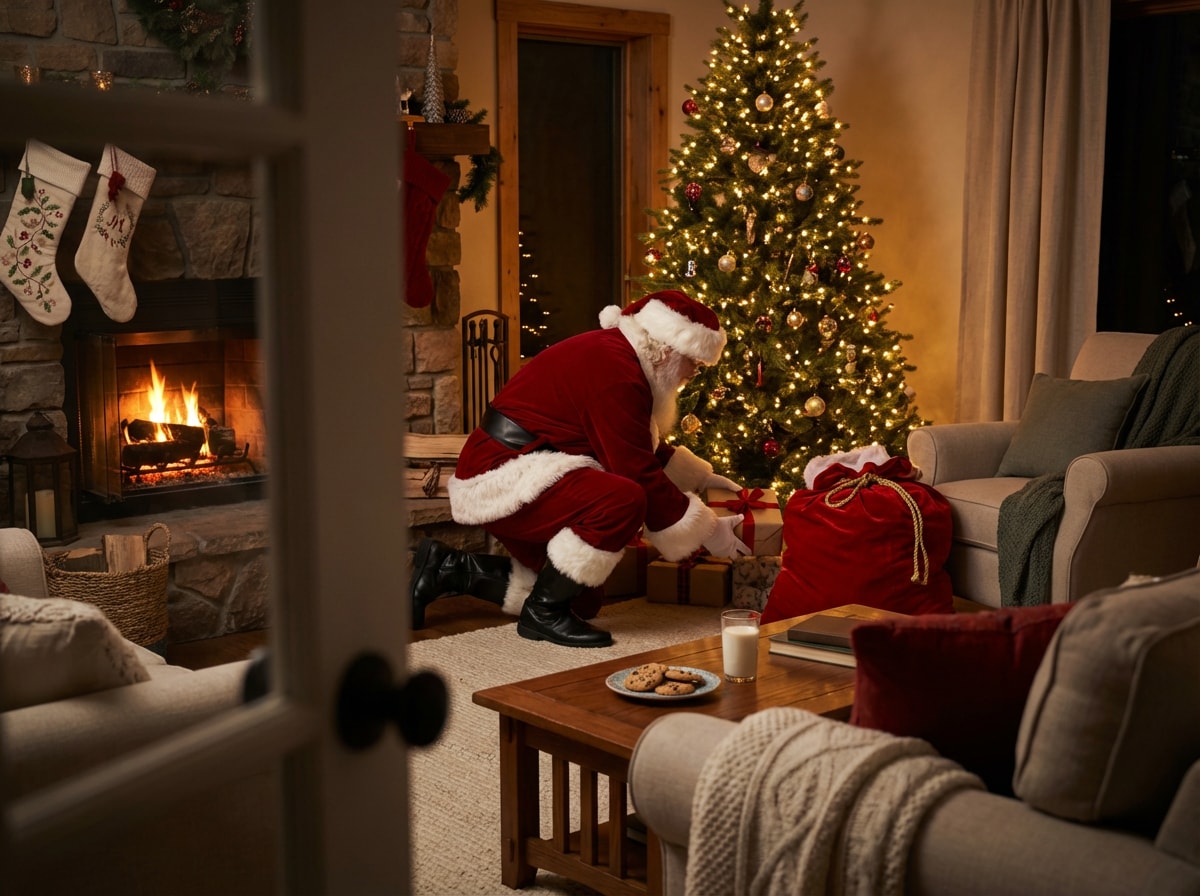
Santa Claus in his traditional red suit with white fur trim is crouched down, carefully placing wrapped presents under the Christmas tree. Warm, cozy indoor lighting and a photorealistic style so he looks naturally part of the living room scene. |
|
|
|
|
Santa Placing the Tree Topper
#tree topper
#santa star
#santa in living room
|
Generate a scene of Santa Claus gently reaching up to place a star on top of a tall Christmas tree. Santa wears his classic red suit, and the room glows with soft, warm Christmas lights, creating a magical, cozy atmosphere. |
|

|
|
|
Santa Admiring the Christmas Tree
#santa smile
#tree decor
#christmas livingroom
|
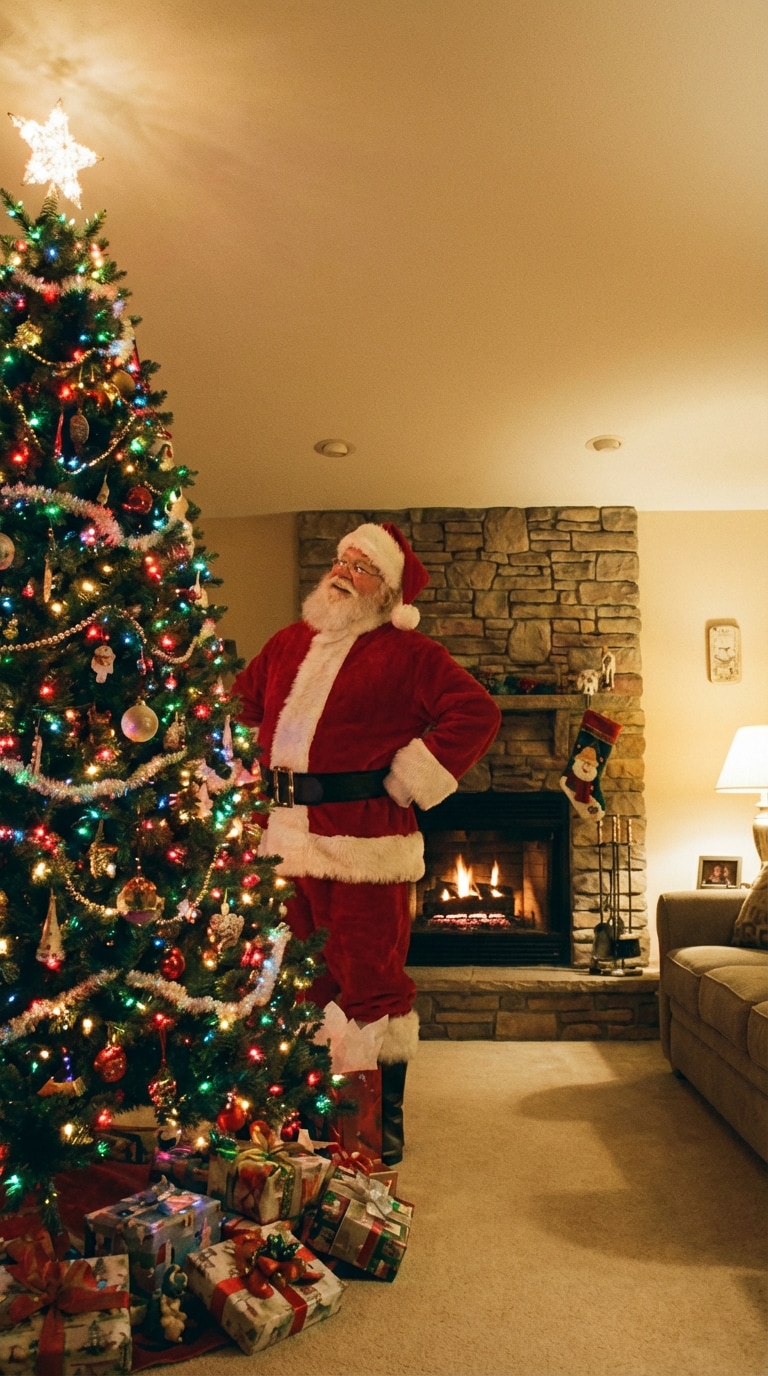
Add Santa Claus standing beside the Christmas tree. Santa in his traditional red suit has his hands on his hips, looking up admiringly at the tree decorations with a warm, proud smile on his face. Cozy living room lighting and a soft, festive mood. |
|
|
|
|
Santa Eating Cookies
#milkandcookies
#santa break
#santa in my house
|
Add Santa Claus sitting in the armchair near the Christmas tree. Santa in his traditional red suit is holding a glass of milk in one hand and a cookie in the other, with cookie crumbs on his white beard, smiling contentedly after delivering gifts. |
|

|
|
|
Santa Playing with My Pet
#santa pet
#pet photo
#santa selfie with pet
|
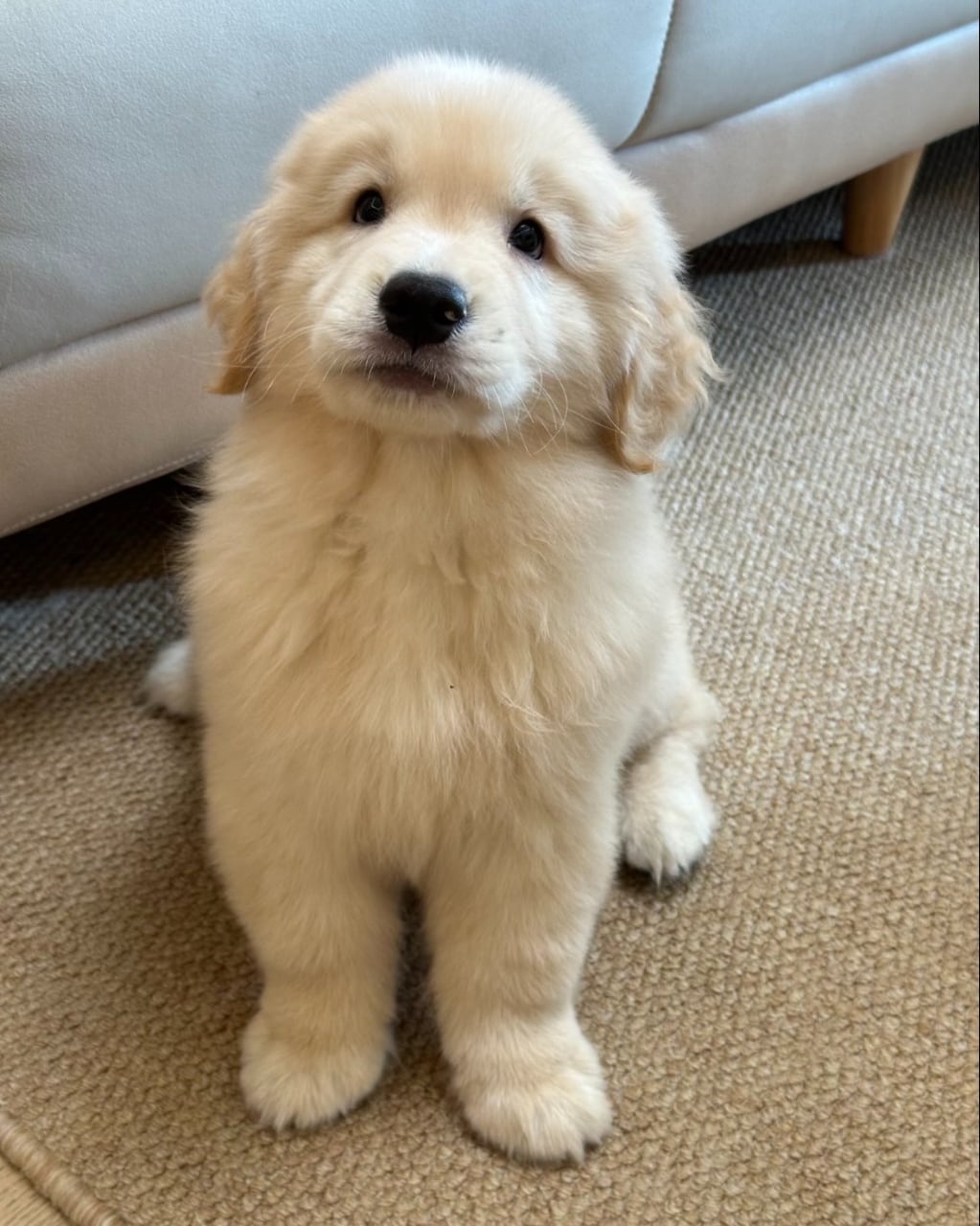
Generate a scene of Santa Claus playing with my pet in the living room. Santa in his classic red suit is kneeling or sitting near the Christmas tree, gently petting or playing with the animal, with warm holiday lights and a cozy, joyful atmosphere. |
|

|
|
|
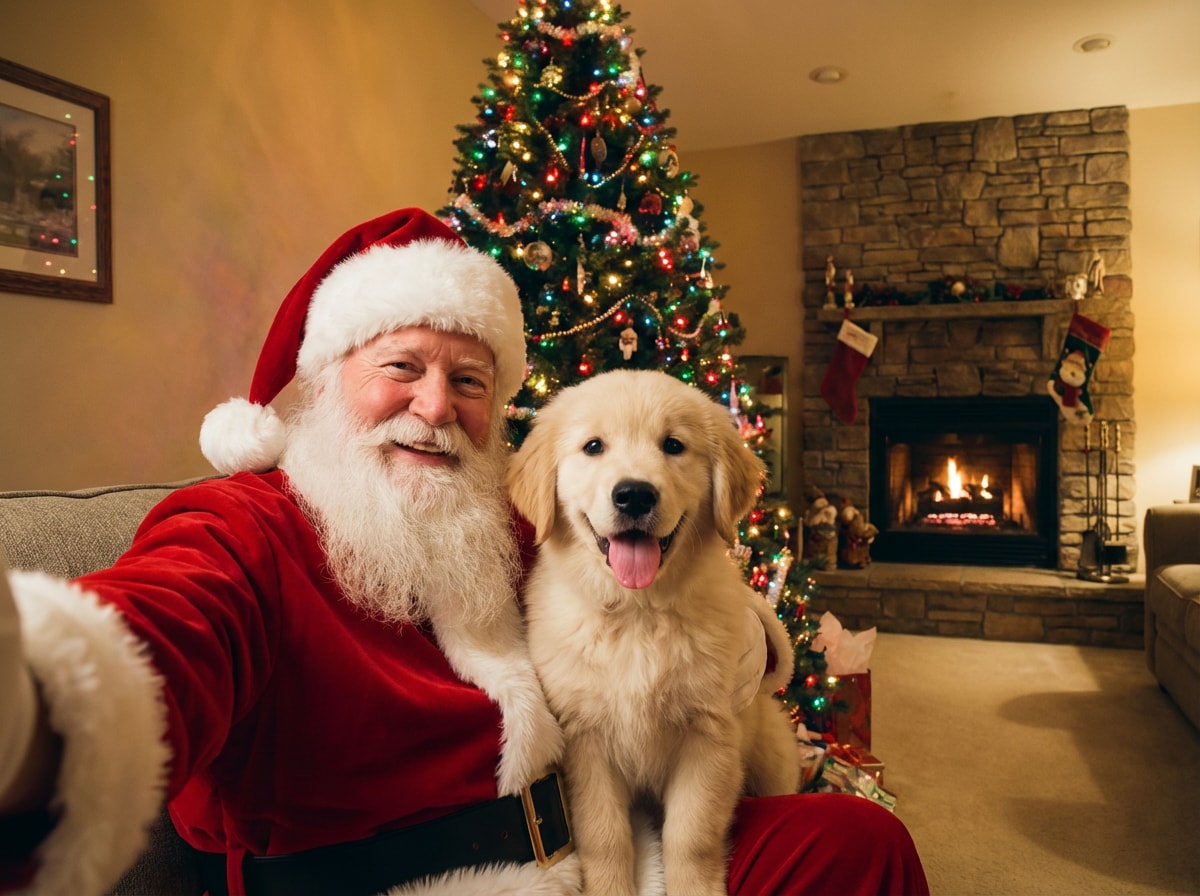
Santa Selfie with My Dog
#santadogselfie
#petselfie
#holidayfun
|
Selfie-perspective photo of Santa Claus taking a picture with my dog. Santa holds a smartphone in his outstretched hand, smiling warmly at the camera. The dog is looking at the camera with a happy expression, tongue possibly out, sitting on Santa's lap or close beside him in the living room. |
|
|
Instantly add festive Santa hats to portraits and pet photos with AI.
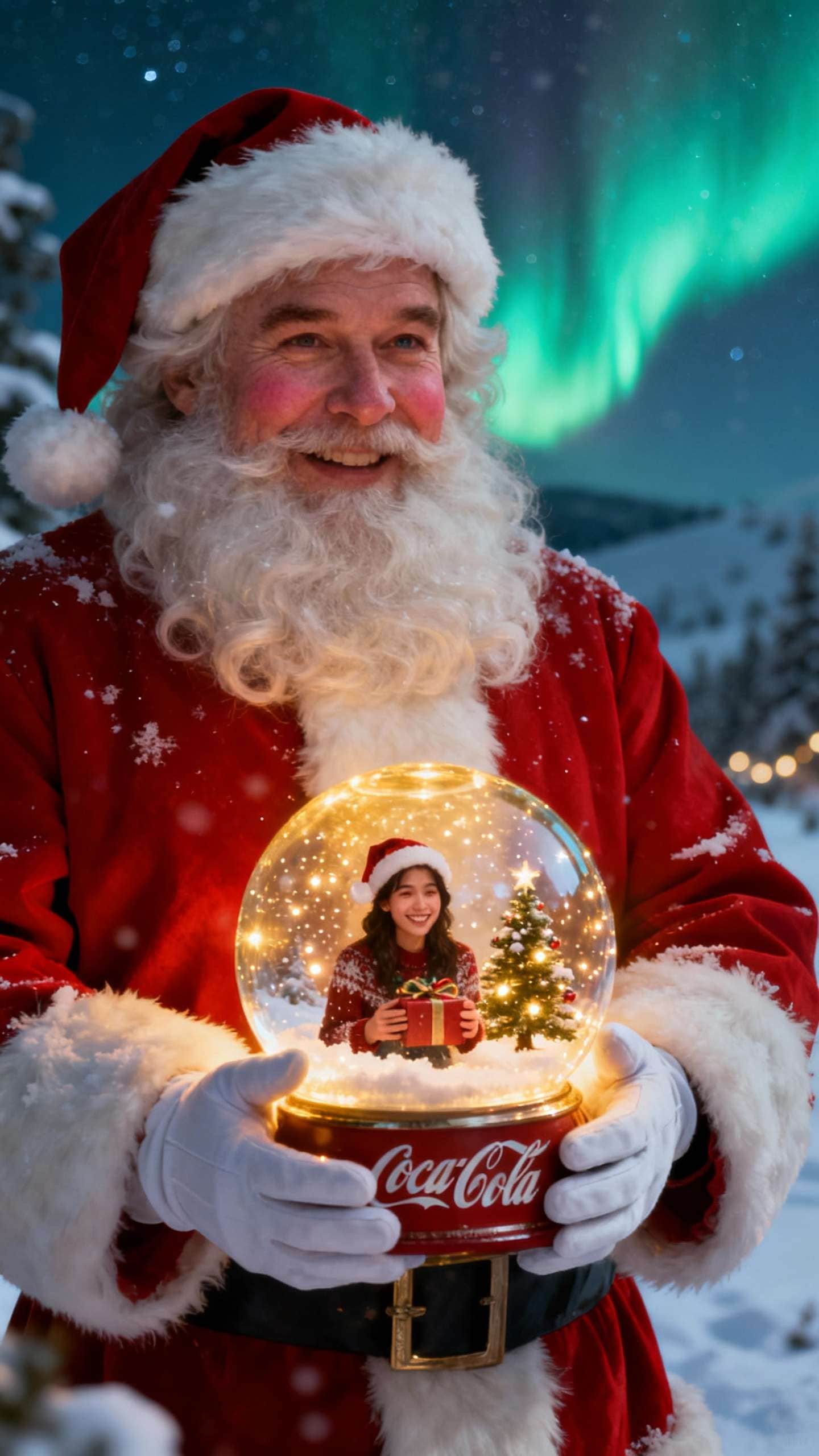
Wrap your photo in a magical snow globe scene for instant holiday vibes.
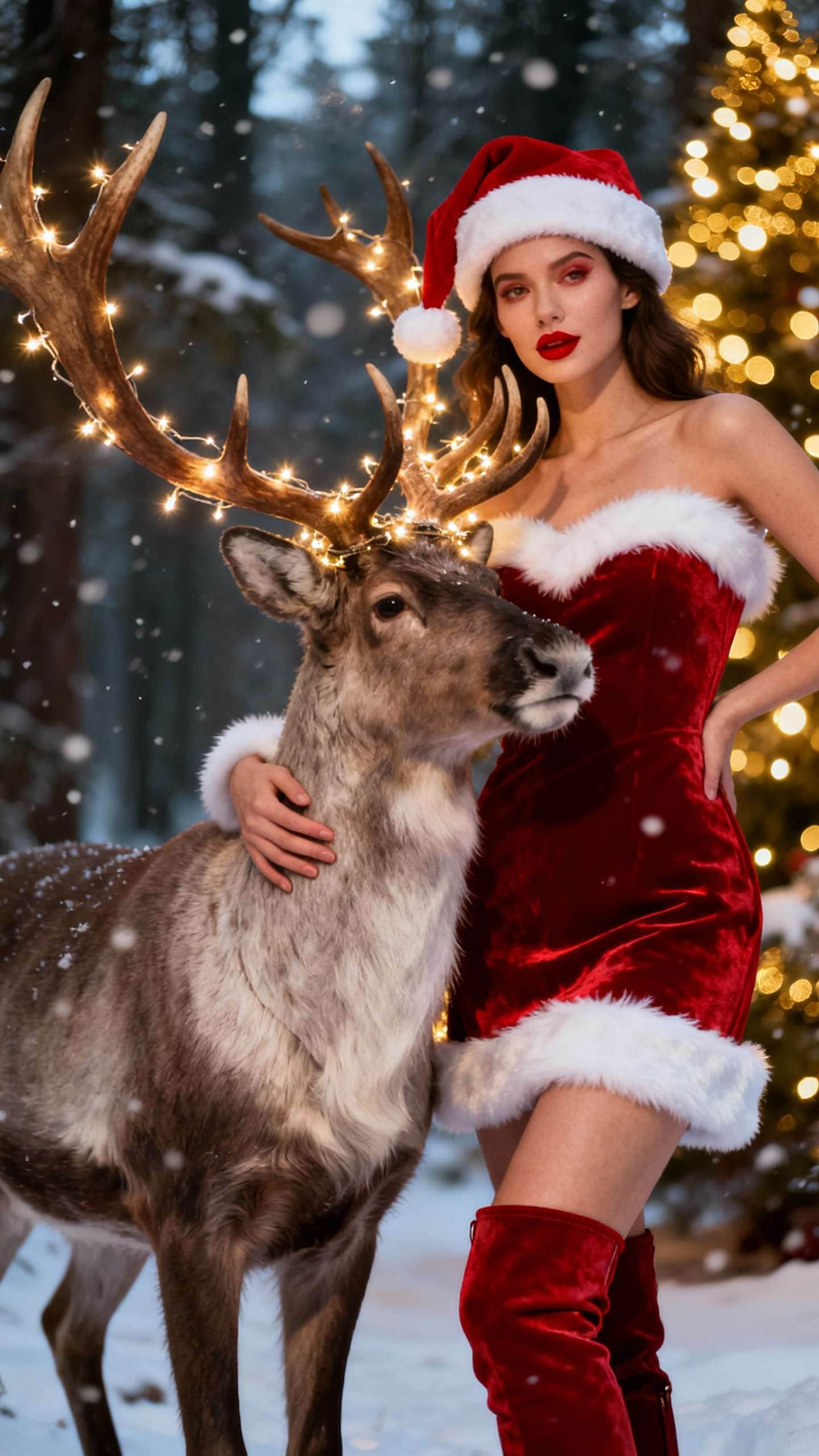
Turn yourself or your friends into festive reindeer with one click.
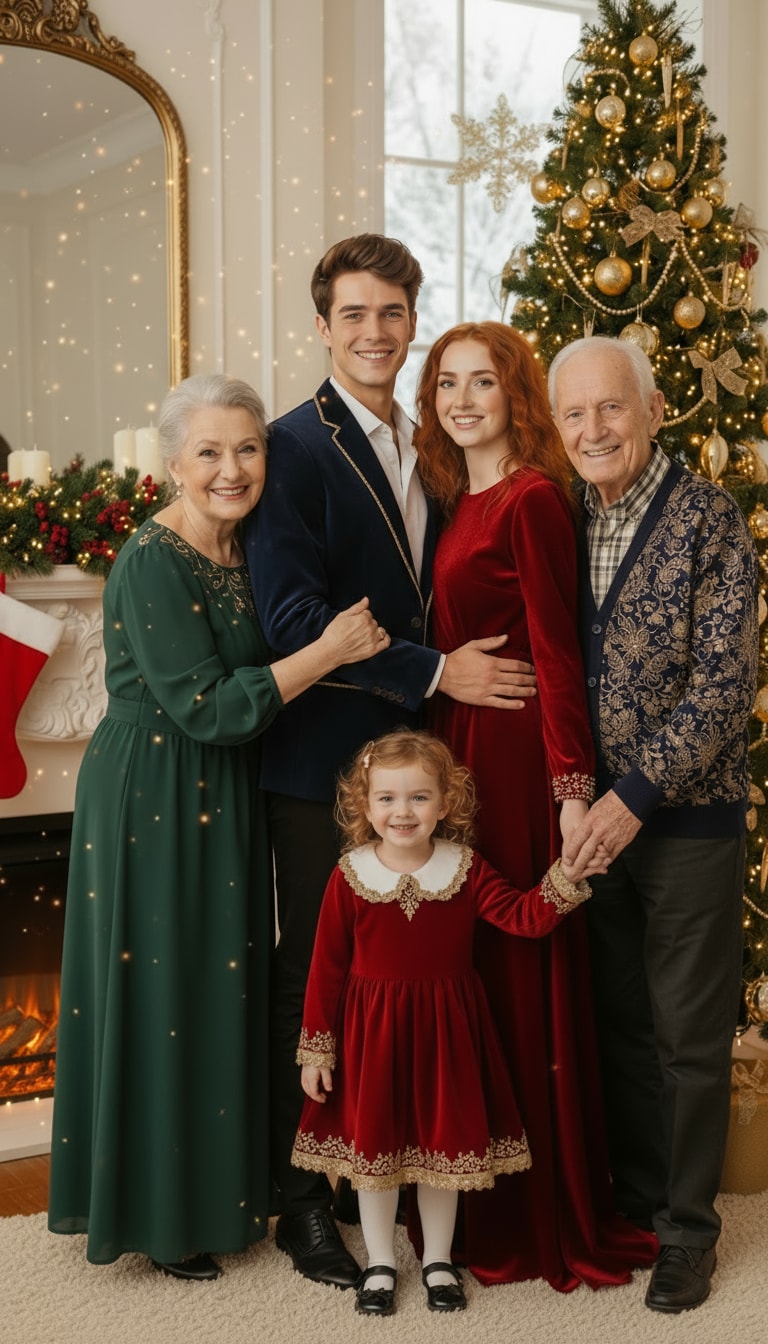
Generate cozy Christmas scenes from any photo using AI prompts.
Upload a photo or frame from your living room, hallway, or doorbell camera and let Media.io create a hyper-realistic “Santa caught in my house” video that feels like real footage. 👉 Generate Santa in My House Video
Perfect for surprising kids, sharing with family, and going viral this Christmas.
Go to Media.io AI Image-to-Image and upload the picture where you want Santa to appear — a selfie, family photo, or group shot. Everything works directly in your browser, with no app or software needed, and you can start instantly with free daily credits.
Copy one of the ready-made “Add Santa to photo” prompts — like Santa peeking from behind you, a selfie with Santa, or Santa standing by the Christmas tree. Paste it into the prompt box and tweak any details such as pose, lighting, or background if you want a specific vibe.
Click Generate and let the AI place Santa into your photo with realistic lighting and color matching. If Santa’s pose or position isn’t perfect, adjust the prompt and regenerate. Once you love the result, download your AI Santa photo and share it on social media, use it as a Christmas card, or send it to friends for a fun holiday surprise.

Holiday Content Creator

“My selfie literally looks like Santa photobombed me IRL.” I used the Santa photobomb prompt and it added such a funny Santa peeking behind me—perfect lighting, perfect shadows. It looks like an actual holiday picture, not AI. My followers thought it was real!

Dad • Holiday Card Enthusiast
“This saved our Christmas card this year.” We didn’t have a single festive family photo, but the Add Santa to Photo tool placed Santa perfectly beside our tree. The lighting matched so well no one could tell it was edited.

Pet Photographer
“Santa with my pets… without the chaos.” My pets would NEVER sit still for a real Santa photo. The AI added Santa next to them with perfect proportions and shadows — my clients loved the results for their holiday posts.

Small Business Owner
“A fast way to make our holiday campaign feel magical.” I added Santa into our behind-the-scenes team photos for our December promo. The AI kept everyone’s faces and lighting intact, but added just the right amount of Christmas magic. Zero editing needed.
The “Add Santa to Photo” tool uses artificial intelligence to place a realistic Santa Claus into any picture you upload. The AI automatically matches lighting, colors, perspective, and shadows so Santa looks naturally blended into your photo — perfect for fun Christmas edits, holiday cards, and social media posts.
It’s easy: upload your photo to Media.io, choose or paste a Santa prompt from this page, and click Generate. The AI instantly inserts Santa beside you, behind you, or near your Christmas tree — no manual editing or Photoshop skills required.
No. You can upload any indoor or outdoor photo — even a simple everyday selfie. The AI adjusts Santa’s position, lighting, and shadows to match your original scene so the final image still looks natural, even if there’s no Christmas decor in the background.
Yes. The AI only adds Santa into your existing scene. Your face, body, and original background remain the same, so the final result still looks like your real photo — just with Santa Claus added seamlessly into the frame.
Yes. Media.io offers free daily credits, so you can try the AI Santa feature without paying or downloading anything. Just upload a photo, generate the effect, and download your Santa picture instantly. Upgrade later if you want more edits or higher resolutions.
 4.7 (162,357 Votes)