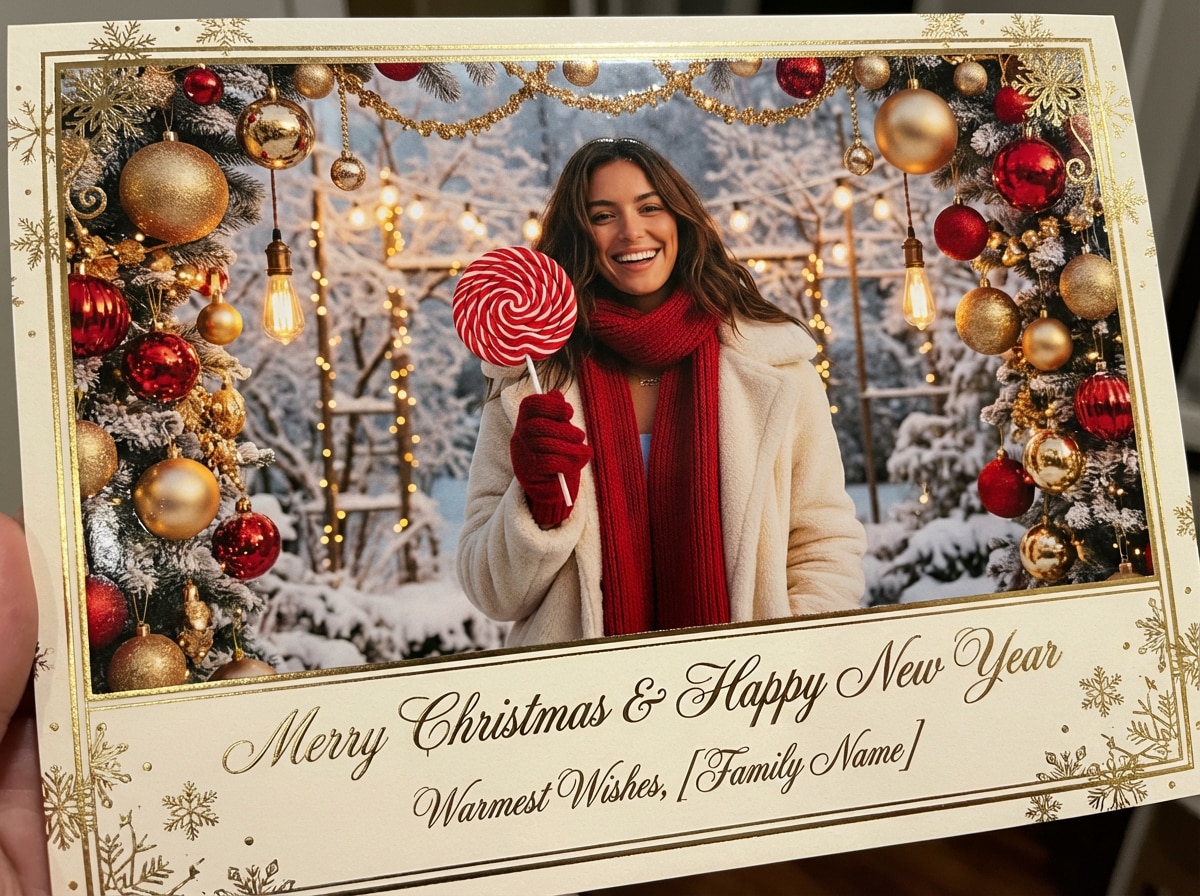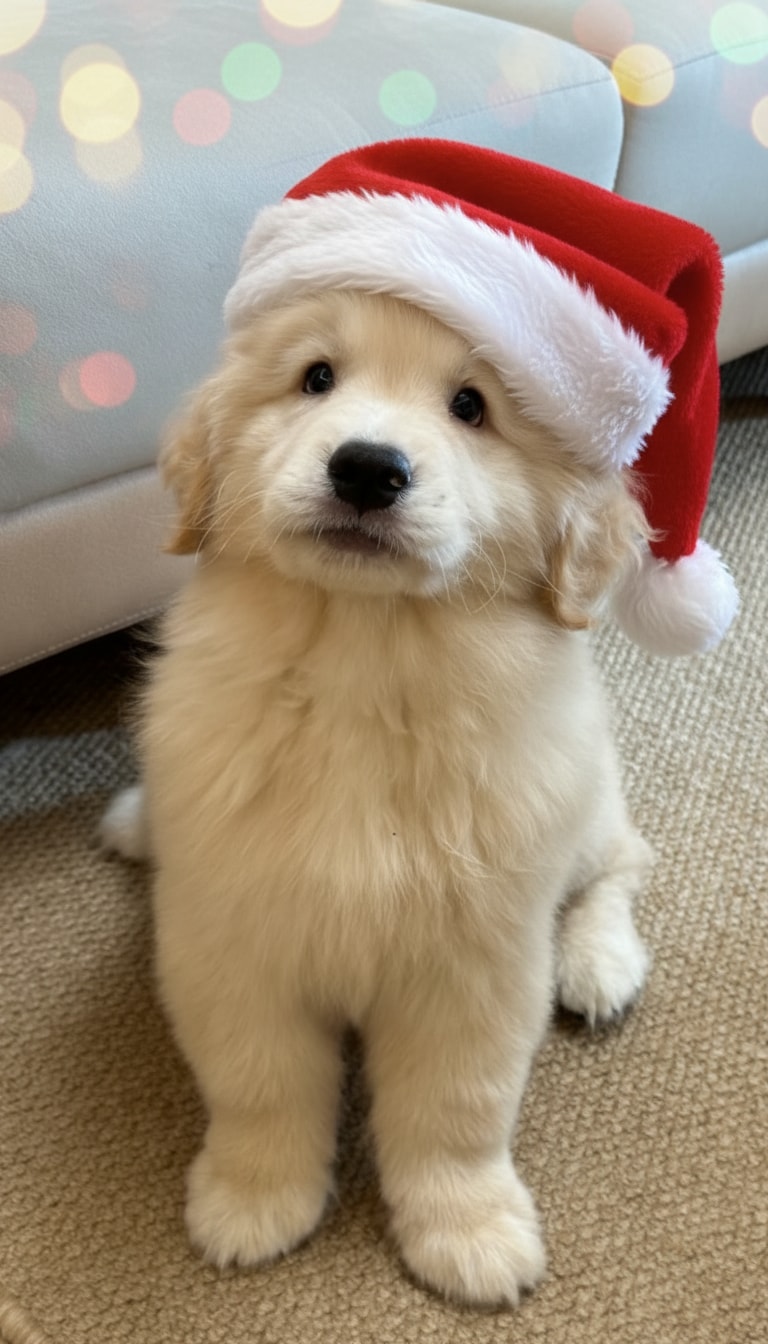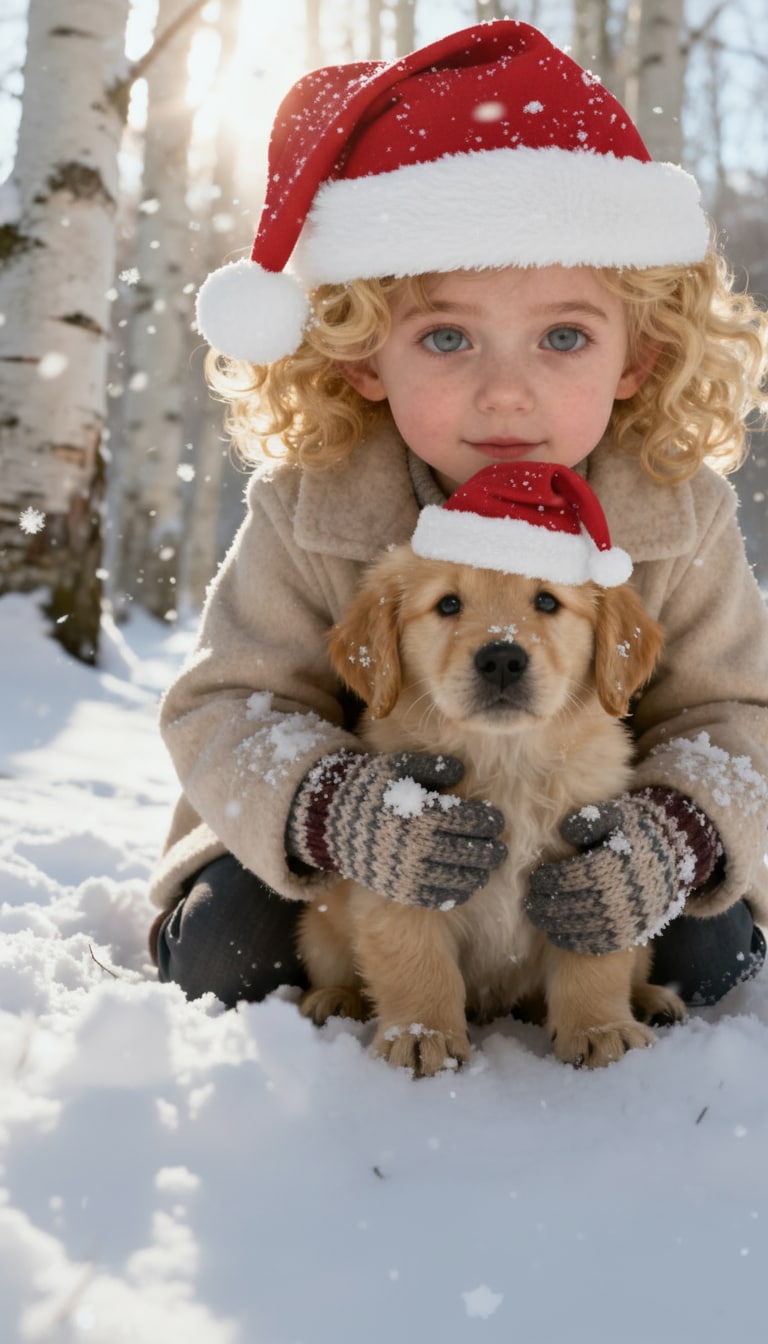
Add Santa Hat to Photo
Instantly add festive Santa hats to portraits and pet photos with AI.
 Seedance 2.5
 Unlock your creative potential and experience the magic of Media AI right away!














Join the viral "Santa caught on doorbell camera" trend with AI! Turn your Ring, Nest, or home security footage into a magical Christmas moment. With Media.io’s AI Santa Video Generator, you can create a realistic “Santa caught on camera” clip in seconds—fun, believable, and completely kid-friendly, with no editing skills or apps required. Just upload a frame or screenshot from your security camera, then copy one of the ready-made prompts below to generate your own "Santa in My house" video instantly.
Powered by Sora2, Veo3, Kling & Hailuo.
| Santa Scenario | AI Santa Doorbell Camera Video Prompts | Preview | Copy |
|---|---|---|---|
|
Caught Santa in Living Room
Santa Prank
Cookie Snack
Ultra Realistic
|
A realistic jolly Santa Claus as a real elderly man with long white beard and hair, round wire-frame glasses, kind blue eyes, rosy cheeks, warm smile, in classic red velvet suit with genuine white fur trim, soft fabric texture, black leather belt with gold buckle, red hat with white pom-pom, black boots, enters quickly and stably from the right side of frame walking quietly towards the table (no camera shake), reaches the table precisely, picks up a gingerbread man cookie with natural hand movement, turns to face the camera directly and stays facing forward, then naturally eats the cookie while facing forward (casual bite, chew realistically, small crumbs falling, subtle satisfied expression and nod, like enjoying a private snack). Ultra realistic human skin, hair and fabric details, seamlessly blended into warm room lighting, stable smooth motion without jitter or instability, high detail, photorealistic, static camera focused on table action |
Create! | |
|
Santa Waves + Shhh
Caught on Camera
Porch Night
Front Door Santa
|
Add a realistic Santa walking toward the doorbell camera with a gift bag. When he reaches the door, he glances up at the camera, smiles warmly, and gives a gentle “shhh” gesture. Match the lighting, shadows, porch atmosphere, and camera angle of the uploaded doorbell image for a natural, night-security-camera look. |
||
|
Santa Checks His List
Put Santa on Doorbell
Santa in My House
Security Camera
|
Generate a realistic Santa appearing on the porch, glancing around as if making sure no one is watching. He pulls out a small list, checks it briefly, nods, then looks toward the doorbell camera for a moment before continuing. Match the exact lighting, grain, night shadows, and camera perspective of the uploaded doorbell photo. |
||
|
Santa Placing Gifts at the Door
Gift Drop
Santa at My Door
Security Cam
|
Create a realistic video of Santa quietly placing wrapped gifts on the doorstep. After setting the presents down, he pauses for a second as if listening, then gently adjusts a gift before standing back up. Match the uploaded doorbell camera image’s lighting, night porch angle, grain, and soft shadow details for a natural security-camera look. |
||
|
Santa Leaving After Delivering Gifts
Exit Shot
Night Porch
Santa Ring Bell Cam
|
Add Santa walking away from the porch after delivering presents. As he steps off the doorstep, he turns slightly toward the doorbell camera and gives a small, warm wave before continuing down the walkway. Match the night lighting, shadows, and doorbell camera angle from the uploaded image to make the clip look authentically recorded. |
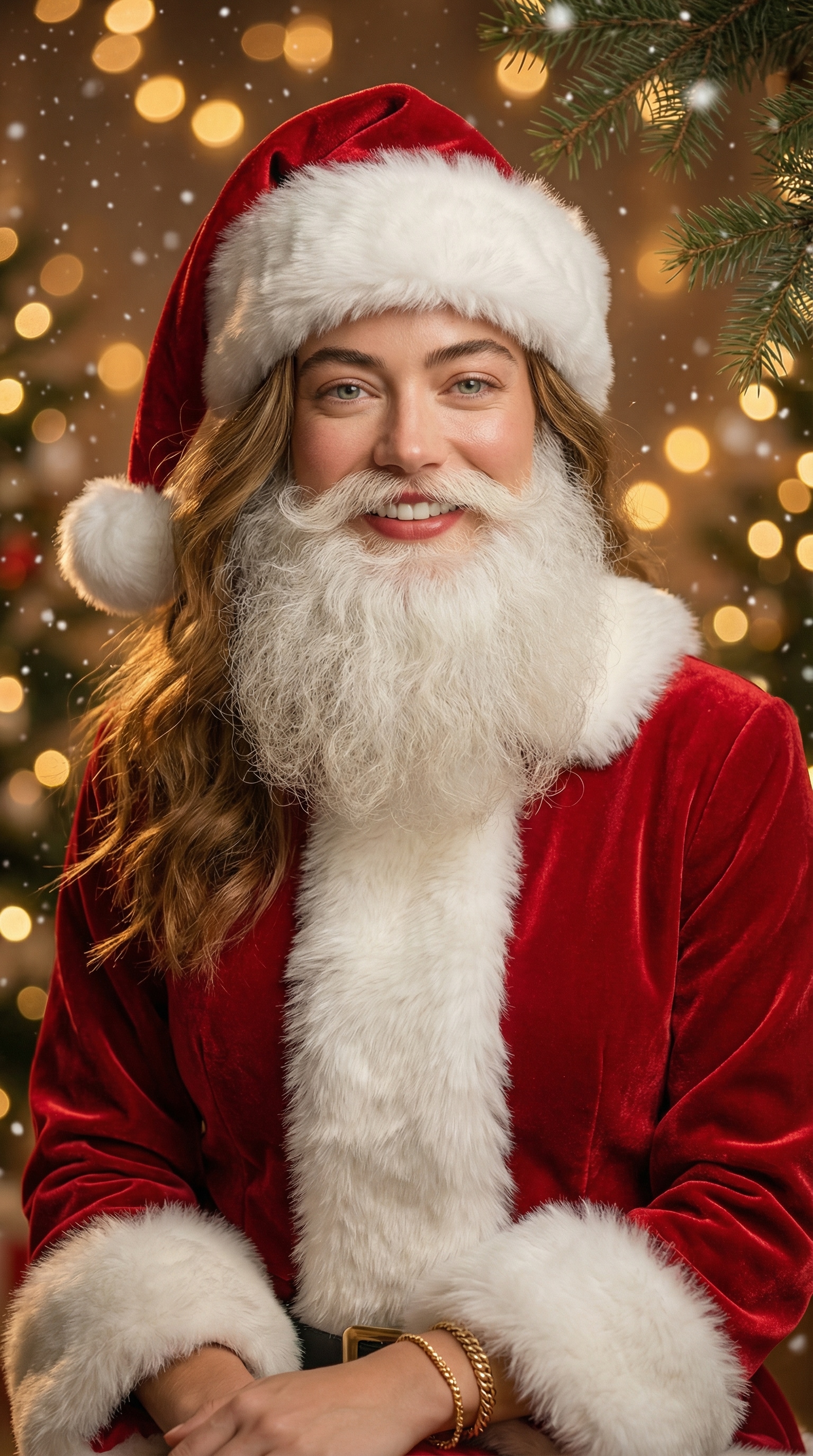
Instantly add festive Santa hats to portraits and pet photos with AI.
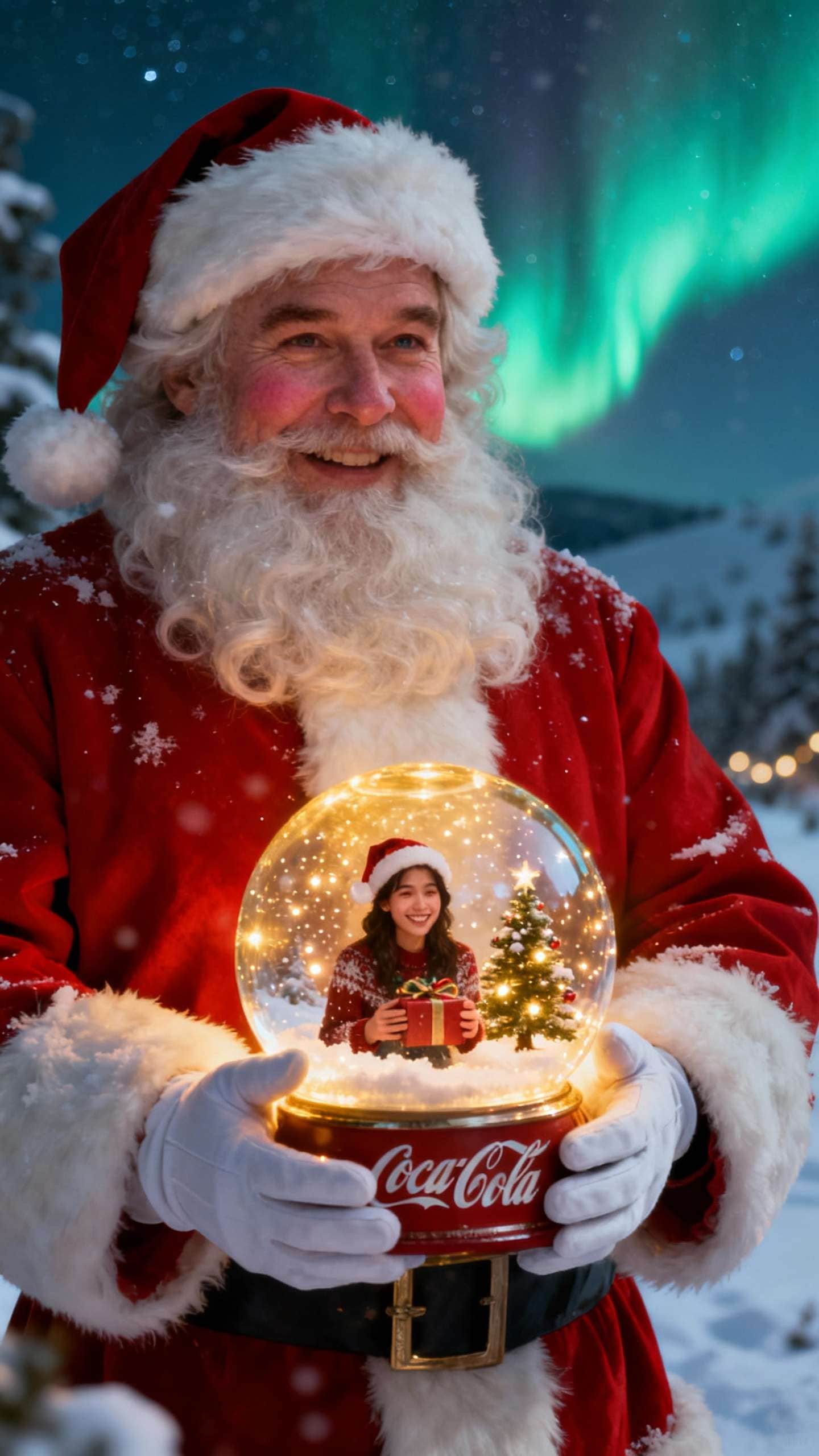
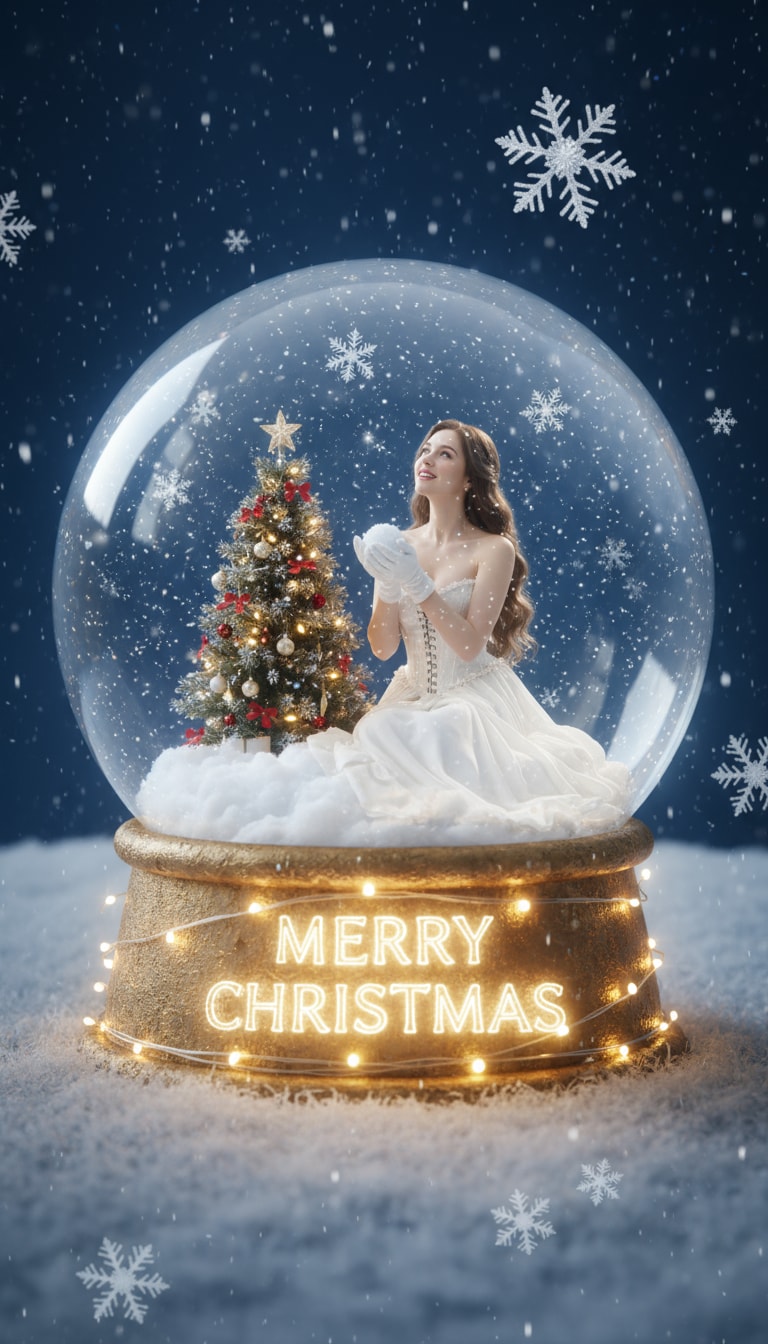
Wrap your photo in a magical snow globe scene for instant holiday vibes.
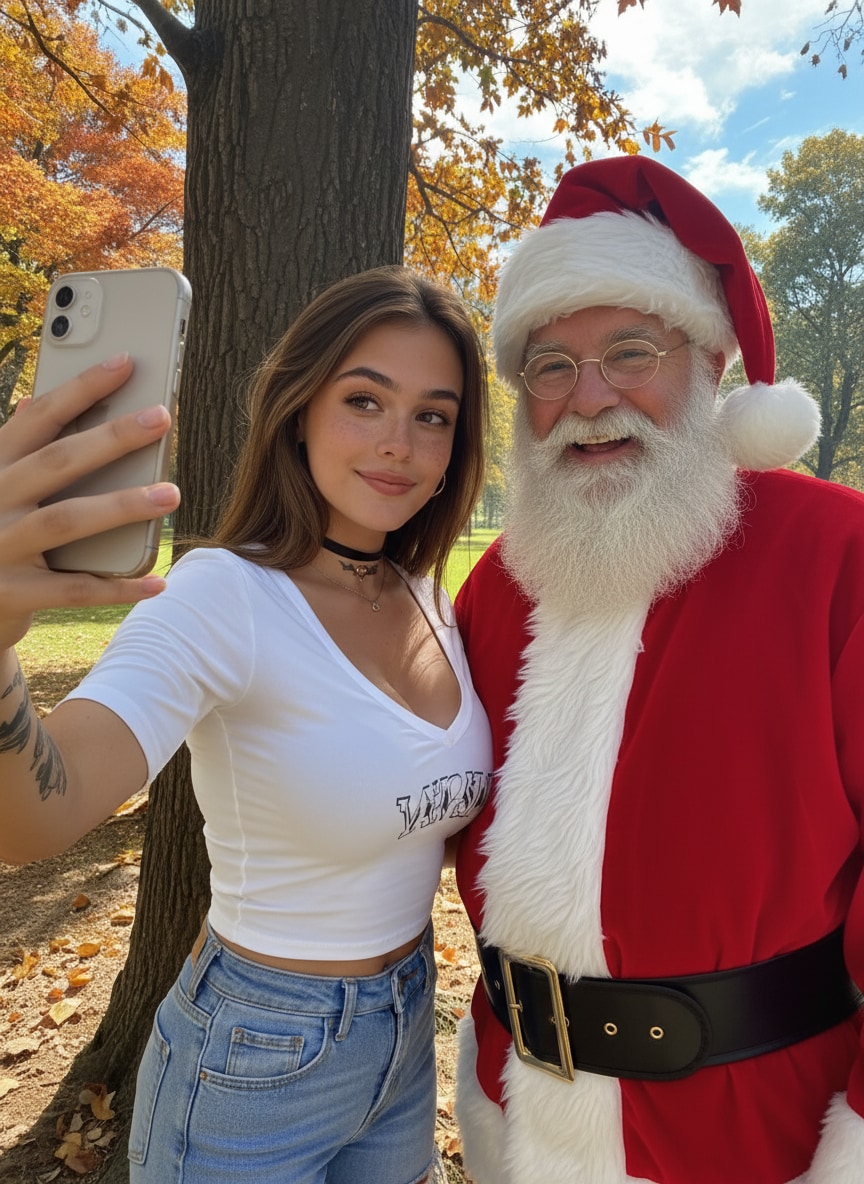
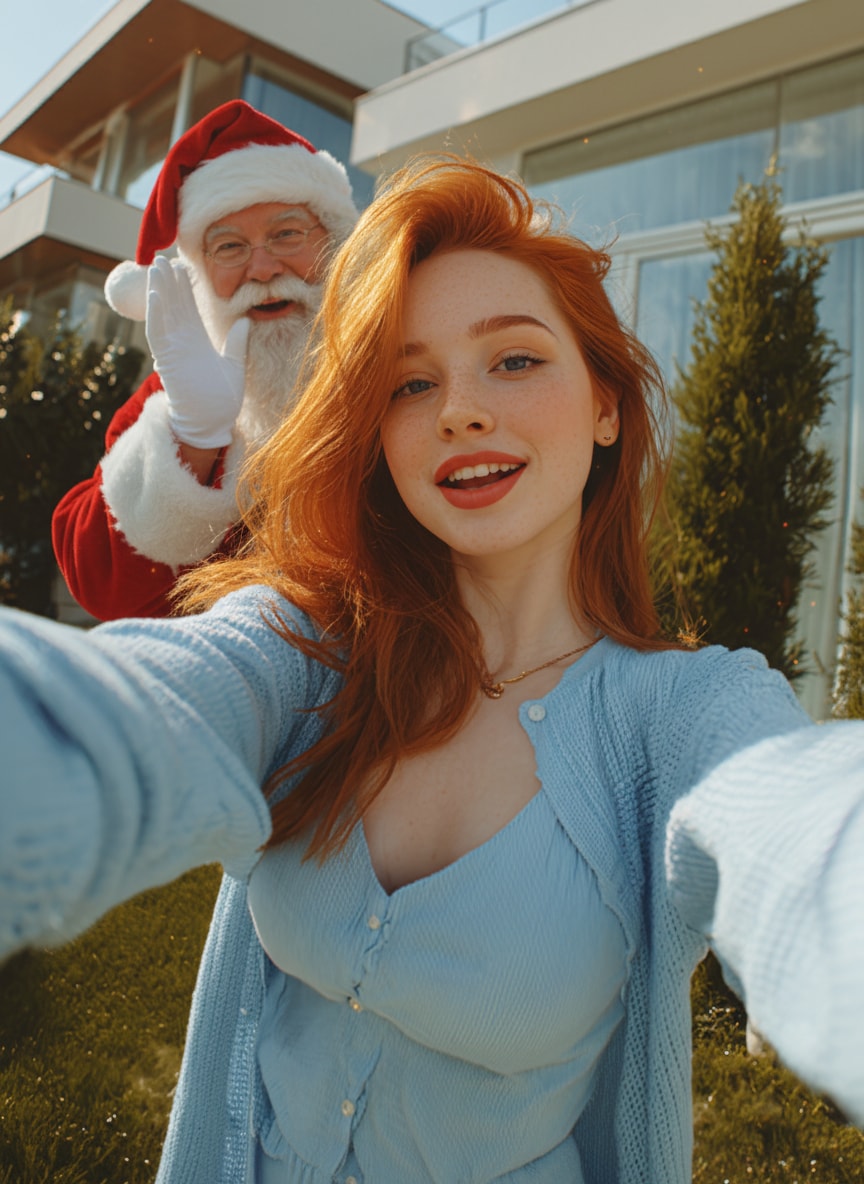
Add Santa Claus to your selfie, house, group picture with AI!
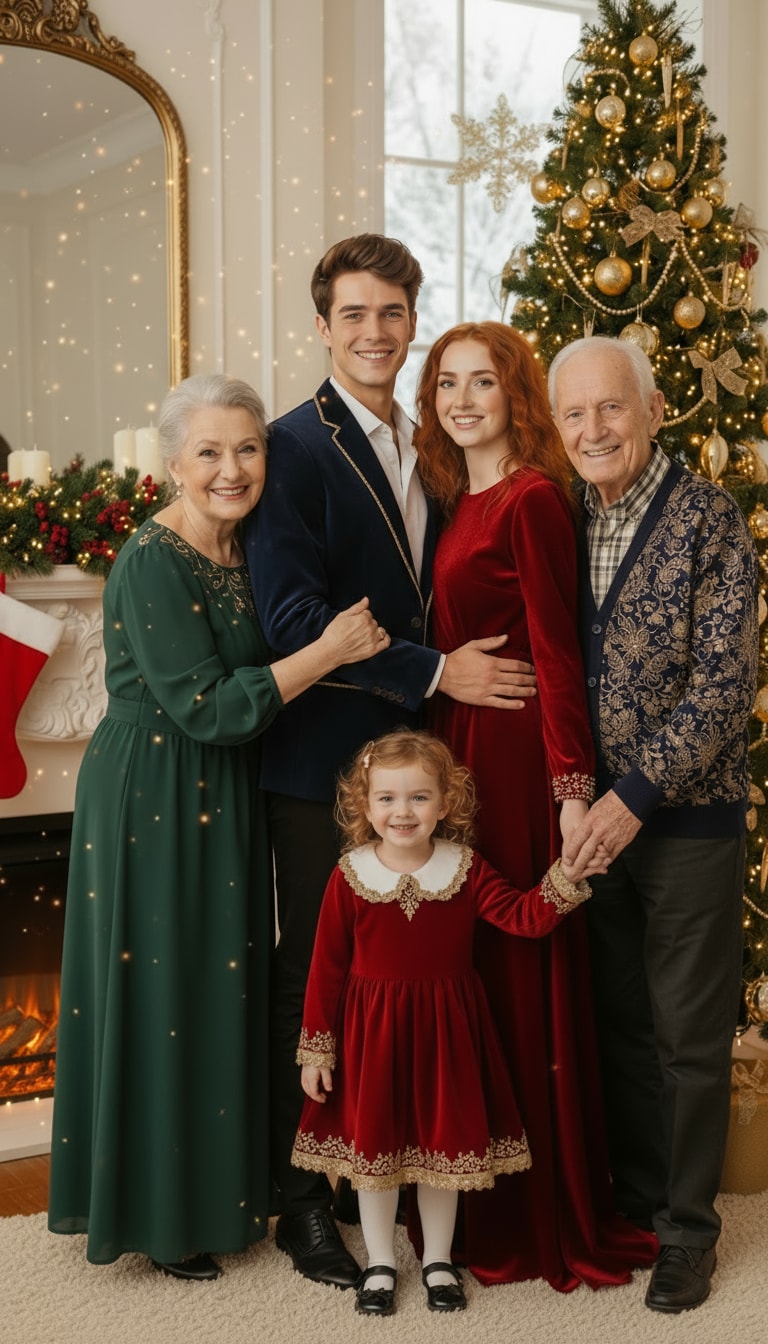
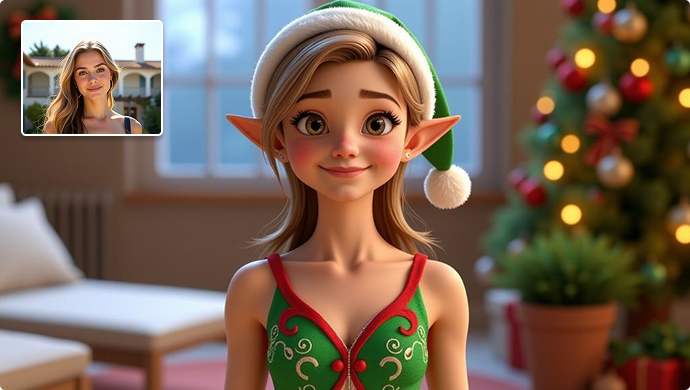
Generate cozy Christmas scenes from any photo using AI prompts.
It’s a viral holiday trend where parents and creators generate fun videos showing Santa appearing on their Ring, Nest, Eufy, Wyze, or other home security cameras. Instead of filming Santa manually, AI animates Santa into your porch scene—making it look like your doorbell camera actually recorded him. It’s a magical, kid-friendly Christmas surprise that’s easy to share online.
Media.io uses advanced image-to-video AI powered by leading models like Sora 2, Veo 3, Kling, Hailuo, Wan, and other top-tier generative video systems. You simply upload a screenshot from your doorbell camera, paste a Santa prompt, and AI creates a short, realistic clip where Santa:
The AI automatically matches your lighting, perspective, shadows, grain, and can even support audio, so the result looks like real doorbell camera footage.
No. Any porch, driveway, or front-door photo works—even a still frame from a phone recording. AI treats your uploaded image as a doorbell camera frame, adding Santa naturally into the scene so the final video looks authentic.
Yes! Just include the line you want in your prompt.
For example:
“Santa softly says: ‘Hi Emma, Merry Christmas’ while waving at the camera.”
Personalized speech makes the video even more magical and memorable for kids.
Absolutely. The AI automatically preserves your night-vision look, including:
This makes Santa blend perfectly into dark or low-light security footage.
Yes! You can share your AI Santa video anywhere, including:
It’s perfect for surprising kids, sharing with relatives, or going viral during the Christmas season.
 4.7 (162,357 Votes)