
















Create Original AI Images from Text in Seconds
Create original visuals in seconds with Media.io’s free AI image generator online. As a fast text to image AI tool, it helps you turn prompts into images for marketing, social media, design, product concepts, and creative projects. Worried about potential image copyright risks? Use our AI Image Copyright Checker to scan your visuals and get instant copyright compliance results.
- Free to Start
- Online in Browser
- Multiple AI Models
- Fast Results
Create in Any Style You Imagine
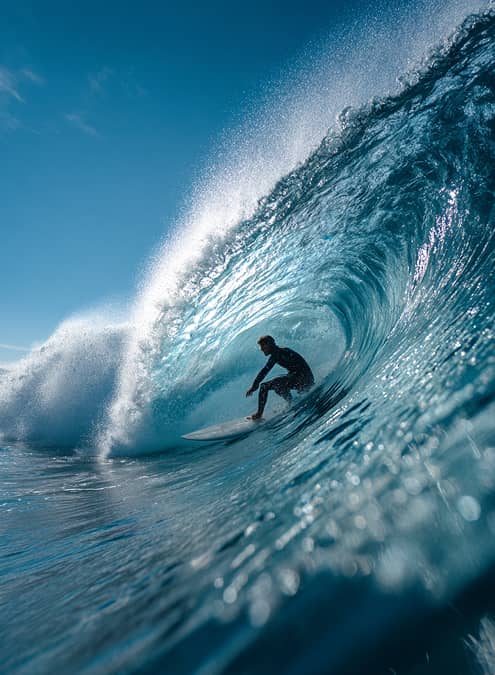
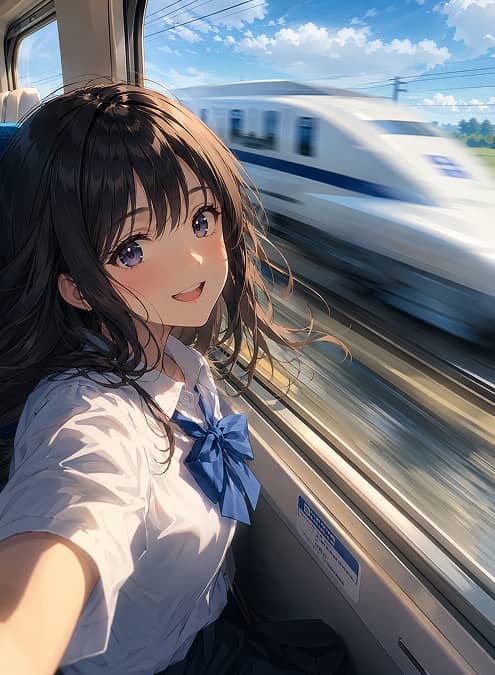
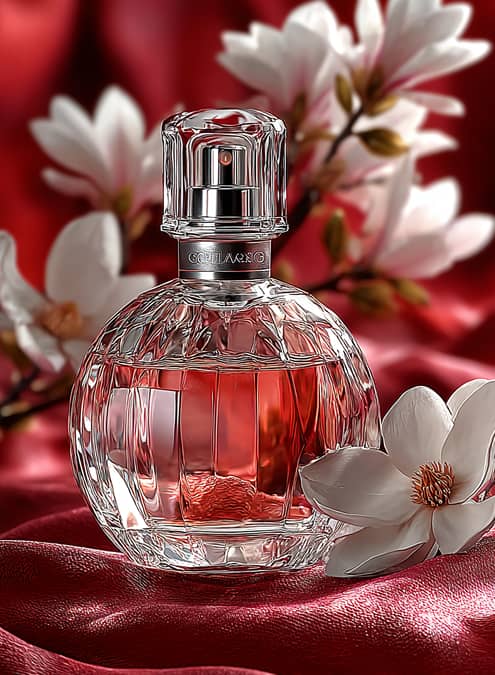
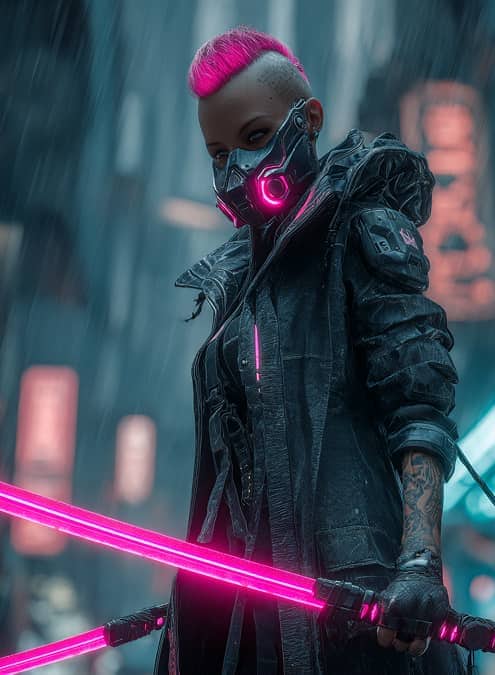
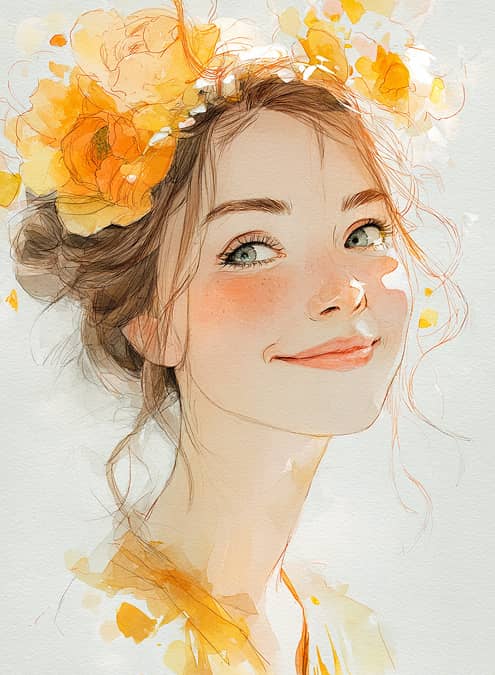
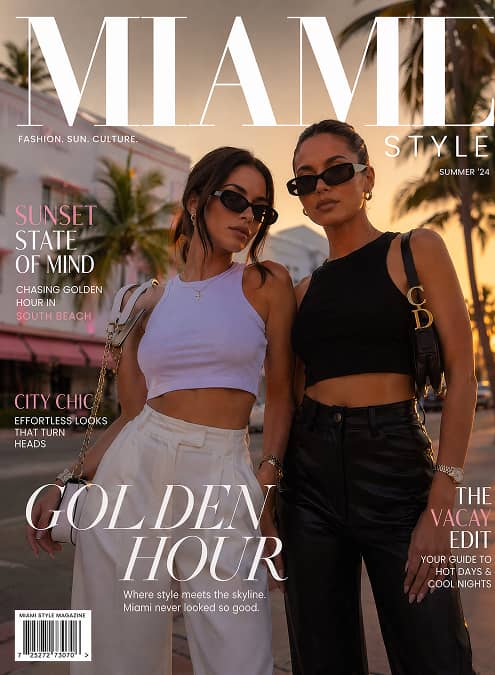
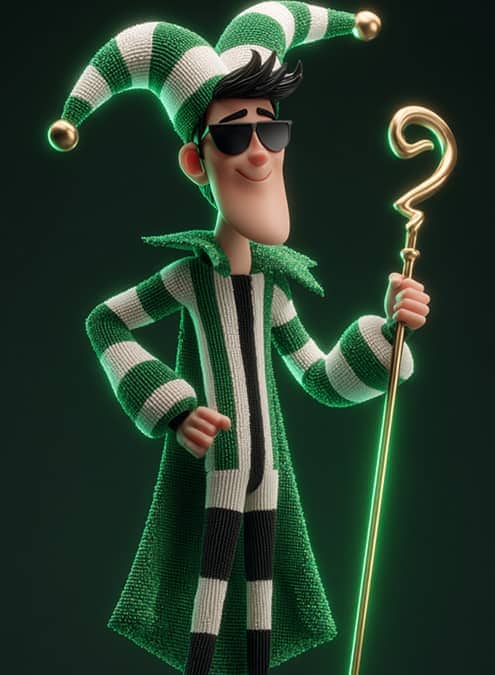
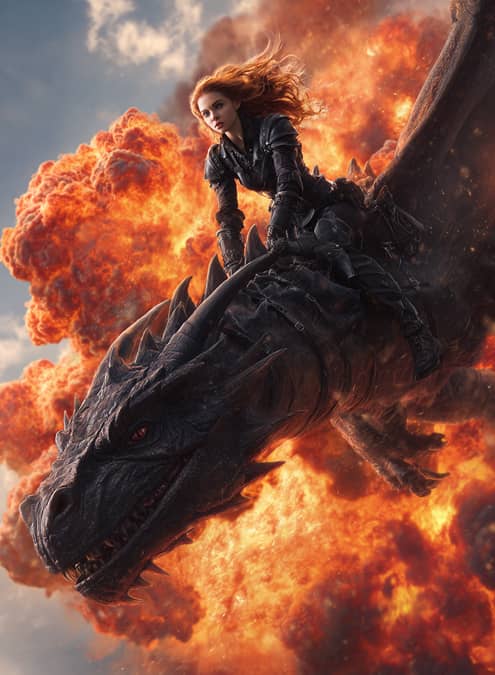
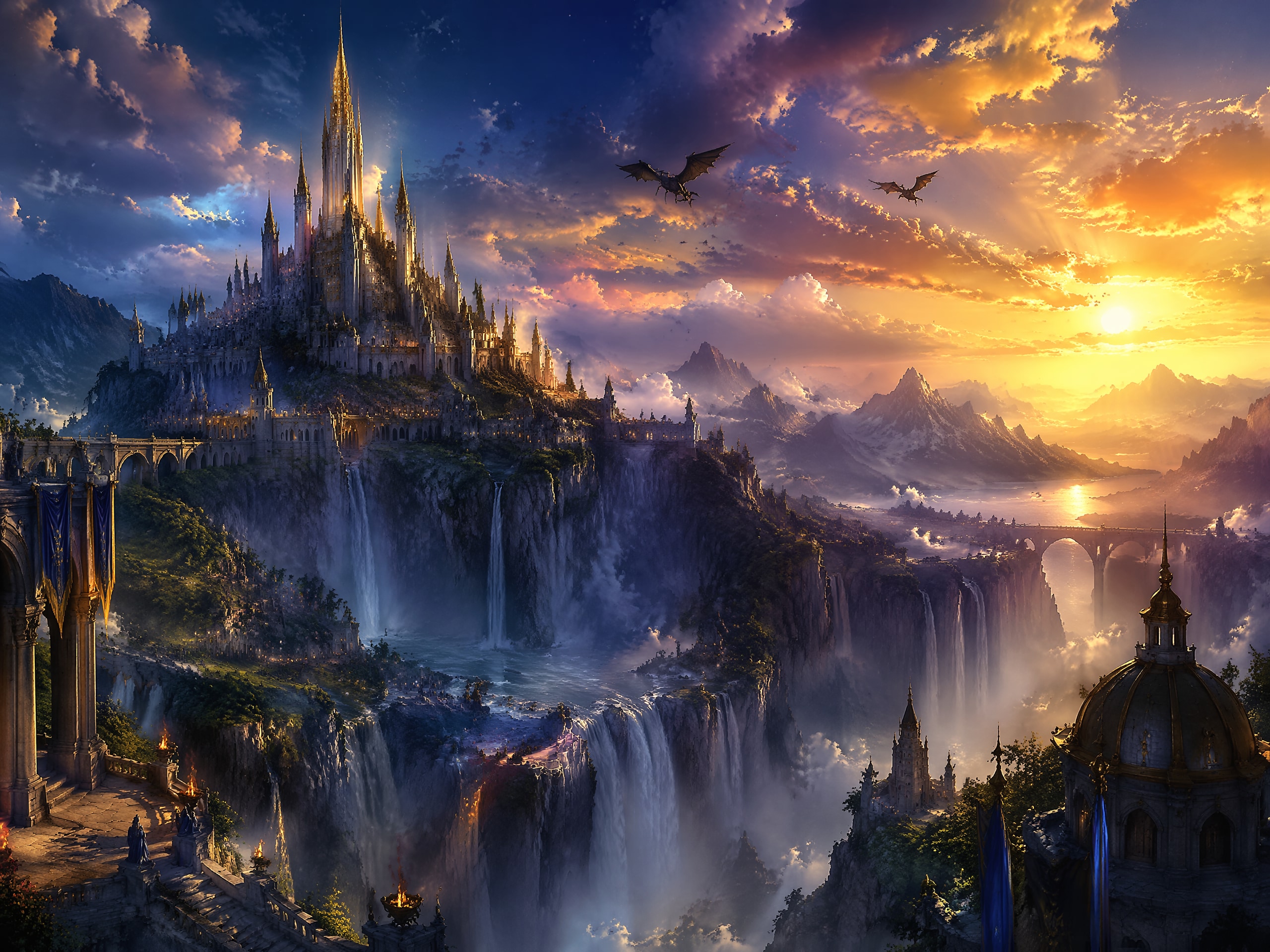
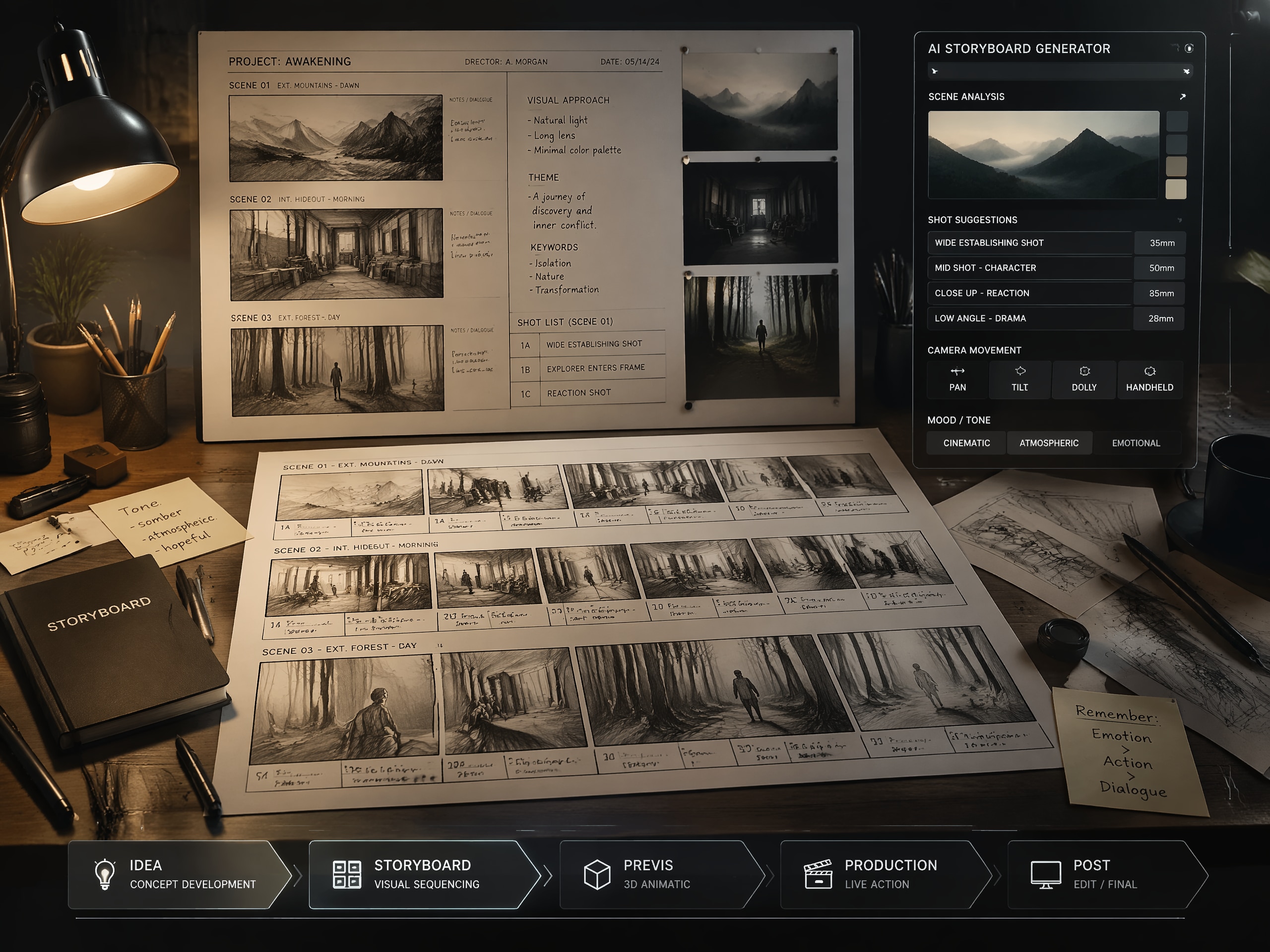
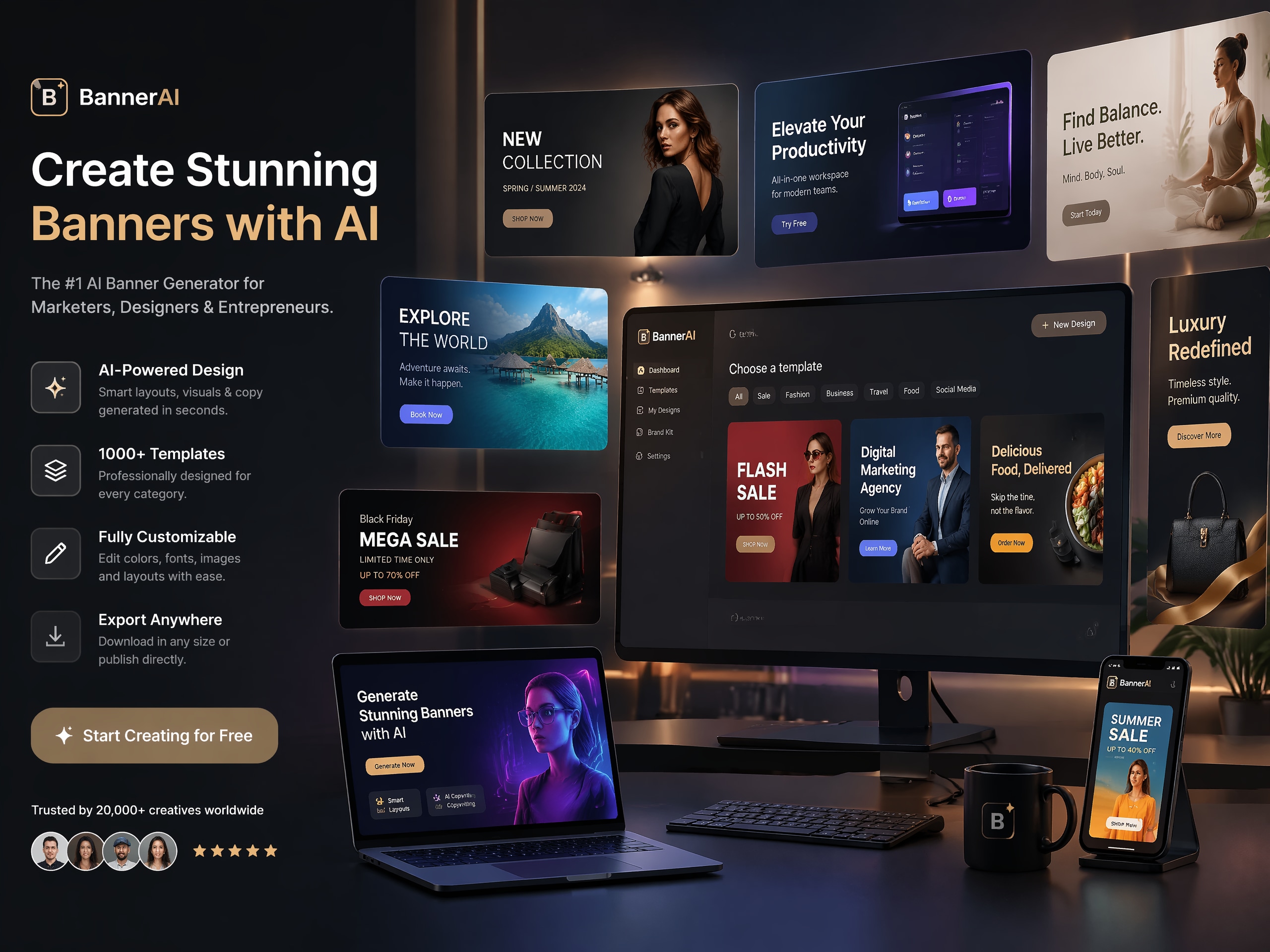
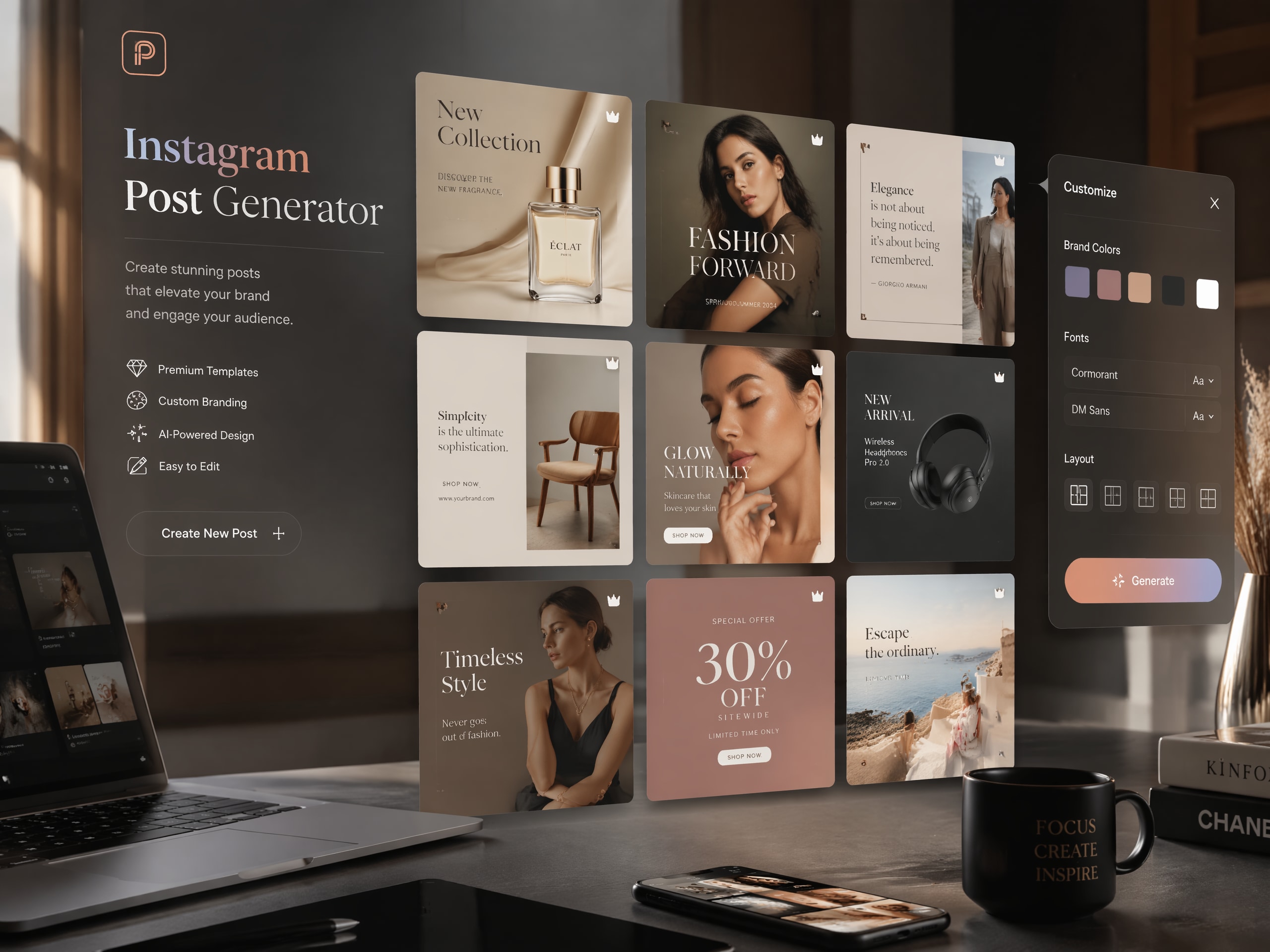
Explore the types of visuals you can create with Media.io, from photorealistic portraits and product shots to anime scenes, watercolor art, cyberpunk concepts, and social-ready graphics.
Everything You Need in Media.io's AI
Image Generator
Media.io combines a fast text to image AI workflow with flexible styles, creator-friendly controls, and ready-to-use outputs. From quick concept art to polished marketing visuals, this AI image generator online helps you move from idea to image in a few simple steps.
Describe Any Idea and Turn It into Images in Seconds
Start with a plain-language prompt and Media.io turns it into a polished image in seconds. From product concepts to anime scenes, this AI image generator from text helps creators, marketers, and teams produce original visuals quickly without a complicated design workflow.
- Natural prompt-based workflow for beginners and teams
- Fast generation for concepting, content production, and brainstorming
- Useful for both creative art and practical business visuals
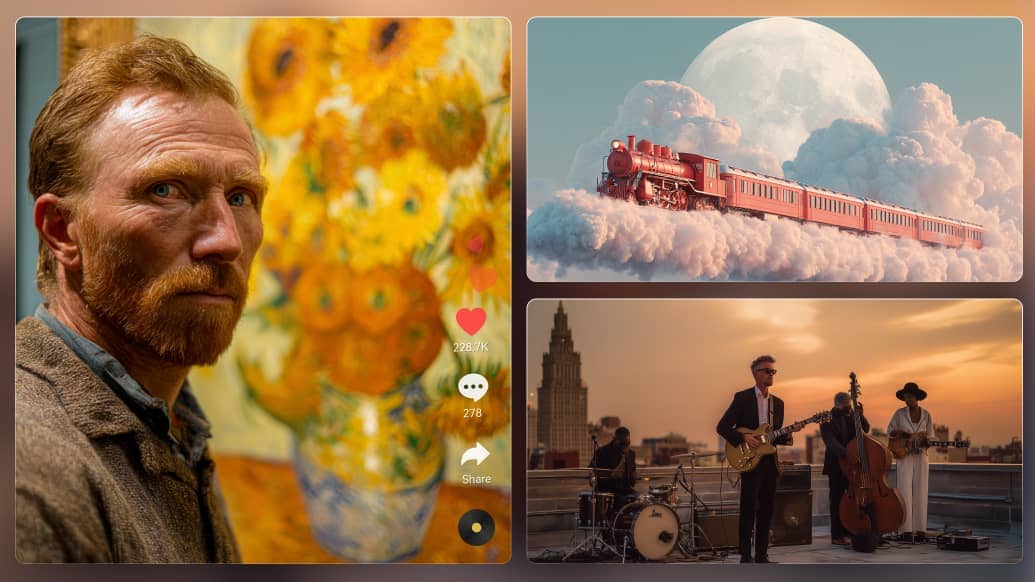
More Control for the Results You Actually Need
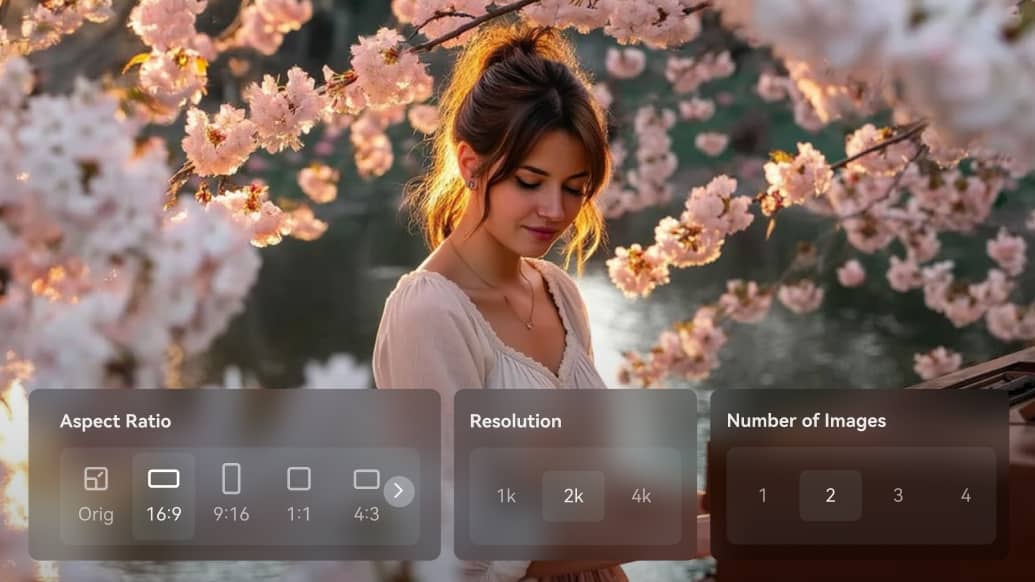
Media.io gives you flexible model and parameter controls, so you can get images that better match your actual use case. From social posts and thumbnails to product visuals and campaign creatives, it helps you improve output quality, fit the right format, and reduce trial and error.
- Pick from multiple AI models: Nano Banana Pro, GPT Image 2, ToMoviee Lite (Free), Nano Banana 2, Seedream 5.0, etc.
- Adjust resolution, aspect ratio, and number of images in one workflow
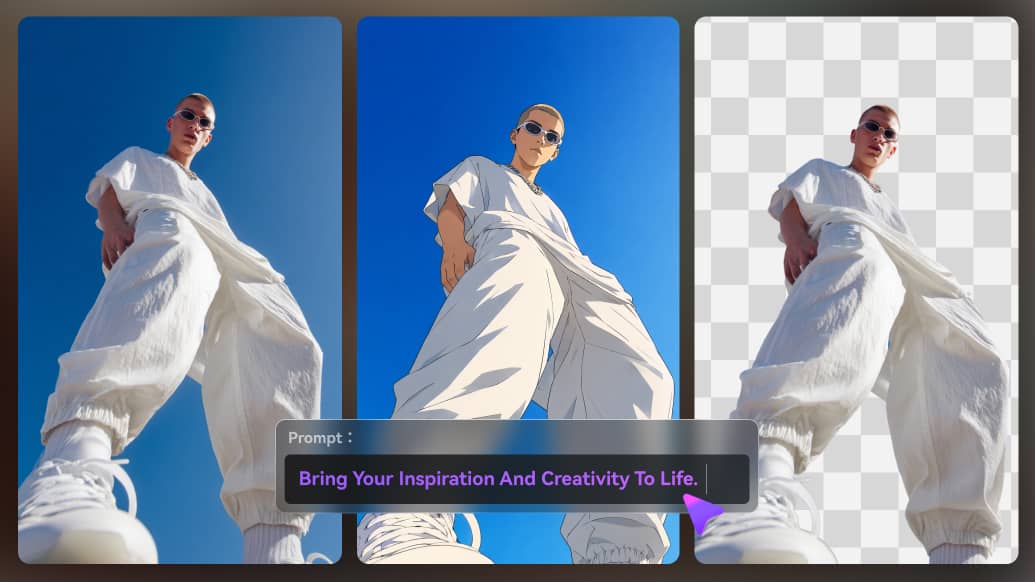
Do More with Every AI Image After Generation
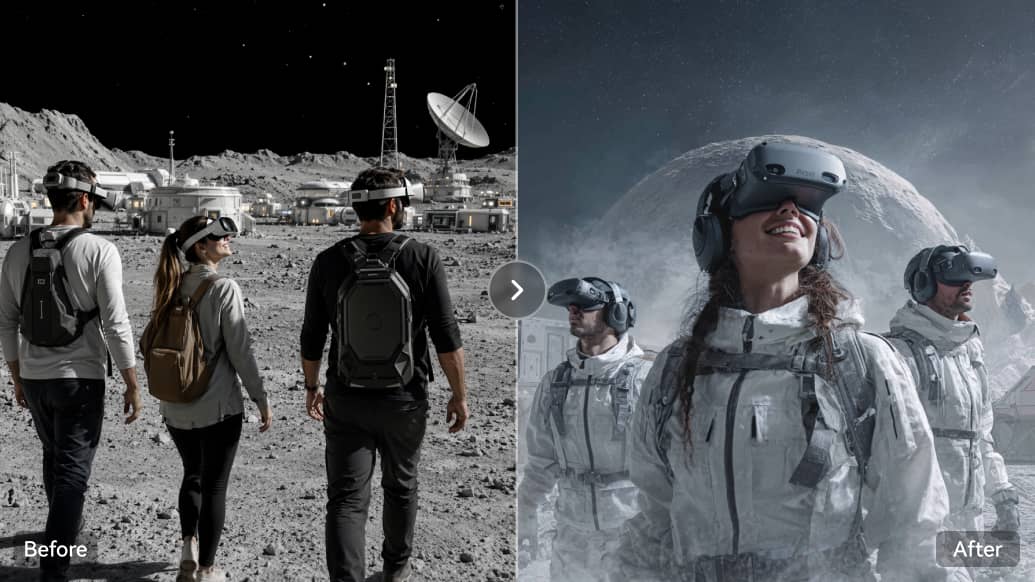
After generation, you can keep improving the result instead of starting over. Use tools like AI Replace, background removal, object removal, image enhancement, image-to-image editing, or animate to turn one generated image into a more polished asset or a new creative format. For social carousel projects, explore our AI photodump guide for ideas on creating cohesive, realistic photo sequences.
- Built-in tools: access AI Talking Avatar, AI Replace, BG Remover, Object Remover, and Image Enhancer to keep improving the image after generation.
- Next actions: regenerate, re-edit, publish to Explore, use Edit for image-to-image refinement, or Animate for image-to-video creation.
Repeat Generations, Refine Prompts, and Compare Results
Media.io generates one image at a time, but iteration is easy. Run the same prompt again, adjust the wording, and compare different outputs to find a stronger composition, mood, or direction before deciding which result to keep, edit, or publish.
- Generate one result, then run the same prompt again to explore a new variation
- Compare different outputs before deciding which image to keep, edit, or publish
The Best Free AI Picture Generator
Lightning Fast
Generate polished AI images in seconds. No long waits, no complex workflow, no design bottlenecks.
Commercial-Ready
Create visuals for marketing, branding, social media, and business use under Media.io's terms.
High-Quality Output
Generate clear, detailed images for ads, product concepts, thumbnails, presentations, and creative work.
Online-No Download
Everything runs in your browser. No software to install, no plugins to manage, just open and create.
AI Image Templates
Active Creators
Average Generation Time
Max Resolution
How to Generate AI Images from Text in Seconds
Turn your words into stunning visuals in three simple steps, then continue refining the result if you want to take it further.
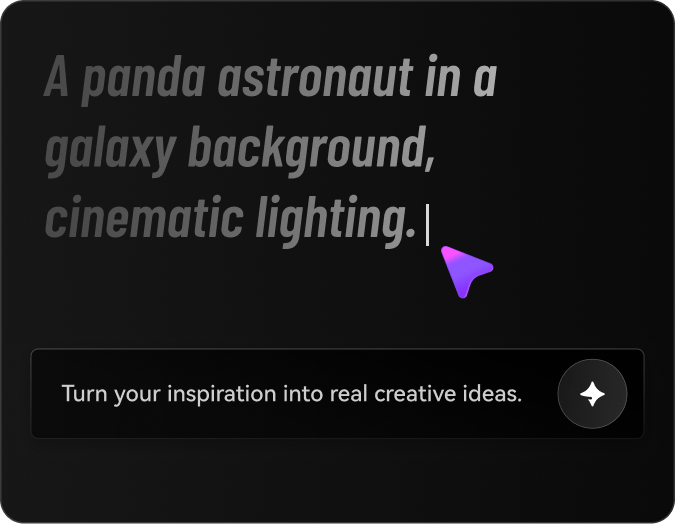
Enter Your Prompt
Type in a detailed description—e.g. A panda astronaut in a galaxy background, cinematic lighting. Add mood, color, or style cues for better accuracy.
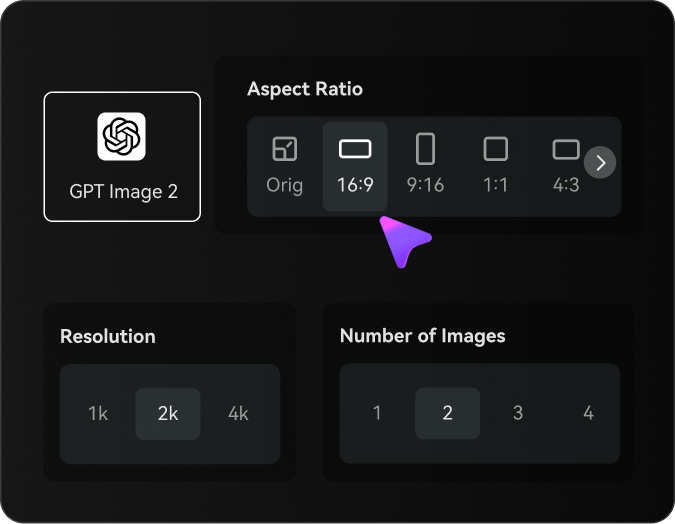
Set Your Image Options
Select the AI model that fits your goal, then adjust parameters like resolution, aspect ratio, and number of images to match your intended output.
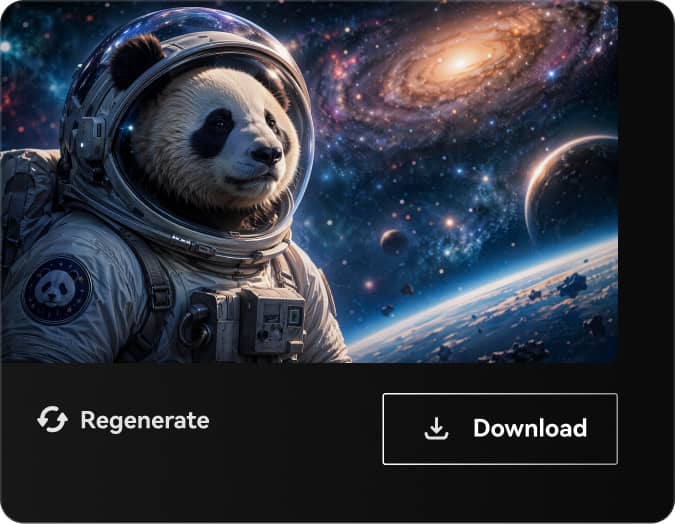
Generate, Download, and Keep Improving
Click generate and review your results in seconds. Once your AI image is ready, you can download it right away or continue improving it with actions like regenerate, re-edit prompt, background removal, or animate for image-to-video creation.
Loved by Creators Worldwide

Content Creator

I typed in a funny little prompt for my video cover just to try it out—and the result blew me away. It looked professionally designed and totally matched my vibe. The best part? It got noticeably more clicks than my usual covers.

Ad Campaign Designer
I created ad mockups for three completely different style directions—all in a single afternoon. The tool made it incredibly easy to explore visual options quickly, which was super helpful for fast A/B testing and pitching concepts to the team.

Fiction Writer
Turning my character prompts into anime-style illustrations helped me unlock new ideas. It's like having a moodboard that updates with my story—my scenes flow better, and my world feels more alive.

Marketing Consultant
I used the AI image generator to develop visual themes for a client's new product launch campaign. It saved hours of manual concepting and helped me quickly present multiple creative directions—all from just a few prompts.
FAQs on AI Image Generation
1. What is text-to-image AI?
Text-to-image AI is a tool that converts written prompts into visuals using deep learning. You describe what you want, and the AI generates an image that reflects your input.
2. How does AI generate images from text?
Text-to-image AI generates visuals by analyzing written prompts using natural language processing. The AI understands key concepts, objects, and style cues in the text, then uses advanced models—like a diffusion model—to transform random noise into a coherent image that matches the description. This process allows users to create detailed, high-quality visuals simply by describing what they want to see. Whether for creative design, marketing assets, or visual content creation, AI image generators turn words into professional-looking images with speed and precision.
3. Can I use the AI images for commercial purposes?
Yes, images created with Media.io's Text to Image AI Generator can be used commercially—including marketing, social media, branding, and content creation—under Media.io’s usage terms.
4. Which styles can I choose from in the AI Image Generator?
You can choose from styles like Portrait, Natural, Cartoon, Logo, 3D, Pixel, Cyberpunk, Sci-fi, Hand-drawn, Clay, and Watercolor. For other styles, simply enter a custom prompt.
5. Can I use this AI image generator online without downloading software?
Absolutely. The tool works seamlessly across desktop and mobile browsers with no app installation required.
6. How to specify my prompts for better generation results?
Use clear, descriptive language. Include keywords about objects, colors, lighting, emotion, or composition (e.g. "sunset beach, low angle, cinematic, moody tone").
7. Is Media.io a free AI image generator?
Yes, Media.io offers free credits for new users to try the AI image generator online. You can generate multiple high-quality images from text without any initial cost. Try this free AI image generator online with starter credits now!
8. What kind of prompts create the best AI pictures?
The best results come from specific prompts. Detail the main subject, background, lighting, and style. For example, instead of "a cat," write "a fluffy orange cat sitting by a sunlit window, 4k resolution, photorealistic."
Discover More AI Generation Themes & Styles
Browse our Top Hot Generators or choose a category below to find the perfect AI style for your next project.

 4.8 (162,347 Votes)