Consejos: Utilice consejos en inglés para obtener mejores resultados.
1K
9:16
1
Modo Ilimitado Banana Pro
Creaciones
Centro de Ideas
Cómo funciona
Todo
Funciones populares
Ver todo
Historia de Frutas con IA
Ver todo
Video de Historia de IA
Ver todo
Videos Virales Hoy
Ver todo
Videos de Productos de IA
Ver todo
Personaje de IA
Ver todo
Tendencias de Baile
Ver todo
GPT Image 2
Ver todo
Seedance 2.0
Ver todo
Emparejamiento de Celebridades con IA
Ver todo
Indicaciones de Poses para Parejas
Ver todo
Prompts de Poses de Chica AI Estética
Ver todo
Sugerencias de Pose Elegante para Chicos AI
Ver todo
Lista de generación
Tus creaciones solo se guardan durante 7 días. Los recursos creados después de actualizar a Membresía se almacenarán de forma permanente.
¡Desbloquea tu potencial creativo y experimenta la magia de Media AI ahora mismo!
Generador de mapas de mazmorras y dragones para mapas de fantasía de IA rápidos
Convierte tus ideas en mapas detallados de mazmorras y dragones en segundos con Media.io. Usa esto en líneaGenerador de mapas de mazmorras y dragonesPara crear mapas de batalla de mazmorras, mapas de mundos de pergamino, diseños de tabernas, interiores de castillos y mapas de fantasía regionales a partir de mensajes de texto, luego descargue imágenes visuales de alta resolución para campañas, compartir o planificación de mesa virtual.
Escriba tu idea-> IA la diseña. Libre para probar.
Explore nuestra colección seleccionada de estilos para un estilo flexibleGenerador de mapas d&dQue puede manejar todo, desde diseños de mazmorras hasta regiones a escala mundial.
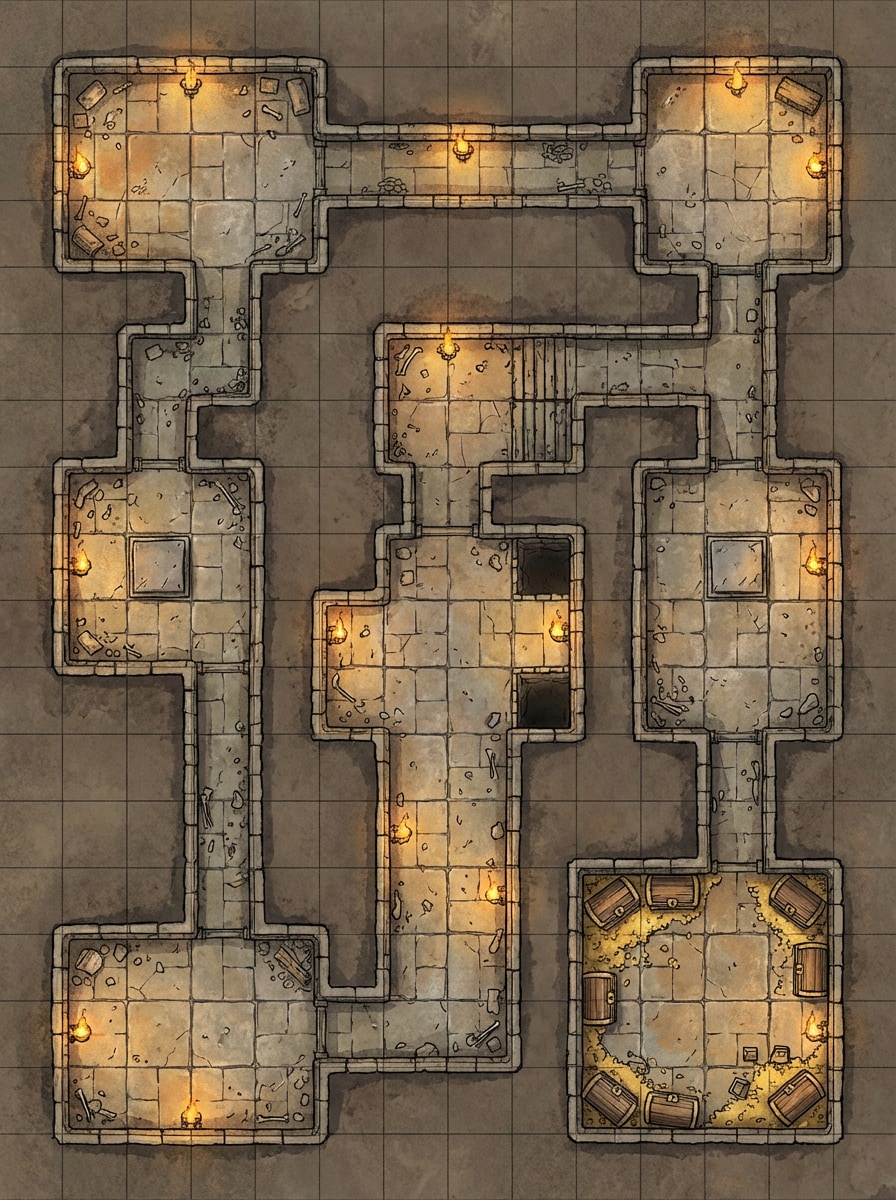
Mazmorra de cuadrícula clásica
Mapa de batalla de las mazmorras de arriba hacia abajo con habitaciones de piedra interconectadas, pasillos estrechos, cámaras de trampas, una bóveda del tesoro, paredes iluminadas por antorchas, pisos de piedra desgastados, escombros sutiles y una superposición de cuadrado limpio. Utilice tonos de tierra silenciados, alta legibilidad, cartografía de fantasía nítida y composición lista para la mesa.
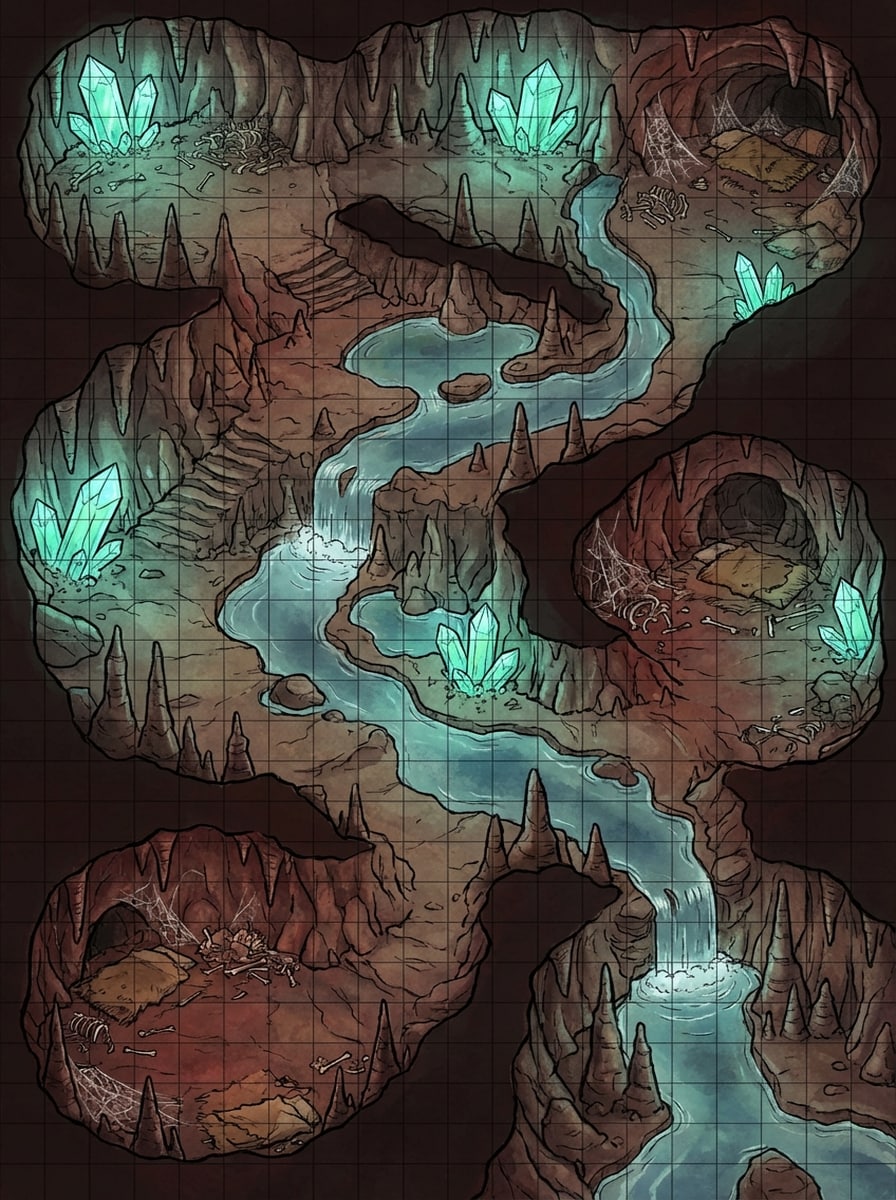
Mapa de Cave Encounter
Crea un mapa de batalla de cueva de fantasía de arriba hacia abajo para D&D con un río subterráneo, estalagmitas irregulares, cristales brillantes, áreas de guarida de monstruos, texturas de piedra ásperas, piscinas poco profundas y una rejilla cuadrada táctica. Agrega sombras atmosféricas, reflejos azules y verdes, tonos rock terrenos y un diseño listo para el encuentro con caminos claros.
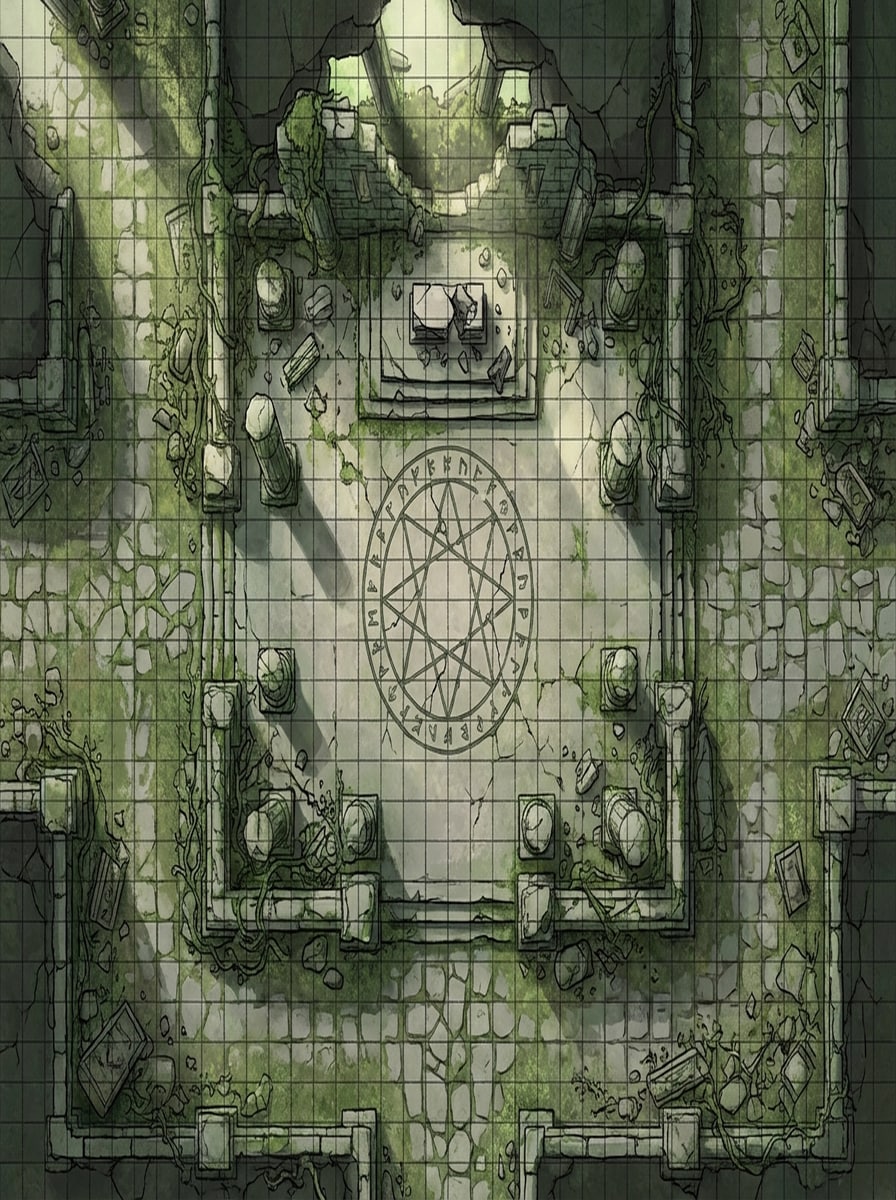
Mapa de batalla del templo en ruinas
Generar un mapa de batalla de templo en ruinas de arriba hacia abajo con columnas rotas, una cámara ritual central, pisos de piedra agrietados, enredaderas cubiertas de musgo, senderos de musgo, piezas de altar dispersas y líneas de cuadrícula de combate visibles. Utilice iluminación dramática, texturas desgastadas, verdes desaturados y piedra gris, y un diseño equilibrado para encuentros de fantasía.
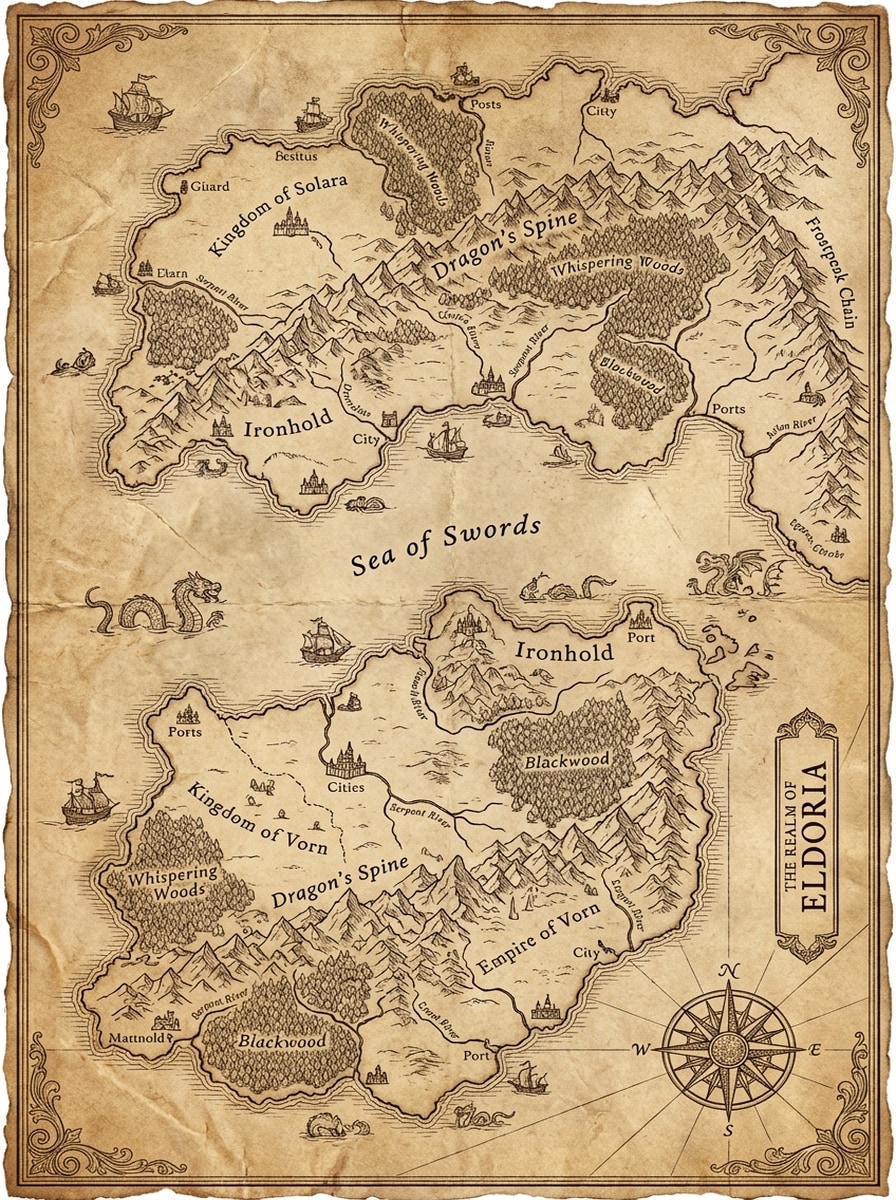
Mapa del continente de Parchment
Diseña un mapa del mundo de fantasía en pergamino envejecido con vastos continentes, cadenas montañosas, bosques densos, reinos, ríos, fronteras costeras, regiones etiquetadas y una ornamentada rosa brújula. Utilice tinta sepia, detalles cartográficos medievales, bordes elegantes y textura de alto detalle para un escenario clásico de campaña de D&D.
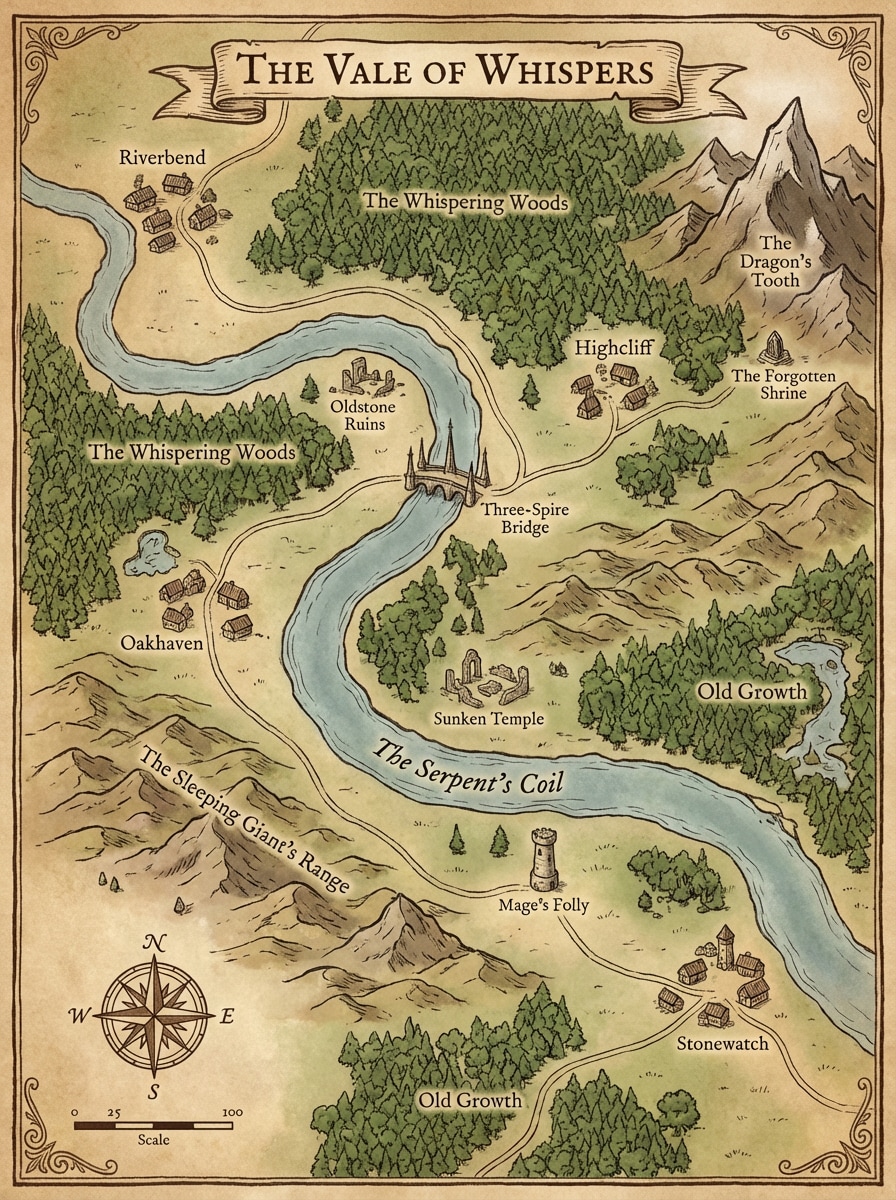
Mapa Regional de aventuras
Crea un mapa regional de D&D con pueblos, caminos sinuosos, bosques, ruinas, torres, ríos, colinas y puntos de referencia clave para un viaje de campaña. Utilice textura de pergamino, cartografía de fantasía dibujada a mano, tonos cálidos de marrón y verde musgo, colocación de iconos legible y una composición de narración que se siente práctica para la preparación del juego.
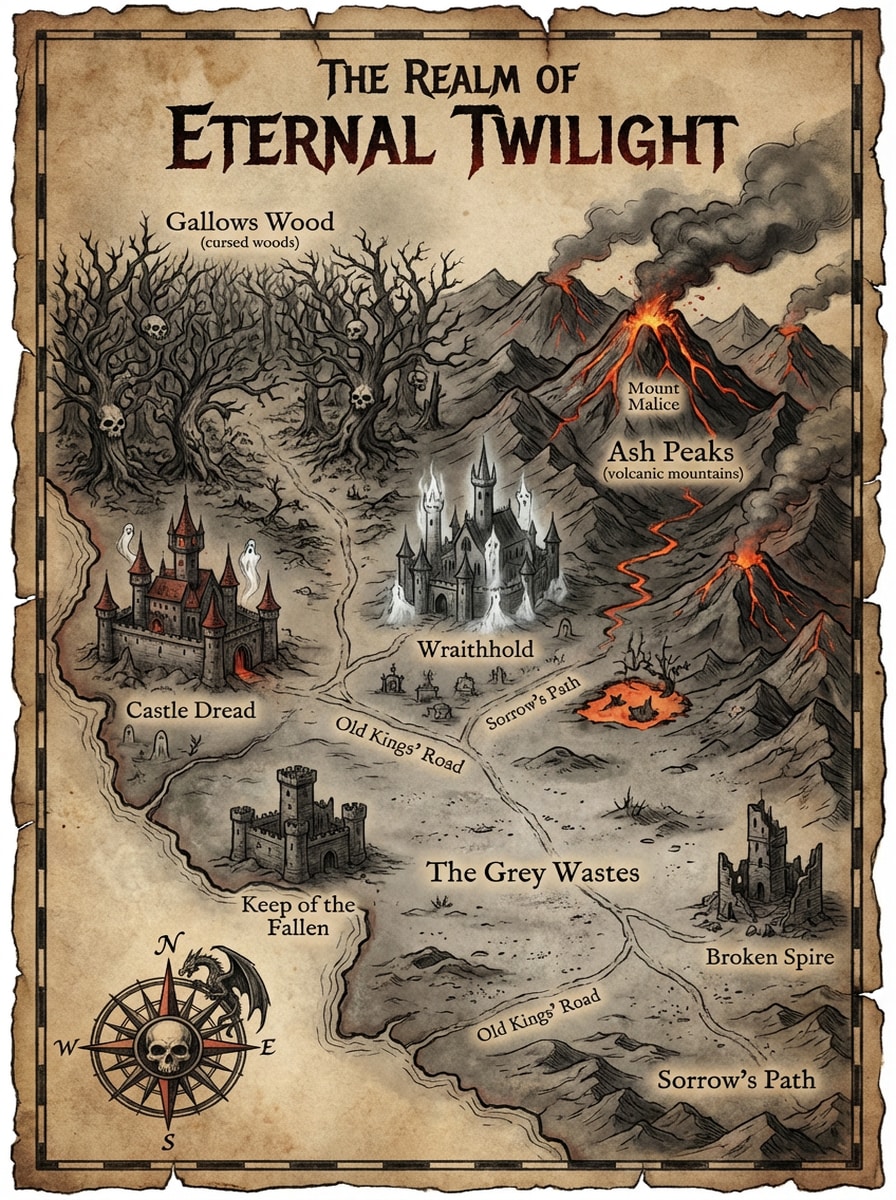
Mapa del reino de la fantasía oscura
Generar un mapa oscuro del reino de fantasía con bosques malditos, montañas volcánicas, castillos embrujados, guardias en ruinas, llanuras cubiertas de cenizas y caminos antiguos. Utilice siniestras texturas de pergamino, acentos rojos de carbón y brasa, contraste dramático, intrincados símbolos cartográficos medievales y un diseño de alto detalle humorístico adecuado para mundos sombríos de campaña.
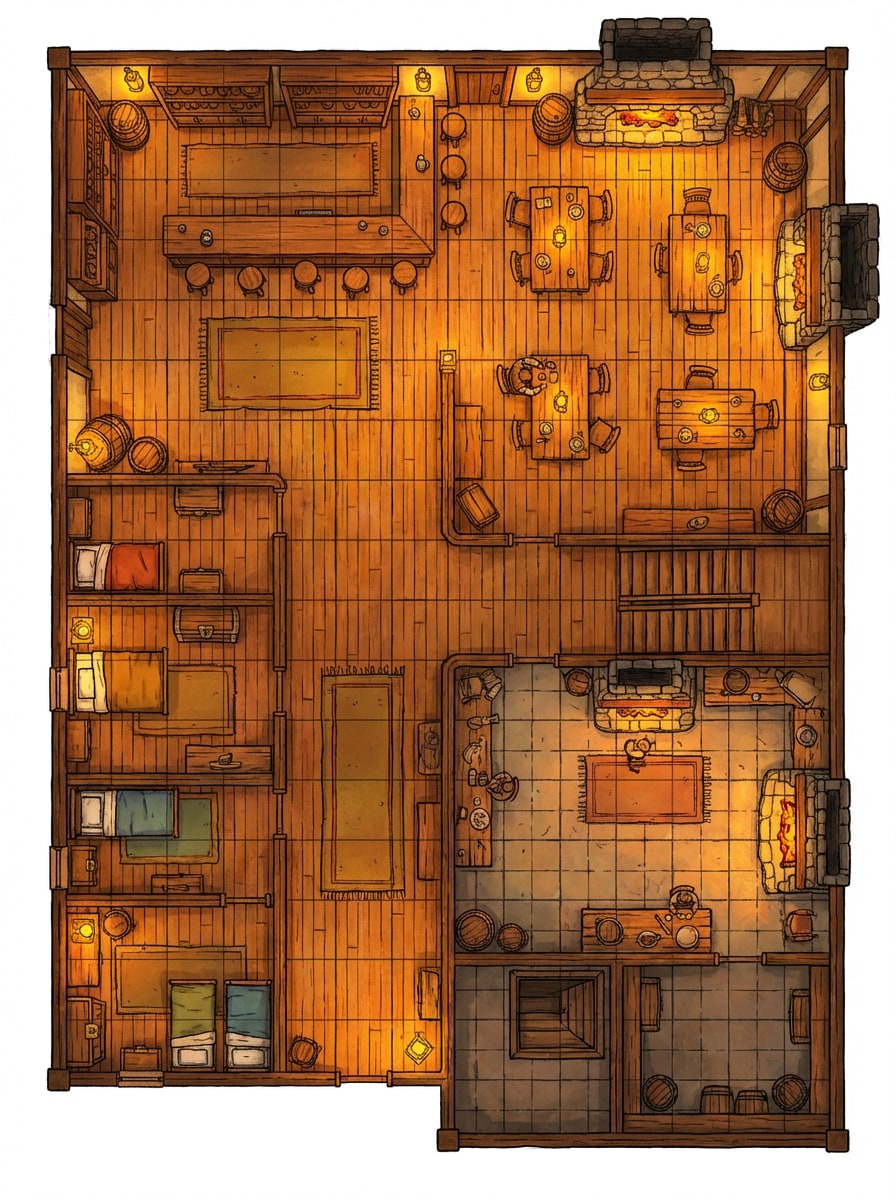
Plano de taberna
Haga un mapa de taberna de fantasía de arriba hacia abajo con un mostrador de bar, comedor, habitaciones de huéspedes, cocina, sótano, escaleras de madera, chimeneas y una rejilla de batalla cuadrada. Utilice una cálida iluminación de linterna, ricas texturas de madera, tonos ámbar acogedores, separación de habitación limpia y un plano de mesa legible para los encuentros de D&D.
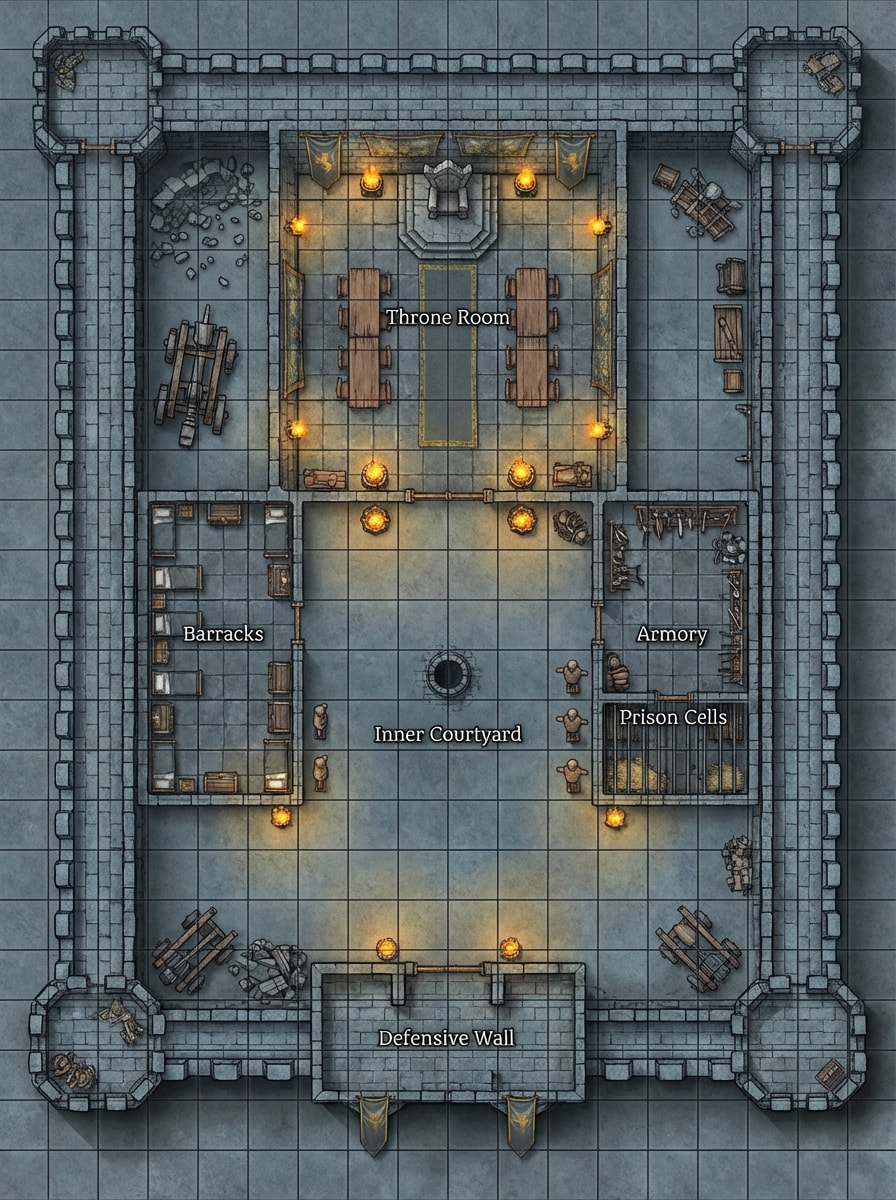
Castillo Mantener Diseño
Crea un mapa de guarda del castillo de arriba hacia abajo con una sala del trono, cuarteles, armería, celdas de prisión, patio interior, muros defensivos y cuadrícula táctica. Utilice texturas de piedra fría, detalles arquitectónicos medievales, reflejos de la luz de la antorcha, tonos gris y dorado silenciados, y una composición práctica para infiltraciones o encuentros de asedio.
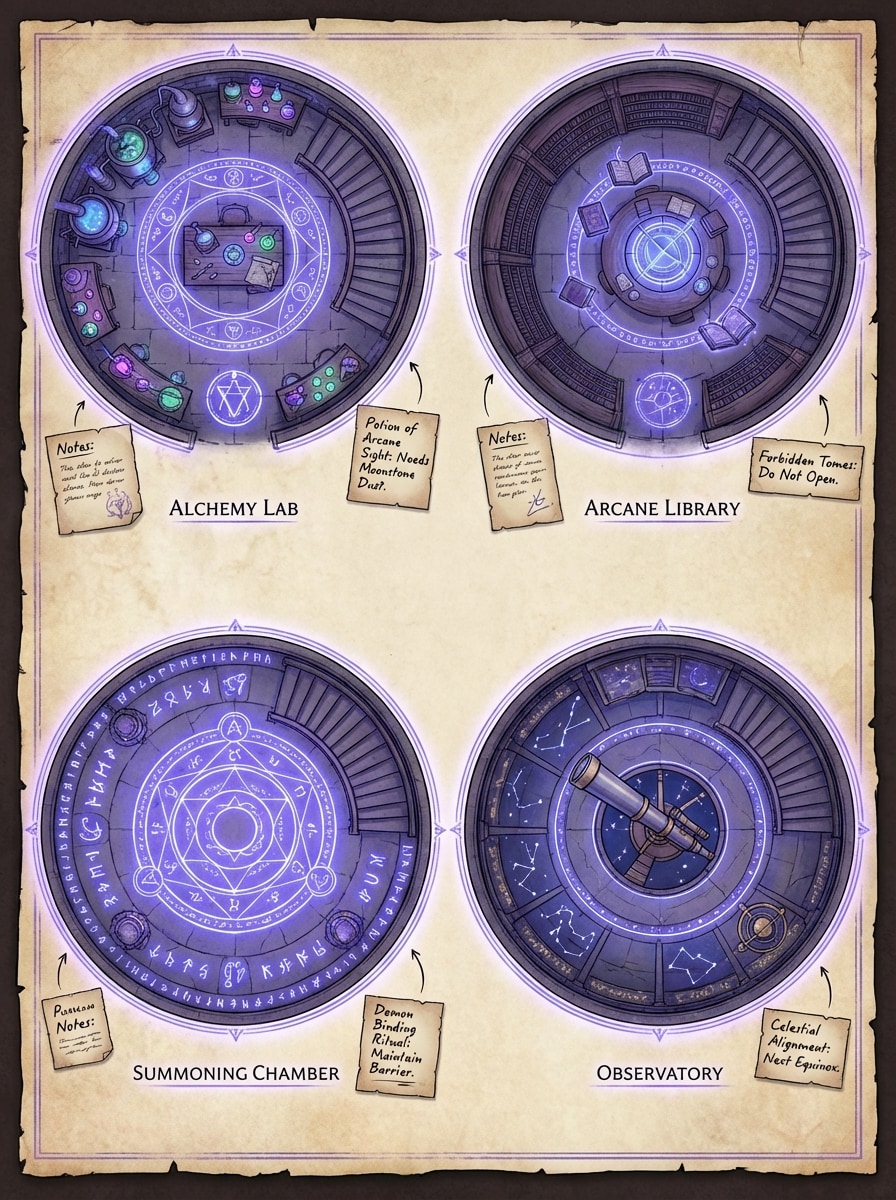
Proyecto de la Torre Mago
Generar un plano interior de la Torre del Mago de Fantasía con un laboratorio de alquimia, biblioteca arcana, observatorio, cámara de invocación, escaleras en espiral, símbolos mágicos y zonas de habitación distintas. Utilice un estilo de mapa de arriba hacia abajo, luminosos acentos azul violeta, notas de pergamino, una línea precisa y un diseño legible listo para la mesa con una atmósfera mística.
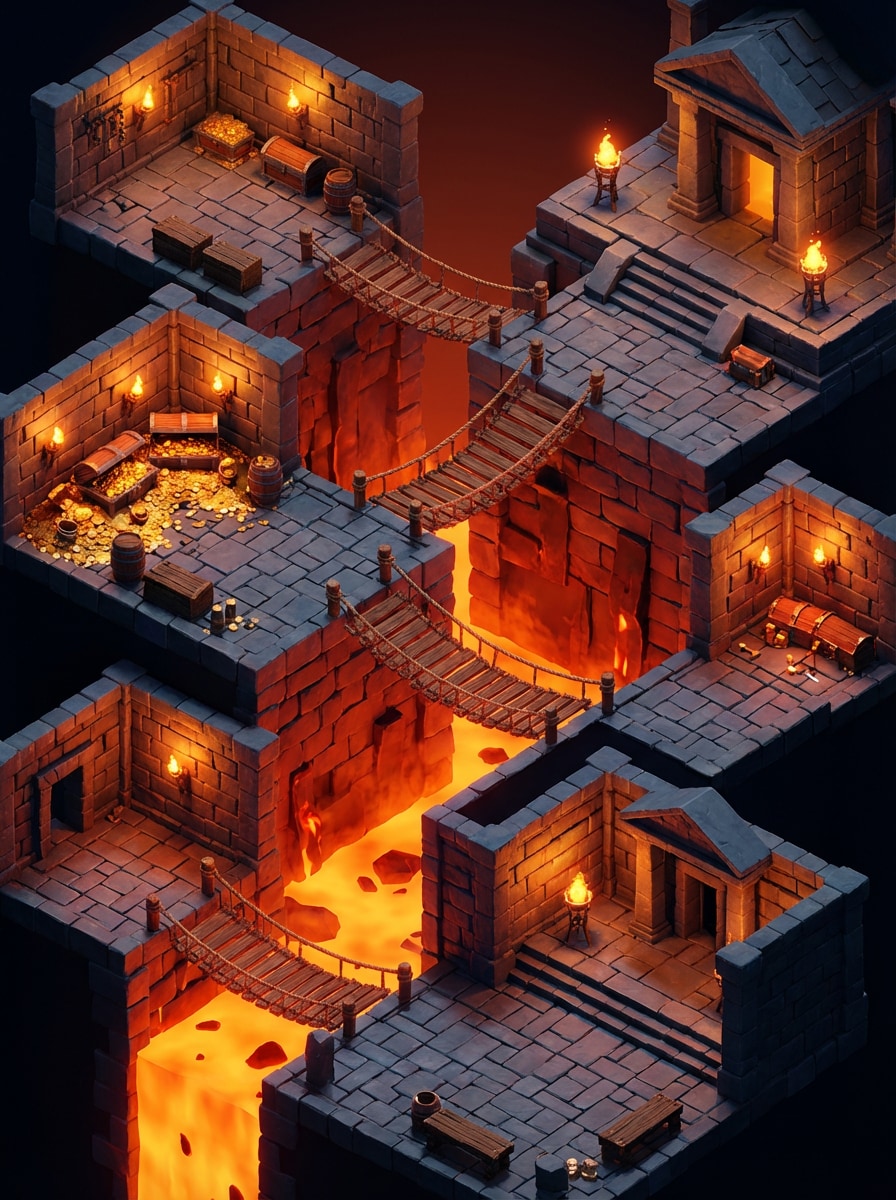
Escena de mazmorra isométrica
Diseña una escena de mazmorra de fantasía isométrica con habitaciones de piedra en capas, pozos de lava, puentes de cuerda, bóvedas del tesoro, antorchas brillantes y profundidad dramática. Utilice iluminación cinematográfica, rico contraste de color rojo-naranja y pizarra, mampostería texturizada, cartografía 3D estilizada y una composición pulida que se siente listo para el juego y altamente compartible.
Por qué usar Media.io para la generación de mapas de Dungeons and Dragons
Generar mapas D&D a partir de texto en segundos
Salta los editores complejos cuando necesites ideas rápidas. Describe un mapa de batalla de mazmorra, mapa del mundo, interior de taberna o región de fantasía, y convierte tu concepto en arte de mapa generado por IA rápidamente con este mapa simplificado.Generador de mapas d y d.
Elija modelos de IA potentes
Media.io admite modelos avanzados de texto a Imagen, incluyendo Nano Banana Pro, Nano Banana 2, Seedream 5.0 Lite, Seedream 4.0, Imagen 4, Nano Banana y Soul Character para obtener resultados creativos flexibles, ya sea que esté construyendo unGenerador de mapas dnd 5eEncuentro o una configuración de campaña completa.
Alta resolución y relaciones de aspecto flexibles
Crea imágenes de mapas en resolución 1K, 2K o 4K y elija entre relaciones de aspecto como 1:1, 16:9, 9:16, 4:3, 3:4, 3:2, 2:3 o Auto para adaptarse a las mesas virtuales, compartir e imprimir, desde escenas apretadas del generador de mapas de batalla de dnd hasta continentes extensos.
Funciona en cualquier dispositivo en su navegador
Media.io está basado en la web, por lo que puedes generar mapas de fantasía en dispositivos Windows, Mac, iPhone, iPad o Android sin instalar software de escritorio, lo que lo hace fácil de usar como un generador portátil de mapas mundiales de dungeons and dragons o un planificador de ciudades dondequiera que juegues.
Cómo usar el generador de mapas de Dungeons and Dragons
1
2
3
1
Generador de imágenes de inteligencia artificial de Open Media.io
Vaya a Media.io y abra el generador de imágenes de IA en AI-> Texto a imagen. Esta herramienta en línea se ejecuta en tu navegador, por lo que puedes comenzar a crear mapas de Dungeons and Dragons en tu escritorio o móvil sin instalar software.
2
Introduzca un mapa detallado
Escriba un mensaje claro como "Mapa de batalla de la mazmorra de D&D de arriba hacia abajo con pasillos de piedra, iluminación de antorchas, sala de trampas, bóveda del tesoro y superposición de cuadrícula cuadrada". Luego elija su modelo preferido, relación de aspecto y resolución para el estilo de mapa que desee.
3
Generar, refinar y descargar
Haga clic en Generar para crear su mapa de fantasía. Si es necesario, revise el mensaje para cambiar el diseño, el estado de ánimo o el estilo de la cartografía y luego descargue la imagen final en alta resolución para preparar la campaña, compartir o usar en el escritorio virtual.
"Mapas conceptuales rápidos para sesiones semanales"Lo uso cuando necesito un diseño rápido de mazmorra o taberna antes de la noche del juego. En lugar de dibujar desde cero, escribo un mensaje y obtengo un mapa conceptual sólido en segundos.
Elena R.
Escritor de fantasía
"Excelente para la construcción de imágenes del mundo"Las instrucciones del mapa del mundo estilo pergamino son especialmente útiles. Puedo explorar ideas de regiones, ubicación de reinos y estado de ánimo general sin aprender un editor de mapas completo.
David P.
Creador de contenido TTRPG
"Útil para la idea del mapa de batalla"Me gusta lo fácil que es probar diferentes estilos de mapas, desde encuentros en cuevas hasta castillos. Es una herramienta práctica para la lluvia de ideas visuales antes de pulir una configuración de encuentro final.
Sophie K.
Diseñador de juegos Indie
"Sencillo y apto para principiantes"Media.io se siente mucho más accesible que el software de mapas tradicional cuando solo quiero ideas rápidas generadas por IA. El flujo de trabajo basado en prompts hace que la experimentación sea fácil.
Explora los efectos de video e imagen con IA más populares
Preguntas frecuentes sobre Dungeons and Dragons Map Generator
1. ¿Cómo puedo generar un mapa de mazmorras y dragones con IA?
Abra Media.io AI Image Generator, introduzca un mensaje de texto detallado que describa el tipo de mapa D&D que desea y, a continuación, elija configuraciones como relación de aspecto y resolución antes de generarlo. Para obtener los mejores resultados, escriba mensajes en inglés y especifique si desea un mapa de batalla, un mapa regional, un mapa mundial o un diseño interior, similar a la forma en que describiría un mapa dedicado.Generador de mapas del mundo d&dherramienta.
2. ¿Puede la IA generar un mapa de batalla de D&D o un mapa de mundo de fantasía a partir de texto?
Sí. Media.io es una herramienta de texto a imagen que puede generar imágenes visuales a partir de las indicaciones, incluyendo conceptos de mapas de estilo fantasía como mapas de batalla de mazmorras, mapas mundiales de pergamino, interiores de castillos y planos de tabernas. Puedes experimentar con diferentes mensajes y modelos de IA compatibles para explorar diferentes estéticas de mapas, usando Media.io como un generador flexible de dungeons and dragons city cuando necesitas distritos, calles o barrios.
3. ¿Cuál es la mejor manera de hacer mi propio mapa de D&D en Media.io?
El enfoque más fácil es comenzar con una solicitud descriptiva que cubra el diseño, la perspectiva, las salas clave o los puntos de referencia, la iluminación, el estado de ánimo y el estilo. Por ejemplo, mencione detalles como la vista de arriba hacia abajo, la superposición de la cuadrícula, la textura del pergamino, la iluminación de la antorcha, ríos, bosques o ruinas para que la IA pueda generar un concepto de mapa de fantasía más utilizable que funcione para las necesidades de d&d del generador de ciudades, así como mapas de naturaleza o mazmorras.
4. ¿Qué resolución puedo usar para los mapas de D&D generados por IA?
Media.io admite la generación de imágenes 1K, 2K y 4K, junto con múltiples relaciones de aspecto, incluyendo Auto, 1:1, 9:16, 16:9, 4:3, 3:4, 3:2 y 2:3. Esto te da flexibilidad al crear mapas visuales para compartir, imprimir o diferentes diseños de visualización, ya sea que estés diseñando un encuentro compacto o una descripción general completa del estilo del generador de mapas del mundo de dungeons and dragons.
5. ¿Puedo usar Media.io en móvil o solo en escritorio?
Media.io está basado en la web, por lo que funciona en cualquier dispositivo con un navegador, incluyendo Windows, Mac, iOS y Android. Eso significa que puede crear conceptos de mapas de D&D en escritorio, tableta o teléfono sin instalar software independiente, y aún así disfrutar de capacidades similares a un generador de mapas de batalla de dnd dedicado, constructor de mundos o herramienta de diseño de ciudades.
6. ¿Es gratis usar el Generador de Mapas de Mazmorras y Dragones?
Los usuarios gratuitos obtienen 3 créditos por día para probar Media.io. Las exportaciones gratuitas pueden incluir marcas de agua, mientras que los suscriptores de pago pueden descargar imágenes de alta resolución sin marcas de agua. Si necesitas más créditos o exportaciones más limpias, puedes comparar planes aquí: https: / /www.media.io/pricing.html
Más allá del generador de mapas de mazmorras y dragones en línea impulsado por IA