
















Transform Any Photo with Image to Image AI — Free Online
Turn any photo into a new style, scene, or visual concept with Media.io's Image to Image AI Generator. Upload a reference image, add a prompt, and create high-quality results online for free. This AI image editor with prompts lets you restyle portraits, refresh product visuals, change backgrounds, and edit consistent character scenes while keeping key subject details consistent. You can also learn how to edit a consistent AI character across different images and scenes — all in your browser with no software to install. Worried about potential image copyright risks after generation? Run your artwork through our AI Image Copyright Checker to get instant copyright verification results. Try the image to image AI generator free with signup credits and explore Nano Banana Pro, GPT Image 2, and Seedream 5.0 in one place. Explore the image-to-video AI generator to extend your workflow.
- Free to Start
- Online in Browser
- Multiple AI Models
- Fast Results
See What You Can Create with Image to Image AI
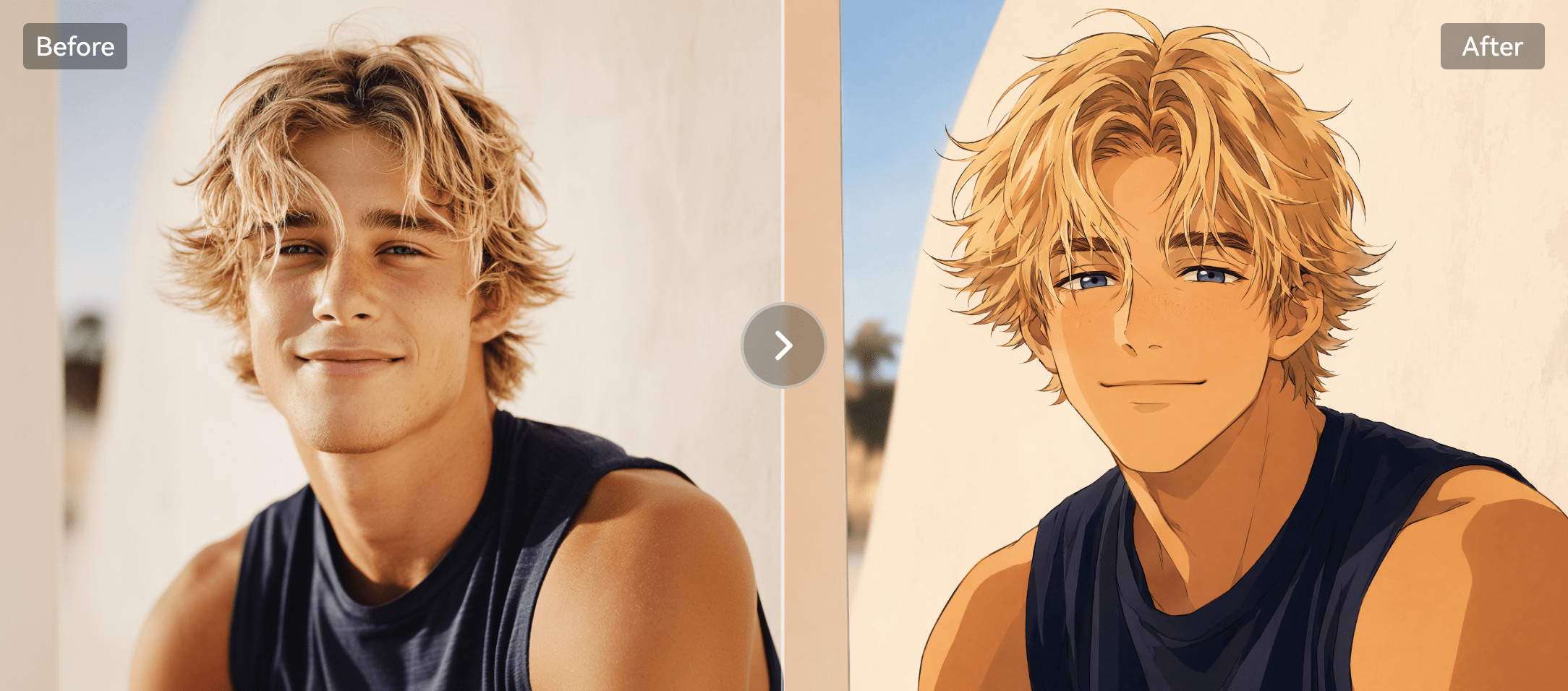
Turn selfies into stunning AI avatars.
Anime, 3D, cartoon, or cinematic styles.
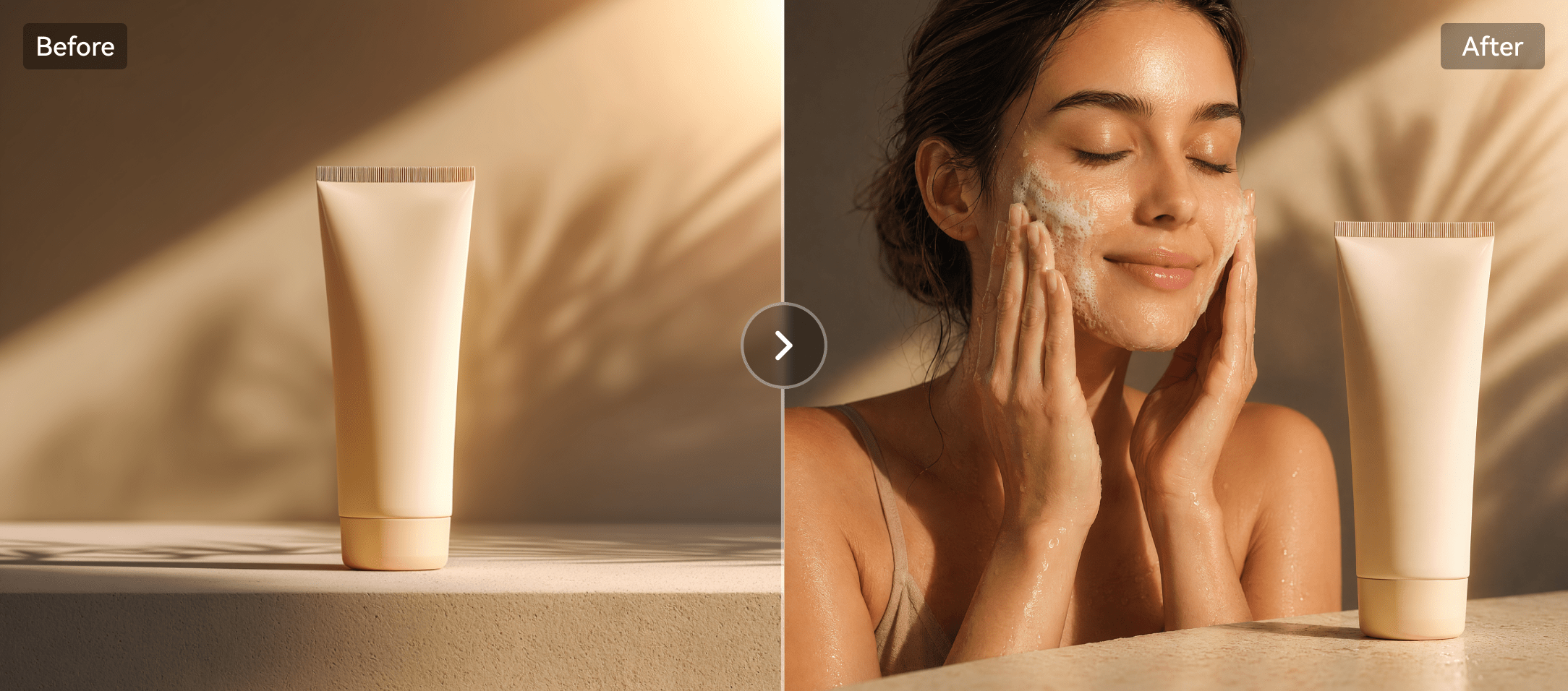
Create polished product marketing photos.
Upgrade plain product shots into clean campaign visuals.
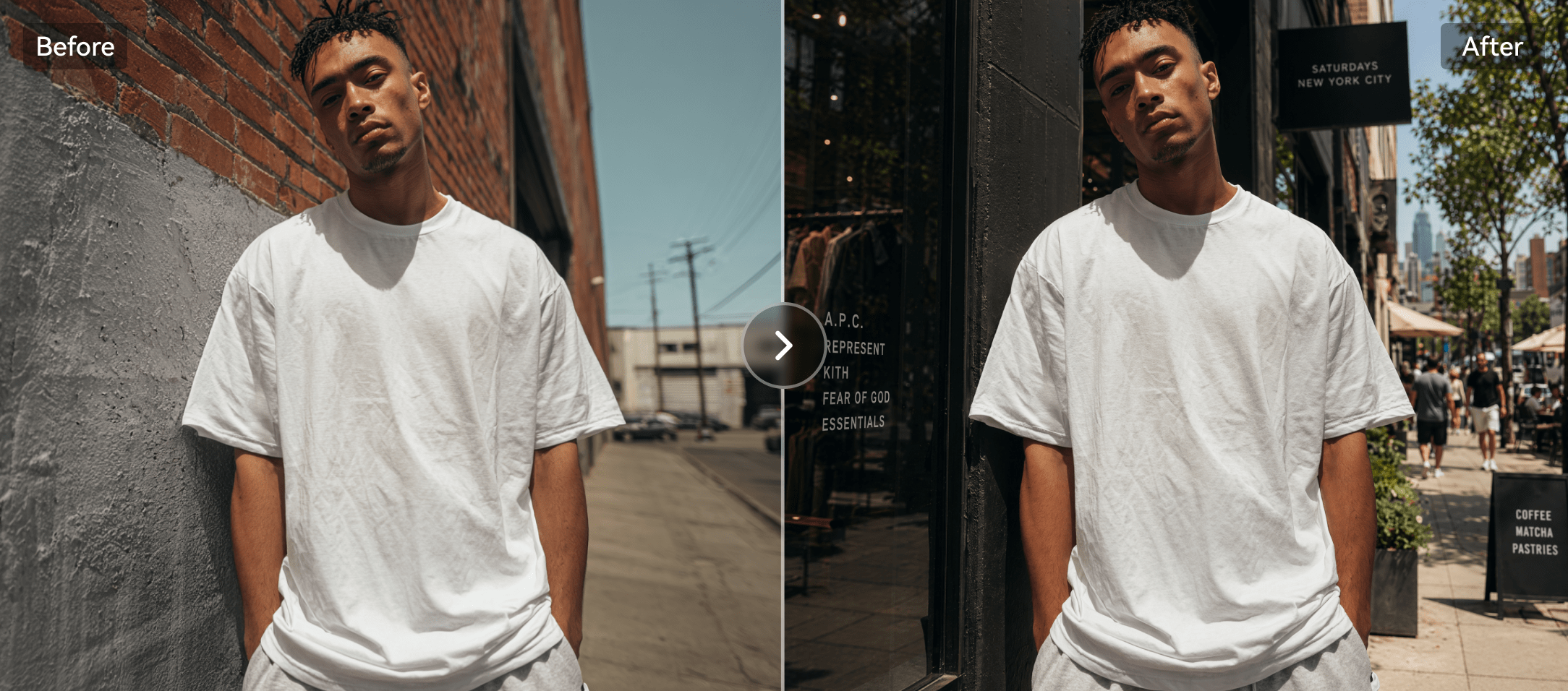
Change backgrounds while keeping the subject.
Place people, products, or objects into new scenes.
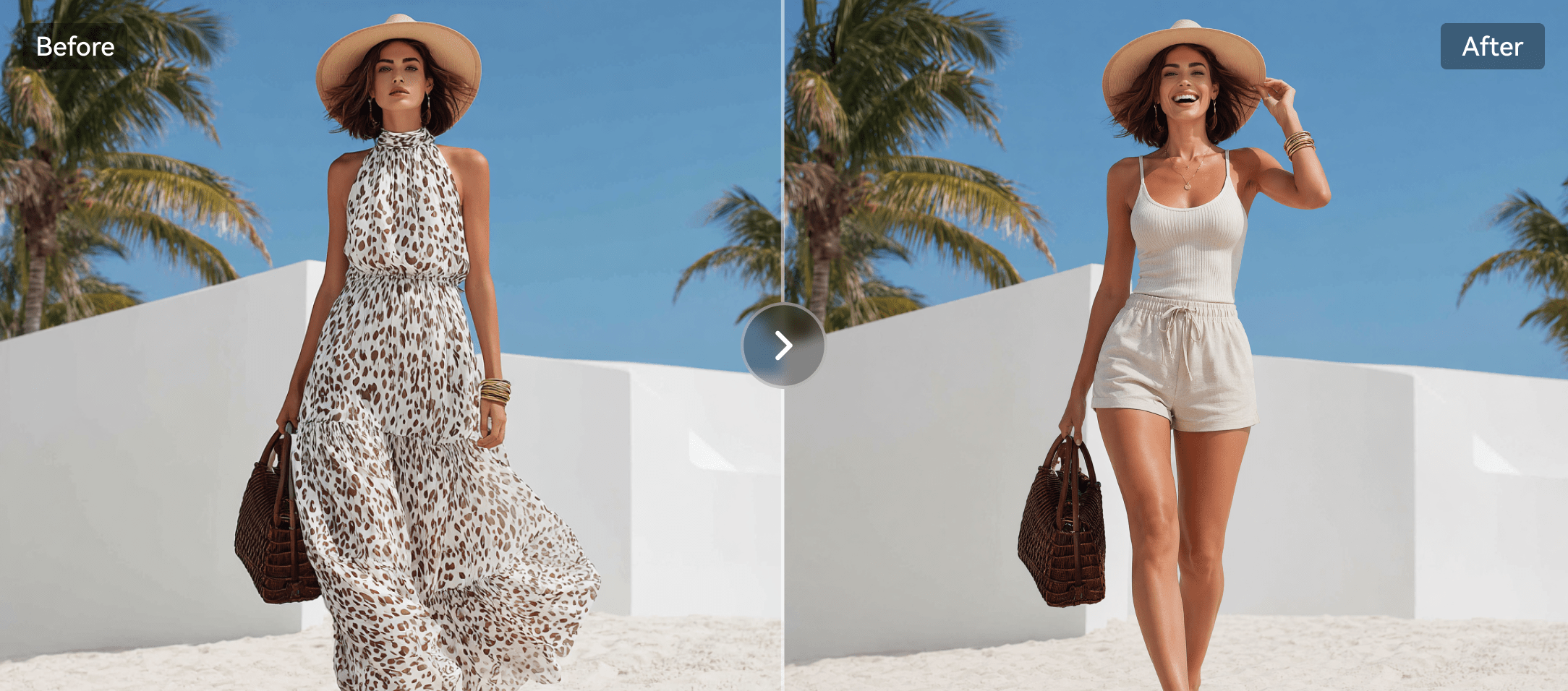
Edit outfits, expressions, and small details.
Refresh portraits without rebuilding the whole image.
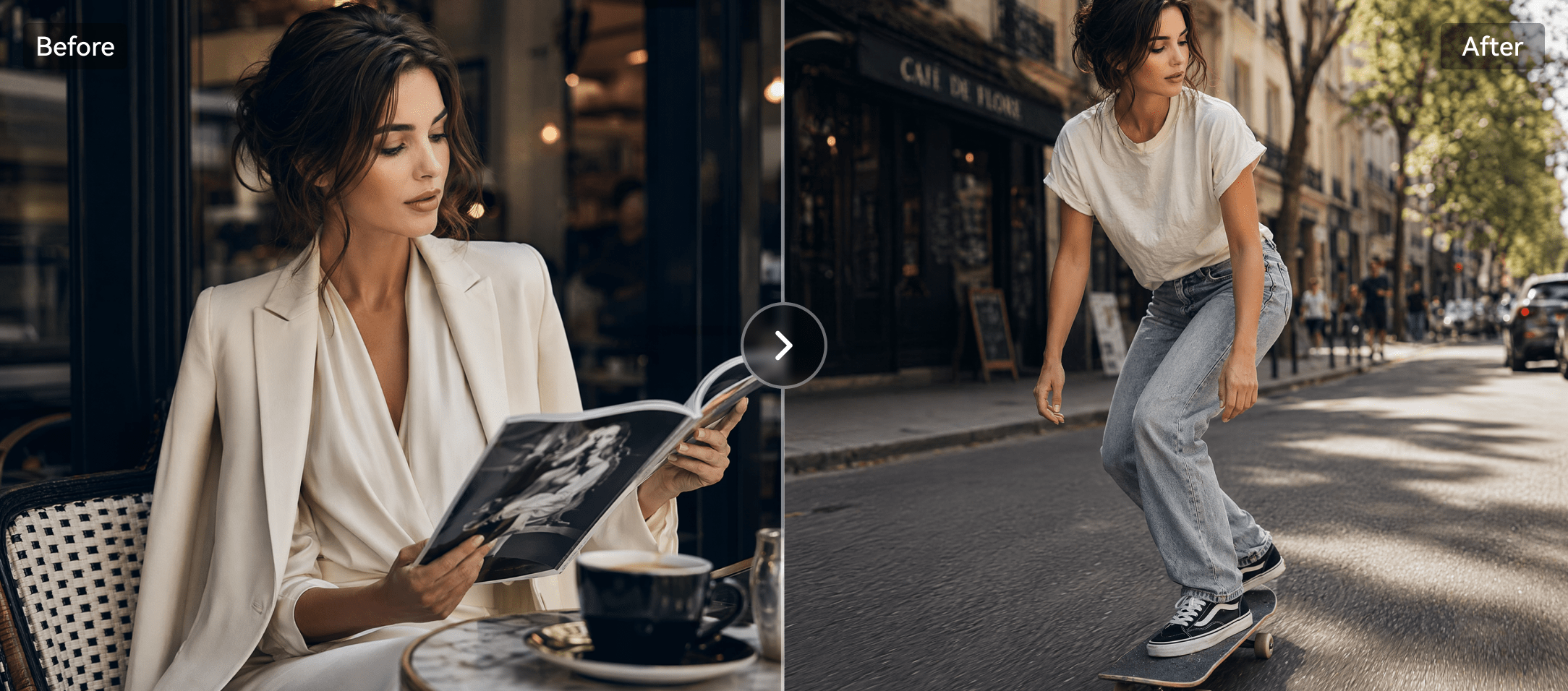
Keep characters consistent across variations.
Preserve identity while testing new looks and styles.
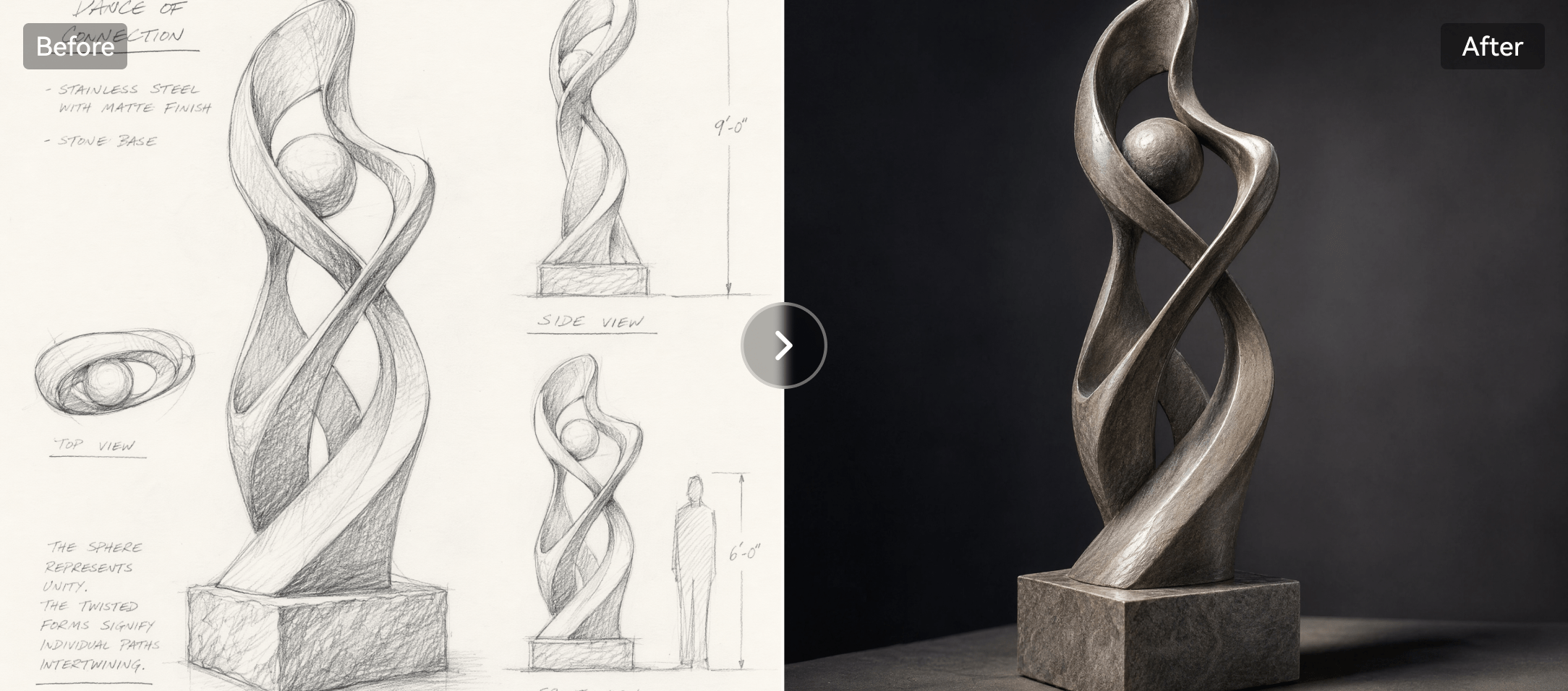
Turn sketches into finished AI artwork.
Transform rough references into rich polished visuals.
Everything You Need
in Media.io's Image to Image AI Generator
Move from a reference image to a finished visual faster, whether you need creative style transfer or production-ready variations.
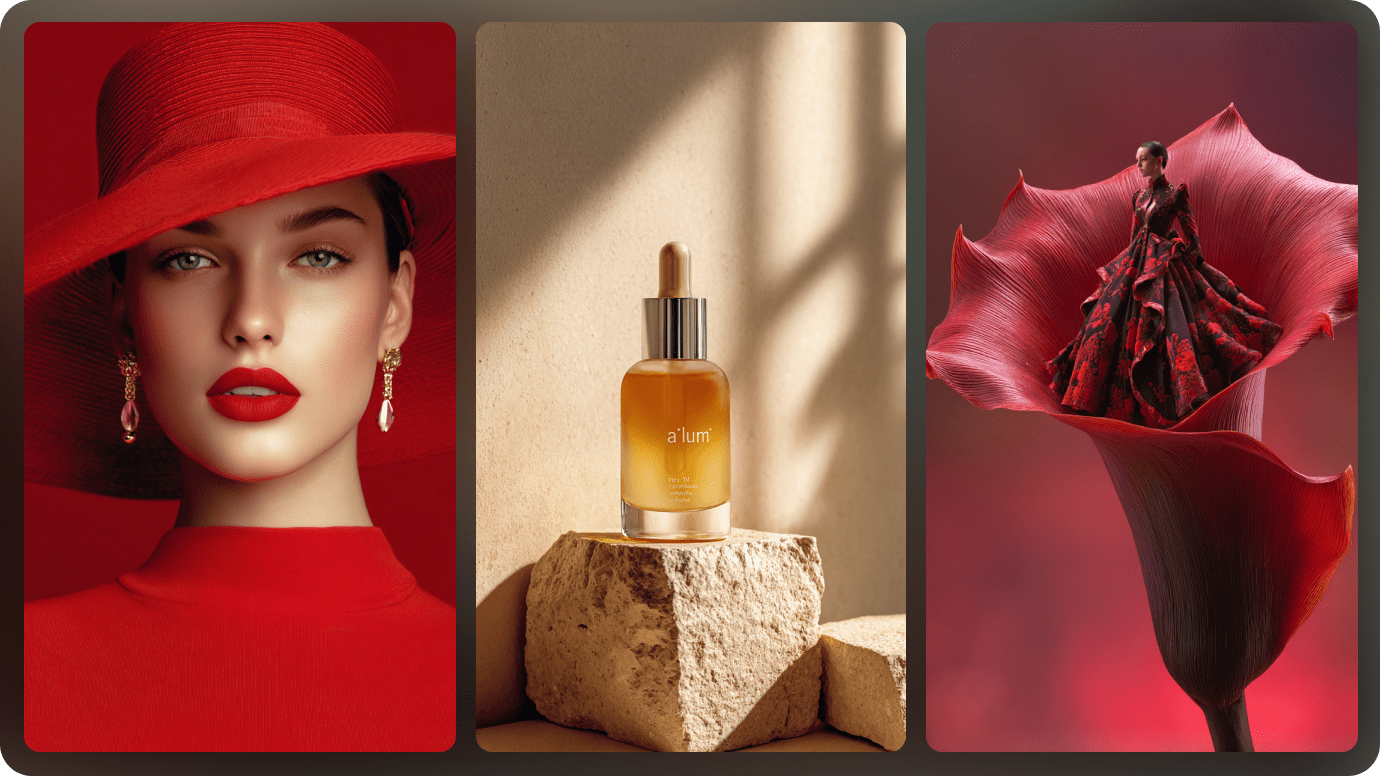
Powered by Advanced AI Image Models
Media.io's image to image AI generator gives you access to multiple leading AI image models, including Nano Banana Pro, GPT Image 2, Seedream 5.0, and more. Whether you want realistic photo edits, stylized portraits, product visuals, or creative concept art, you can choose the right model for your image-to-image task and generate high-quality results online.
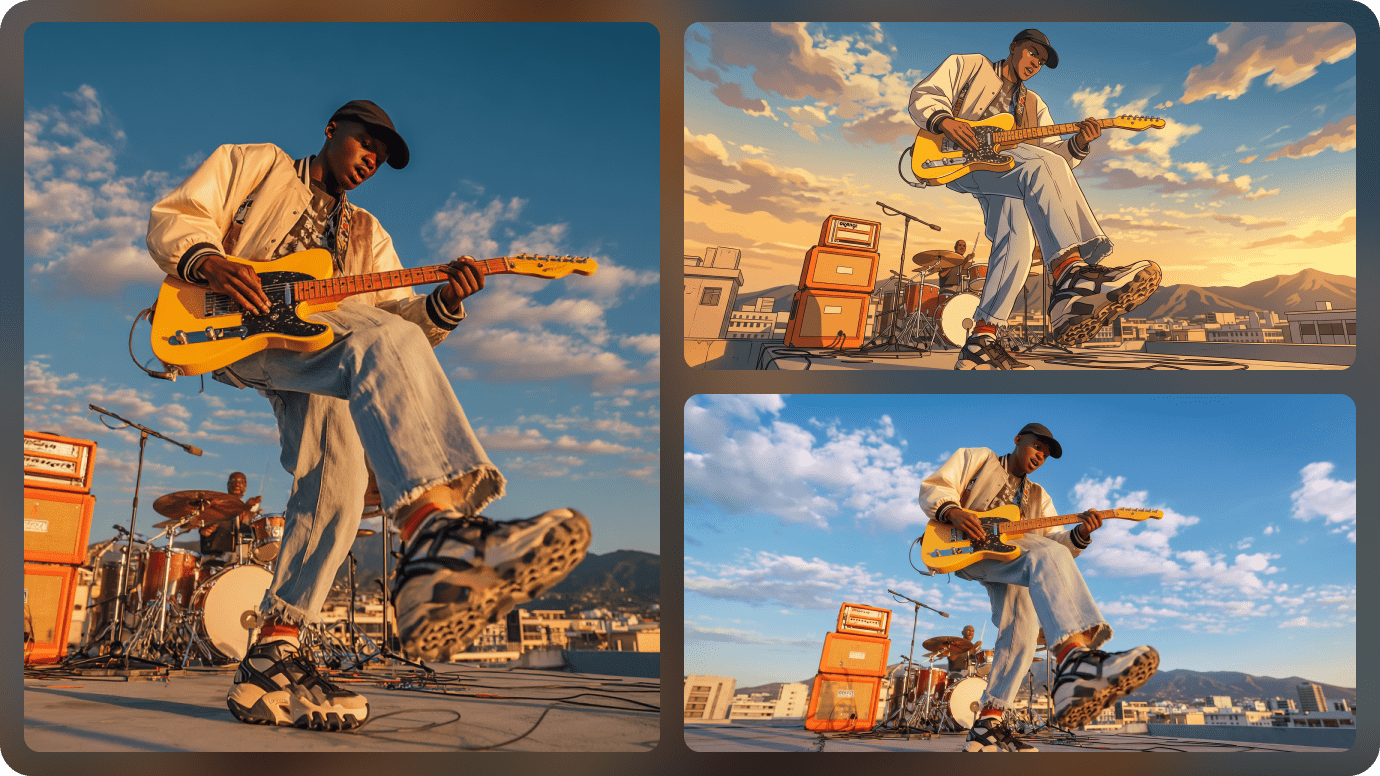
Keep the Subject Consistent While Changing the Style
Turn a reference image into a new visual style without losing the original subject. Media.io's AI image to image technology supports reference-based character editing, helping preserve the face, pose, subject structure, and core layout of your uploaded photo while transforming it into anime, 3D, cartoon, cyberpunk, cinematic, or other creative styles. This is what makes the AI image to image generator different from generic text-to-image tools — it preserves the source identity instead of overwriting it.
Create New Images from Photos with Prompt Control
Go beyond one-click filters. With Media.io's AI image generator from image, you can upload a photo and use text prompts to control the background, lighting, outfit, expression, mood, and details. Regenerate results or re-edit your prompt anytime until the generated image matches your creative direction.
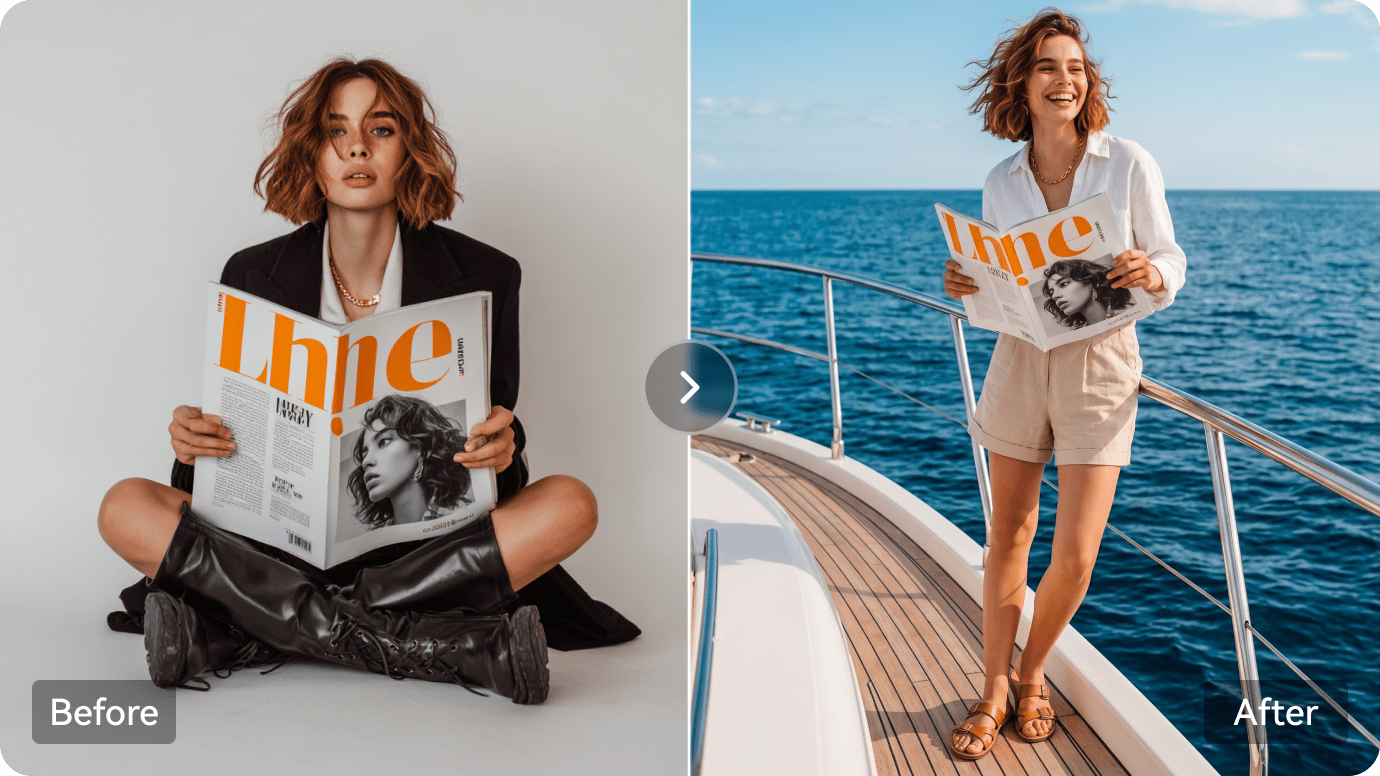
Edit, Enhance, Animate, and Share in One Workflow
Media.io is not just an image to image generator. After creating an image, you can continue editing with AI Replace, Image Background Remover, AI Object Remover, and Image Enhancer, make your photo speak with AI Talking Avatar, turn the result into video with Animate, or publish it to the Explore community. Everything happens online, with no Photoshop or heavy software required.
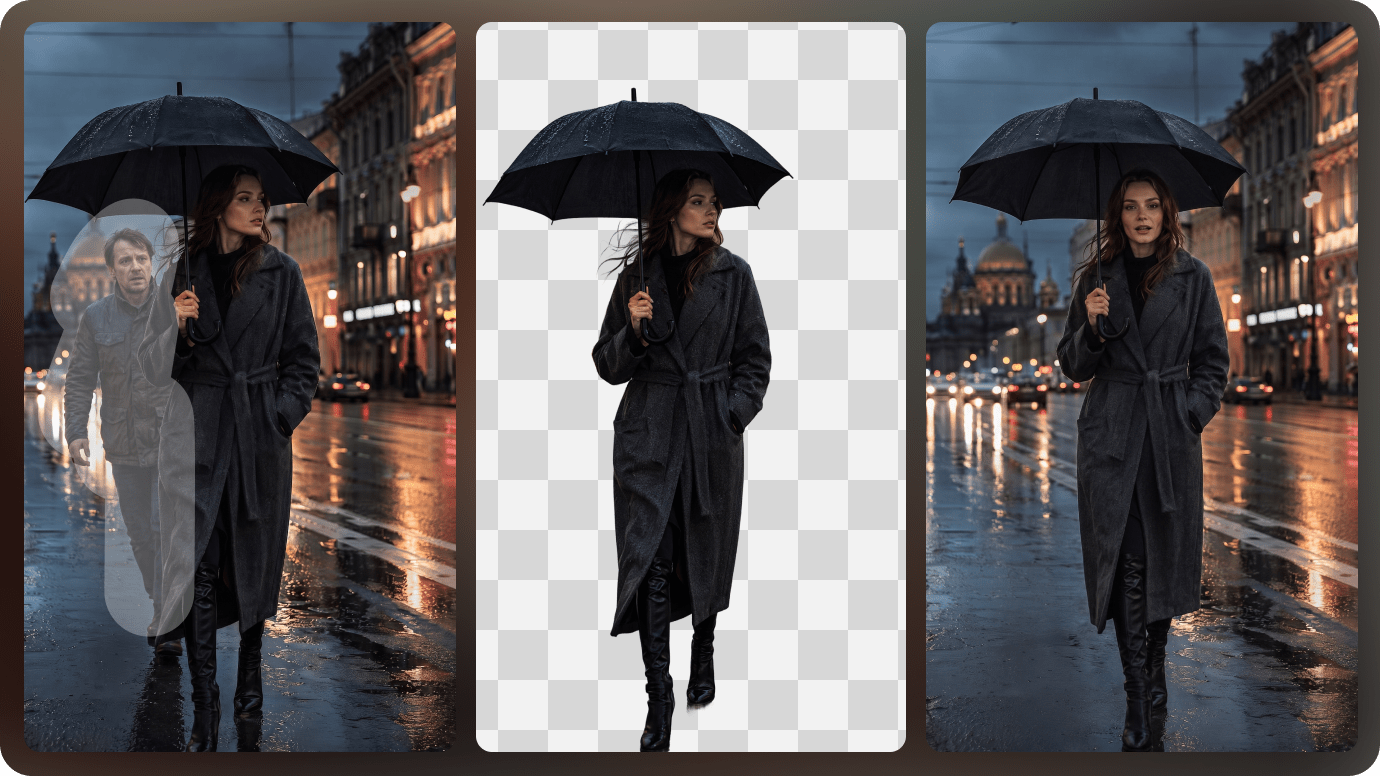
Why Choose Media.io's Image to Image AI Generator
Free to Start Online
Try the image to image AI generator free online with credits after signup.
Fast High-Quality Results
Generate clear, detailed image outputs in seconds, optimized for creators and marketers.
Commercial-Ready
Use your generated visuals for ads, branding, social, and business content.
Easy for Everyone
No design skills, no Photoshop, no plugins — just upload, prompt, and generate.
AI Image Templates
Active Creators
Average Generation Time
Max Resolution
Image to Image AI for Every Creative Workflow
Turn reference images into ready-to-use visuals for content, design, e-commerce, and marketing.
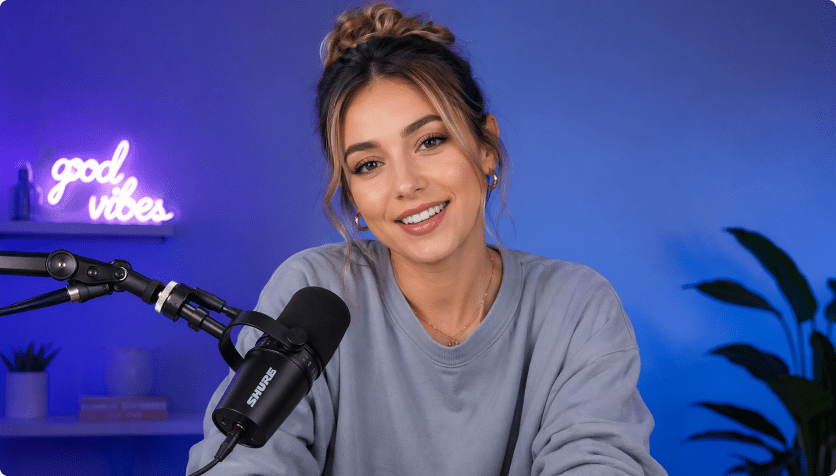
Social Media Avatars
Create profile-ready avatars from selfies.
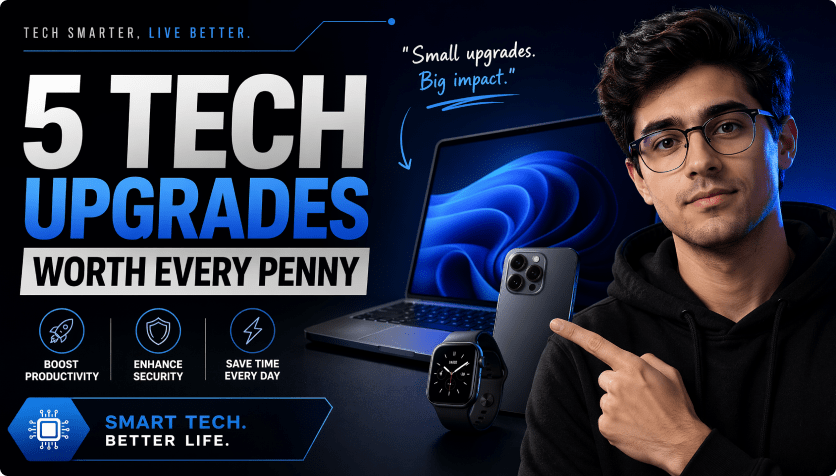
YouTube Thumbnails
Test bold styles for video covers.
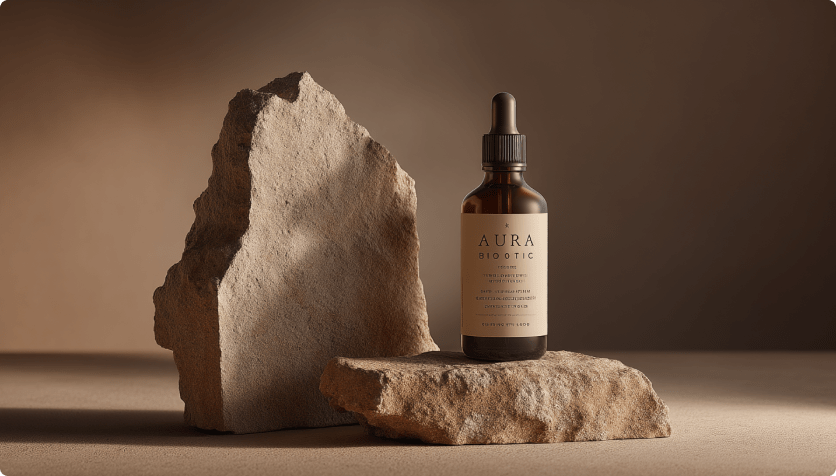
Product Marketing Images
Turn product shots into campaign visuals.
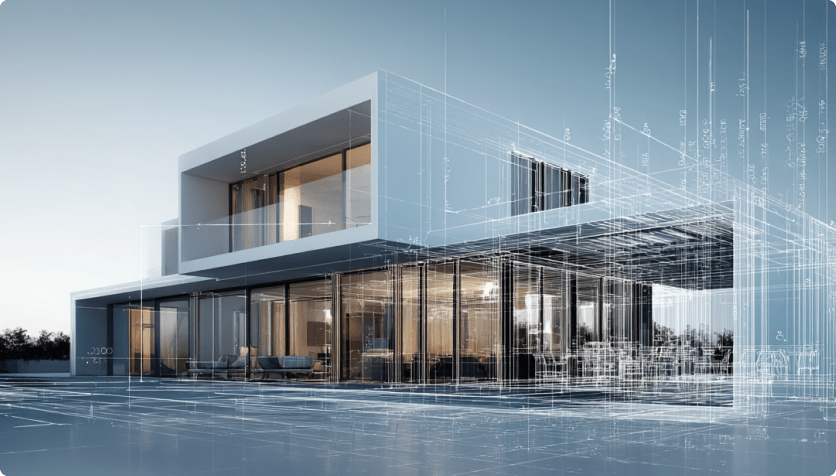
Concept Art
Transform rough references into rich scenes.
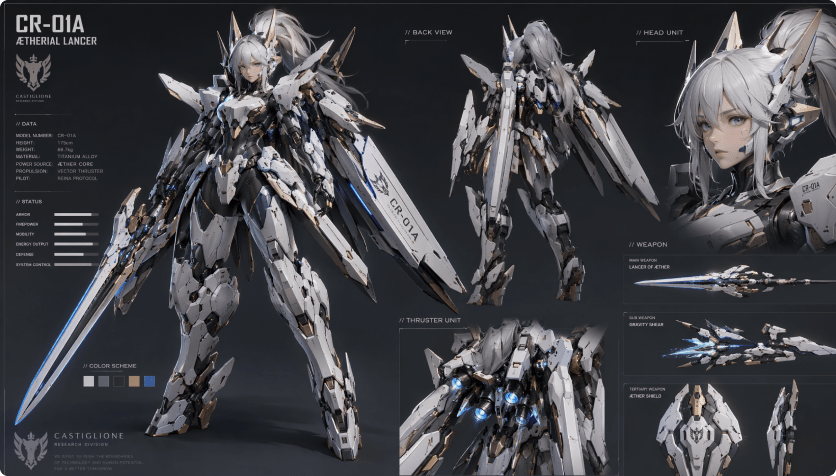
Character Design
Keep identity consistent across new looks.
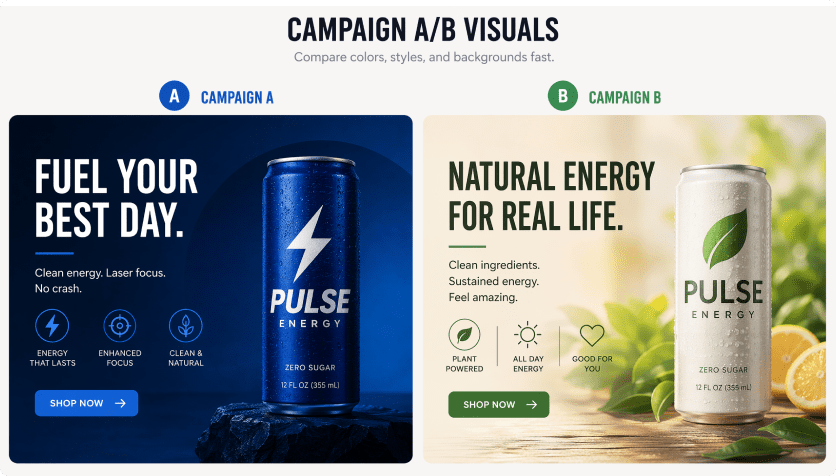
Campaign A/B Visuals
Compare colors, styles, and backgrounds fast.
How to Use Image to Image AI Generator
Create a new AI image from an uploaded photo in four simple steps.

Upload An Image
Start by uploading a photo, product shot, sketch, or character reference. Then describe what you want to create, such as a new style, background, outfit, mood, or visual concept.

Set Your Image Options
Choose the AI model that fits your goal, then adjust image settings like resolution, aspect ratio, and number of outputs. These options help the image to image AI generator create results that match your intended use.

Generate, Download, and Keep Improving
Click Generate and review your AI image in seconds. Once the result is ready, download it directly or keep improving it with options like regenerate, re-edit prompt, remove background, enhance image, or animate it into an image-to-video creation.
Image to Image AI vs Text to Image AI
Both generate AI images, but they solve different creative problems.
Image to Image AI
- Starts from an uploaded image or reference photo.
- Best for consistency, restyling, image editing, and variations.
- Useful when you need to keep a person, product, pose, or layout recognizable.
- Ideal for AI photo transformations, avatars, ads, and design iterations.
Text to Image AI
- Starts from a text prompt without a required source image.
- Best for brand-new ideas, fantasy scenes, and early concept exploration.
- Less tied to original subject details unless references are added.
- Ideal for brainstorming visuals from scratch.
If you already have a reference image, use image-to-image AI first. It gives the model visual context and helps keep the output closer to your original idea.
Trusted by Creators Using Image to Image AI Every Day

Content Creator

I used Media.io’s image to image AI to turn a casual selfie into a manga-style avatar. It worked well for my Instagram profile update.

E-commerce Designer
The AI image generator from image gave my plain product photo a sharp, cyberpunk-branded look.

Illustrator
Experimented with a sci-fi style for an early character sketch. It helped me refine my final concept faster.

YouTube Video Editor
I tested comic-style filters for thumbnails. It gave me more variety without needing Photoshop.
FAQs on AI Image Generation
1. What is Image to Image AI?
The Image to Image AI Generator is an AI-powered tool that transforms your reference photo into a variety of artistic styles. Whether you're aiming for anime, Ghibli, 3D, comic, or surreal visuals, the tool uses advanced image-to-image technology to reinterpret your image while keeping key features intact.
2. Which image formats are supported by the image to image tool?
You can upload images in popular formats including JPG, PNG, JPEG, WEBP, GIF, and HEIC. For best results, use clear, well-lit images. Portrait-oriented images work especially well for stylized outputs.
3. What styles can I create using AI image to image conversion?
The AI supports a wide range of styles including anime, cartoon, Ghibli, 3D render, Minecraft, cyberpunk, pencil sketch, watercolor, and more. You can either select from preset options or type a custom prompt to generate unique variations.
4. Do I need design experience to use the image to image generator?
Not at all! The tool is built for simplicity—just upload a photo and enter a description of the style you want. The AI takes care of everything, making it ideal for beginners and professionals alike.
5. Can I use reference image to image AI for commercial projects?
Yes, all images generated with Media.io can be used for commercial and marketing purposes. This includes social media posts, branding assets, promotional content, and more. No attribution is required, but users must comply with Media.io's and the platform's Terms of Use.
6. Is Media.io's image to image AI generator free online?
Yes. You can use the image to image AI generator free online directly in your browser. Sign up to claim free credits and try multiple AI image models including Nano Banana Pro, GPT Image 2, and Seedream 5.0.
7. How do I get better results?
Use a clear reference image, describe only the changes you want, name the desired style, and generate several variations.
8. Do I need to install software?
No. Media.io's image to image AI generator runs online in your browser.
Explore More Image-to-Image Tools

Create New AI Images from Your Reference Photo
with Media.io AI online free.
 4.7 (162,387 Votes)