Abstract Logo Design Generator for Fast, Modern Brand Concepts
Turn a simple brand idea into polished abstract logo design concepts in seconds. Use Media.io to explore geometric, gradient, minimalist, luxury, and futuristic directions for startups, apps, agencies, and personal brands—right in your browser.
Explore our curated collection of abstract logo design styles.
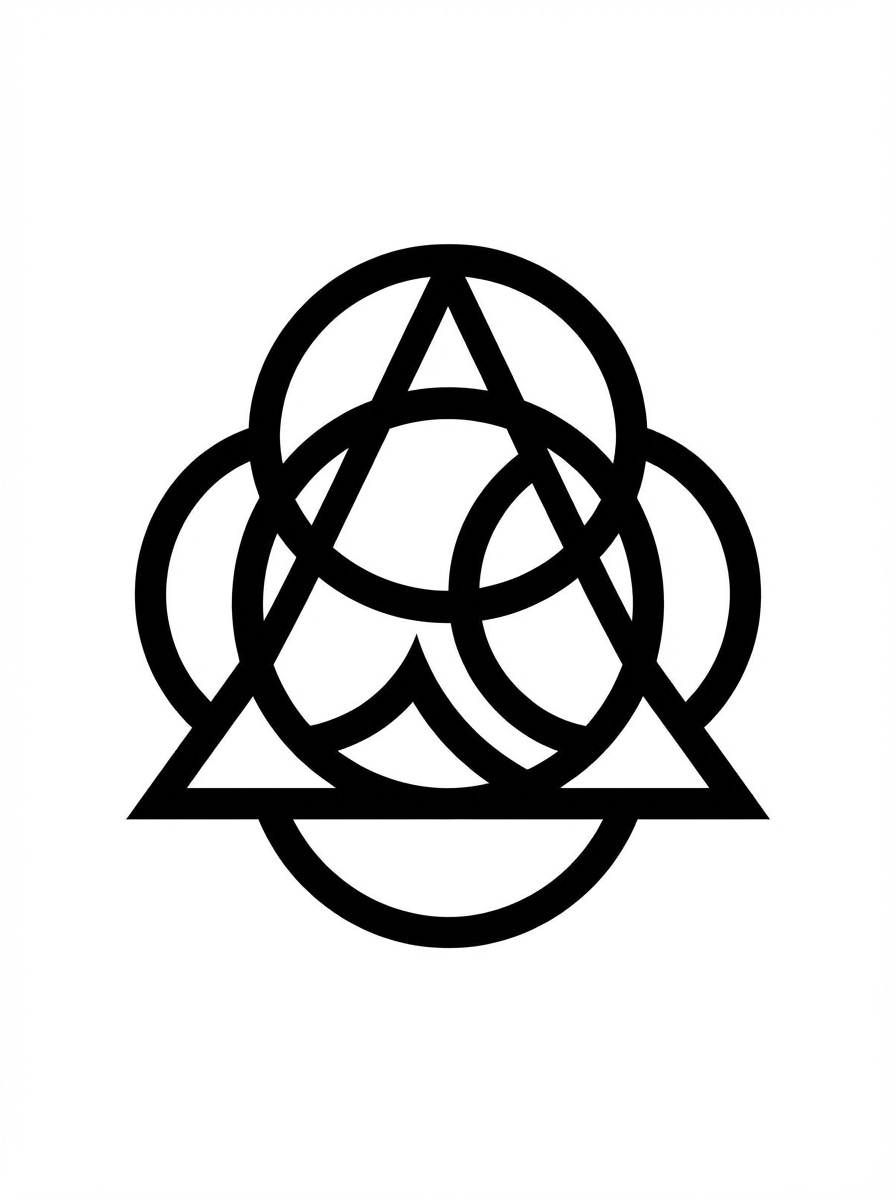
Geometric Symmetry
Create an abstract logo design for a modern startup using balanced circles, triangles, and intersecting arcs. Center the symbol on a clean white background with a black-and-white vector presentation, sharp edges, refined negative space, minimalist composition, and a premium, scalable brand identity feel.
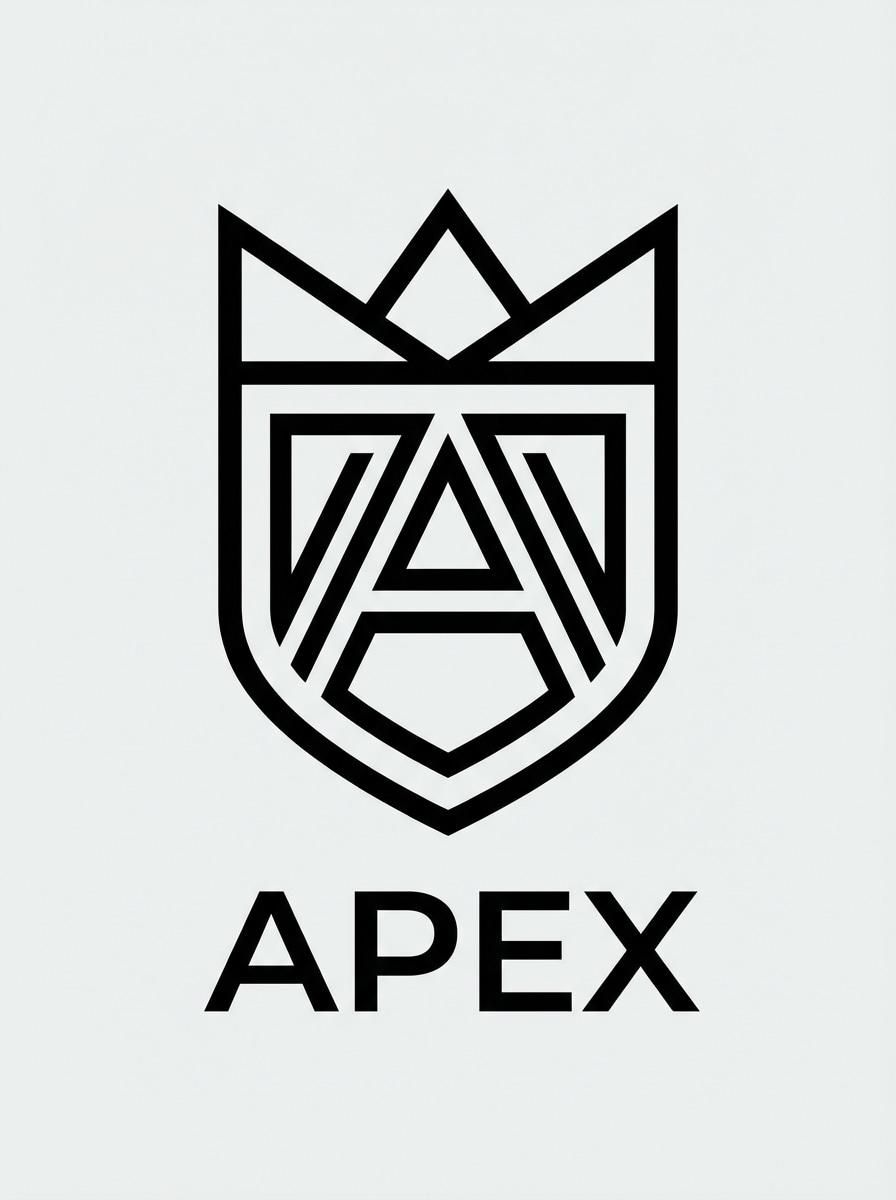
Negative Space Minimal
Generate a minimalist abstract logo with clever negative space for a premium brand. Use clean vector lines, controlled spacing, monochrome color, centered composition, elegant proportions, and a plain light background to emphasize form, simplicity, and strong readability at small sizes.
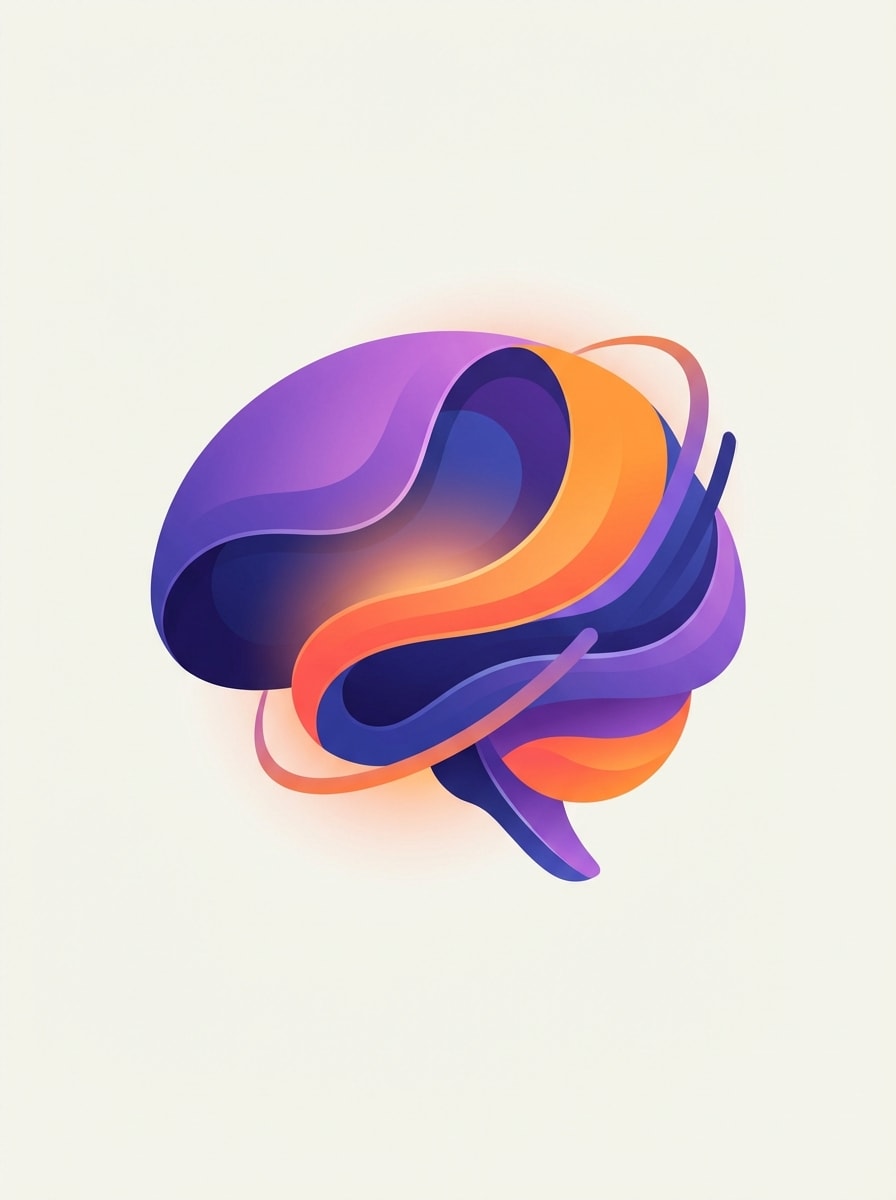
Mesh Gradient Tech
Design an abstract tech logo for an AI company using smooth mesh gradients in purple, blue, and orange. Create flowing layered shapes with sleek curves, centered presentation, soft glow accents, crisp vector edges, and a modern app-branding aesthetic on a minimal neutral background.
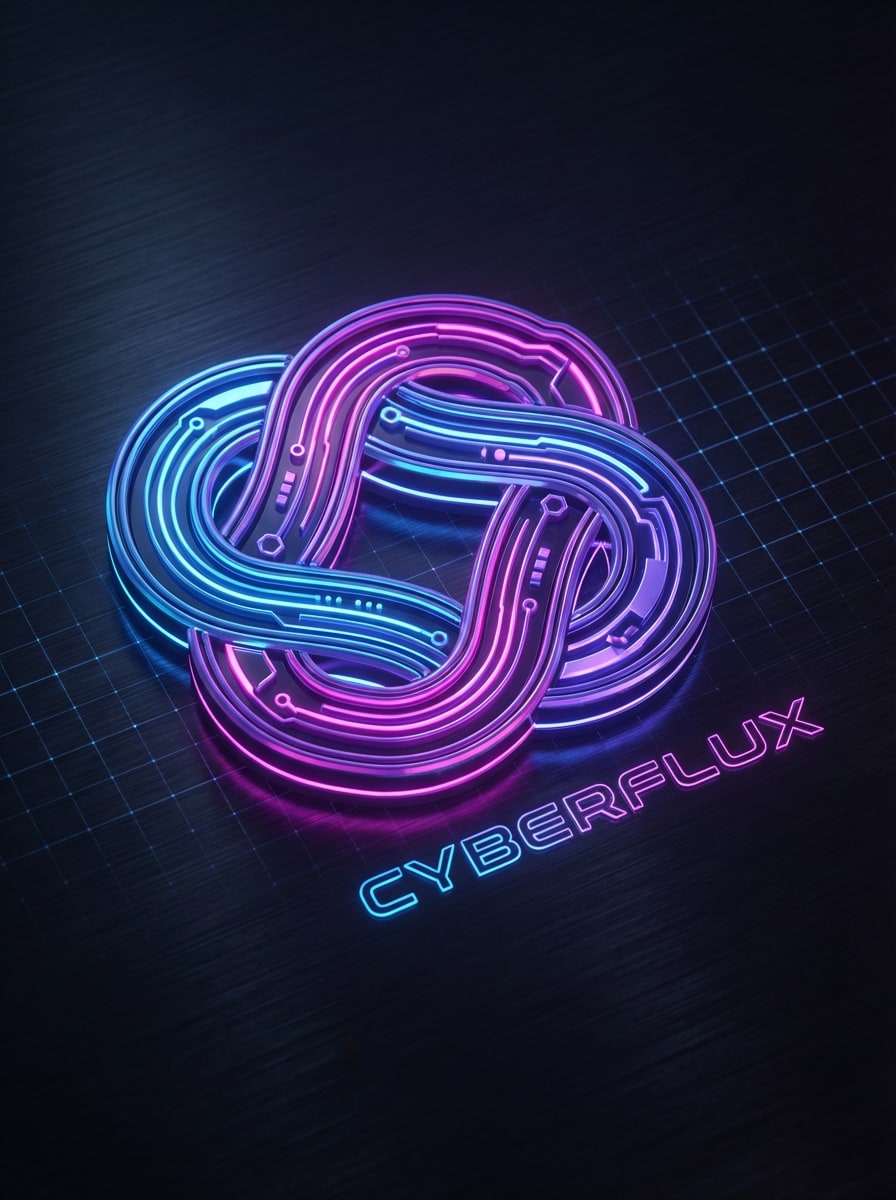
Neon Futuristic
Create a futuristic abstract logo for a digital brand with neon lighting, sleek geometry, and a cyber-inspired mood. Place the emblem in the center on a dark background mockup, using electric blue, magenta, and violet highlights, smooth contours, and polished high-contrast presentation.
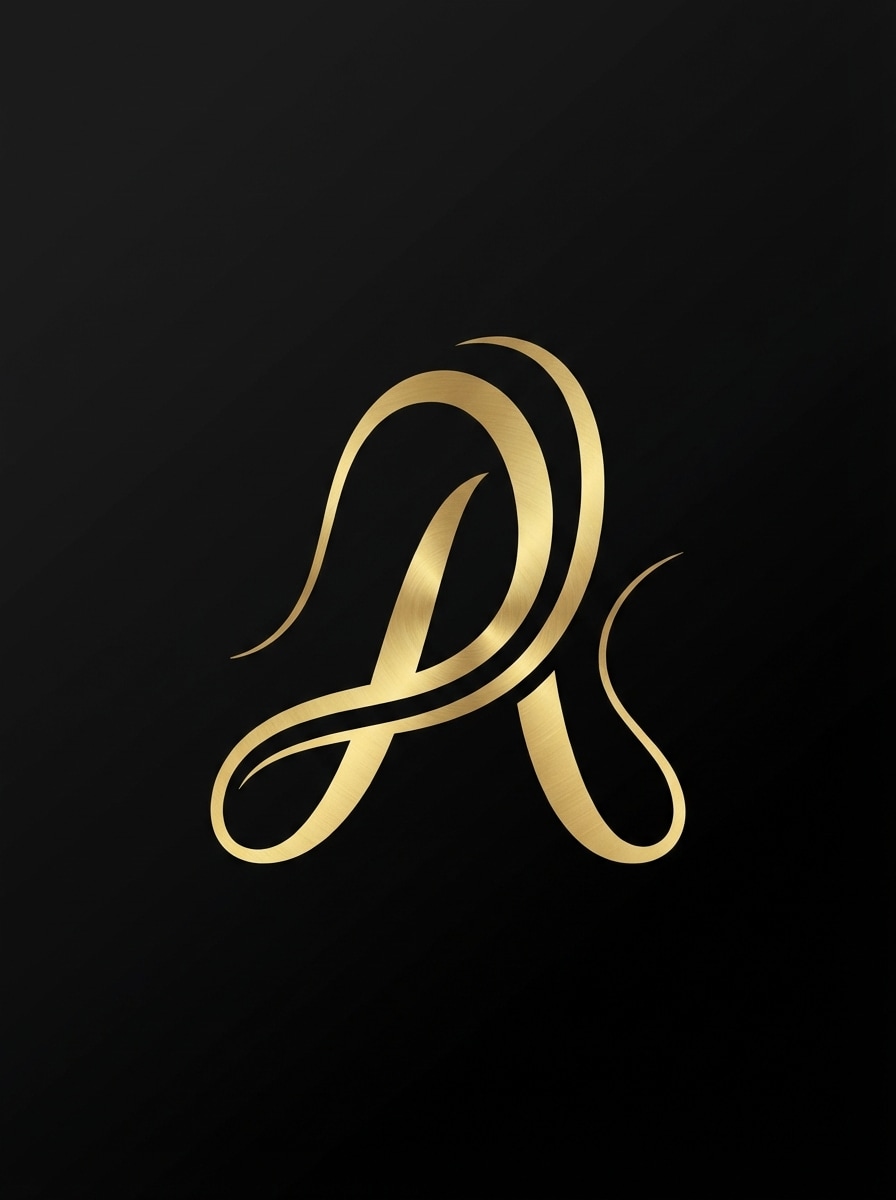
Elegant Gold Symbol
Generate a luxury abstract logo with elegant flowing lines and a gold foil look. Use refined curves, spacious composition, subtle metallic texture, centered alignment, black background presentation, and a sophisticated upscale mood suitable for fashion, beauty, or boutique branding.
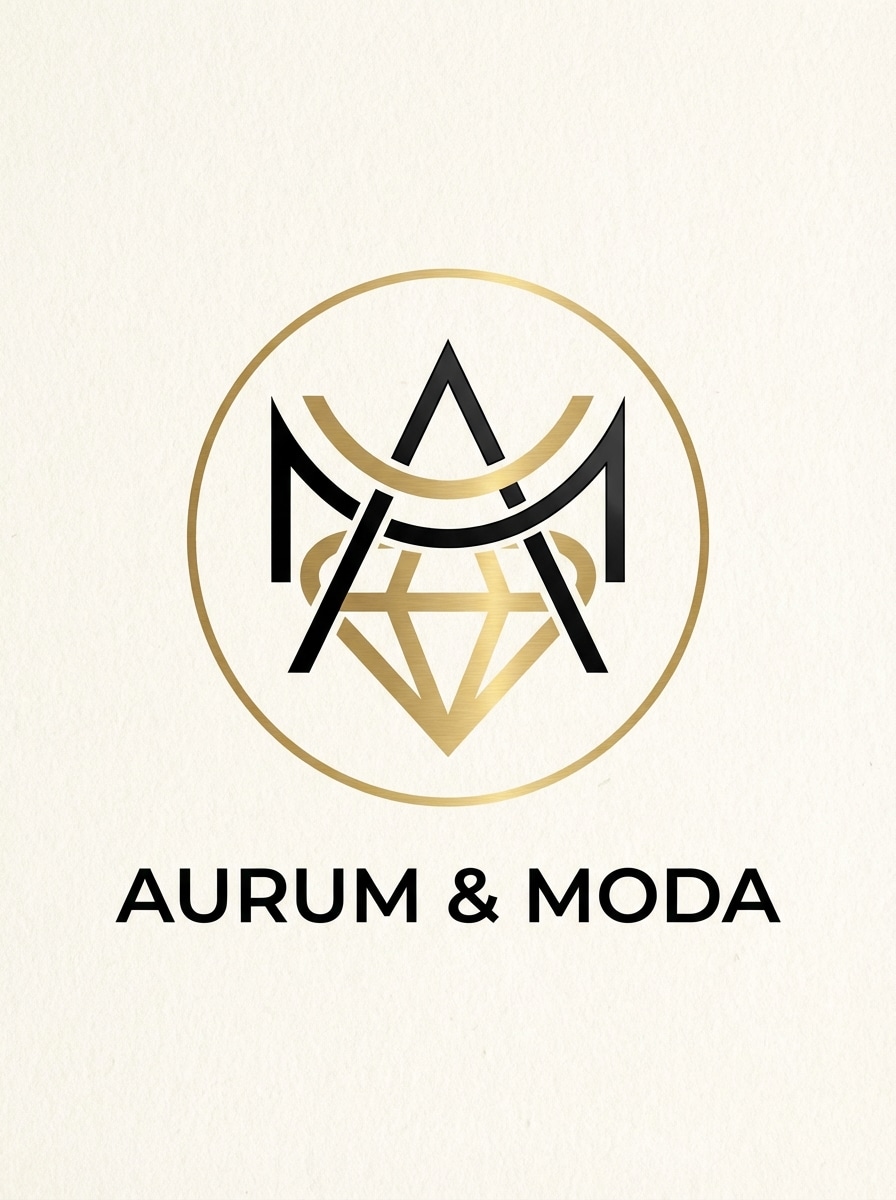
Monogram Abstract Fusion
Design an abstract monogram logo that blends letterform influence with a modern luxury symbol. Use black and gold tones, clean vector construction, centered framing, smooth line fusion, premium spacing, and a minimalist composition that feels distinctive, fashionable, and scalable across branding assets.
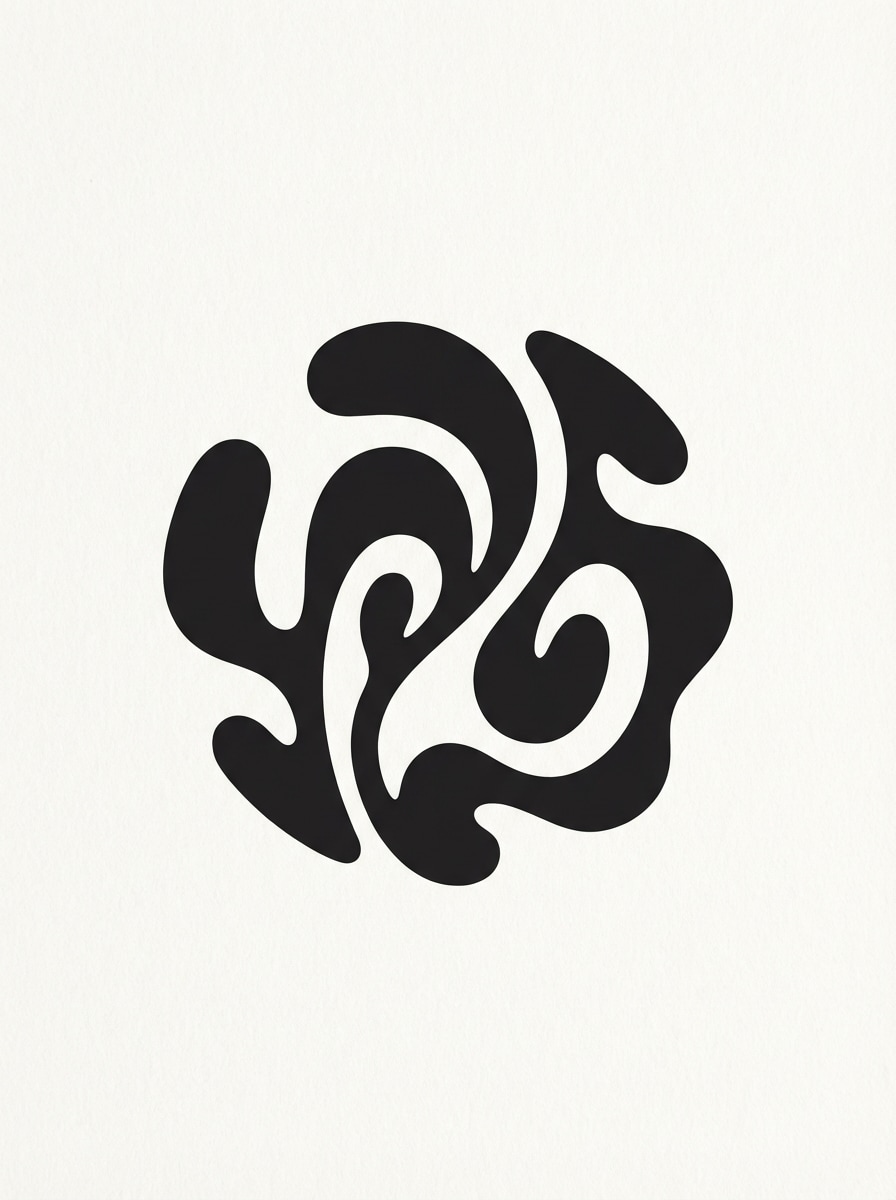
Fluid Organic Form
Create an abstract logo for a creative studio using fluid organic shapes and soft continuous curves. Present the mark as a clean vector symbol in black and white on a simple background, with balanced asymmetry, artistic restraint, and a polished modern identity suitable for versatile branding.
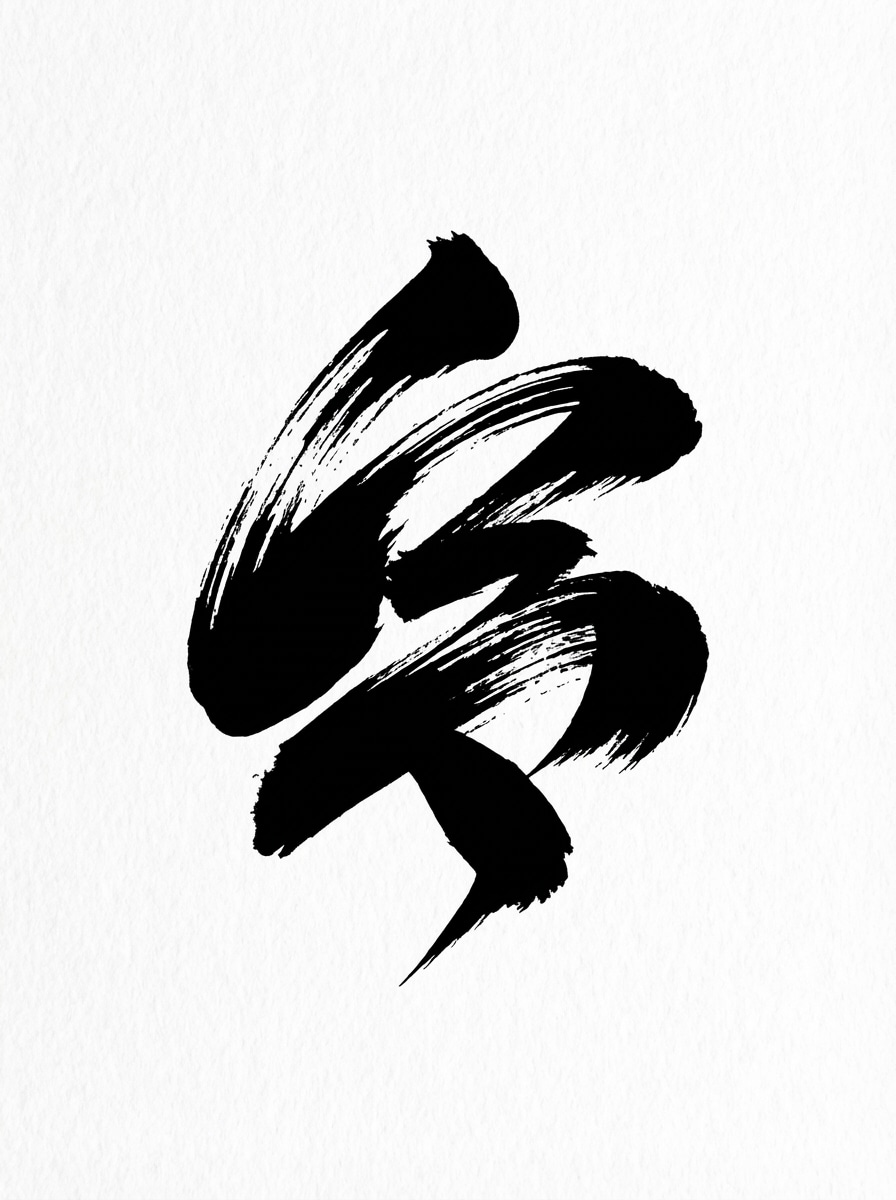
Brushstroke Abstract
Generate an expressive abstract logo with a brushstroke-inspired look for an artistic brand. Combine bold sweeping shapes, monochrome presentation, centered composition, textured vector energy, strong silhouette, and contemporary visual balance so the logo feels creative yet still usable for branding.
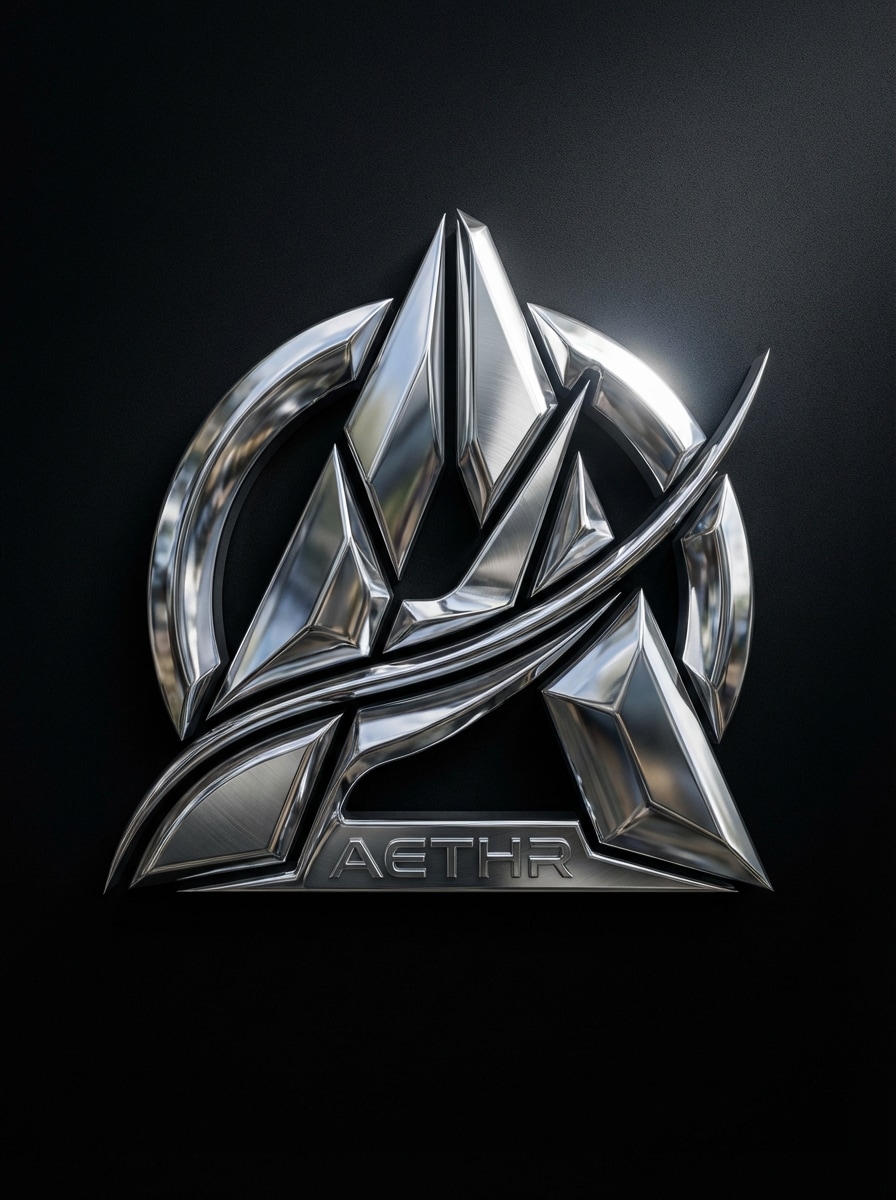
Chrome 3D Emblem
Create a bold abstract 3D chrome logo for a gaming or tech brand. Use reflective metallic surfaces, dramatic studio lighting, sculpted futuristic geometry, centered composition, dark background contrast, and premium high-detail rendering that makes the emblem feel experimental, striking, and memorable.
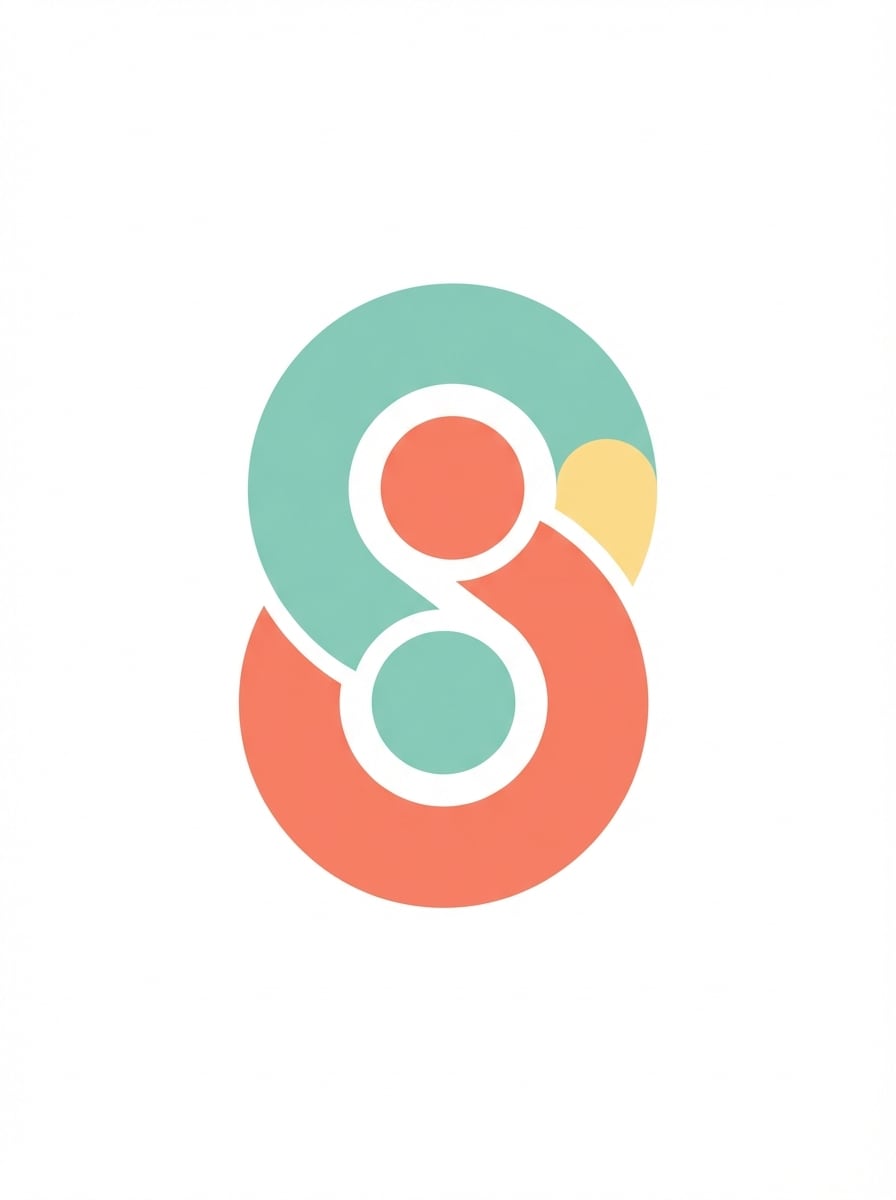
App Icon Abstract
Design a simple abstract logo that works for both a startup brand and an app icon. Use rounded geometry, flat vector styling, a memorable silhouette, centered layout, clean white background, restrained color accents, and a polished minimalist system that scales clearly across digital touchpoints.
Why Use Media.io for Abstract Logo Design Ideas
Generate Multiple Logo Directions Fast
Turn one brand description into several abstract logo concepts for tech, luxury, minimalist, creative, or startup branding. It’s a quick way to explore visual directions before refining a final identity.
Choose Powerful AI Models
Media.io supports Nano Banana Pro, Nano Banana 2, Seedream 5.0 Lite, Soul Character, Seedream 4.0, Nano Banana, and Imagen 4, giving you flexible options for different abstract logo design looks and creative experiments.
High Resolution With Flexible Ratios
Generate abstract logo images in 1K, 2K, or 4K resolution. You can also choose aspect ratios like 1:1, 16:9, 9:16, 4:3, 3:4, 3:2, 2:3, or Auto for mockups, presentations, and social previews.
Works on Any Device in Your Browser
Media.io is web-based, so you can create abstract logo generator concepts on Windows, Mac, iPhone, iPad, or Android devices without installing desktop software.
How to Create Abstract Logo Design Images Online
1
2
3
1
Open Media.io Abstract Logo Design Generator
Go to AI Text to Image Generator and open the Abstract Logo Design Generator under AI -> Text to Image. This online tool runs in your browser, so you can generate logo-style concept images on desktop or mobile without installing extra software.
2
Enter a Prompt
Type a detailed prompt, such as "minimal abstract logo for an AI startup, geometric symmetry, black and white vector style, centered on white background, premium and scalable." Then choose your preferred model, resolution, aspect ratio, and style direction.
3
Generate, Refine & Download
Click Generate to create your abstract logo concepts. Refine the prompt to test different shapes, moods, or colors, then download the version you like best for mood boards, presentations, or brand ideation.
What Users Say About Creating Abstract Logo Concepts
Ethan Brooks
Startup Founder
"Fast way to brainstorm logo directions" I used Media.io to explore abstract logo design ideas before hiring a designer. It helped me compare geometric, gradient, and minimal directions in minutes instead of spending hours collecting references.
Maya Chen
Brand Strategist
"Useful for visual ideation" What I like most is the speed. I can turn a short brand description into several modern abstract logo concepts and use them as a discussion starter with clients during early brand exploration.
Jordan Patel
App Designer
"Great for app-style marks" The generator is especially helpful when I need abstract logo ideas for apps or SaaS brands. Clean prompts gave me sleek symbols that worked well for presentation decks and early mockups.
Sofia Ramirez
Creative Freelancer
"Easy to test premium styles" I tested luxury, monoline, and futuristic abstract logo prompts on my phone and laptop. It’s a convenient browser-based tool for quickly checking which direction feels most unique for a client brand.
1. How do I create an abstract logo design with Media.io?
Open Media.io’s Text to Image tool, enter a detailed prompt describing the logo concept you want, then choose a model, resolution, and aspect ratio before generating. For best results, use clear English prompts and specify details like geometry, mood, color palette, and background.
2. Can I use Media.io as an abstract logo generator for startups or apps?
Yes. Media.io can generate abstract logo-style concept images from text prompts, which makes it useful for brainstorming ideas for startups, apps, agencies, and personal brands. You can explore different looks such as minimalist, futuristic, 3D render, or cyberpunk-inspired branding concepts.
3. What image sizes and aspect ratios are available?
Media.io supports 1K, 2K, and 4K output resolutions. It also offers aspect ratios including Auto, 1:1, 9:16, 16:9, 4:3, 3:4, 3:2, and 2:3, so you can create square logo concept boards, wide mockups, or vertical social previews.
4. Which AI models can I use for abstract logo design ideas?
Media.io includes Nano Banana Pro, Nano Banana 2, Seedream 5.0 Lite, Soul Character, Nano Banana, Seedream 4.0, and Imagen 4. These model options give you flexibility when testing different visual styles and creative directions for abstract brand mark concepts.
5. Is Media.io free to try for abstract logo maker prompts?
Free users get 3 credits per day, so you can try a few abstract logo maker prompts before upgrading. Free downloads may include watermarks, while paid subscribers can download watermark-free high-resolution images. If you need more credits or cleaner exports, see the plans here: https://www.media.io/pricing.html
6. Does Media.io work on mobile and is it safe to use?
Media.io is a web-based tool that works on Windows, Mac, iOS, and Android devices through a browser. It’s also designed with privacy in mind. For uploaded images in supported workflows, files are automatically deleted from servers after 7 days.